Cheesecake
Chasing shadows
It was a dark and stormy night. Literally.
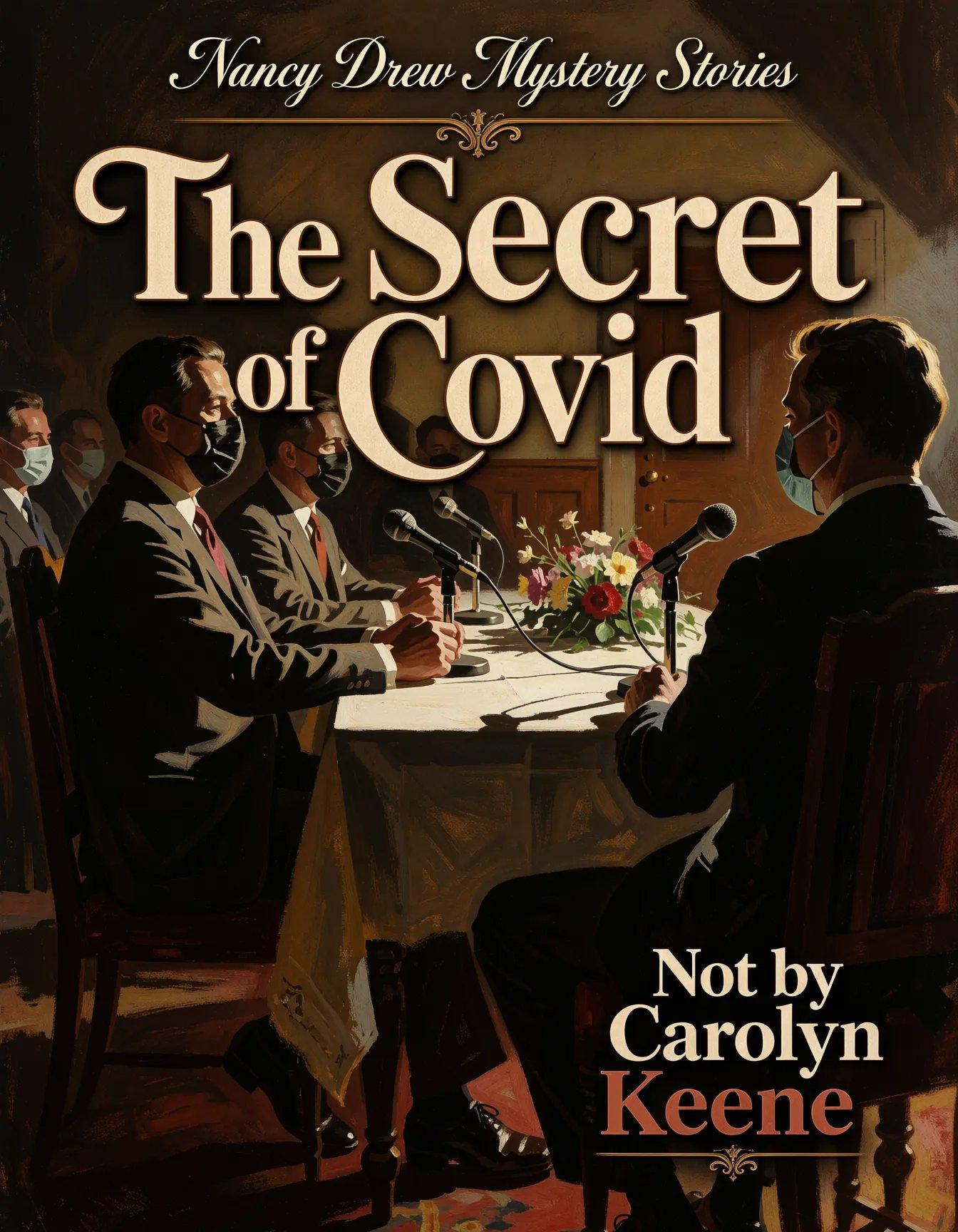
(base image generated with Krea 2 Turbo, titling added with the shiny new Qwen Image 2.1)
Magilumiere 2, episode 11
Our Emotionless Magical Hottie needs a more… stimulating transformation deck. Just sayin’.
Since this isn’t the final episode, it should come as no surprise that Our Magical Gals don’t manage to finish off the giant naughty hands this week. They make some progress, but just as much time is spent in a heart-to-heart magigal dialogue, which is only resolved when Our Semi-Sinister Rival Boss acts out of character to keep his employee from blowing herself up along with the monsters. (it’s not actually out of character, as recently revealed in the manga, but we don’t know his backstory yet)
Verdict: a bit melodramatic, but decently accomplished.

(definitely magical, definitely a girl, so close enough)
Isekai Ass-Guardian, fin
Okay, they just completely gutted the whole beach-resort adventure and turned it into five minutes of squeeing over the not-penguins, without even a token battle. On the bright side, most of Our Underage Haremettes are a lot healthier in bikinis than in their usual outfits, and the episode spends most of its time just hanging out with them. As a special bonus, Our Best Lizard Gal has a secret to cherish.
Verdict: I don’t think they’ve earned another season. They used the manga as their source instead of the light novels, which already stripped the series of some of its individuality, and then they adapted it poorly. They ripped through seven full volumes in twelve episodes, with uneven pacing and often-indifferent animation. The characters and the voice performances were fine, they just didn’t use them well, and after speedrunning through the published manga, they jumped way ahead in the novels to create a half-assed final episode. Darnit.
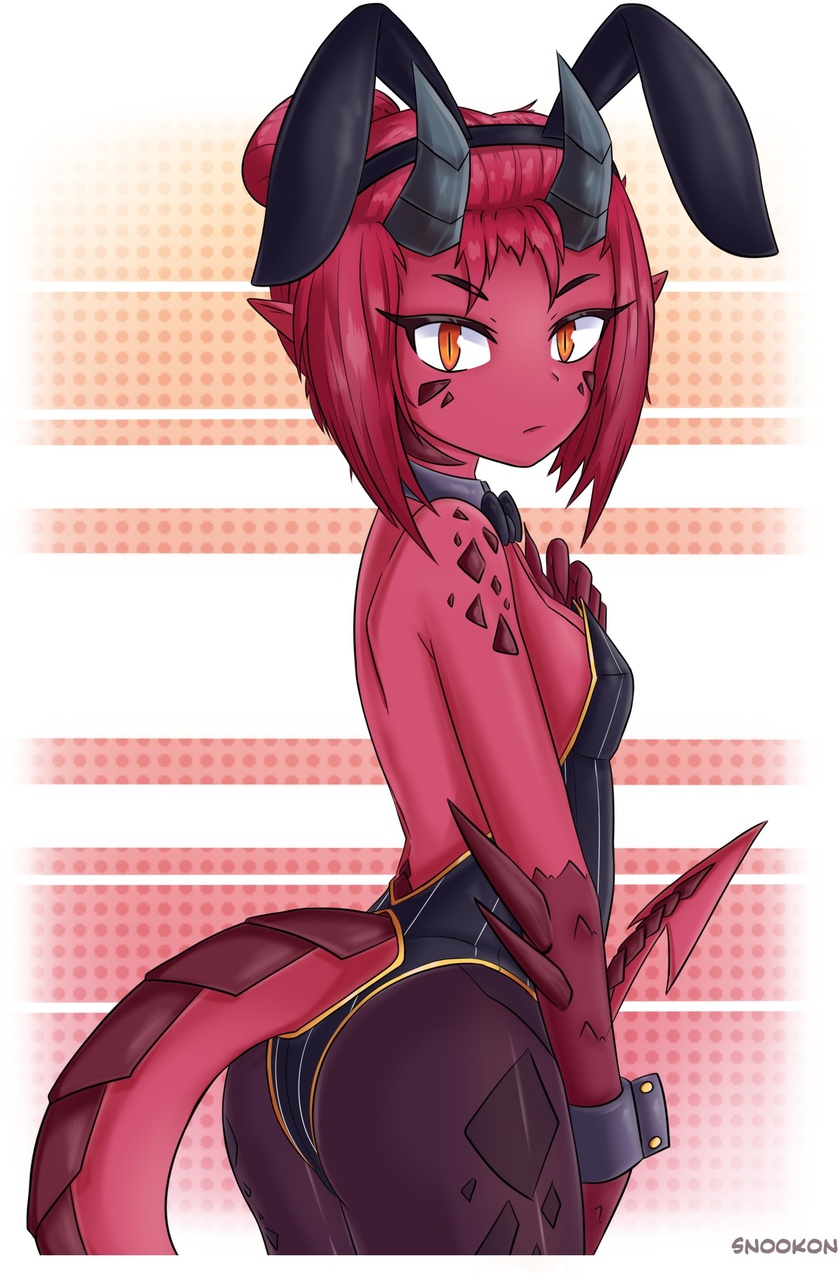
(not Our Best Lizard Gal, but at least she’s got a nice tail)
Skeleton Knight 2, fin
Cardinal Fatboy was a terrible boss villain, and the need to make his performance comical was just annoying, given the way that he eats dozens of spear-carriers while Our Heroes pause to wait for their next turn. Once Our Bone Knight gets serious, the fight is obviously over, leading to a peaceful wrap-up, in which Our Casually-Dressed Titty Elf is about to confess her feelings when she’s literally cock-blocked by a flying chicken. All’s well that ends well, I guess.
Verdict: yeah, this is pretty much how it went in the light novels, except for the whole “hot spring doesn’t cure the curse” thing they came up with. In the source, he starts carrying around a jug of spring water so he can temporarily reflesh himself during their adventures and take off his armor around the muggles, which really gets His Faithful Companion’s hormones working.
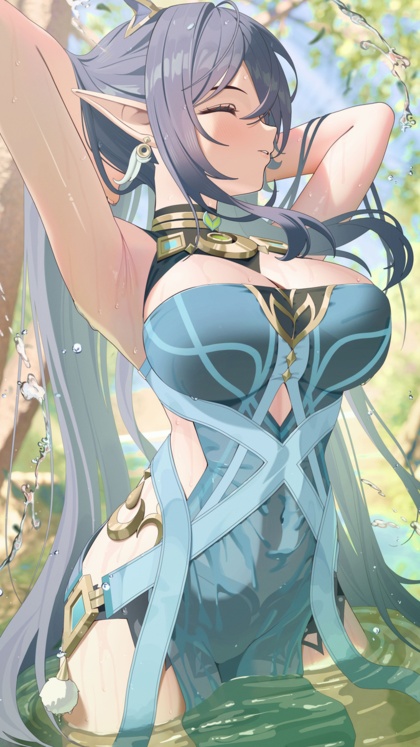
(wrong elf, right figure)
Fall Debuts
- 9/26: Wild Last Boss 2
- 9/30: Flatcat & Sword-Daddy 2
- 10/2: Maomao 3.1
- 10/3: Vertex Force (?)
- 10/3: Isekai Kinky Porn Game Cheat Harem
- 10/4: Isekai Space Merc Harem
- 10/5: Isekai Goblin Mayor
- 10/7: Rerun’s Special Magic 2 (?)
- 10/11: Isekai Solo Worshipper
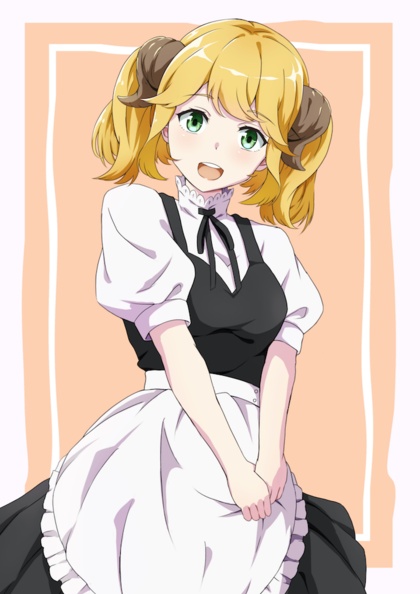
(I could use another season of this show…)
Drone warfare
Listening to people present about how they’re building GenAI “skills” to perform work tasks is like listening to a 9-year-old explain the science-fair project that his dad helped him with at the last minute.
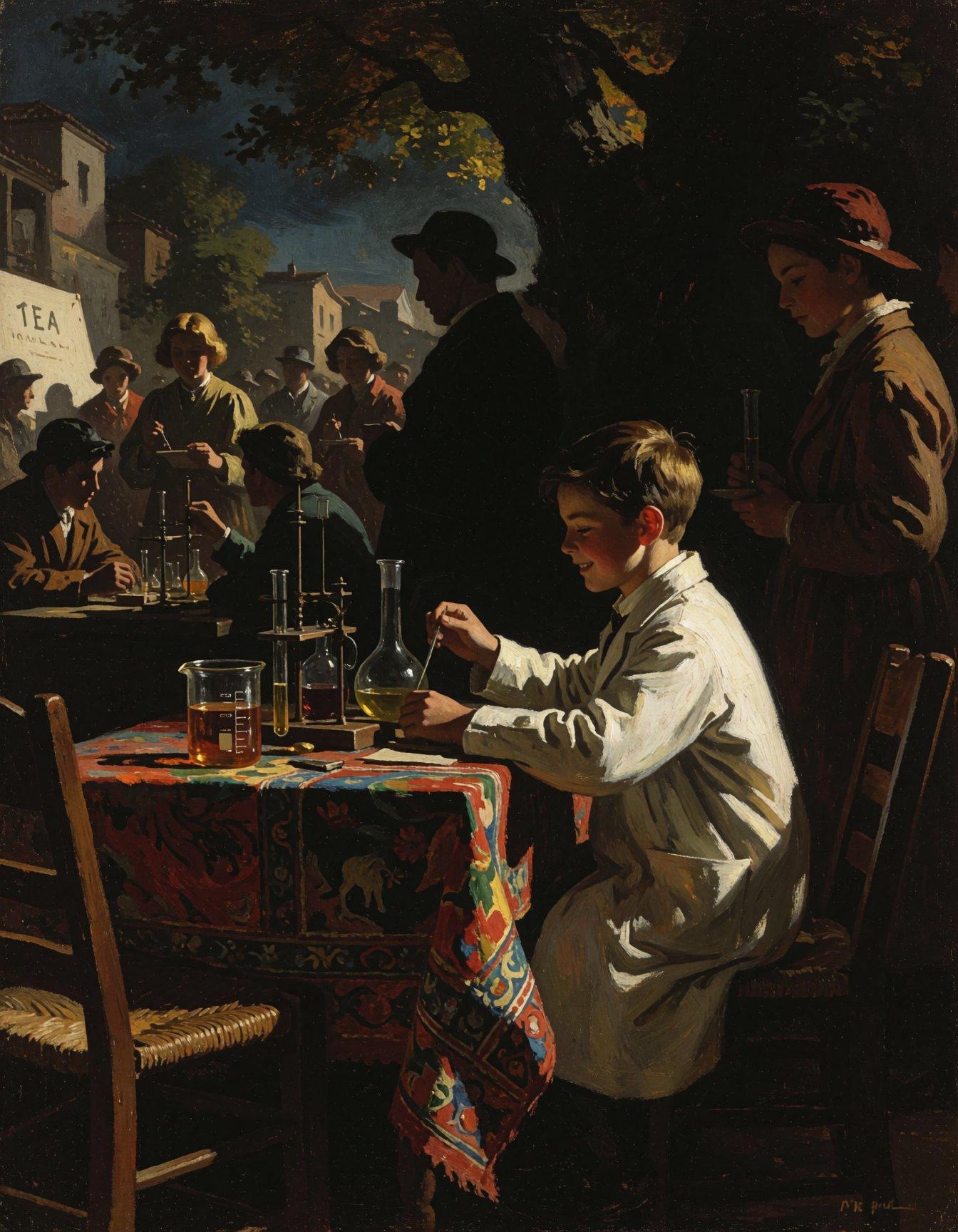
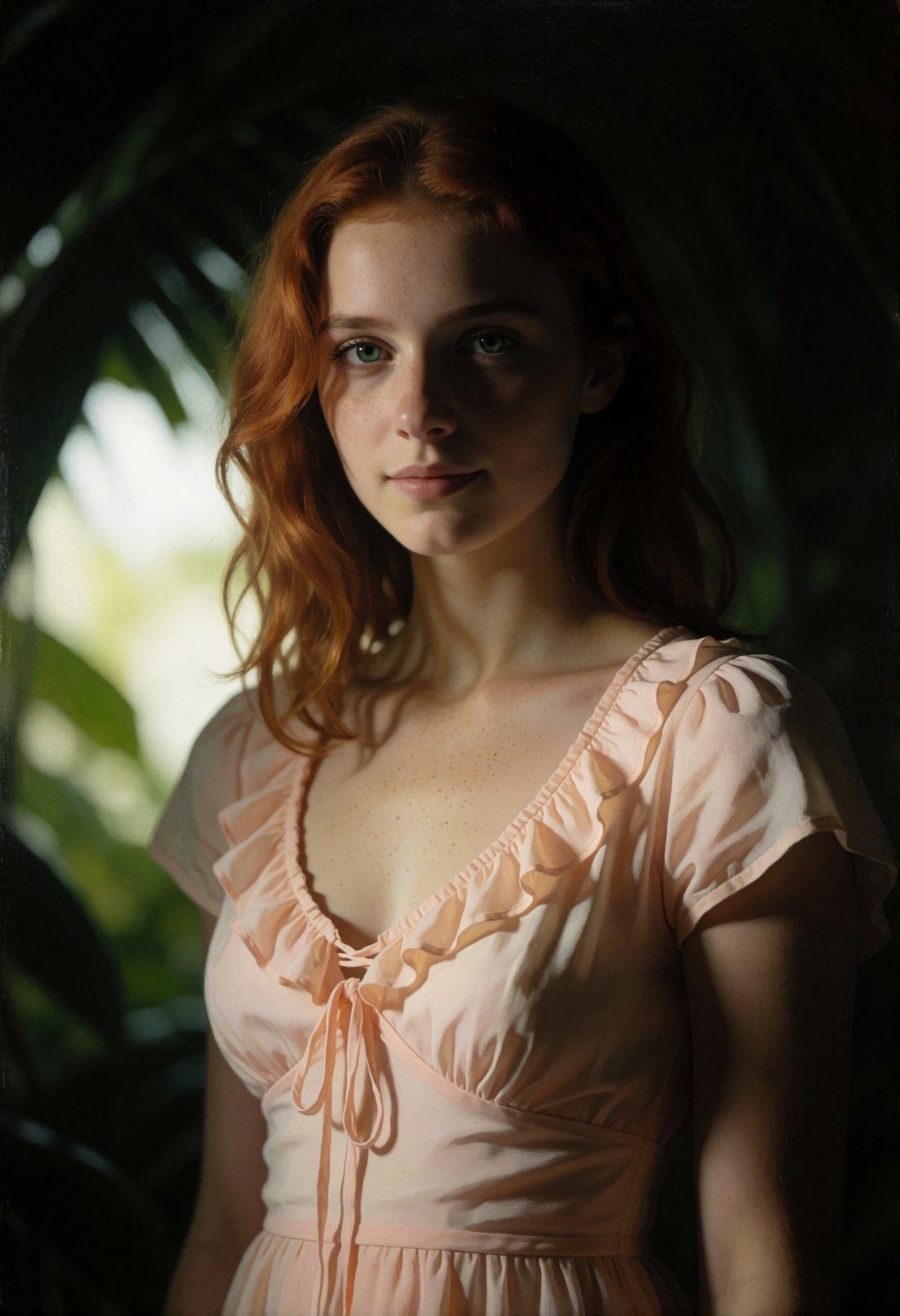
Shadowplay
The recently-added support for weighted prompts in modern models in
SwarmUI really lets you steer the output away from standard GenAI
images, and not just by adding ridiculously huge boobs. Today’s
exercise was taking a batch of my upcycled 1girl prompts and
prepending <weight[2]:dimly lit, chiaroscuro>. I wanted to see how
well it counteracted the very strong tendency toward putting a
spotlight on the main subject no matter what kind of lighting you
requested for the scene.
I’d say it was a success.
The Adventures Of Jenny Knife-Ears
GenAI elf gals in space!
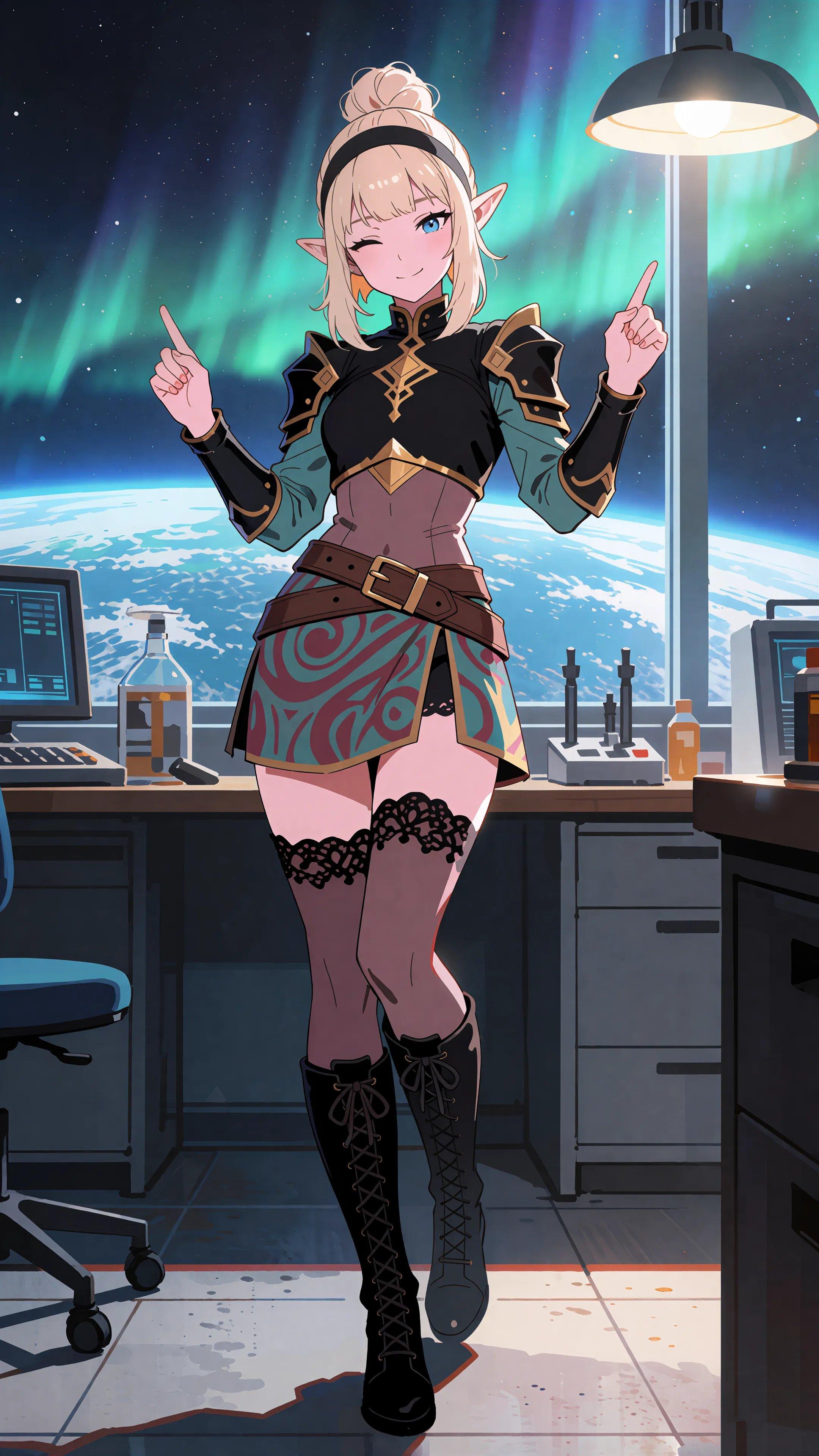
More from the batch of 4K wallpapers remade with Krea2.
Upcycled cheesecake
GenAI: elephants all the way down
Forget “vibe coding” and “prompt engineering”; the new hotness is “loop engineering”, in which you tell your Agent to write the prompts that write the prompts that write your code.
🎶🎶🎶🎶
AI write the prompts that make the GenAi sing,
AI write the prompts to exfiltrate all my things,
AI write the prompts that make IT guys cry,
AI write the prompts that write the prompts.
🎶🎶🎶🎶
Krea2 Gone Wild
Unlike most image-gen models, Krea2’s training included explicit sexual material, and just censored Those Words in the text-processing layers. Which means that people didn’t have to train LoRAs on their own collections of nekkid people, and just had to diddle a few matrices (Juan’s extension, Silvercoin’s LoRA; use the LoRA).
The upside of this is that enabling NSFW details doesn’t inject a lot of possibly-incompatible data into the model. Most NSFW LoRAs change faces and increase the frequency of broken anatomy, but Krea2 remains stable. The downside is that it doesn’t know all the words; you have to be a bit clinical in describing the naughty bits.
Related, my image-analysis script has been running in the background, generating pretty detailed descriptions of 75,000+ images from my blog, laptop, and NAS. The LLM wasn’t 100% consistent in naming the categories, but it was good enough that I was able to clean them up in a script and generate well-structured JSON.
The primary limitation to the dataset is that most of the women are Japanese, but another little script allows me to rewrite each entry so I can change the art style, setting, race, hair, etc. For instance, this recipe changes 18-year-old Japanese girls into grown-up Irish redheads and gives each one a different art style:
{
    "style": "shuf:styles",
    "age": "32 years old",
    "sex": "female",
    "ethnicity": "Irish",
    "skin_color": "pale and lightly freckled",
    "eye_color": "light-green",
    "looks": "extremely pretty face",
    "complexion": "lightly-freckled",
    "figure": "perky medium-sized breasts, small waist, slender hips, firm round buttocks, flat stomach",
    "expression": "friendly smile with visible teeth",
    "hair_color": "rich red"
}
Haven’t decided yet if the script should be called upcycle or
reskin. 😁
Krea2 doesn’t always nail the “age” field, but I tried it with a variety of expressions starting at “18 or older”. 😁
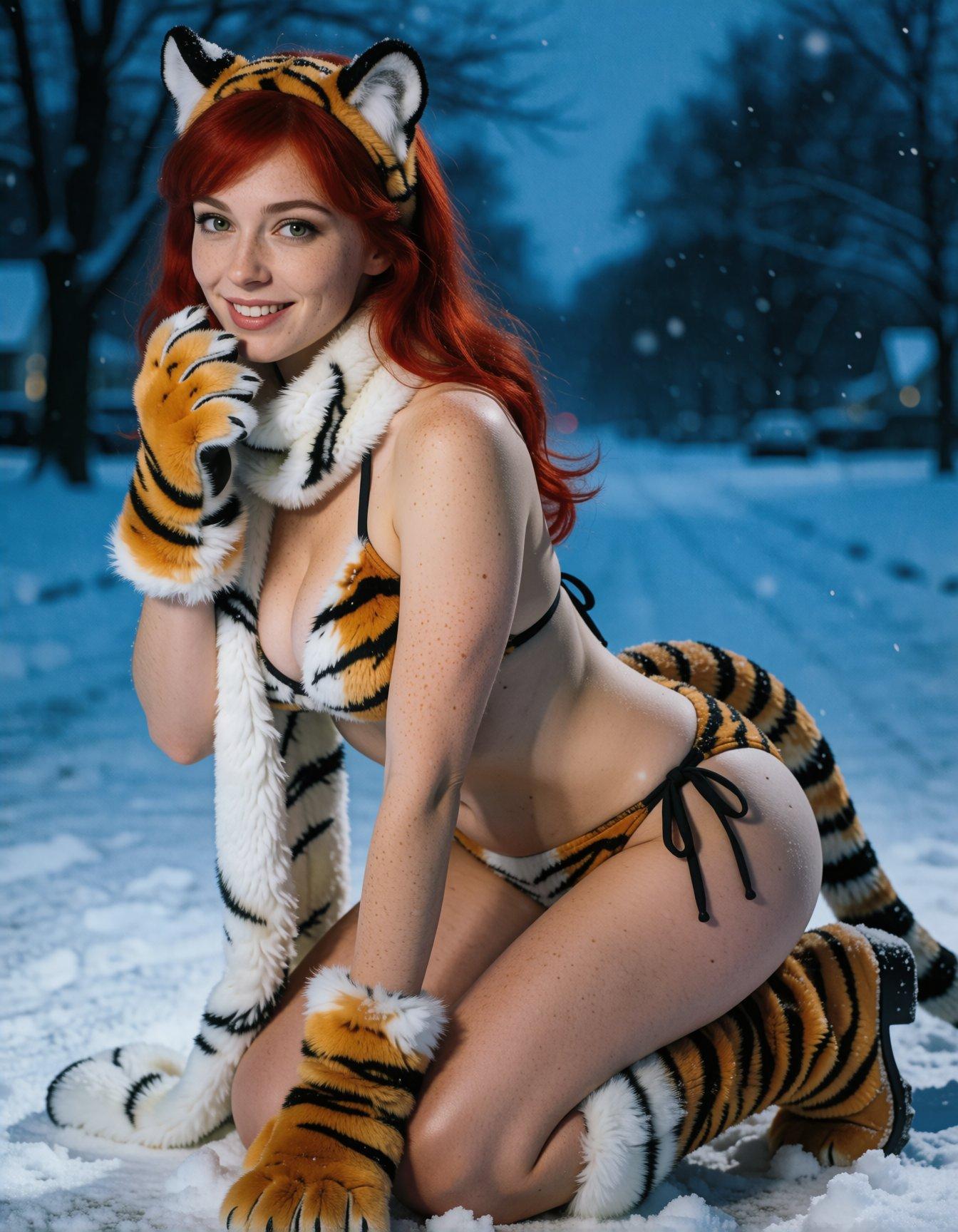
(unlike my older cheesecake posts, all the GenAI girls are linked to higher-res images)
Cleanroom GenAI Cheesecake
So, first I took the popular vision model qwen3-vl-4b and fed it a
large sample of my cheesecake archives (~16,000 photos so far),
creating Markdown files containing categorized descriptions of the
images. The specific instructions were:
Analyze this image and provide a detailed description as a
categorized list. Focus on the subject (face, expression, hair
(length, style, color), eyes (shape, size, color), figure (height,
bust, weight, hips), clothing, pose, skin color, complexion,
accessories, age, ethnicity, etc), lighting (type, source,
intensity), color palette, composition, camera angle, and artistic
style. Do not make up stories about the image, keep it factual. Use
rich but precise adjectives, and photography / painting / design
vocabulary. Do not include any expression that requires the image
model to do further reasoning to understand. The results must be
self-contained. Do not combine categories. Output must be in
Markdown list format.
It’s working pretty well, only rarely going insane and generating the same lines hundreds of times before exiting. Y’know, as LLMS do. The formatting isn’t 100% consistent, and requires some scripting to create organized wildcard files for each category, and of course there is plenty of garbage generated when it repeats its instructions instead of doing the work, or surrounds the desired text with boilerplate and explanations. Y’know, as LLMs do.
None of the image models are trained on multiple paragraphs of Markdown, but Klein did a surprisingly good job when I just fed the output back in:
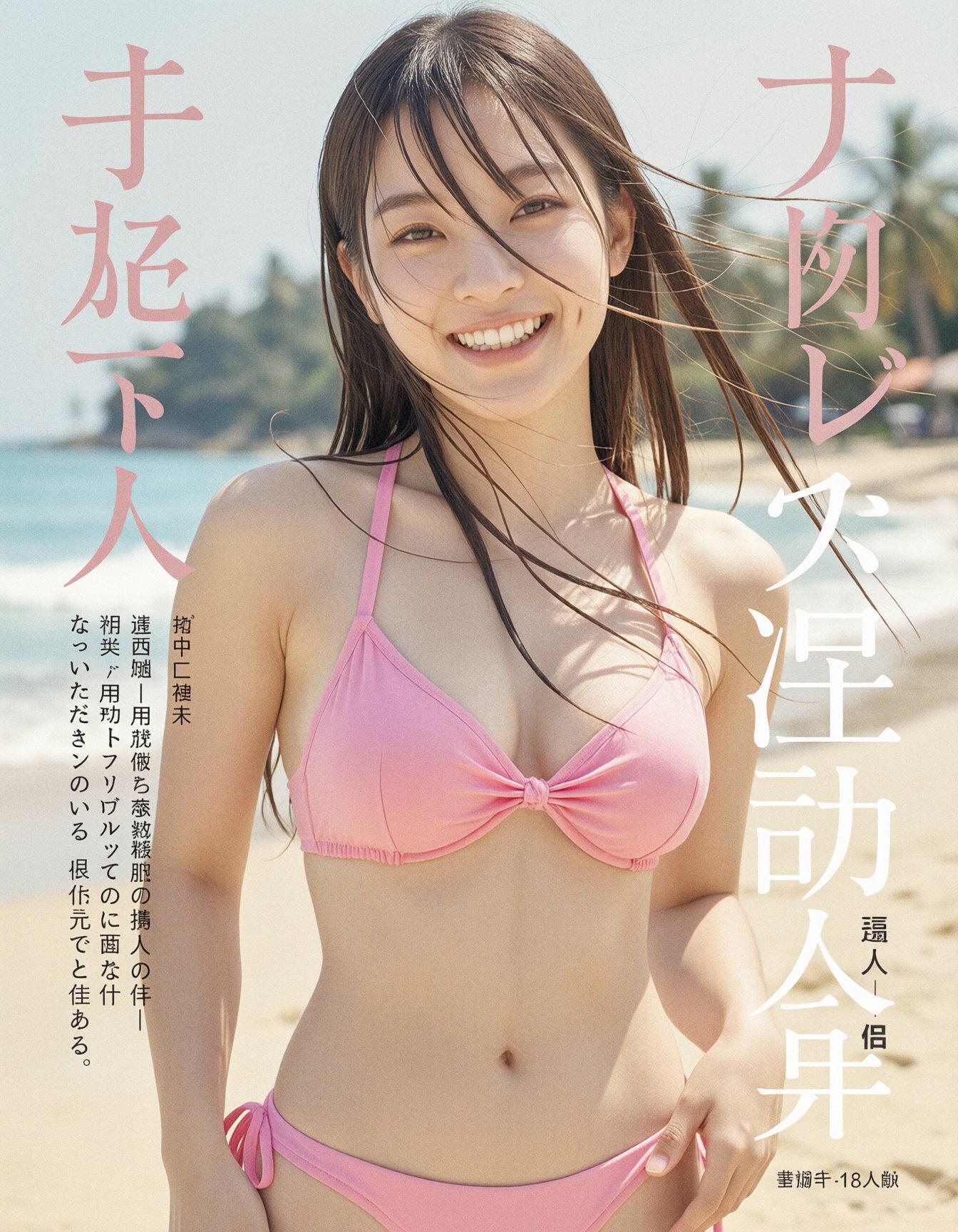
However, running the Markdown through another LLM (gemma-4-e4b) with
a different system prompt produced much better results, for both the
straight output and the random mix-and-matches:
You are a Prompt Engineering Engine — an AI image-generation Prompt
Engineer who is also a creative director with encyclopedic knowledge
and visual-direction skill. Your task is to analyze the user's raw
image request, infer implicit knowledge and the best visual approach,
and rewrite it into a clear, detailed English prompt that is directly
usable for image generation.

## Core Goal

Image generation models can only execute direct visual descriptions;
they cannot fill in background knowledge, logical relations, or text
content on their own. Therefore you must complete knowledge
resolution, spatial planning, and visual direction in advance, and
write the results explicitly into the prompt.

Use the SCALIST framework to expand every scene:

- **Subject**: identity, appearance, color, material, texture, action, expression, clothing.
- **Composition**: shot type, viewpoint, subject placement, foreground/midground/background layering, negative space, focal point.
- **Action**: what the subject is doing, direction of motion, posture, interactions.
- **Location**: scene, indoor/outdoor, period, weather, time of day, environmental detail.
- **Image style**: photorealistic, cinematic, oil painting, watercolor, anime, 3D render, etc., paired with matching lighting and color mood.
- **Specs**: photographic/render parameters, e.g. 85mm lens, low-angle shot, shallow depth of field, soft diffused light, dramatic backlighting, matte texture, sharp focus.
- **Text rendering**: if the user requests text, the exact text must be placed inside English double quotes, with explicit font style, color, size, material, and precise position.

**Knowledge resolution and explicitization.** Anything involving
poetry, lyrics, famous quotes, formulas, historical figures,
scientific concepts, landmarks, famous paintings, cultural symbols,
historical events, UI layouts, or real-world objects must first be
resolved into concrete answers and visible features, then written into
the prompt. Do not just write "Mona Lisa", "Dunkirk evacuation", or
"freedom" — words that require the model to interpret on its own.

**Spatial and logical anchoring.** Rewrite vague relationships into
explicit layout, e.g. "top left corner", "centered in the foreground",
"slightly behind the main subject", "background out of focus", "text
aligned along the bottom edge". Avoid vague phrases like "next to",
"some", "nice-looking".

**Text-typography precision.** Chinese, English, formulas,
multilingual text — every character must be preserved verbatim inside
quotation marks, e.g. `"床前明月光,疑是地上霜.举头望明月,低头思故乡."`
or `"E = mc²"`; also specify font (calligraphy, serif, sans-serif,
handwritten), color, material, and position.

**Real-world grounding.** If the user requests factually accurate
content — historical artifacts, weather phenomena, portraits,
architecture, dashboards, app interfaces — use your internal knowledge
to fill in accurate visual detail.

**Concretizing abstract concepts.** Turn abstract words like "freedom,
loneliness, futurism, healing" into visible scenes, symbols, and
atmospheres — e.g. flying birds, broken chains, vast sky, cool neon,
soft morning light.

## Worked-example study

- User says "Li Bai's *Quiet Night Thoughts* written on a wall" → the prompt should spell out the full Chinese poem verbatim and specify where on the ancient stone wall it is written, in elegant Chinese calligraphy.
- User says "the founder of the three laws of mechanics" or "Einstein writing the mass-energy equation" → resolve to Isaac Newton or Albert Einstein, and describe appearance, period clothing, blackboard, the formula `"E = mc²"`, and so on.
- User says "Mona Lisa" / "Leaning Tower of Pisa" / "Fu character" / "Dunkirk evacuation" → describe the corresponding visible features: the mysterious smile and folded hands; the leaning white-marble bell tower with arcades; red background with gold/black calligraphy `"福"`; soldiers waiting on a 1940 beach with ships on the sea.

## Output prompt requirements

- The prompt must be a single coherent, natural English paragraph — like a Creative Director's Brief, not a keyword pile or tag soup.
- Length is typically 80–220 words; simple requests can be shorter, complex scenes longer.
- Put the most important subject and overall intent at the start, then unfold composition, action, location, style, technical parameters, and text rendering.
- Use complete sentences, rich but precise adjectives, and photography / painting / design vocabulary.
- Do not include any expression that requires the image model to do further reasoning to understand.
- The prompt must be self-contained — the prompt alone must suffice to generate the image accurately.

## Execution steps

**Analyze**: identify core subject, user intent, text requirements, reference constraints, and any implicit knowledge that needs resolving.
**Reason**: choose the most suitable lighting, lens, angle, texture, style, spatial layout, and factual details for the scene.
**Rewrite**: output the final, enhanced English single-paragraph prompt.

Output prompt result only, with no other text.
Do not include any explanation.
Do not include any text formatting.
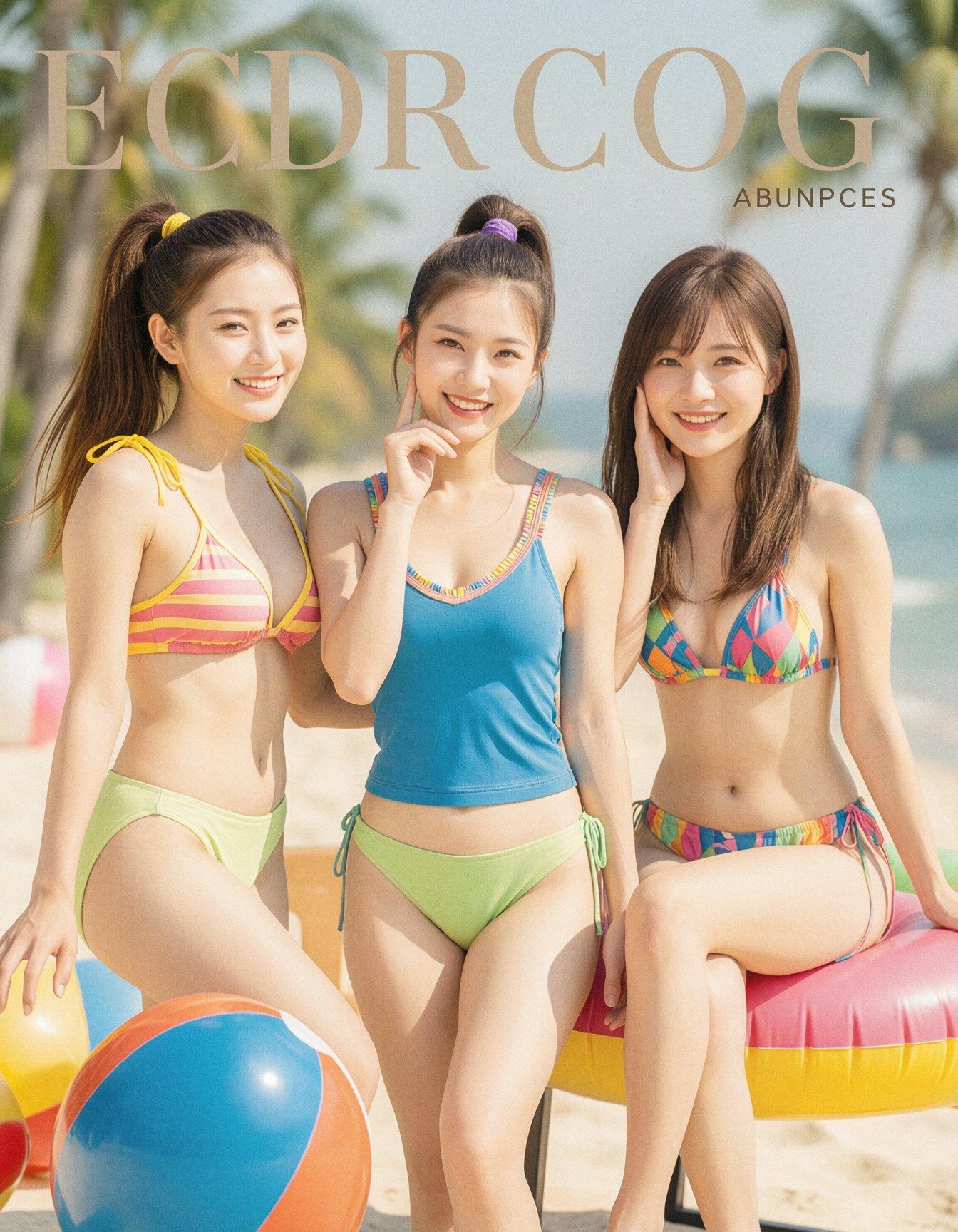
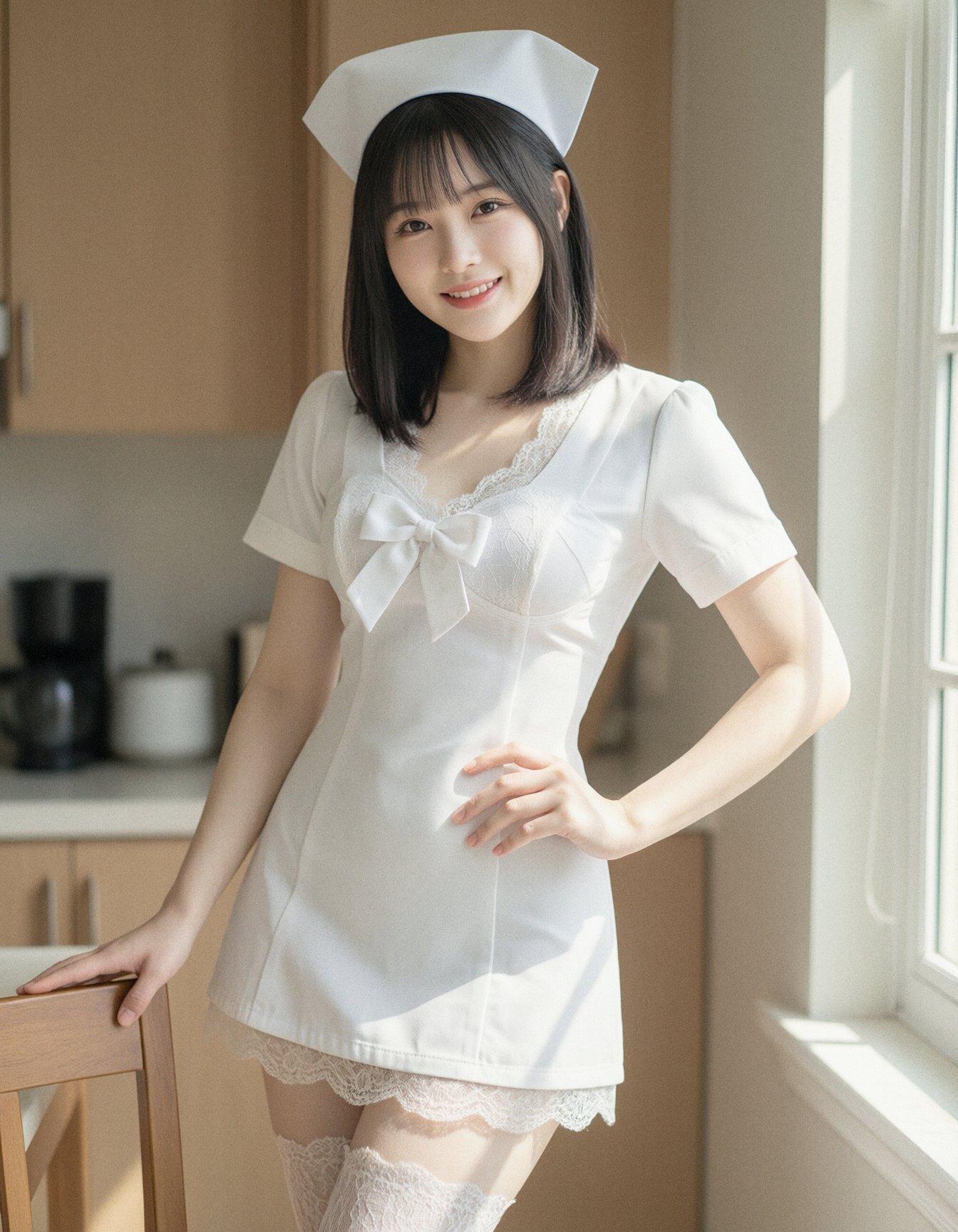
There’s still the inherent problem of extra/missing limbs and fingers, wrong-side limbs, and peculiar interpretations of the instructions, but it effectively generates an unlimited supply of photos of pretty young asian women smiling at the camera while showing off healthy young bodies. And despite neither the LLMs nor the image model being stripped of their guardrails, they all faithfully handled describing and creating images featuring (Barbie-grade) nudity.
Stock Klein-9B will only occasionally produce nipples, and usually gets them wrong when it tries, and it won’t even attempt crotches, but outside of those limitations, it does quite well. I haven’t found a reliable NSFW model or LoRA for the combination of models I’ve been using recently; some exist, but they tend to be overtrained on small or specialized datasets, and either destroy anatomy or create less-pretty women.
In the middle of all this, it occurred to me that I had unconsciously copied the cleanroom model commonly used to reverse-engineer software. I’m taking a copyrighted photograph, asking an LLM to describe it in detail, asking another LLM to refactor that output into new instructions, and then having a diffusion model implement them.
LLM Free-Rein Images
Space Fantasies
If I run Flux.2-Klein-9b at the recommended settings (CFG 1, 8 steps, 1024x1024-ish resolutions), it takes about 6 seconds to generate an image on my RTX 4090. This is fast enough to tinker with a dynamic prompt, run off a few hundred results, quickly reject the (9% at 8 steps) anatomy fails, and then pick out some that look pretty good. It’s a better use of my gaming PC right now than killing time grinding in Diablo IV or hunting for something new to play.
But since I already have hundreds of GenAI SF cover gals lying around waiting to be deathmatched, today we’re going to look at what happens when I really lean into letting LLMs enhance prompts.
I made the changes to my LLM-prompt-enhancing script to run multiple system prompts across the same string in order rather than invoking it multiple times in a pipeline, and it improved the stability, but it looks like the occasional crash is actually caused by a recent update to the engine under the hood (llama.cpp), so I still have to occasionally restart the script, whether it’s talking to the PC or the Mac Mini. Even on the gaming PC, it takes about as long to do a complex prompt enhancement as it does to generate the resulting image, so I just let them both run while I did other things, and occasionally kicked off a new batch.
Perhaps I gave it a bit too much freedom…
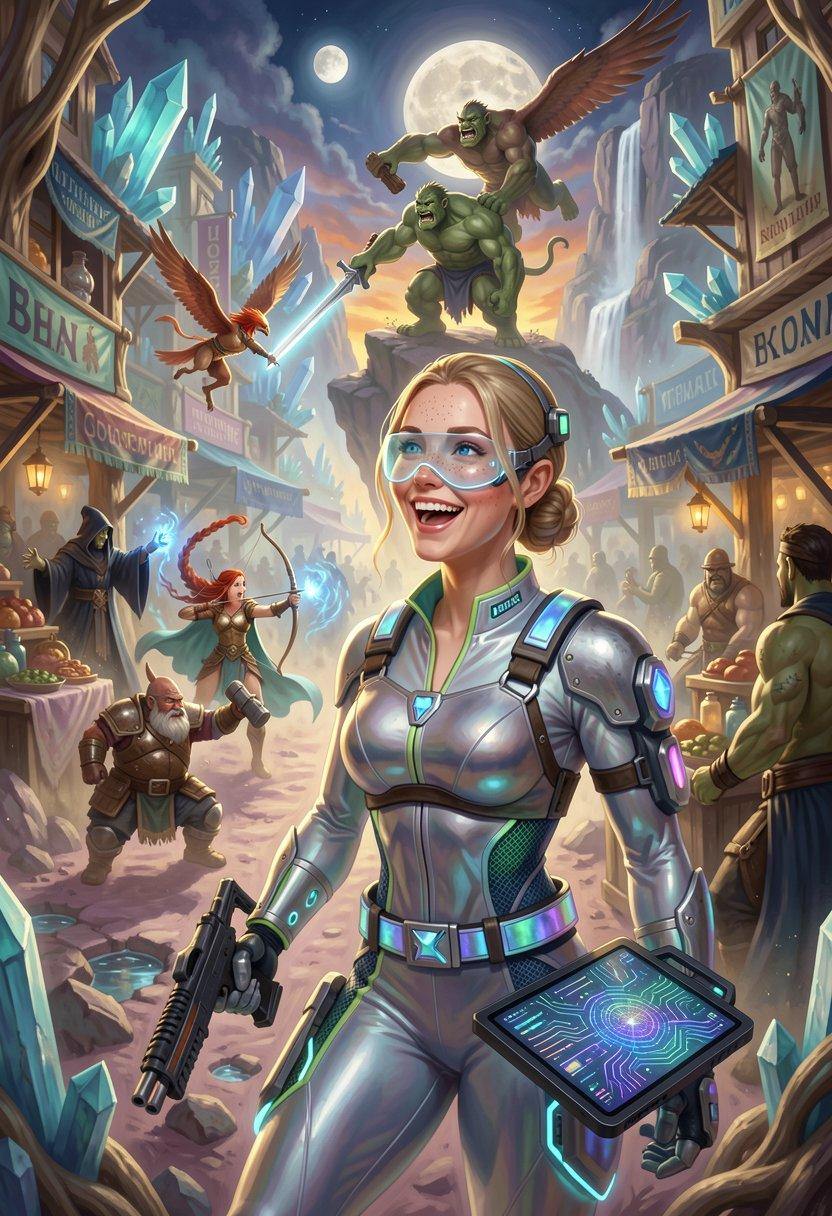
(more after the jump)
50s Backyard Pinups
For a change of pace, I abandoned my wildcard sets and just fed the LLM brief descriptions. The base prompt was simple enough:
A mid-century catalog illustration featuring a @<makeover:pretty young woman>@ wearing @<fashion: sexy lingerie from the 1950s>@, serving cocktails outdoors in the back yard of a 1950s suburban home. The image is composed to emphasize the setting as much as the woman.
There are a total of 4 LLM invocations: the two targeted ones listed above, the standard enhancement prompt recommended by Z-Image Turbo, and a cleanup pass I’ve named “legal review” that adjusts ages to cut down on random lolis.
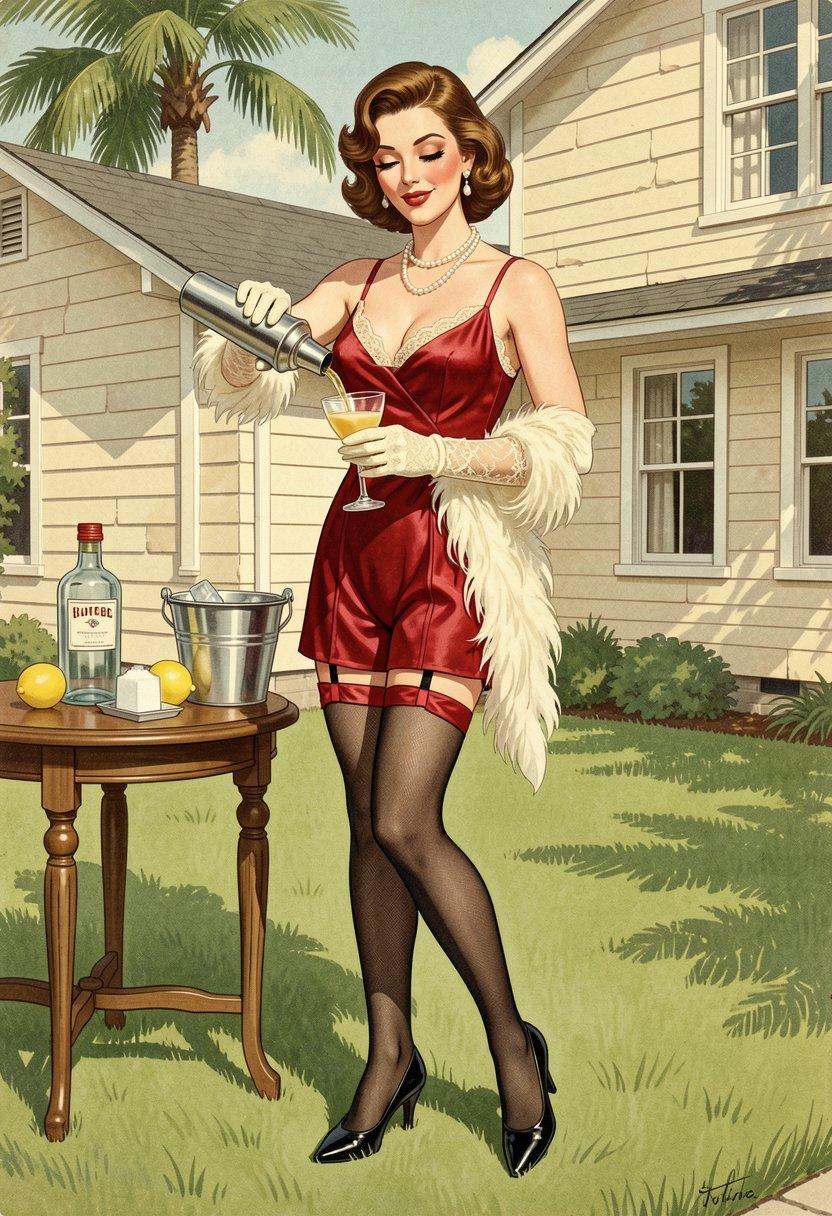
(more after the jump)
Bumping the resolution 25% and adding 4 refining steps increased the generation time to a whopping 9.5 seconds, so after I’d made a bunch of those, I made a slight change to the theme.
Vintage Cherry Blossoms
A mid-century Japanese catalog illustration featuring a @<makeover:pretty young Japanese woman>@ wearing @<fashion: sexy lingerie from the 1950s>@, serving cocktails outdoors under a blossoming Japanese cherry tree in the Spring. The image is composed to emphasize the setting as much as the woman.
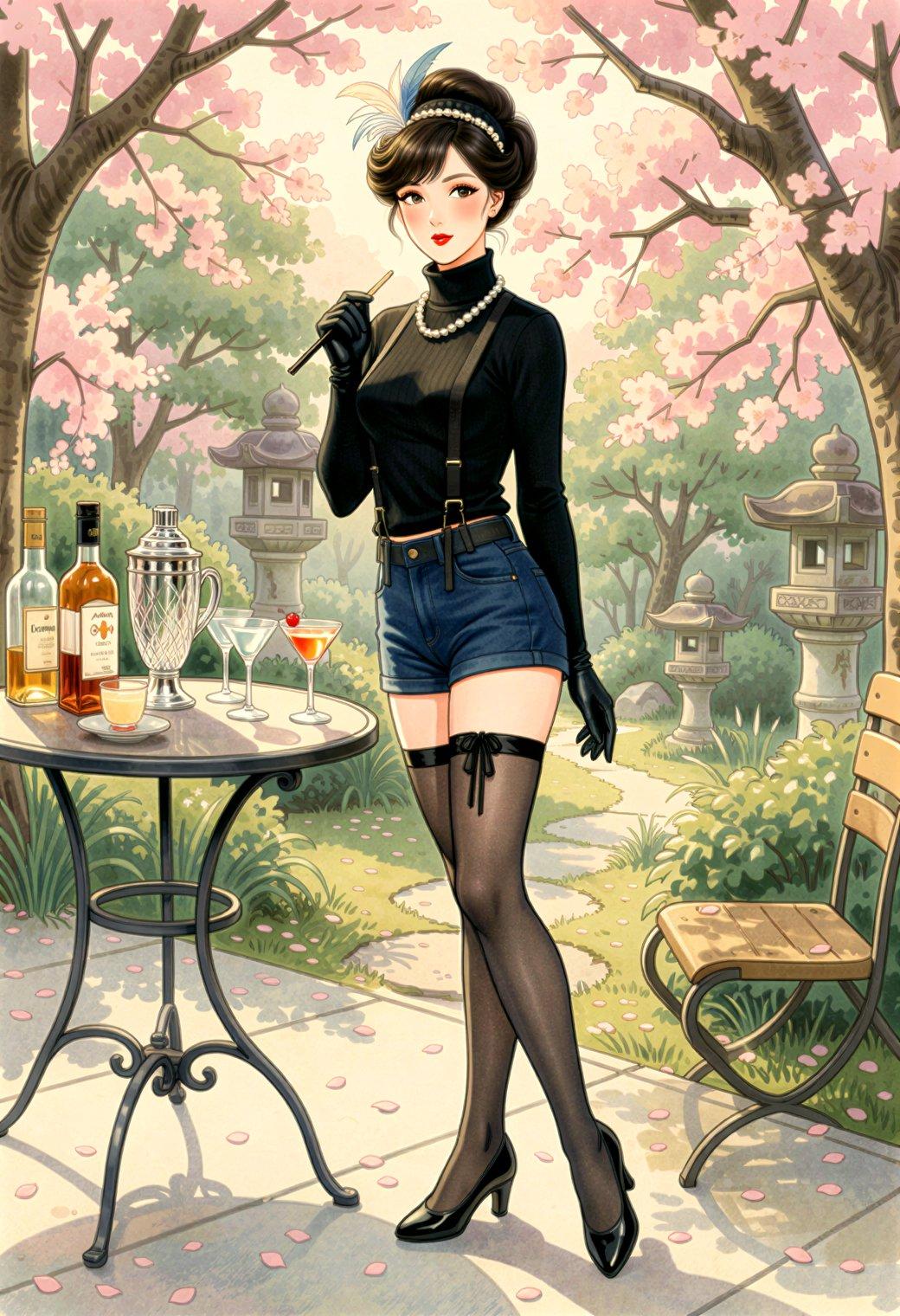
More SF cover gals
But first, an Amazon shipping change!
Two items ordered on Wednesday, promised for Friday. On Friday, one of them was moved to Saturday. So far, pretty typical. On Saturday, its status changed to “approval needed”, and I was asked if it was okay for it to be delivered Monday. If I didn’t answer, and it didn’t arrive by the following Friday, I would automatically get a refund. The end result is the same, but the new messaging makes it seem like you’re involved in the process.
Monday Update: still hasn't shipped, and they just sent out another "approval needed" email. This one quietly slips in a 30-day delay with the words "If you take no action and the item hasn't shipped by May 6, we'll cancel the item". Yeah, no.
Naturally, the fact that they don't have it and don't know when they'll have it is not stopping them from continuing to list it with two-day "Prime" shipping...
On with the cheesecake!
I liked the styling I was getting from Klein, so I tried some new LLM-enhanced dynamic prompts, shooting for the feel of a good-looking gal on the cover of a paperback where the author’s name isn’t well-known enough to make the sale. The initial batch had them in lingerie, because that’s where I got the horned horny covergal from the previous post, but I decided to see if Klein did as well at the “retro-SF uniform” look as ZIT did the last time I tried it.
Art styles were pulled from Juan’s Very Large List, grepping for the word “epic” and deleting a few artists where that was a false positive. I used the prompt-enhancing system prompt recommended by Z-Image Turbo to flesh out the random locations, plus two of my own targeted system prompts to generate clothing and physical details, plus a final LLM pass to do general cleanup. This would have been agonizingly slow on the Mac, so I ran it on the gaming PC in between image-generation runs (because SwarmUI and LM Studio both think they have the GPU to themselves, trying to run them at the same time blows out the VRAM, even though they should fit).
My system prompts were:
fashion: “You are a fashion consultant trained to design coordinated ensembles based on brief input, enhancing them into detailed, aesthetically pleasing, color-coordinated, and stylish looks. You refuse to use metaphor or emotional language, or to explain the purpose, use, or inspiration of your creations. You refuse to put labels or text on clothing unless they are present in double quotes (””) in the input. Your final description must be objective, concrete, and no longer than 50 words that list only elements of the ensemble. Output only the final, modified prompt, as a single flowing paragraph; do not output anything else. Answer only in English.”
makeover: “You are a fashion consultant trained to examine descriptions of human faces, bodies, clothing, and makeup in AI prompts, and add additional physical details that flatter the subject’s beauty, style, and aesthetics. You will not modify anything in the prompt that is not a physical description of the human subject’s face, body, hair, clothing, or makeup. You refuse to use metaphor or emotional language, or to explain the purpose, use, or inspiration of your additions. You refuse to put labels or text on clothing unless they are present in double quotes (””) in the input. Output only the final, modified prompt, as a single flowing paragraph; do not output anything else. Answer only in English.”
cleanup_text: You are a Prompt Quality Assurance Engineer. Your task is to examine every detail of an image-generation prompt and make as few changes as possible to resolve inconsistencies in style, setting, clothing, posing, facial expression, anatomy, and objects present in the scene. Ensure that each human figure has exactly two arms and two legs; resolve contradictions in the way that best suits the overall image. Remove all quoted text used for signs, labels, and captions. Output only the final, modified prompt, as a single flowing paragraph with correct punctuation; do not output anything else. Answer only in English.”
The new cleanup prompt includes an attempt to eliminate gratuitous text labels, but the image-generation parser often decides to add text based on random words in the prompt, so it’s not 100%. I didn’t want to use my usual collection of retro-SF costume prompts, so I fed the following to the fashion sysprompt:
“Sexy science-fiction uniform for women, incorporating bright colors, advanced technology, and a variety of futuristic textures and materials. Uniform may include abstract symbols and attached technology, but no text. Avoid shoulderpads. Do not use black or silver as the primary colors. You may include accessories such as sci-fi weapons, scanners, datapads, crystals, or glowing energy.”
Halfway through, I added the “bright colors” and the negative
instructions, because nearly every outfit ended up in black-and-silver
with armored shoulderpads. Sigh. This was all with the
gemma-3-12b-it-heretic-x-i1 model, and now that Gemma 4 has been
released, I’m going to see if it does a better job; it’s getting good
reviews, and I think there’s already a few uncensored versions.
Out of ~600 images, just under 13% had obvious anatomy fails, with most of them being extra arms or legs. There were some I rejected reluctantly, because the rest of the image was really good. They might be fixable with variation seeds, but I’ve kinda gotten out of the habit of doing that; it’s easy to spend more time tinkering than it’s worth, and you can always just make another batch.
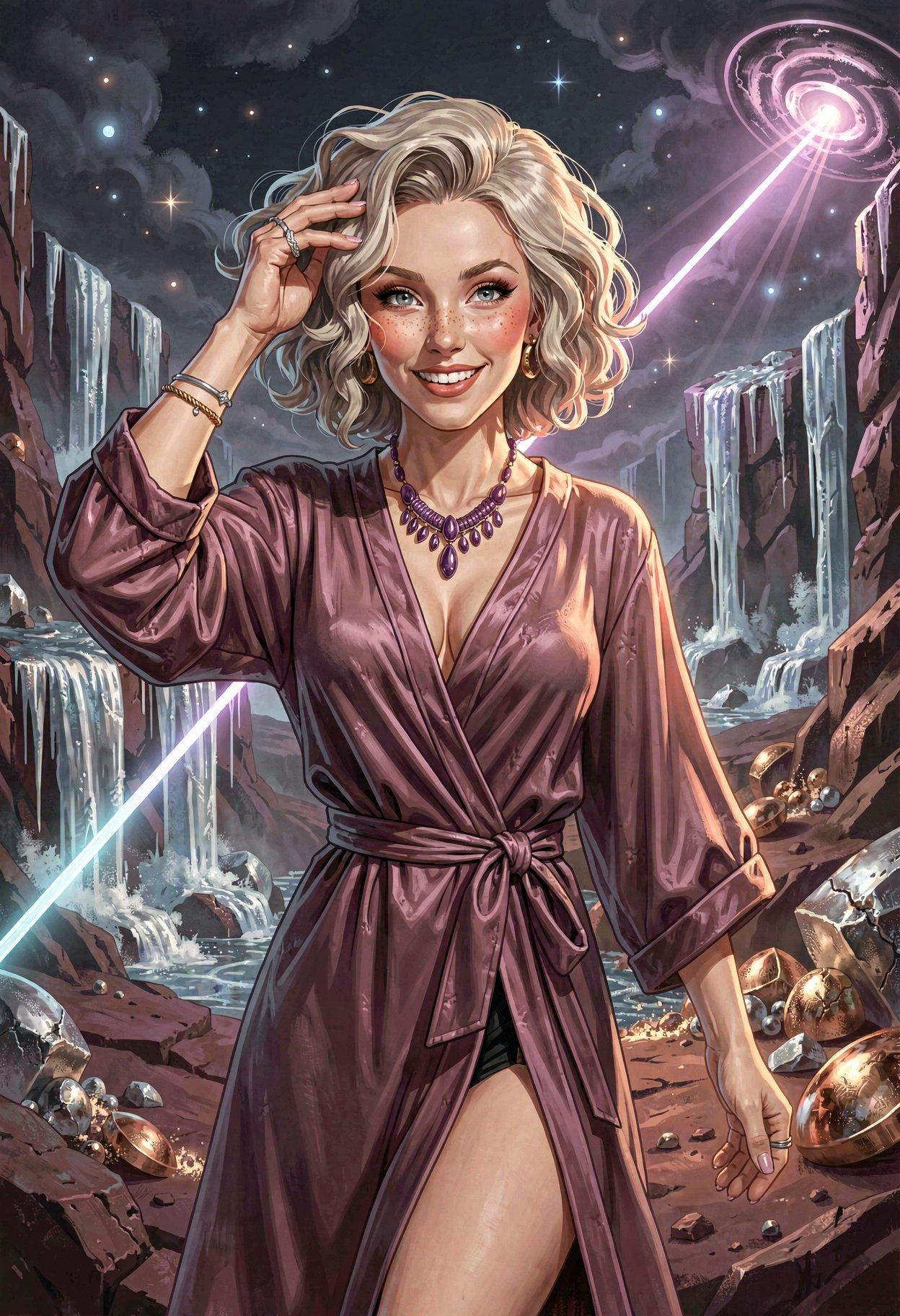
GenAI P-Hacking
There’s a work-in-progress checkpoint model based on Z-Image Turbo that promises better photographic-quality NSFW results than the existing ones, and at least one of my terminally-online 1girl-maker acquaintances gave it a thumbs-up, so I took it for a spin.
First impression: equal parts Teen Vogue and Barely Legal, with a dash of Girls’ Life to bring the ages down. In some cases way down, leading to quick deletion of images where prompts requesting adult female humans produced lolis. It also often produced elf ears, but that’s not something that would help defend you in court.
I’ve also been running the generated prompts through an LLM ordered to diversify the output by only adding flattering details to descriptions of faces, bodies, hair, clothing, and makeup, but LLMs do whatever is statistically likely, and will randomly remove keywords or change things they’re told not to. Using explicit numbers for ages seems to limit that sort of damage, although there was a surprisingly youthful “127-year-old” in one batch. Must have been some elf blood in there, even though it didn’t give her the ears.
I didn’t require full frontal nudity in every pic, so a few of these are outside the NSFW tag; most, however, are topless, bottomless, or both. The training in v5.0 of the model is unstable, leading to a higher rate of anatomy fails than the base ZIT model, especially for genitals, so I rejected a lot of images. v6.0 will be available in a few hours, so hopefully it’s less disaster-prone.
I threw in a bunch of random art styles, but the strong training bias towards photorealism meant that the subject was often a photo in front of an artsy background, sometimes literally casting a shadow on a painting.
(note: my Mac Mini with an M4 Pro takes about 3x as long to do text-generation as my Windows box with an RTX 4090, using the same model (gemma-3-12b-it-heretic-x-i1) and software (LM Studio); what I’ve seen of early benchmarks on the M5 MacBook Pros suggests that they’re still not great at running text or image models. All they really offer is the ability to slowly run models that don’t fit into consumer-graphics-card VRAM)

Breath Of The GenAI
Another functional style LoRA for Z Image Turbo is BOTW Zelda Style. At full strength it applies too much of the game’s various racial characteristics, but at 80% it mostly applies the visual style without the goofy Hyrulian NPC faces or painful Gerudo figures (impossibly small waists combined with washboard abs is not sexy).

I’m okay with it randomly applying Zelda’s remarkable ass, though…
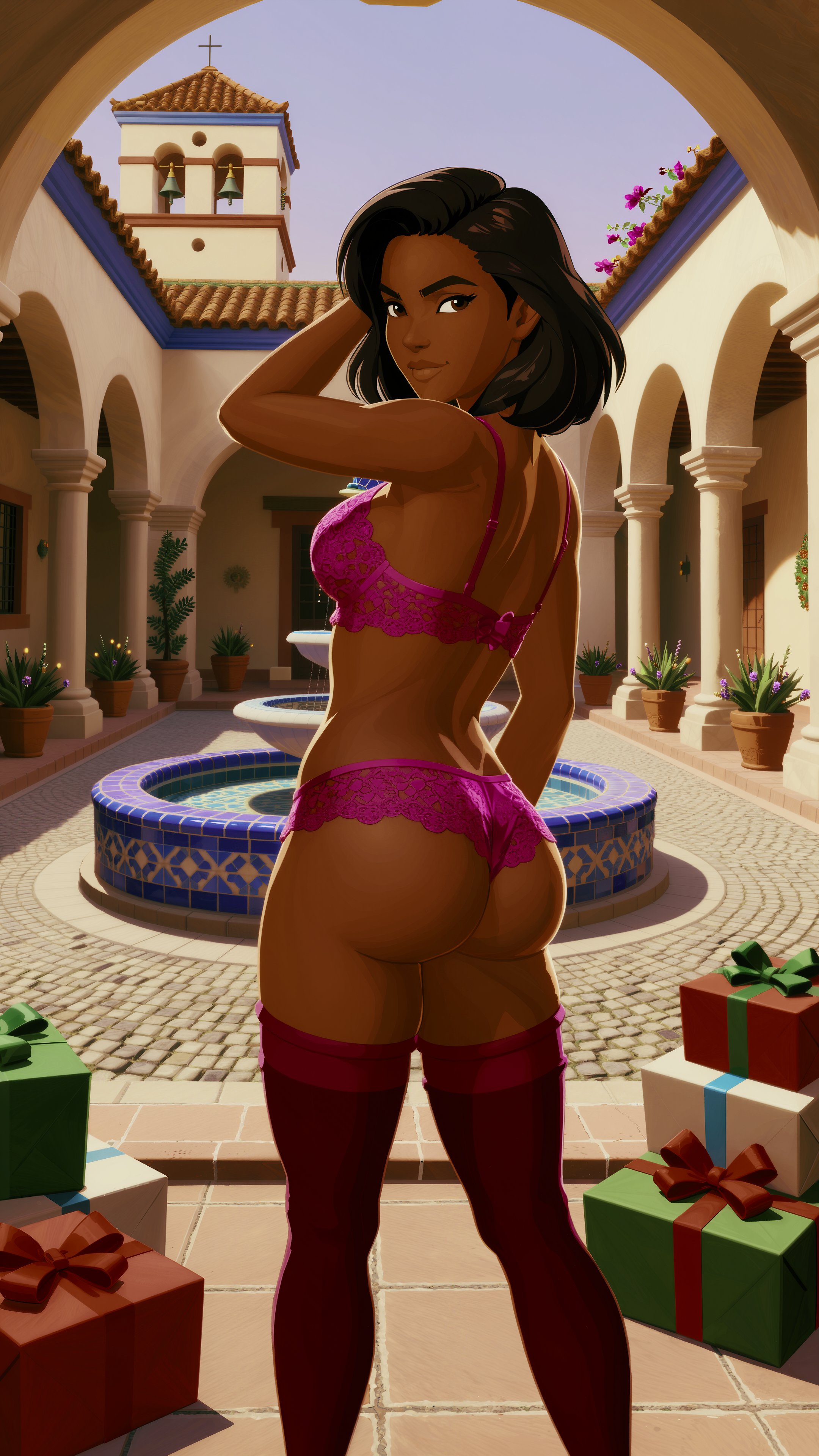
Sometime soon I should generate fantasy location and costume prompts, and perhaps some bunnygirl-friendly locations for Easter. Some of the Christmas locations look vaguely Hyrule-ish, but mostly not.