Mom: ...and you have to hold my hand before we go out into the street.
Little girl: Best fucking advice ever.
— Modern parenting, from Overheard in New YorkHaremized for your protection
Review bias…
I find it amusing that the two highest-rated shows this week are Dark Summoner and Girl-Clicker, both hentai. Clearly they are delivering as promised, compared to other shows.

(Girl-Clicker, more formally known as “Now That I Can Control Reality With A Mouse Cursor”, is a show where the hero is suddenly able to move his mouse cursor into the real world, and uses it to stimulate his female classmates; because high-school girls crave big clicks)
Isekai Space Merc Harem, episode 4
Our Horndog Hero Hiro is quickly adapting to life with two waifus, with the stamina to bang Shortstack Gal in the shower after waking up from going several rounds with Flat-Elf Gal. More important than the sex is that the gals are into it, and despite how things started, do not consider it servitude or paying the rent; he’s their man, and they all like each other. It’s one of the things I like about the novels, and I’m glad it’s shown clearly here.
We get to see some successful pirate-hunting runs, and then Our Manipulative Hot Blonde Officer recruits them to help counter an invasion by a neighboring nation. More work than fighting pirates, but more important to the health of their current base.
In the planning meeting, he proposes an insane and apparently suicidal plan to kick things off with a bang, and after some banter with the Blonde, gets it approved, with a promised bonus if he pulls it off. The episode ends with a reminder that he found something “special” in his first pirate encounter, just in case everyone forgot when it gets used next week.
Verdict: so far, a pretty faithful adaptation. I approve.

Isekai Solo Worshipper, episode 3
Our Little Red Half-Elf Mage is a bit of a fixer-upper. Lots of power, but zero control and a long wind-up before the pitch. Fortunately, she’s really, really cute and sweet, and Our Worshipping Hero is willing to put in the effort to raise her properly. Our Personal Goddess makes only a brief appearance this week, scolding him for taking unnecessary risks. Everything goes well, though, until it doesn’t, and that’s our cliffhanger.
Verdict: fun fluffy goodness.

(the OP includes catgirls and bunnygirls, but no Best Lizard Gals)
Isekai Goblin Mayor, episode 5
I am saddened to report that steam technology is quite advanced in the goblin village, since Our Dominated Busty Elf Maidens get two bath scenes (the first with Our Legal-Loli Demon Princess), and while the camera might love them, the censor-steamers do not.
Once dressed, Biggest Elf Gal trips and smothers Our Horny Mayor with her barely-concealed bigger-than-his-head beauties, triggering an instant jealous reaction from Night-Knight Gal Karen. When she returns from reporting in, she’s sporting a brand-new sexy outfit that she commissioned from the same guy who partially dressed the elf babes. Yeah, she’s definitely into him, and last week’s lie is just not gonna hold up for long.
Second Busty Rescue Elf is also into him, making a direct offer that would have sent Karen into orbit if she’d walked in on it. Unfortunately for him, it’s Bratty Busty Teen Rescue Elf who walks in and blows her stack. She’s quite a handful, with quite a handful.
Verdict: pretty much a high-school rom-com episode, not that there’s anything wrong with that. Except for the steam.

(besotted busty elf maiden is unrelated)
Security is job 4
Pinned dependencies are a good thing, right up until they’re the
reason you can’t upgrade a vulnerable package. The Python package
open-webui pins brotli at 1.2.0, preserving the remote code
execution vulnerability in that Google library. It also pins pillow
at 12.3.0, preventing upgrades to versions safe from both the brotli
bug and the Ghostscript remote code execution hack.

Wild Last Boss 2, episode 5
Our Little Angel needs a confidence boost, and it just so happens that there’s a hunting tournament nearby, fortunately of the get-er-done-in-one-episode variety, and she’s more than qualified to participate. In fact, she dominates, backed up by Our Unfortunate Hero, who’s looking for Lufas but finds the stirrings of young love. I’d say “puppy love”, but they’re in a country filled with doggie girls, catgirls, and other animal hybrids, so that might confuse the issue.
Furthering the string of coincidences, the country was founded by one of Our Old Frenemies, and one of Our Missing Minions seems to be in the area, too. Next week.
Verdict: perfectly satisfactory.
Vortex Farce, episode 4
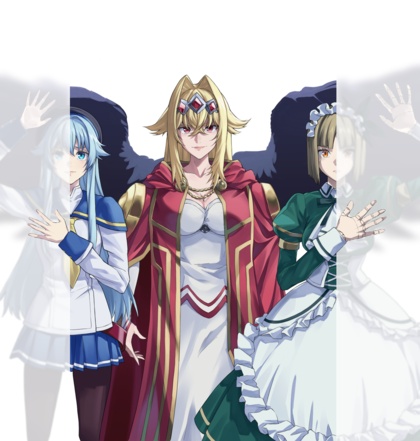
Our Short-Pants Shota Hero is stuck on a desert island with His Future Wife and The Other Overprotective Haremettes (I include his sister as a haremette because they’re half-alien, and surely such an advanced species would have more sensible taboos). The thoroughly contrived loss of all their stuff was not the least plausible part of the episode; that dubious honor belongs to Bodacious Bouncy Glasses Gal randomly being a strict vegetarian, something that somehow didn’t come up when they all spent the night at Best Mom’s place.
Anyway, their cunning plan is to use Shota as bait for a CGI VillainBot so they can capture it and let Veggie Gal dissect its brain for clues. Based on no evidence whatsoever, they all conclude that the brain is in the head, and it would have been nice if that had been subverted. Naturally, Sister Gal queers the deal to protect her precious ShotaBro, leading to an ass-kicking and a crotch shot. In the end, Our Smoking Hot Villainess shows up and finally speaks, to us but not the heroes, revealing that like all the best antagonists, she thinks she’s doing the right thing.
Verdict: I am disappointed that the complete loss of luggage on a tropical island did not result in a reduction in the amount of clothing worn. Maybe next week.

Isekai Kinky Porn Game Cheat Harem, episode 5
Adding to the scenery, we have Easygoing Shortstack Teacher, with enough titty to supply half a dozen standard-issue haremettes. Then there’s Itty-Bitty-Titty Tsuntail, who’s good with knives and equipped with striped panties, which the entire school gets a good look at. In the background are catgirls, doggie girls, bunny girls, and just plain girl-girls, most of them possessing less heroic busts than the heroines, but still enhancing the backgrounds. Most of the episode is walk-and-talk, though, as school begins and exposition is dished out, so they’re a welcome distraction.
Verdict: still more animation budget than expected, and this wasn’t even a combat-heavy episode.

(Big Sister is no match for Shortstack Teacher…)
MP Repo Fairy MP, episode 4
Just noticed that the ribbon on Our Possibly-Evil MP Fairy MP’s chest actually spells out M.P.
We get some flashbacks to Our Lending Hero’s days of innocence, in which a haze of optimism and hormones blind him to what a cold-blooded calculating bitch Our Busty Childhood-Friend Wicked Witch has always been. We also get to see more of how OP he is already, just with his first few purchased skills, as he rips through a dungeon. And MP’s just getting started on powering him up.
At the end, we rejoin Abandoned Samurai Gal, in time for him to discover that she’s been treated like dirt by her party, too, and locked up with a monster to give them time to flee. Next week, it’s team-up time!
Verdict: Our Wicked Gals are reduced to giving titty rubs to recruit mana sources into their party, and while the goods are first rate, word’s already gotten around about their curse, so all they get out of it is further reducing their rep among other adventurers. I approve, both of the visuals and their relative lack of impact on the main story.
(titty-rub elf is loosely related)
Sword World, American Express Gold Card Edition
The long-promised English-translated release of the Japanese Sword World role-playing game (the basis for Record of Lodoss War and Louie The Rune Soldier) is up on Backerkit, and it is, to say the least, pricy. Most of the backing levels exceed $300, some by quite a bit. The just-a-player bundle is $150, and the relatively-complete PDF-only edition is $175.
On the other hand, three days into the campaign they’d raised $2.6 million dollars out of a required $20,000, so you can’t argue with success.

The Apothecary Diaries 3.1, episode 4
This week, the legacy of Shisui is revealed, as Maomao and Jinshi finally meet up to compare notes. Waiting in the wings is the Mysterious Albino Hottie who’s been stirring the pot, but that’s a next-week thing.

Fallout…
I’m waiting on an international package from eBay. Visiting the delivery service’s tracking site returns the string “Temporary closed for technical reason”. Still. Guess there’s only one guy in Latvia who knows how to upgrade PHP. Last time it worked, the package had been stuck in US Customs for six days, so who knows when I’ll see it.
I updated the only (known) PHP web server in my house, my Synology NAS. Fortunately I never exposed it to the Internet, because why would I? There may be some devices in the house that have ancient PHP driving their embedded management console (distressingly common, including many “security” appliances), but they’re not reachable from the Internet either.
Meanwhile, the week keeps delivering more and more security holes. The most recent one I’ve seen was the Python Pillow image-handling library allowing arbitrary code execution when insecurely passing filenames to Ghostscript. Not an issue for my code that only accepts PNG images from SwarmUI, but worth another deep sigh.

(my other international package is still trackable, but it says it’s been stuck in Customs for ten days now…)
Observation
Anyone who spontaneously begins their response to your social-media comment with “My brother in Christ” is:
- a pompous jackass.
- spouting nonsense.
Making witches
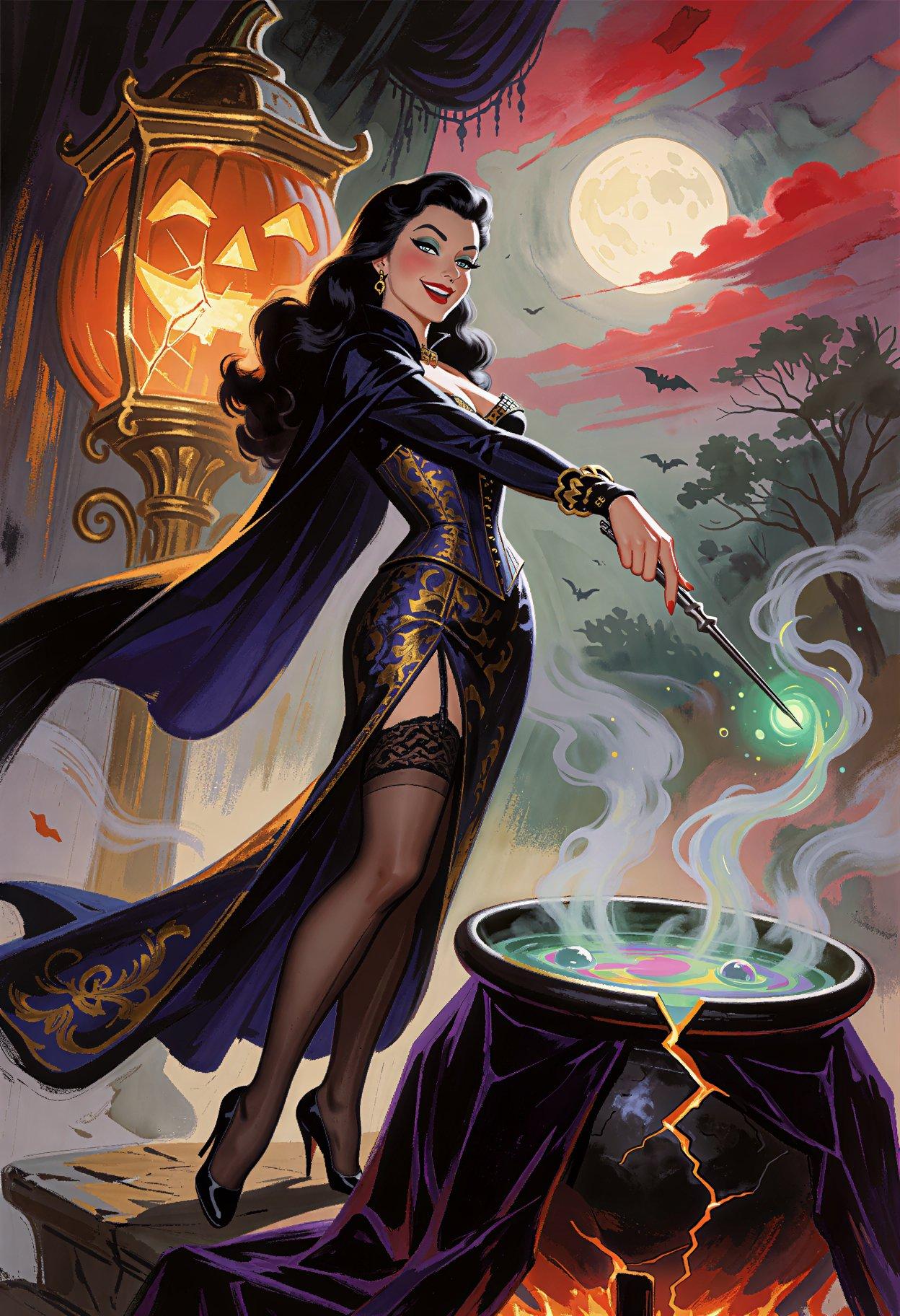
Someone on X mentioned wanting to see more pretty, sexy witches, so I obliged. Then I made more witches. Then I made witches with kittens. Then girls with kittens. Then catgirls with kittens. And then I felt the urge to make a sabre-toothed catgirl, which never quite worked out as planned.
These things just happen sometimes.
384 bits are enough for anyone
Today’s security incidents were brought to you by PHP and the number “4”! What will tomorrow bring? Oh, wait, today also had hacks to node.js and litellm, so perhaps tomorrow will be a good day.
Isekai Goblin Mayor, episode 4
Our Night-Knight Gal deploys her first-rate distractions in a failed attempt to assassinate Our Blue-Balls-Bearing Mayor, and is gullible enough to accept his explanation that they didn’t affect him because he’s just not interested in her species. Someday this lie is going to catch up to him.
He doesn’t take offense at the orders she was trying to carry out, though; if anything, it’s brought them closer together, as well as convinced Our Lusty Grandpa that the benefits of a friendly relationship outweigh the risks. Even with the sudden lore dump explaining why it’s sensible to fear powerful goblins.
Our Mayor also acquires three more haremettes, the Immortal Busty Elf Sisters, two of whom have to be given a good thrashing to remedy their existential despair. Perhaps he can explain to his tailor the proper attire for Dominated Busty Elf Maidens…
Verdict: I think we’ve pretty much filled out the cast for now. In a good way. Bonus points for Karen’s… points; she seemed a bit eager about her cover story.
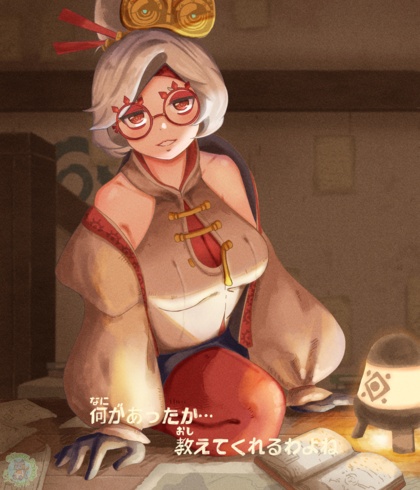
(not Karen, but gets full points; full, firm points)
Flatcat & Sword-Daddy 2, episode 4
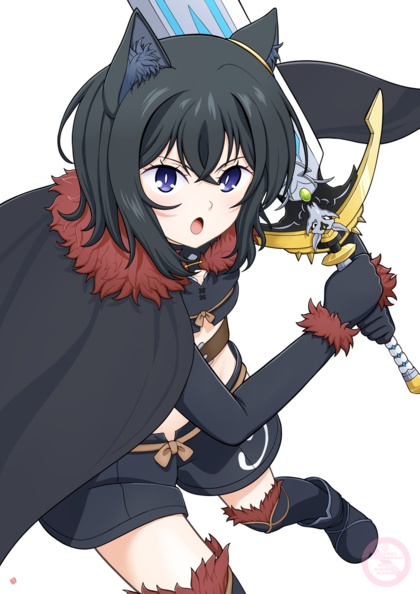
The Big Bad is indeed bad, and Our Heroic Party is fighting way out of their league. Fortunately, they fight smarter and harder, and get the job do… oh, wait, he’s still got a little fight in him for next week.
Verdict: I am not disappointed. The power of cuteness will surely triumph. And I’m not talking about Super Undead Shota Minion.
Rerun’s Special Magic 2, episode 3
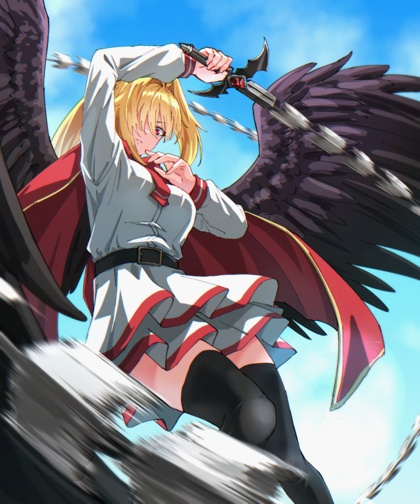
Busty bikini babes bound in chains? I approve. The second half is less visually interesting, but at least we’re introduced to a Busty Saintess.
Verdict: seriously, dude, I know you’re still carrying a torch from the future, but Azest is right there, and you’ve already fixed her. Go get some and let the future save itself!

(definitely not an ice princess!)
End of a busy week
Took Mom to the doctor twice this week (different docs for different reasons), picked up my sister at the airport, ran errands for her, drove her to a wedding, took her back to the airport early this morning, and now it’s time for anime! Tomorrow? Another doctor drive.
Wild Last Boss 2, episode 4
This week, secrets are revealed, many of which contradict Our Dark Heroine’s knowledge of the game (flashbacks forgiven, because memories real and false are a major part of the plot). But it’s not all exposition, as we’re introduced to a brand new character with a big fight scene.
Verdict: keep it up.
Vortex Farce, episode 3
This week, Cranky Gal blasts Our Shota Hero across the landscape, right into the arms of his future wife, Cuddly Gal, who also happens to be the final member of Team Good Guys along with her cleavage-snuggling, saké-guzzling, transforming animal mascot. Overcoming crippling childhood trauma is good bonding for a young couple, so I’m sure they’ll be fine. Meanwhile, Sister Gal is reduced to a one-note save-my-little-brother motivation, while Glasses Gal demonstrates that maybe she’s not as smart as she thinks she is.
Verdict: saved by Cuddly Gal. Mom has some serious competition for Best Girl.

(Pokegirl is unrelated, but waifu-worthy)
(and it’s weird watching this back-to-back with Last Boss, since Lufas and Cranky Gal have the same voice; she may also be back in Flatcat later this season as Nutjob A-Ranker Amanda, besides her small recurring role as Pairin in Apothecary Diaries)
Isekai Kinky Porn Game Cheat Harem, episode 4
Busty Martial Arts Gal is an aficianado of all things long, straight, and hard, at least as far as weapons are considered. Given how well she exposes her lace bras, this obsessive affection may extend to Our Cheating Hero’s equipment eventually. For now, at least, she’s playing the straight-up helpful senpai role.
Once properly equipped, he heads off to acquire Busty Robo Angel Maid Gal, whose initial cool emotionless beauty persona hides a deadpan snarky comic-relief pervert. Expect a lot from her.
Verdict: animation remains surprisingly good, and while it’s not as in-your-face with fan-service as the only serious competition this season, the softcore porn Dark Summoner, it’s fun and playful. And Our Besotted Big Sister gets literally in his face.
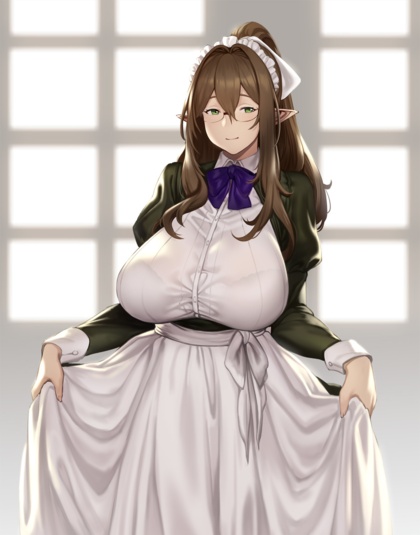
(unrelated titty elf is slightly healthier than most of the female cast in this show)
MP Repo Fairy MP, episode 3
I can’t decide which I want more: for MP to be as helpful as she pretends, or as evil as she appears when he’s not looking. Either way, hints have been dropped that she’s not being entirely honest about everything. She’s not kidding about using his new mana source to become ridiculously OP, at least.
In other news, the end of the episode reveals some bad news: there are two Jackass Parties, and Our Future Samurai Waifu is being abused by the other one. That’s sure to help them bond.
Verdict: not a bad time-killer.
Isekai Space Merc Harem, episode 3
Our Harem Hero Hiro and Our Flat-Broke Flat-Elf are having two completely different conversations, but things work out in the time-honored fashion. Also, Guild Gal is hereby promoted to Provisional Best Girl.
Sadly, while Our Haremettes take a nice shower together, the one upgrade they did not buy with their loot was a de-steamer, so we get only the vaguest outlines. We got to see more of Shortstack Gal in the opening scene (“buy the Bluray!”). Seriously, they actually do camera pans from waist to head where the screen starts out completely covered in steam. And when the misunderstanding is resolved and he bangs her anyway, it turns out they installed targeted steam sprayers in the bedroom. Sigh.
Verdict: I kinda wish he’d taken Guild Gal up on her offer to join the crew…

Isekai Solo Worshipper, episode 2
Speaking of Guild Gals, this one is cute, and an affectionate drunk once you’ve proven yourself. The big deal is that we quickly find out the secret Our Desperate Goddess was hoping to conceal for a while longer, accompanied by a quick lore drop. After a bit of pathetic groveling, Our Gaming Hero lets her off the hook and continues as her follower, and we get to see that she really does have nothing better to do than to watch over him full-time and backseat-drive his adventuring career.
She can’t interfere directly even if he gets in over his head, though, so she’s forced to watch as he impulsively attacks a Really Big CGI Ogre in order to rescue a Cute Redheaded Elf Gal. We’ll be seeing a lot more of her.
Related, Our Hero’s voice actor seems to be auditioning to be the next Universal Boy Hero. Honestly, I thought it was Bell Cranel at first, running around with a dagger killing bunnies; he sounds pretty much identical.
Verdict: scolding your personal goddess like a fibbing little sister makes for an interesting dynamic.

(personal goddess is unrelated…)
Ergo Ergot
The Apothecary Diaries 3.1, episode 3
It’s Maomao Medical Mystery Time again, boys and girls! Meanwhile, Jinshi is dealing with another facet of the same puzzle, and they haven’t (yet) gotten together to compare notes. How she resolves the human side of the mystery is by offering-but-not-recommending that two girls sell themselves to the brothel, which is sure to offend someone.

Kicked Out Into An Internet Café, episode 2
First guy she meets is a city guard, and he says he used to be an adventurer like her, until he took an arrow in the knee. Sigh. The city he’s guarding? “E-phone”. Subtle, this ain’t. By the way, Our Networked Heroine’s name? “Loner Hermit”.
Sadly, while this toe-dip into the shallows of the meta could be amusing, Our Second Cute Gal explodes into over-the-top shouty action the moment she steps on screen, and never stops. I couldn’t finish the episode.

Not particularly exciting, Facebook…
I will not be participating:
Meta worked with Apple to bring Muse Spark Open to the Mac, and the model can run on a desktop setup with two 512GB Apple M5 Ultra Mac Studios running the latest MLX framework.
(never mind that the hardware isn’t even on the market yet…)
Microsoft discovers performance
Windows 11 will soon work on supported computers. Which is nice, since they force-upgraded millions of them.

Adobe sped up their software, too, but only for RTX Spark.
Flat is justice…
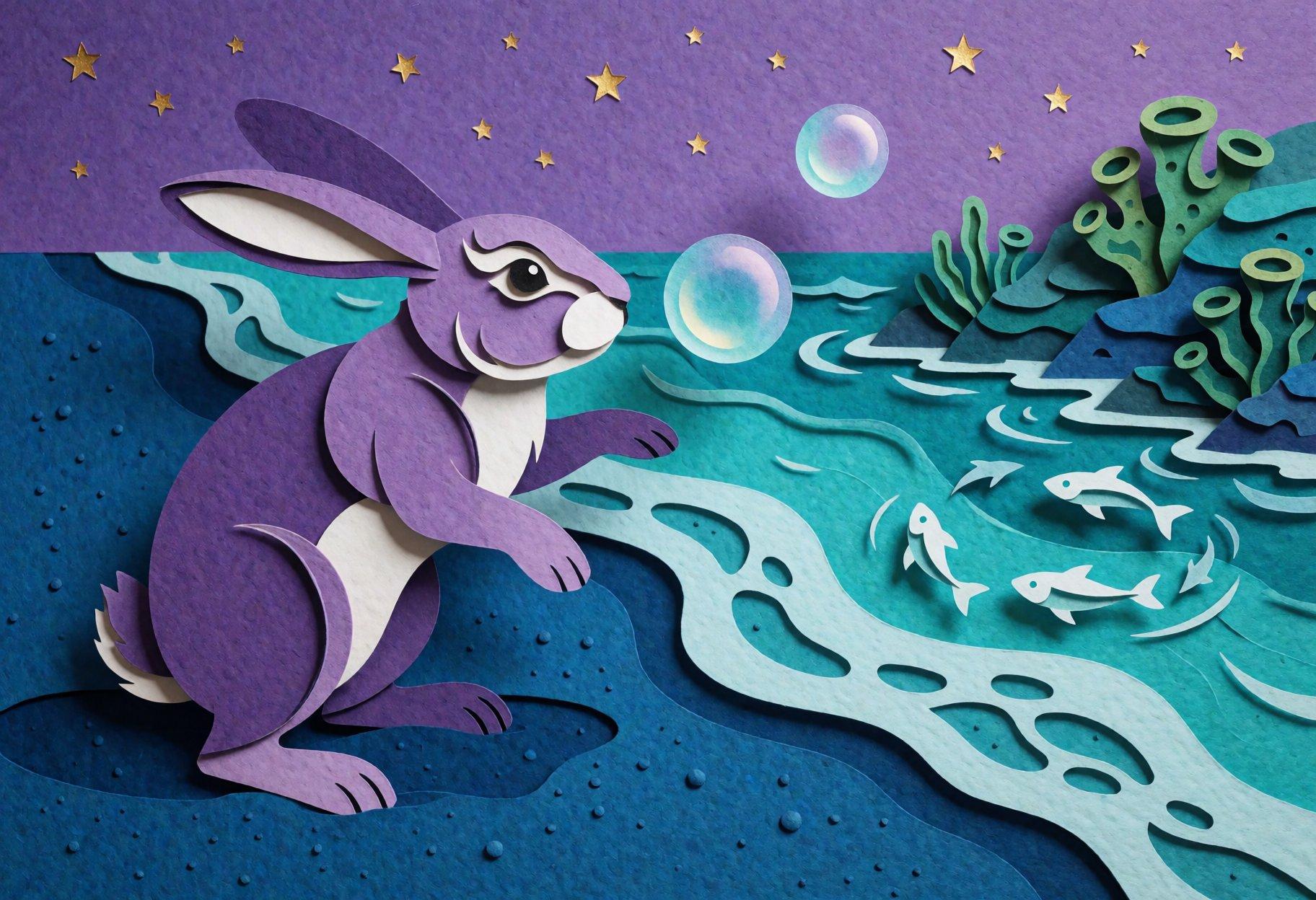
I often use Juan’s large archive of LLM-generated artist styles, which I’ve sliced up into various genres, and I’ve generated a few of my own, both for specific artists as well as more general themes (I’m quite fond of the “classic teen adventure novel cover” style), but I decided to try something a little different:
Create a list of 100 distinct image-generation prompts describing unique artistic styles, starting with the basic medium (photograph, painting, illustration, mosaic, drawing, sketch, print, collage, woodcut, lithograph, carving, relief, textile, tapestry, quilt, etc) and then adding detailed descriptions of how the style is executed. Do not use names of real people or places. Do not include image content or composition, just the style. Do not include unrelated details. Describe only the visible elements of each style in concrete terms, as a self-contained paragraph of 50 to 75 words. Do not number the list or include any text formatting. Do not worry about output length or truncated results; longer results are better than shorter ones.
I ran this a few times against Qwen 3.8 Flash Next running under Strata on my big gaming machine, used the output to generate a bunch of images, and then weeded them down to the ones that had at least a little styling to them. The one that I thought had the most potential was a cut-paper style, so I fed that into an uncensored/abliterated version of Gemma 4 12B, using the structured prompt-enhancement system prompt I’ve taken to calling The New Juan Order. (yes, he’s quite prolific in this area, and fun to tease a bit)
The downside of letting an LLM rewrite the prompt is that sometimes it drops certain elements, like “cut-paper style” or, say, “college-age woman”. Fortunately, I didn’t request any nudity, so the occasional minor was only a minor issue.
I mostly just deleted the ones where it applied the style only to the background and made the human figures photorealistic, but sometimes the style mix worked.
Mid-week madness
Kicked Out Of My Family, I Was Reborn As An Internet Café
I was stuck in the waiting room while my mother was at a doctor appointment (TL/DR: my car is easier for her to get in and out of), so I watched the first episode of The Strongest Witch. Our Heroine is like the love child of Maple and Sarasa Feed, but with more shouting. Her world is explicitly a retro game according to the strategy guides delivered by her Internet power, but she’s a local, and effectively the only one able to get meta.
Despite the shouting, it was watchable enough for me to finish the episode. Not sure yet if I’ll watch another, because the trailers promise the other cute gals are even shoutier. Maybe during Mom’s other appointment this week…

(Best Lizard Gal is unrelated)
Flatcat & Sword-Daddy 2, episode 3
You know things are getting serious when you need to have your limbs reattached in the middle of the fight. I wish they’d managed to work in the victory conditions more organically rather than slipping in a pair of flashbacks, but at least they were quick, and didn’t completely disrupt the tension. To no surprise, Team Good Guys wins this one, but it was just the grudge match against the knight who knocked them out of the sky. Next week, we get the real boss fight.
Verdict: Fran is justice.
Rerun’s Special Magic 2, episode 2
In Quest World, Our Incomplete Hero Party faces a crippling refugee crisis, with only three days to come up with a solution. Do they solve it? Nah, it’s time for Deus Ex Tsuntail! Voiceover Gal advances the quest, and now we speedrun the root-cause analysis and montage a noble revolution. The big news is that we actually get to see Voiceover Gal at the end, before we… end up back at school.
Verdict: meh.
Artistic Process-y
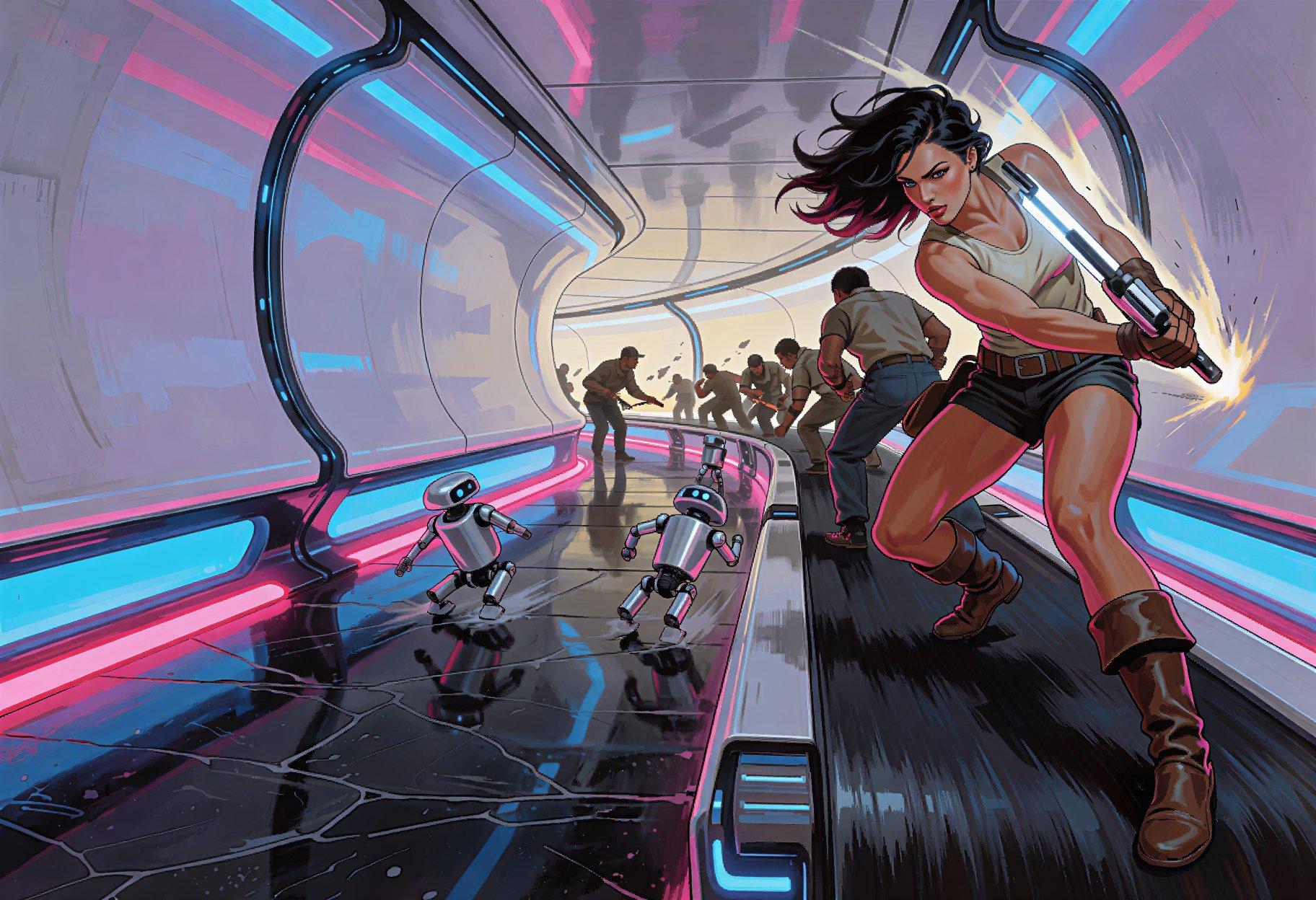
One way that fan-artists show that they really drew the picture rather than cheated with GenAI is by showing the incremental process. So I thought I’d see how much work it was to fake it. 😁
First, the “finished work”, created with Krea 2 Turbo and the Prompt
Expander extension, using Juan’s latest structured sysprompt to drive
gemma4_12b_it_uncensored_heretic_int8_convrot:
STYLE: <wildcard:style-adam-hughes-pinup>
SEED: Action combat scene. <wildcard:settings-sf>
GUIDANCE: <wildcard:effect-uncenter> The subject must be placed
sensibly in the setting, interacting with visible elements in a
dynamic pose. The style must be applied consistently for both subject
and setting.
Then we switch to Qwen Image 2.1 for the editing…
Goddess therapy
(Mimi and Chloe are hereby promoted to Honorary Goddesses, or at least Best Girls)
Isekai Space Merc Harem, episode 2
What do you do after rescuing a lost kitten? You feed her, bathe her, take her home, and let your Friendly Neighborhood Flat-Elf talk her into giving it up for you. To his credit, Our Harem Hero Hiro at least tries to talk her out of it, but doesn’t put up a fight when she ups the ante; he goes all-in. He also treats her well after, ensuring that she gains useful career skills other than “bouncy bedmate”. The only downside is that her shower scene is 99% steam (“buy the Bluray!”). Bonus points for giving us a proper Guild Gal equipped with red underrim glasses.
The rest of the episode is the promised assault on the pirate base, with Flat-Elf set up to fail, crashing her ship into the flagship and wiping out any potential profits with debt. At the end, we find her sitting in an alley, drinking heavily. What Could Possibly Go Wrong?
Verdict: please upgrade the ship to have less steam power.
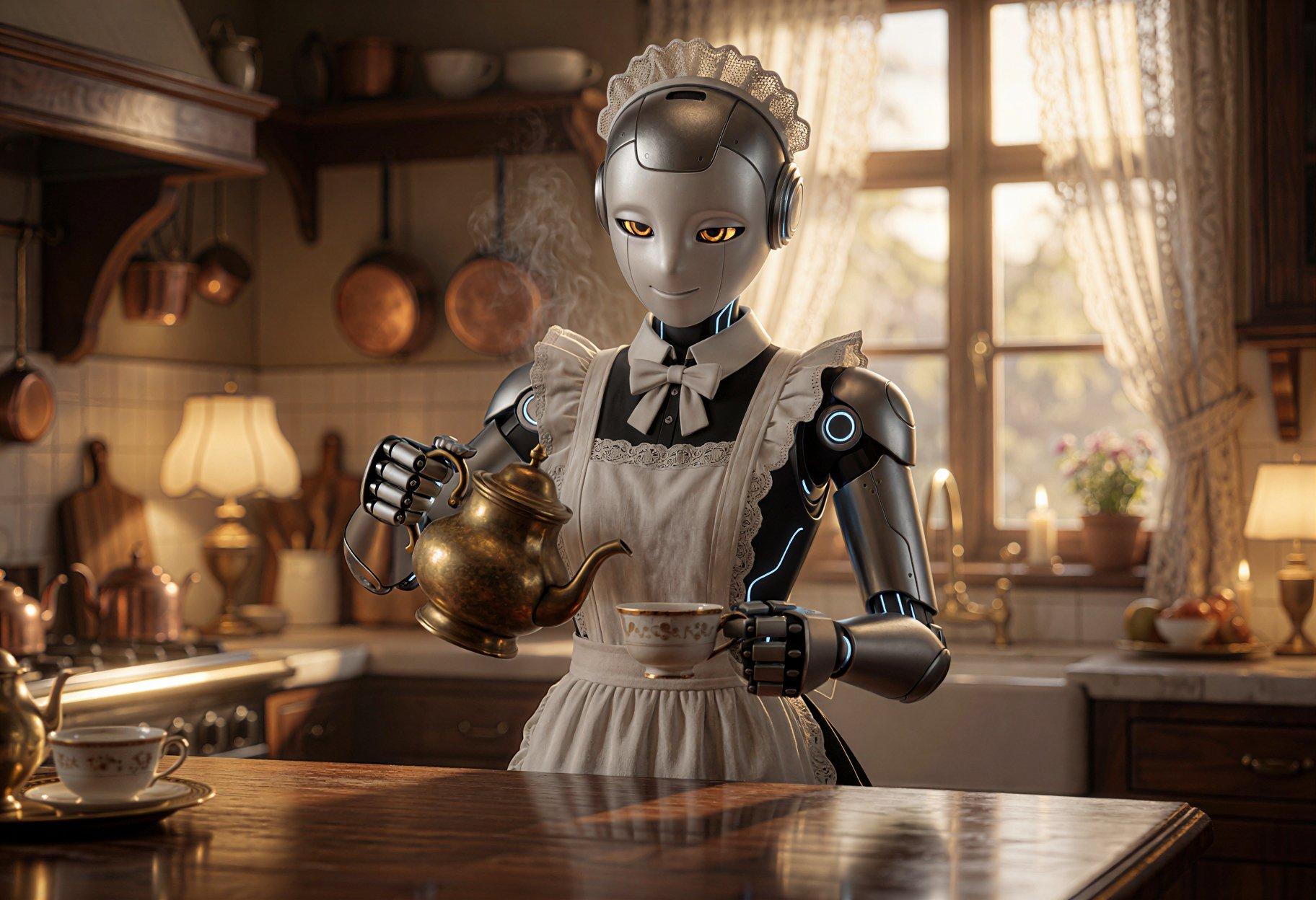
(Our Hero’s Busty All-Works Maid likely won’t arrive until about 2/3 of the way through the season)
Isekai Solo Worshipper, episode 1
Our Hapless Hero is reincarnated along with most of the rest of his class, and while all the others got premium stats and powerful unique skills, he got the shaft, stuck training with children for a year in basic magic, so pathetic that kids half his age give him advice when he leaves. Once he finally sets out on his own, he manages to beat a small group of monsters, and is rewarded in his dreams by a visit from a cool, beautiful goddess who offers him the chance to become her worshipper.
And then reveals just how desperate she is for someone to agree to worship her. Seems she’s had a bit of a dry spell for the past thousand years, and has exactly zero followers. After a bit of pathetic negotiation, they seal the deal and she gives him tangible proof of their new connection, upgrading the crude knife he got from a goblin into something much cooler.
Verdict: the premise mix-and-matches a number of tropes, and yes, that includes harems.

Isekai Goblin Mayor, episode 3
This is one of those episodes that feels like it’s at least double-length due to everything that happens, but isn’t. It isn’t just exposition, either; events advance both plot and relationships.
Verdict: good stuff.
(not a goblin, but at least the right color)
