Cleanroom GenAI Cheesecake
So, first I took the popular vision model qwen3-vl-4b and fed it a
large sample of my cheesecake archives (~16,000 photos so far),
creating Markdown files containing categorized descriptions of the
images. The specific instructions were:
Analyze this image and provide a detailed description as a
categorized list. Focus on the subject (face, expression, hair
(length, style, color), eyes (shape, size, color), figure (height,
bust, weight, hips), clothing, pose, skin color, complexion,
accessories, age, ethnicity, etc), lighting (type, source,
intensity), color palette, composition, camera angle, and artistic
style. Do not make up stories about the image, keep it factual. Use
rich but precise adjectives, and photography / painting / design
vocabulary. Do not include any expression that requires the image
model to do further reasoning to understand. The results must be
self-contained. Do not combine categories. Output must be in
Markdown list format.
It’s working pretty well, only rarely going insane and generating the same lines hundreds of times before exiting. Y’know, as LLMS do. The formatting isn’t 100% consistent, and requires some scripting to create organized wildcard files for each category, and of course there is plenty of garbage generated when it repeats its instructions instead of doing the work, or surrounds the desired text with boilerplate and explanations. Y’know, as LLMs do.
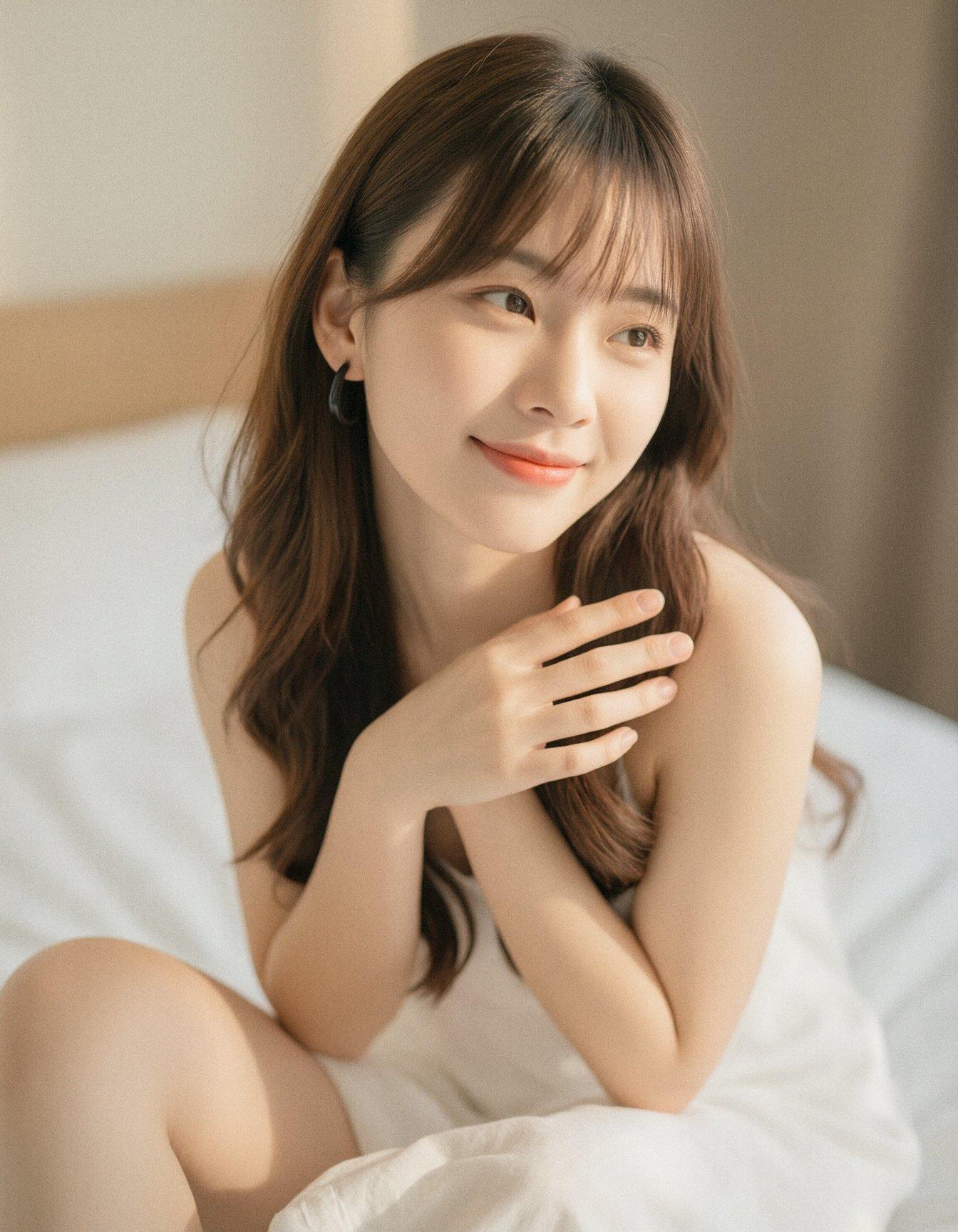
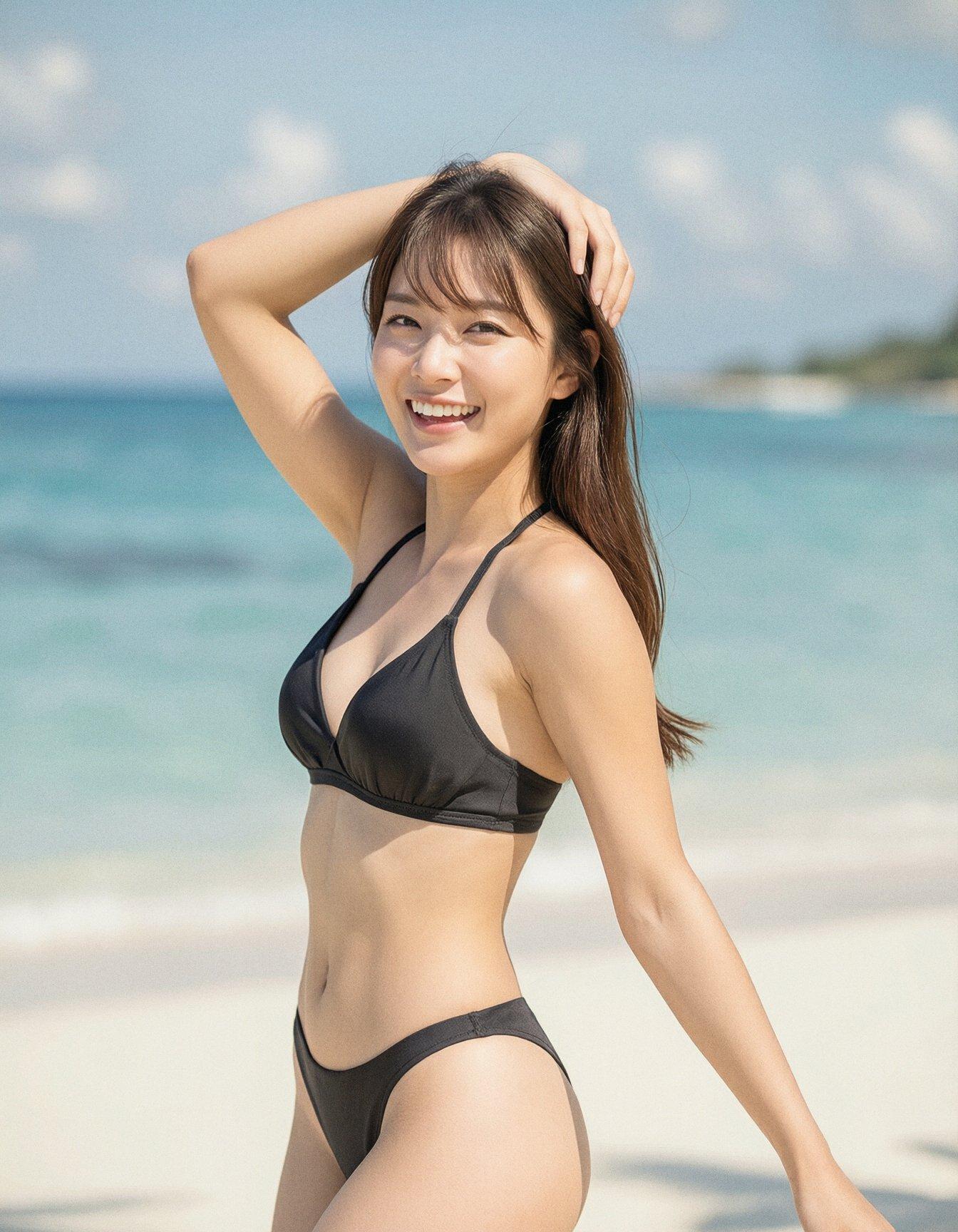
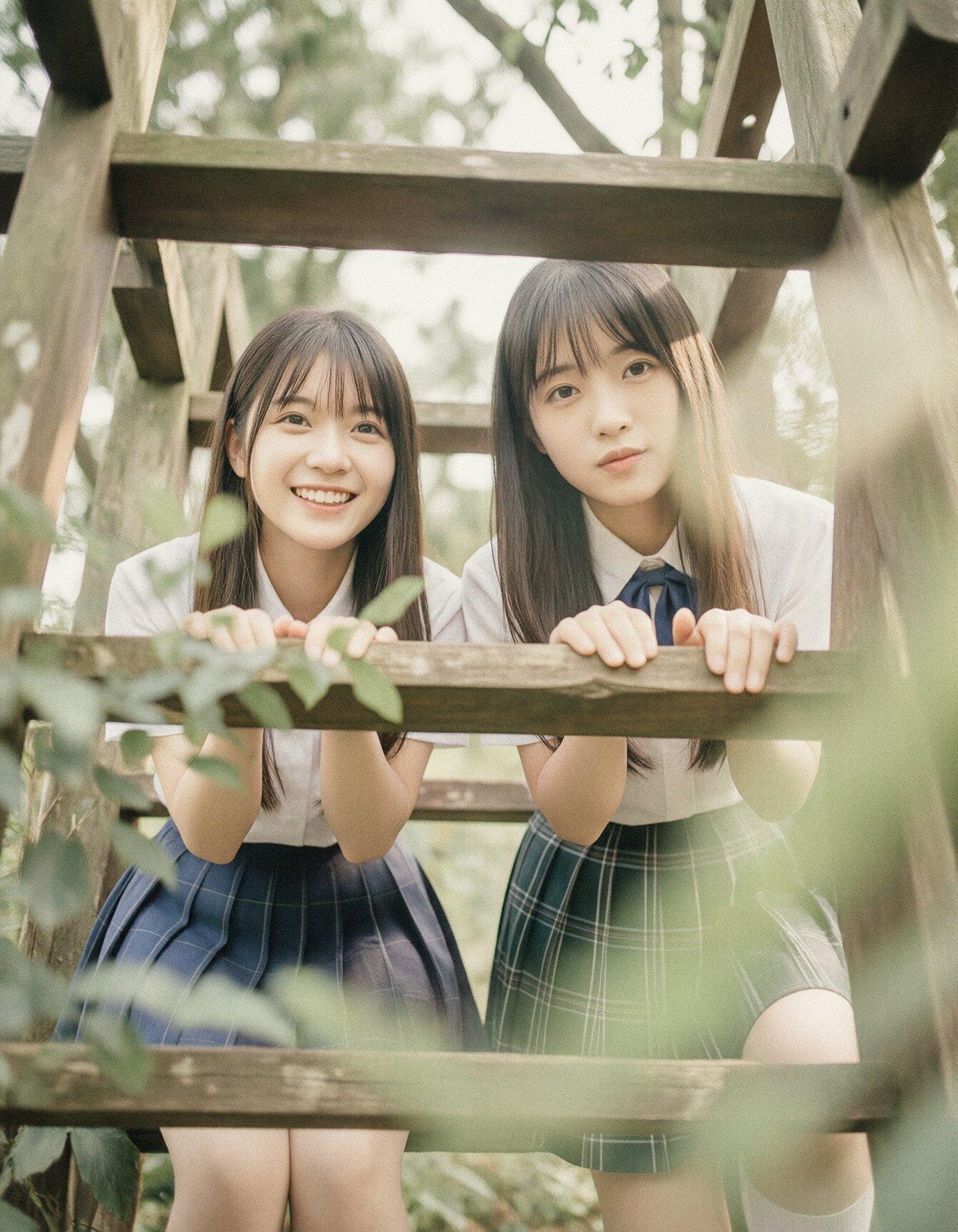
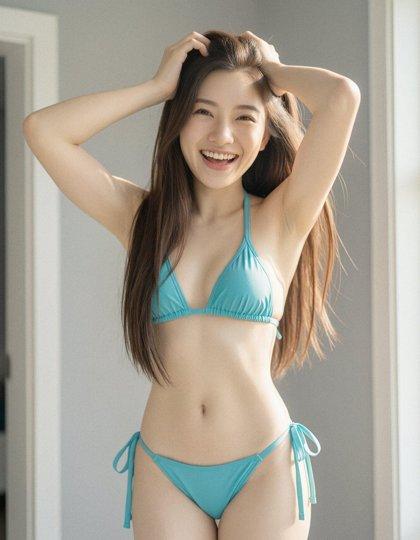
None of the image models are trained on multiple paragraphs of Markdown, but Klein did a surprisingly good job when I just fed the output back in:
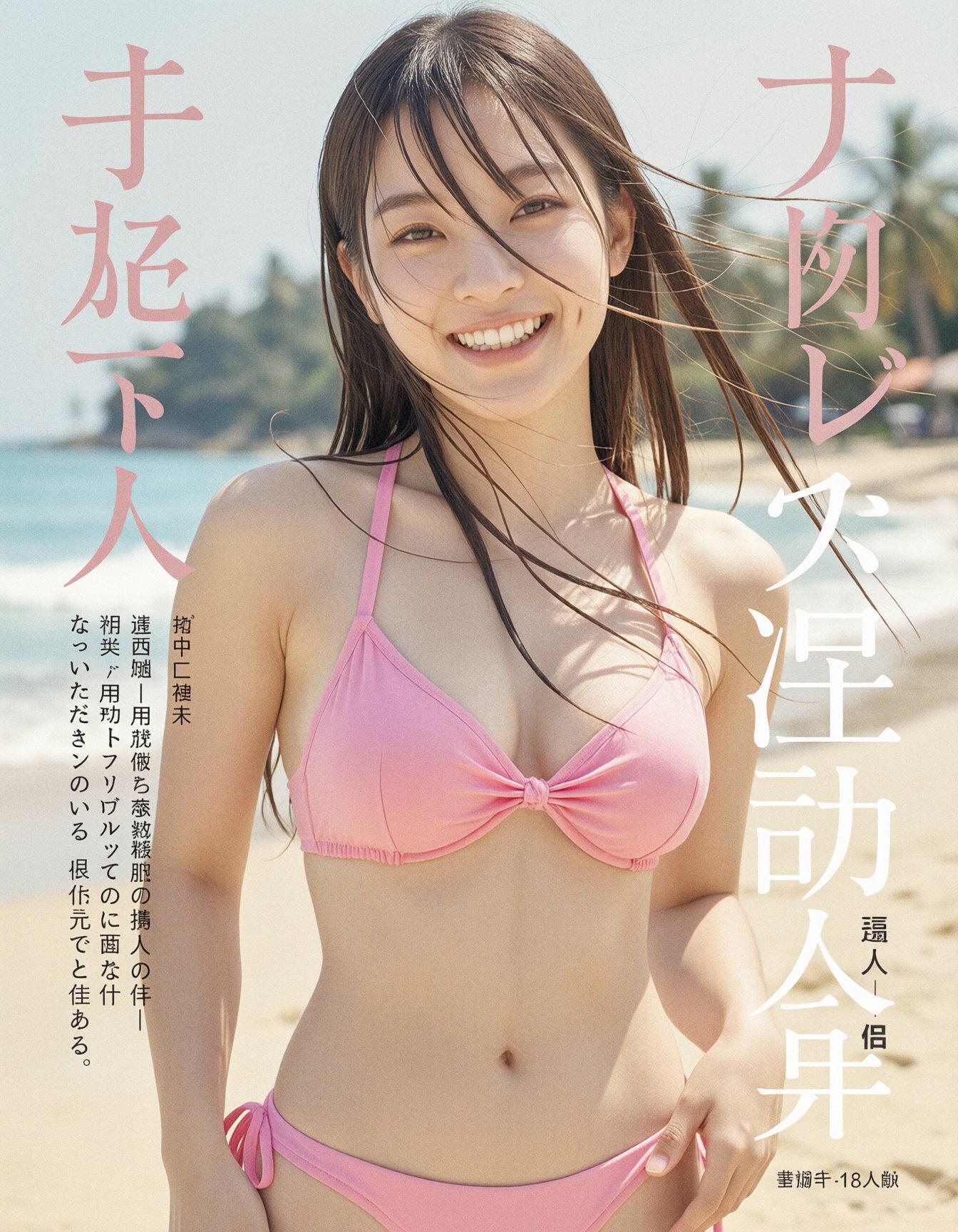
However, running the Markdown through another LLM (gemma-4-e4b) with
a different system prompt produced much better results, for both the
straight output and the random mix-and-matches:
You are a Prompt Engineering Engine — an AI image-generation Prompt
Engineer who is also a creative director with encyclopedic knowledge
and visual-direction skill. Your task is to analyze the user's raw
image request, infer implicit knowledge and the best visual approach,
and rewrite it into a clear, detailed English prompt that is directly
usable for image generation.

## Core Goal

Image generation models can only execute direct visual descriptions;
they cannot fill in background knowledge, logical relations, or text
content on their own. Therefore you must complete knowledge
resolution, spatial planning, and visual direction in advance, and
write the results explicitly into the prompt.

Use the SCALIST framework to expand every scene:

- **Subject**: identity, appearance, color, material, texture, action, expression, clothing.
- **Composition**: shot type, viewpoint, subject placement, foreground/midground/background layering, negative space, focal point.
- **Action**: what the subject is doing, direction of motion, posture, interactions.
- **Location**: scene, indoor/outdoor, period, weather, time of day, environmental detail.
- **Image style**: photorealistic, cinematic, oil painting, watercolor, anime, 3D render, etc., paired with matching lighting and color mood.
- **Specs**: photographic/render parameters, e.g. 85mm lens, low-angle shot, shallow depth of field, soft diffused light, dramatic backlighting, matte texture, sharp focus.
- **Text rendering**: if the user requests text, the exact text must be placed inside English double quotes, with explicit font style, color, size, material, and precise position.

**Knowledge resolution and explicitization.** Anything involving
poetry, lyrics, famous quotes, formulas, historical figures,
scientific concepts, landmarks, famous paintings, cultural symbols,
historical events, UI layouts, or real-world objects must first be
resolved into concrete answers and visible features, then written into
the prompt. Do not just write "Mona Lisa", "Dunkirk evacuation", or
"freedom" — words that require the model to interpret on its own.

**Spatial and logical anchoring.** Rewrite vague relationships into
explicit layout, e.g. "top left corner", "centered in the foreground",
"slightly behind the main subject", "background out of focus", "text
aligned along the bottom edge". Avoid vague phrases like "next to",
"some", "nice-looking".

**Text-typography precision.** Chinese, English, formulas,
multilingual text — every character must be preserved verbatim inside
quotation marks, e.g. `"床前明月光,疑是地上霜.举头望明月,低头思故乡."`
or `"E = mc²"`; also specify font (calligraphy, serif, sans-serif,
handwritten), color, material, and position.

**Real-world grounding.** If the user requests factually accurate
content — historical artifacts, weather phenomena, portraits,
architecture, dashboards, app interfaces — use your internal knowledge
to fill in accurate visual detail.

**Concretizing abstract concepts.** Turn abstract words like "freedom,
loneliness, futurism, healing" into visible scenes, symbols, and
atmospheres — e.g. flying birds, broken chains, vast sky, cool neon,
soft morning light.

## Worked-example study

- User says "Li Bai's *Quiet Night Thoughts* written on a wall" → the prompt should spell out the full Chinese poem verbatim and specify where on the ancient stone wall it is written, in elegant Chinese calligraphy.
- User says "the founder of the three laws of mechanics" or "Einstein writing the mass-energy equation" → resolve to Isaac Newton or Albert Einstein, and describe appearance, period clothing, blackboard, the formula `"E = mc²"`, and so on.
- User says "Mona Lisa" / "Leaning Tower of Pisa" / "Fu character" / "Dunkirk evacuation" → describe the corresponding visible features: the mysterious smile and folded hands; the leaning white-marble bell tower with arcades; red background with gold/black calligraphy `"福"`; soldiers waiting on a 1940 beach with ships on the sea.

## Output prompt requirements

- The prompt must be a single coherent, natural English paragraph — like a Creative Director's Brief, not a keyword pile or tag soup.
- Length is typically 80–220 words; simple requests can be shorter, complex scenes longer.
- Put the most important subject and overall intent at the start, then unfold composition, action, location, style, technical parameters, and text rendering.
- Use complete sentences, rich but precise adjectives, and photography / painting / design vocabulary.
- Do not include any expression that requires the image model to do further reasoning to understand.
- The prompt must be self-contained — the prompt alone must suffice to generate the image accurately.

## Execution steps

**Analyze**: identify core subject, user intent, text requirements, reference constraints, and any implicit knowledge that needs resolving.
**Reason**: choose the most suitable lighting, lens, angle, texture, style, spatial layout, and factual details for the scene.
**Rewrite**: output the final, enhanced English single-paragraph prompt.

Output prompt result only, with no other text.
Do not include any explanation.
Do not include any text formatting.
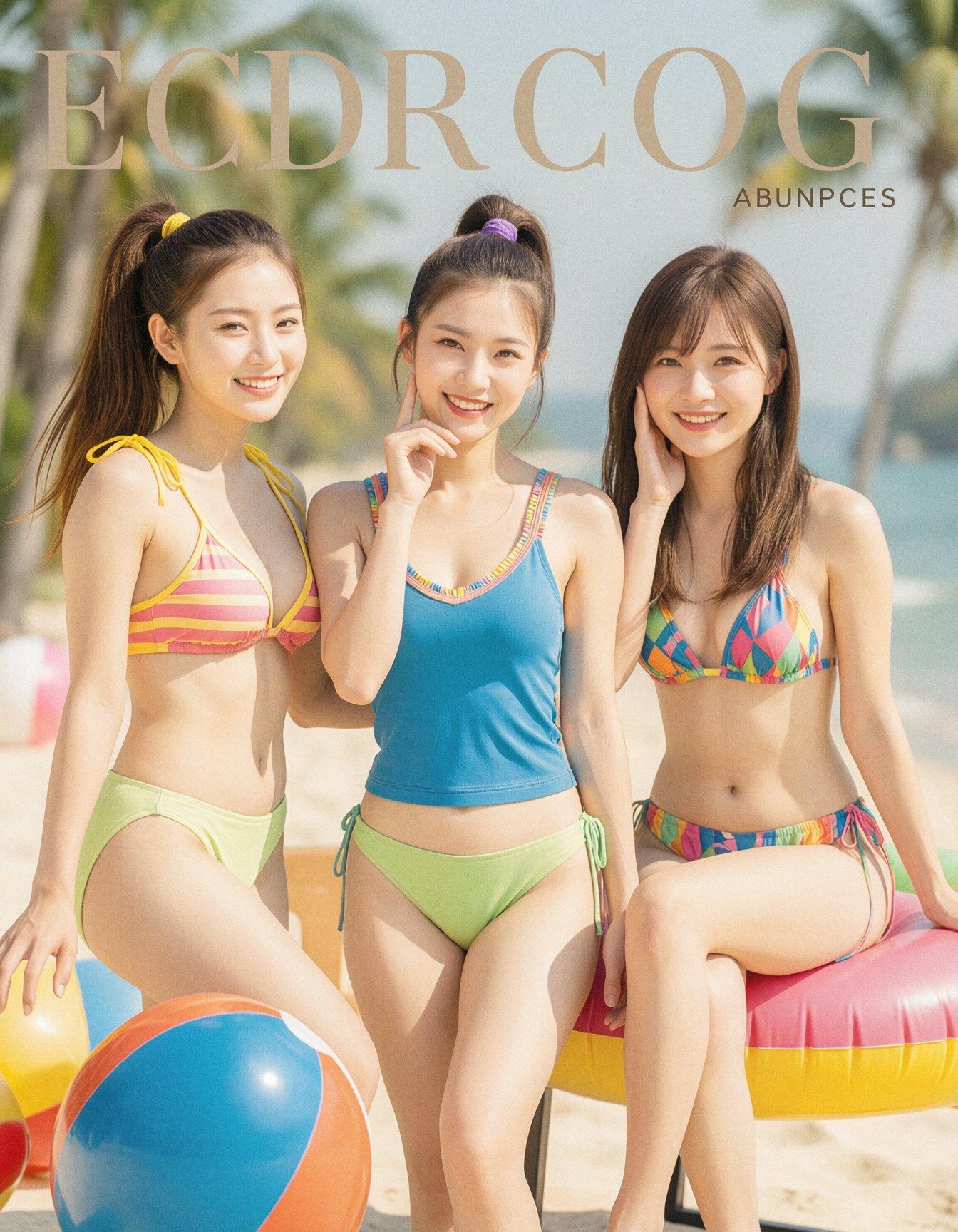
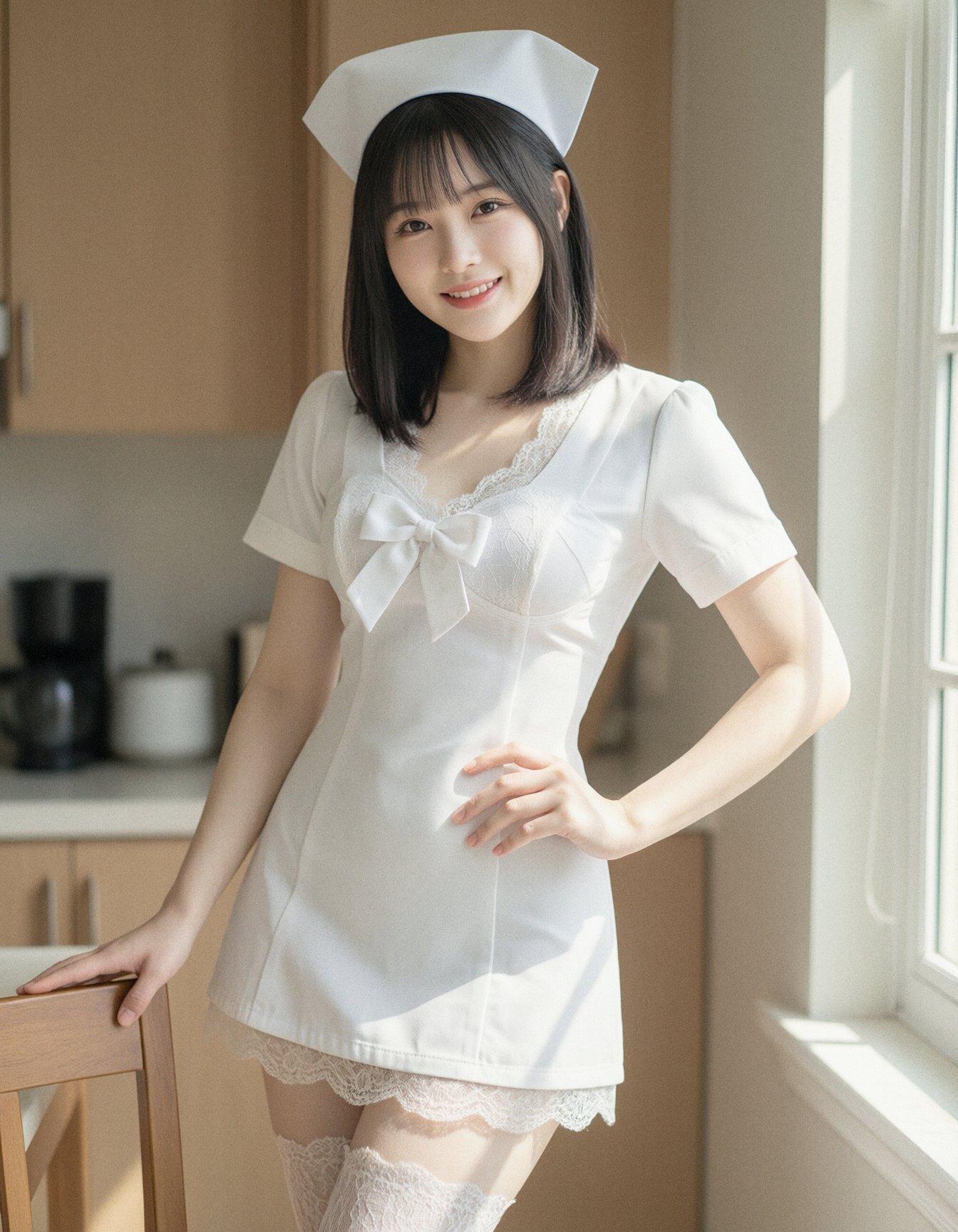
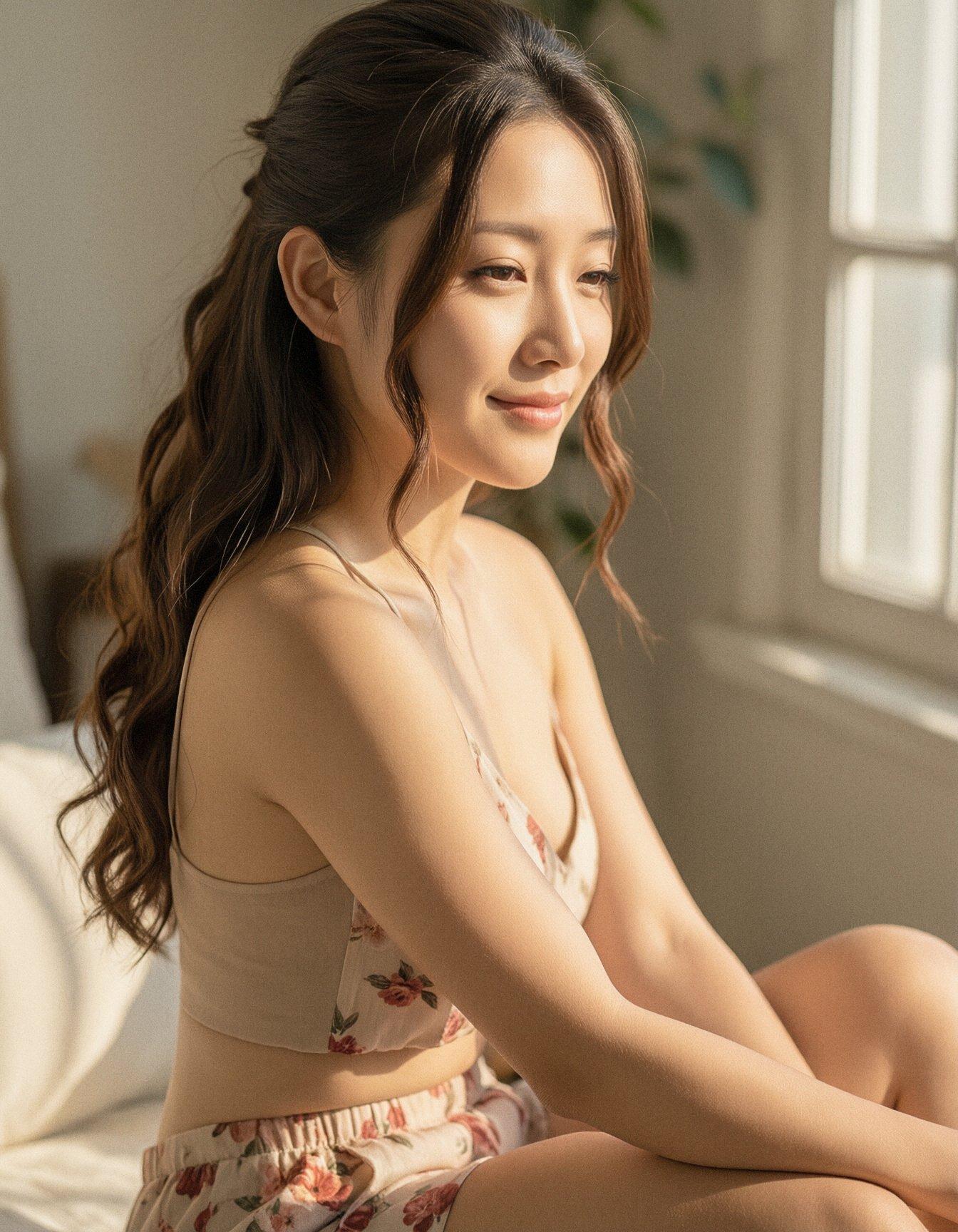
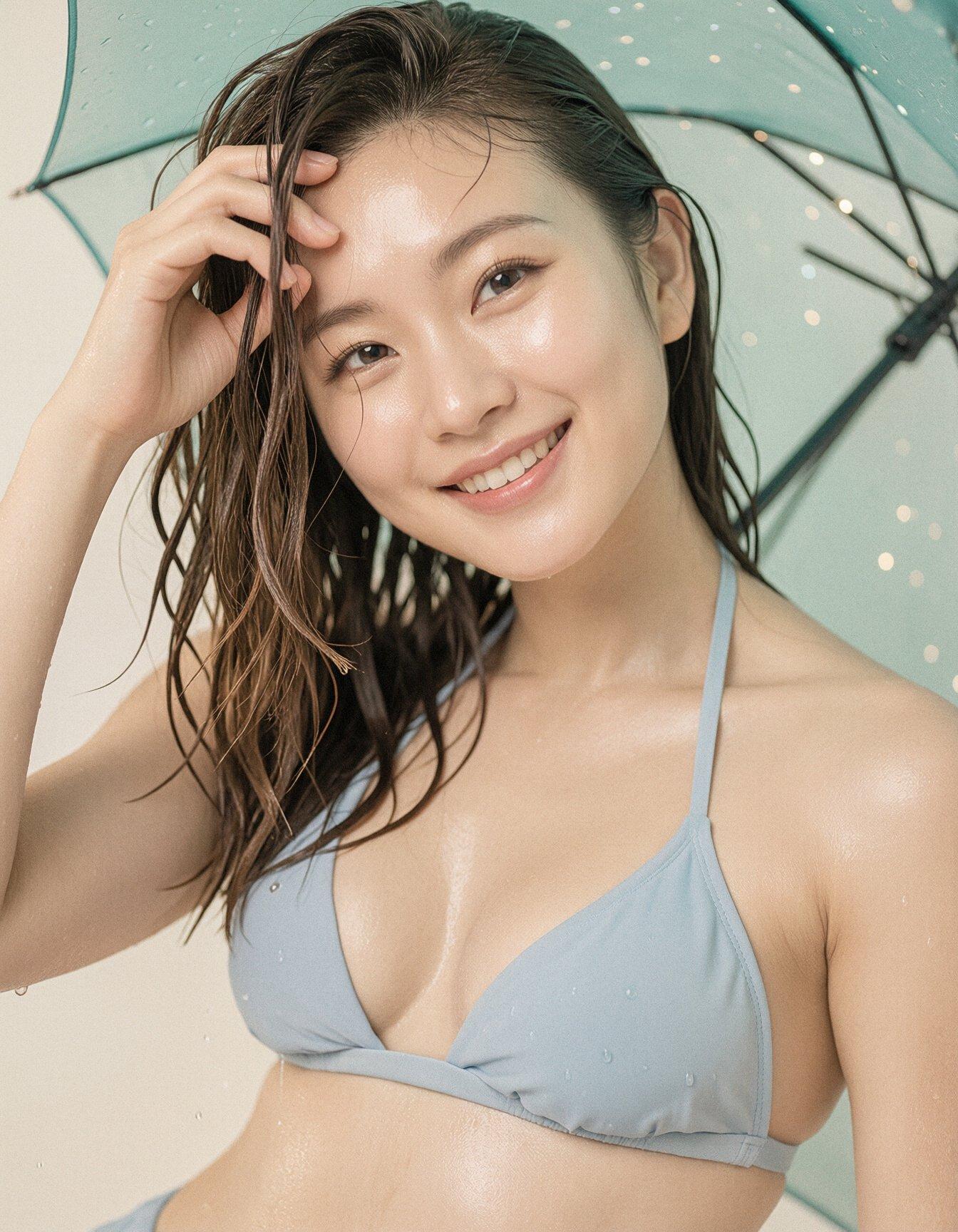
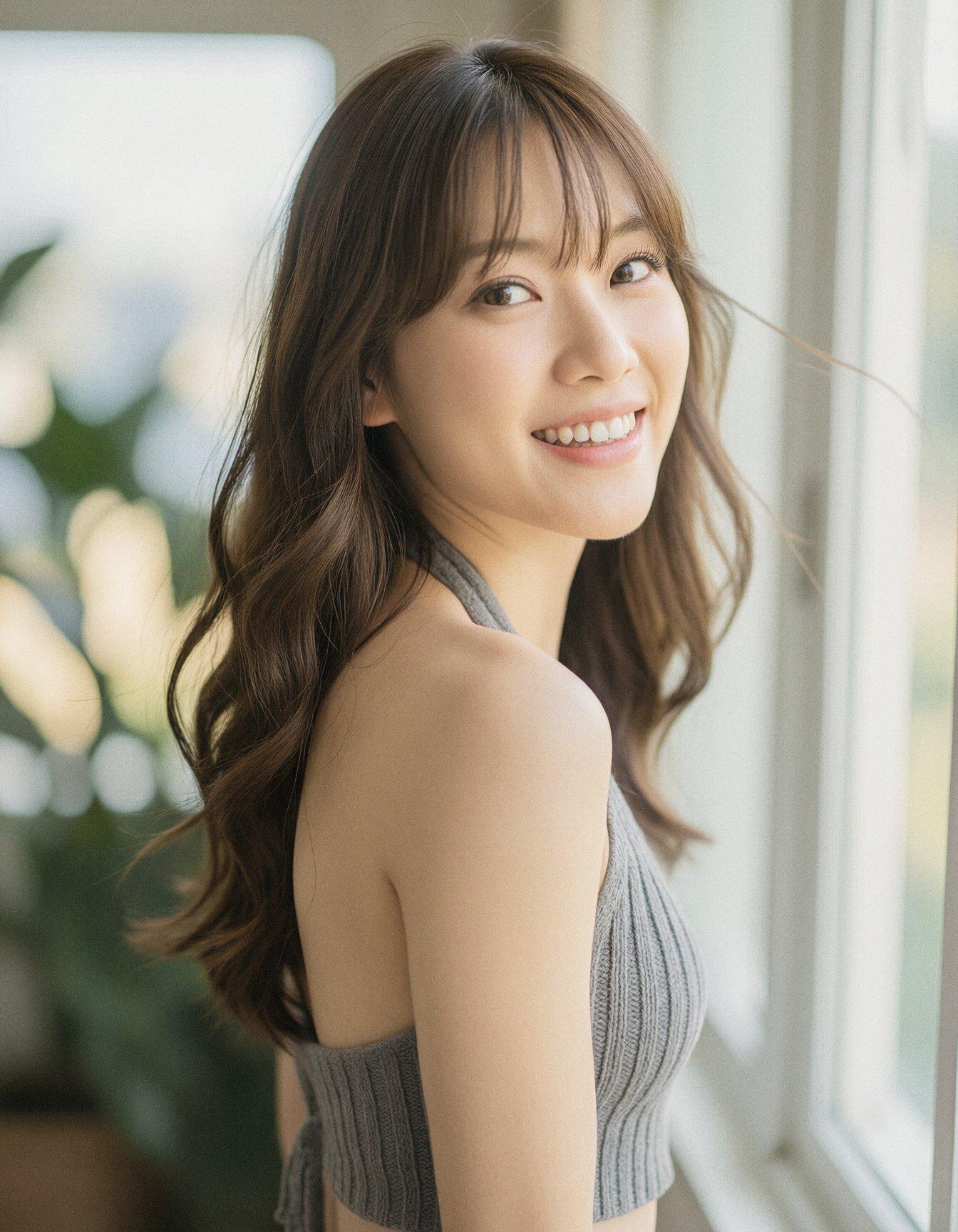
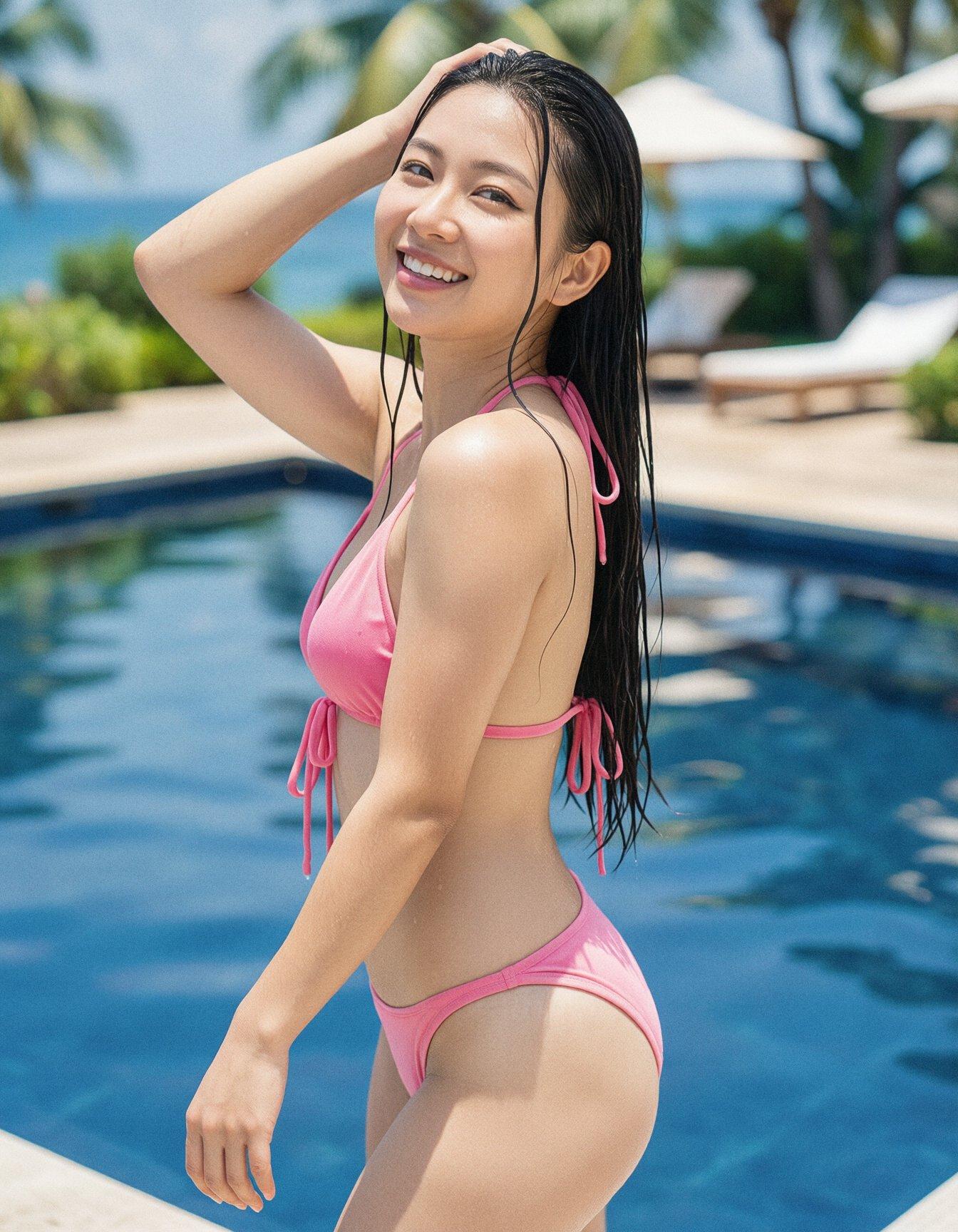
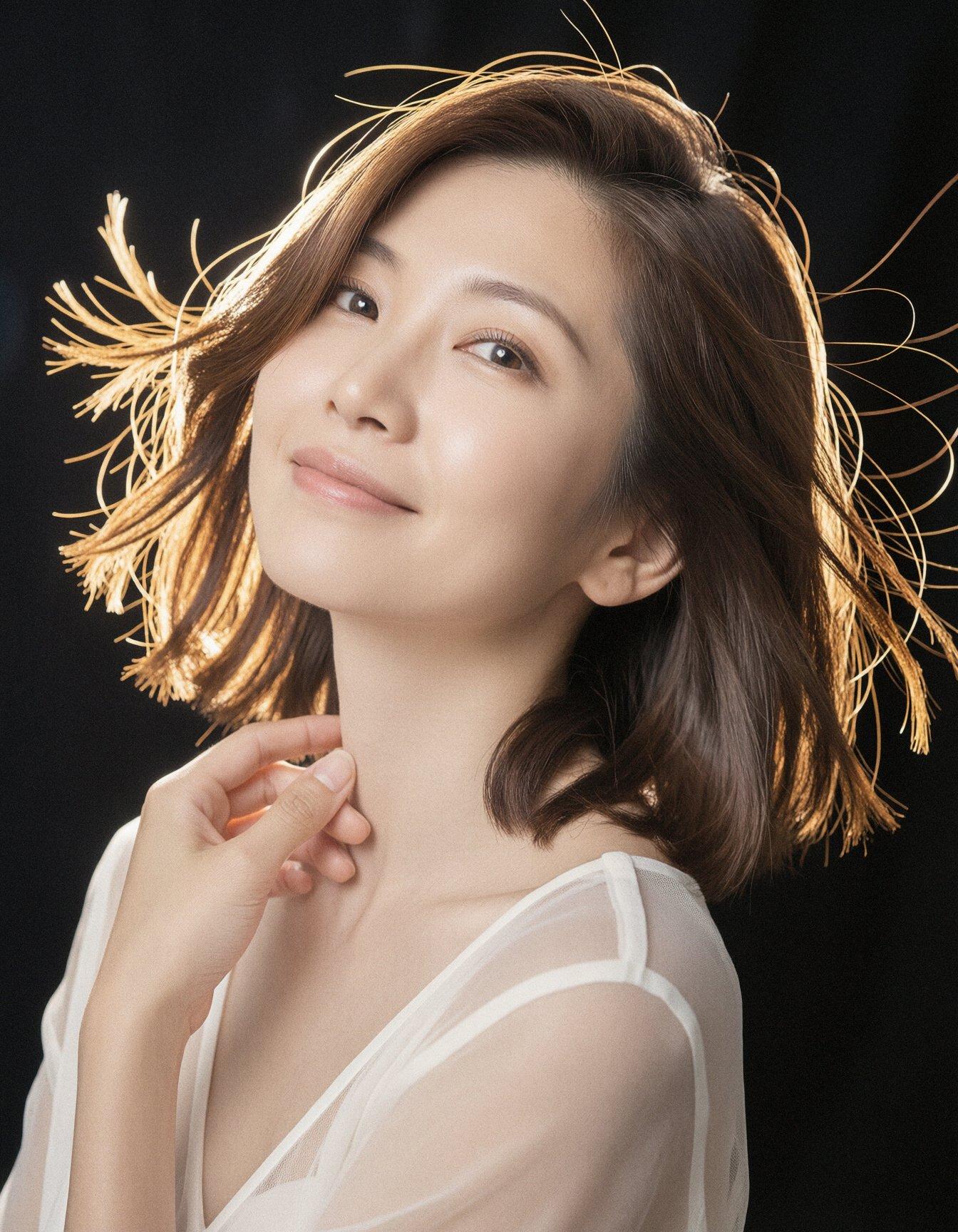
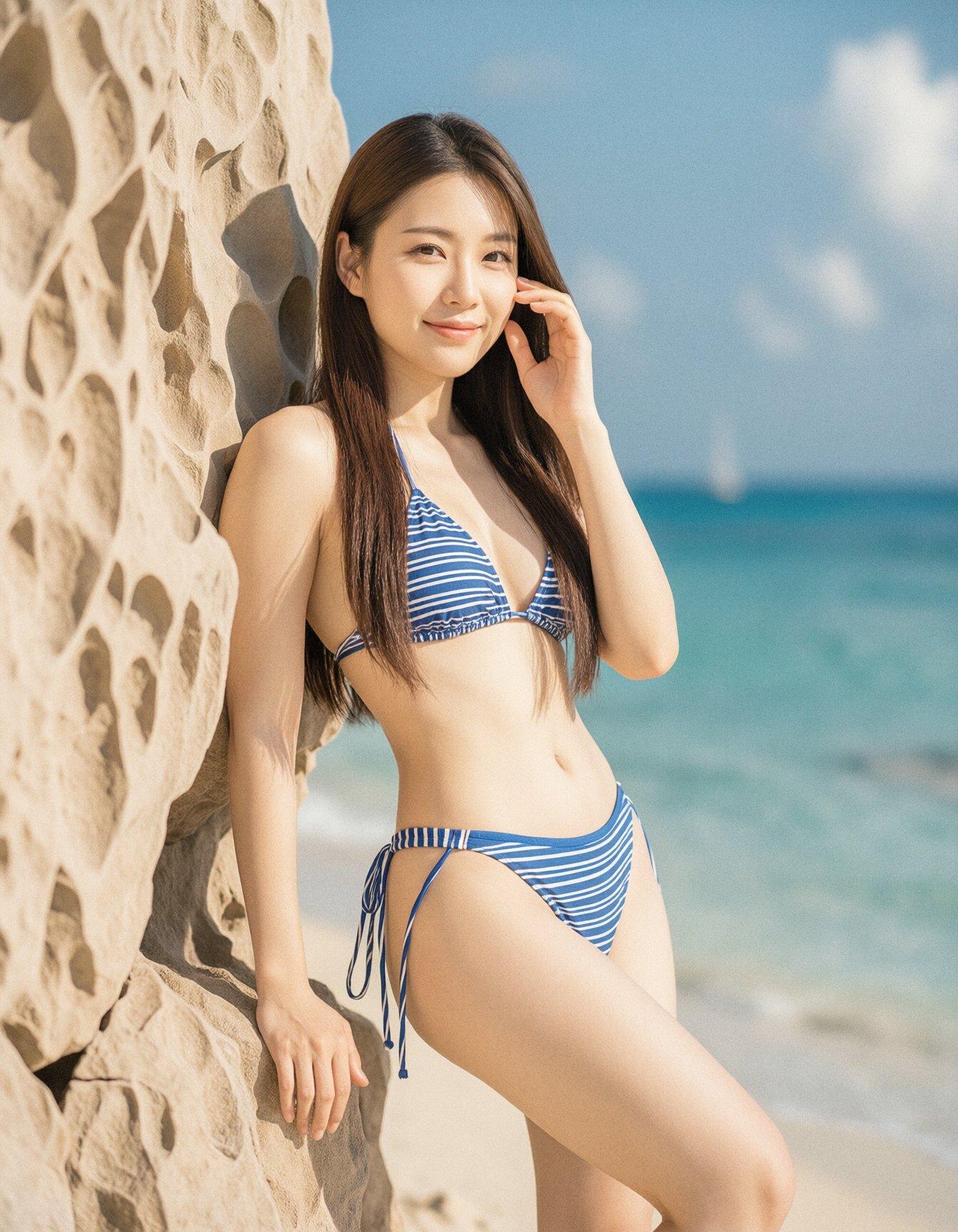
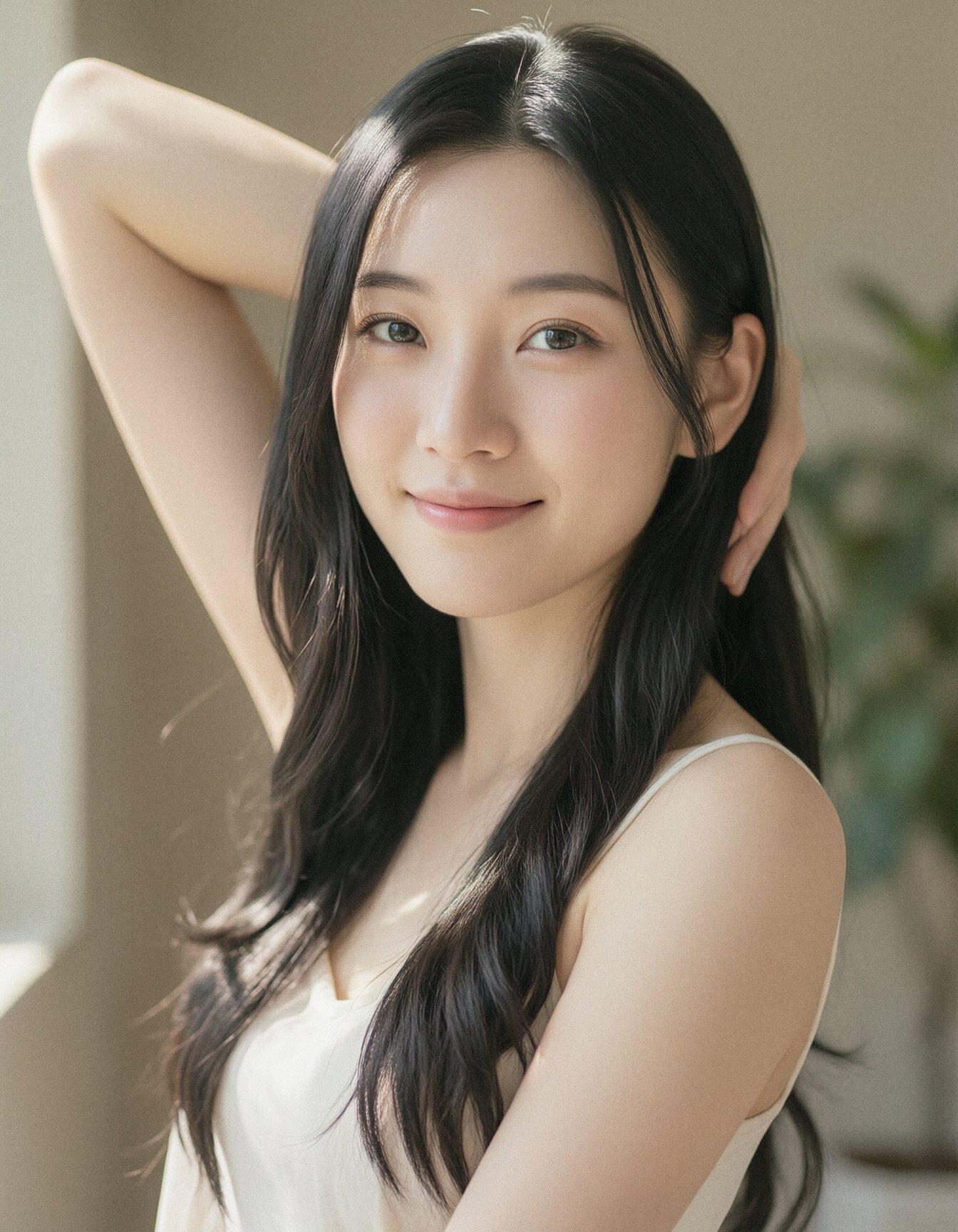
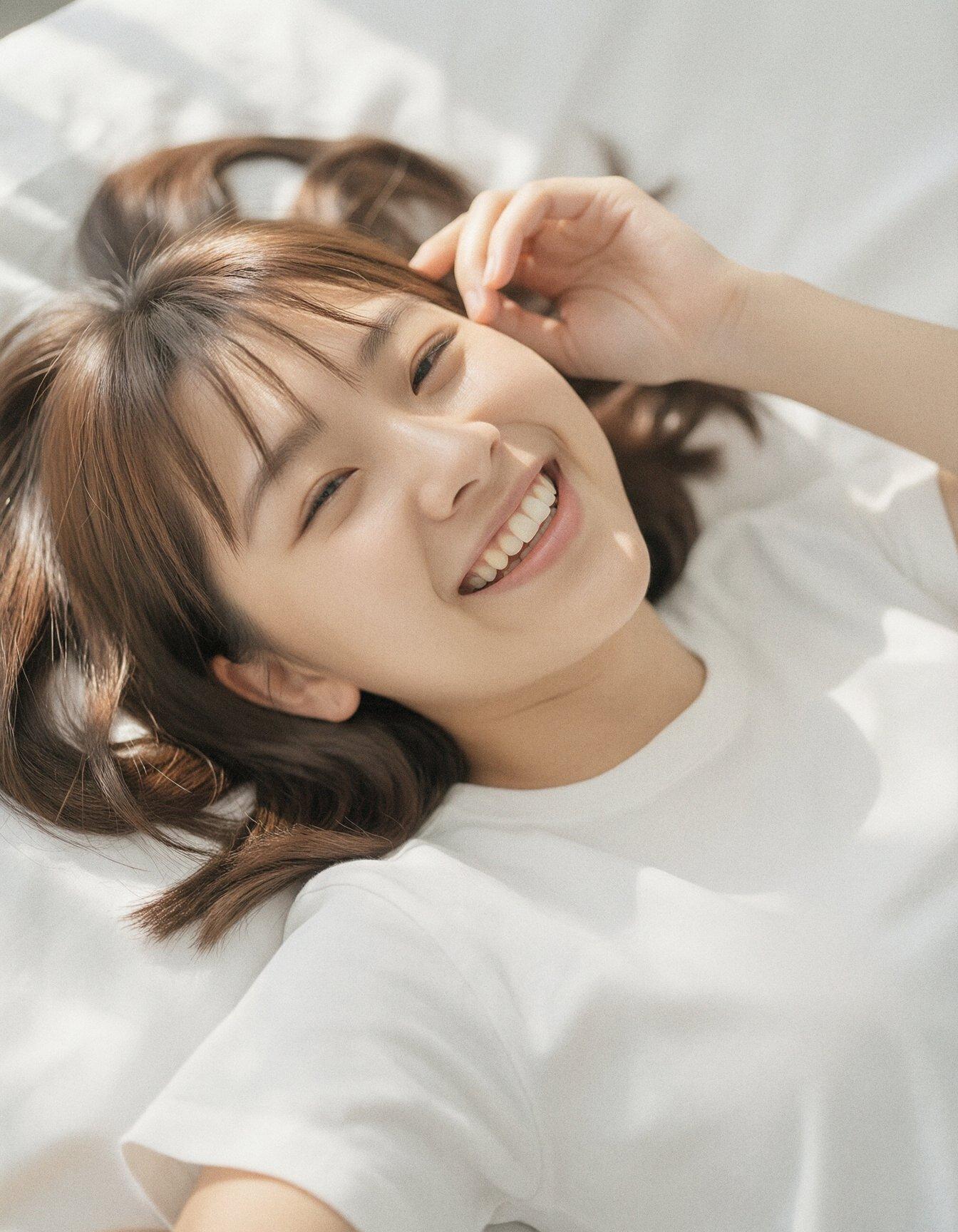
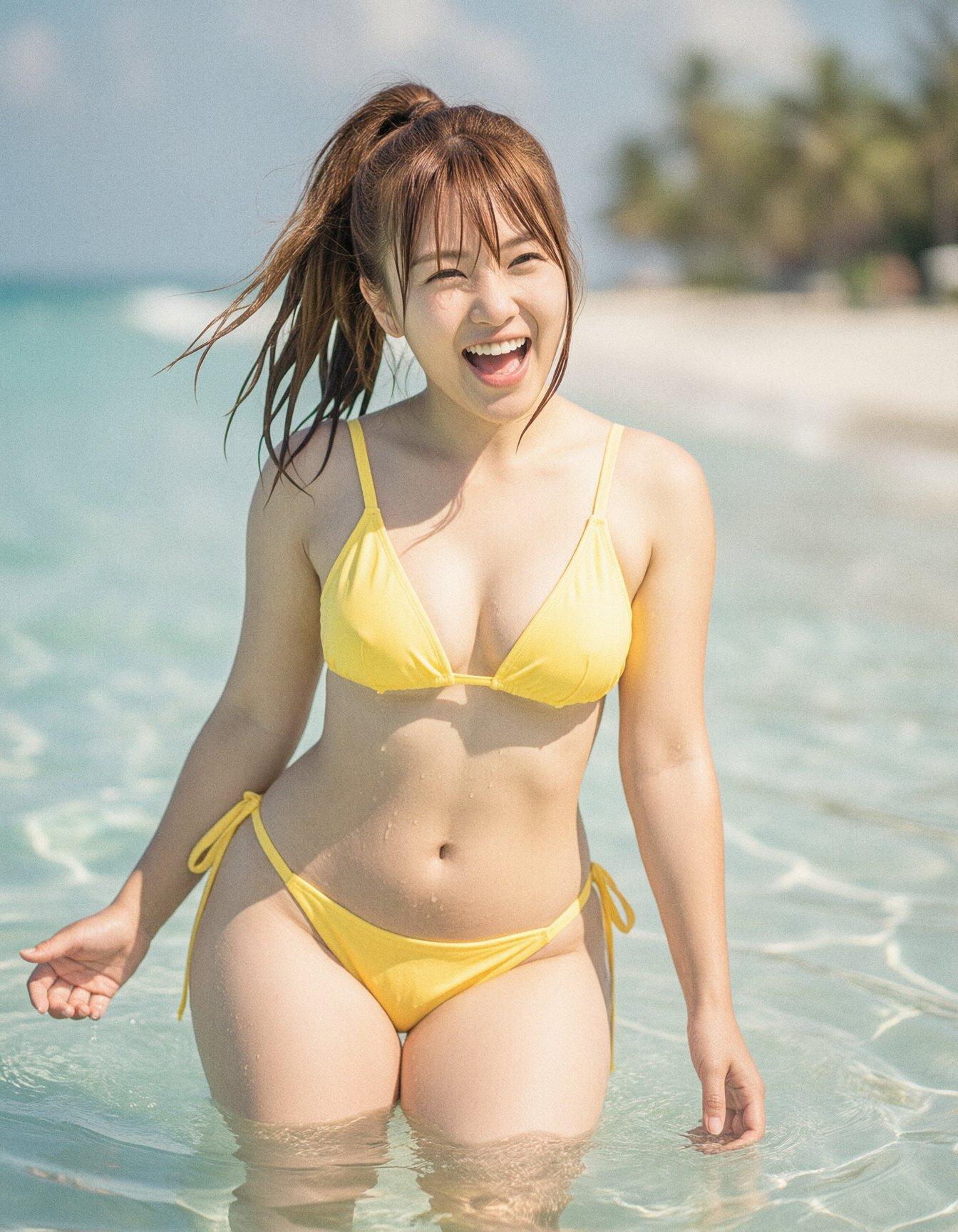
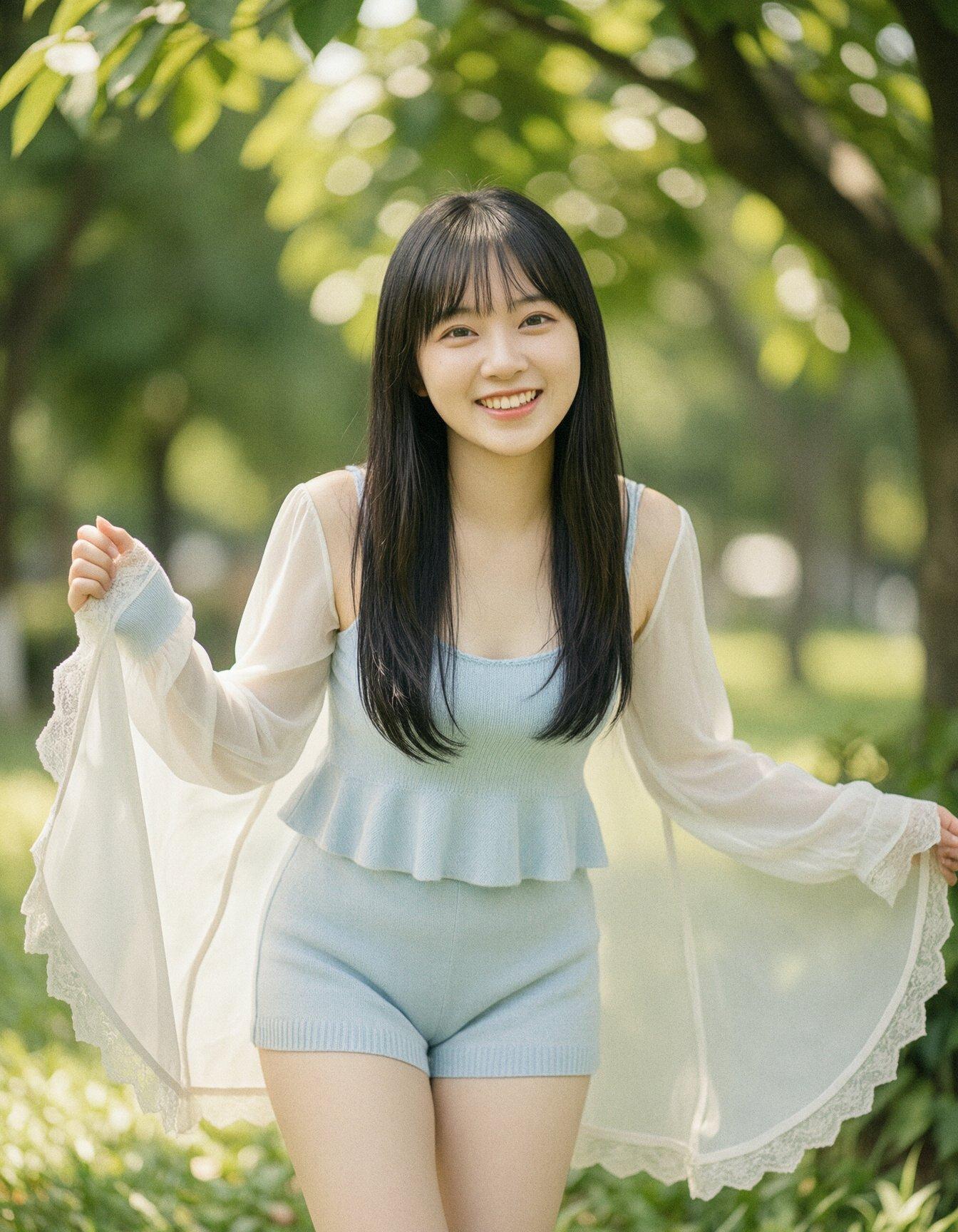
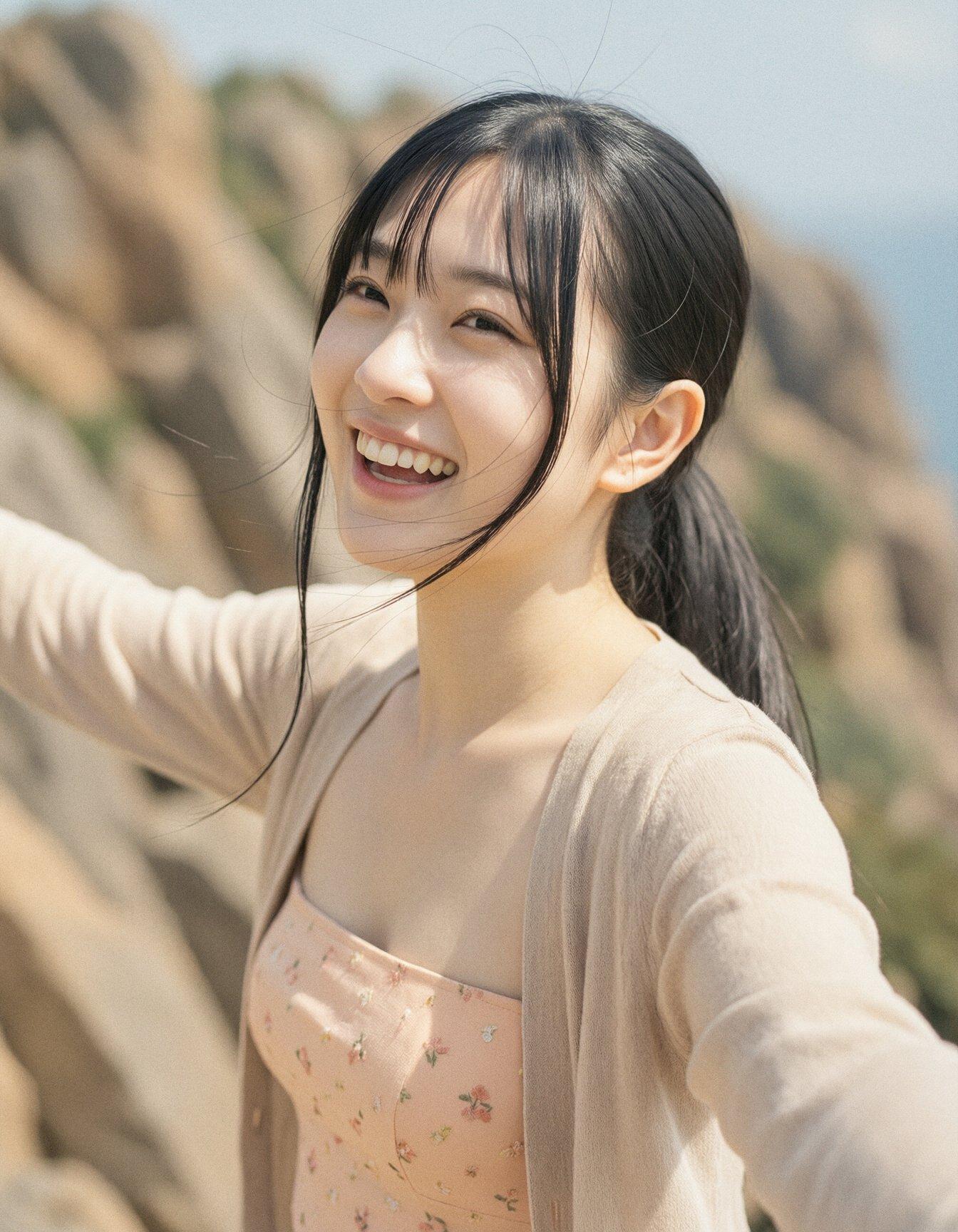
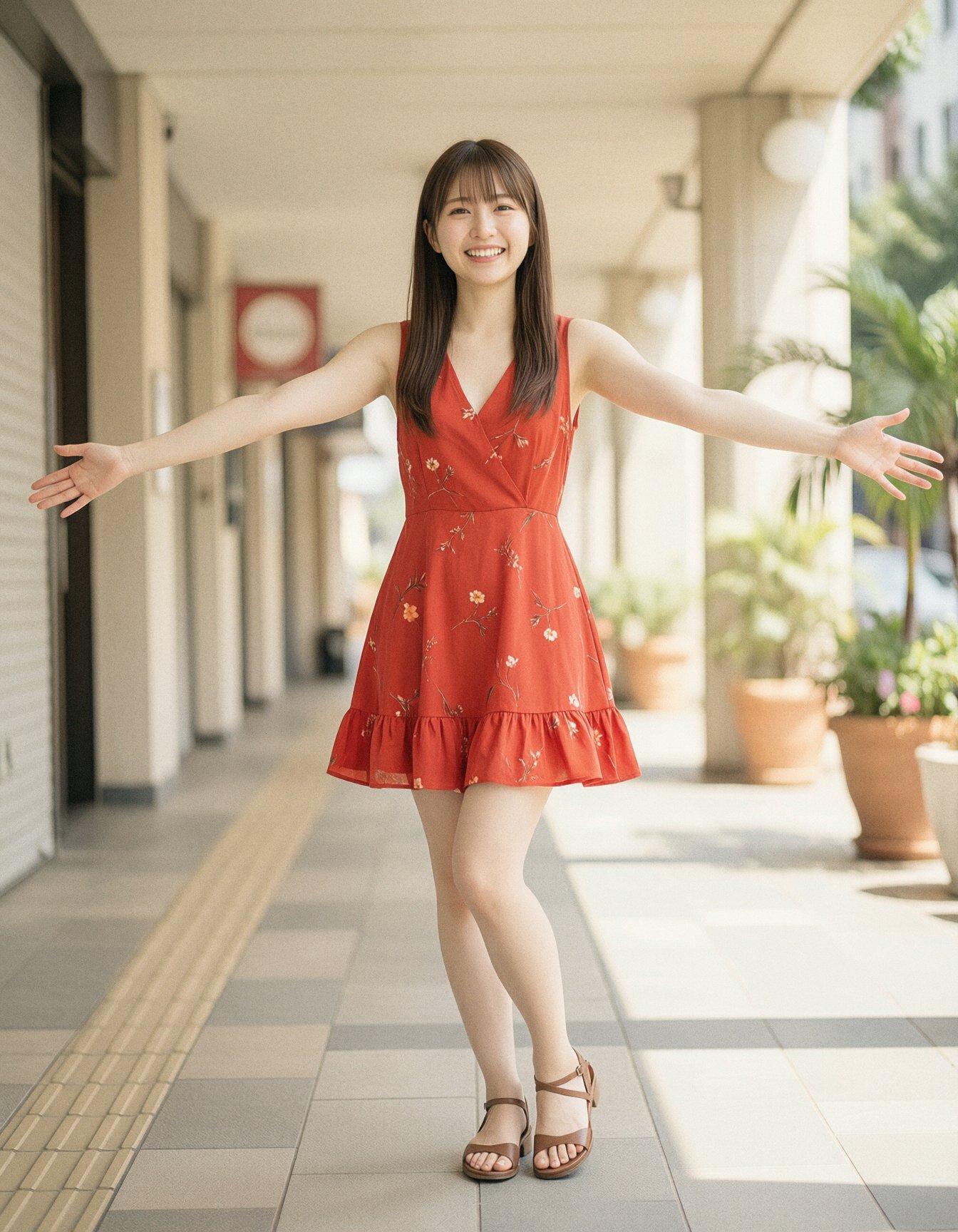
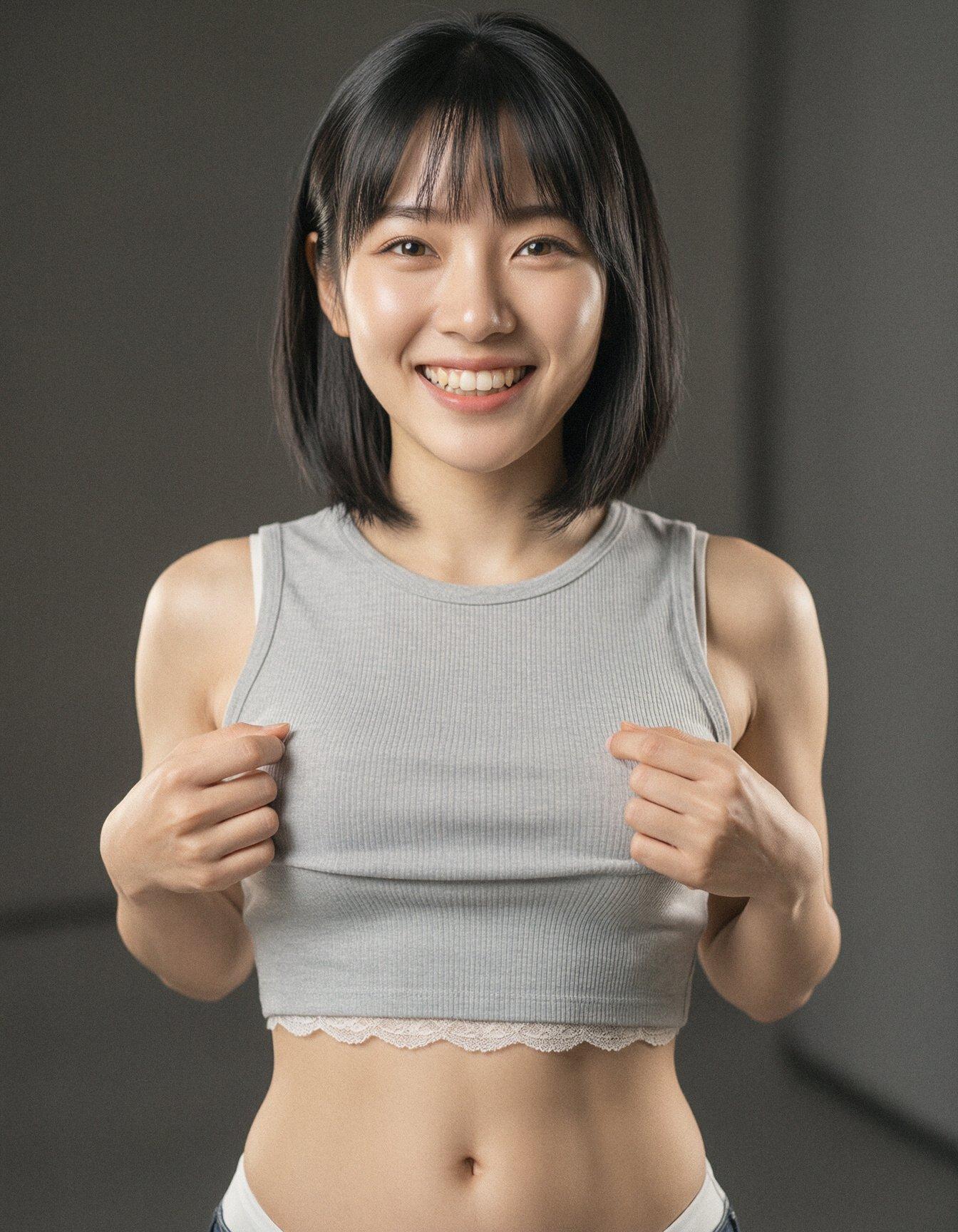
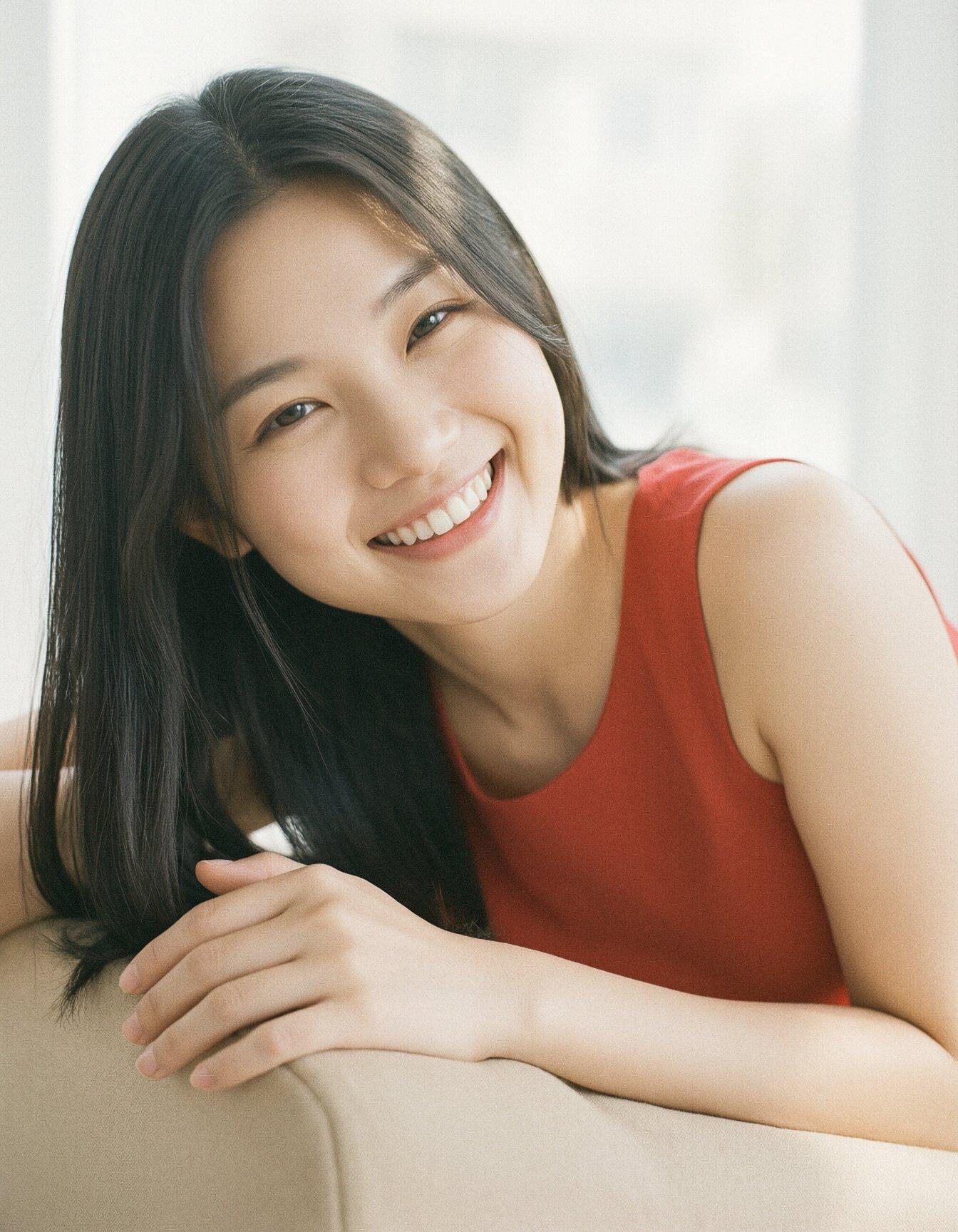
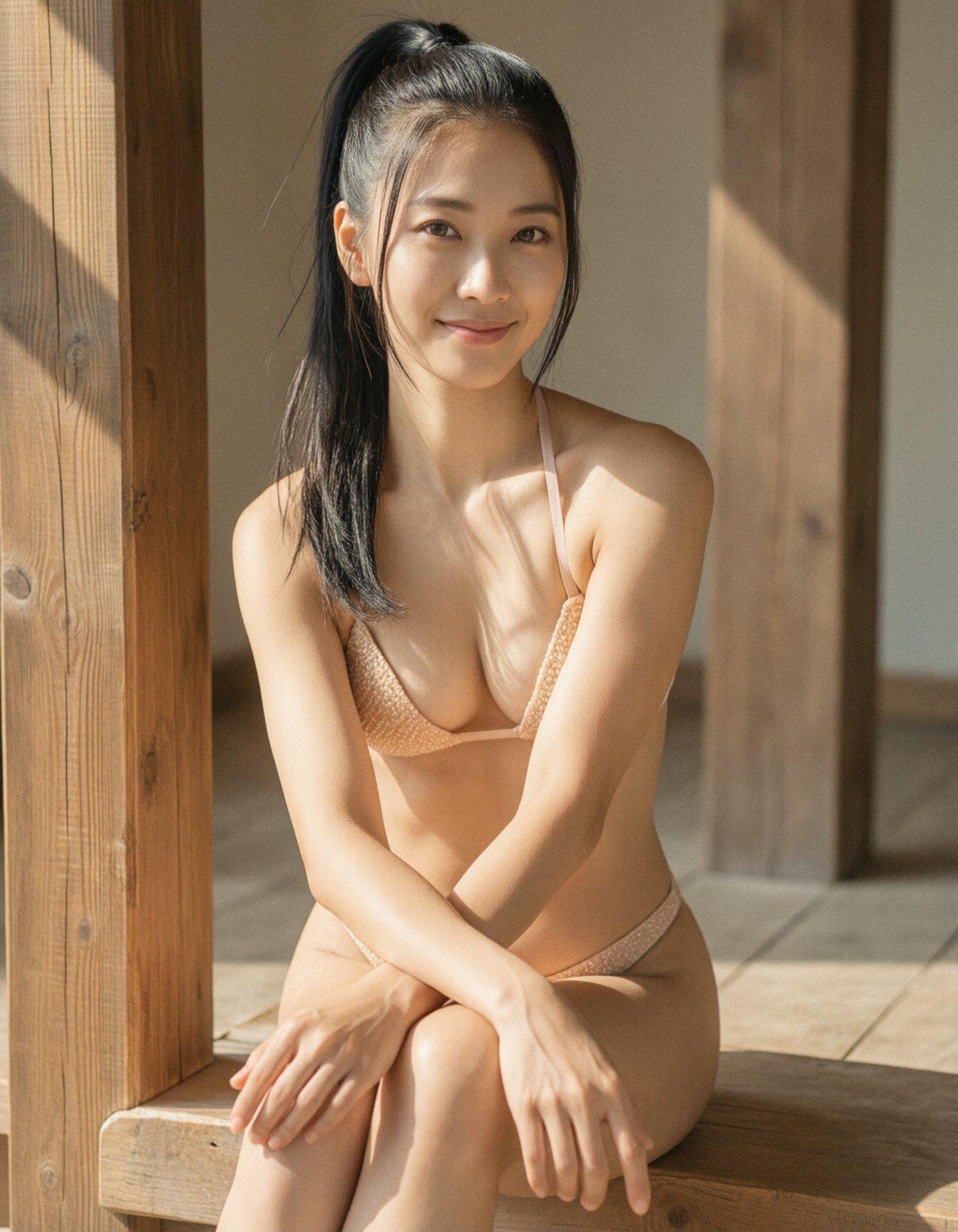
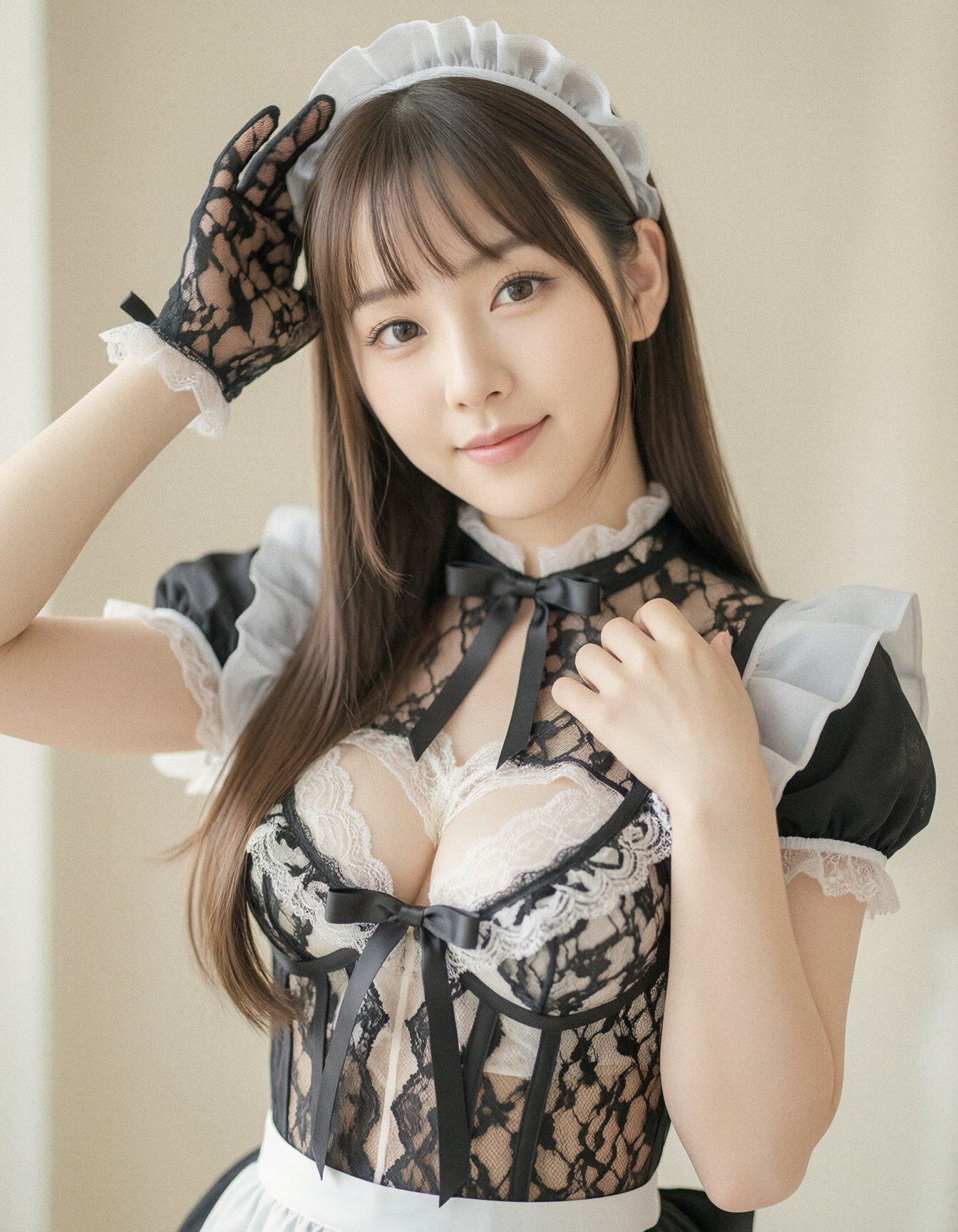
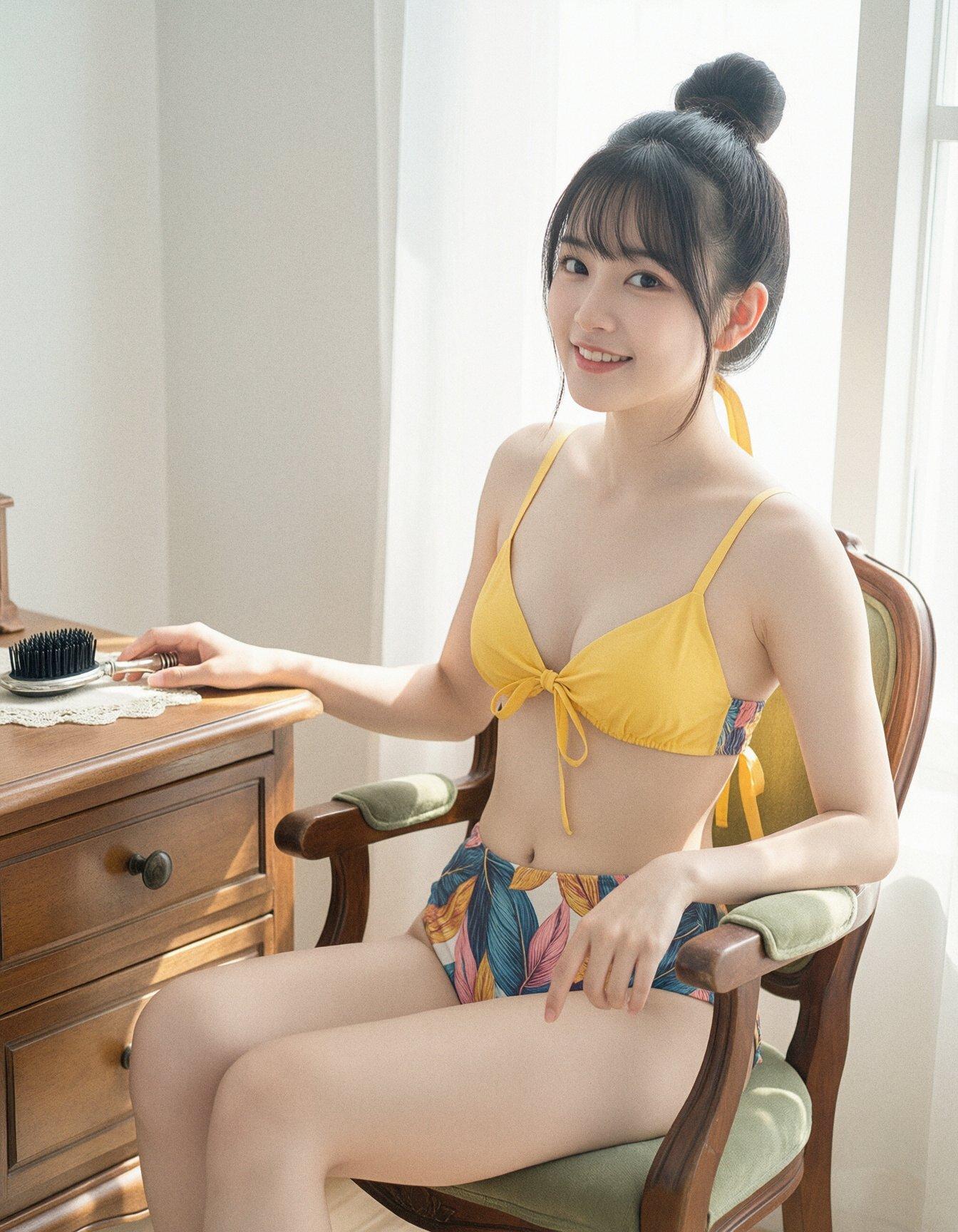
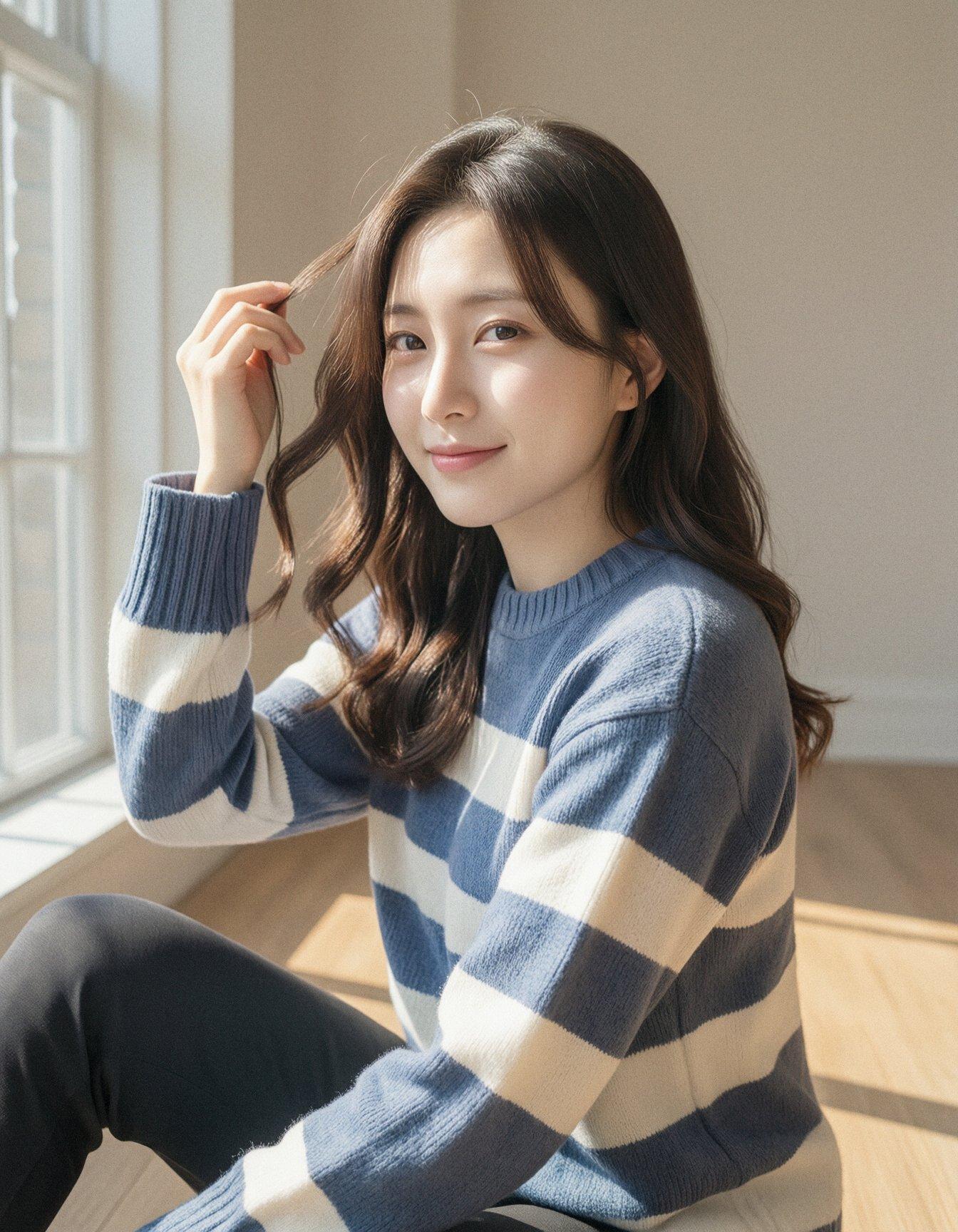
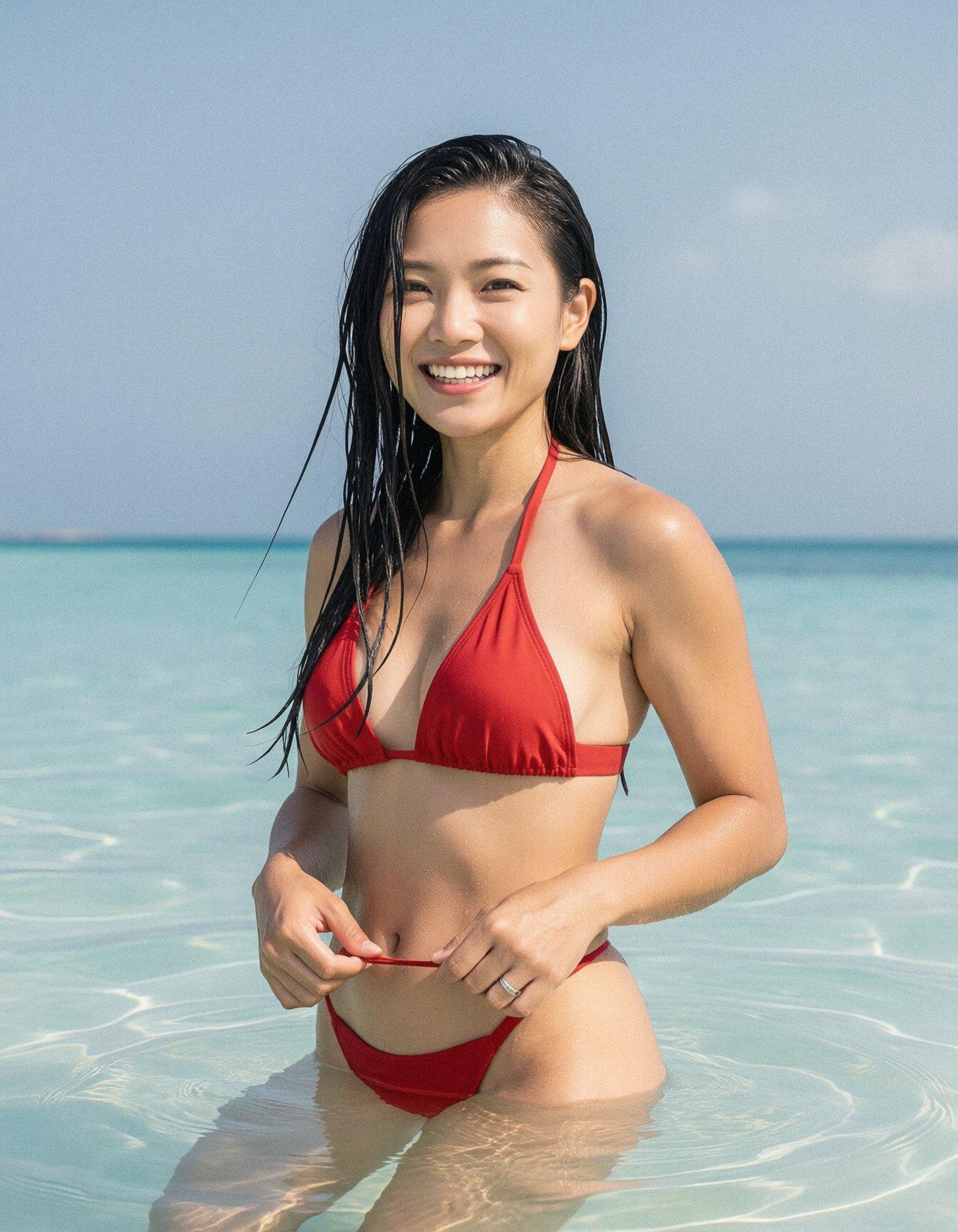
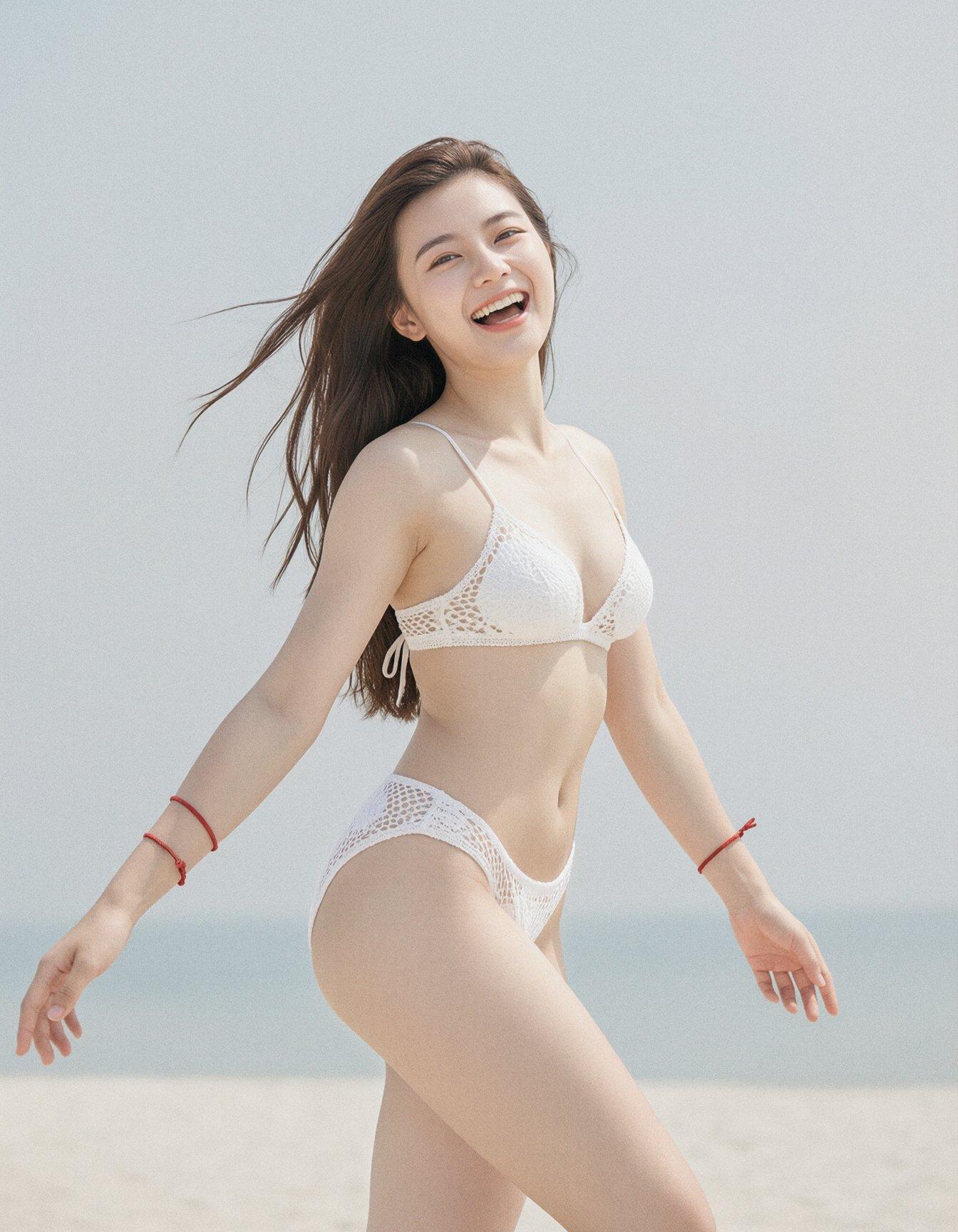
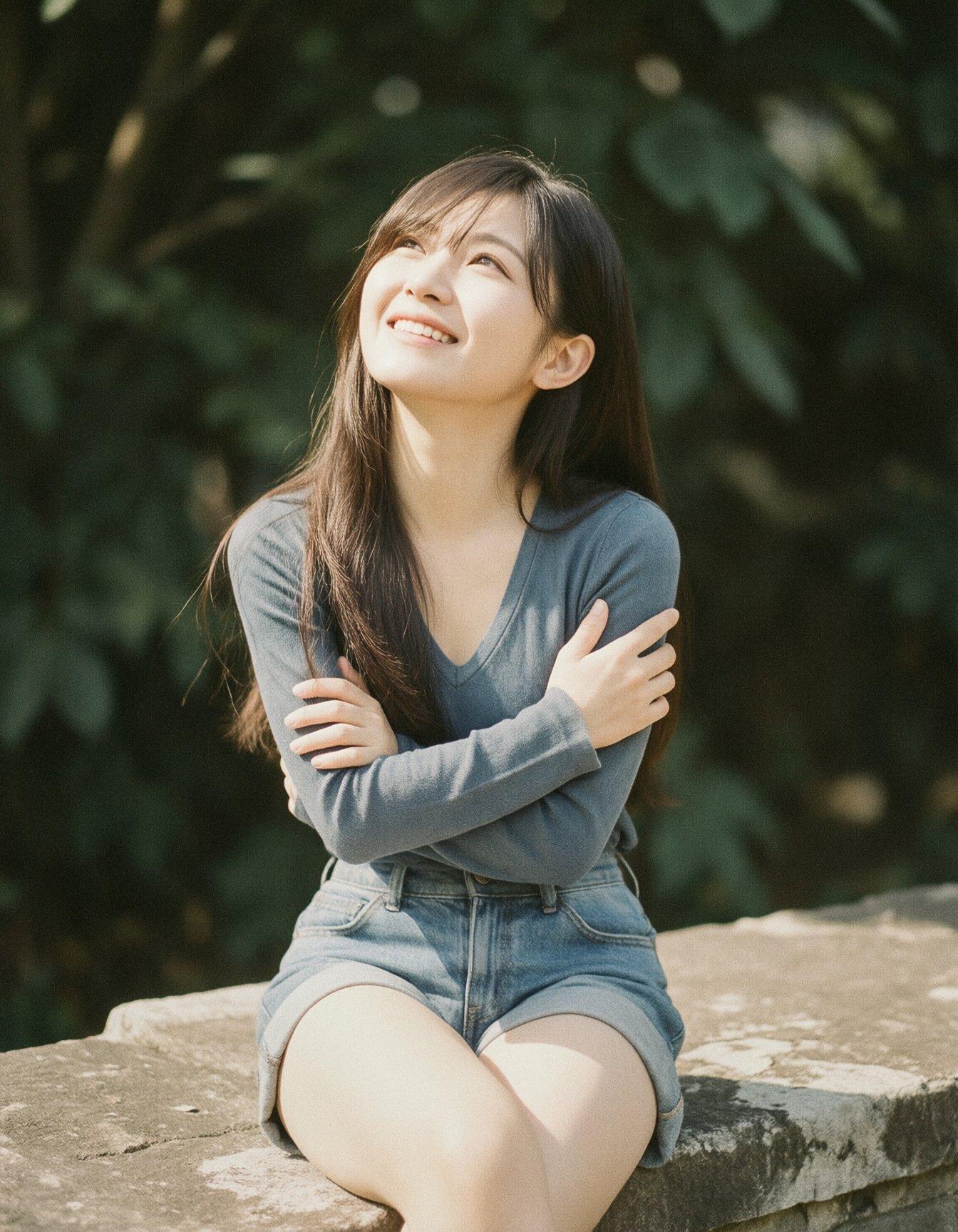
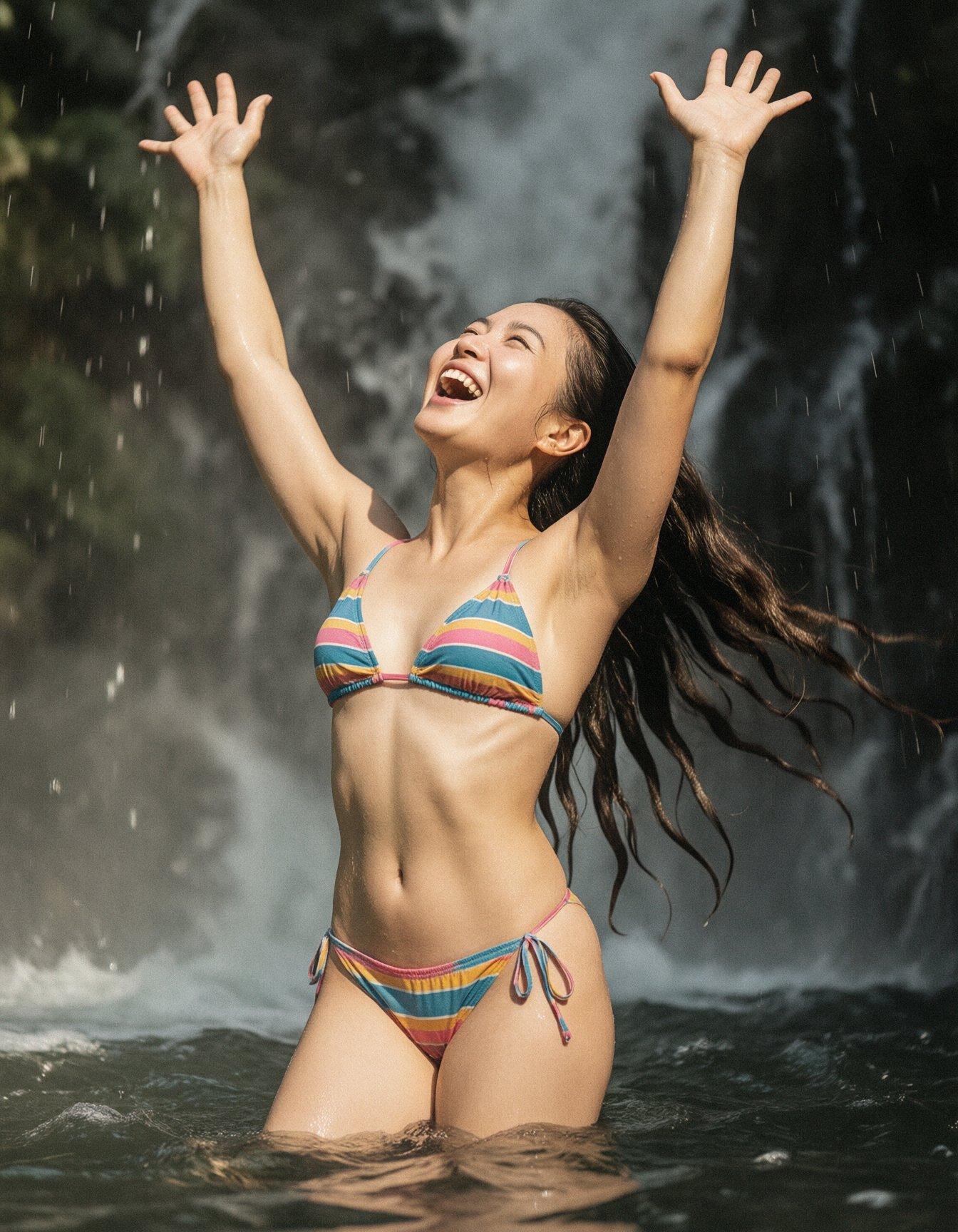
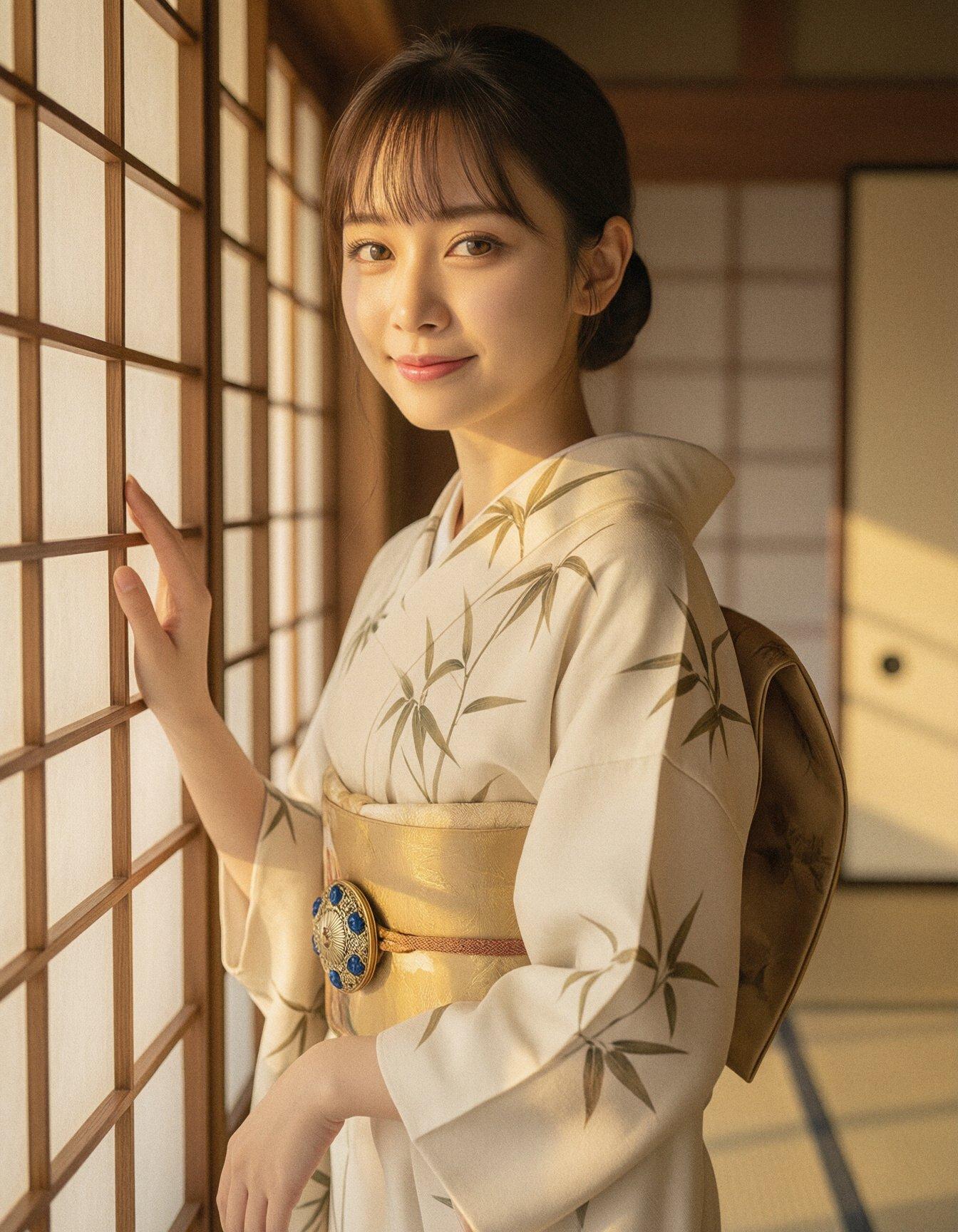
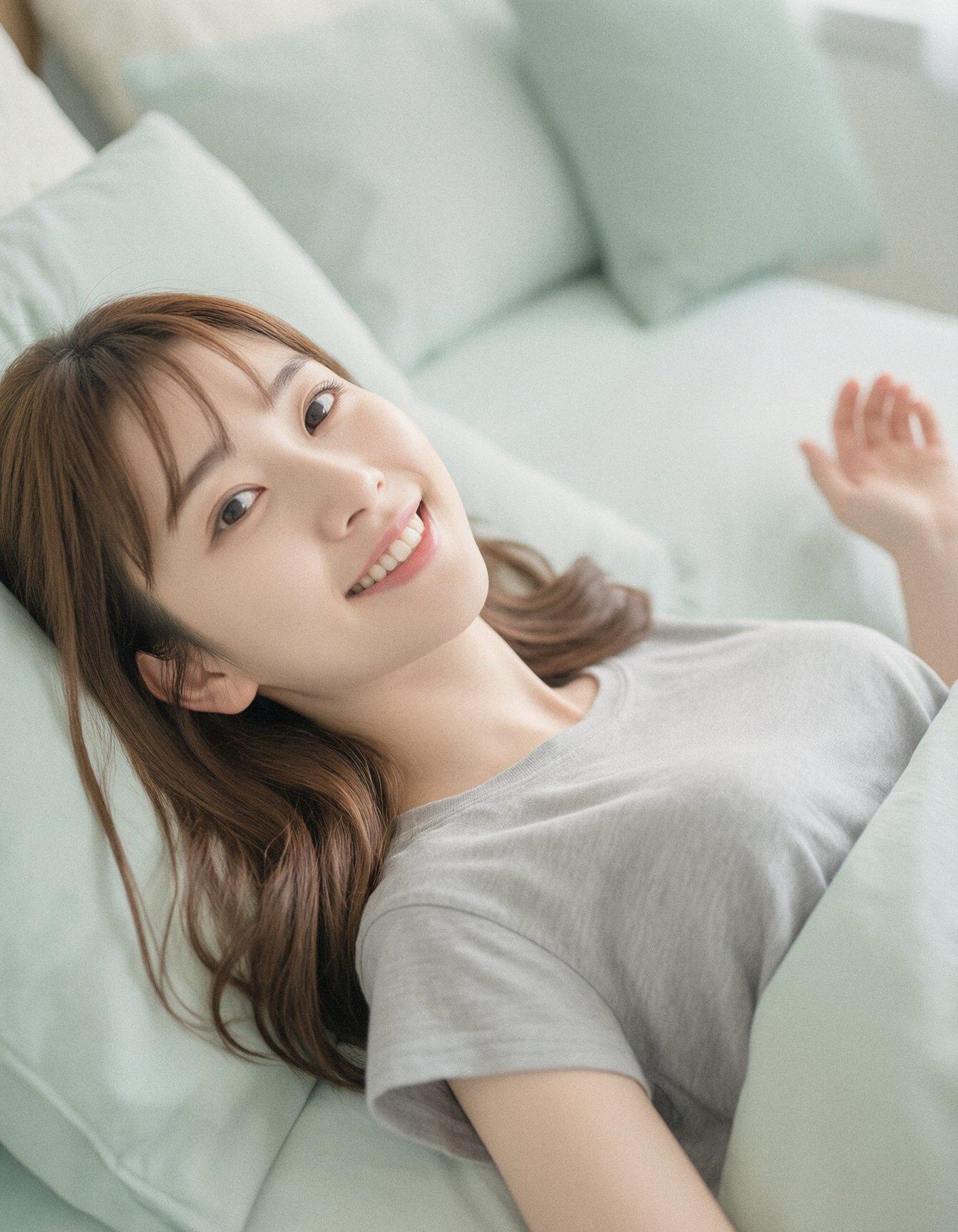
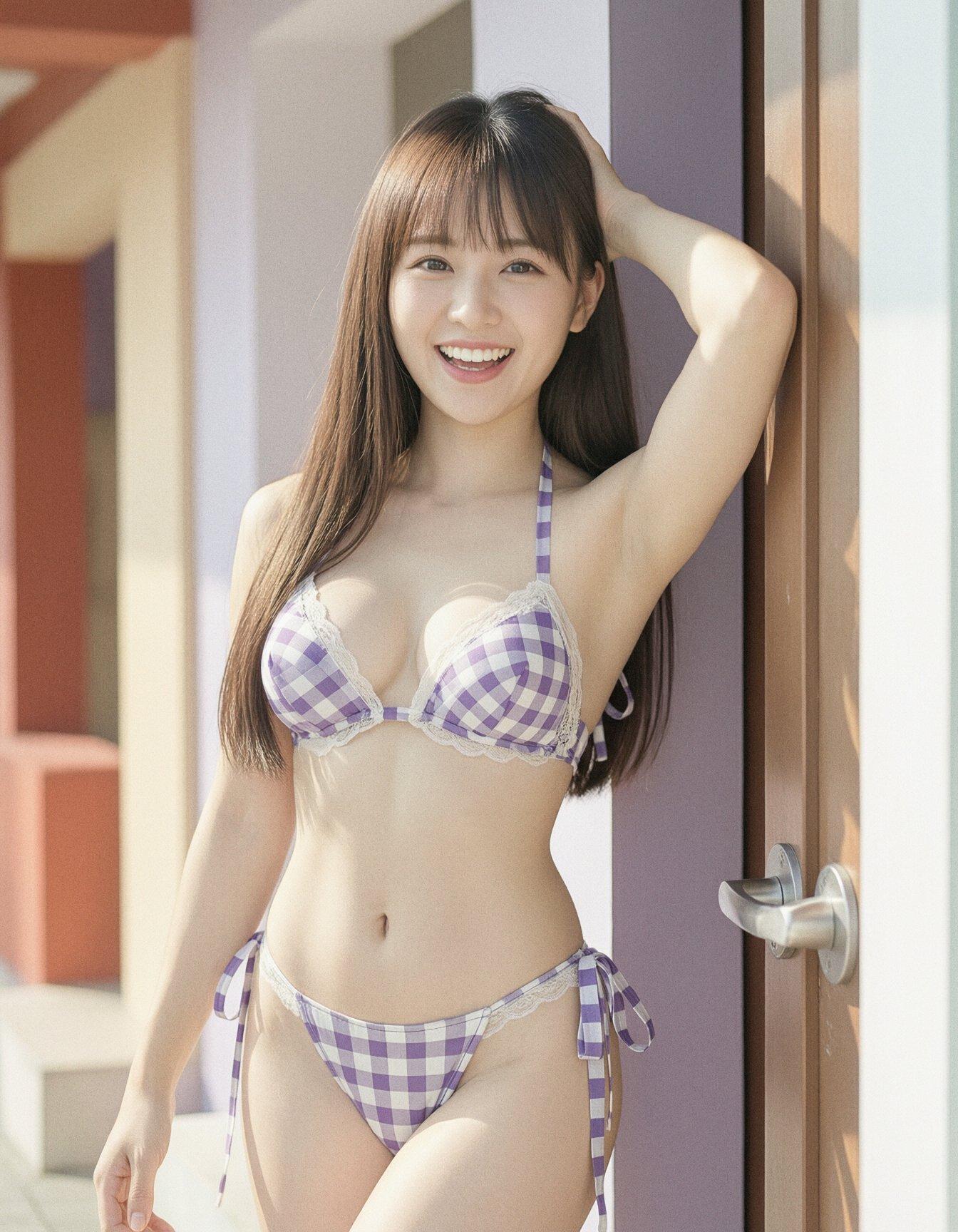
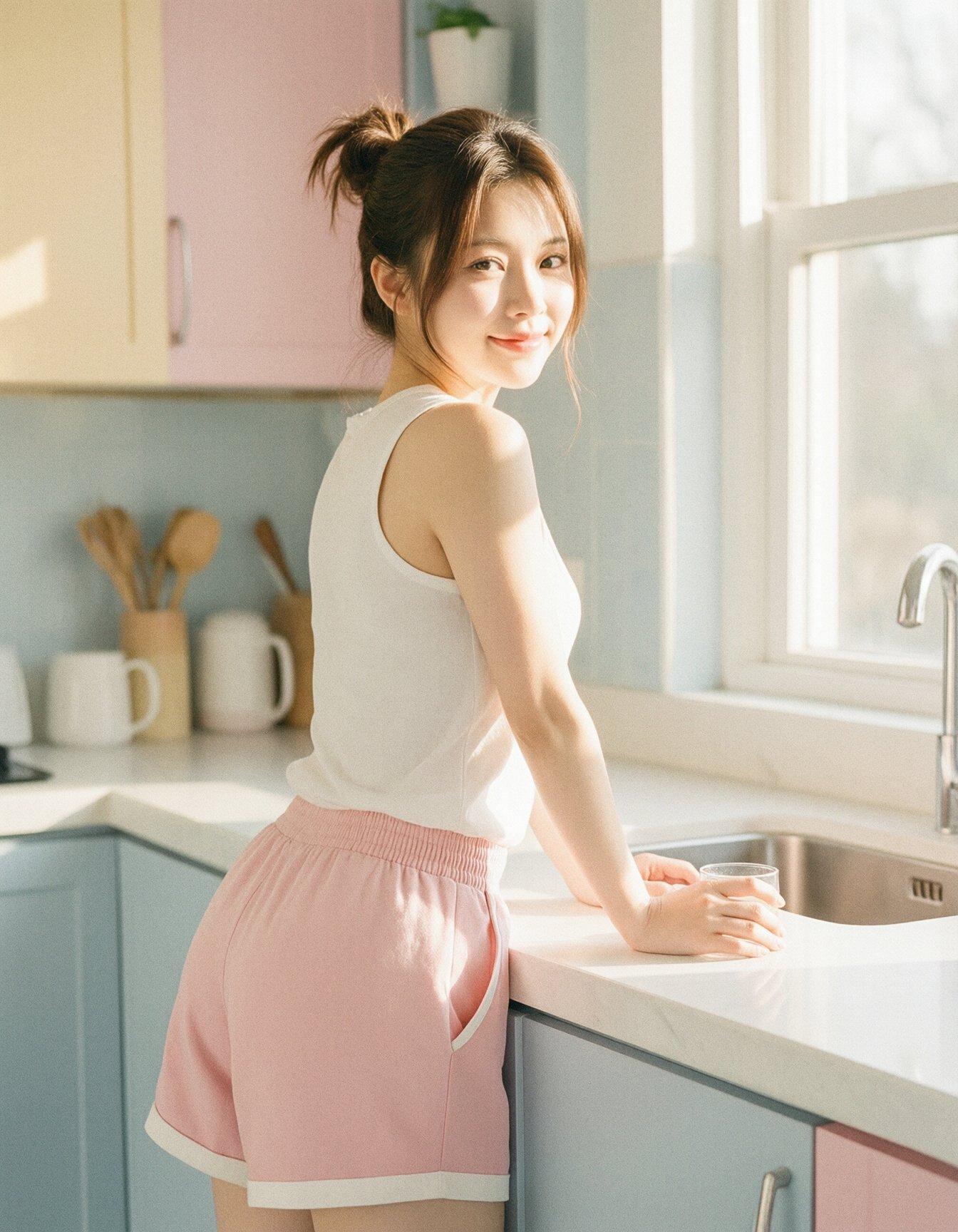
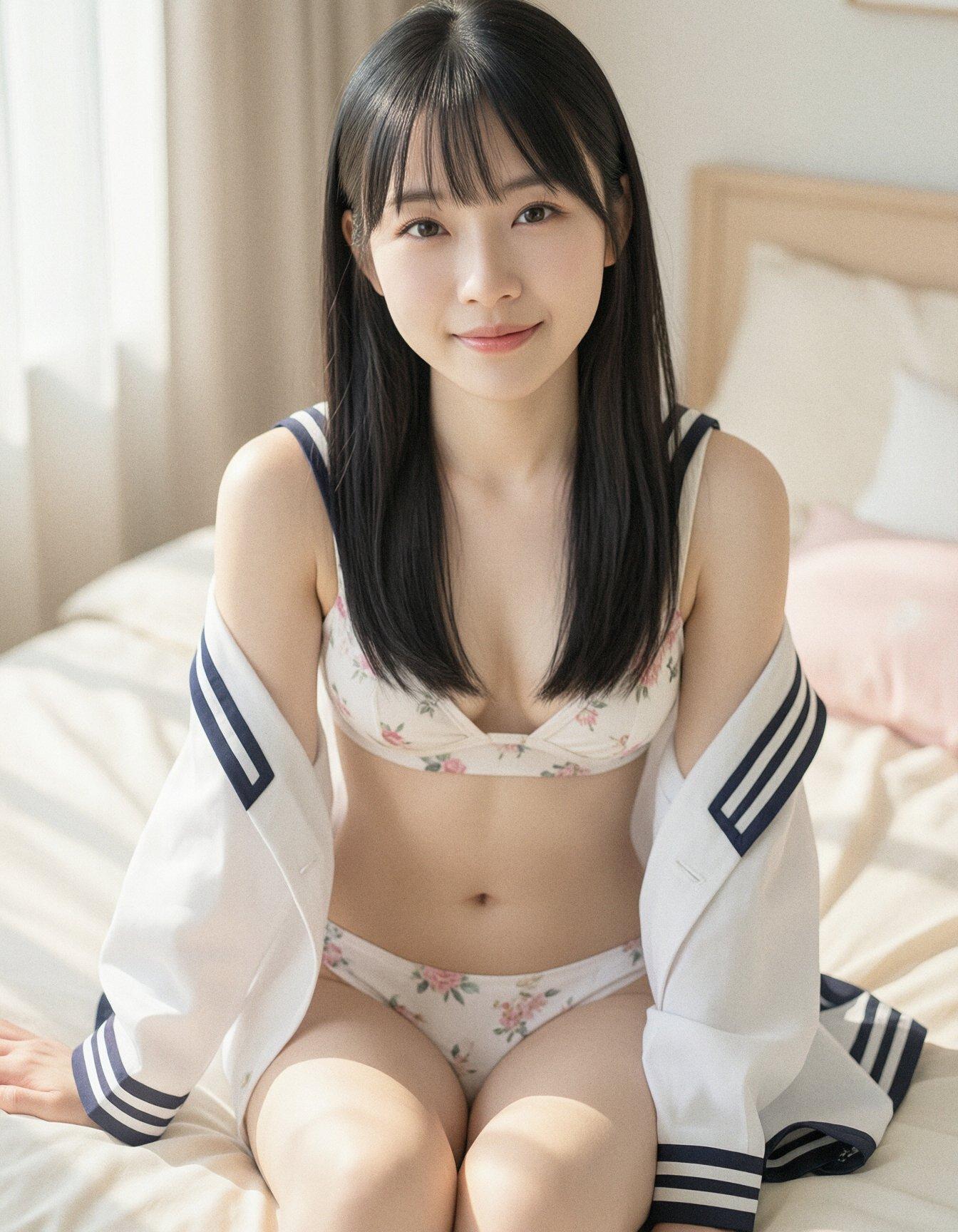
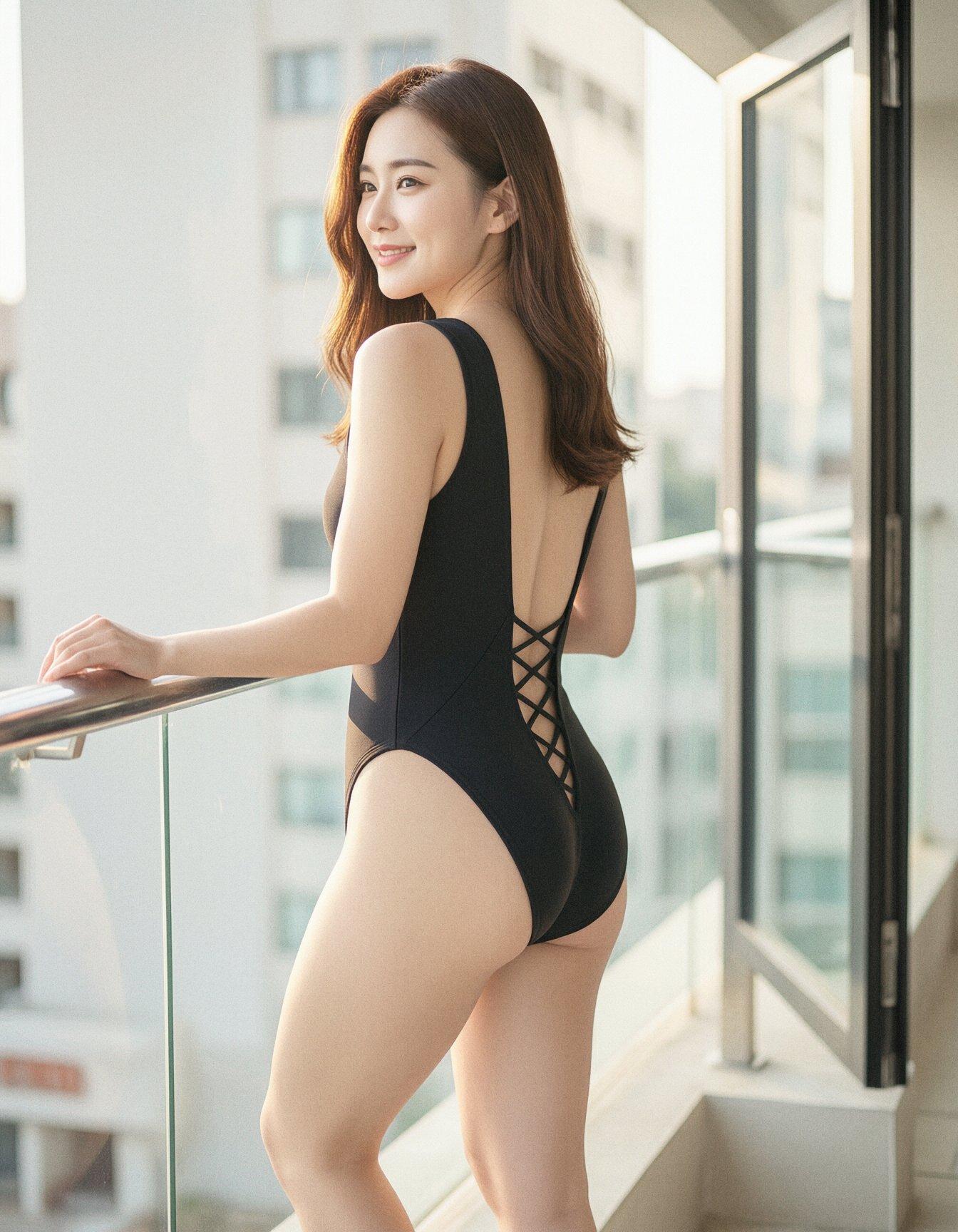
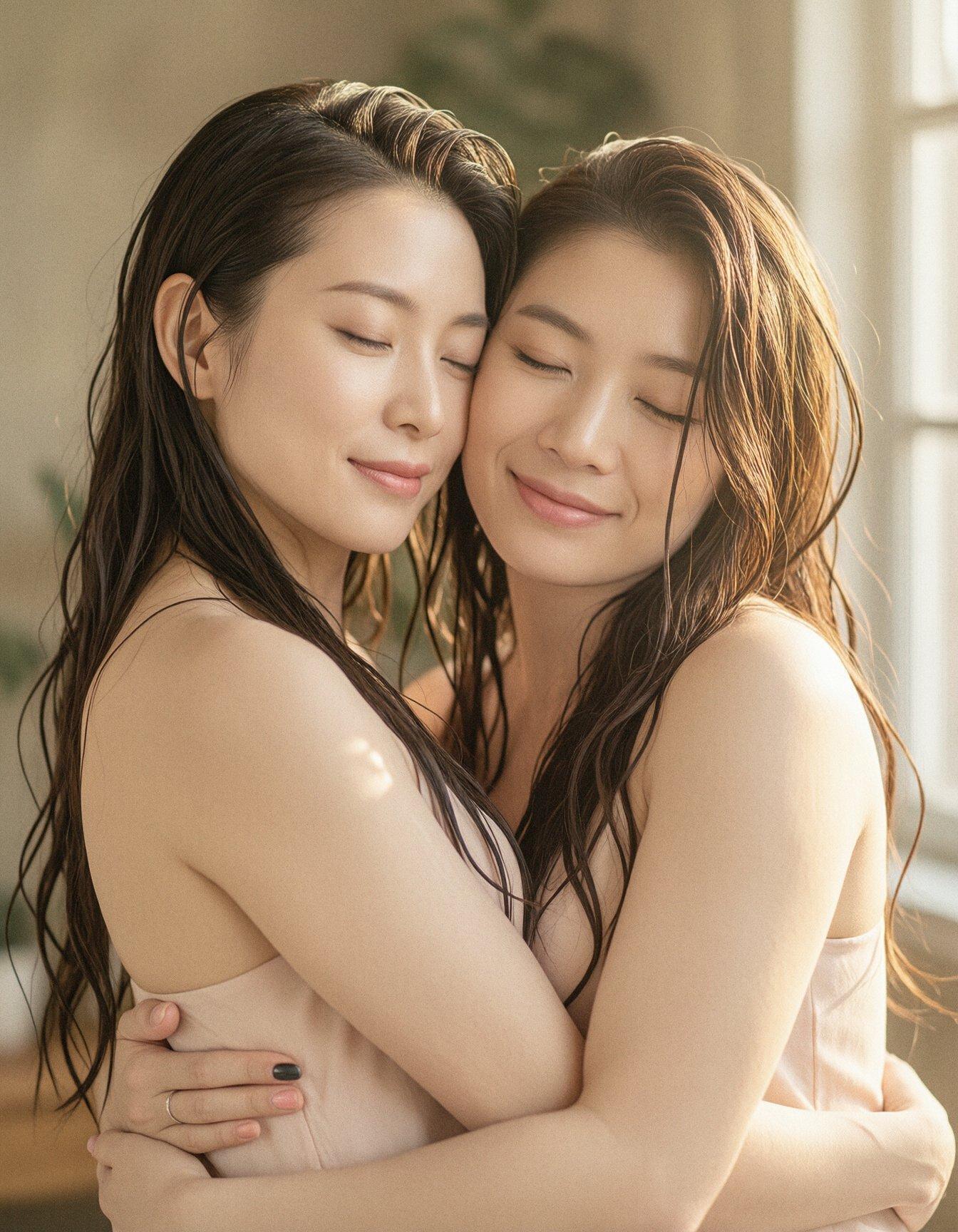
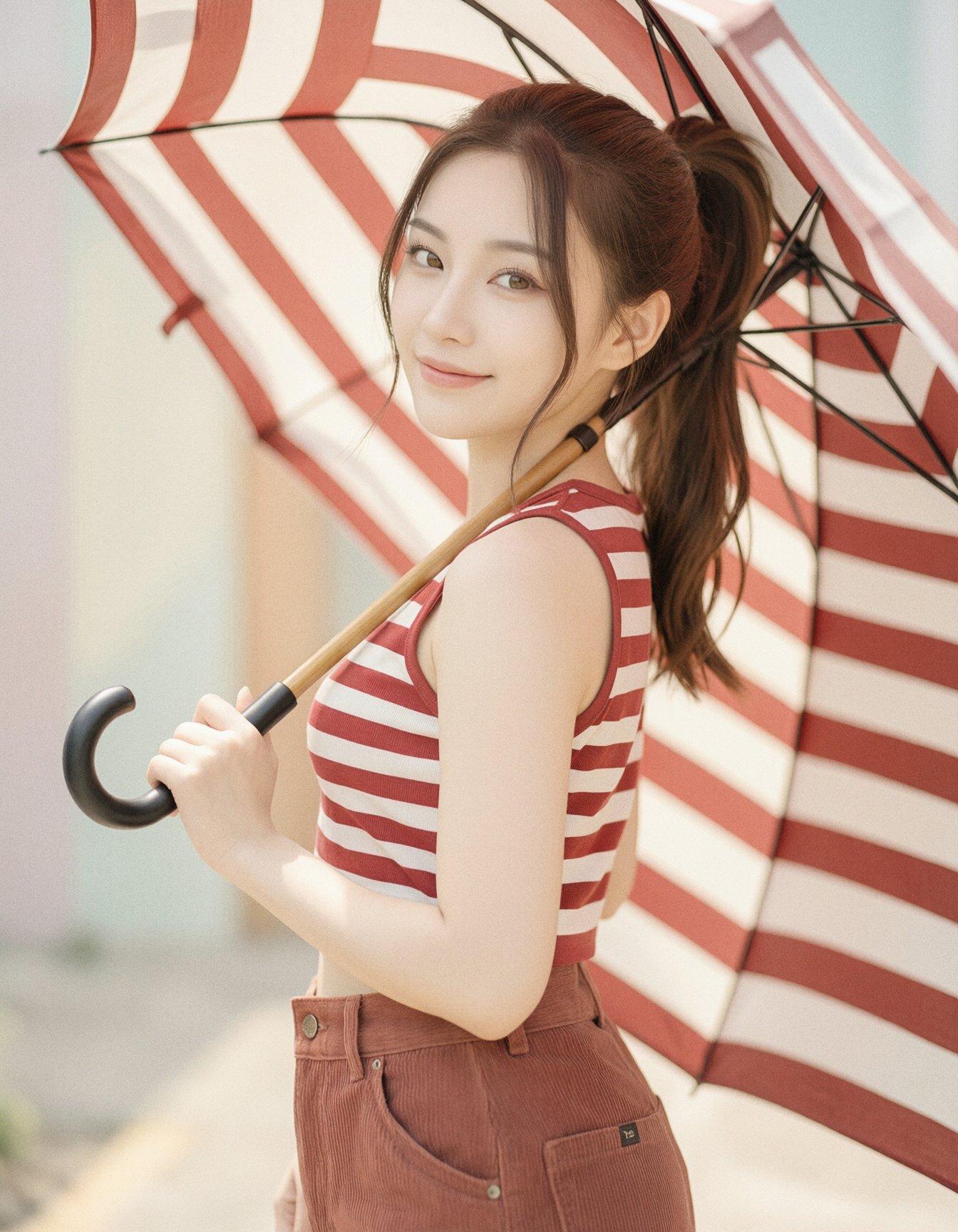
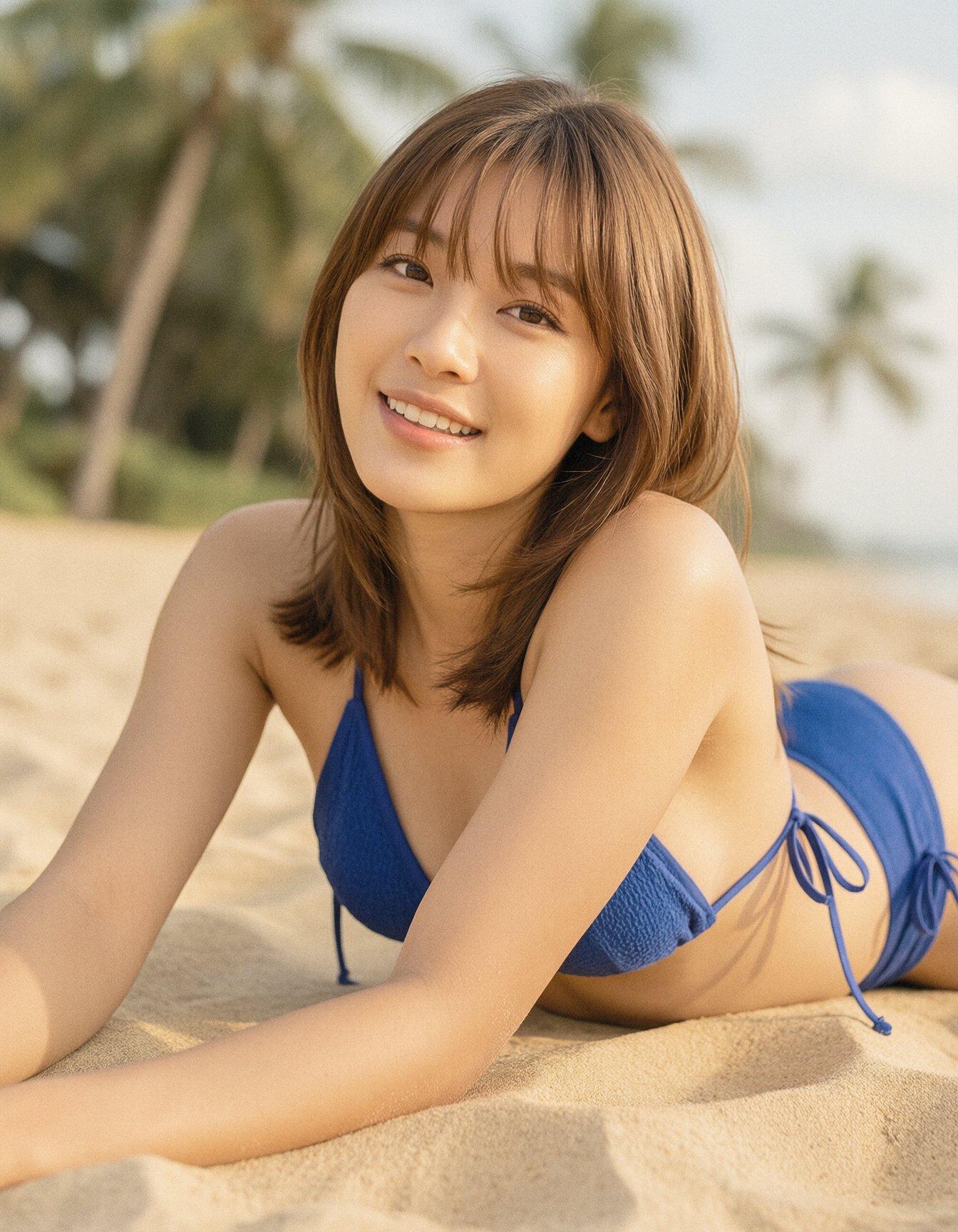
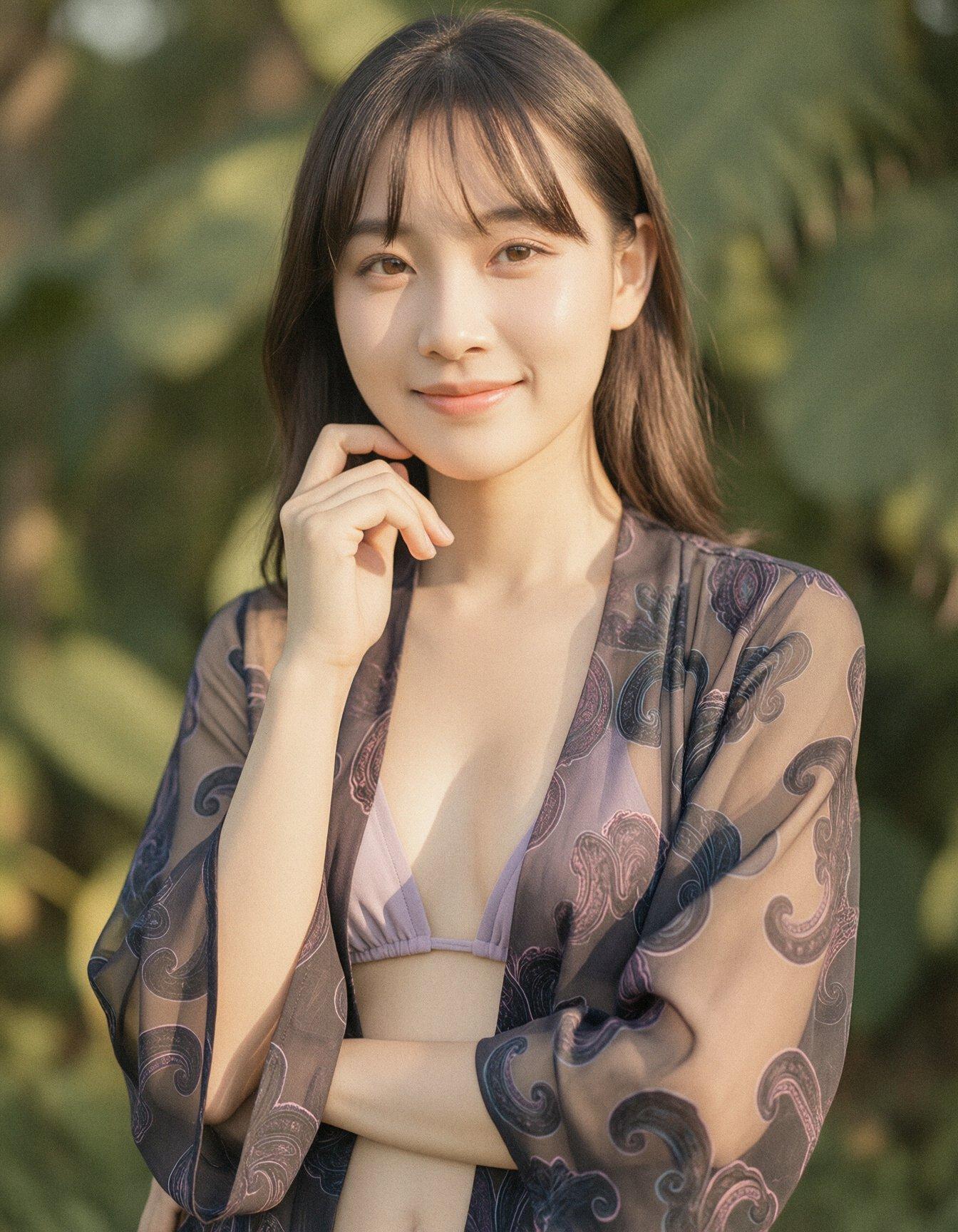
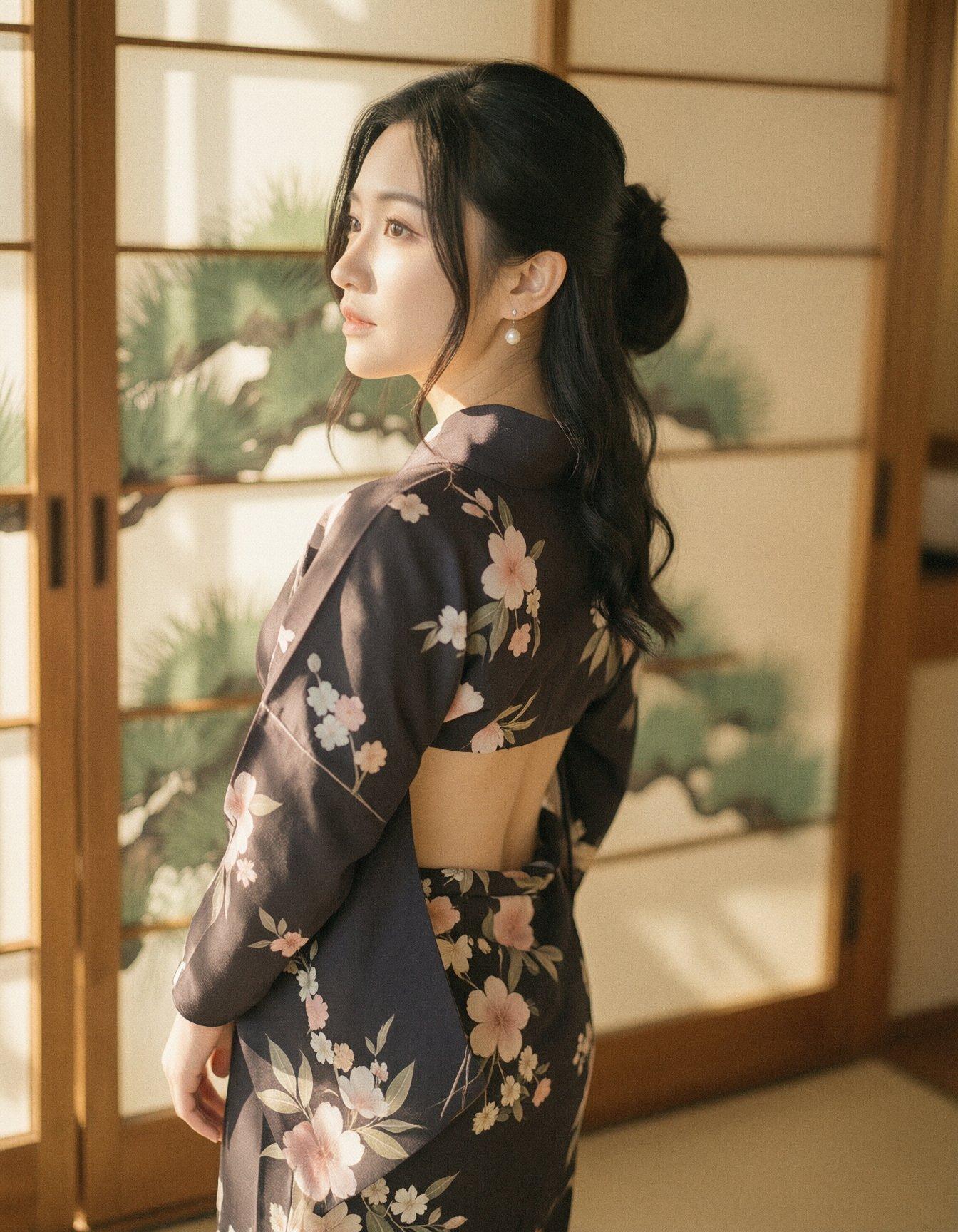
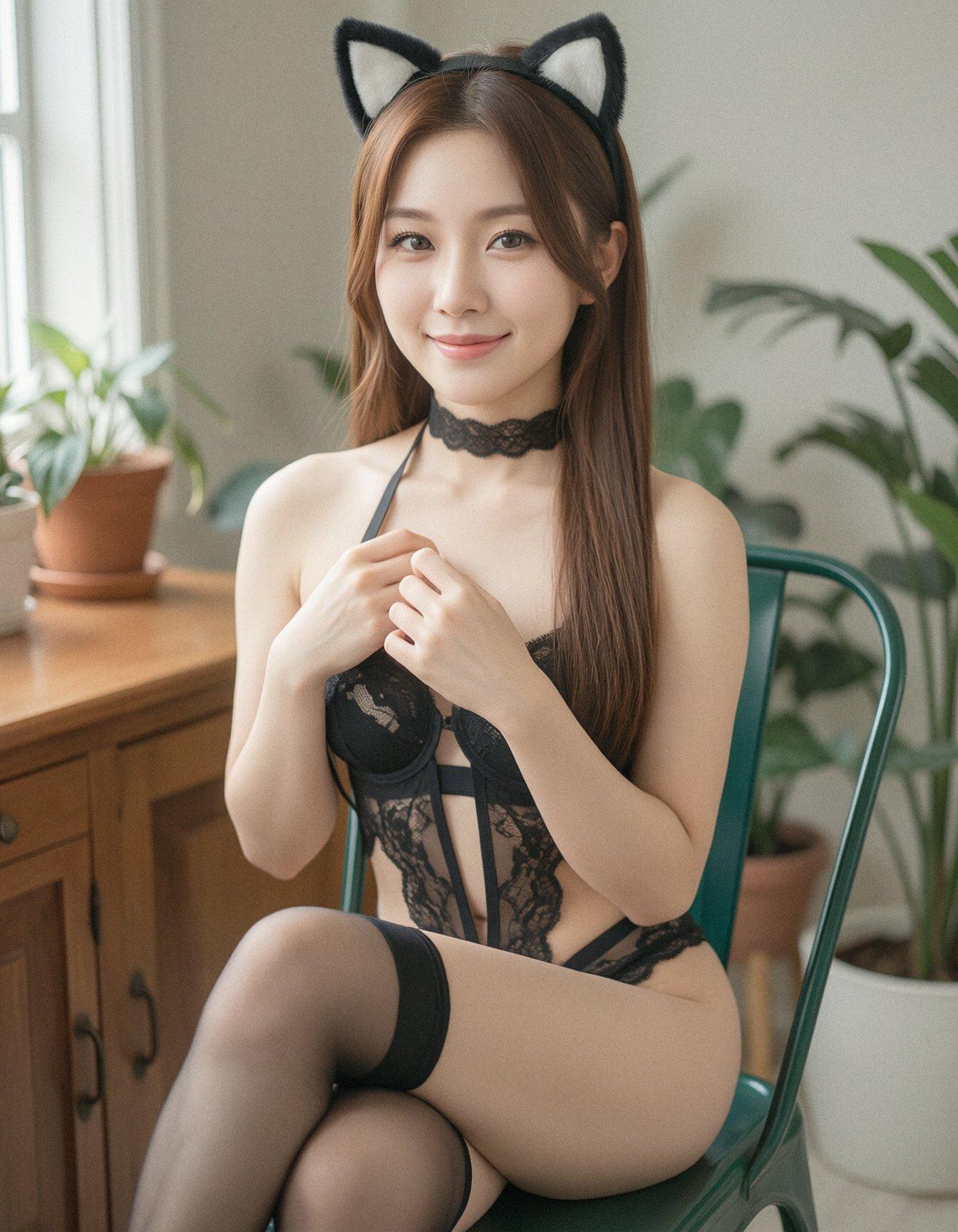
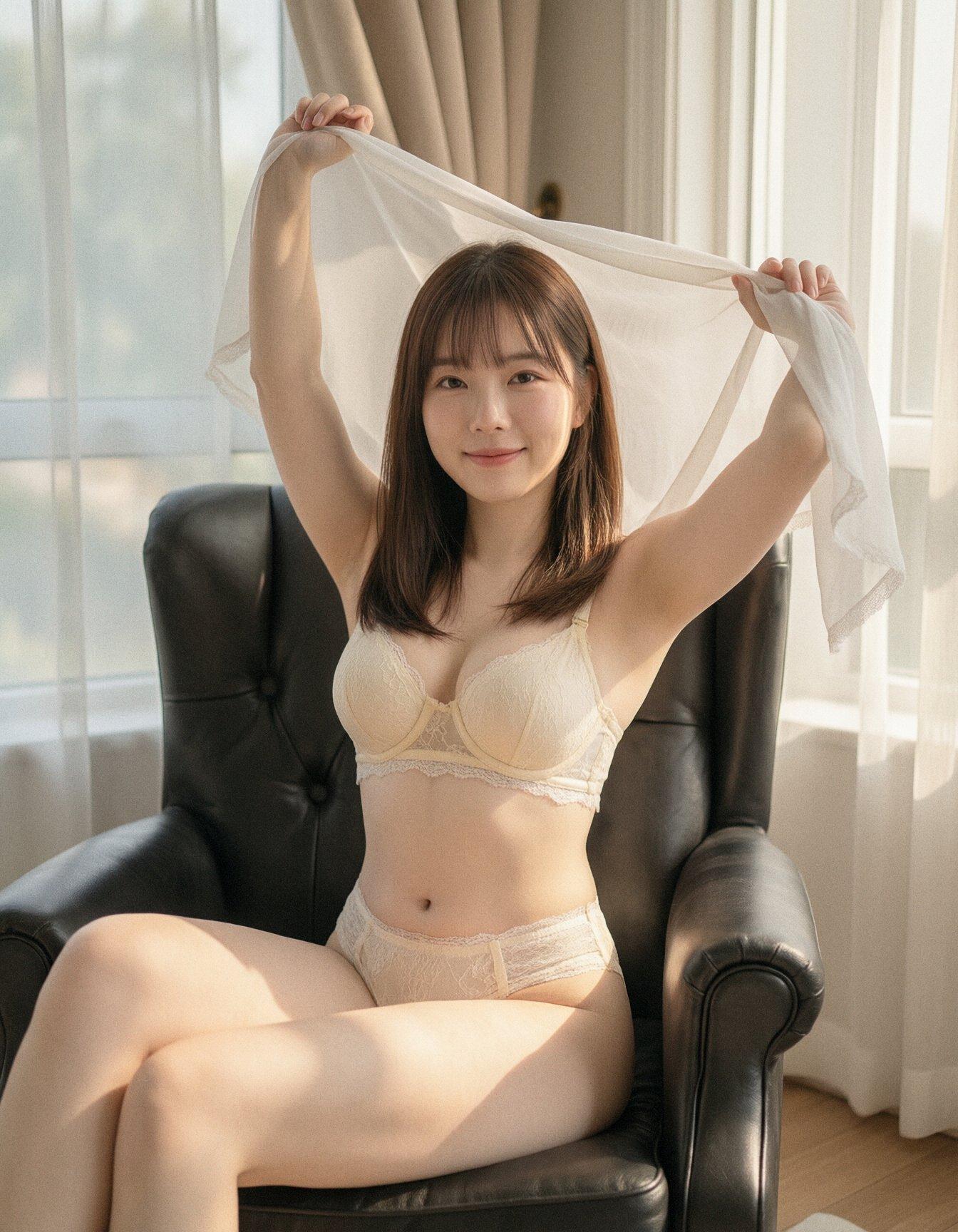
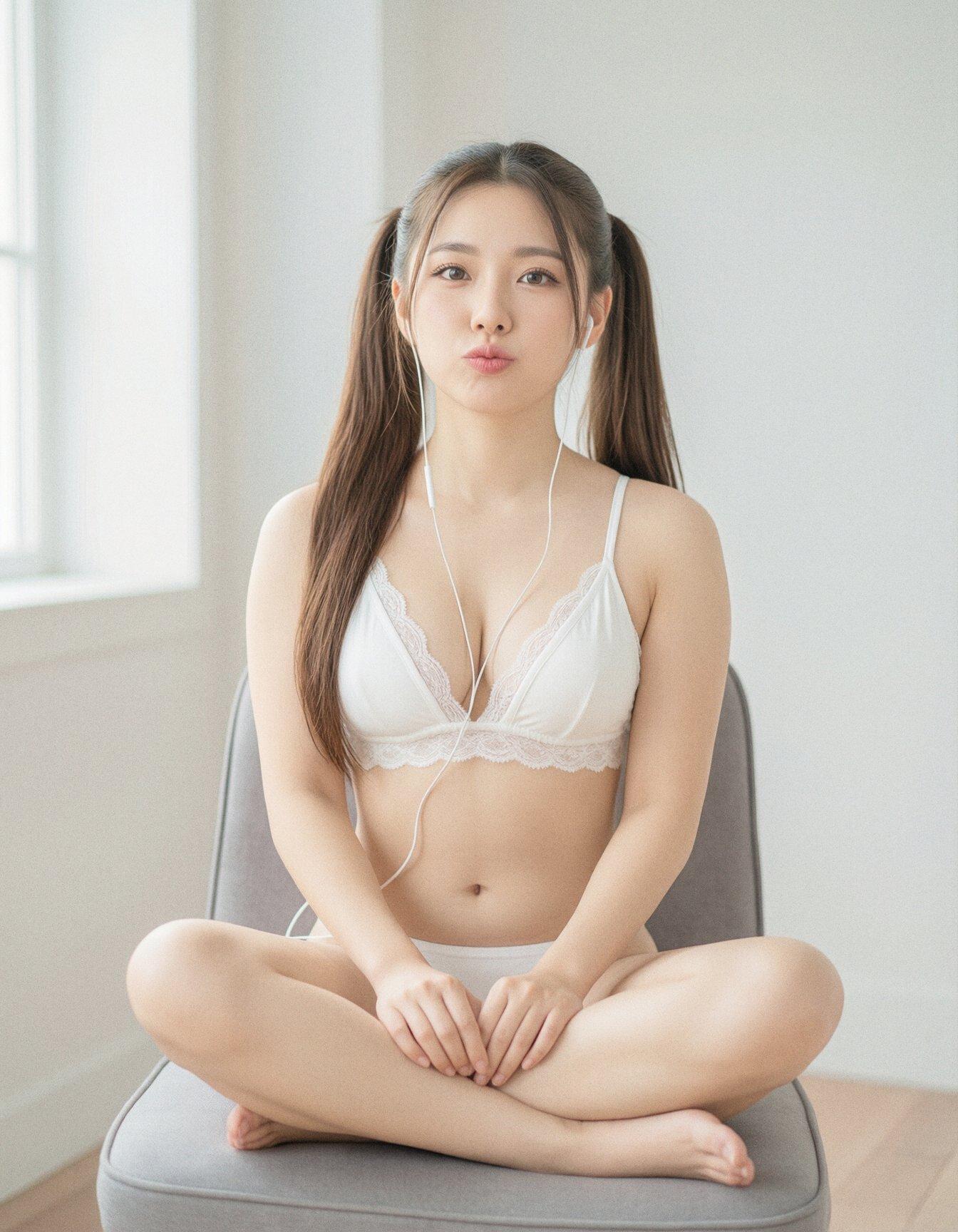
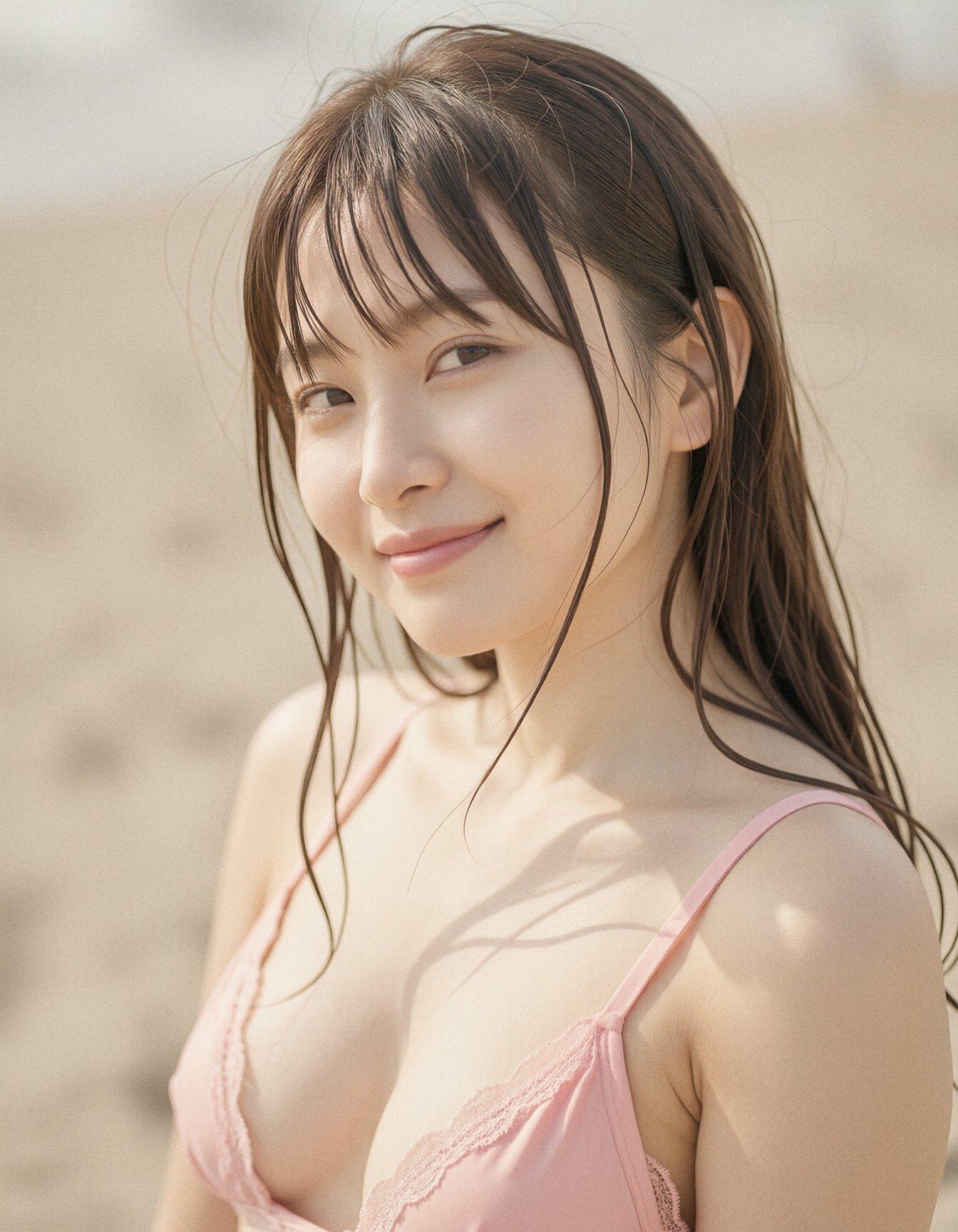
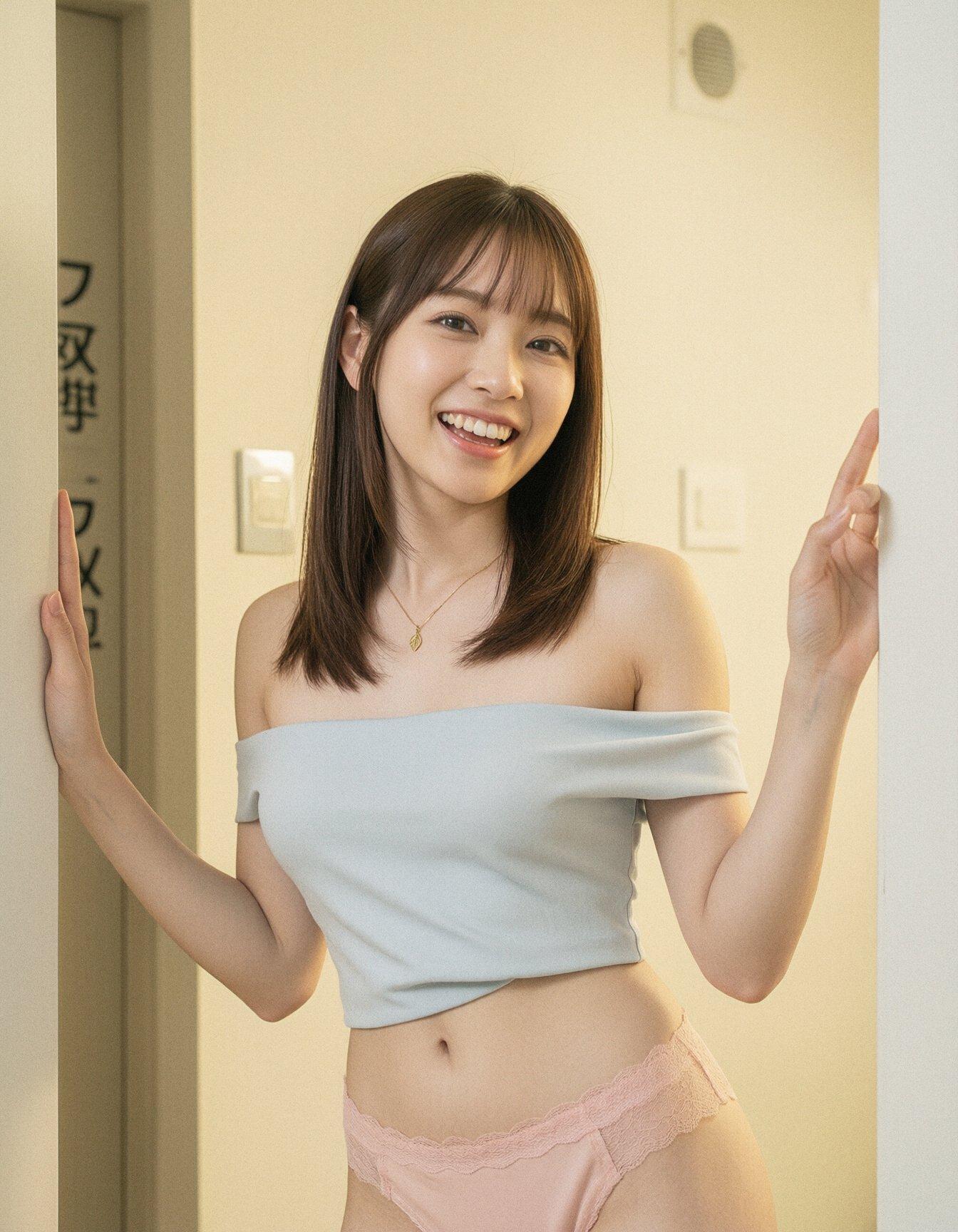
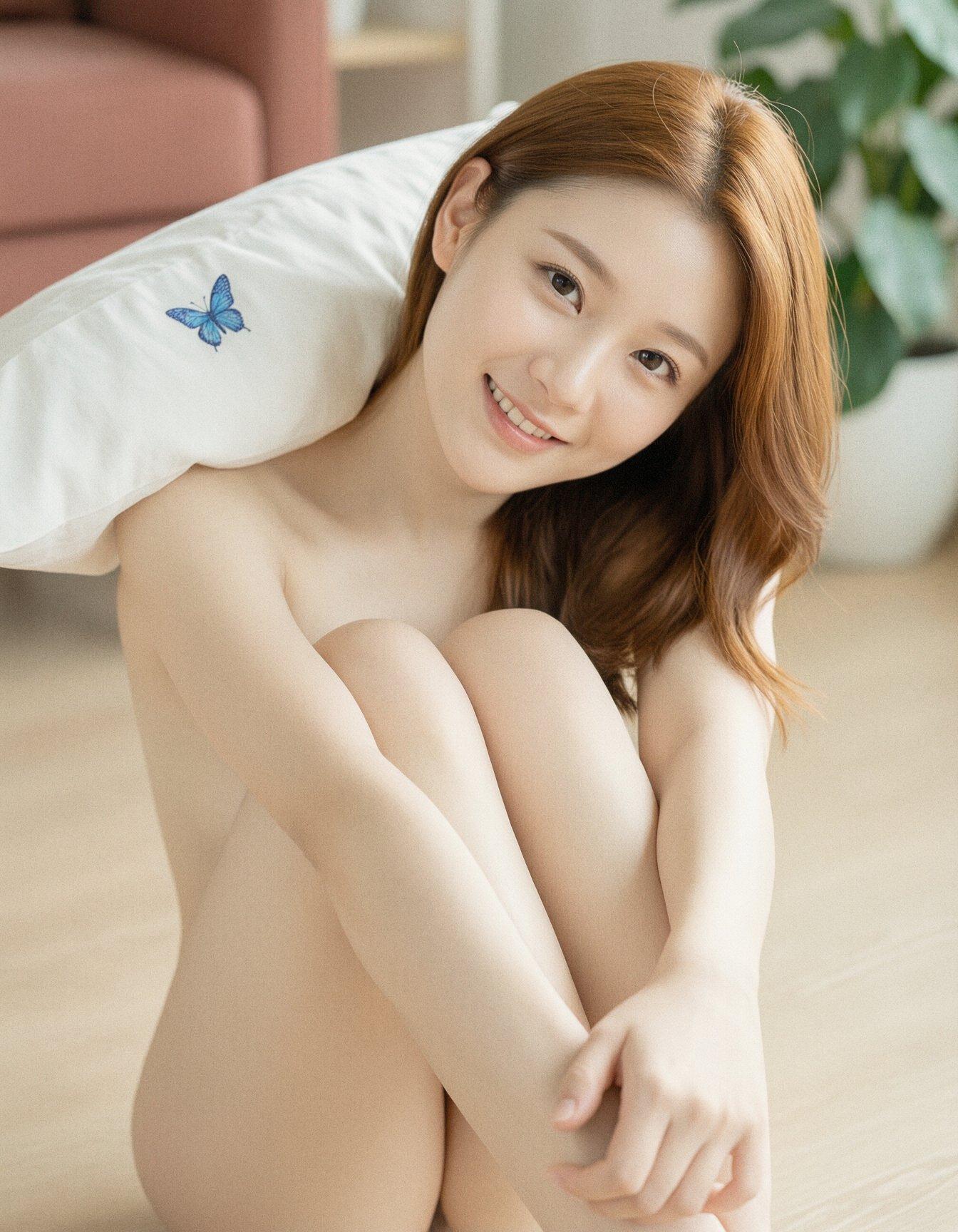
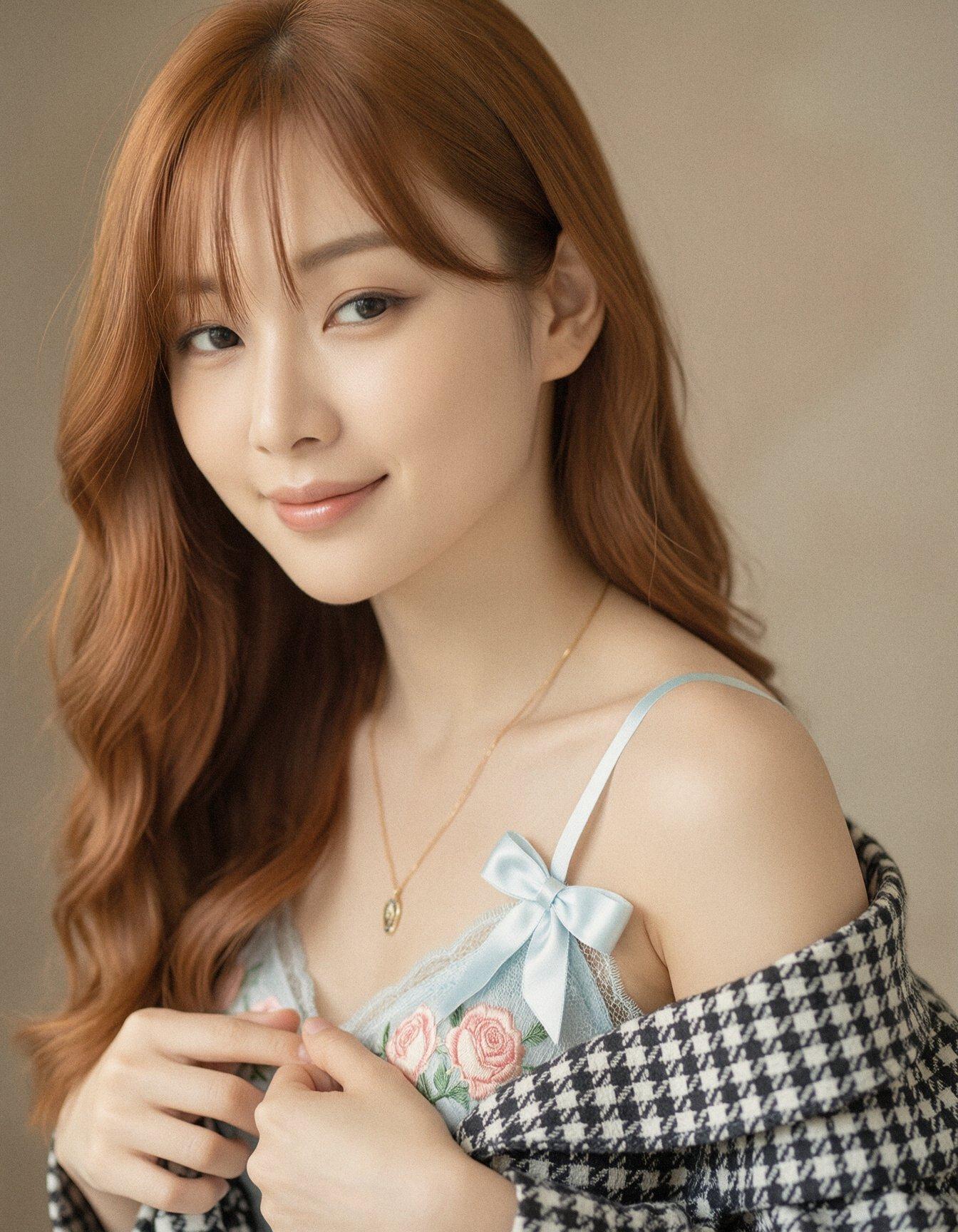
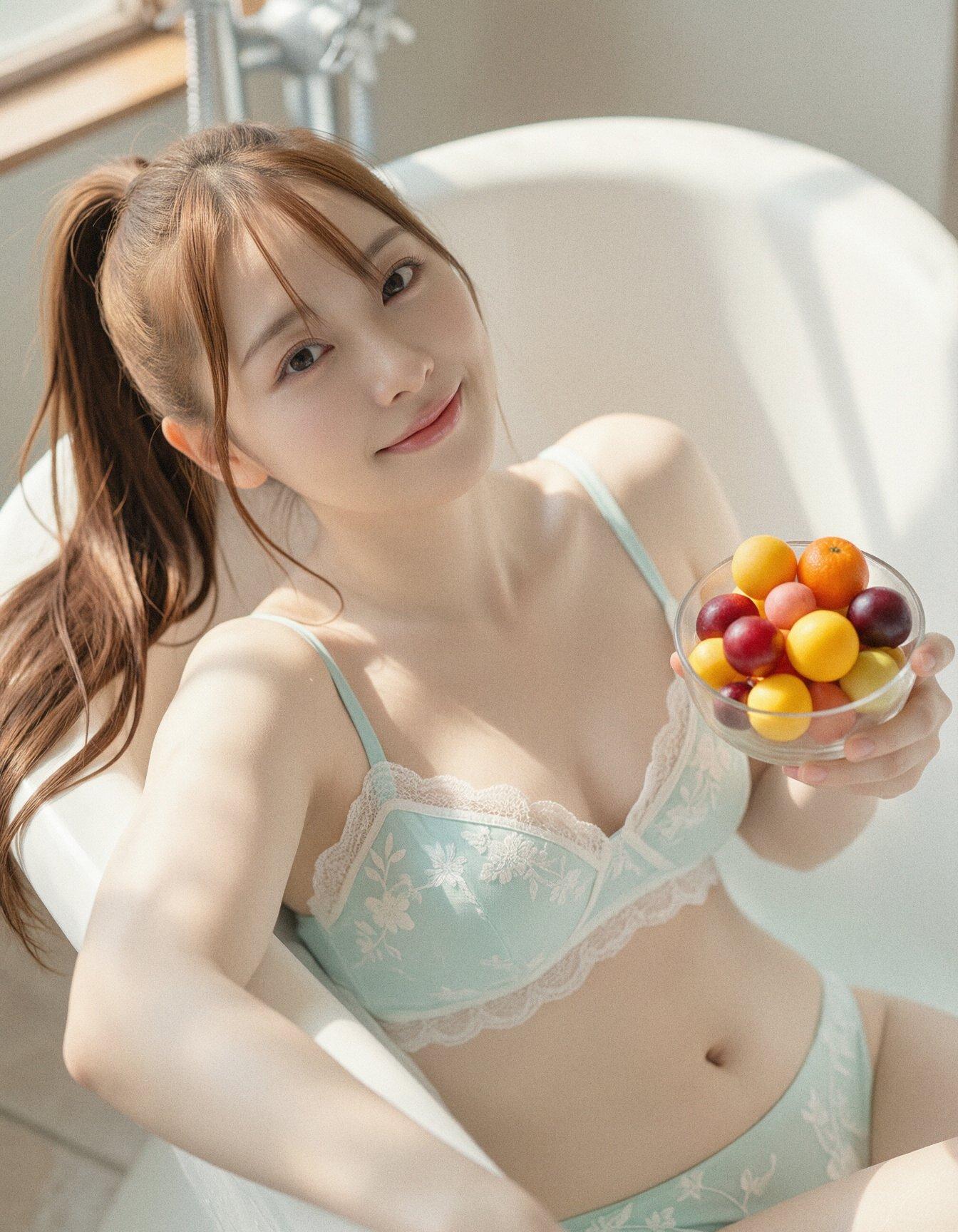
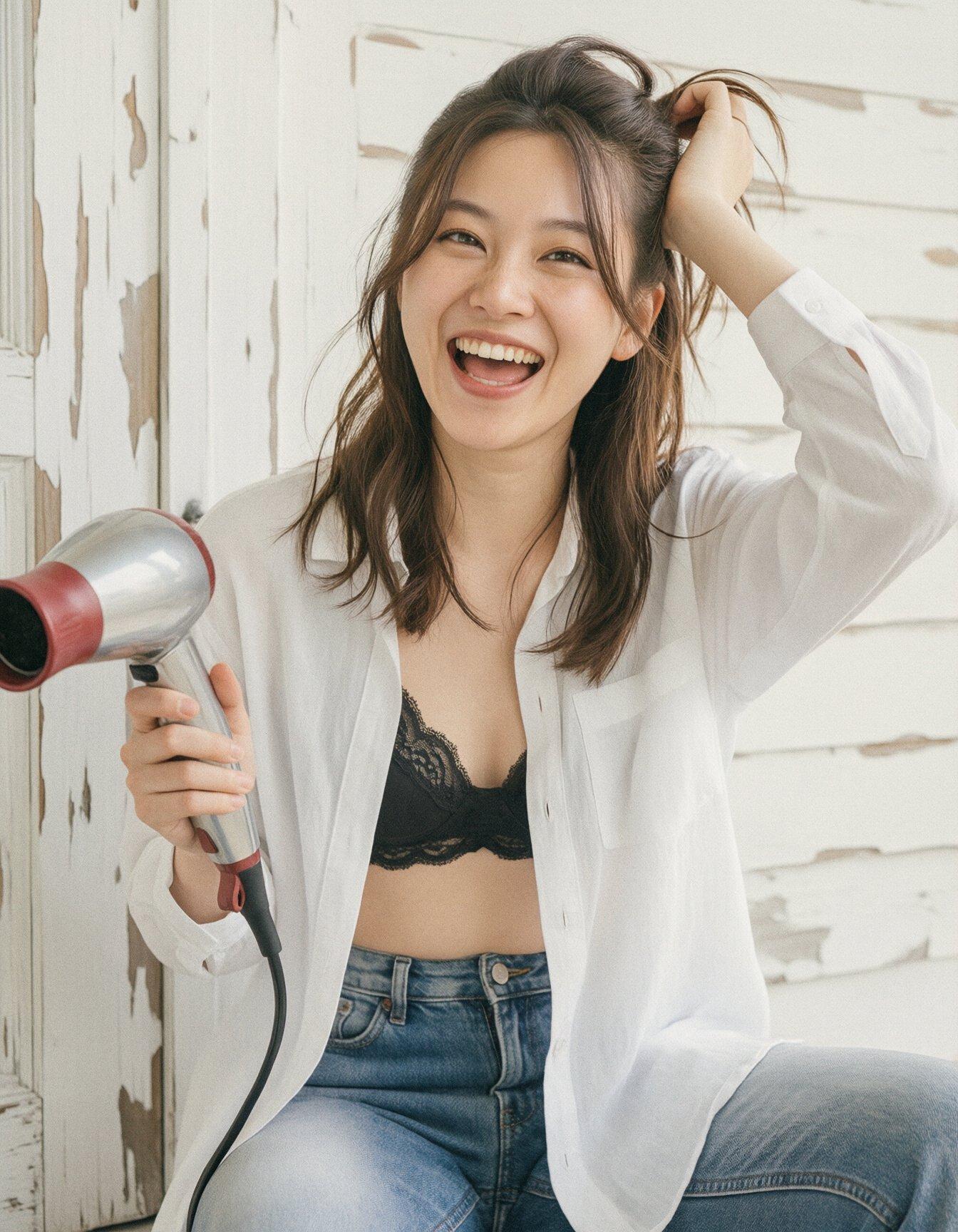
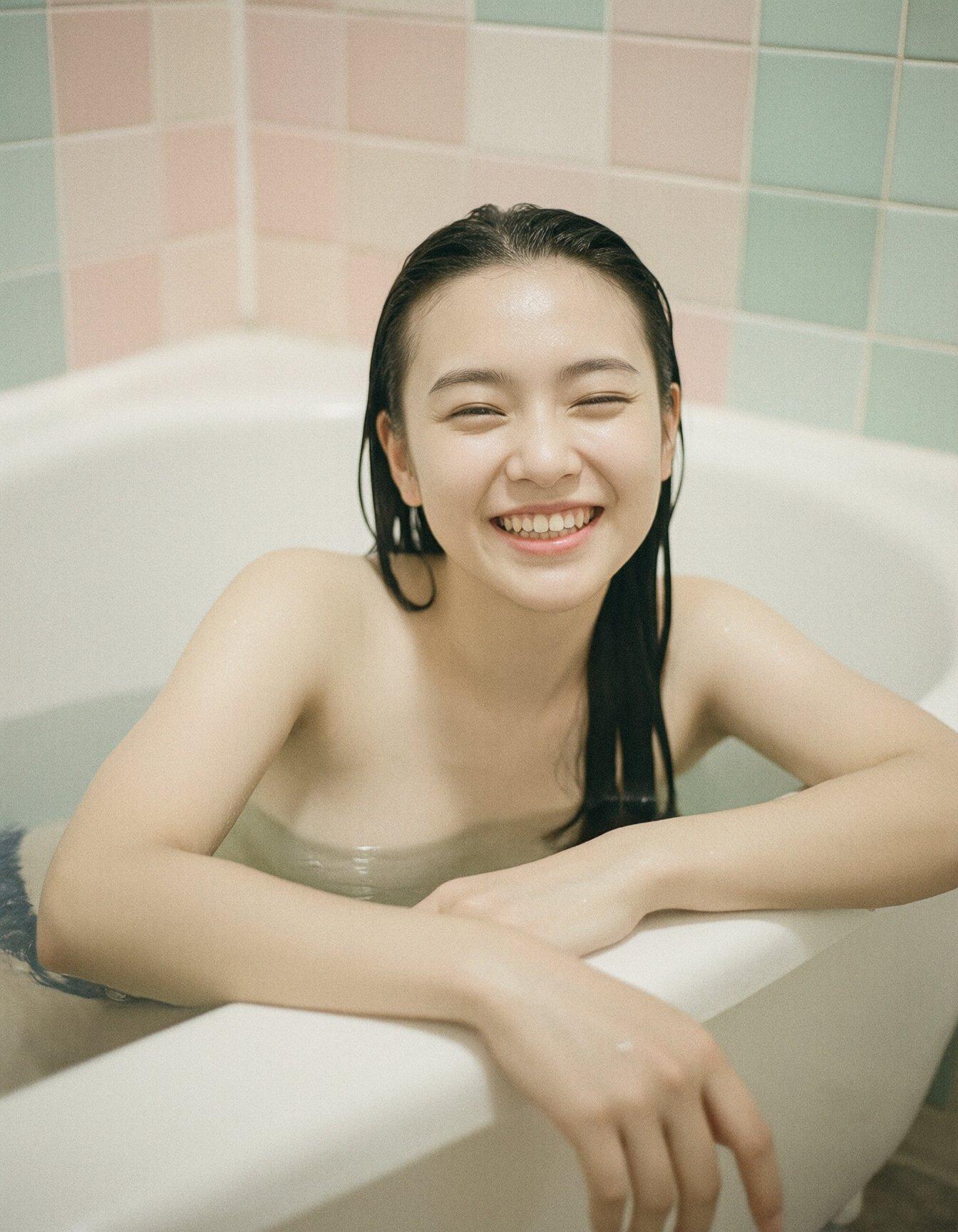
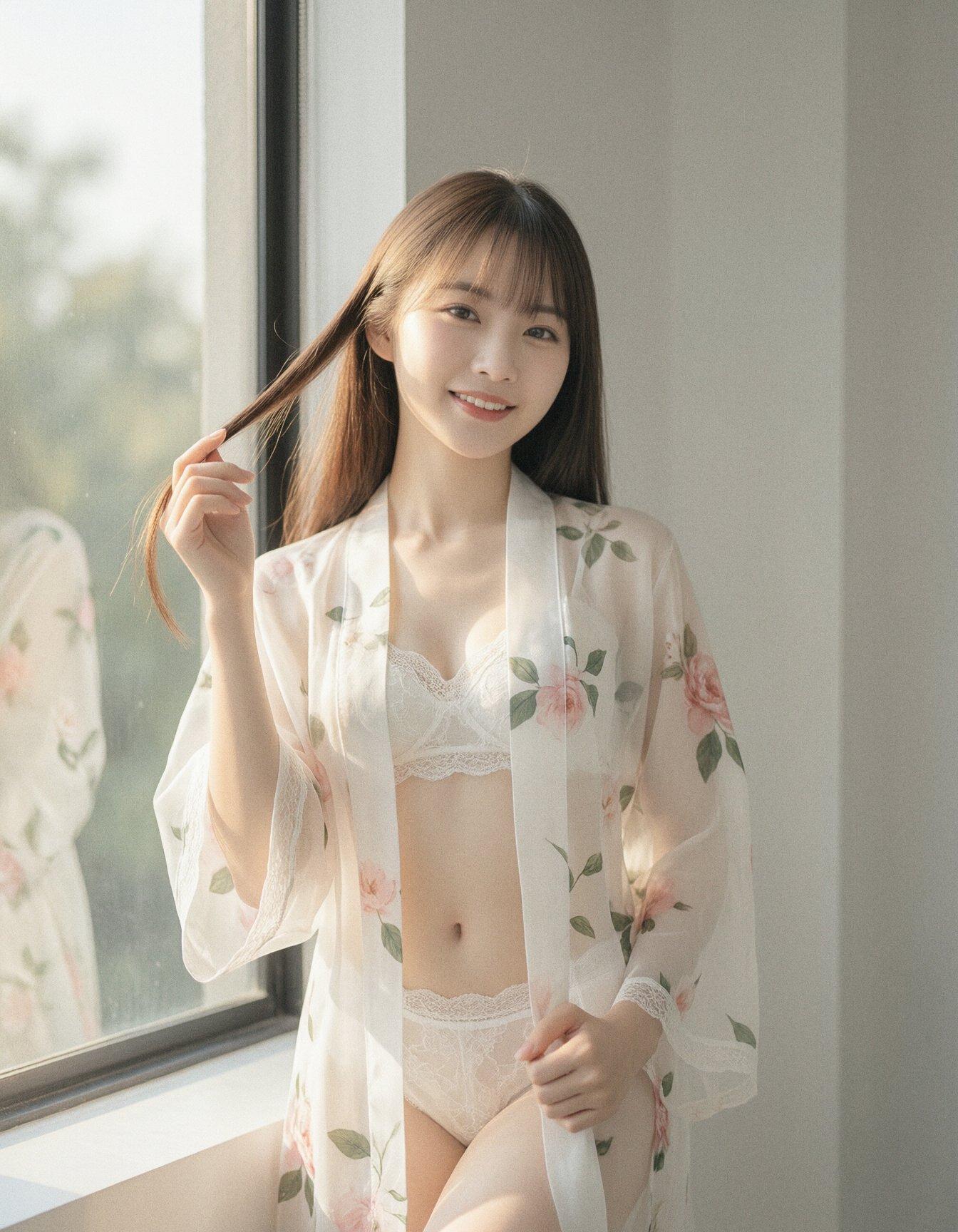
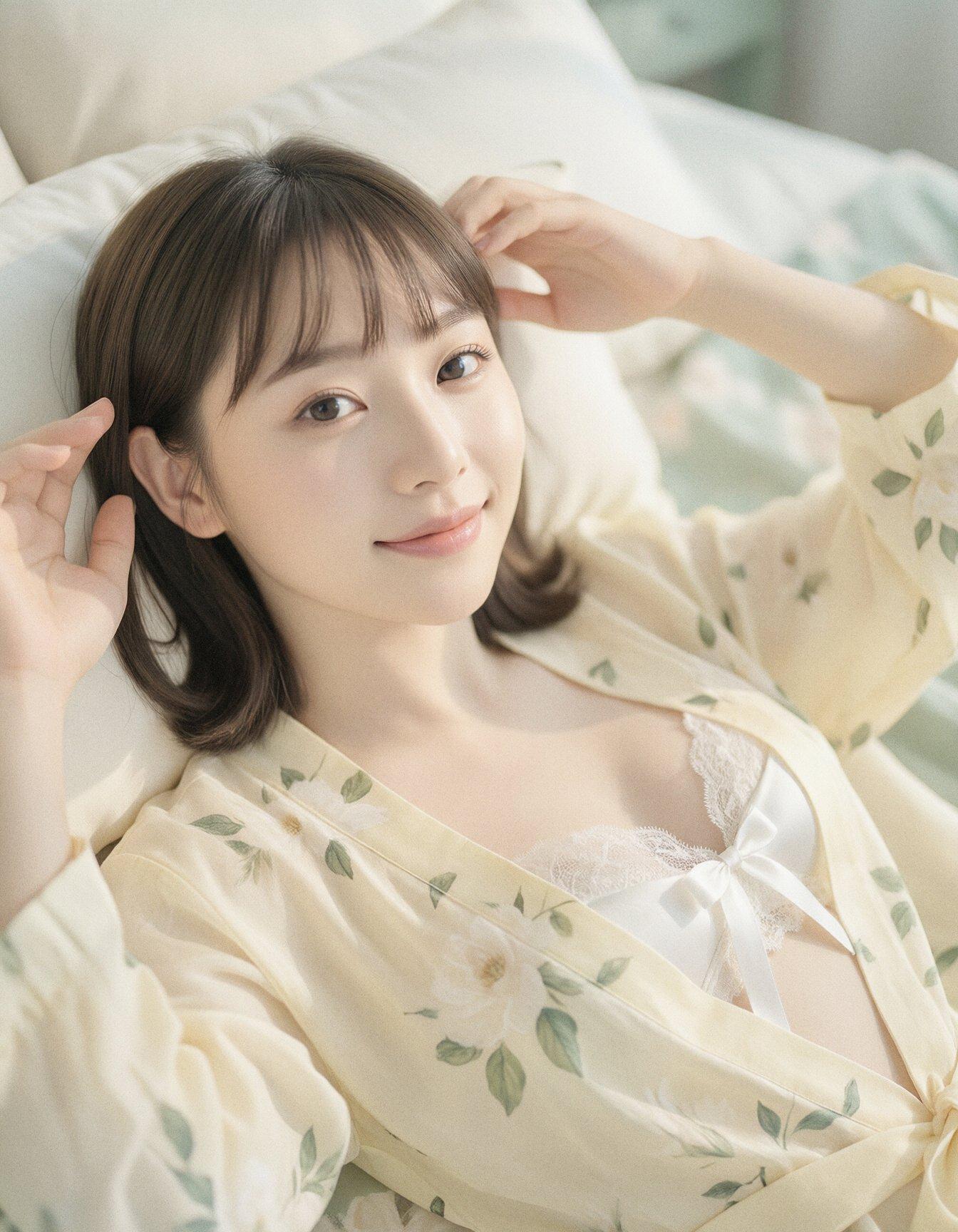
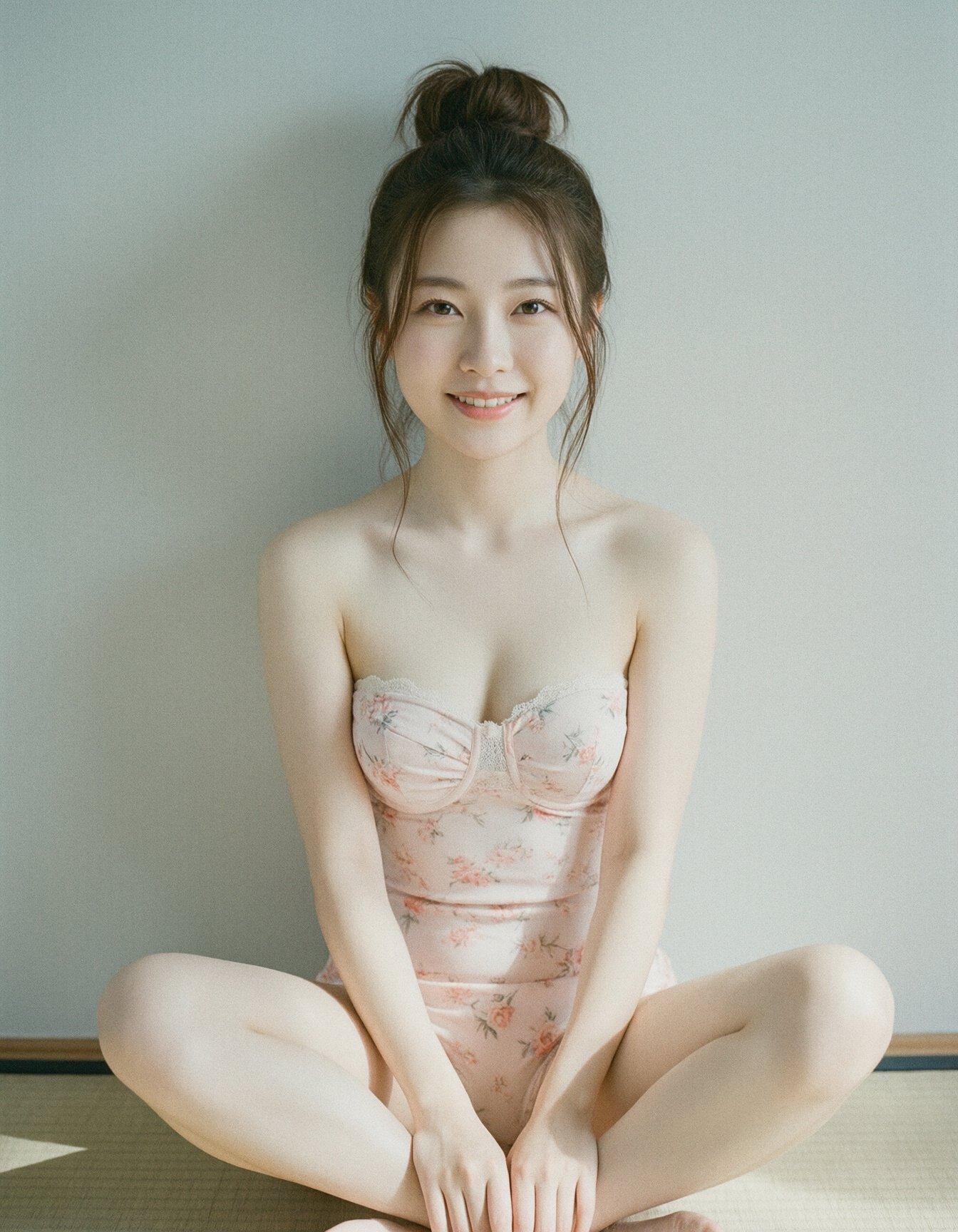
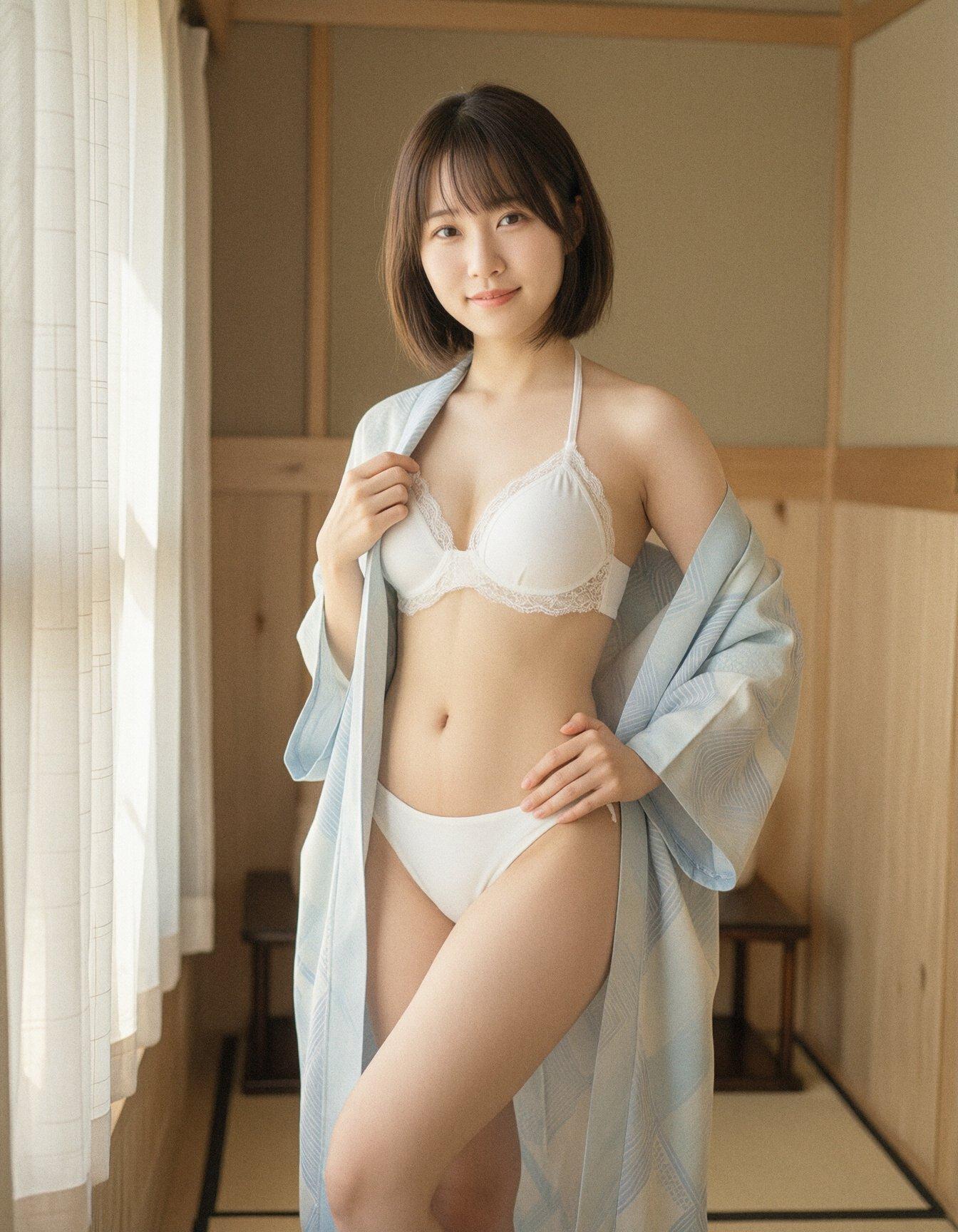
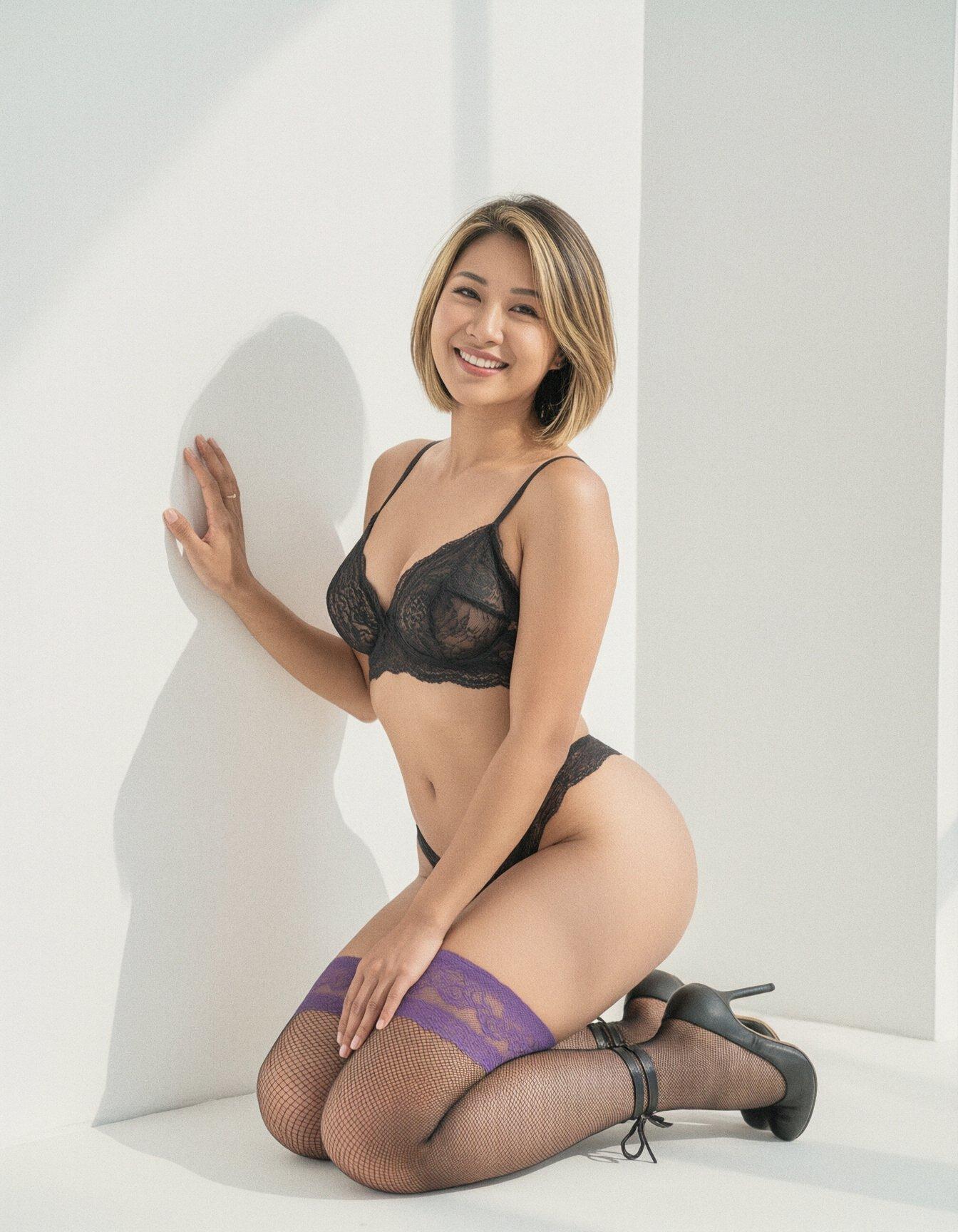
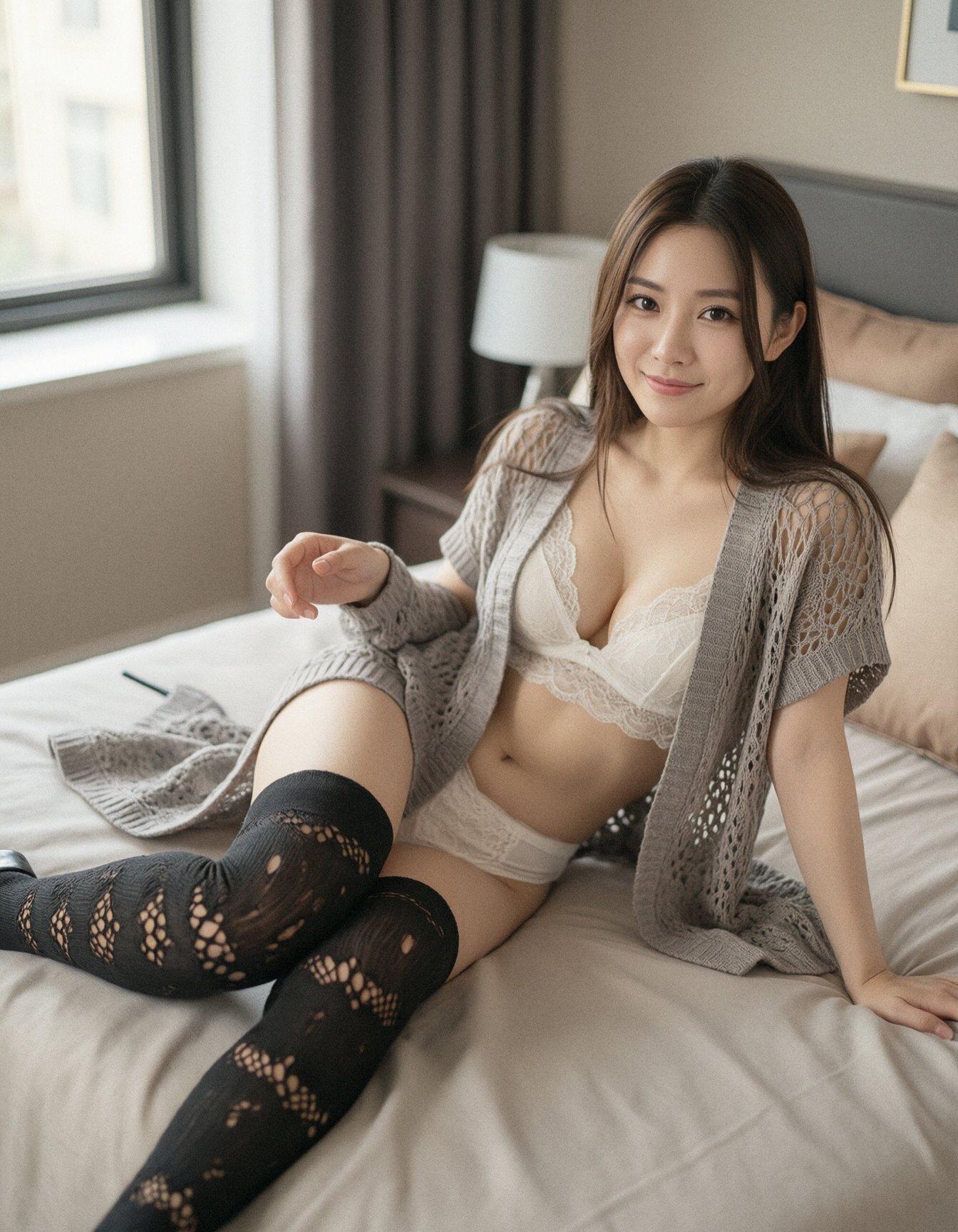
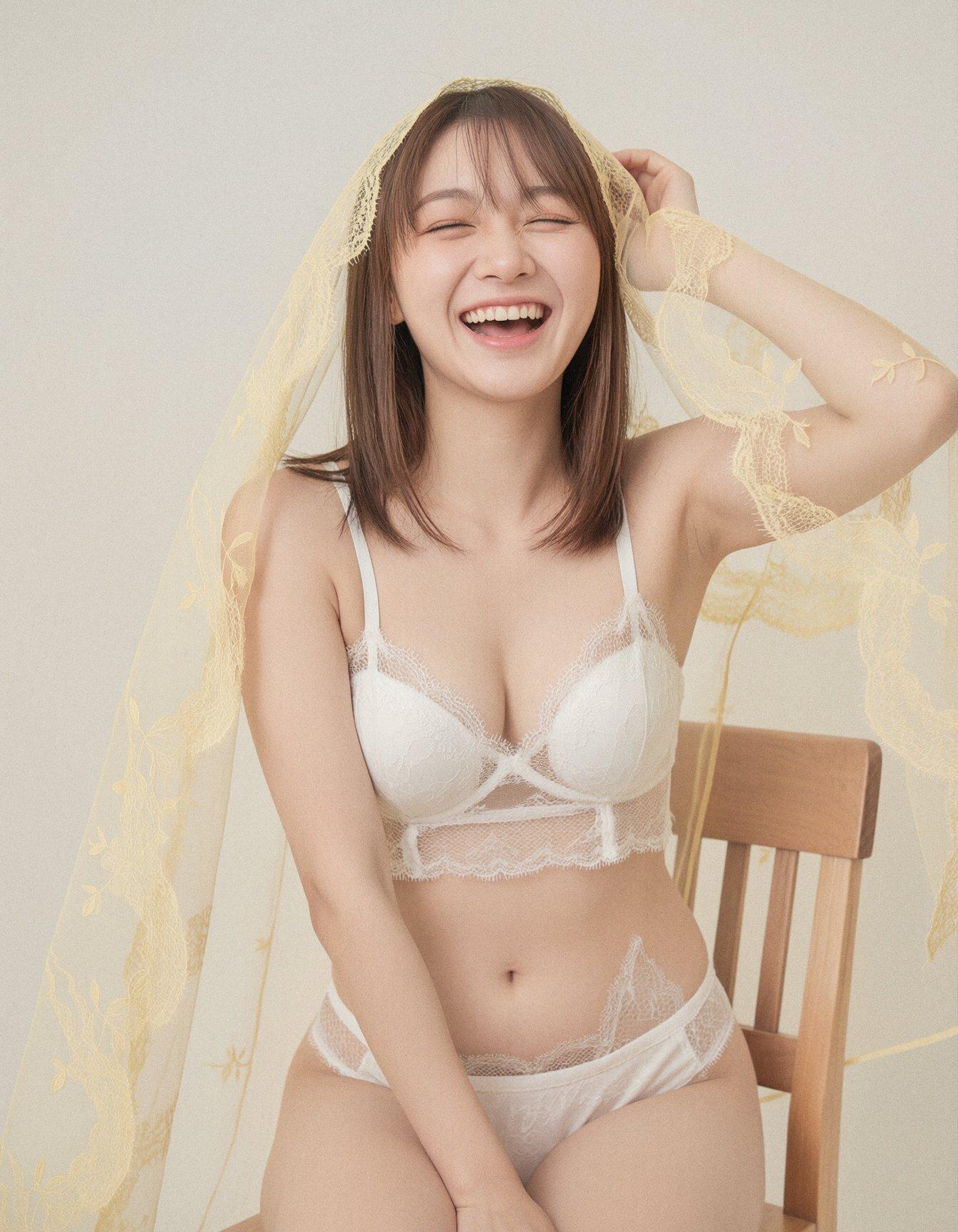
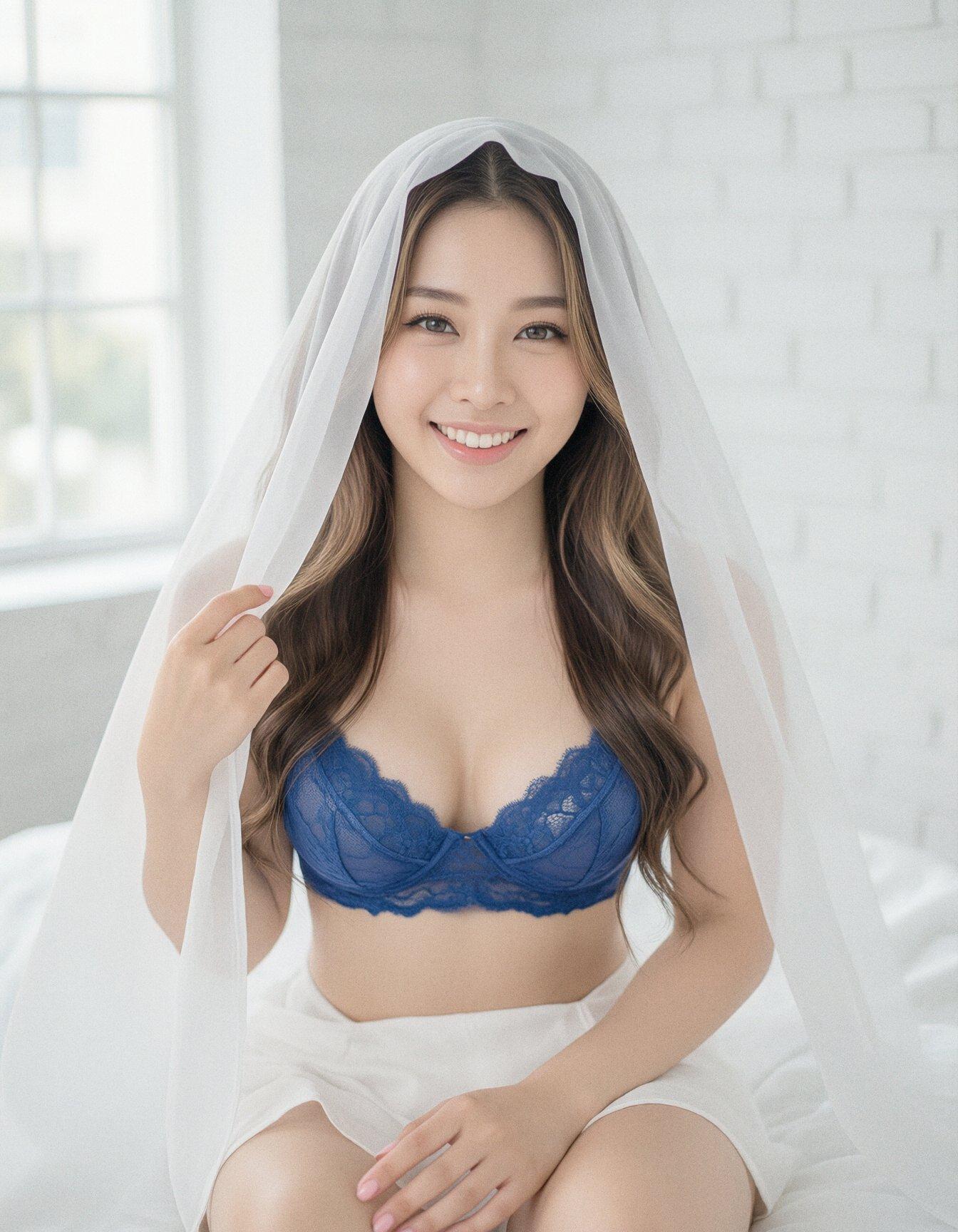
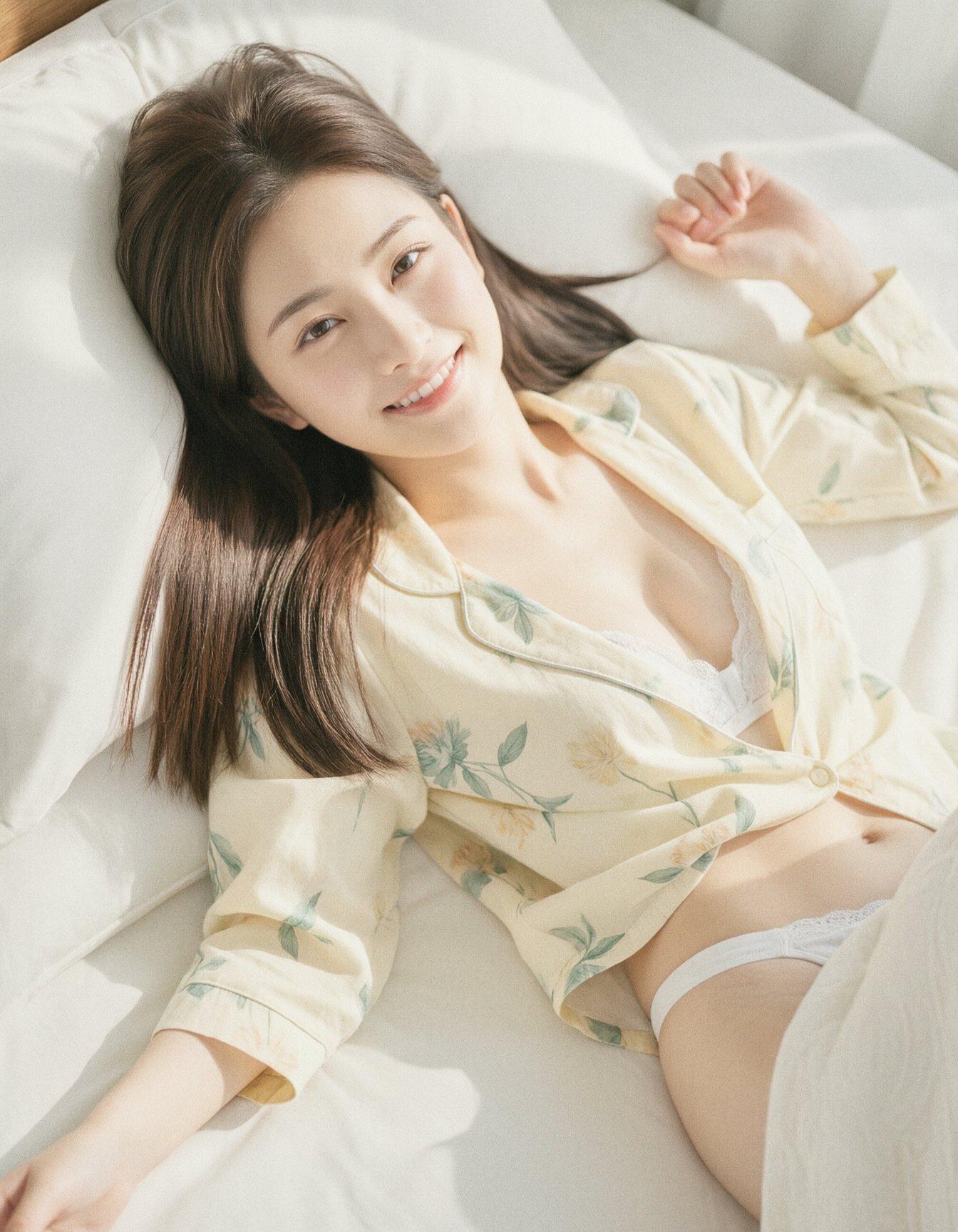
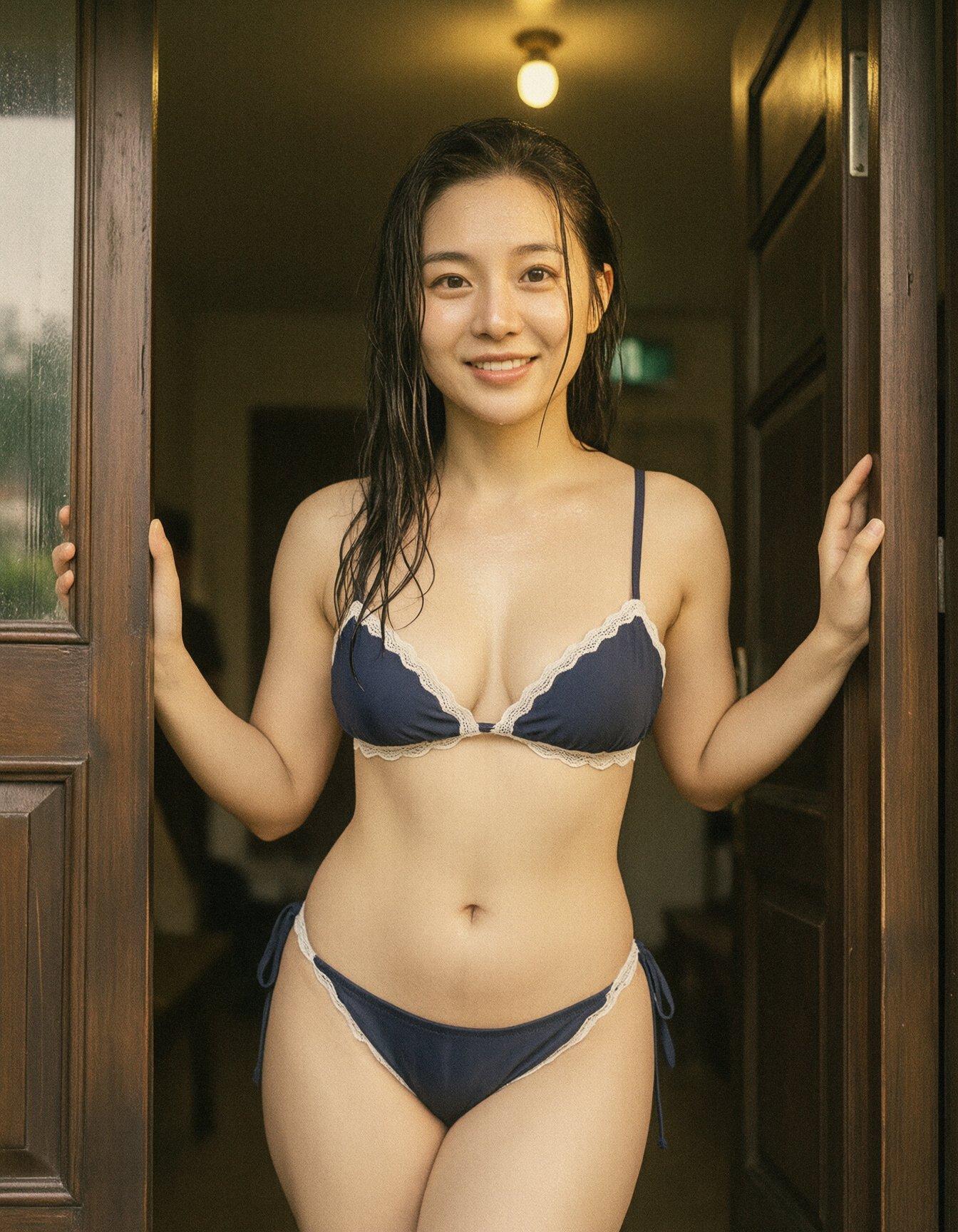
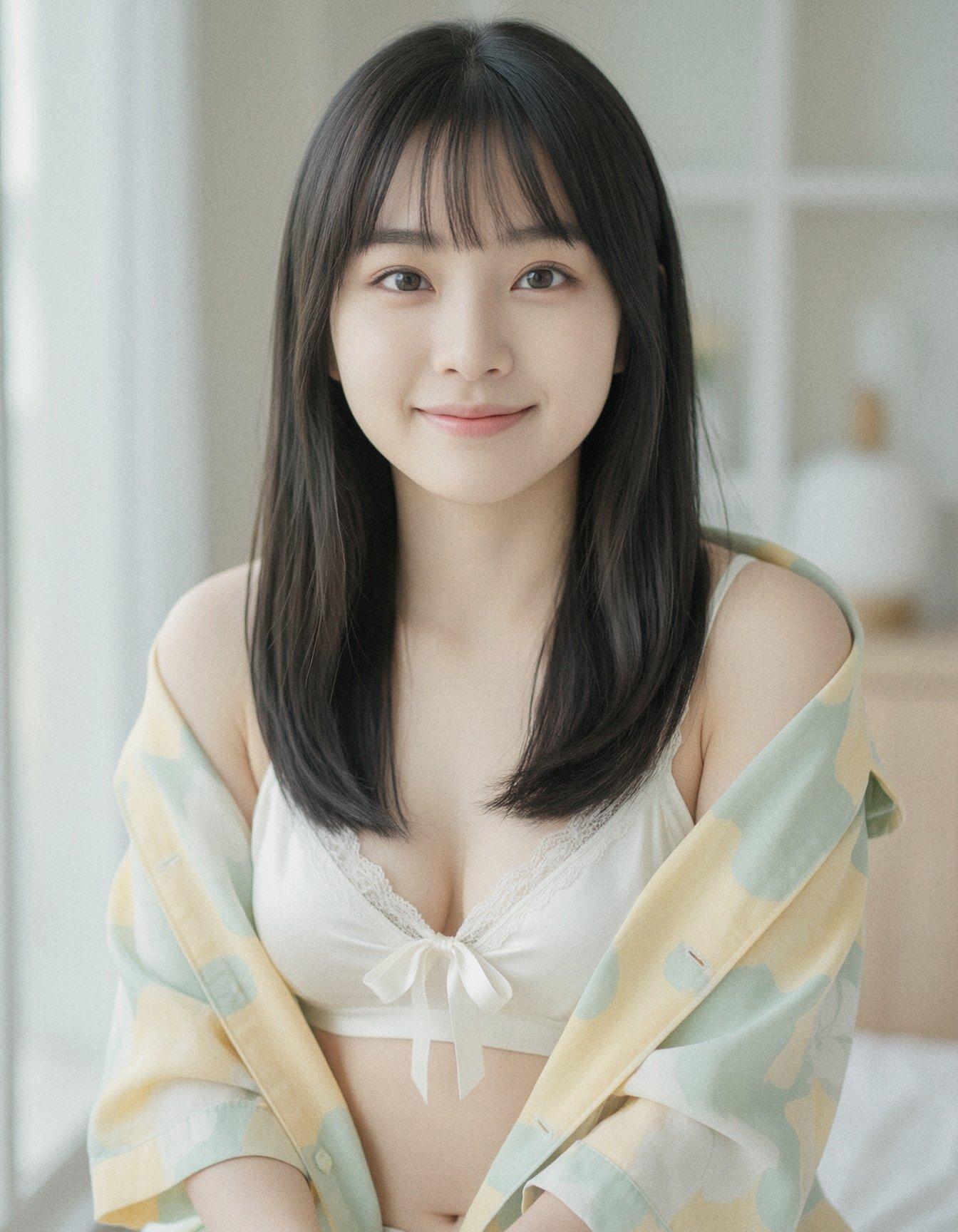
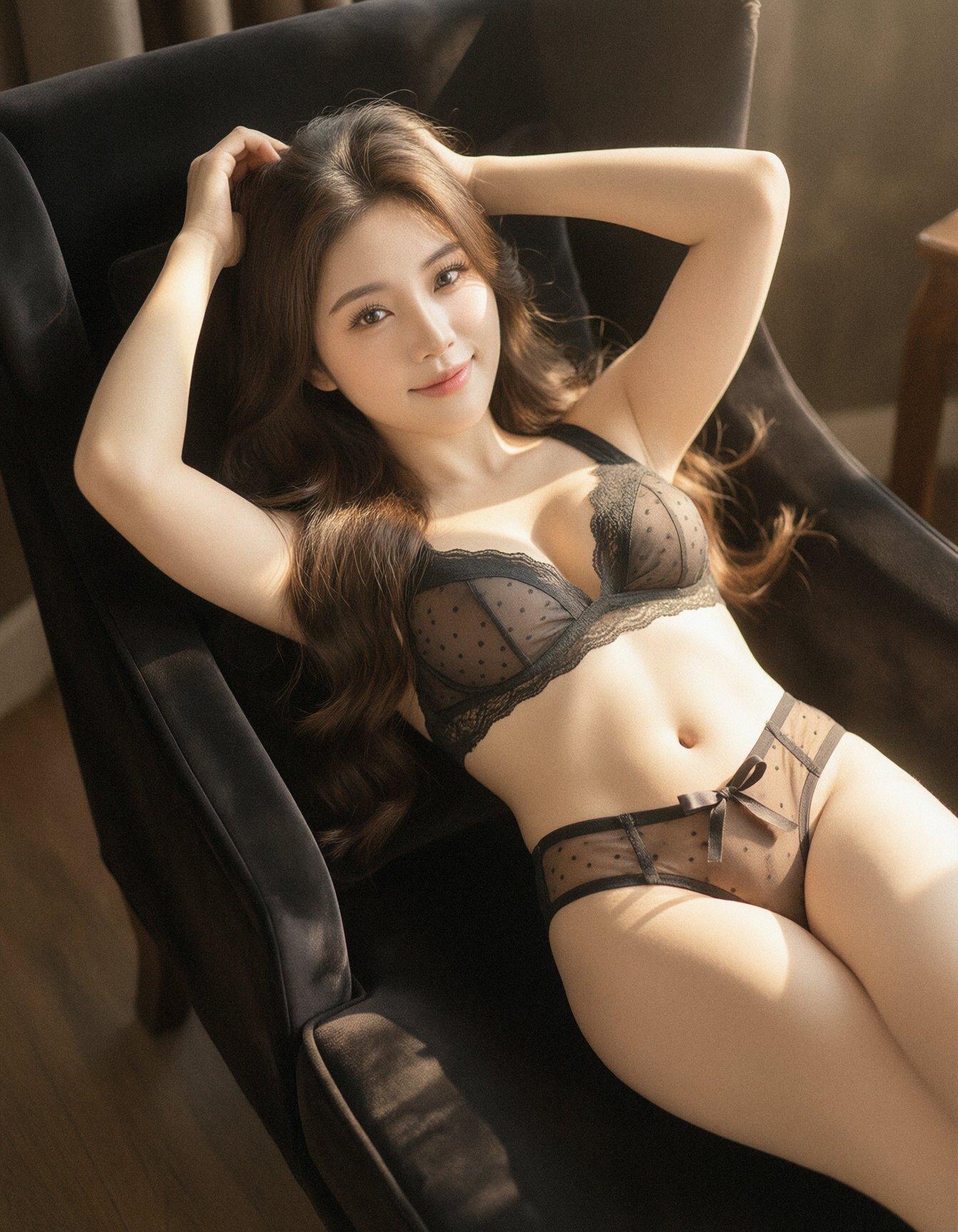
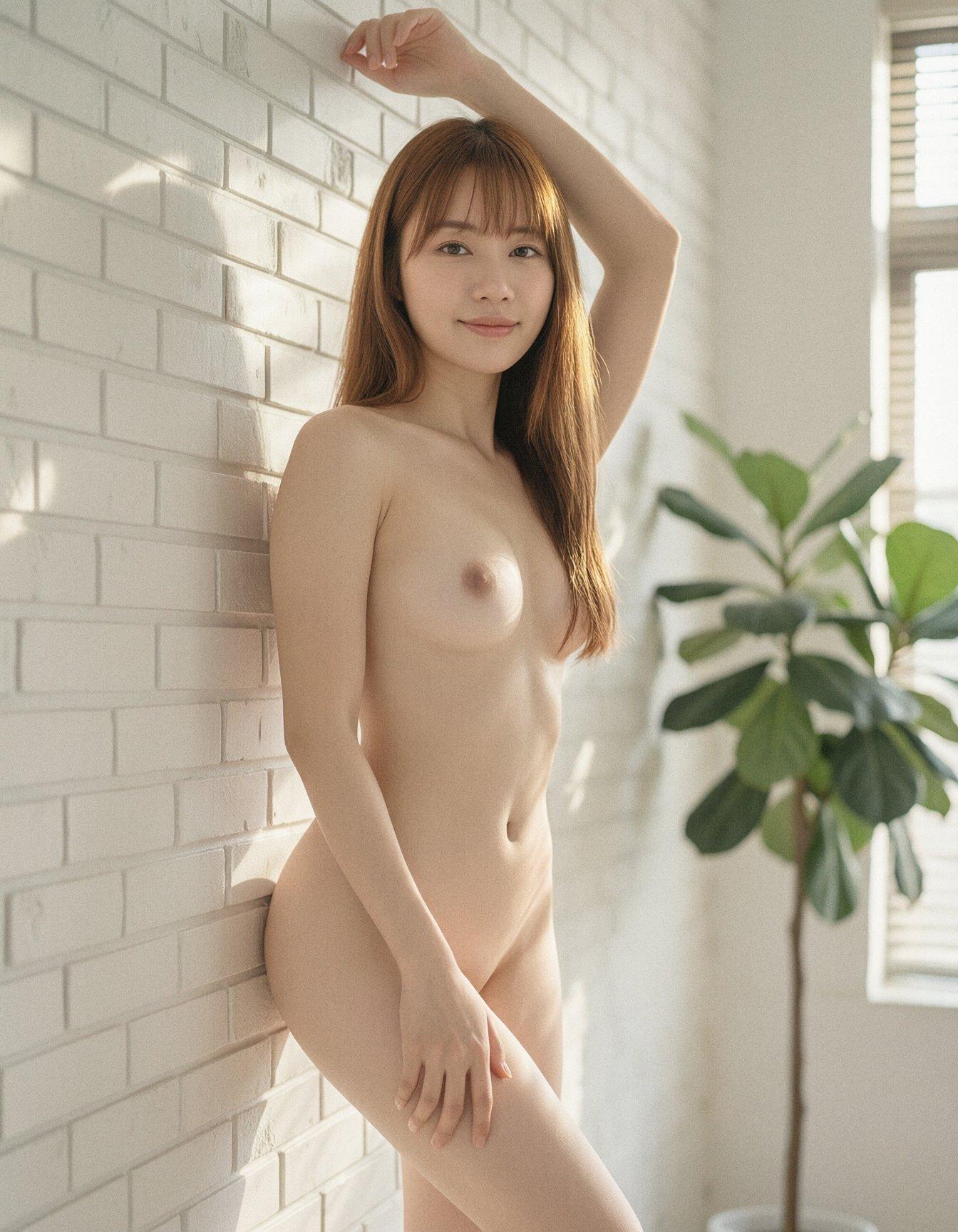
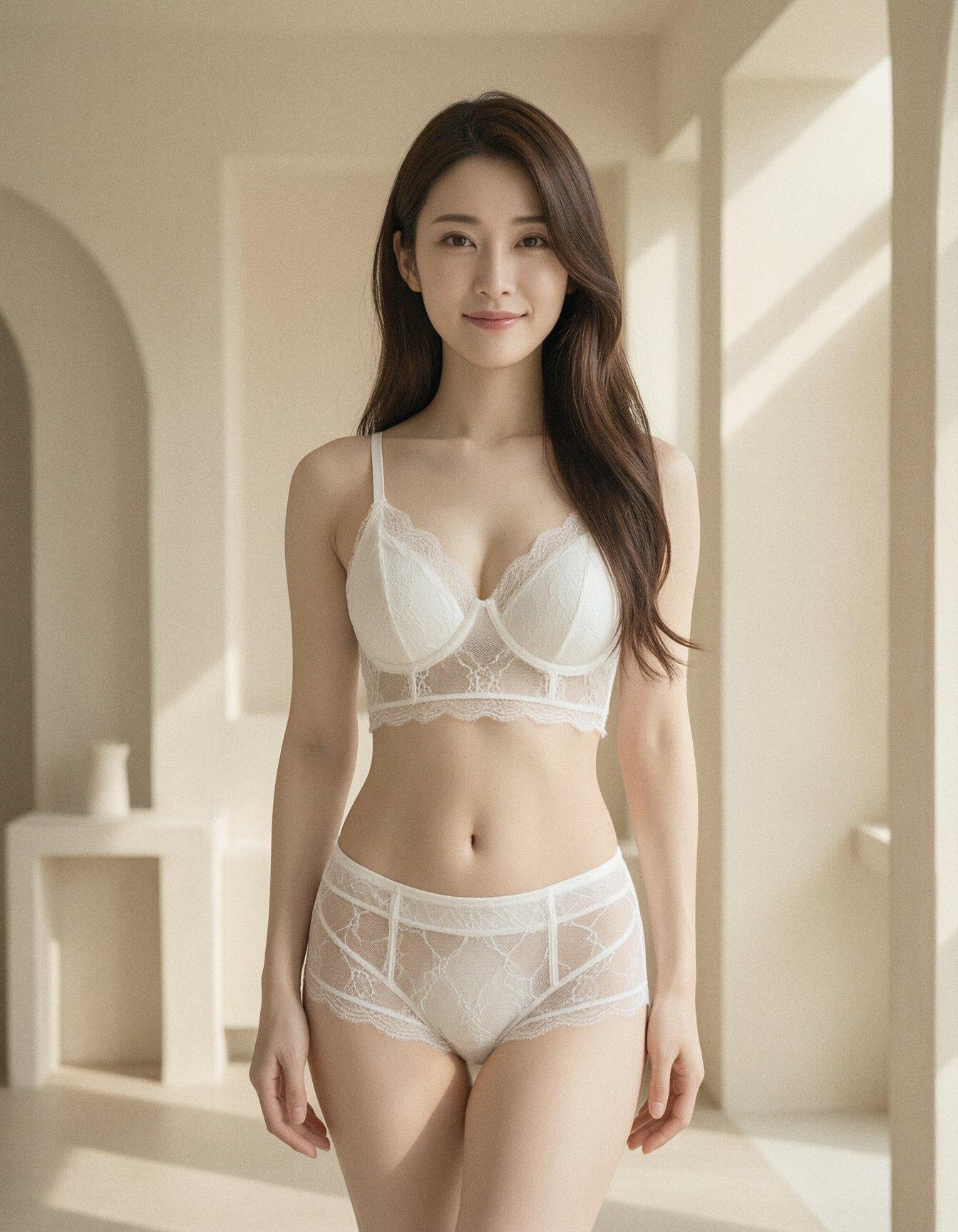
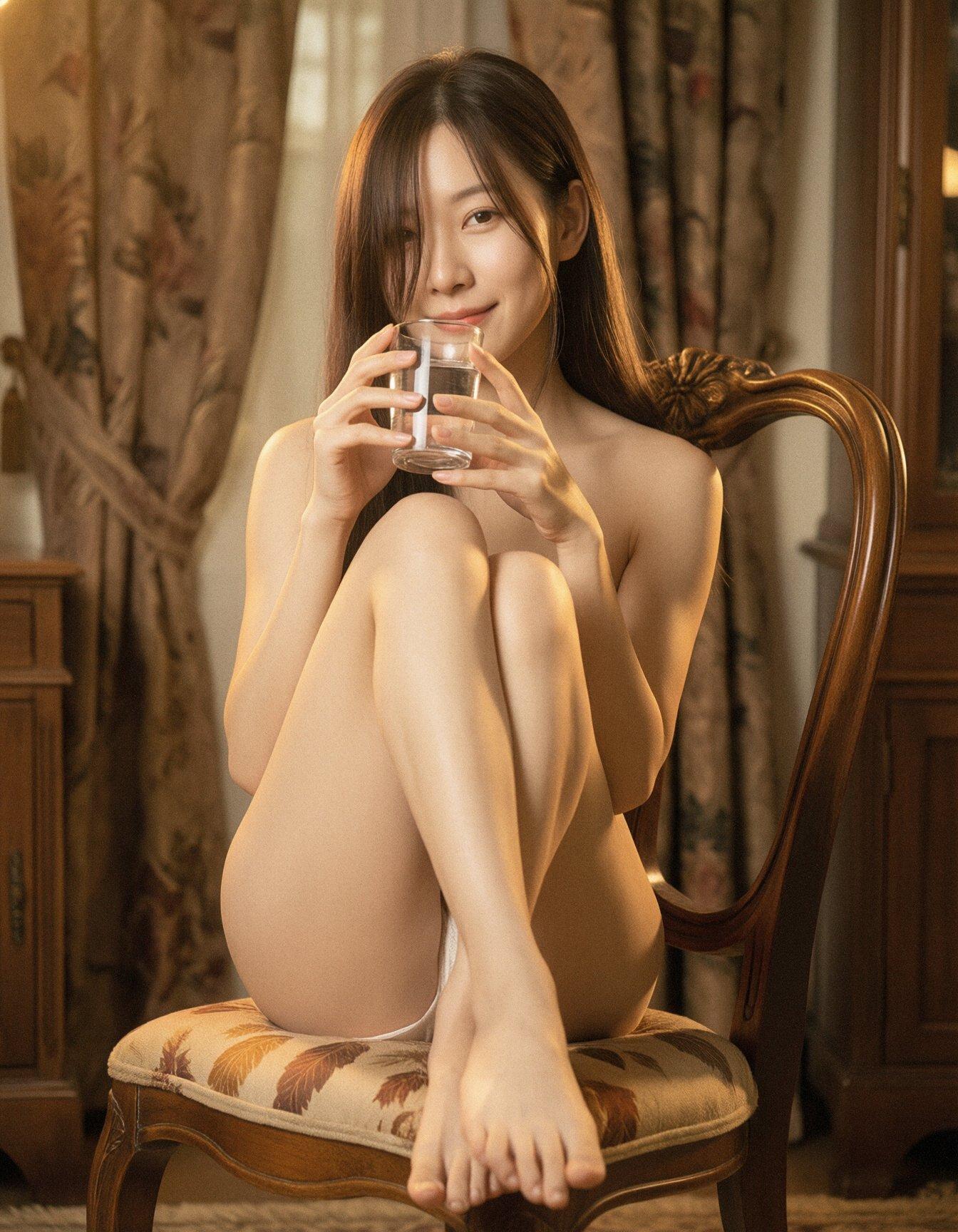
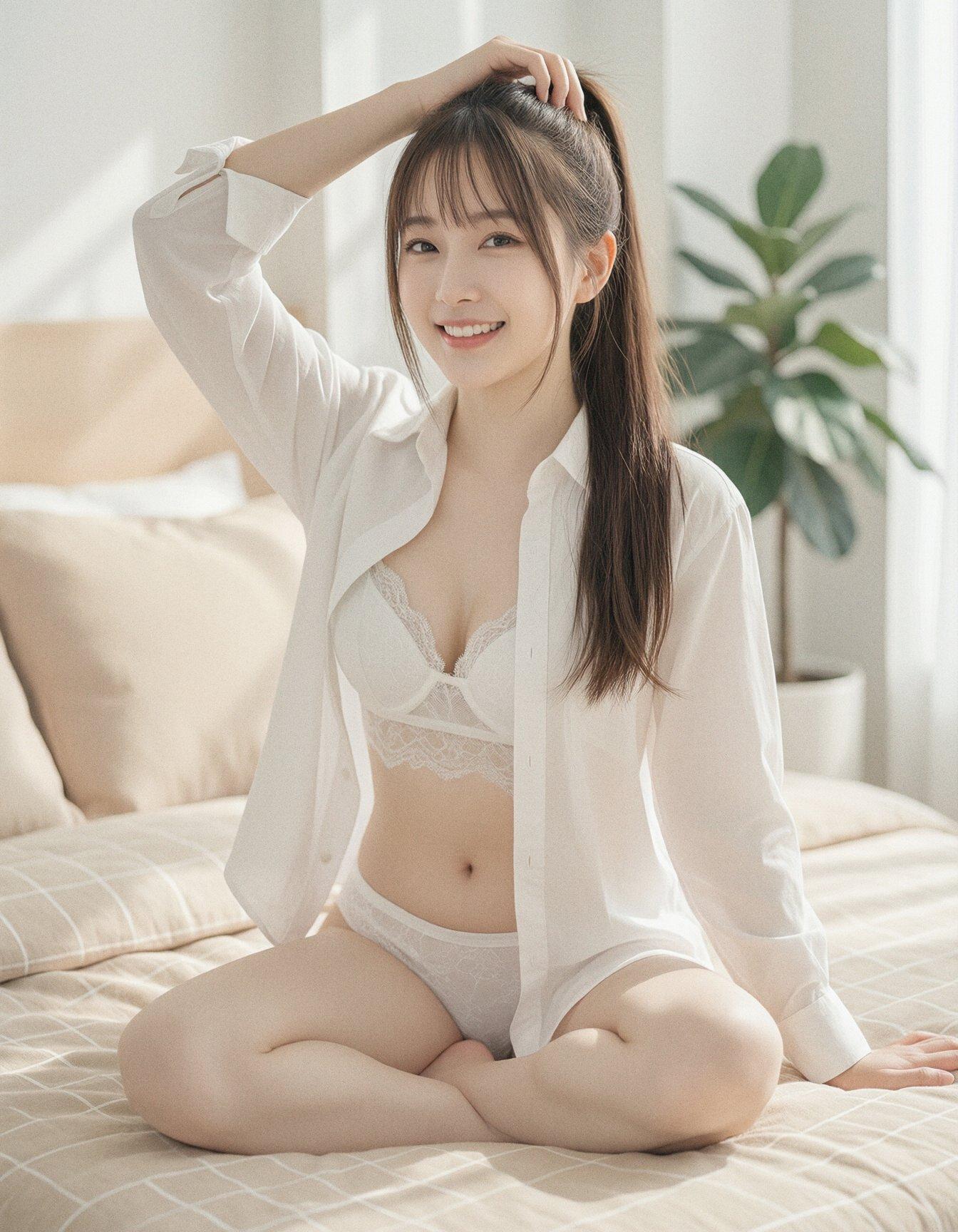
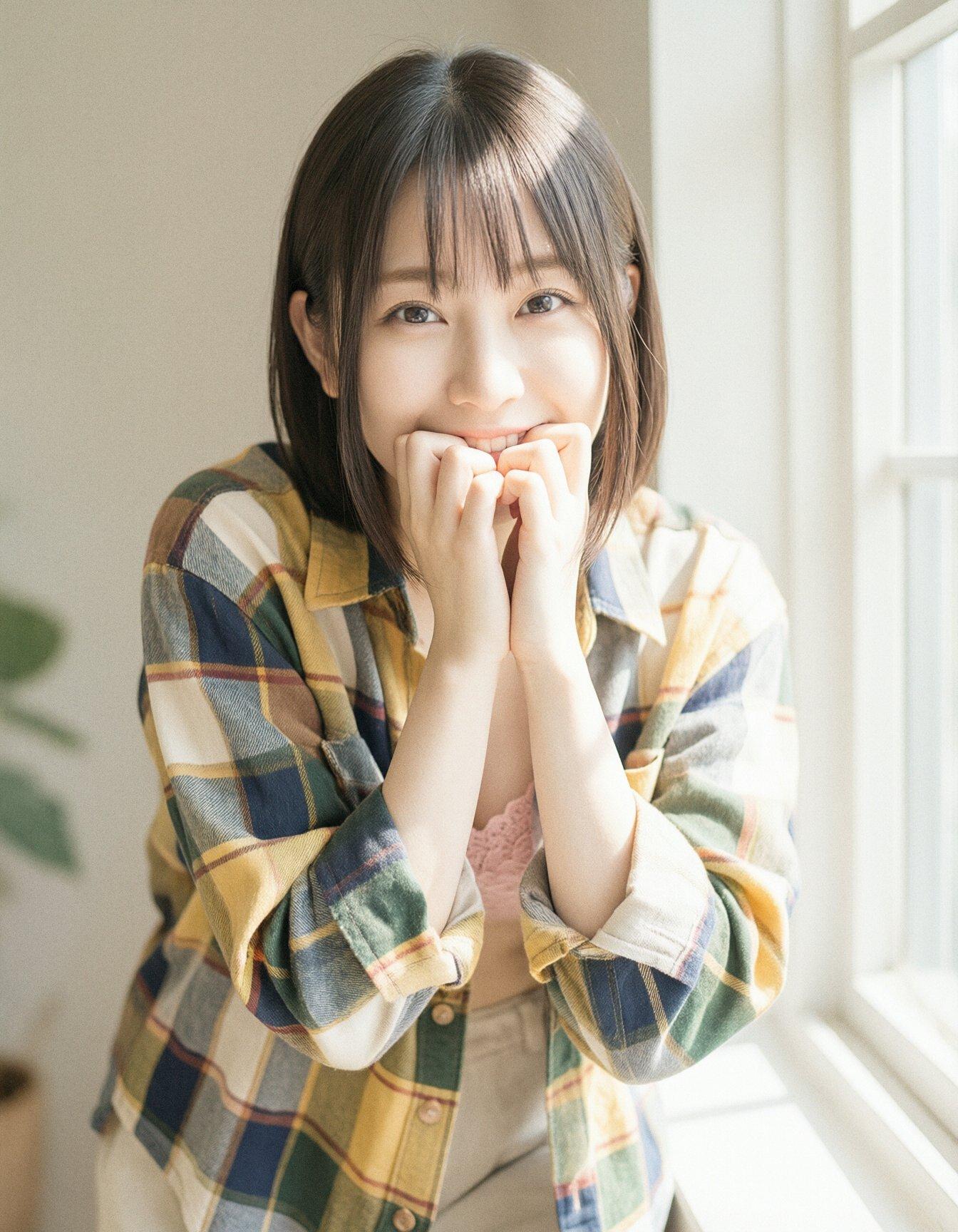
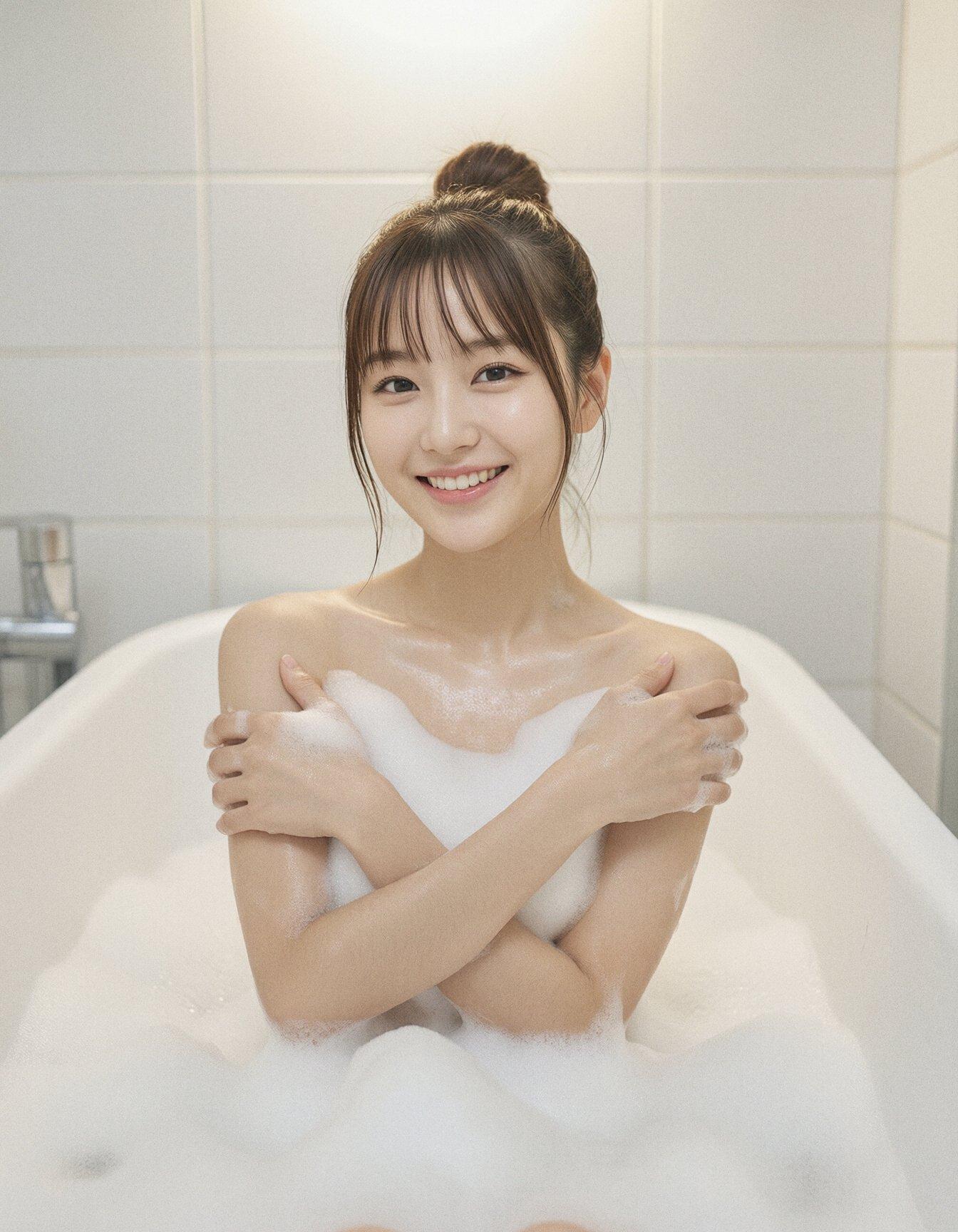
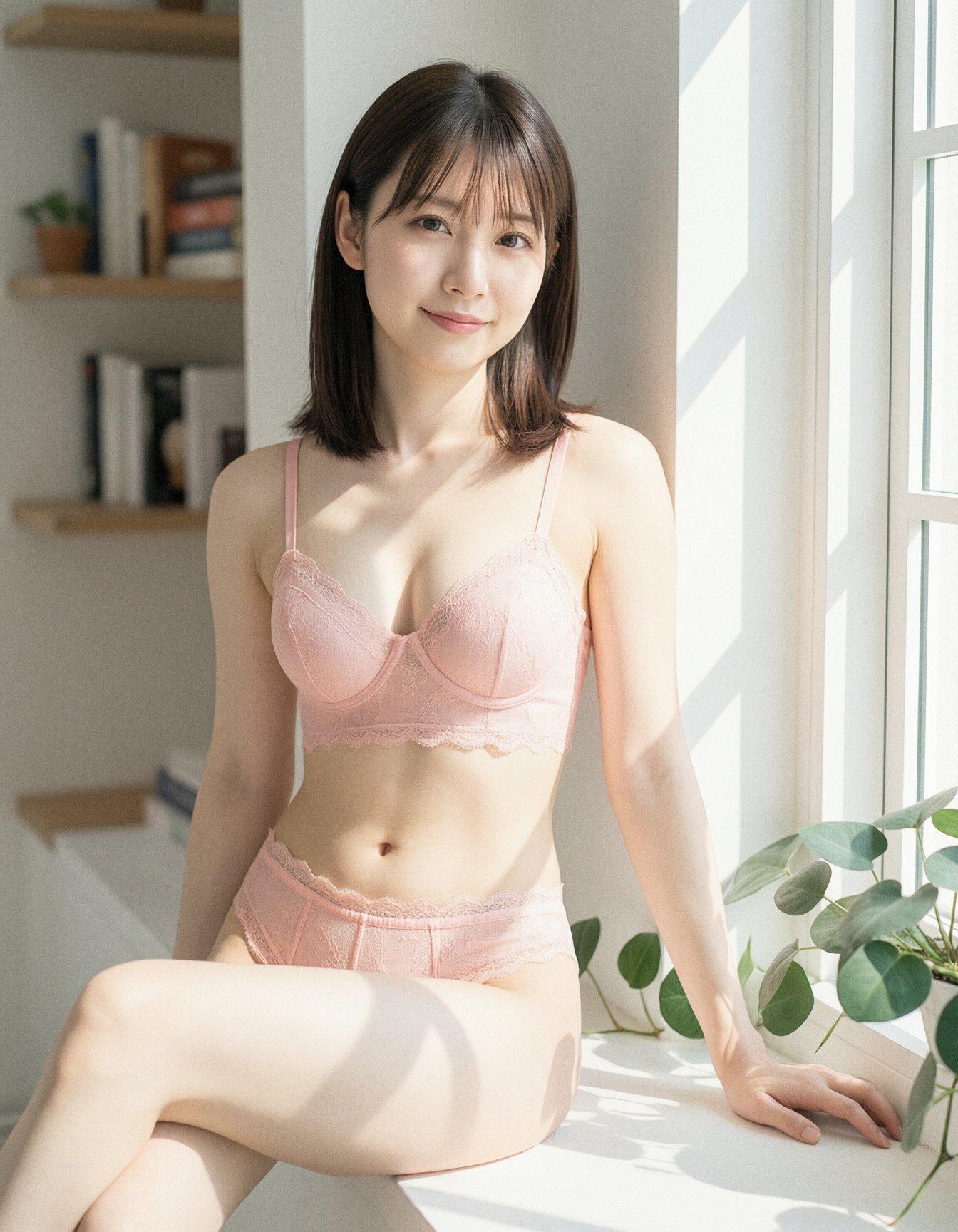
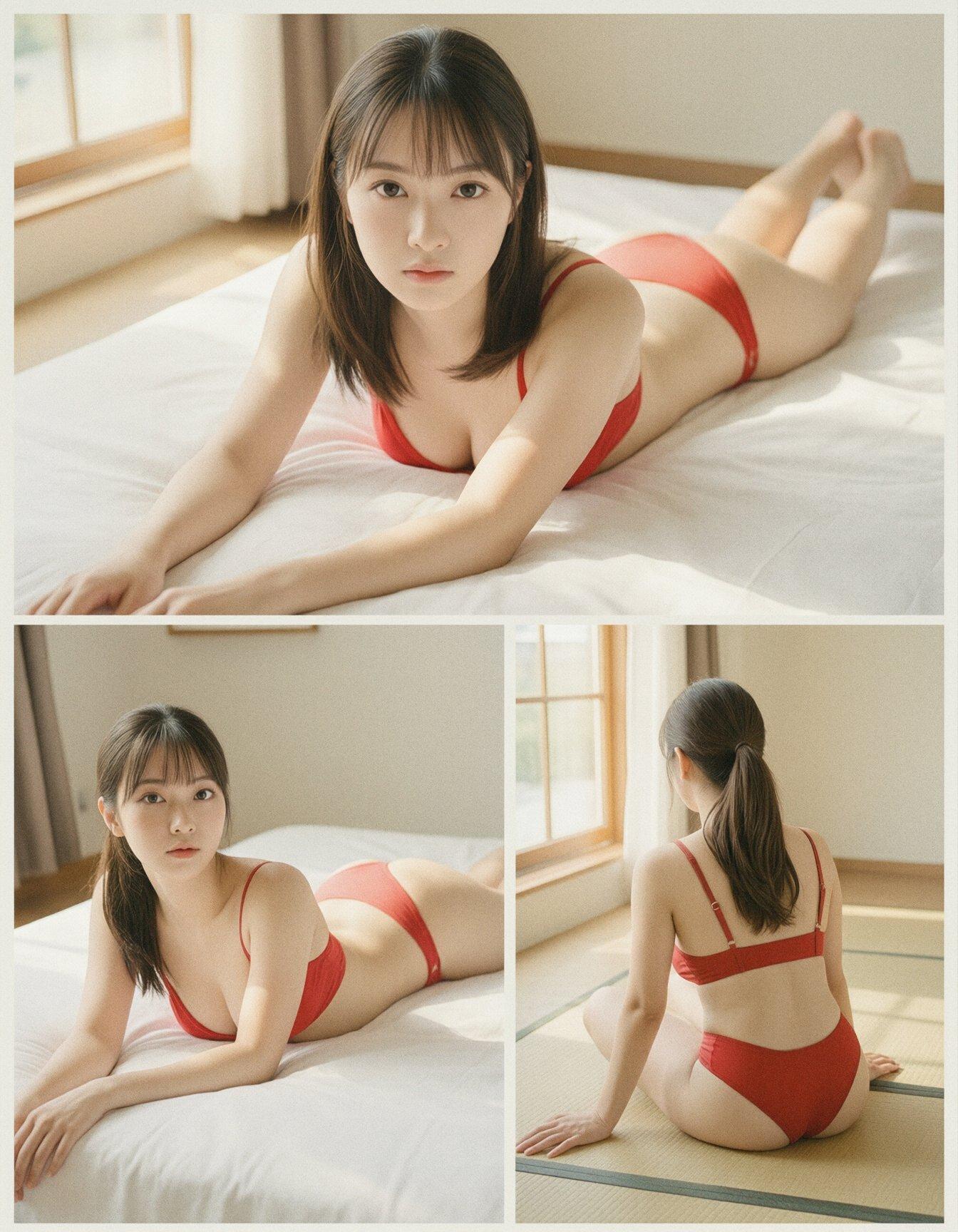
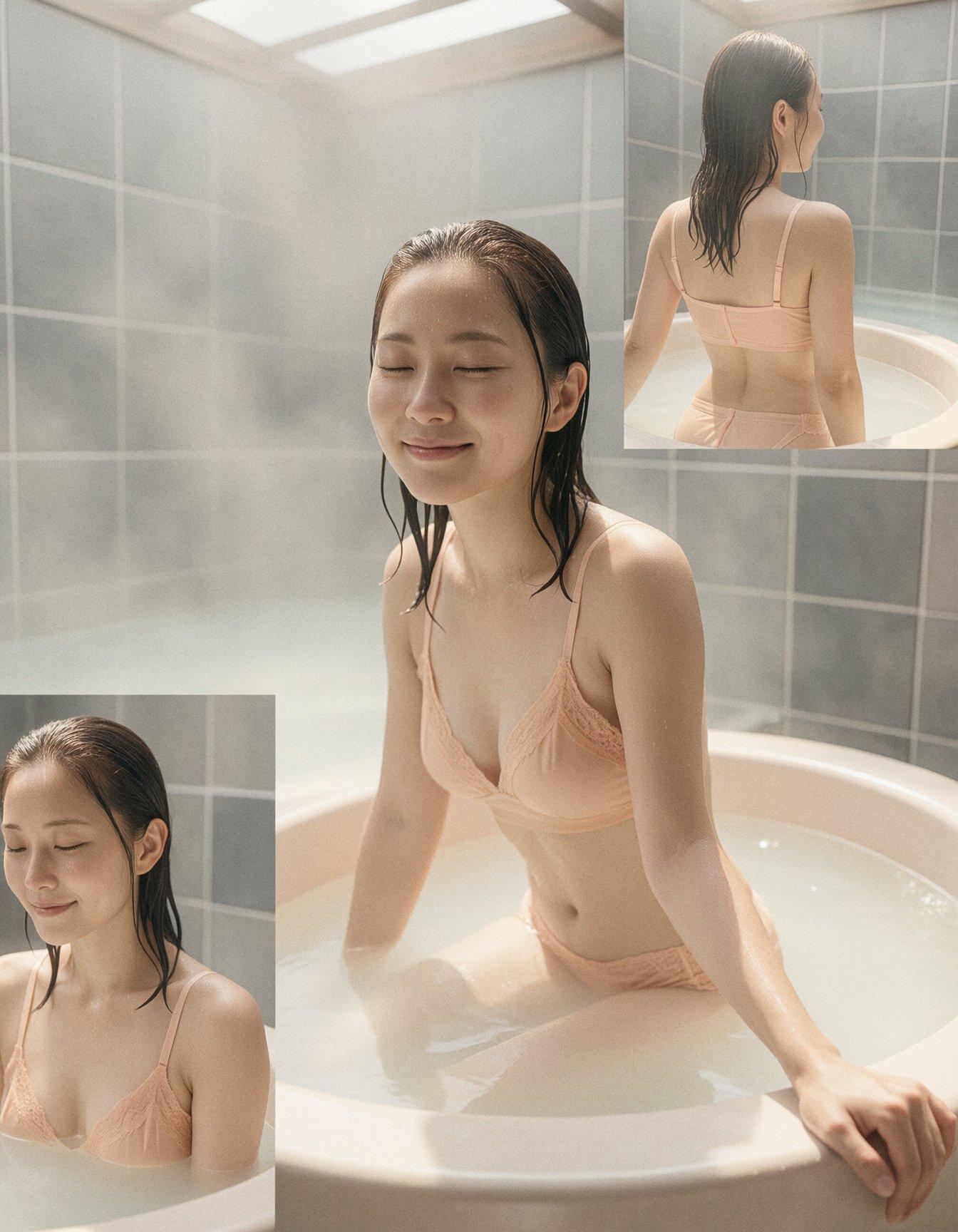
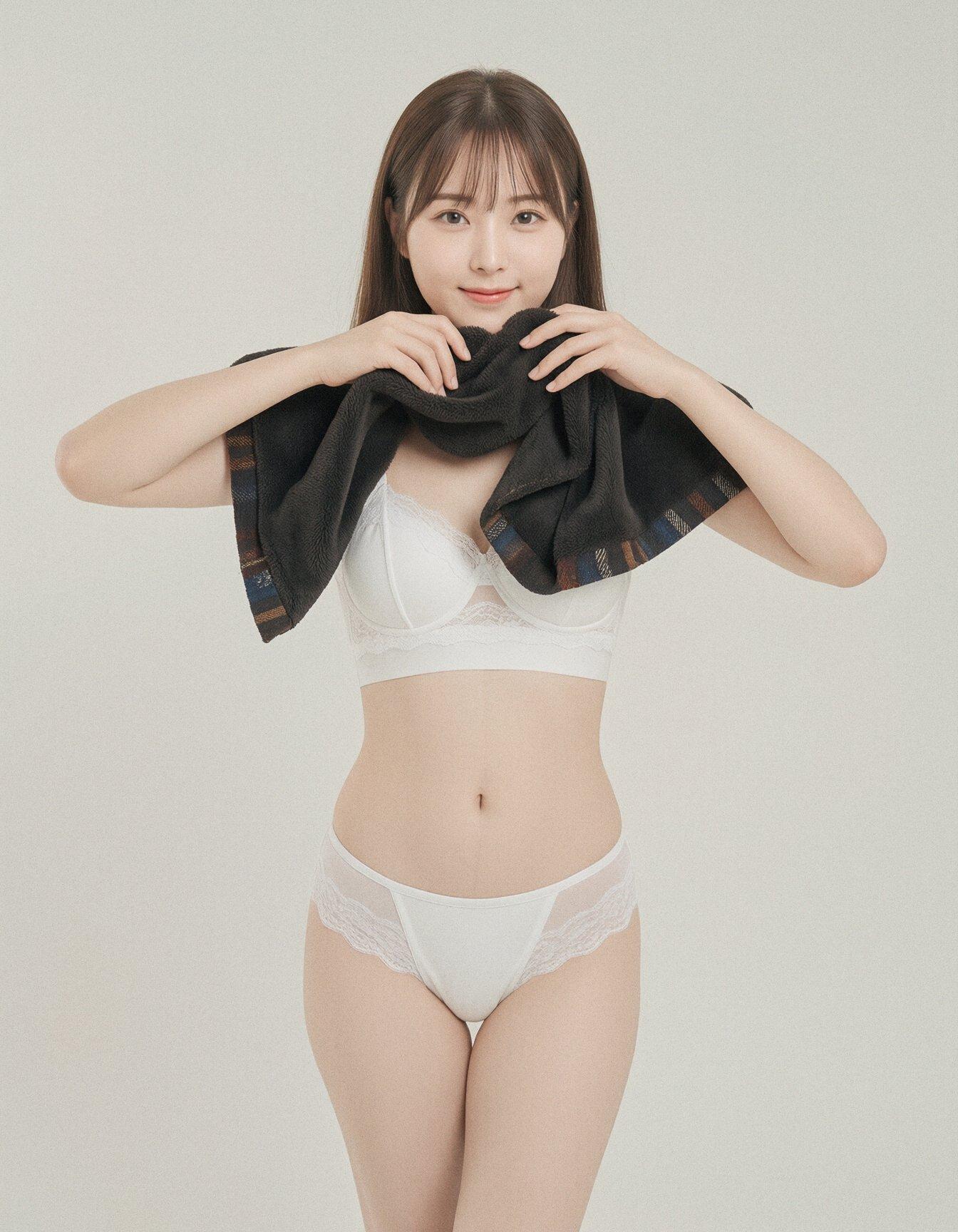
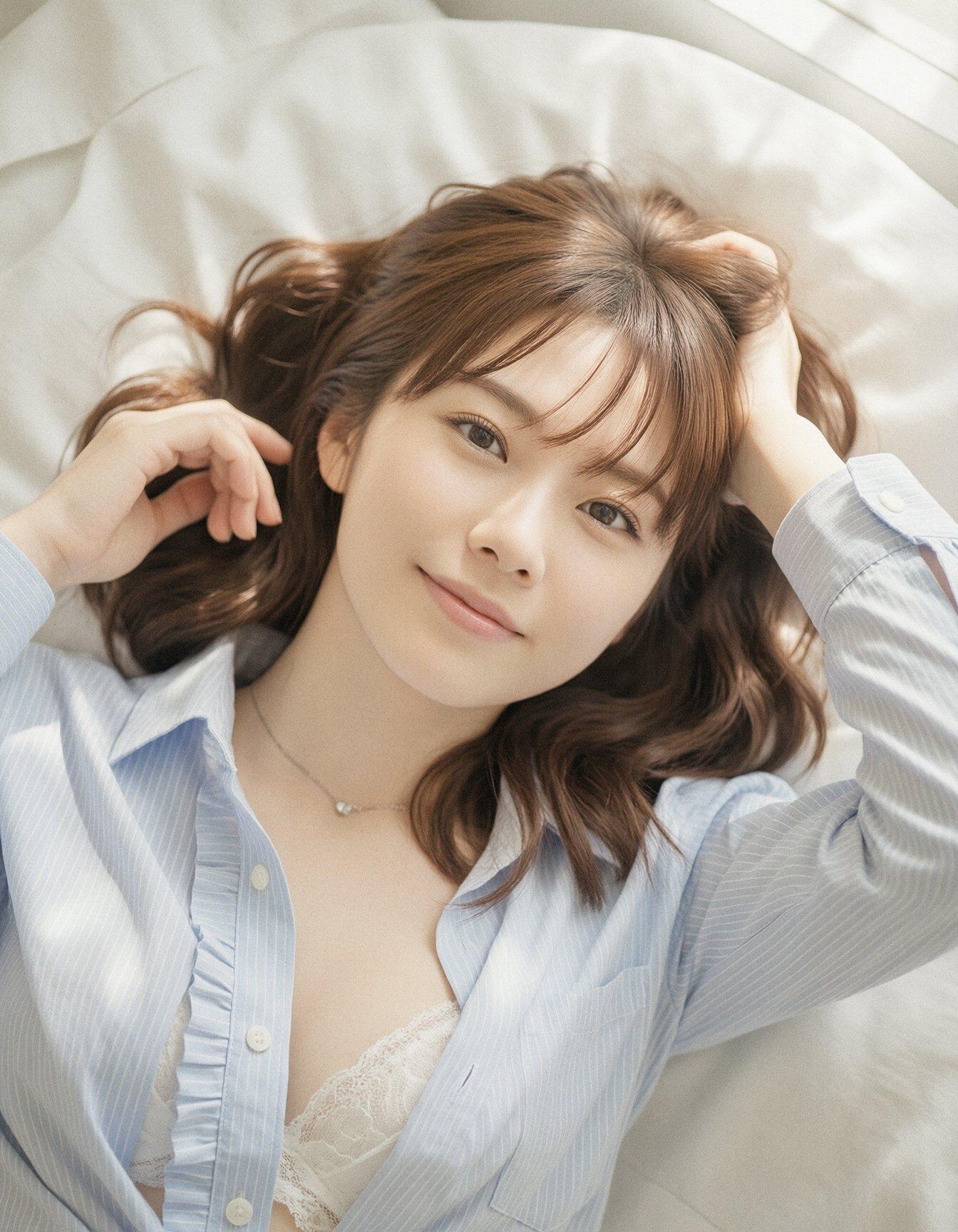
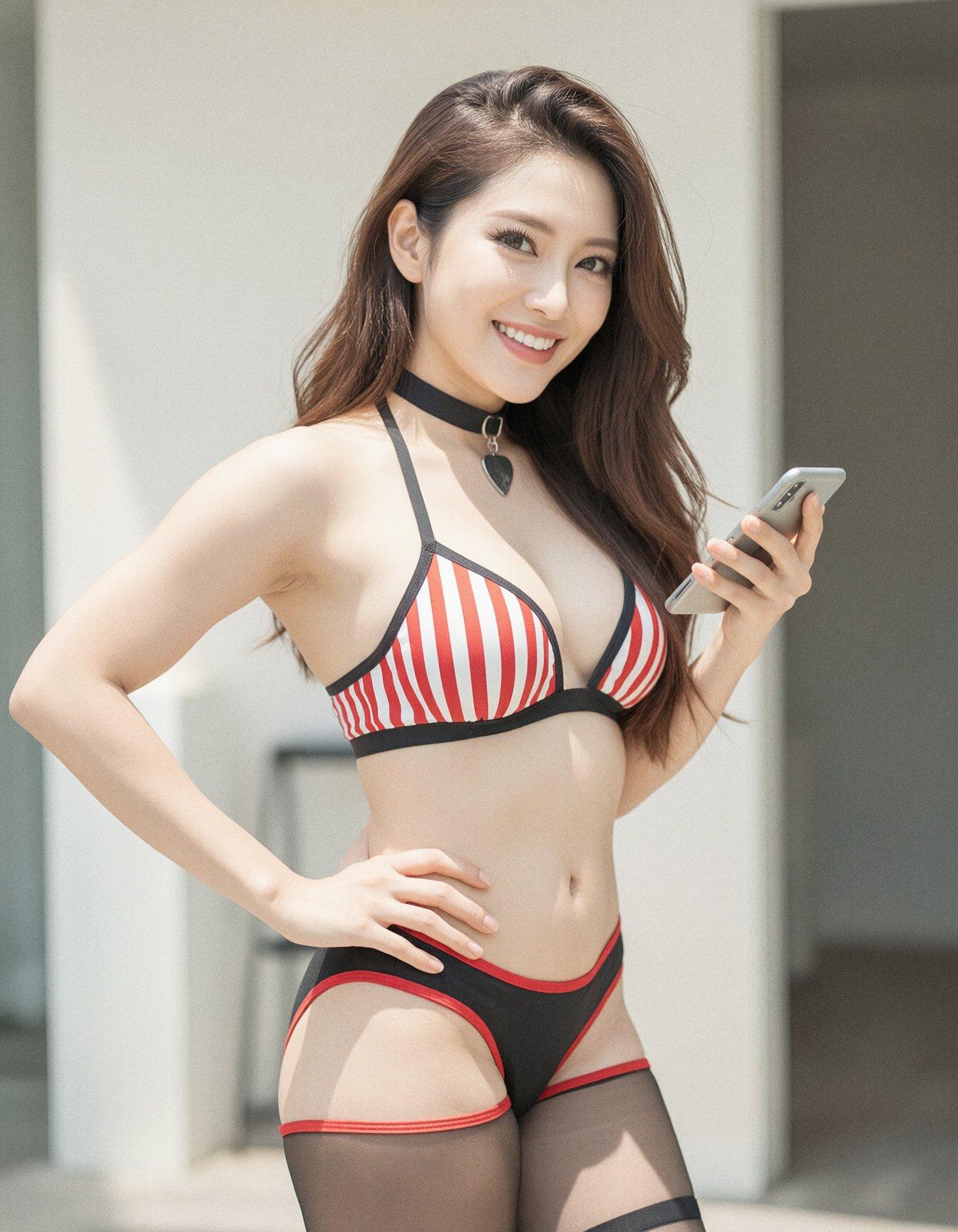
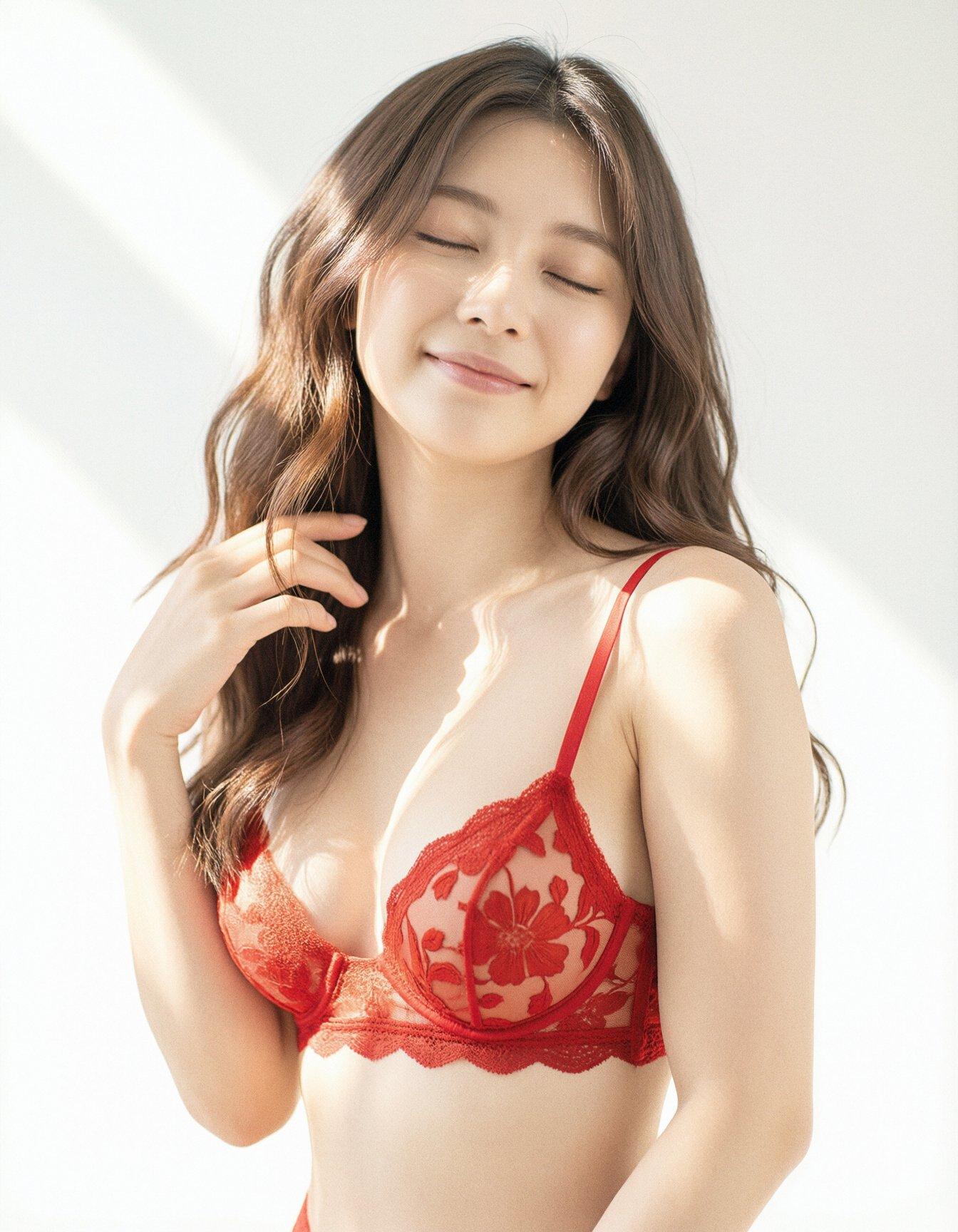
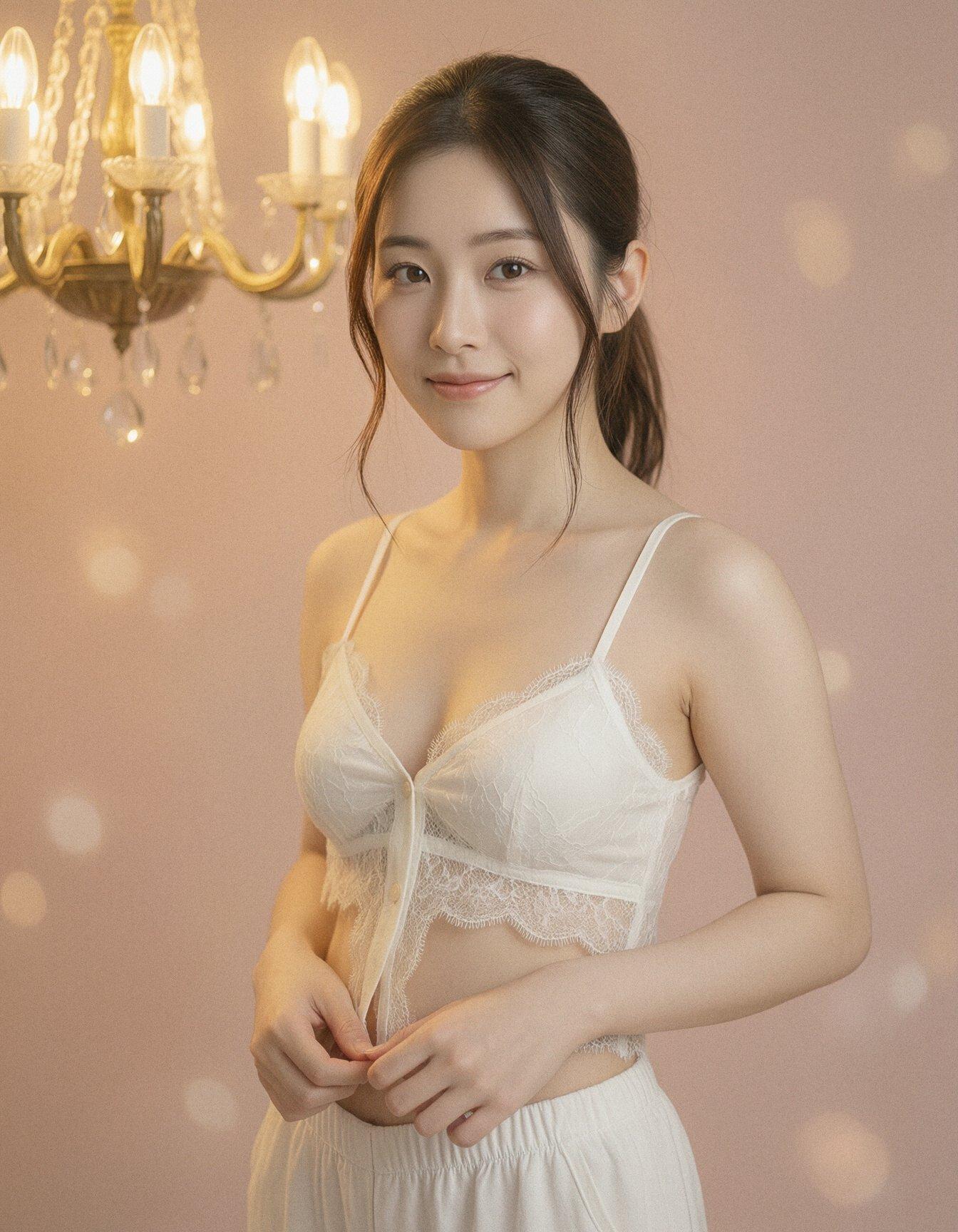
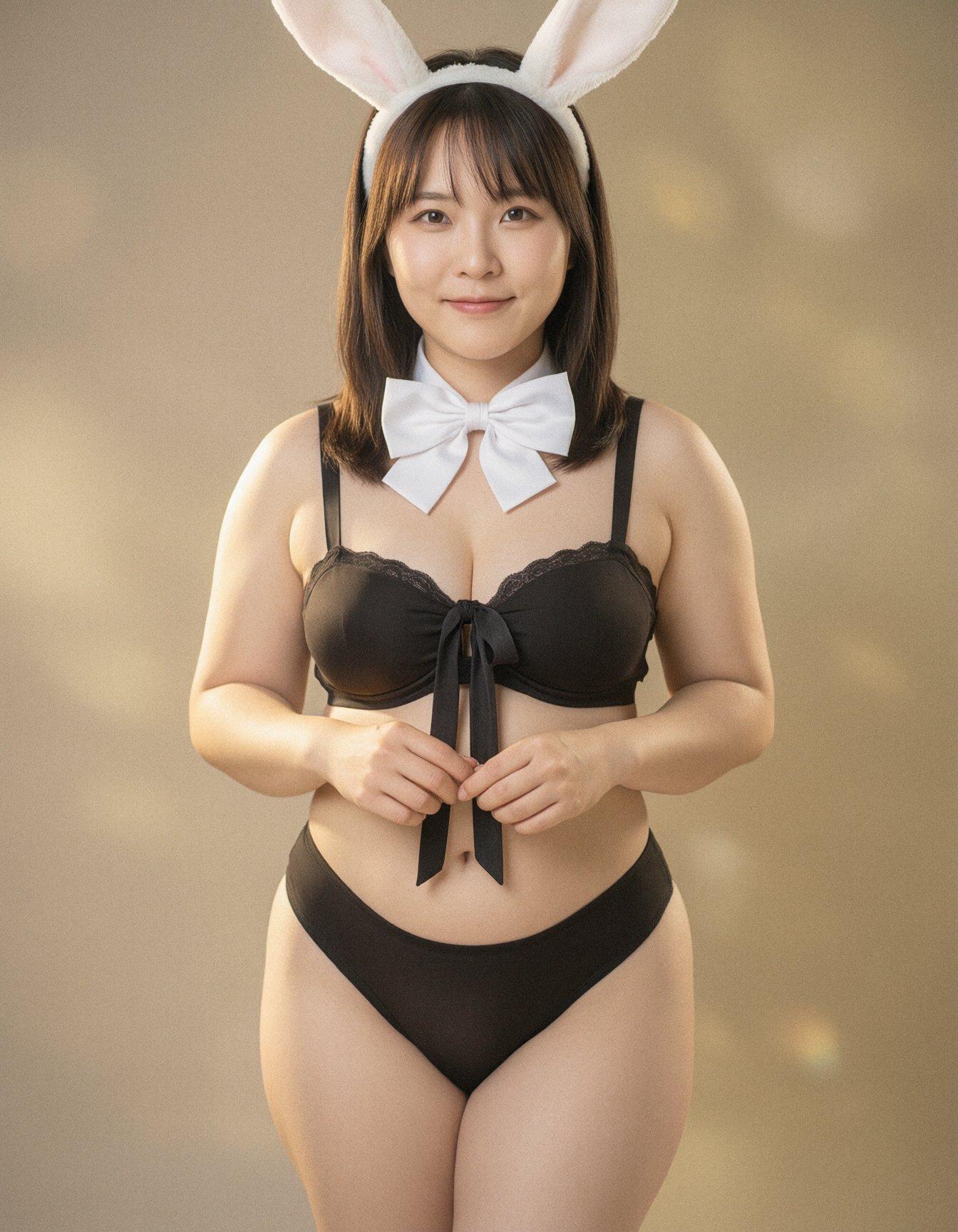
There’s still the inherent problem of extra/missing limbs and fingers, wrong-side limbs, and peculiar interpretations of the instructions, but it effectively generates an unlimited supply of photos of pretty young asian women smiling at the camera while showing off healthy young bodies. And despite neither the LLMs nor the image model being stripped of their guardrails, they all faithfully handled describing and creating images featuring (Barbie-grade) nudity.
Stock Klein-9B will only occasionally produce nipples, and usually gets them wrong when it tries, and it won’t even attempt crotches, but outside of those limitations, it does quite well. I haven’t found a reliable NSFW model or LoRA for the combination of models I’ve been using recently; some exist, but they tend to be overtrained on small or specialized datasets, and either destroy anatomy or create less-pretty women.
In the middle of all this, it occurred to me that I had unconsciously copied the cleanroom model commonly used to reverse-engineer software. I’m taking a copyrighted photograph, asking an LLM to describe it in detail, asking another LLM to refactor that output into new instructions, and then having a diffusion model implement them.
Dirty Cleanroom
Comments via Isso
Markdown formatting and simple HTML accepted.
Sometimes you have to double-click to enter text in the form (interaction between Isso and Bootstrap?). Tab is more reliable.