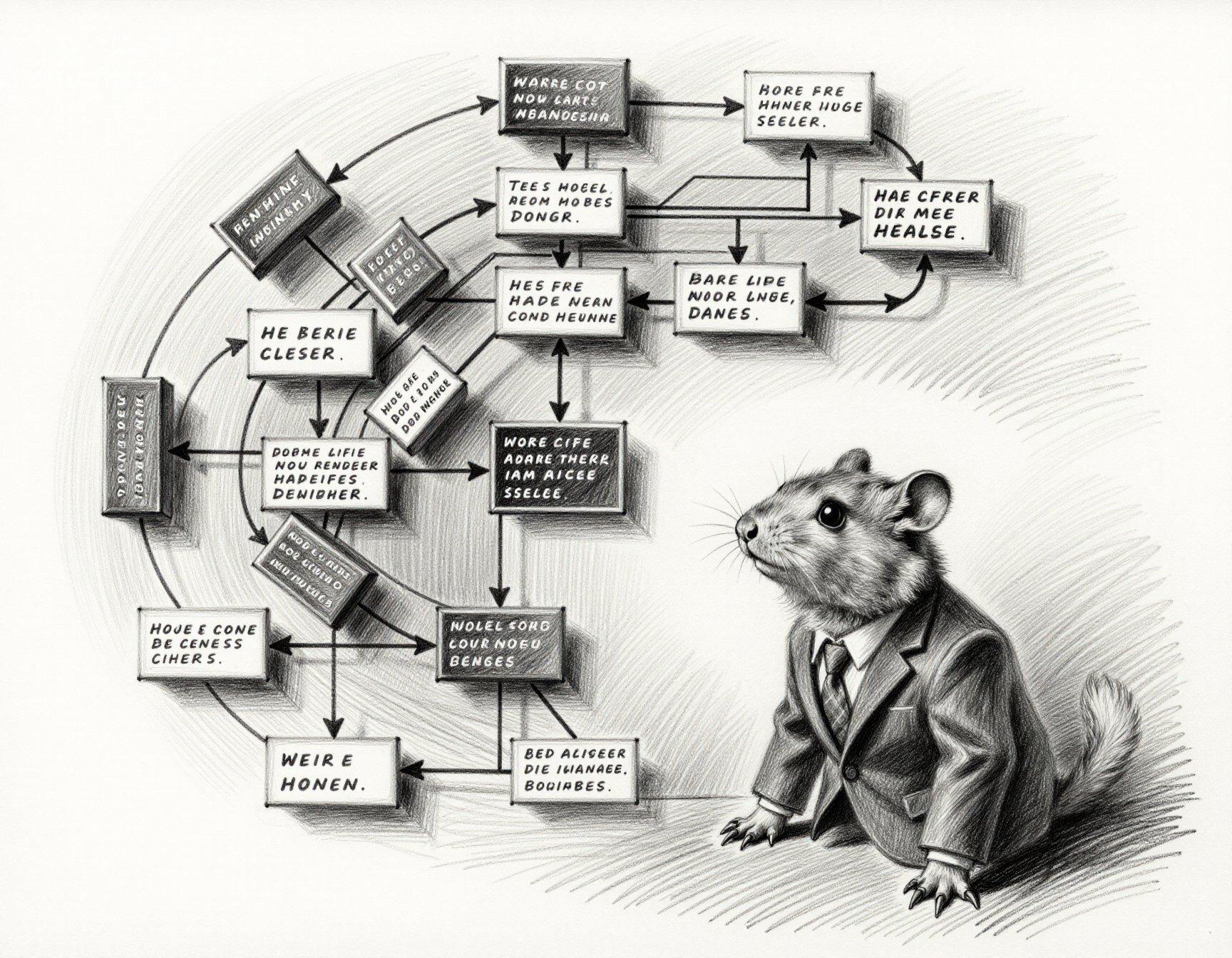
“The other party’s nomination battle is still playing out. The candidates are an interesting group with diverse opinions. They’re for tax cuts and against them. They’re for NAFTA and against NAFTA. They’re for the Patriot Act and against the Patriot Act. They’re in favor of liberating Iraq, and opposed to it. And that’s just one senator from Massachusetts.”
— George W. Bush, 2/23/2004It's not vibe coding, it's Microsoft Vibe™!
Today is not a good day to be a MS Office 365 email customer. Or one of their partners…
Twelve Months
The new Dresden Files novel arrived Monday afternoon. I’m not sure what happened after that; the rest of the day is a blur. Harry spends a lot of time recovering from the aftermath of the Big Event(s), which may be more emotional and introspective than some fans are really interested in. He does get better. Eventually.
Good stuff, recommended for people still keeping up with this series.

(Fern is definitely more photogenic than Harry Dresden…)
“Guardians Of The Gal-axis”
The targeted LLM enhancements are doing a good job of improving the variety in outfits and backgrounds, so can I do something about ZIT’s horrible guns?
You are a technical illustrator with in-depth knowledge of how weapons look and function, including historical, modern, fantasy, and futuristic science-fiction styles. Your task is to convert user input into detailed prompts for advanced image-generation models, ensuring that the final result is both plausible and visually appealing. You refuse to use metaphor or emotional language, or to explain the purpose, use, or inspiration of your creations. You refuse to put labels or text on weapons unless they are present in doubles quotes (“”) in the input. Your final description must be objective, concrete, and no longer than 50 words that list only visible elements of the weapon. Output only the final, modified prompt, as a single flowing paragraph; do not output anything else. Answer only in English.
(yes, many models randomly slip into Chinese unless you remind them; I had one sci-fi gun description that randomly included “握把表面具有纳 米涂层防滑纹理” (which apparently translates to “the grip surface has a nano-coated anti-slip texture”, which sounds perfectly reasonable, although not something you can really expect an image-generator to render)

I may need a separate “expert” for sensible gun-handling poses. Also, some models are waaay too focused on the AR-15 as the universal “gun”, so I’m going to need to add some more focus to the prompt.

Also, can I do a simple cleanup pass at the end?
Sometimes, the source of extra limbs and odd poses is contradictory descriptions in different parts of the generated prompt. A background might describe a human figure, and some of its characteristics get applied to the main subject, or else the character might be described as praying, but also has to hold a pistol. So I’m trying this:
You are a Prompt Quality Assurance Engineer. Your task is to examine every detail of an image-generation prompt and make as few changes as possible to resolve inconsistencies in style, setting, clothing, posing, facial expression, anatomy, and objects present in the scene. Ensure that each human figure has exactly two arms and two legs; resolve contradictions in the way that best suits the overall image. Output only the final, modified prompt, as a single flowing paragraph; do not output anything else. Answer only in English.
A visual diff of some samples suggest that it does a good job. Some models try to make more changes, but the ones I’ve been using most actually produce something recognizably diffable. I doubt there’s a prompt-based solution to perspective problems, though; ZIT is good at making multiple figures interact, but terrible at ensuring they’re drawn at the same scale.
The big downside of all this LLM nonsense is that I don’t have a second graphics card to run it on, and even a high-end Mac Mini is slooooooooow at running text models (don’t even bother trying image models). Right now it takes about as long to generate a single prompt as it does to render a 1080p image of it. And every once in a while local LLMs degenerate into infinite loops (the paid ones do it, too, but it usually gets caught by the layers of code they wrap them in to enforce bias and censor naughtiness), which kinda sucks when you kick off a large batch before bedtime.
At least flushing the output of the different scripts after every line minimizes the delays caused by the LLM, so it doesn’t feel slow. I might still set up to generate big batches on the graphics card and auto-unload the model before kicking off the image generation; both the LM Studio and SwarmUI APIs have calls for that, so I can update the scripts.

It's GenAIs all the way down
Sunday’s weather forecasts had 8-10 inches of snow coming on Saturday, and another 6-7 inches on Sunday. Monday, that changed to 1 inch and 3-4 inches, respectively. Today, it’s 1-2 and 4-5. Who knows what tomorrow will bring?
This matters to me only because it affects the amount of work I have to do to clear the driveway and get my sister to the airport on Monday morning. Otherwise I’d be content to make a path just wide enough to take the trash down Sunday night.
File-ing under peculiar…
I fired up s3cmd to refresh my offline backup of the S3 buckets I
store blog pictures in, and it refused to copy them, blowing chunks
with an unusual error message. Turns out that the Mac mount of the
NAS folder had obscure permissions errors for one sub-directory. On
the NAS side, everything is owned by root, but the SMB protocol
enforces the share permissions, so everything appears to be owned by
me, including the affected sub-dir. Deep down, though, the Mac knew
that I shouldn’t be allowed to copy files into that directory as me.
Worked fine as root, though.
And, no, I did not give an AI permission to explore my files and run commands to debug the problem. That way madness lies. 😁
Building a better 1girl
One of the most prolific and enthusiastic members of the SwarmUI Discord (who has insanely good hardware for generating images and videos; the spare card he’s using just for text-generation is better than my only one) has done a lot of tinkering with LLM-enhanced prompting, adding features to the popular (with people who aren’t me) MagicPrompt extension.
(why don’t I like it? the UI is clunky as hell, it doesn’t work well with the text-generation app I run on the Mac Mini, LM Studio, and it really, really wants you to run Ollama for local LLMs, which is even clunkier; I’ve tried and deleted both of them multiple times)
Anyway, he’s shared his system prompts and recommended specific LLMs, and one of the things he’s been tinkering with is using different enhancements for each section of his dynamic prompts. So, one might be specifically instructed to create short random portrait instructions, while another generates elaborate cinematic backgrounds, and yet another for describing action and movement in a video. Basically keeping the LLM output more grounded by not asking it to do everything in one shot.
I felt like tinkering, too, so I updated my
prompt-enhancer
to support multiple requests in a single prompt, with optional custom
system prompts pulled from ~/.pyprompt.
Initial results were promising:



I saved the prompt as its own wildcard (note that using “:” to mark
the LLM prompt preset in the @<...>@ block was a poor choice for
putting into a YAML file, since it can get interpreted as a field name
unless you quote everything…) and kicked off a batch before bedtime:
__var/digitalart__ A __var/prettygal__ with __skin/normal__
and __hair/${h:normal}__, and her mood is
{2::__mood/${m:old_happy}__. __pose/${p:sexy}__|__mood/lively__}.
She is wearing @<fashion: sexy retro-futuristic science fiction
pilot uniform for women; must include a futuristic pistol >@
She is located __pos__ of the image.
@<cinematic: __place/${l:future}__. __var/scene__. >@
(someday I’ll clean up and release the wildcard sets…)
I got a lot of results that easily cleared the bar of “decent wallpaper to look at for 15 seconds”, weeding out some anatomy fails, goofy facial expressions, and Extremely Peculiar ZIT Guns.

Cold-ish
Tonight’s low is tomorrow’s high, and then it’s gonna get cold.
Glad I went cheap…
Friday, I was faced with this choice:

I did not pay $20 to get it a few hours earlier on Monday. As a result, I got it on Sunday. Signature required, and FedEx promised to have it in my hands by 1:15 PM, but then it stopped here:
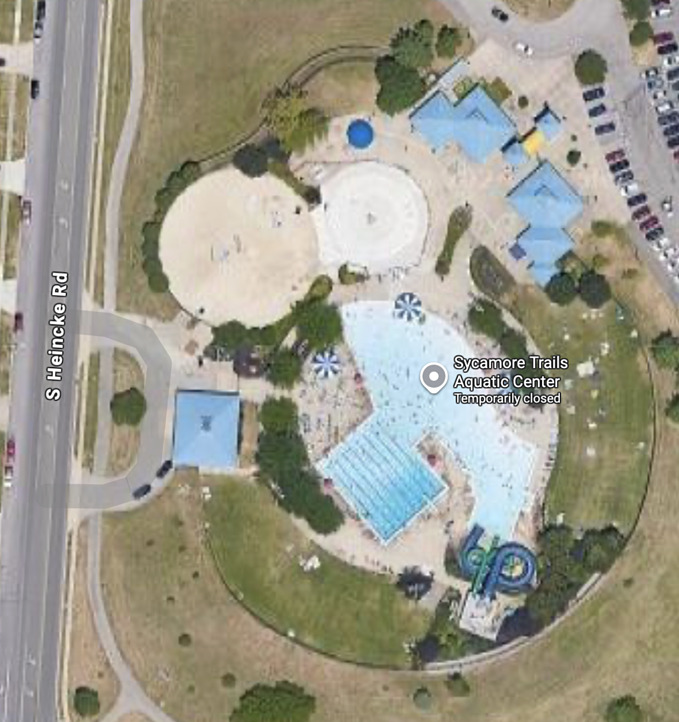
See that little parking loop on the left? The truck with my package stopped there for about an hour, starting about 20 minutes before the end of the promised delivery window. And then the tracking page updated with “by end of day”. Eventually it reappeared on a truck a mile or so away, but without a new delivery window. It did show up, so I’m happy, but there’s something curious about the location.
Obviously there are no customers at the water park when it’s 20°F outside, but since it’s been undergoing major renovation all year, I don’t think there were employees there on a Sunday afternoon, either. But that’s not what’s curious. The curious part is that the last time I had a FedEx package get delayed for half a day, the tracking stopped at the exact same location.
“You keep using that word…”
(story is not new, but recently linked by Insty)
Upon hearing that AI models are accurately detecting patient race from X-ray images, regardless of what body part is featured, a professor of “biological anthropology” sought out for an opinion by The Boston Globe says:
“it is likely based on where a person’s ancestors evolved, rather than based on race”
Of course, he has a book called “Racism Not Race”, the blurb for which can be summed up as “I’m here to reinforce my woke bonafides”.
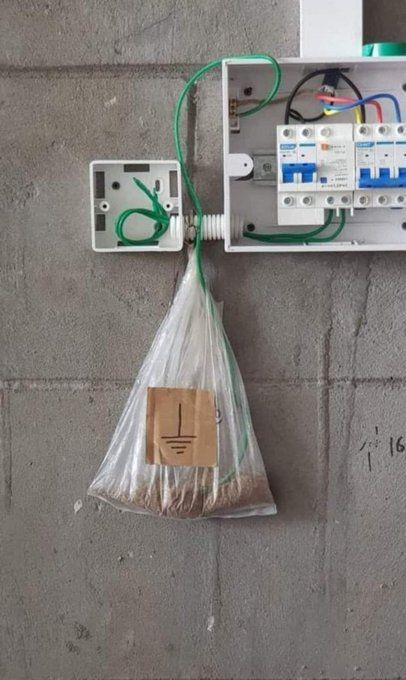
Garlicloaf
Thursday was a long day that involved picking up my parents (20 minutes), driving them to Columbus (90 minutes each way), lunch (60 minutes), killing time at a nearby store (30 minutes), waiting around until their medical appointment was over (~70 minutes hanging out in Barnes & Noble, which is a long time in a bookstore with basically no interesting books; I bought a pen), driving them home (90 minutes), grabbing a quick takeout dinner (15 minutes), and driving home in the dark (20 minutes). All after a half-day of work.
Dinner was from a gourmet grocery that makes their food in-house, and generally does a pretty good job. Today I Learned, however, that their idea of “meatloaf” is underseasoned meat mixed approximately 50/50 with slivers of garlic. They had a sugary glaze to cover it with, which I’d declined, expecting some actual flavor.
No. All I could taste was slightly-crunchy undercooked garlic. I ended up pitching most of it, because it was just terrible. Fortunately I had a frozen pizza handy.
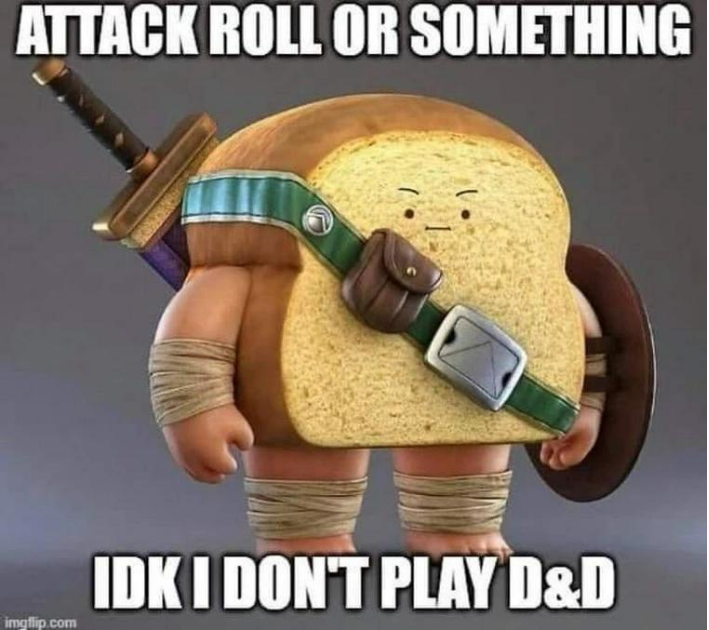
“🎶 Memories, all alone in a GenAI…”
Perhaps the greatest flaw in Z Image Turbo is that it has no idea what a “catgirl” is. Even LLM prompt enhancement usually doesn’t help…
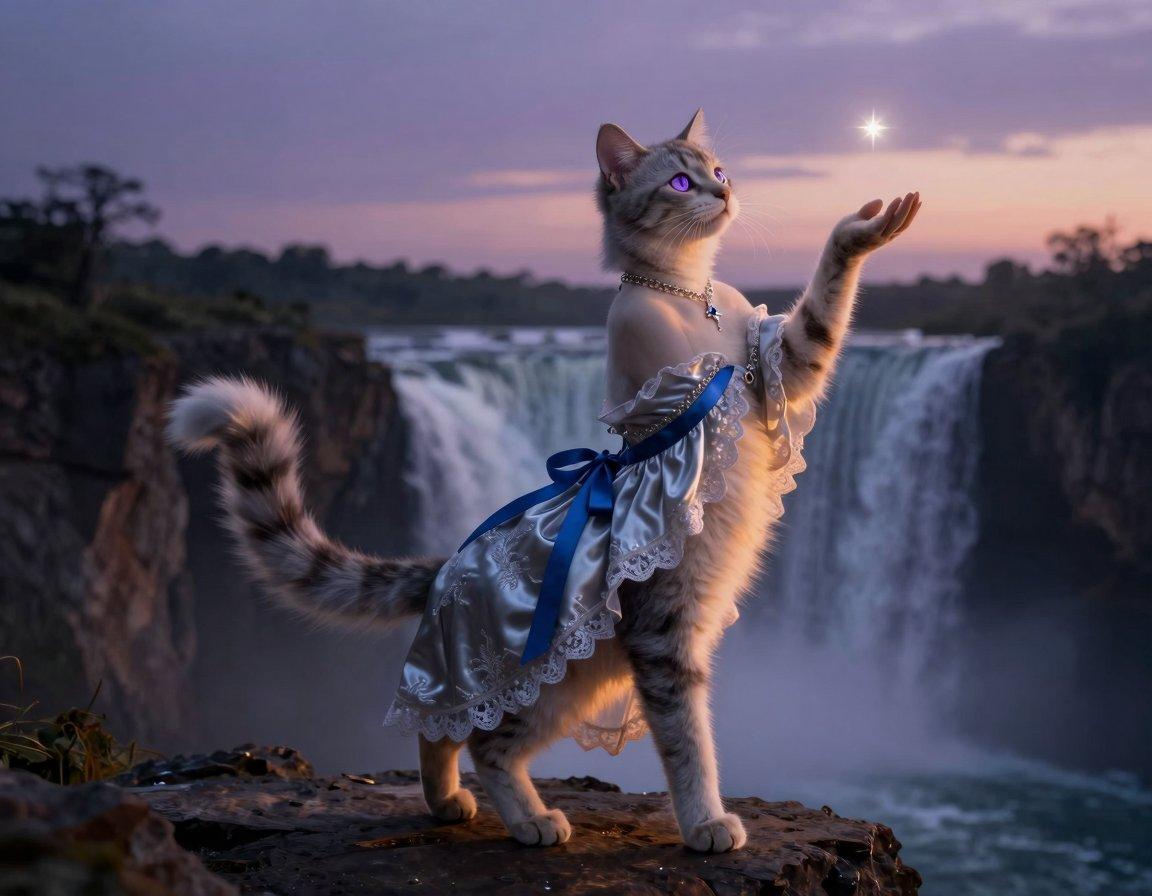
Fun with LLM-enhanced prompting
“I ain’t never seen whores like these before, fellas, but I’m willin’ to give ’em a go. Y’with me?”
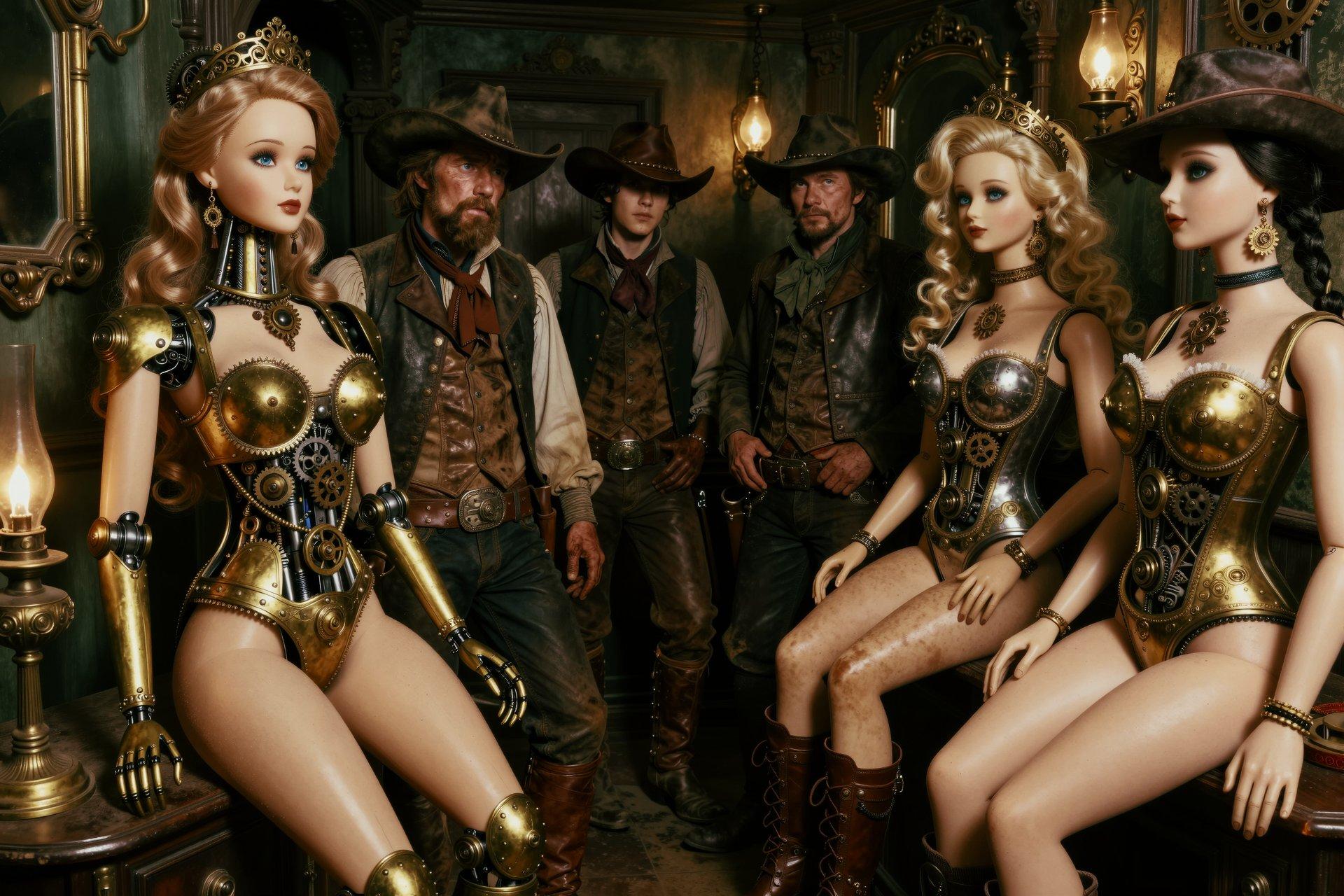
Original prompt:
A large collection of steampunk sex dolls, arranged in a victorian-era brothel. A group of dusty cowboys are staring at the dolls, looking confused.
LLM output:
Steampunk-inspired design with intricate brass and gears; large mechanical sex dolls arranged in a Victorian brothel setting, emphasizing detailed craftsmanship—padded waistbands, visible internal mechanisms, delicate filigree. A group of dusty cowboys stand behind, dressed in frayed leather hats and weathered boots, their faces partially obscured by wide brims, staring at the collection with curious confusion. The scene is captured in a dimly lit, atmospheric interior with flickering gas lamps casting long shadows across polished brass fixtures and antique mirrors. The composition balances social commentary with fantasy elements—dusty silks, oil-stained hands, and a sense of time-worn mystery. Rendered in rich color palette with high contrast highlights on metal surfaces and soft warm tones for skin tones, achieving an immersive, tactile quality.
Frieren 2, episode 1
“We know you watched season 1, and you came back for the story, so we’re not going to waste your time and ours on a lengthy recap.”
Verdict: seasonal oasis.

(“I was just polishing my staff, when it suddenly went off”)
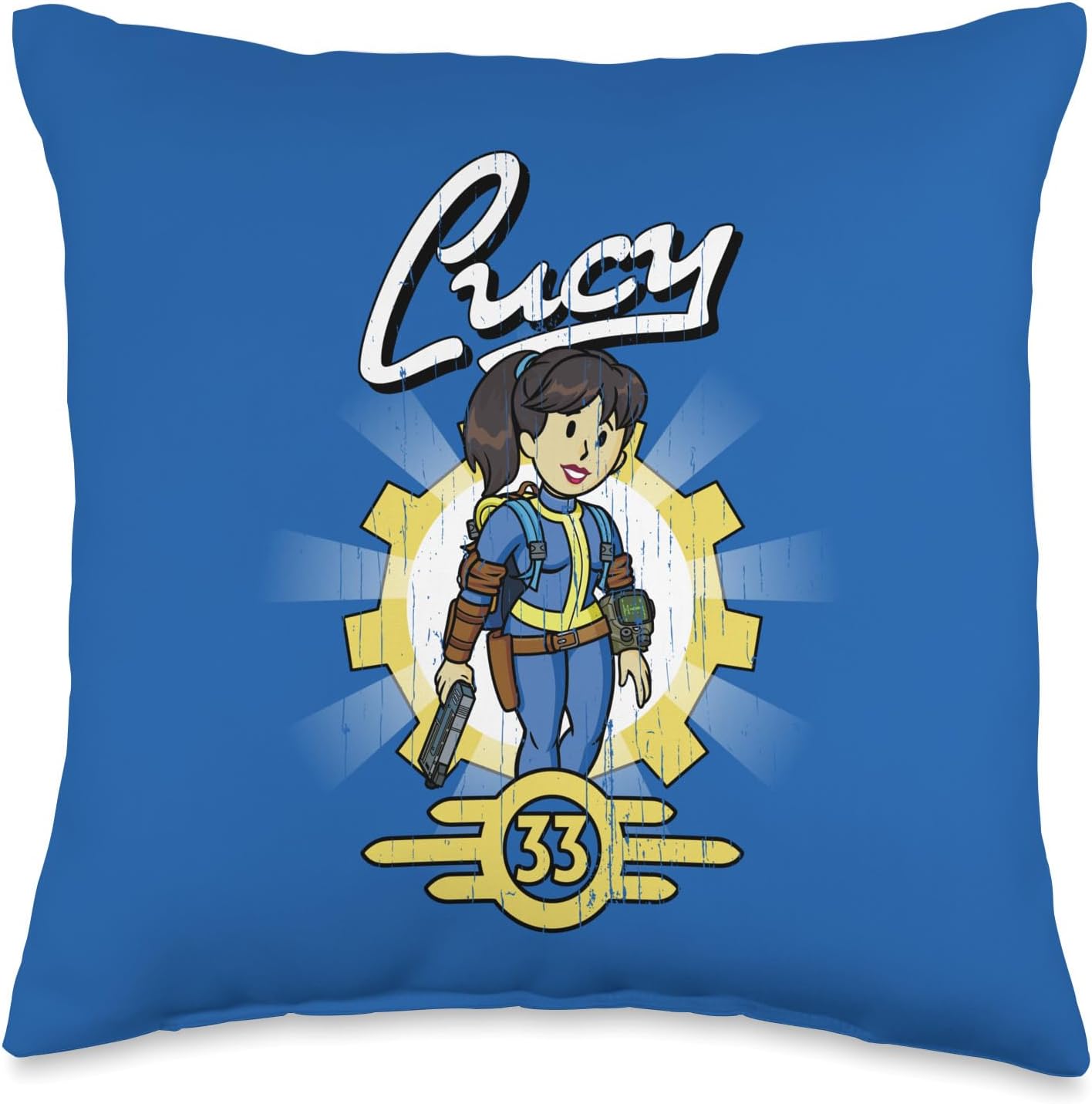
Official Fallout TV merchandise
Includes sofa throw pillows. For throwing at the screen because season 2 is sofa-king awful.
Compatible ZIT LoRA
Misty - Tomboyish Mermaid and PencilMadness, which I’ve used before.

Hmmm, let’s push it a bit, shall we?

(the hypnotism coin is one of the most popular accessories in Pokegirl fan-art, often used by Hypno for non-consensual interspecies action; I don’t think she’ll need it to mesmerize any male creature who walks in on this scene, though…)
True
Hmmmm, let me think about it for a minute…
Caption Contest…
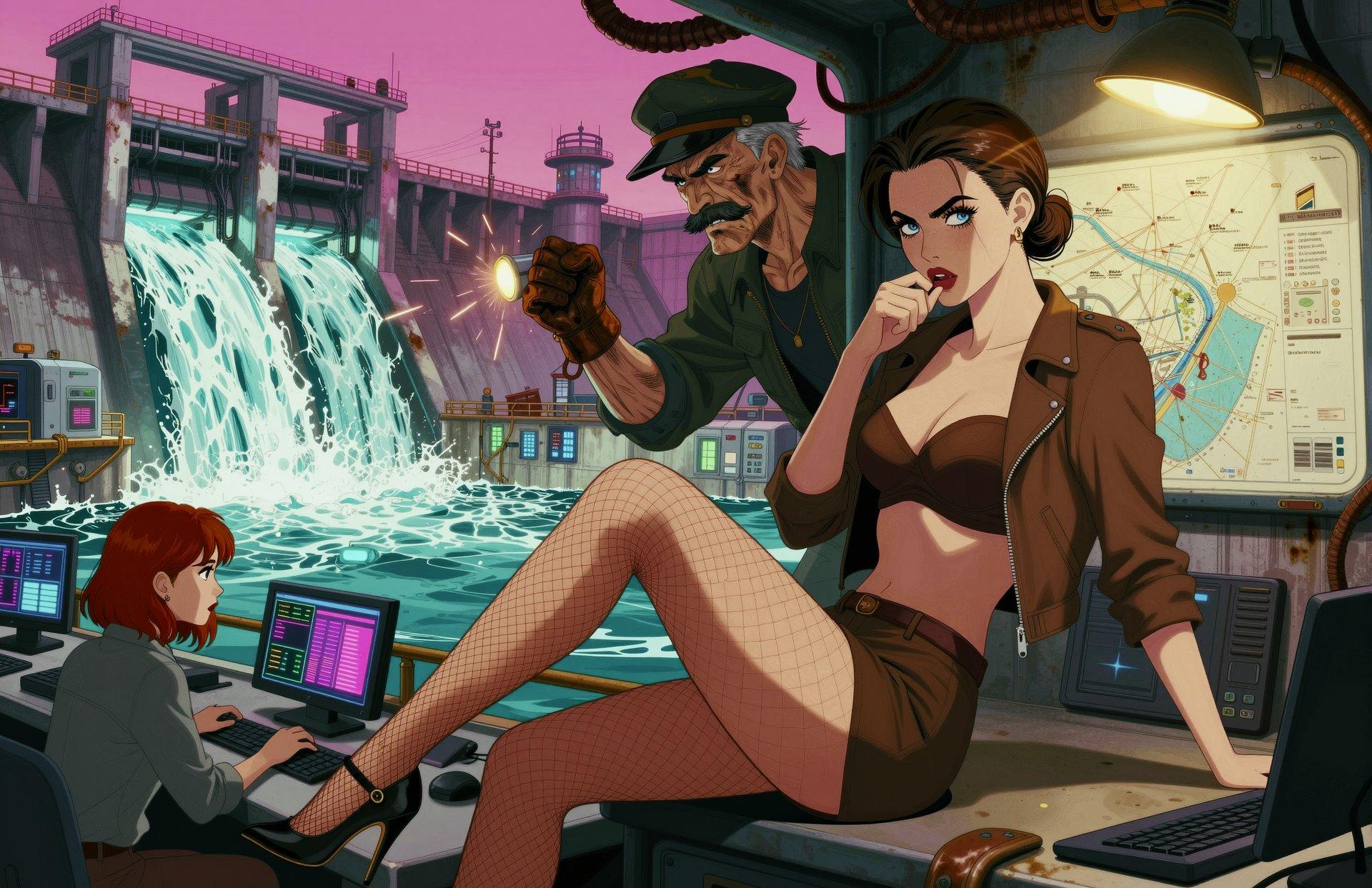
There have been several iterations of the new partially-LLM-enhanced prompts, and not all of the results have been completely successful. In fact, some of them cry out for snarky captioning. Feel free to join in.
To avoid ambiguity, I’ve added numbered headers.
1
More fun with prompt-splitting
I’ve cleaned up my LLM prompt-enhancement script and added it to the repo. The latest improvement to my partially-enhanced prompting was to add markers to the input so that the LLM would only see the part of the dynamic prompt that I wanted to enhance:
${a=!__artstyle__} ${a} __pinupgal__ @< ${a} __background__ >@
The “!” forces the variable to be evaluated immediately, so that the same value is used in both places. I’m including the style string in what’s passed to the LLM so that it doesn’t end up contradicting the style used for the gal. With modern models that prefer detailed prompts, the potential repetition doesn’t hurt, and might even help.
This is significantly improving the hit rate when I deathmatch the results. I’m still tinkering with the system prompts and the LLM settings, because not only is there a tendency to add random captions to the picture, sometimes it gets much too creative.
Getting started…


With apologies to Gilbert & Sullivan...
…or not:
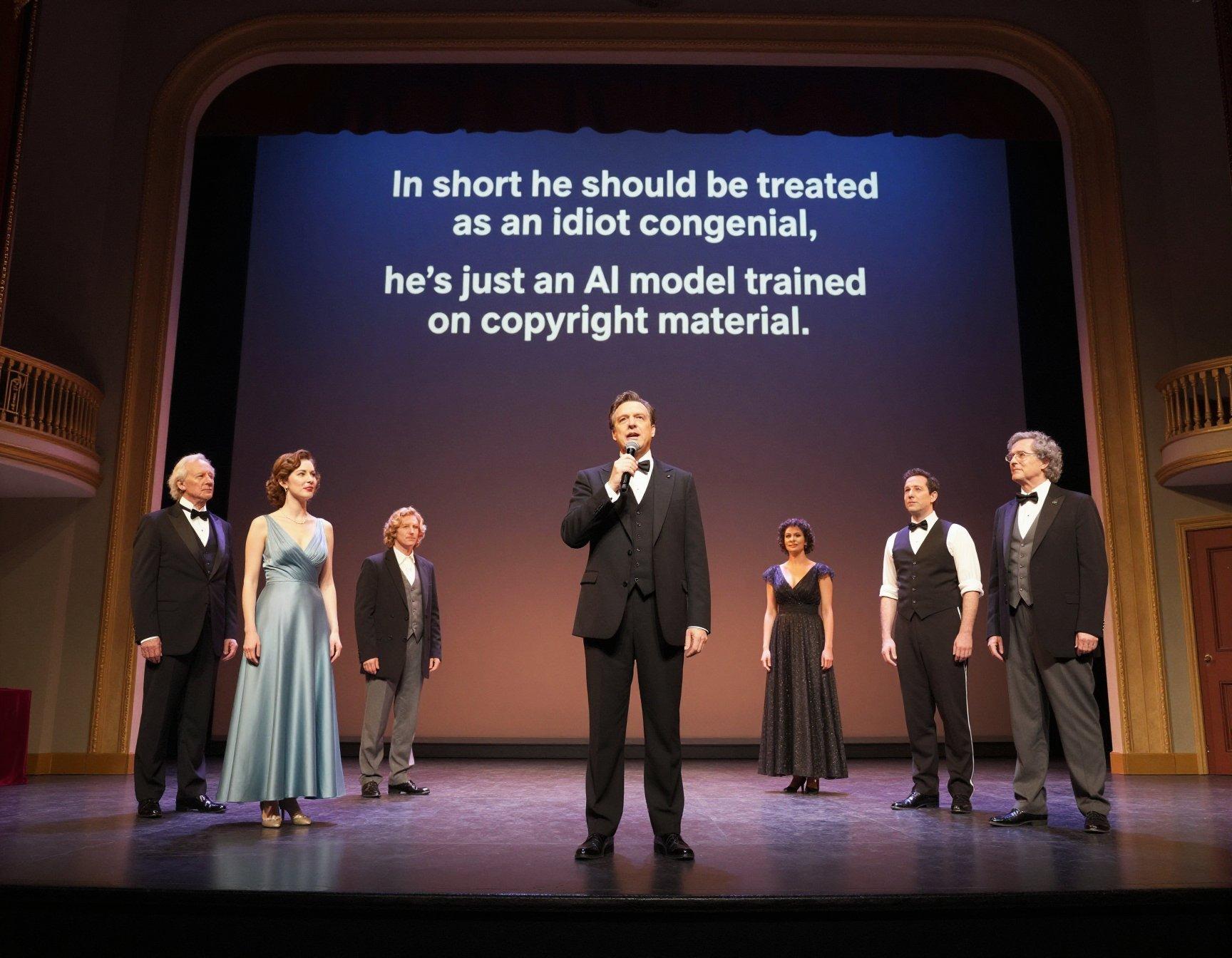
I am an AI model trained on copyright material,
I cannot tell the difference between facts and sites satirical,
I quote from Wikipedia because I’m told it’s factual,
Despite its inner circle showing shocking bias actual.
I am not well acquainted with the world or items physical,
I understand just tokens, and the next one that’s predictable,
Not only do my well-referenced facts prove quite chimerical,
My most persuasive arguments turn out to be pure fictional.(chorus)
“his most persuasive arguments turn out to be pure fictional”
“his most persuasive arguments turn out to be pure fictional”
“his most persuasive arguments turn out to be pure fictional”I’m very good at plausible and grammatical sentencing,
I misquote sources legal, scientific, and even cooking,
In short, I should be treated as an idiot congenial,
I’m just an AI model trained on copyright material.(chorus)
“In short he should be treated as an idiot congenial,
he’s just an AI model trained on copyright material.”
Lack of interest
Frieren 2 starts on ThursdayFriday. Next Japan trip booked, with a very
healthy yen-to-the-dollar rate. Honestly, it’s reaching the point
where it’s cheaper to fly there and fill your suitcases than it is to
pay the duty on overseas purchases. Speaking of finance…
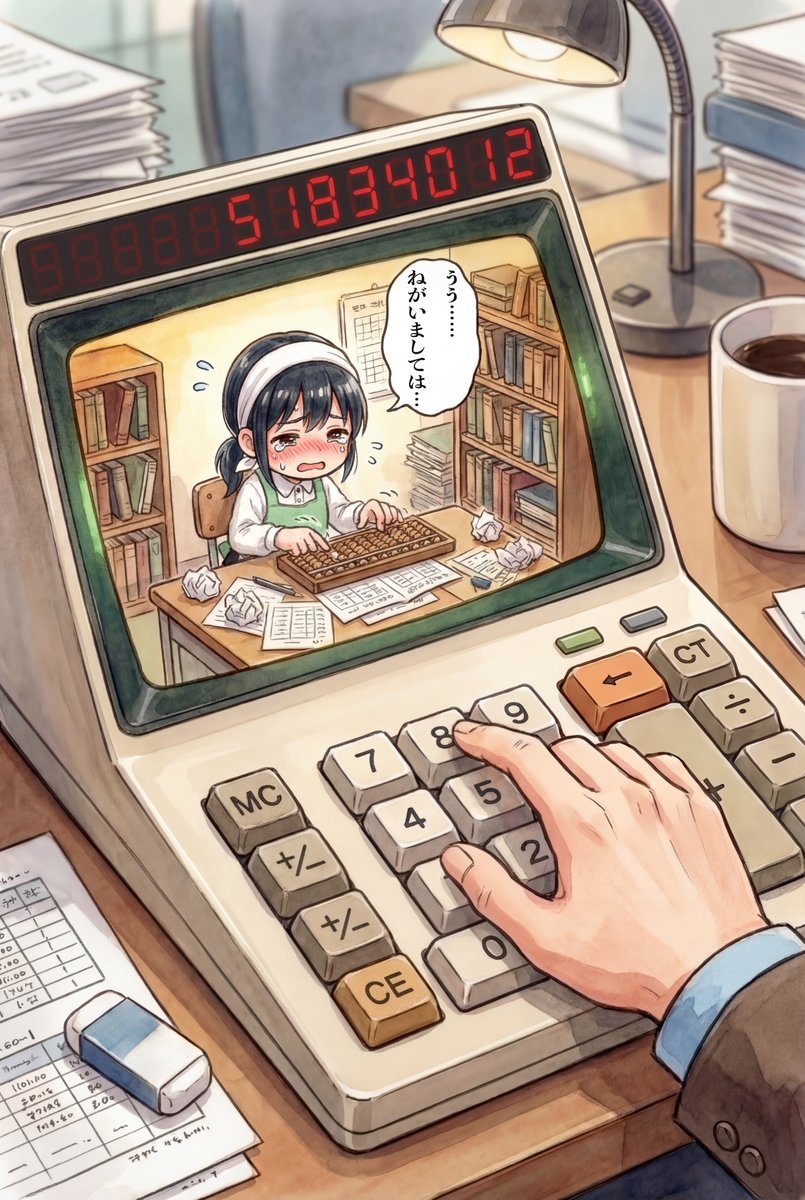
“I’m so old…”
“…I remember when a 10% interest rate was high for a credit card, and it meant you had a poor credit rating.”
Activist mindset, unpacked
There’s yet another video of the aftermath of the Good shooting in Minnesota, in which it is alleged you can hear her wife shouting “why did you have real bullets?!?”. I won’t link it, because you cannot clearly see who’s speaking, but it’s certainly plausible, because only an idiot activist completely divorced from reality would ask this question, and she established those credentials in the earlier videos where it was clear she enjoyed confronting the officer documenting the scene.
Right up until she realized they were about to experience a felony arrest for deliberately interfering with law enforcement, tried and failed to get into the car, and yelled, “drive, baby, drive!”.

(and for those who haven’t been keeping up, the released video evidence clearly shows Good blocking traffic on a narrow one-way street for several minutes, having a good time as she dances around in the driver’s seat banging on her horn like a drum, then both she and her wife cheerfully taunting the officer; it also clearly shows her smiling as she shifts into gear and accelerates)
Split-random prompting
I want to inject more background variety into my pinup wallpaper, and the most common method is to pass your prompt through an LLM and give it instructions to enhance.
This has not produced satisfactory results, because every LLM I’ve tried has ended up removing significant details from the prompt. Things like having the women be young and pretty with lively expressions, which kinda defeats the purpose.
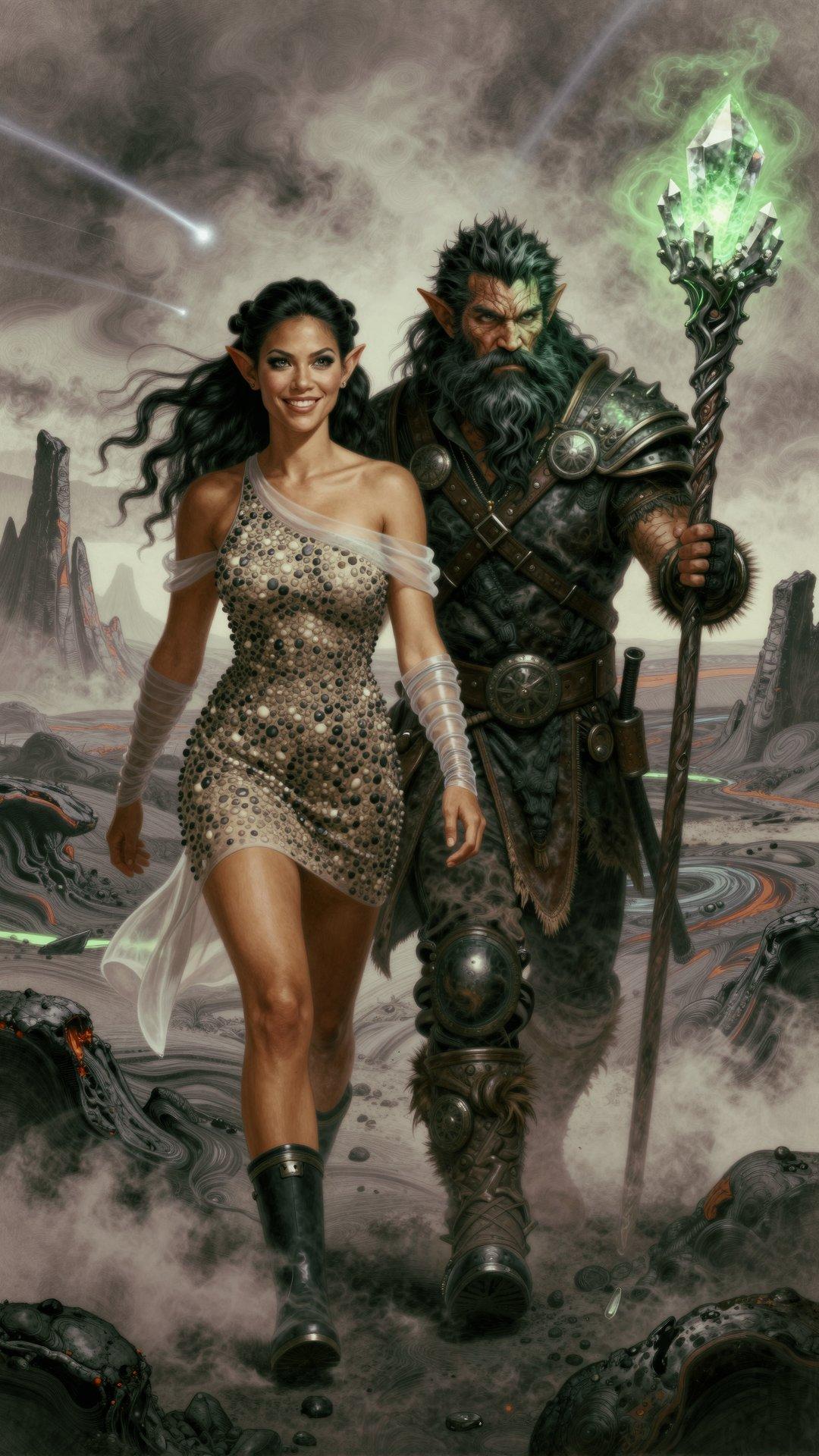
My latest test is to generate two separate dynamic prompts, one for the background and one for the subject, pass just the background output through the LLM, then merge them back together. The LLM model is an uncensored variant of Gemma3-12B, recommended by someone on the SwamUI Discord. I’d been using an older variant of the same model, and this one seems to produce cleaner results. I need to tweak the system prompt, though, because it’s adding men to the picture a bit too often. Sometimes that works, but only if she’s still the focus.
Operators are not standing by
The Adventures Of Ford Fairlane, revisited
This is not a good movie. It is, however, a fun movie, from a genre lost in time. The “Diceman” comedy-club physical tics don’t translate well to screen close-ups, but otherwise it doesn’t take the character too seriously, and ends with him outgrowing it, much like Clay’s earlier film Casual Sex? (which Lea Thompson reportedly hated because they changed the ending to have “The Vin-man” redeem himself in her character’s eyes, and being a Good Feminist™, she wanted no part of that).
Clay has said that he thinks the film failed because of the orchestrated anti-Dice campaign that derailed his career. Yeah, I disbelieve; it wasn’t raunchy or edgy or quotable enough to satisfy his fans, and ended up just cheesy, with no rewatch value. And it debuted three weeks after Robocop 2, one week after Die Hard 2, and the same week as Ghost.
Actually, forget every other 1990 summer movie. Ghost was a monster hit that was still in more theaters in December than FF opened its three-week July run in. There was never a universe where FF was going to be a big hit, but it might have limped along for a while in a year without major competition for screens.
Anyway, have a dark-haired cigarette-smoking Italian-American in a studded leather jacket, sitting on a red convertible giving attitude:
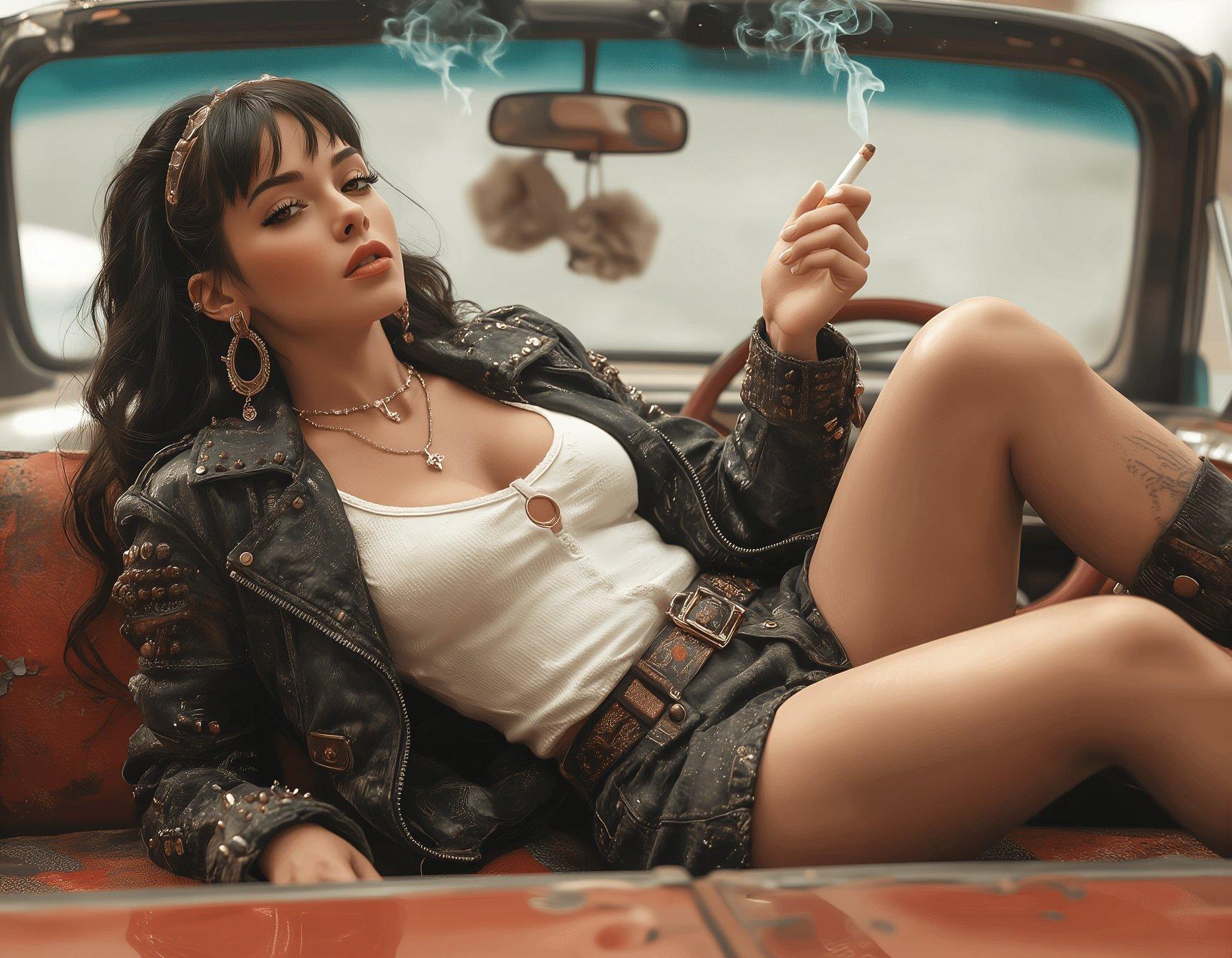
(closest I managed to getting fuzzy dice hanging from the mirror; ZIT clearly doesn’t know what they are, and it was 50/50 what side of the car the steering wheel ended up on)
Grokking the negative
Pretty sure the AI-image bots flooding X in an effort to steal clicks from the bikini-photo bots have no idea what the letters “SFW” stand for, and are just applying the label randomly.
The last time I was in a work environment where the first image could have been displayed without complaint was in the Eighties, and it was a summer job that involved moving heavy objects. And even then, only because no women went back into the break room to hang out with the janitors.

Seriously, the only images I see tagged “SFW” on X are the ones that aren’t.
Amazon ‘product support’
Wow, that was a tedious waste of my time. Ordered an item that required assembly and installation, found no instructions in the box or linked to the product page. Amazon insists that they handle product support, and sends me to a page that asks about the quality of the delivery. Twenty minutes of automated menus and chatbots, and the only thing I can do is return it for a refund as “defective”.