Fun
I can haz doors
On Thursday, they finished the last door. On Friday, I wrote a check to pay off the doors. In the spring, I’ll have them come back and start on the windows. I’m very happy with the quality of work done by Wayne Overhead Doors, and the quality of the Provia doors.
Wild Last Boss: not bad so far
I figured the “reborn as my OP RPG character in the distant future of the game world” genre was played out, so I didn’t give this a chance. Fortunately someone recommended it recently, and as soon as Our Hero became Our Heroine, her voice won me over. While she’s quite versatile, for this role she’s using her Dog Days Princess Leon voice, which I’m quite fond of.
Her expository sidekick is actually the first named role for that actress.

Catgirl Output
In Z Image Turbo, short prompts tend to produce very similar images, to the point that something like “pretty young woman with slender figure” will produce 100 images of basically the same 19-year-old Chinese fashion model with obvious plastic surgery on her face.
At the same time, long detailed physical descriptions may produce too much diversity, to the point where a request for young, healthy, attractive women will occasionally produce fat ugly broads in their fifties. The elaborate dynamicprompts set that I built to shove Qwen Image out of its comfort zone is too strong for ZIT; in my batch of 5,000 SFnal cheesecakes, nearly 3% were unflatteringly heavyset. Another 3% were thicc and tasty, so it wasn’t all bad.
When I was illustrating the previous post, though, I started with “highly-detailed cartoon. six sexy half-naked catgirls on the bridge of a starship” and they came out completely nude with Barbie-doll genitals and breasts tipped with pink hearts. Adding “they are wearing cyberpunk outfits” shifted to a 3D-rendered realistic style and replaced real cat-ears with cat-ear headphones.
I went back to the original prompt and tried to dress them a little, adding “They are wearing lace bras, lace-topped stockings, lace panties, and long lace gloves”; this kept the real ears, but switched to photographic style. So I changed it to “They are wearing sexy lingerie” and it not only shifted back to 2D, it went with flat-shaded anime style.
I expect better style consistency when they release the full Z Image base model; Turbo is ridiculously fast, but there’s a clear tradeoff. In the meantime, I’ve converted the data from this repo to YAML so I can use its lengthy descriptions of many artist styles:
(echo "styles:";\
    sed -e '1 s/^.*=//' artist_prompts.js | jq -r '.[]|.[]'  |
    sed -e 's/^/    - /' ) > artist-styles.yaml

sed -e '1 s/^.*=//' artist_prompts.js |
    jq -r '. | to_entries[] | "\(.key): \(.value)"' | sed -e \
        's/^/\n/' -e 's/: /:\n    - /' -e 's/["//' -e 's/"]//' \
        -e 's/","/\n    - /g'  | sed -e '/:/s/ /_/g' > artists.yaml



Doordash knows
I was quite sick on Friday, so I didn’t have any energy to cook on Saturday, and ordered dinner via Doordash. The “top dasher” had a clearly female name, but the driver who showed up at my door was a man in his mid-thirties who spoke about ten words of broken English.
Checking the site, “she” has over 13,000 successful deliveries. You can’t convince me that the company doesn’t know how many illegals are sharing accounts.
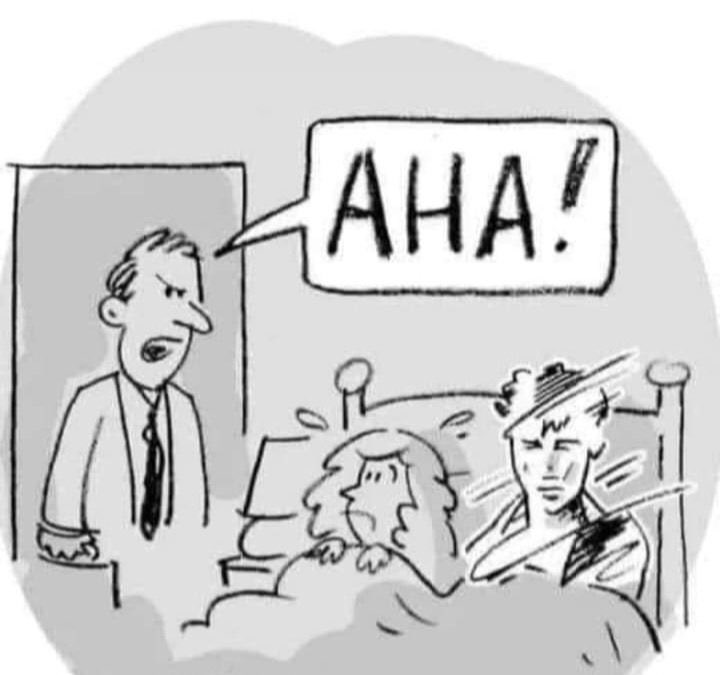
A little rusty at this snow thing...
Cleats don’t fail me now!
Went out to shovel 4 inches of snow off the driveway. Made it halfway down the hill before realizing my cleats had rusted out and snapped, and I had to walk carefully as I cleared a path with the Snowcaster and salted the ground behind me. I finished clearing the driveway after the new cleats arrived this morning, because they’ve moved the door work from Friday to Thursday.
Fortunately the sun and wind combined to mostly clear the rest of the driveway, so it went quick, but I had to at least clear off the pavers going around the house, so there’s no risk of ice ruining their day. (ICE won’t ruin their day because all the workers are Americans)

(Z don’t know grawlix, and didn’t use the emoji I included in the prompt, but it still managed to use relevant emoji)
(also, TIL grawlix is the word for pre-emoji cartoon swearing)
Catering to a certain audience
I’m The Beautiful But Evil Space Princess Who Rules A Galactic Empire But Really Wants To Leave People Ruthlessly Alone!

AT&T knows their audience, too
Their fiber Internet service is now ready for installs, so they sent a pair of pretty girls around the neighborhood to make the offer. Unfortunately, I’d just finished clearing the snow and ice for tomorrow, so I had no energy for them, and was much more interested in a hot shower.
Which I’d have gotten arrested for inviting them to join. Maybe they were 18.

Dear Apple,
Take advantage of the departure of your “UI Design Chief” by releasing OS updates that revert Liquid Ass and Make Text Readable Again.

Spoiler alert
As expected, the “revised edition” of Freelancers of Neptune does not improve the story in any way. I’d much rather see Jacob Holo work on book 2, and the nicest thing I can say about this book is that he clearly didn’t spend much time on it, letting the co-author airdrop in her tab-a-into-slot-b erotica. I didn’t expect to finish it, and I did not, in fact, finish it.

Speaking of cheesy porn…
Does it count if you lose your virginity to an android? is next season’s lesbian-slave-waifu show. Sadly, the trailer shows that even women in their late twenties can freak out like a teenage anime boy when confronted with a nekkid chick in her bed. From the studio that brought us Yandere Dark Elf and Chuhai Lips, which is not the flex they might think it is.

Every dog eventually gets his Waymo

(although I’m reminded of the story about the Texas researcher who was testing how people responded to animals on the road, and when he put out a realistic snake, the first person to drive by was a state trooper who not only swerved to hit the snake, but backed up over it again, then got out of his car and drew his sidearm to put a bullet in it)
Snow day!
Last door not installed Monday, because half the crew was still recovering from Thanksgiving. That’s my conclusion, anyway, based on the fact that only one of the three-man team was available, and there was no way he was going to move a pre-assembled sliding door to the back of my house and hold it in place.
Now there’s snow on the ground and a cold front moving in, so by the time they show up on Friday, it will be about 15°F, and the only thing that’s going to get rid of that snow is, sadly, me.

swarmctl
I’ve sandblasted the rough edges off of my Python script for driving
SwarmUI via its REST API. It’s now up on Github in my catchall repo as
sui.py
(name shortened because I got tired of typing it). I used it to
generate 5,000 vertical 1080p sfnal pinups with the new Z Image Turbo
model, as well as upscale some of the better ones. It also slices,
dices, and makes julienne fries, or it will when I’ve worked through
the TODO list.

(without a style LoRA, these don’t necessarily hit the “40s retro-sf” look, but Z is really good at detailed backgrounds and pulling things out of complicated prompts; this set averaged 195 words/prompt)
Dear Amazon,
According to you, the things I wanted the most in Black Friday and Cyber Monday deals on were coffee grinders (26, with prices ranging from “burger and fries” to “car payment”) and phone/watch/earphone multi-chargers (49, ranging from “small delivery pizza” to “dinner date at nice restaurant”). Also about half a dozen fermenting jugs in different sizes, and four replacement USB boards for repairing Android devices I’ve never owned.

Dear Amazon Marketing Droid Soon To Be Replaced By Generic GenAI,
Cyber Monday is perhaps not the best day to sign someone up for marketing text messages without their permission, requiring them to opt-out. Please take the person responsible for this decision out behind the barn, insert an electric cattle prod to its full wide-base-to-prevent-loss depth, and set the power to full.
I mean, come on:
2025/12/1 18:40 EST:
Amazon: Starting today, you’ll now get exclusive Amazon offers from 48092, just in time for Cyber Monday deals. Reply STOP to 48092 to opt out.
(yeah, send out that “Cyber Monday special” when there are only five hours left in the day…)

Dear Apple,
Fuck your “News” feed. I use the Stocks widget to track stocks, not headlines from Mashable (whatever that is), that open in your subscription “News” app. Guess that’s one more piece of functionality you’ve buggered up completely on the Mac in your quest to monetize every pixel.

Dear Japan,
Never change. This time I mean it.


That feeling when…
…you realize that phone is older than her mom.

🎶 Thunder and lightning… 🎶
You won’t live through the first date, but it will be worth it.
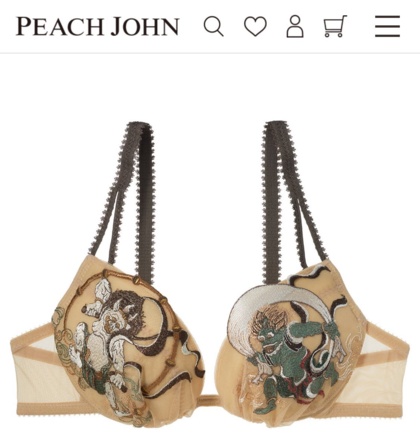
(so, how has your X “for you” feed been today…)
Reasons Z-Image Turbo is better than Qwen Image
- speed; like, by a lot
- thumbs and big toes reliably on correct side
- wider variety of faces and body types
- extra, missing, and melty limbs quite rare
- fewer EXTREME facial expressions
- less weird shit in general
- less censored (better than Barbie but not specifically trained on genitals)
- apparently quite easy to make LoRAs for
- lean, running on older hardware with less VRAM
- Even Better Models On The Way
To clarify that last one, “turbo” models are generally very fast but less capable, converging in a small number of steps but lacking the detail and breadth of the corresponding full model. ZI’s turbo model is better than most full models, so if the relationship holds true, ZI-full should be unbelievably awesome.
So far, the only negative I’ve run into is that if you don’t specify the image style clearly, it will default to “photograph with terrible skin tones”. I actually get better “photographic” images by just asking for “illustration”, although that tag will also generate flat animation, 3D animation, anime, cartoons, and the occasional painting.

Tanya, catgirls, and more fun with Z
Tanya 2, finally announced
For sometime in 2026.

Freelancers of Neptune, “revised”
Jacob Holo’s Freelancers of Neptune put a sexy catgirl on the cover (previously), which I appreciated, and rather emphatically made her not a haremette, which was also refreshing. Not only did she drive the hero crazy with her antics, she already had a boyfriend.
So he just released a “second edition” with a co-author who “added the spice” and turned it into something different:

Just remembered why I stopped reading Louie
TL/DR: in book 3 (my original notes), Merrill comes up with an incredibly stupid, guaranteed-to-backfire plan. Sure, it sets up Wacky Hijinks(TM), but the outcome was entirely predictable.
To get Rescued Runaway Young Heiress out of an arranged marriage, Louie pretends to her father that he “claimed his reward” after rescuing her from pimps/slavers. Merrill’s idea was that the threat of scandal would risk her reputation and call off the marriage, but she didn’t think it through, and nobody else spotted the flaw: her Daddy was marrying her off to advance his own position, and Louie is one of the most eligible bachelors in the kingdom.
He is, after all, the adopted son of one of the richest and most powerful wizards in the world, who’s also a personal friend and old adventuring companion of the king and the high priestess. Hell, the entire Thieves Guild is trying to figure out who his birth parents are, because he’s potentially that important. Whoopsie!

Destination: international waters
If we deport a convicted felon, and their home country won’t take them, I’m fine with just dropping them off near that country. Sink or swim, not our problem. If NGOs actually care, they can buy a fleet of patrol boats to fish them out of the water. If their home country has no seaports, or their crimes involved children, airdrop them.

More fun with Z
I fed a fresh batch of dynamic SF cheesecake prompts into my almost-ready-for-Github SwarmUI CLI to see what Z Image Turbo would do, and since it’s so much faster than Qwen, I’ve got just under a thousand images to play with already. Deathmatching them down to a reasonable number will be difficult, because the hit rate is so much better than Qwen.
I’ll limit myself to just a few for now:

(fingers are pretty good, but oversized heads are a risk…)
Doors, edumacation, gratuitous AI, and useful AI
Door, More Door, Gone Door
(insert meme here)
The back door won’t be installed until Monday. They got the garage side door installed (including reusing my Level deadbolt, which is not compatible with the new front door), but the morning rain was more annoying than expected, to the point that they were having power-tool performance issues.
Downside: current forecast has snow on Sunday after several cold days, so there’s a good chance it will stick, which means I’ll be out there shoveling and salting the driveway first thing on Monday morning, so they can get their truck up my driveway. And they’ll be out there in their warm clothing.

(not an example of warm clothing, although for some reason I feel warmer…)
Remember the “Government-Owned Student Laptops” fad?
(classical reference, and whatever happened to Capitalist Lion anyway? Also Brian Tiemann; both of their sites went offline sometime after they went into the really-cool-car rental business)
Slashdot links to the long-term results of “One Laptop Per Child”:
Following students over time, we find no significant effects on primary and secondary completion, academic performance in secondary school, or university enrollment. Survey data indicate that computer access significantly improved students’ computer skills but not their cognitive skills; treated teachers received some training but did not improve their digital skills and showed limited use of technology in classrooms, suggesting the need for additional pedagogical support.
“Suggesting the need for additional pedagogical support” is industry-standard eduspeak for “that didn’t work either, let’s throw more money at it”.

X’s latest horror
Click on a tweet, and a bouncing speech bubble tries to get your attention with the words “Ask Grok to explain this post”. This is always annoying, but particularly stupid when the tweet consists of a picture of a pretty girl in a bikini.
The day I need AI to “explain” what that means, I’ll have been dead
for two three six weeks.

Built RAM tough
The new hotness (new-as-in-Monday) for image generation is Flux 2, which will just-barely-work with 24 GB of VRAM and 64 GB of RAM. They’re promising not just improved quality at up to 4K resolution, but LLM-based prompt parsing that actually follows your instructions, even supporting JSON prompts that contain real structure for clearly separating multiple subjects, etc. They are not promising high-speed rendering; people with high-end hardware are seeing it use all of their VRAM and all of their RAM (90+ GB).
Of course, it still has to be trained on images that are tagged with the correct concepts, so I’ll be testing prompts that include things that have confused other models, like crown braids, crossbody purses, cigarette pants, poodle skirts, bird’s-eye views, etc.
My first quick tests using previously-generated random Qwen prompts did not produce promising results. I’m going to tinker with the prompt generator to use their JSON format, and see which of my dynamicprompts sets work well with it.
First try with JSON prompting:

(I updated my prompt
generator
to handle JSON output, and it’s a disgusting hack, but it works. The
generator eats all of “{}[]#”, so to generate JSON, I’m embedding
YAML in the YAML file as a string. The dynamicprompts library does its
normal substitutions without interfering with the indentation, so the
resulting string can be run through yaml.safe_load() and fed to
json.dumps())
But wait, there’s more!
The even-newer hotness is Z-Image Turbo, which runs on much less
expensive hardware, at ludicrous speeds. Not quite as sophisticated
in its prompt-handling as Flux2, but at least as good as Qwen. In
fact, I’m just feeding it the wildcard collections I made for Qwen and
getting impressive results a lot faster. It occasionally produces
terrible skin tones and extra legs, but so far it rarely fails a
finger count, and it hasn't swapped the thumbs.
File under “no comment” that the body-type tagging trends a bit thicc, sometimes going all the way to chunky. They definitely included more “diversity” in their training data. Not necessarily a bad thing, but when I say “voluptuous figure”, I do not mean “cute fat chick”. I may have to significantly reduce the diversity in my dynamic prompts, because exaggerating descriptions to shove Qwen away from its defaults simply isn’t necessary with Z.
On the bright side, so far it has never produced a missing arm, leg, ear, wing, etc, something that ruined a lot of Qwen gens. It also doesn’t seem to have the issue where Qwen draws high-heel shoes and then decides it should also draw at least partial toes.
As a real bonus, this is just the turbo model. They’re promising a full base model and a full edit model soon.

(yes, there are a few finger-faults in here...)
The door is a jar
They showed up this morning to start replacing my exterior doors, and the new front door is finished except for the interior trim. They might not make much progress Tuesday, unless the rain really does stop at noon, but with the big one out of the way, the other two should be done by Wednesday afternoon.
Which is good, since it looks like the temperature’s going to drop 20°F after that, making for a chilly Thanksgiving and Black Friday weekend.
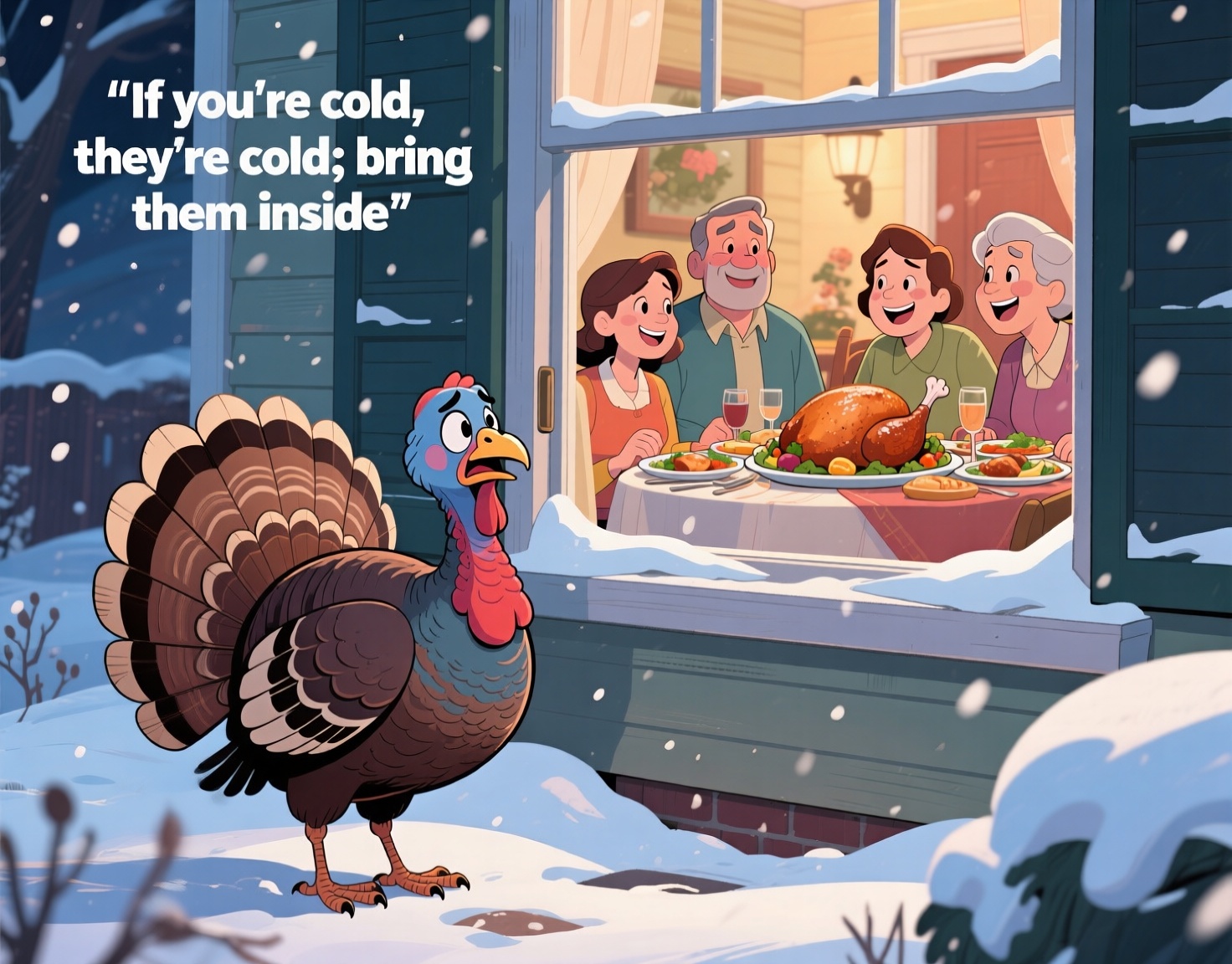
(I’ll have to have the security company switch to wireless sensors for at least the front door; the way it’s made as one unit, complete with the giant half-round transom (which gave the crew a real challenge getting it into place), running the wire through it would be a lot of work and void the warranty)
From his lips to Cook’s ears…
Next year’s iOS and MacOS releases are supposed to be focused on quality. And “AI”. And removing all remnants of x86 CPU support (while still including some degree of software support). No news yet about hiring a team of user-interface designers to replace the idiots who inflicted Liquid Ass on the world.

Meanwhile, in a formerly-basic text editor…
Microsoft is improving Notepad with streaming GenAI, so you don’t have to stare at an empty window while it’s still making shit up.

(pro tip: do not ask Qwen Image for a “tractor beam” when you’re working with Legos)
Government verification
I went to login to my Social Security account. Not that I can retire any time in the next ten years, but with the increase in identity theft, not just by illegals, it’s good to check occasionally.
Years ago, I set up my “login.gov” account for TSA Pre and Global Entry. When I moved back to Ohio, I updated it with my new address and phone number, and today it correctly texted a 2FA code to my phone.
But it decided that using the common account to log into a different service (Social Security) required ID re-verification, so I let it take pictures of me and my passport, and once it processed those, it said I needed to login again, complete with 2FA. And it refused to accept my phone number as “associated with me”. I was forced to plug in and turn on my California phone so they could text a code to it. Three years after I changed the number in their system, and mere minutes after they’d used the current number to authenticate me.
Yeah, let’s trust the federal government with full control over every aspect of our lives; what could go wrong?
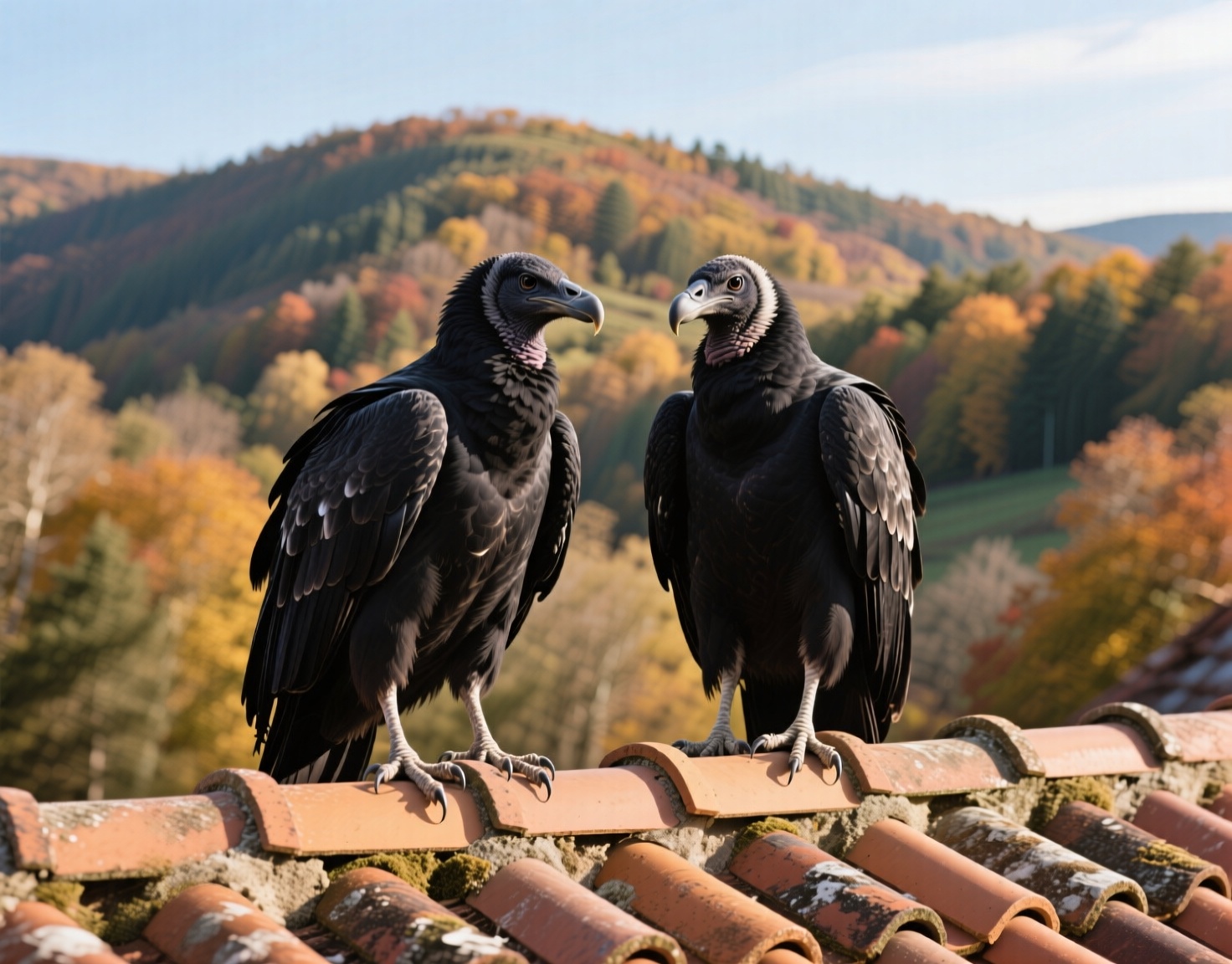
(not my actual roof vultures, who I’ve only gotten quick phone snapshots of a few times from the ground; the angle and perspective of this genai creation is nearly impossible to achieve outside of a studio with human-habituated birds. FYI, I was puzzled when I first tried to gen this pic, because I asked for buzzards and got falcons; turns out this is one of those America-versus-Europe things where we mean “turkey vulture” and they mean “pretty much any raptor”)
In other news, Napster still exists
But probably not for long…

Initial optimism…
…crushed by correct parsing of the headline:
Microsoft and GitHub Preview New Tool That Identifies, Prioritizes, and Fixes Vulnerabilities With AI
I’m much more interested in “fixing AI vulnerabilities” than in “using AI to fix vulnerabilities”. It would be far more useful, and less frustrating for the poor suckers dealing with the mountain of hallucinated issues and gibberish pull requests.

Record Of Lodoss War, Louie, etc
An official English translation of the Sword World tabletop RPG is apparently on the way, says a tweet that doesn’t link to the publisher or their upcoming crowdfunding campaign.
TL/DR, the reason the Lodoss series has that title is that it was an Eighties thing in Japan to transcribe your RPG game and share the “replay” of your story; it literally started out as the record of the author’s campaign. The novels were cleaned up from that, and then he released his own game rules and setting. Later, the Rune Soldier novels were set on another continent in the same world; if you thought the anime felt like a classic RPG adventure, complete with a party consisting of a fighter, mage, thief, and wizard, correct!
In addition to the upcoming game release, the fan community has recently been cranking out fan-translations of the novels and manga. I read the first few Louie novels in Japanese way back when, first with OCRd scans and then with ripped Kindle editions, after running them through my assisted-reading scripts to add furigana and vocabulary lists. It was slow going, and I never finished the series, even though I got them all prepped. It’ll be interesting to see how the translators handled some of the lines that stumped me.

(actual recent fan-art, who’da thunkit?)
TL/DR or TL/AF?
Social media engagement-farming seems to be built on two premises: fraudbots pretending to be “just like you, only more extreme”, and manipulated sexypics designed to elicit a reflexive like/retweet. Neither seems to really work any more, even before this week’s proof that 99% of both groups are foreign-run bot farms; people were glancing at them and then moving on to the next rather than engaging.

I will never need this...
…and yet, I still kinda want one:
(you have to watch the video to really appreciate the restaurant-scale of it)
パクツイ
The word for the day is pakutsui = “pakuri (ripped-off/gobbled-up) + tweet”, for swiping someone else’s social-media post and pretending it’s your original work (I’ve never understood the use of the word “plagiarism” outside of school; if it isn’t actual copyright infringement, it’s at worst just a dick move). The word paku used to be best known for the mimetic usage paku-paku = “gobble-gobble” from Pac-man.

Successful failure!
I’ve been converting my quickie SwarmUI API script (done!) from
Bash to Proper
Python,
with a simple OO wrapper to encapsulate connection variables, etc, and
once I got the basic “gen an image” code working, I wanted to add the
ability to ensure the output format was correct and included metadata.
By default, the output’s in JPG with a filename containing a truncated
prompt, complete with spaces. I hate whitespace in filenames,
especially when you have to use them in a URL to download your
results, so before I started with the Bash version, I fixed the
default format server-side.
But in a generic library that might connect to other servers, I wanted
to force it to use sensible names, write PNG output, and include full
metadata. As usual for this API, the ChangeUserSettings call is
basically undocumented, but for extra fun, it never fails, always
returning {"success": true}.
You have to go read the server logs to find the
clear-but-still-not-very-useful error messages. You have to use
tcpdump -A to find out how it expects its arguments to be formatted.
TL/DR, parse the JSON output of /API/GetUserSettings and build a
“.”-separated fully-qualified setting name, like
fileformat.imageformat.

(having to check the logs to find the failure code gave me a really bad flashback to writing test code for the original Ooma account-management service, which was accessed by a nasty mix of SOAP and XML services calls, all of which expected the client to do all data validation (yes, Samir, I’m pointing that finger at you); I wouldn’t have said this publicly back when that code was still in Production…)
Vibe me good and hard!
Writing this script for SwarmUI is actually a good example of where
“vibe coding” will let you down: there is zero public code using
this API outside of the Javascript used in the app itself and one
extremely basic curl example in the docs (“get session id, generate
image with default params, download results”). The only reason I got
the existing script to work was because I wrote a minimal repeat-by
and asked the devs on
Discord.
To even have a chance at writing correct Python code for this, an LLM would have to ingest the entire repo, analyze a bunch of Javascript and C# code, and then repeatedly be fed server logs until it stopped getting errors. You’d either have to give it full control of your computer or spend valuable you-time acting as its hands while it played the two-steps-forward-six-fingers-back game of iterating over broken hallucinated code.
Or wait until I publish mine and the latest Github-scrapings get integrated into the latest models.