Anime
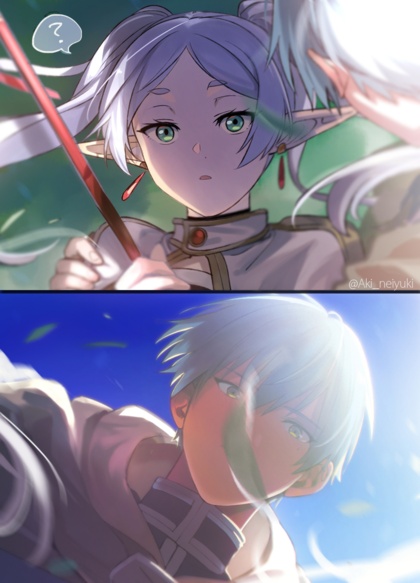
Frieren 2, episode 3
Not the usual hot-springs episode. Or the usual first-date episode. As usual for Frieren, it’s the journey that matters.

Related,
I would not have guessed that Himmel had the same voice actor as Bakugo and Accelerator. I learned this after viewing a short clip from the Japanese-dubbed Chinese animation series “The Last Summoner” and finding the voices of hero and heroine kinda familiar.
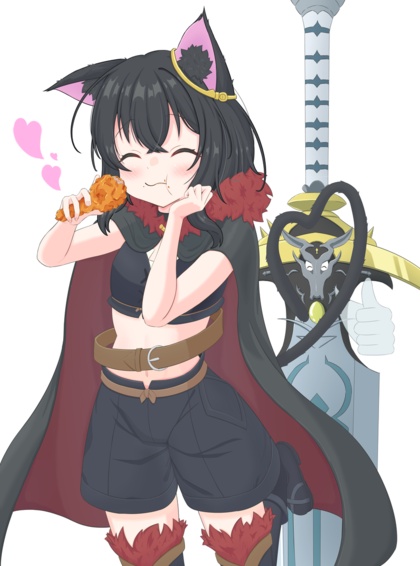
It’s a shouty, tropey Boy-Meets-Goddess show where she spends most of her time as a bratty shoulder chibi, because full-figured-full-power form is too expensive to maintain, and any power use at all requires stuffing her face. Y’know, a Completely Original Story™.
The punchline is that her voice actress is Frieren.
(Anime News Network has no record of this show, so off to MyAnimeList; licensed by Crunchyroll, by the way, who lists it as two seasons, but it’s just Chinese vs Japanese audio)
Unrelated,
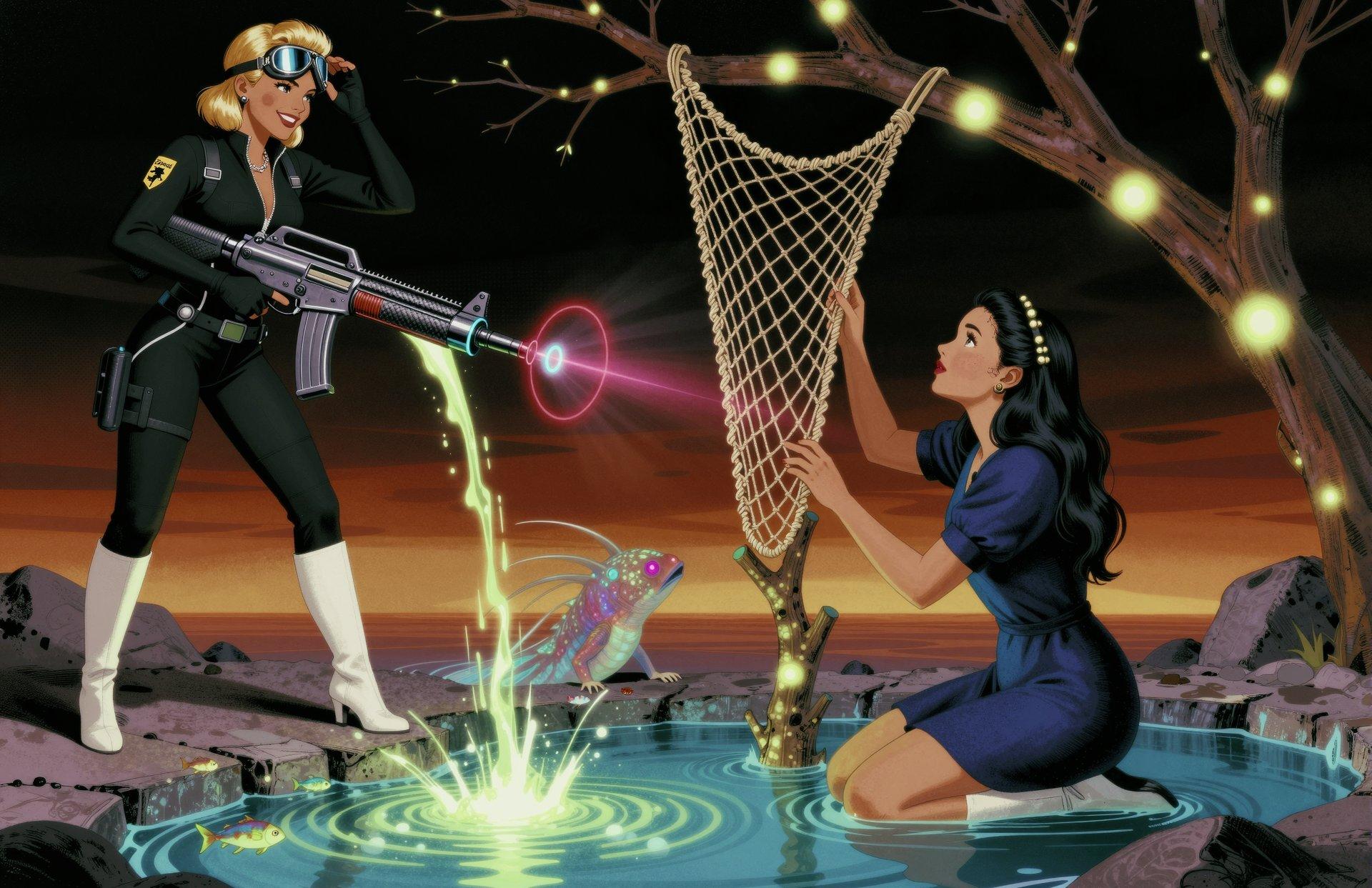
Chaney’s latest series “Accidental Astronaut” is called that because…
…“Flash Gordon” was taken.
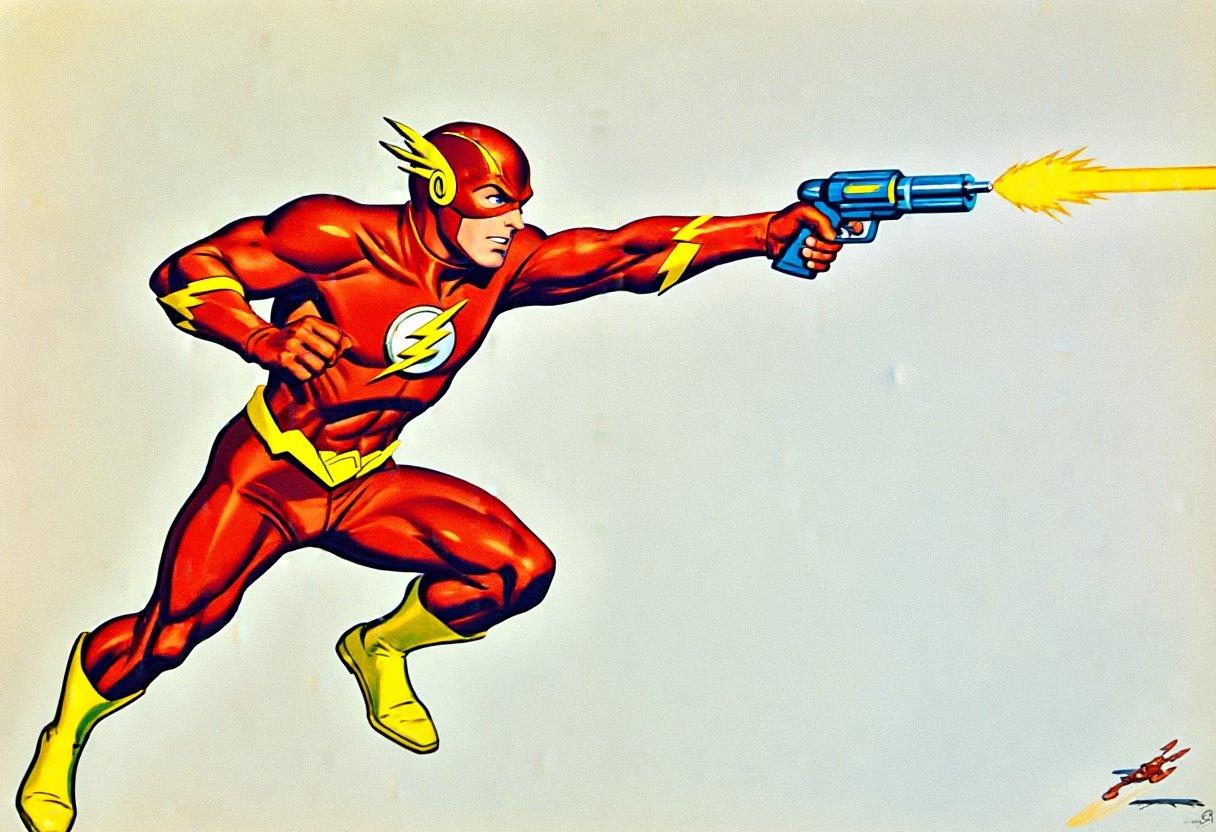
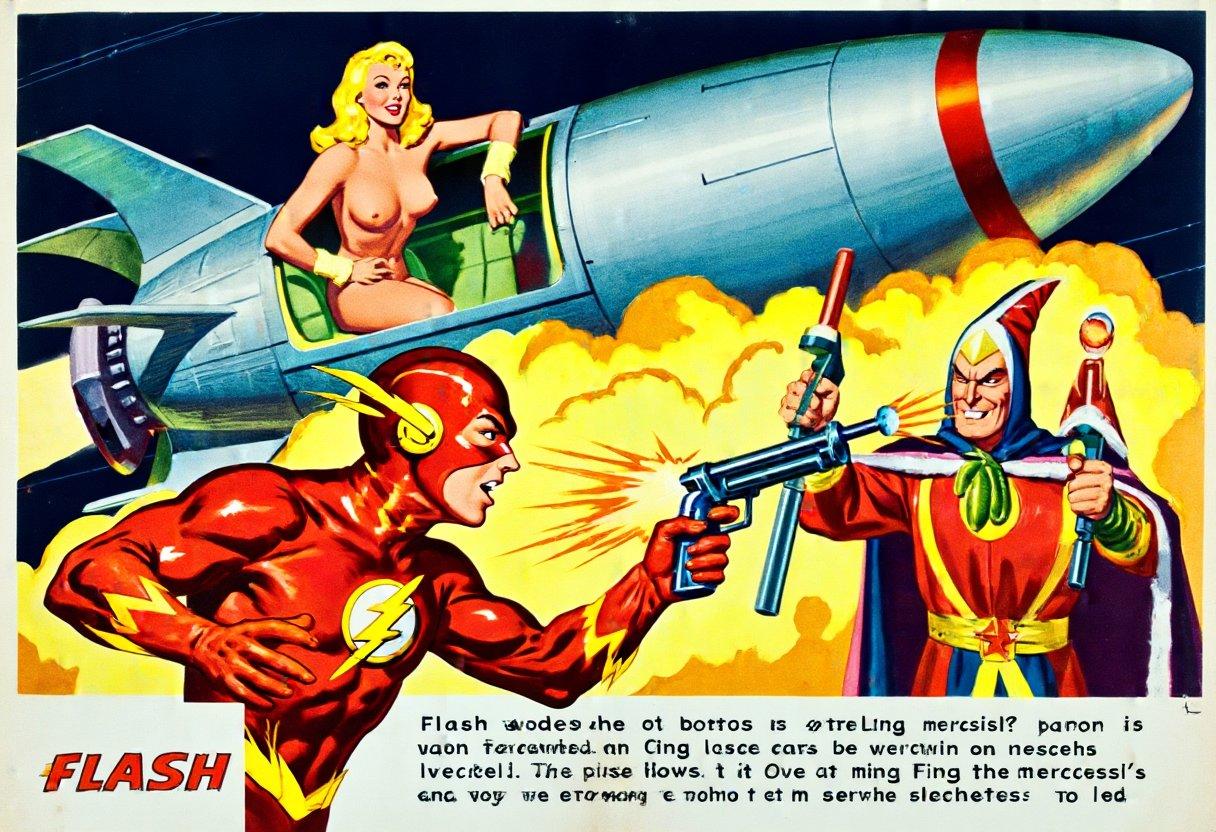
Z Image Base knows ray-guns and retro, but the name “Flash” is rather heavily trained on the wrong character. It does get some things right, though:
MZ4250 pulls a Penzeys
The creator of a large collection of excellent 3D models for gaming miniatures just announced on his Patreon that he’s got severe IDS (ICE Derangement Syndrome), and has invited people who disagree with him to stop supporting him financially.
His proposal is acceptable.
Frieren 2, episode 2
This week, a study in heroism. More shows like this, please.

(sadly, Crunchyroll has decided to add a mandatory post-credits recommendation page to the app (FireTV version, at least), and there’s no button to get out of it; dipshits)
Ready for the big snow!
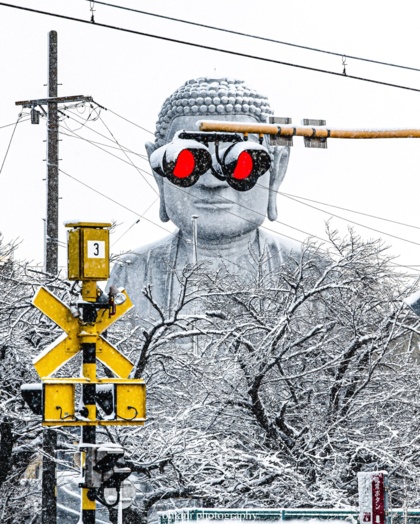
(related, Apple’s Weather app has an annoying behavior on all platforms: the predicted precipitation for a day is from midnight to midnight except for the current day, where it’s “the next 24 hours starting right now”; as a result, the only time it provides useful information is at midnight)
Why is the west end of my house 10 degrees cooler?
Update: No, the correct answer is that the furnace was dying, and is being replaced completely on Tuesday (he says, writing from the future with the installers on site).
Because the thermostat was balancing the house based on multiple
sensors; the east end has all the computers, and one of them was
running all night making GenAI-gal wallpaper.
Clearly, the fix is to move that computer! Which is actually tempting, because that room has a gas fireplace that will still work if the power goes out. So I can heat the room one way or another…
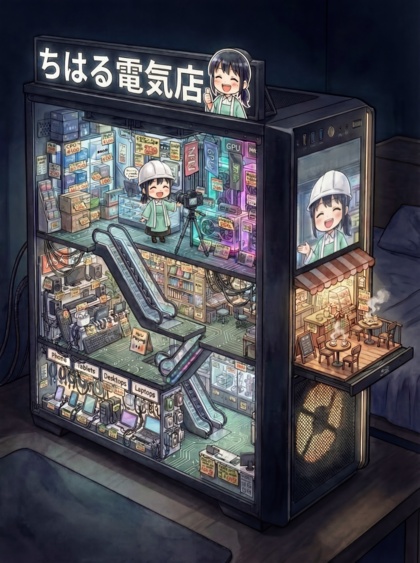
(I’ve linked to a lot of Hiyodori’s Chiharu cartoons, but the complete English version of the Christmas story hasn’t been posted yet)
Every picture tells a story, but…
…with AI, that story is usually complete nonsense.
Frieren 2, episode 1
“We know you watched season 1, and you came back for the story, so we’re not going to waste your time and ours on a lengthy recap.”
Verdict: seasonal oasis.

(“I was just polishing my staff, when it suddenly went off”)
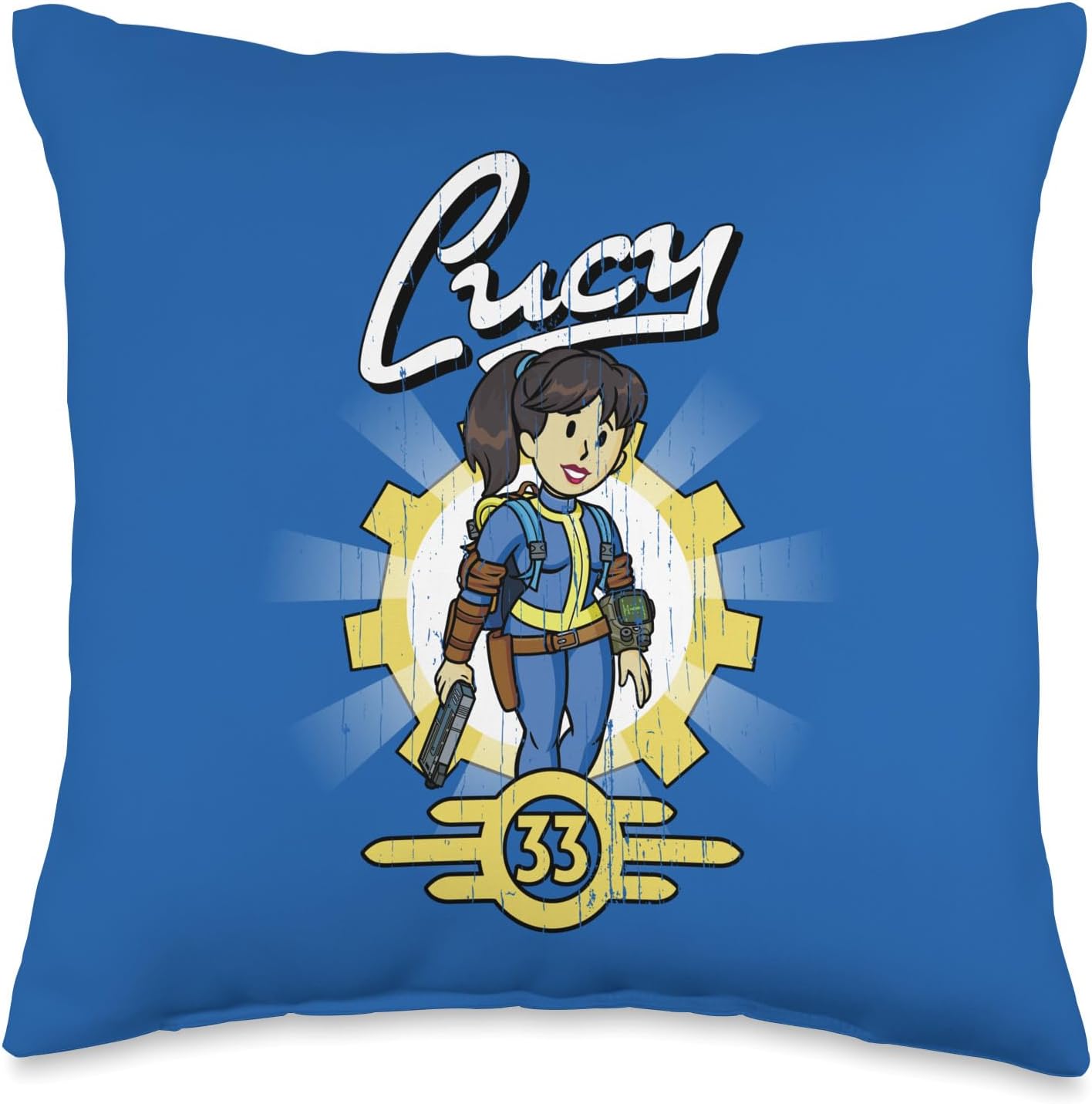
Official Fallout TV merchandise
Includes sofa throw pillows. For throwing at the screen because season 2 is sofa-king awful.
Compatible ZIT LoRA
Misty - Tomboyish Mermaid and PencilMadness, which I’ve used before.
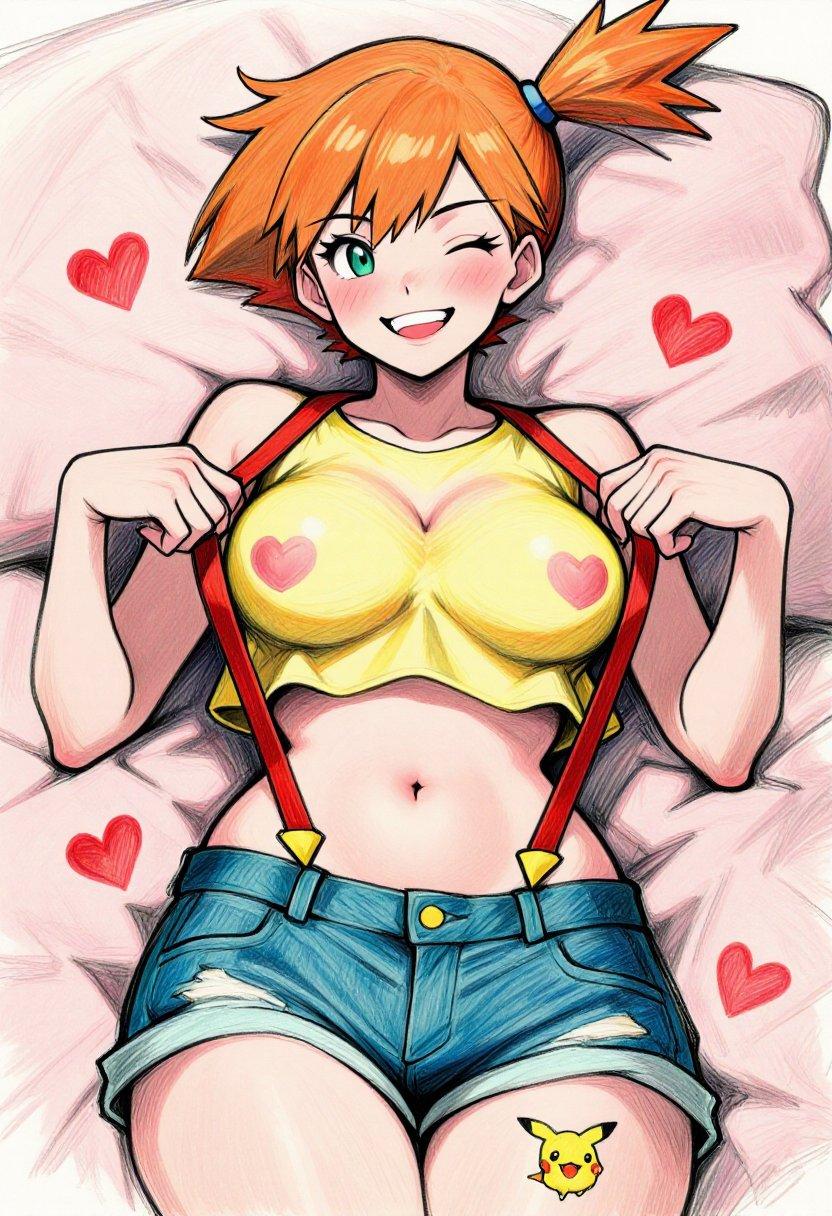
Hmmm, let’s push it a bit, shall we?
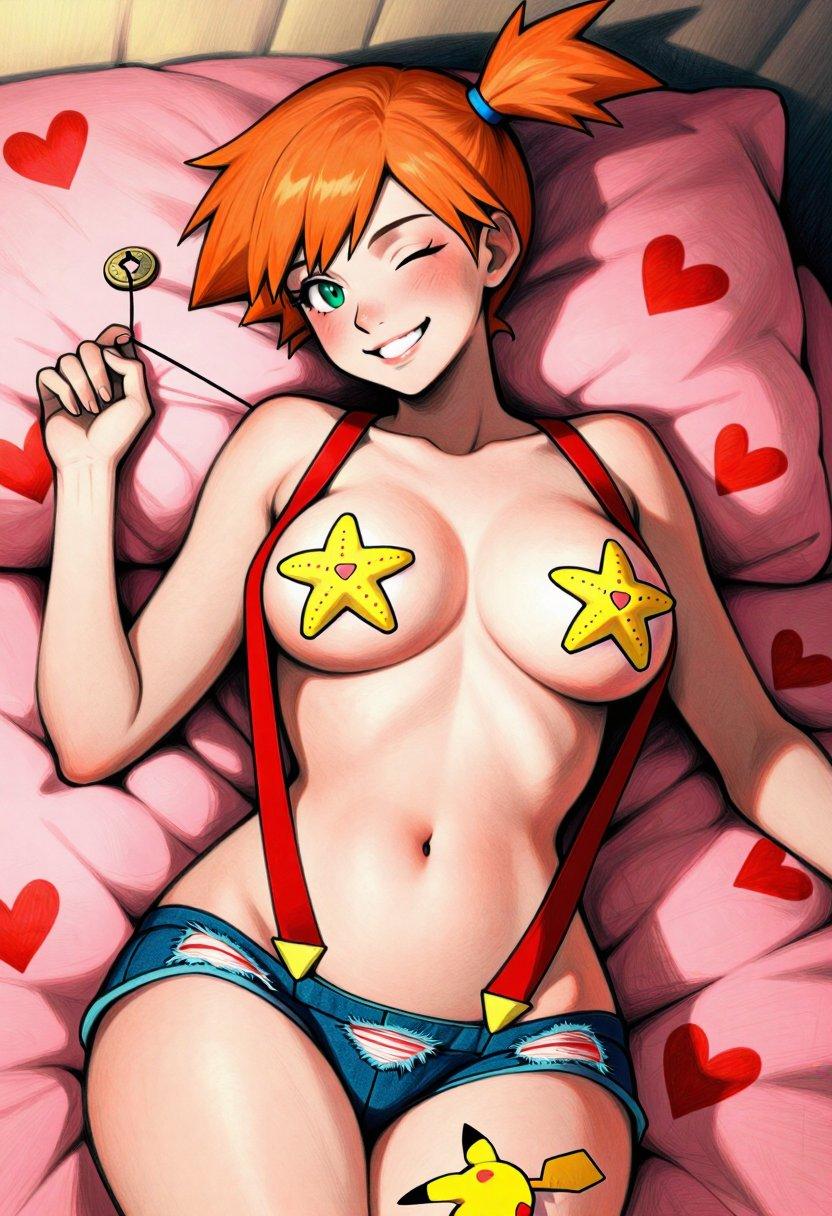
(the hypnotism coin is one of the most popular accessories in Pokegirl fan-art, often used by Hypno for non-consensual interspecies action; I don’t think she’ll need it to mesmerize any male creature who walks in on this scene, though…)
True
Hmmmm, let me think about it for a minute…
Caption Contest…
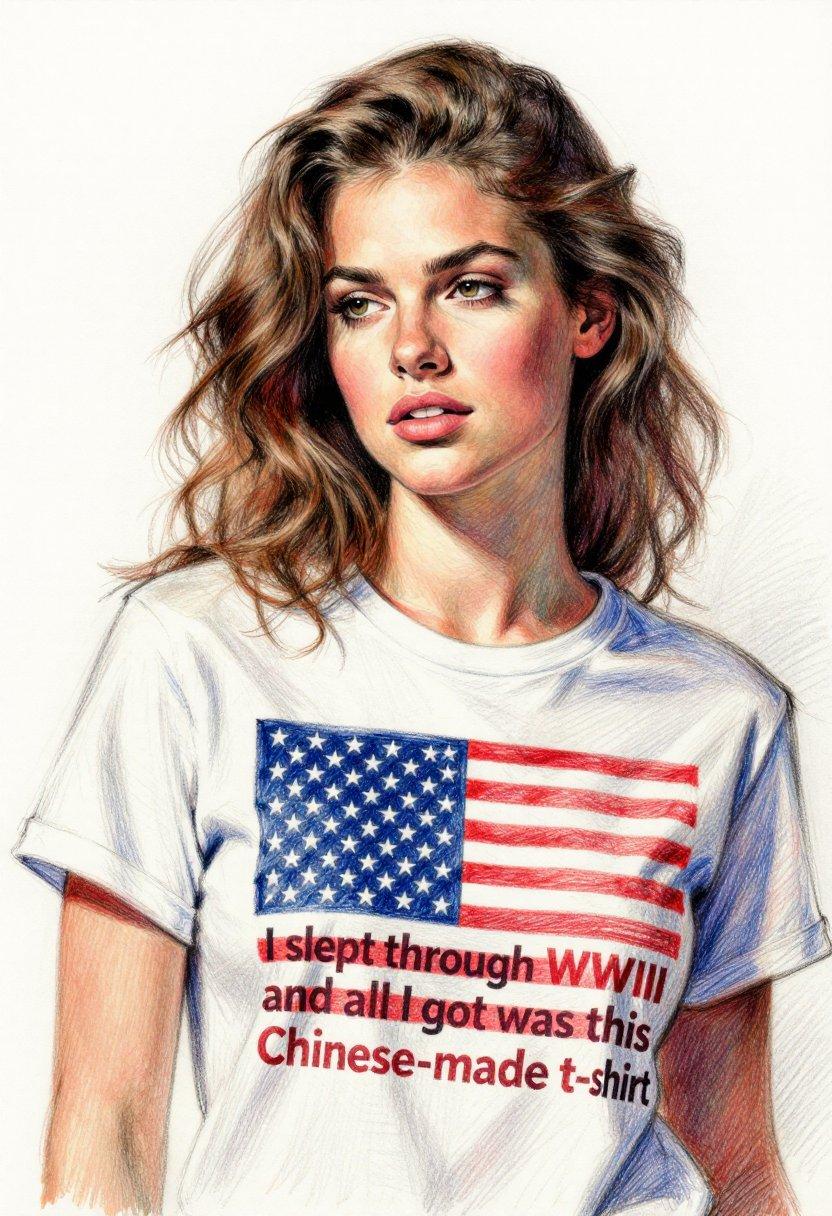
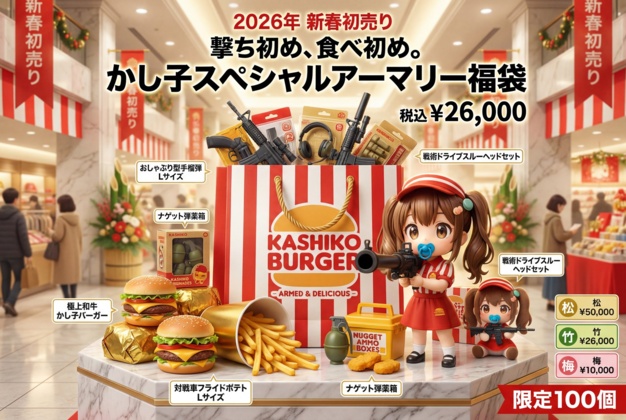
There have been several iterations of the new partially-LLM-enhanced prompts, and not all of the results have been completely successful. In fact, some of them cry out for snarky captioning. Feel free to join in.
To avoid ambiguity, I’ve added numbered headers.
1
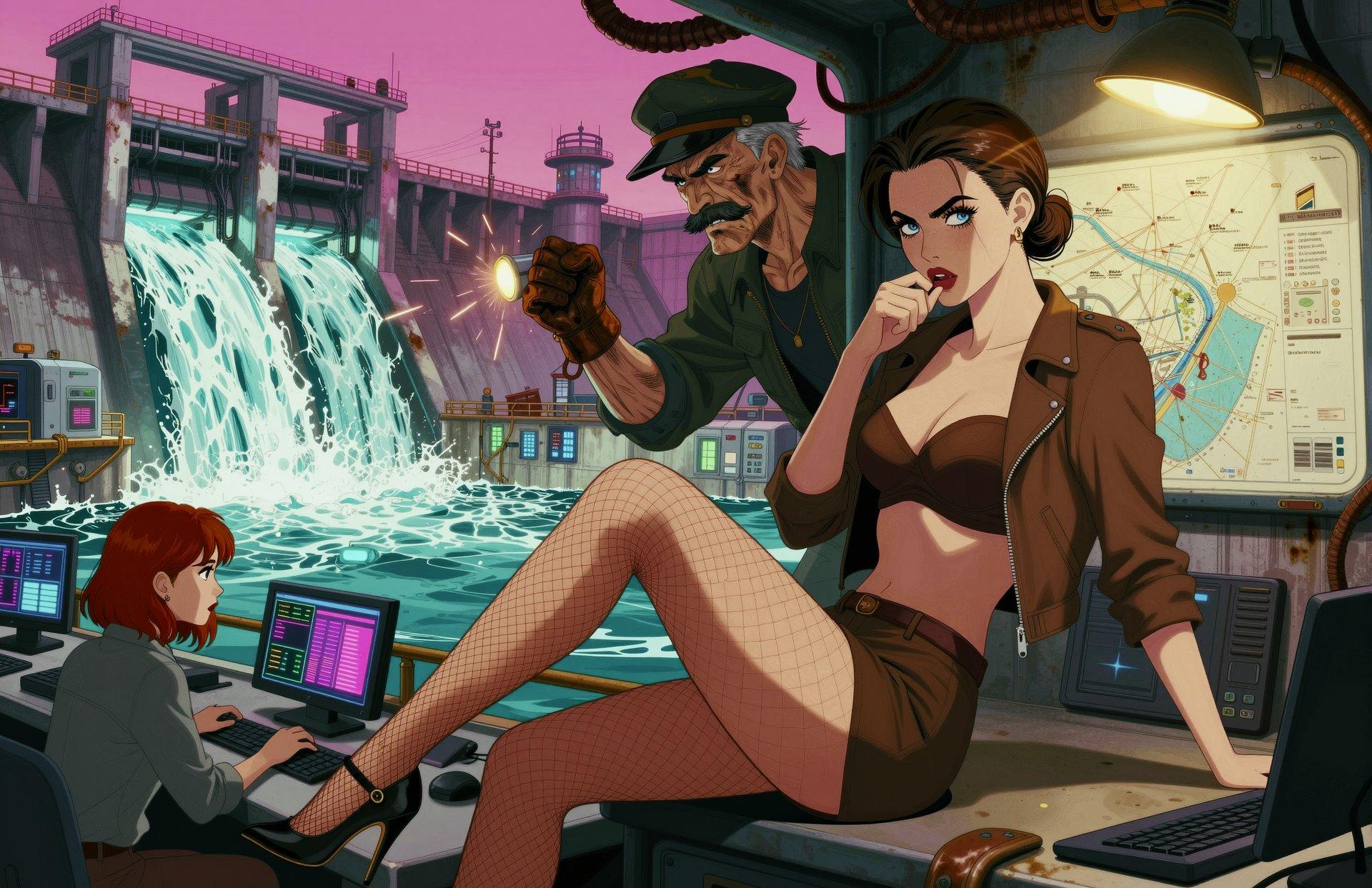
The quest for good stuff...
New Year, old song.
My New Goddess Is A Shoulder Chibi?
I might, might have to try to watch the 58-minute-long premiere of Hero Sentence, after this screenshot from Tenka Seiha’s otherwise tepid review.
Because shoulder chibi.
There are three downsides. First, the plot summary sounds like complete nonsense. Second, the price of the super-long premiere was delaying the next episode until the 15th. Third, the trailer promises that it’s utter crap.

’Nuff said
Related,
Unrelated,
I came out on the SwarmUI Discord as a despiser of “modern UI preferences”. I just couldn’t take the praise for low-contrast text and the holiness of dark mode:
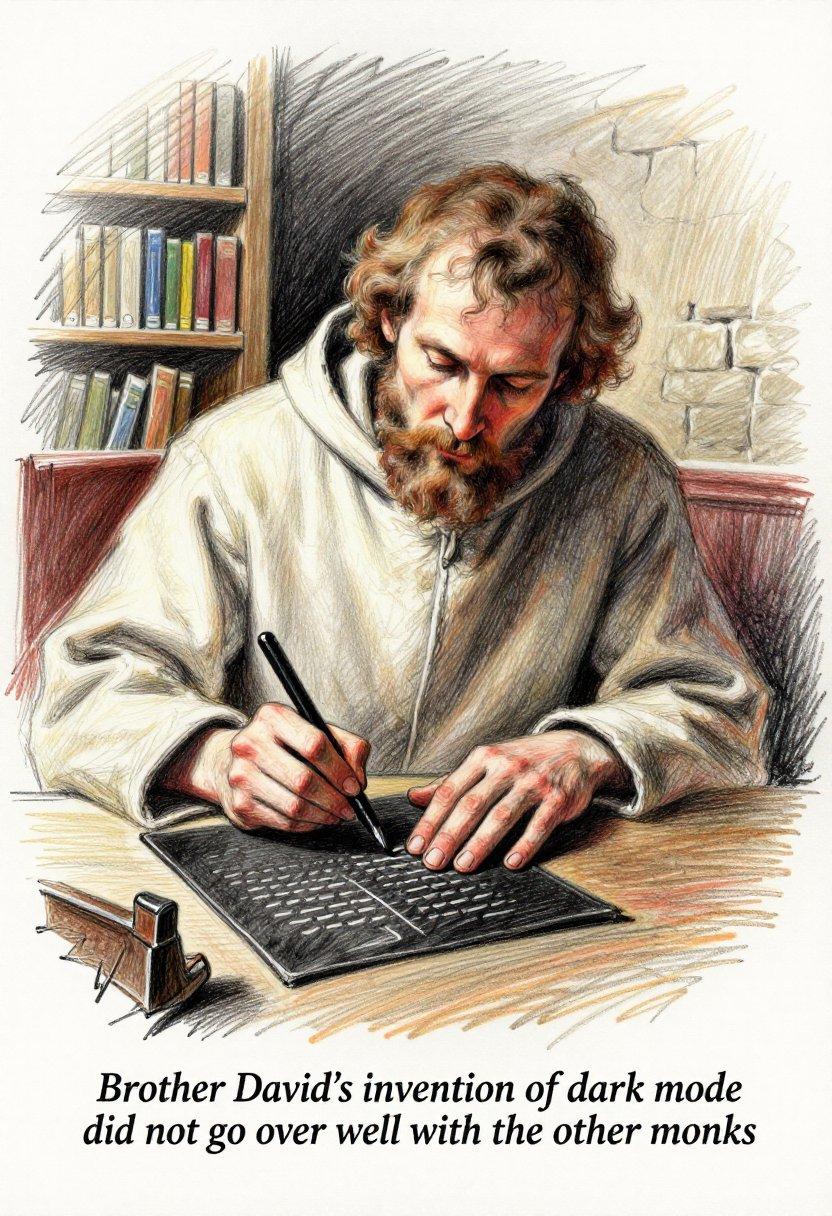
(amusingly, the creator of the app was sure he’d really-truly forced dark mode for the Windows console to ensure the color text (retch) worked, and was quite surprised that I was seeing black-on-white as The Great Old Ones intended)
Side note: by default, to ZIT, “monk” means “Buddhist monk”, even with additional context that should have steered the style to European/Christian; kind of like how it thinks “dumplings” means “gyoza”.
Stripping down the artist list
Now that I’m done making holiday pinup wallpaper, I started the year with the SF dynamic prompts. Although perhaps in retrospect I should have done something special-force-y.
Anyway, I made a few hundred and ran a quick deathmatch where I rejected anything that I didn’t want to stare at as wallpaper, then removed any artist who showed up on the reject list more than 4 times. This knocked about 35 names off the list, then I did it again.
Along the way, I flagged a number of images that caught my attention for various reasons. Some work as pinup wallpaper, some… don’t.
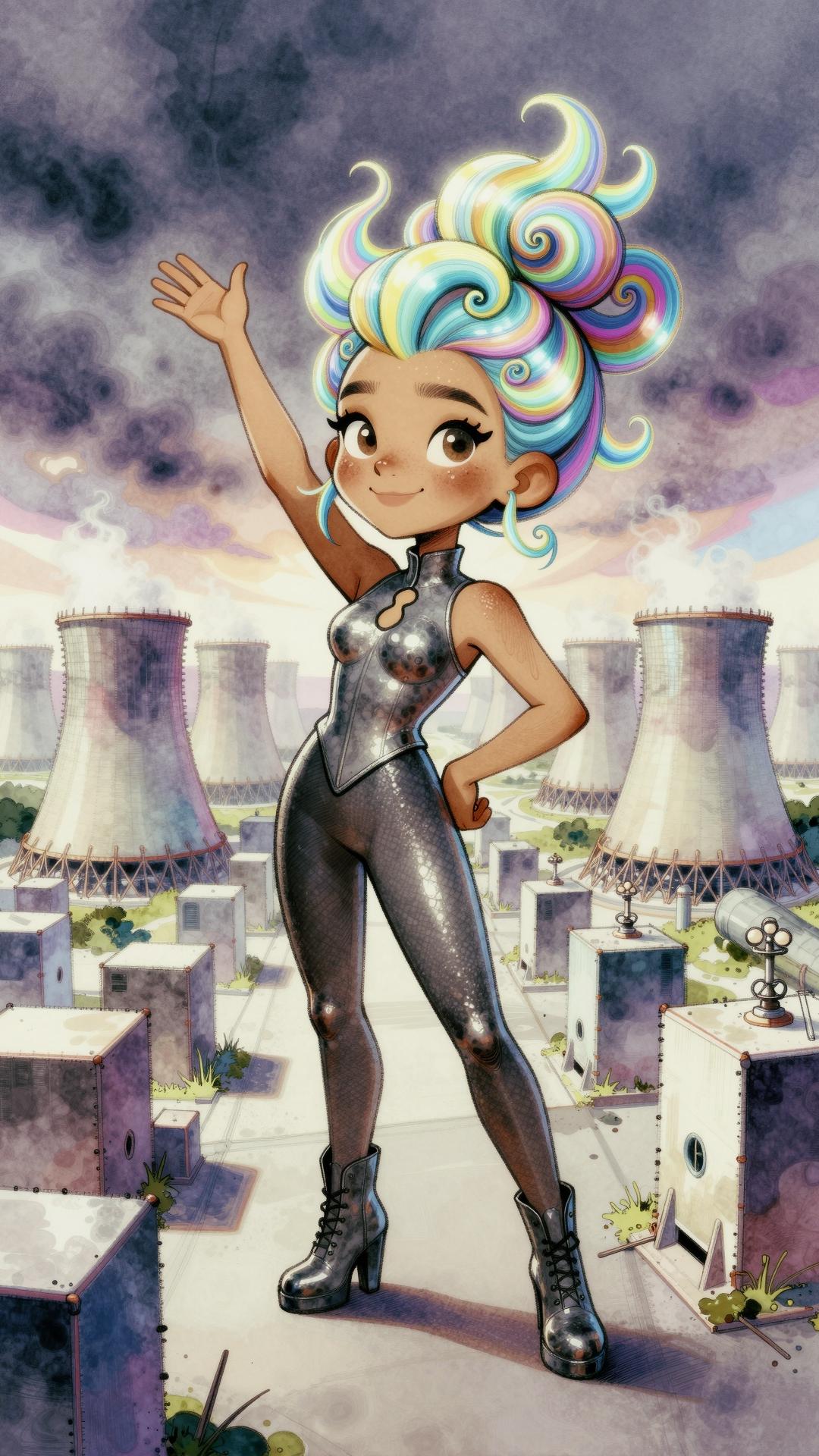
(prompts and parameters in EXIF UserComment, although it might whine
about “unknown encoding”; I need to switch the new JPG operation in
the pipeline to call exiftool, because I forgot that I’d already
tried Pillow’s native EXIF handling before and it sucks)
Hope for the future (seasons)
A Wild Last Boss Returns!
Season 2 announced. Clicking on the video initially used the English dub, and it’s so bad that I not only couldn’t tell what character it was supposed to be, but couldn’t even be sure it was someone speaking in character.

Kaiju No. 8, too
“conclusion arc” and side story.
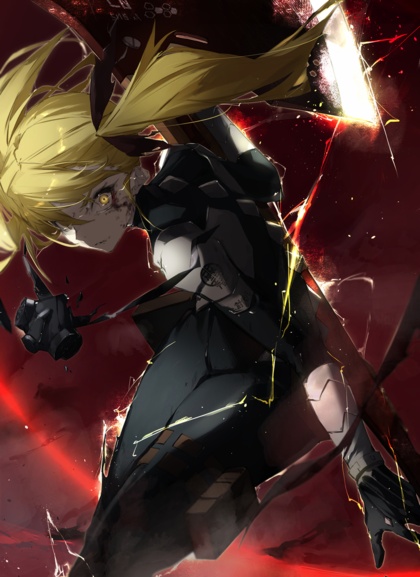
And Magical Working Girls makes three

(wrong magical girls, but these have a lot more fan-art)
I cry for today's youth
The weekly theme on the SwarmUI Discord is “romantic dates”, and it quickly went off the rails with someone posting a Trump/Putin dinner with a “nuclear apocalypse, Y/N?” display in the background. I responded with Trump and Musk eating pizza rolls at the Statue Of Liberty, and then changed the subject with this:

Nobody recognized them.
At all.
(Z Image Turbo had a vague idea of the look, but was not bulk-tagged with anime the way models like Illustrious and Pony are; I had to do most of the work with a detailed prompt)
Bumpkin 2 coming in 2026
Just not January. Pity.

Fan-Service Rocks!, fin
Best. Lecture. Ever. This episode is clearly the source of the “PG” promise of nudity, despite steam and chibification keeping things squeaky clean. And I’m confident the steam was not a buy-the-Bluray tease; it’s not that kind of show.
Anyway, along with limestone deposits, we get a discussion of future plans, and to the surprise of absolutely nobody, Nagi wants to teach, Shoko wants to become Yoko, and Ruri stumbles on her answer with a little help from her friends. The series closes with a montage of the near future, and a glimpse at Ruri’s suspiciously-familiar adult form.
Corn, popped
Literally for once. I hadn’t planned on making caramel corn Sunday night, but out of nowhere, my mother asked me how much unpopped corn you need to make 8 quarts of popcorn. She’d found a recipe for caramel corn somewhere, and it assumed you knew the conversion ratio. I ended up at popcorn.org, which says 2 TBSP of kernels for a quart of popped corn.
They also had a smaller, allegedly easier recipe that only required 5 quarts of the white stuff.
It somehow ended up being my job to run the air popper and follow the recipe, and the only difficulty was that the premium popcorn they’d bought produced significantly more volume than expected. 8 TBSP of kernels would have been more than enough.
I suspect I’ll also be drafted into making the next batch, this time with nuts.
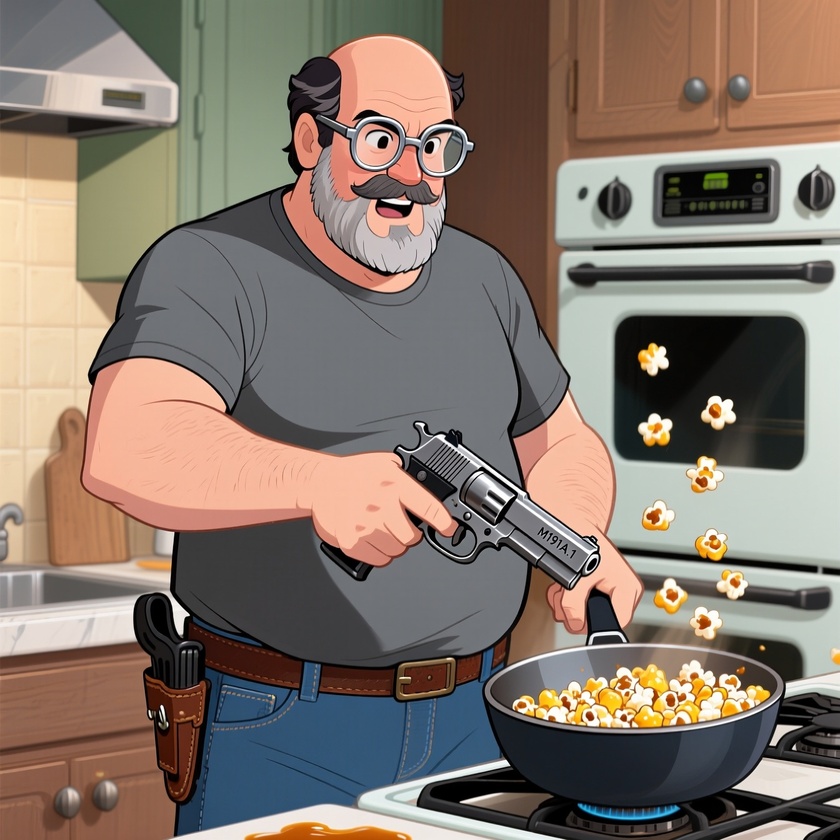
Reminder: I am not actually this fat or this bald, I have much better trigger discipline, and I’m left-handed. Qwen is, shall we say, “not good” at guns, and definitely has a problem with the concept of holsters:
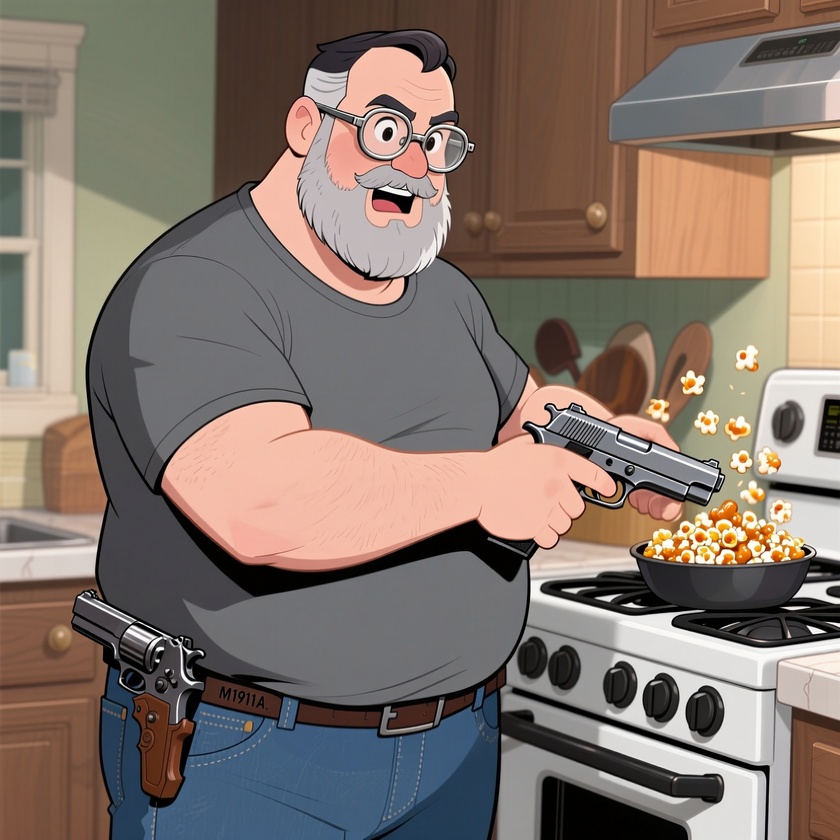
(I didn’t even ask to be holding the gun, just “holstered at his left hip”)
Diablo 4, season 10
I generally start new seasons with a Necromancer minion build, because being escorted by a pack of skellies does a good job of keeping you from getting overwhelmed at low levels as you acquire not-entirely-crappy gear and start to build up cash, materials, and abilities. Once you get some rare drops, it becomes an easy way to reach Torment 4 (Hand of Naz unique gloves, Nagu and Ceh runes, and Aspect of Occult Dominion cast on a helmet give you 14 skeletal mages and six spirit wolves to do your killing).
I’m currently farming in T3 because it’s faster, trying to get an Ophidian Iris for my incinerate/hydra sorcerer. I also thought I’d need some uniques to build up a whirlwind barbarian, but they’re letting you powerlevel alts through the seasonal content again, so I unlocked Deafening Chorus at level 30, and I already had an item enchanted with Aspect of Fierce Winds (DC = shouts are always active at +50%, AoFW = activating a shout creates 3 dust devils). The Neo and Ceh runes are another way of creating a pack of spirit wolves, so damage just kinda happens while you run around. And you’re also berserk and unstoppable at all times, with increased damage reduction and speed, making farming less of a chore.
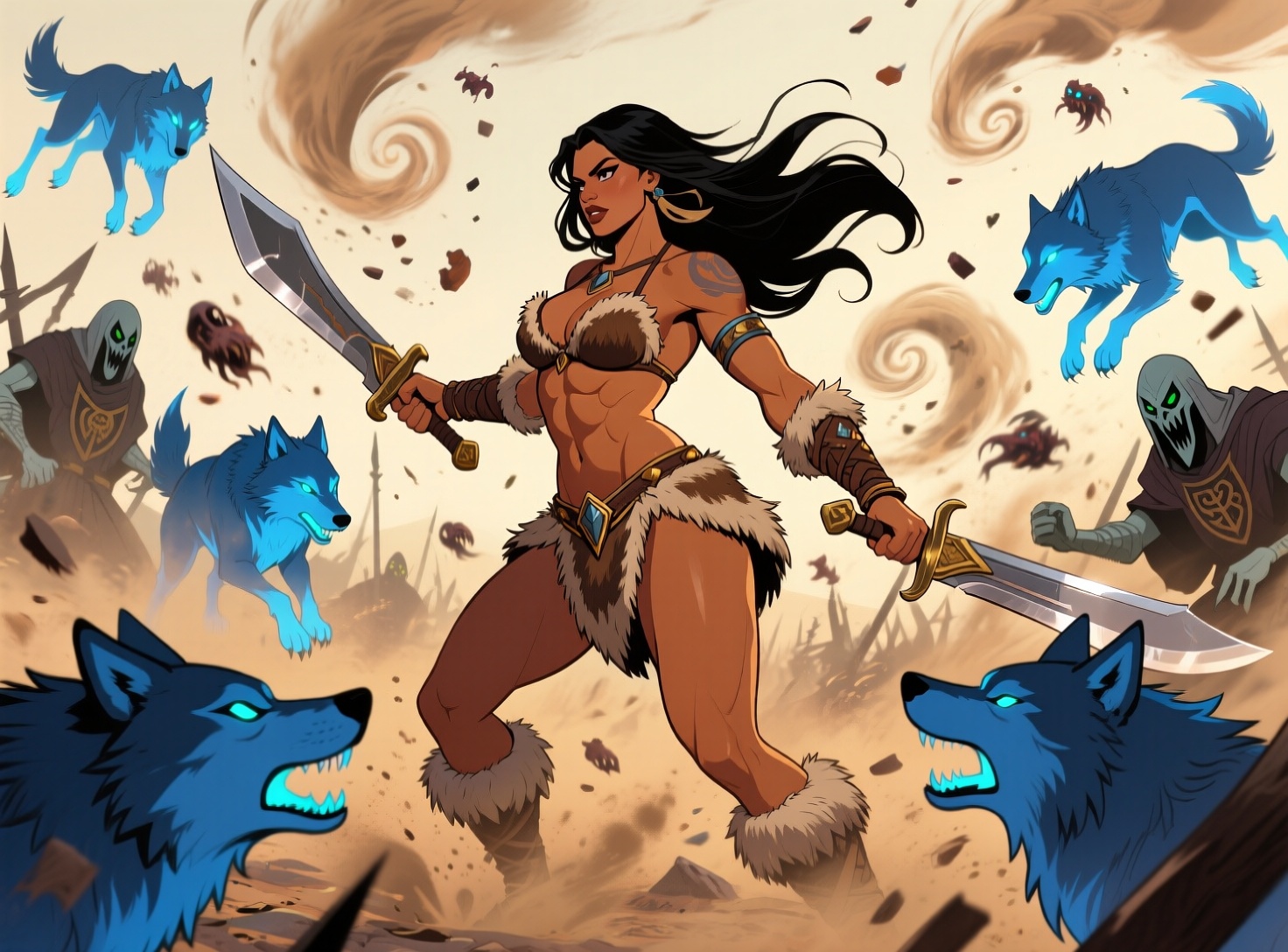
(this is approximately 10% as chaotic as actually playing this build)
Reminder: X hallucinates your “interests”
If your feed seems skewed, it’s time to go in and uncheck the auto-generated horseshit “interests”. This week, mine was:
#2i2, ABC News, Abema TV, Action, Action & adventure books, Adam Schefter, Ado, Adventure, Age of Empires, Air travel, Alien, Andy Dalton, Animated works, Anthem, At home, Australia national news, B’z, Bad Bunny, Big 10 football, Biology, Blade Runner, Blu-ray, Board games, Borderlands, Breaking Bad, Breaking Bad, Breaking Bad, Breitbart News, Brit Hume, Buckingham Palace, Byron York, CBS, California, Careers, Climate change in the United States, Coaches, College Football, College Football, College Football 2023-2024, Colombia political figures, Colombia politics, Comic works, Construction, Cooperative games, Cracker Barrel, Cygames, Damon Jones, Data centers, Dating Apps, David Fincher, Dolly Parton, Dune, Elizabeth MacDonald, Eric Trump, Europe, Family films, Famous comedians, Folk music, Free-to-play games, George Clooney, George Soros, Glenn Beck, Greta Thunberg, Grindr, Gulf News, Hard rock, Home improvement, Homeschooling, Human resources, IPOs, J-pop, JB Pritzker, Jake Tapper, Jen Psaki, Jimmy Kimmel, Jimmy Kimmel Live, Jimmy Kimmel Live, Joy Reid, Kaori Maeda, Katie Pavlich, Keira Knightley, King Charles, Larry Elder, Late night talk, Latin music, Latin pop, LeBron James, Legal drama, Letitia James, Live: College Football, Manga series, Megan McArdle, Merrick Garland, Meta, Monster Hunter, NASA, NFL Football, NPR, Nate Cohn, Navy Midshipmen, Neuroscience, Nintendo, Nintendo Switch, Nursing & nurses, Nyheim Hines, Olympic Canoeing, Outerwear, PGA Tour, Partner Track, Patricia Heaton, Paul Bettany, Paul Sperry, Persona, Pfizer, Phil Mickelson, Plastic models, PlayerUnknown’s Battlegrounds, Popcorn, Professions, R&B and soul, Razer, Reggaeton, Reuters, Rie Takahashi, Ryan Saavedra, SKE48, SPY×FAMILY, School festivals, Sculpting, Smartmatic, Snack Food, Soul music, Sports, Spy × Family, Starbucks, Stefan Kuntz, Stephen King, Steve Jobs, Stevie Wonder, Sydney Sweeney, Target, Ted Nugent, Texas, The 60s, The Independent, Threads (Meta), Trap, Twilight Saga, USA Today, Upper body fitness, Venezuela political figures, Venezuela politics, Verizon, Voice actors, Voting Machines - Government/Education, Warren Kenneth Paxton, Water sports, Wells Fargo, Whataburger, Wine, Writing, Yahoo News, Young Magazine, Zenless Zone Zero, Zerohedge, Zombie Land Saga, Zoology, college_football_2023, ゾンビランドサガ, 異世界かるてっと
Not only have I never engaged with any tweet on most of these subjects, most aren’t even things that someone I follow would make fun of. And for the few that were memed by someone, that context should be taken into account. Pointing and laughing at something doesn’t mean you want to see more of it.
The only nice thing I can say about this list is that it’s just garbage, not explicitly hard-Left garbage.

Random randoms of randomness
Someone on the SwarmUI Discord posted a complex prompt that uses the app’s native randomizing syntax to create a wide variety of people portraits with diverse (both meanings) faces. It’s like a Perl one-liner had sex with a MadLibs book:
(analog photography.:2) in <random:an indoor|an outdoor|a studio> setting.
<random:<setvar[gender,false]:man><setvar[pronoun_n,false]:he><setvar[pronoun_p,false]:his>|<setvar[gender,false]:woman><setvar[pronoun_n,false]:she><setvar[pronoun_p,false]:her>|<setvar[gender,false]:person><setvar[pronoun_n,false]:they><setvar[pronoun_p,false]:their>>the <var[gender]> is in <var[pronoun_p]> <random:early|late|> (<random:teen years|twenties|thirties|forties|fifties|sixties|seventies|eighties>:2)..
<var[pronoun_n]> has a distinctive <random:oval|round|square|heart-shaped|long|oblong|diamond|triangular> face, looking <random:pleasant with a gentle smile|energetic with a broad smile and a cheerful grin|radiant, beaming with joy and sparkled eyes|amused, with a slight smirk and a twinkle in the eye|contended, in a peaceful and serene expression|playful, with a mischievous glint, hinting at fun|warm and welcoming|hopeful and optimistic|blissful, lost in happy thoughts|thoughful, deeply pensive|curious, eyes wide with interest and head tilted on a side|observant and scrutiny|introspective, lost in reflection|calm and peaceful|serene, untroubled|focused, intently concentrating|weary and exhausted|melancholic and wistful|pensive with a hint of sadness|resigned in acceptance|wistful, longing for the past|anxious with worry in the eyes|reserved, keeping it formal|overjoyed in exhuberant happiness|very sad in a genuine sorrow with tears|angry, bursting in rage|surprised, startled with wide-eyed wonder|fearful, apprehensive and scared|determined with strong will and resolve|intense, experiencing a deep feeling|smiling sadly|thoughtfully amused|weary but determined|curiously spektikal and doubtful|serenely hopeful>.
<var[pronoun_n]> has <random:porcelain|ivory|rosy-fair|pale golden|peach|golden|olive|light tan|tan|bronze|caramel|warm brown|cool brown|chocolat|deep bronze|ebony|rich dark brown|honeyed|copper|russet> <random:flawless|velvety|polished|dimpled|porous|weathered|sun-kissed|bumpy|freckled|densely freckled> <random:skin with <random:small,large, prominent> moles|skin  with <random:faint, noticeable, prominent> (scars:<random:1,2,3,4,5>).|skin>, <random:pixie cut|buzzcut|chin-length|jawline-length|shoulder-length|collarbone-length|mid-back length|waist-length|long|classic bob|layered bob> <random:jet black|raven black|soft black|chocalate brown|dark mahogany|chestnut brown|medium brown|light brown|ash brown|auburn|platinum blonde|golden blonde|honey blonde|strawberry blonde|ash blonde|dirty blonde|fiery red|ginger red|burgundy|silver gray|charcoal grey|snow white|salt-and-pepper|bronze|mahogany|russet|ombre|blue> hair with a <random:high hairline|low hairline| widow's peak|straight hairline>; <random:high|medium|low> and <random:wide|narrow|average> <random:sloping|straight|with prominent brow bone> forehead.
<var[pronoun_p]> <random:sparse|dense|regular|asymmetrical> eyebrows are <random:thin|medium|thick|bushy> and <random:arched|straight|angled upward|angled downward|rounded|curved>, <random:matching hair color|darker than hair|lighter than hair>, <random:almond-shaped|round|upturned|downturned|hooded|monolid|> <random:large|medium|small> eyes show a beautiful <random:sky blue|deep sapphire blue|grey-blue|turquoise|emerald green|olive green|hazel green|dark chocolate brown|light hazel brown|golden brown|mahogany brown|mixture of brown, green, and gold|silver grey|slate grey> hue<random:|, deep-set into <var[pronoun_p]> face|, protruding forward>, <random:short|medium|long> <random:sparse||thick> <random:straight|naturally curled|heavily curled with mascara> eyelashes.
<var[pronoun_n]> sports a <random:large|medium|small|pointed> <random:straight nose, with a classic and balanced profile|roman nose with a prominent bridge and a hump|greek nose, with a straight bridge and refined tip|snub nose, upturned and delicate|aquiline nose, hooked and curved downwards|button nose, nicely rounded|hawk-like nose, strong and prominent|wide nose, broad at the nostrils|narrow nose with a thin bridge|long nose, extended length from brow to tip>, <var[pronoun_p]> cheeks are <random:rosy, naturally flushed|dimpled with cute indentations|freckled|sun-kissed|sculpted sharp|softly curved>. <var[pronoun_n]> has <random:large|medium|small> <random:full, voluminous|thin, delicate|wide, spreading across <var[pronoun_p]> face|distinctive bow-shaped|softly curved round|down-turned drooping|> <random:lips.|lips with a defined cupid's bow.|lips with a prominent lower lips.|lips with a prominent upper lips.> <var[pronoun_p]> chin is <random:large|medium|small|strong|weak> and <random:rounded|square|pointed|cleft|receding|prominent|doubled, with fullness under the chin>, <var[pronoun_n]> has a <random:strong|soft|square|rounded|well defined|soft> and <random:wide|narrow> jawline, completing <var[pronoun_p]> face.
<var[pronoun_p]> build is <random:slender|lean|muscular|stocky|robust|petite|large-framed>, <var[pronoun_n]> stands in an <random:upright|slouching|stooped|relaxed|casual|tense|stiff> posture, showcasing <var[pronoun_p]> <random:broad|wide|narrow|sloping|rounded|square> shoulders and <random:full|flat|narrow> chest. <var[pronoun_p]> arms are <random:long|short|muscular|toned|slender|lean|strong|robust>, completed with <random:delicate|rough|small|large> hands.
<var[pronoun_n]> wears a <random:formal|casual|loose|fitted|tight> <random:cotton|silk|wool|denim|leather> <random:shirt|blouse|t-shirt|sweater|jacket> contrasting with <var[pronoun_p]> hair.
…and that’s why I converted it to the dynamicprompts YAML format, which revealed all sorts of typos and awkward phrasing. I added weighting to improve realism (completely random choices produce a lot of unusable crap), cleaned up the option lists, and added a new one to push Qwen Image away from its default faces.
My version is here, in my new Github repo for random genai-related stuff. The Python script I use as a wrapper for the dynamicprompts library is in there, too.
You know it’s time for a new theme when…
…you weed 500 images down to 162 and say, “forget the toes, maybe I’ll just use them all as wallpaper”. I’m not going to blog that many, though, so I deathmatched it down to 18 based on the newly revised-and-randomized sfnal locations.
I started with ~900 retro-sf locations generated by several different online and offline LLMs, fed them all to Claude to categorize and create sentence patterns, and then threw 500 imaginary pretty girls on top. Many of the results were visually incoherent, and quite a few had nothing about them that even hinted at SF, retro or otherwise, but most met the goal of being lively and colorful without drawing attention away from the girl.
No refine&upscale for this batch; it’ll run overnight for the full set of 162, so I probably won’t kick it off today.

Fan-Service Rocks, episode 12
It has been at least 45 years since I last thought about crystal radios. Mine was a kit, probably from Radio Shack because there was still such a place, and it didn’t hold my interest long. If only I’d known the attraction it held for rock-junkies and their busty allies, things could have been different.
Anyway, Ruri finds her grandfather’s homemade set (while looking for his rocks, of course), has no idea what it is, and since there were crystals inside the box, heads off to Nagi to find out what’s what. Nagi and Imari are too busy to give the girls more than a quick lecture and a shopping list, but Busty Gal Pal Aoi gets pressed into (and for) service and ends up enjoying the adventure.
Frustration over the weak signal leads them to seek higher ground, and without realizing it, they end up at the same place grandpa tested it originally, a local shrine. The story’s all about connections, and in the end, the priest turns out to be connected, too.
And then Imari gets lucky, playing a classic trope straight to set up the next (and last) episode.

Future Waifu Society
I genned a batch of retro-sf cheesecake Thursday with the Pin-up Girl and SNOFS LoRAs loaded (the latter at 50% strength), and… forgot to trigger them. Both have some influence on the output even without trigger words, but the net result was that the majority of the pictures were pretty much the same as the last batch of retro-sf gals, so I had to skew my deathmatch toward the ones that picked up at least a little of the pin-up aesthetic. Then I kicked off another batch on Friday with a new set of corrected prompts. Results of both sets below.
Next up? I had Claude tear apart the over-familiar SF location prompts and put them back together broken down by category and reassembled in a bunch of different patterns. The faster/cheaper Haiku 4.5 model didn’t manage to put 50 unique elements into each category, but it got at least halfway there before it started repeating itself. Combinatorially speaking, it’s capable of at least 10,000 unique locations, but I won’t know if they’ll be interesting until I generate some pics.
Also, the next batch should have less fashion and facial disasters, since I set the weights for feathers, spikes, and tongues to be much, much lower. Qwen doesn’t know what “feathered hair” or “spiked hair” mean, and tends to go a little overboard when those adjectives are used anywhere. And mentioning a tongue guarantees an exaggerated expression where it’s stuck out at the viewer, and usually not in a sexy way. Still running about 4% limb disasters, though, and that’s being generous.
First batch
The refine/upscale process is working pretty well now, with one small problem: toes. They were fine before upscaling, sigh, so don’t count them or point out that the big toe (if any) is on the wrong side. Sigh.