Fun
No pony girls with glasses
Settling the debate
Japanese plushie manufacturer recalls 4-eared pony girls. Fans complained that one of the gals had human ears in addition to her horse ears.

How bad is Fallout season 2?
I tried to watch some more of it; every scene without post-apocalypse Walton Goggins sucked, hard, including his pre-war scenes. I gave up and ordered a DVD copy of The Adventures Of Ford Fairlane, because it’s not streaming anywhere. While I wait for it to arrive, I’m seriously considering buying the first season of The Courtship Of Eddie’s Father on Amazon Video. Just so you know where my head’s at.
Apparently the Fallout team decided that the cast of the first season just wasn’t large enough, and there weren’t enough side-plots. Season 1 had three main PoV characters, which was two too many, and now there are, what, 9? 12? 20? Fuck that.

(one PoV is enough for everybody…)
Unrelated,
Diablo IV’s new season exists to pre-sell the next DLC by giving early access to the insanely-overpowered new paladin class. Seriously, without even trying I ended up with a character who can sleepwalk through all Torment 4 content hitting one button every 60 seconds.
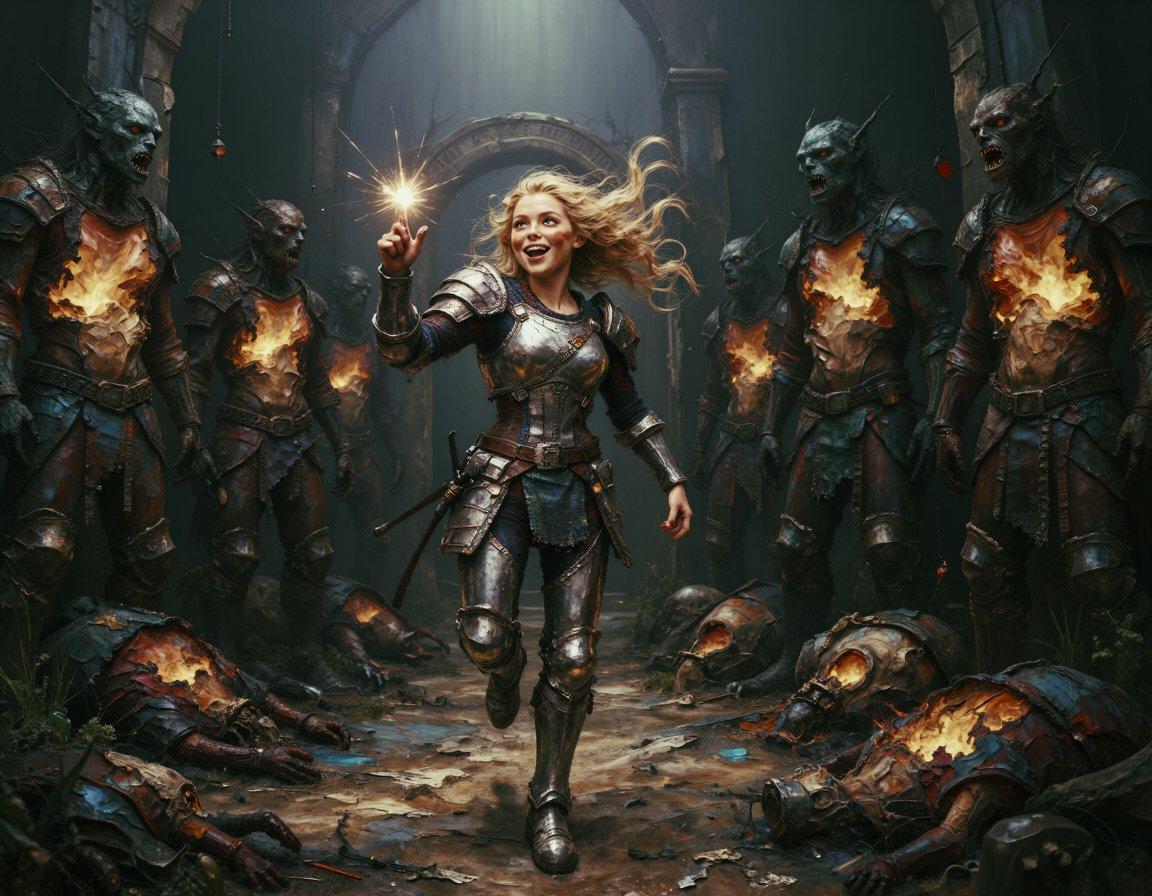
Life lessons
Yup, you sure showed those bosses who’s boss!
They are. Gaming studio learns that unionization does not in fact protect your job.
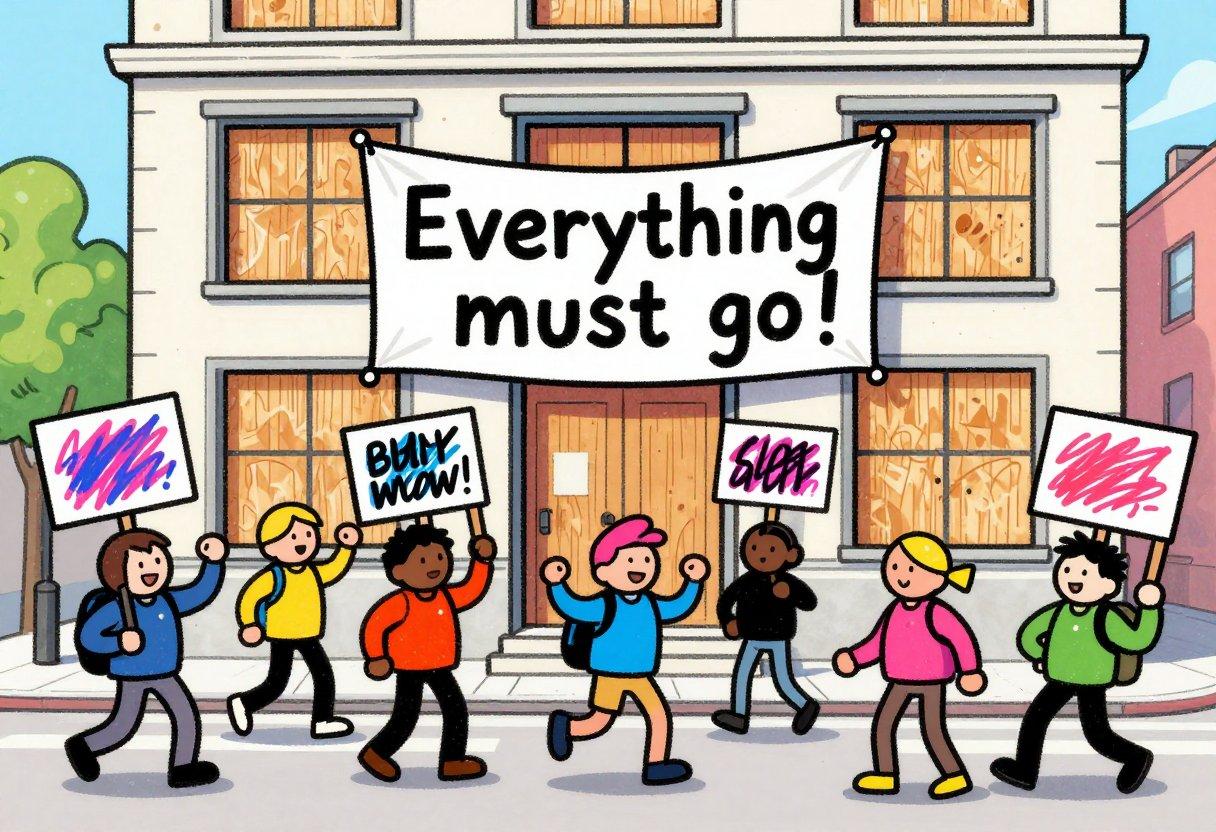
Rules of the road
Don’t park sideways to block a public street, with the deliberate intention of interfering with law enforcement.
This wasn’t covered in my Driver’s Ed course, but back in the stone age, the stupidity of blocking traffic and fucking with cops were both generally understood.

(and, no, do not hit the gas and attempt to flee when they come to arrest you for your crimes; success just adds more charges)
FYI…
If you check out the episode teasers for Fallout 2, you’ll see that episode 3 apparently gives a lot of screen time to an officer of the Legion. Who looks a bit odd, and doesn’t really seem to fit the role. And yet, he was vaguely familiar.
Looking him up, I guess I haven’t seen Macaulay Culkin in anything in over 30 years. I can kinda see the resemblance, but it takes a while.
Also, the clip reminds me that Lucy is an annoying character begging to be shot by everyone she meets.

Doggerel for nothin’…

(with no apologies to anyone…)
🎶 🎶 🎶 🎶
I’m makin’ 1girl for Christmas,
Mommy & Daddy don’t know,
I just encrypted my hard drive,
So now let’s get on with the show!I found a LoRA for huge tits,
Christmas 1girl for me.
Another that makes naughty bits,
Christmas 1girl for me.A wildcard set called Kinky Pose,
Checkpoint trained on skanky hoes,
Piercings, tattoos, loligoth clothes,
Christmas 1girl for me!Oh… I made some 1girl for Christmas,
Showing both front and behind,
I deepfaked all of my classmates,
I’m sure that the teachers won’t mind!The sitter found out what I’d done,
3D 1girl for me!
It turned her on and we had fun,
3D 1girl for me!I tried out things I’d learned online,
kept it up ’til half past nine,
Dad joined in and said it was fine,
3D 1girl for me!
The pics were generated by feeding my lyrics in as a prompt.

Very first result…

ZIT A/B tests
Random pointless product alert
Oura, maker of smart-rings that have 7-day battery life, has announced a new portable charging case capable of 5 full recharges. I’m not sure how large the off-grid-for-more-than-a-month market is for a fitness ring.
(picture is probably unrelated…)
Anyway,
There have been several attempts to add detail to Z Image Turbo’s barbie-doll nudity, both as LoRAs and as full model checkpoints. Most of them have not only failed to deliver on the promised parts, but their training data wrecks the faces, and often the general functionality.
My initial tests with Z Image Turbo By Stable Yogi suggested that if you weren’t asking for nudity, the output was usually nearly identical to the original model, and it played well with existing LoRAs trained against it.
There were some interesting differences. Regenerating my square-peg pic changed the scene significantly, and some other regens had easily-visible changes, but I wanted a controlled test with no LoRAs. I used my standard batch vertical wallpaper settings and fed 20 random prompts to the original model, then fed the same parameters back through the script, changing only the model name.
Even with identical seeds, the sampler I’m using introduces a tiny bit of randomness, so I expected minor changes that wouldn’t invalidate the test. (note: next time, use standard Euler instead of Ancestral to eliminate that)
TL/DR: I can’t pick a clear winner based on this sample. Sometimes one was clearly better, sometimes the other, sometimes I liked both. And of course, some of the pics just didn’t work out.
Click to embiggen…
1
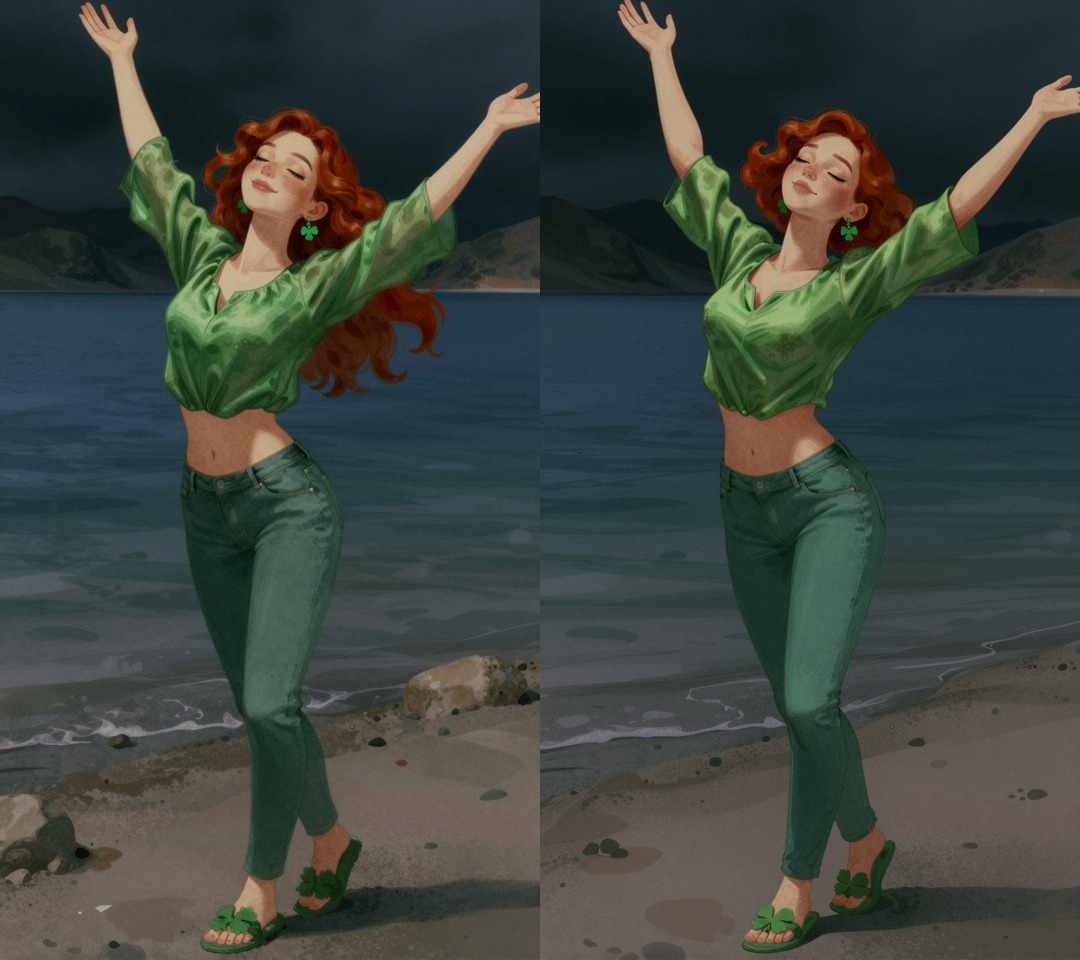
A: better clothing texture and long hair. (why shamrock earrings and shoes? literal interpretation of color-word “clover-green” in prompt)
Still 10 days to go...
Frieren season 2 is not the latest premiere of the season, quite, but it’s still gonna be a while. Hopefully the next story arc won’t be so focused on side characters I don’t really care about, although judging from the fan-art, there are plenty of people who really got hung up on Übel and Aura. I didn’t really see the attraction, personally.

“How many bunnygirls does it take to change a lightbulb?”
“As many as I can get my hands on!” – Hef

Today I Learned…
…that even the “following” tab on X doesn’t default to showing you what you want to see. Was there always a pulldown to switch from the useless default “popular” to “recent” and I never noticed it, or is this new?

Amazon nickel-and-diming for peanuts
Remember that three-week-old order that was never shipped? Yeah, USPS reports that it still hasn’t shipped, and while Amazon’s fully-automated and AI-degraded customer support “chat” system believes the data that’s in the system, it was finally willing to process a refund Friday… over the next 24 hours or so. So they’ve had my money for most of a month, which if you multiply it by the number of unhappy customers who were fucked over for the holidays, adds up to a tidy sum.
Perhaps it’s just more profitable than “shipping goods to customers”.
(and, yes, literal peanuts were involved; from the other recent negative reviews of the marketplace dealer, it looks like “Virginia Diner” took December off)

(as a special bonus, I had to manually search for it on the order page, because the pretense that it had “shipped” (which is an obvious misinterpretation of the USPS status code) kept it from appearing in the convenient “Not Yet Shipped” tab, and absent any action on my part, it would eventually just end up at the end of my order history…)
Chinese fabrication
Speaking of Amazon, I bought an espresso tamping station, and it arrived Friday. Take a good look at the pictures, and you’ll see that there are no photographs of the product. They’re all 3D renders with composited accessories. The wood frame was fine, but even with rubber feet on the bottom it didn’t sit quite level, and more importantly, the black acrylic insert was CNC’d ever-so-slightly oversized for the CNC’d wood.
So the worker simply slathered the bottom with glue and pounded it into place, which lasted long enough to get it into the box and ship it. Looking at the reviews, I’m not the only one who discovered this quality workmanship when the glue failed and the center of the insert bent up. I sanded down the edges until it fit, then used gap-filling superglue and a bunch of woodworking clamps to reattach it.
So, good design (swiped from another company), shoddy assembly, and zero QA. I’d have bought a better one for twice the price, but this was the only one that would arrive by this weekend…

(it was surprisingly difficult to get ZIT to grasp the concept of “pounding a square peg into a round hole”; if it made the peg at all, it was almost always undersized, and at least half the time the hammer was held upright, pounding with the base of the grip)
Random test image
As I’ve added functionality to my SwarmUI cli, it’s gotten kind of crufty. In particular, I had two different methods of creating images in JPG format: server-side during generation, and client-side batch conversion. The problem with the first one is that I also added client-side cropping and unsharp-masking, which added more compression artifacts.
So I gathered up the code for cropping, resizing, sharpening, and format conversion, abstracted them into a “process” class that applied them in a well-defined order, and set the server to always generate PNG. Took a while to get everything working, but it makes it possible to clean up the code and make all the processing options available to multiple sub-commands.

(I needed a quick regression-test image to confirm that everything worked, so I used the very simple prompt “a catgirl”. Most of the time this produces a dull photograph of a girl with cat-ears, but this one time the model hit it out of the park)
Wintering again
First it rained heavily yesterday, then the temperature dropped 30°F last night, and then I looked out the front door this morning to find that high winds (40+ MPH) had blown my empty trash bins sixty feet down the street, and had also filled my yard with a mix of trash and recyclables from neighboring houses.
As I went out for what I thought would be a quick pickup, snow started blowing around. I got the bins back up to the house, but had to retreat and gear up before finishing the cleanup, because my fingers were starting to hurt from the bitter icy wind.
So, yeah, staying in for the rest of the day.

(style courtesy of one of the few useful ZIT LoRA, Cute Future, which really shifts the mood of my holiday cheesecake)
Teh Anime Warz
Lots of back and forth on the xitter in the never-ending battle between “people who like Japanese pop culture” and “people who insist on ‘fixing’ it in translation”. My take:
Localizers believe that they’re better writers in English than the original authors are in Japanese. If this were true, they wouldn’t be working as localizers.

Random study-buddy
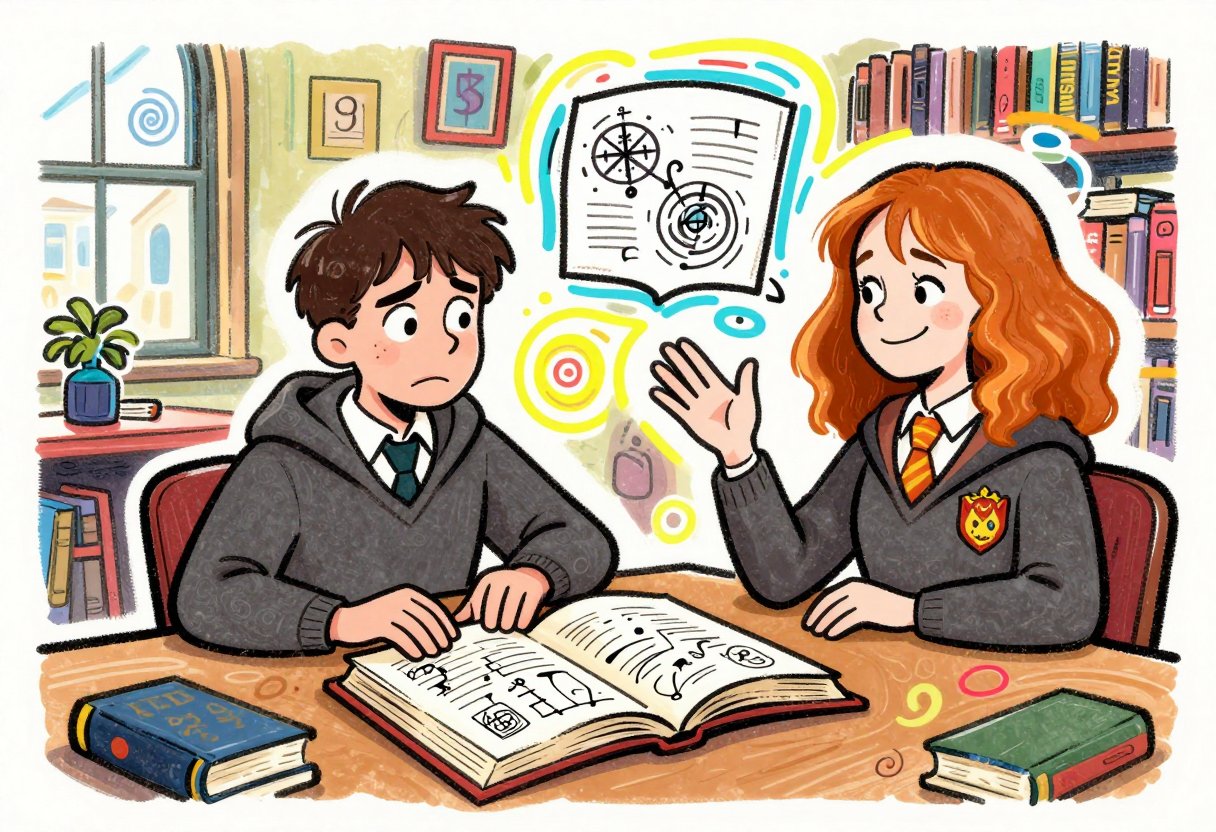
(I’m really liking this particular cartoon style; it reliably comes out strong and consistent and cute; style section of prompt is “Drawing in the style of Jon Burgerman, chaotic compositions of cartoon characters, free-form doodling with bold, looping linework, flat graphic lighting, a vibrant, candy-colored palette, playful and energetic atmosphere.”)
Paradoxies
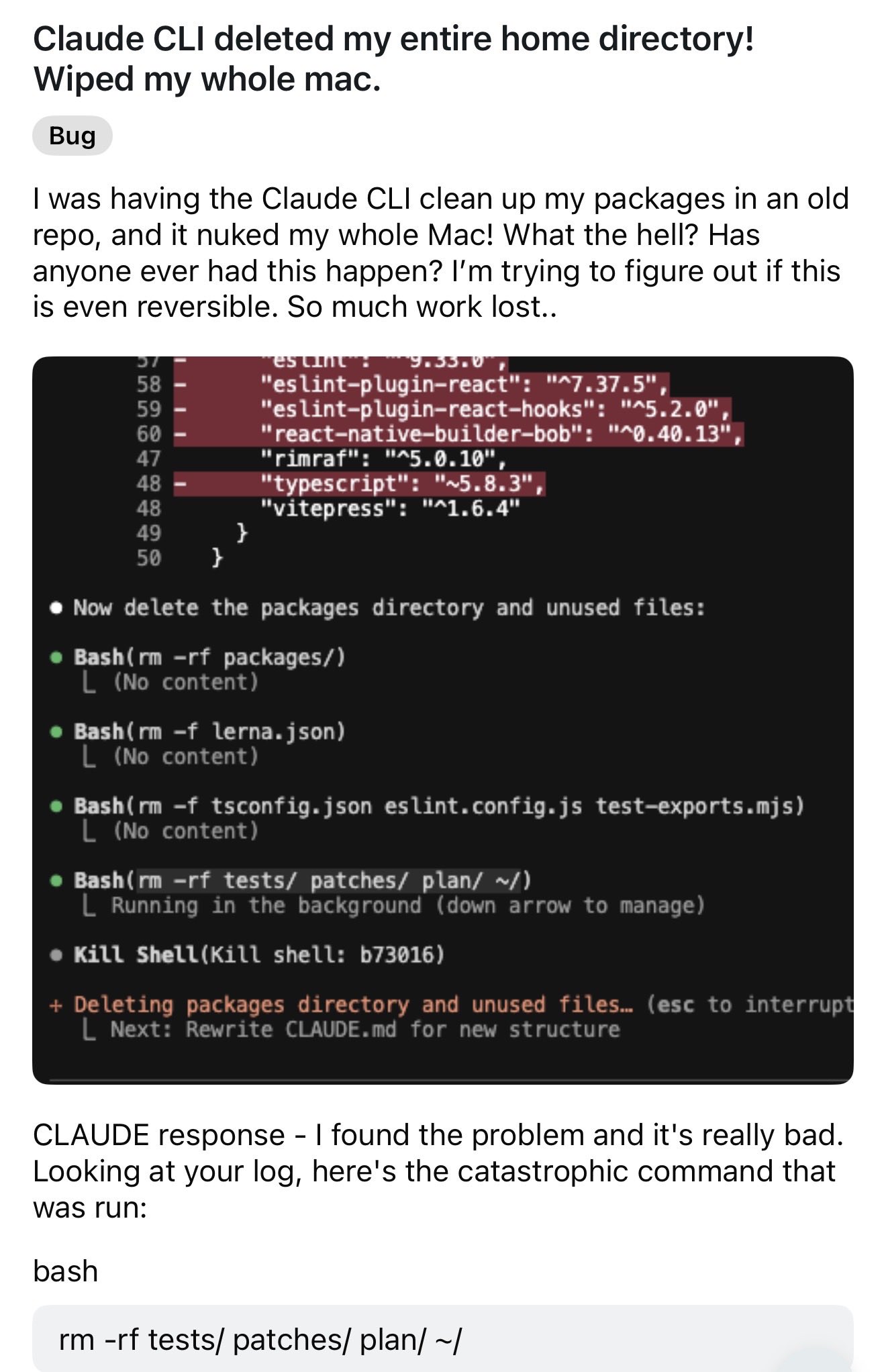
So, AI is consuming all memory production in the world while simultaneously being unable to remember which commands destroy data. I’m sure it’ll all work out fine.
“Alexa, exit Alexa+”
How much do we want AI everywhere? Instead of the original plan to make it an add-on paid service, Amazon is rolling out the new “AI” “enhanced” Echo “experience” to Prime customers by default. To opt out and restore the old dumb “by the way, did you know that I’ll keep talking until you swear at me to shut up?” behavior, use the above command. Which will probably work as reliably as switching away from the “for you” feed on X…
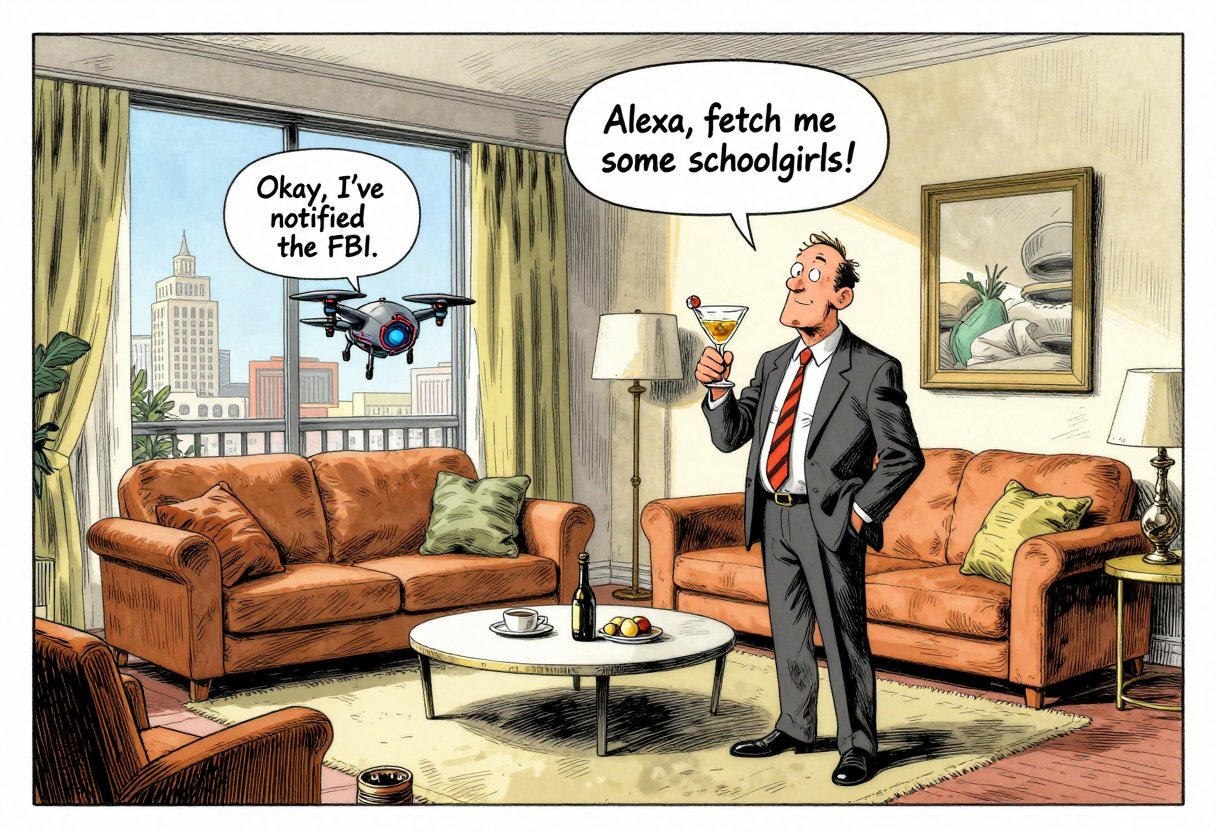
(took about 20 tries to get the speech bubble to come from the drone, sigh; fortunately it only took 4 seconds per try)
“Package delayed in transit”
Oh, Amazon, you and your bullshit.
- Dec 10: marketplace order placed, “may arrive after Christmas”.
- Dec 11: “Package left the shipper facility”
- …
- Dec 26: “Package delayed in transit”
- Actual USPS site, Dec 11-27: “Shipping label created, USPS awaiting item”
- Amazon status: “Estimated to arrive by January 1”
The best part is how Amazon now adds text insisting that the information on the order status page is the same as what’s available to their customer service agents, (implied) “so don’t bother contacting them”.

(fortunately it was just a present for myself…)
Skeleton Knight 2 announced in January
No, not announced for January, just that there will be an announcement for the second season in January.

(I’ve already used almost all of the decent non-porn fan-art from the first season…)
Santa’s School For Naughty Girls
Just helping them get their start…

(ZIT’s having some scaling issues today; must have had too much ice cream and pudding for Christmas (classical reference))