“The fact is, guns do more for female empowerment than modern feminism which prefers government as their protector. But legal ownership gives you real power, equalizing the battle between you and evil. Ask any girl: The confidence from learning to shoot a pistol is far superior to any gender studies course, and a stalker is less likely to stalk if you can ventilate his groin. Which is why a whirring bullet is the ideal rape whistle and the real feminist icon should be Annie Oakley, not Sandra Fluke.”
— Greg GutfeldMorning Kittens
Classic Morning Musume clip that I had a sudden urge to find again…
More iphone pics
Here’s a few from my sister, who made more use of her phone camera than I did. She had my old Canon G15 as well, but is used to using her iPhone 8, particularly the portrait mode. I think she took about the same number of pictures with each, where I split my time between the Sony A6500 and a new Sony WX800 compact superzoom (yes, I’m weak…).
I think if we hadn’t both been battling bad knees, I’d have spent a lot more time shooting with the A6500, and even used the longer lens that I brought along, but instead I left it in the hotel unless we were going someplace special (like Ise and Himeji), and just carried the WX800. Not the same quality or ISO range, but tiny and lightweight, with a surprisingly useful 30x optical zoom range.
(yes, my next doctor visit is going to be all about the knees)
Unrelated, while I’ve been holding off on upgrading my iPhone 6 Plus, Apple’s kind of forcing the issue by increasing the memory footprint of all their frameworks. Pretty much every time an app gets upgraded, it gets piggier, to the point that there’s not enough memory to leave something running in the background, like the Sony app that lets my cameras pull GPS from the phone. Whenever I switched between apps, they had to relaunch, which wasted a lot of time.
I’m not a fan of the notched buttonless overpriced face-scanning heavy new models with battery life no better than my 6 Plus, but switching to Android isn’t really an option if you’re tied into the Apple ecosystem (even if you avoid their shitcloud as much as possible).
Finally!
First item in the release notes for Ghostscript 9.27:
Version 9.27 (2019-04-04)
IMPORTANT: It is our intention, within the next 12 months (ideally sooner, in time for the next release) to make SAFER the default mode of operation.
I only suggested this 27 freaking years ago.
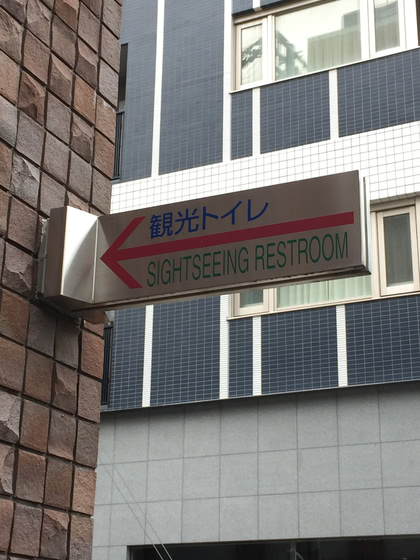
Give me a sign!
…or just remove both signs, and we can share the bath…

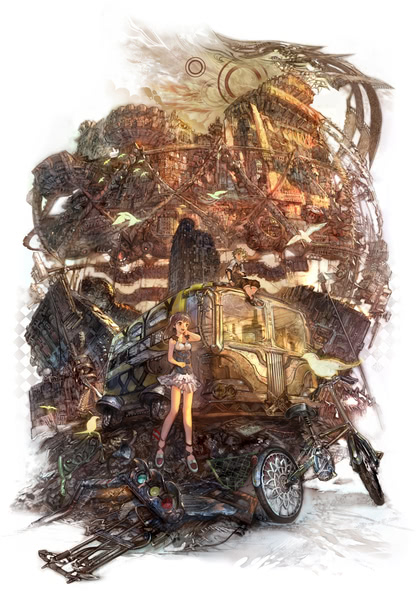
Pixiv artist Taiki
Taiki only posted a handful of images on Pixiv, and stopped several years ago. Looks like he’s only active on twitter these days.
Random phone pics
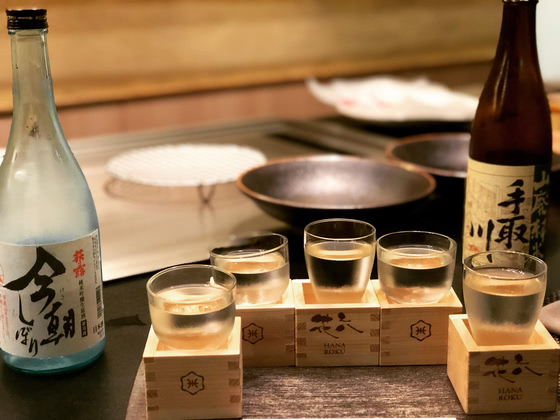
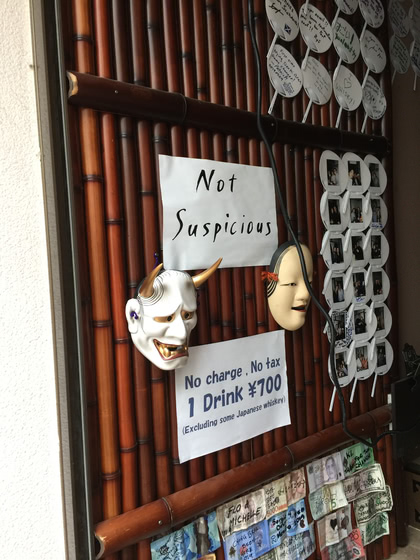
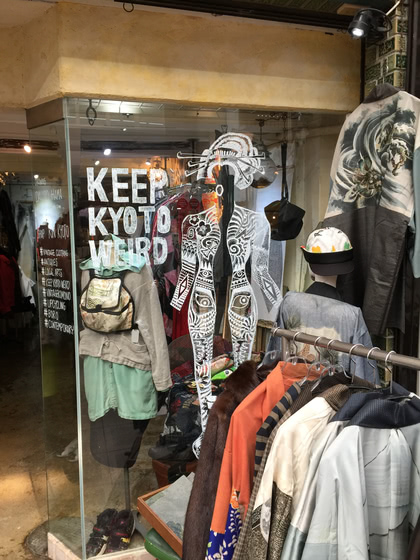
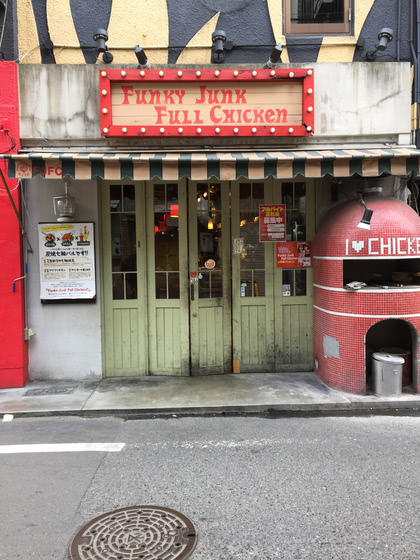
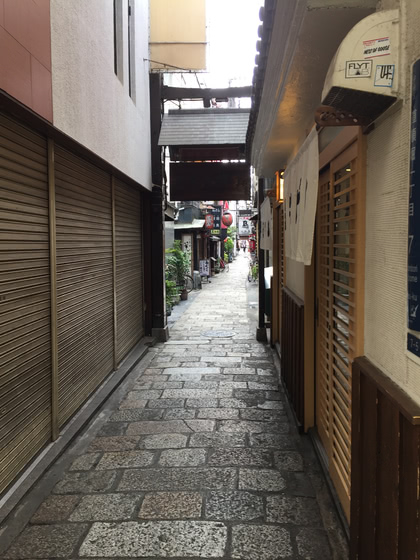
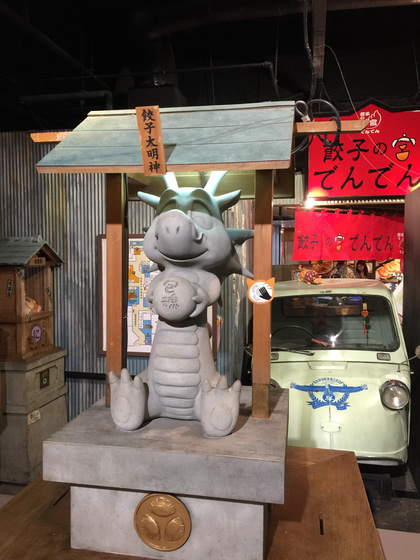
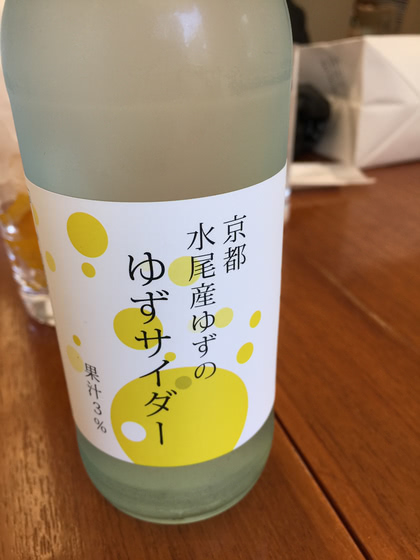
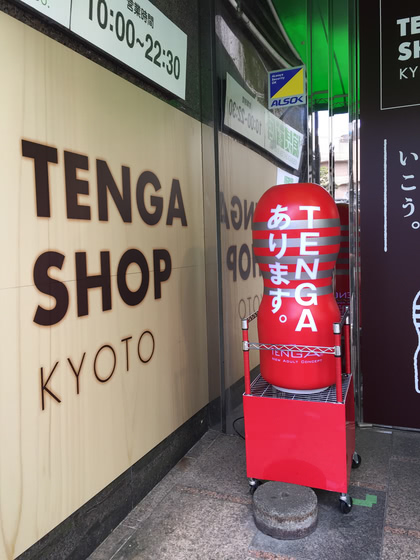
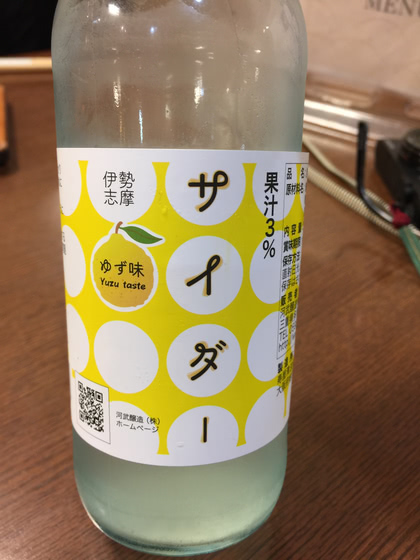
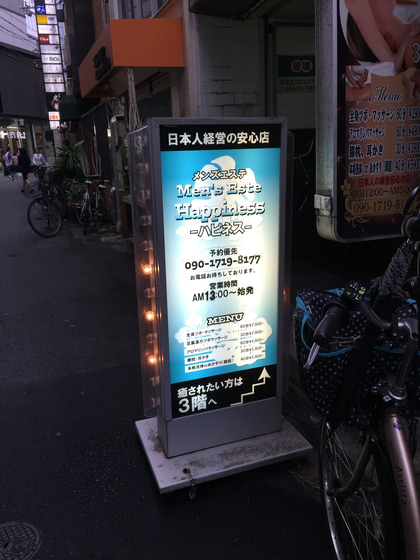
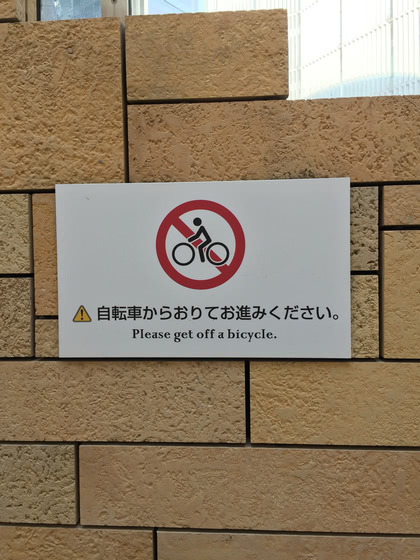
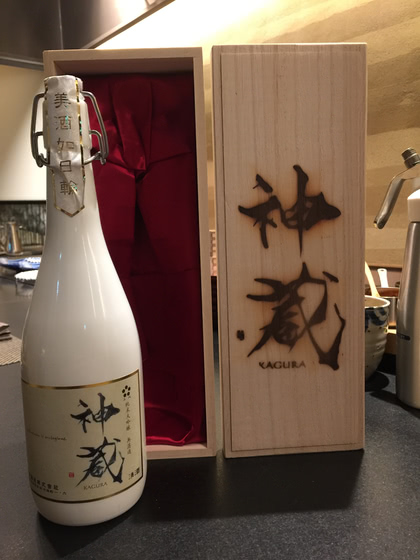
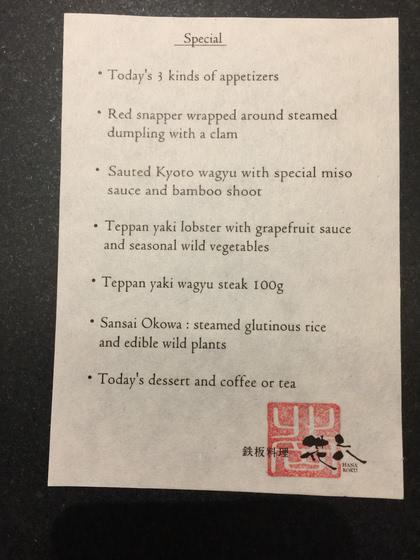
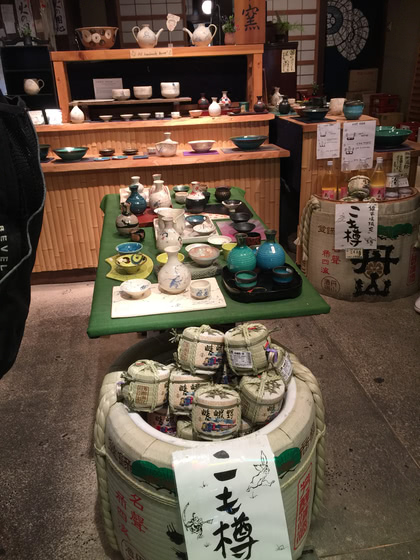
My brain’s not up to sorting through all our pictures yet, so here’s a quick assortment of things I snapped with my phone.




Home again
Back from Japan, slowly unpacking. Mentally, physically, and electronically. Pleased to report that this survived the trip; I had to remove her from her very large and well-designed box in order to fit everything into my suitcases, but I managed to protect her from all harm.
For future reference, while flying business class allows you to check 70-pound bags with no fee, at least one of the Japanese inter-city luggage transport services has a hard limit of 25 kilograms per bag, which left us scrambling to redistribute dense items, of which we’d purchased plenty.
Finished watching Irozuku on the flight home. Terrific series, and I’m glad that of all the ways to screw up the ending, they chose “none of the above”.
Now, time for more Felbinac!
Coney Island Massacre