Remain calm. All is well!
Dam furriners!
Seems someone wanted to blow up a dam in Alabama.
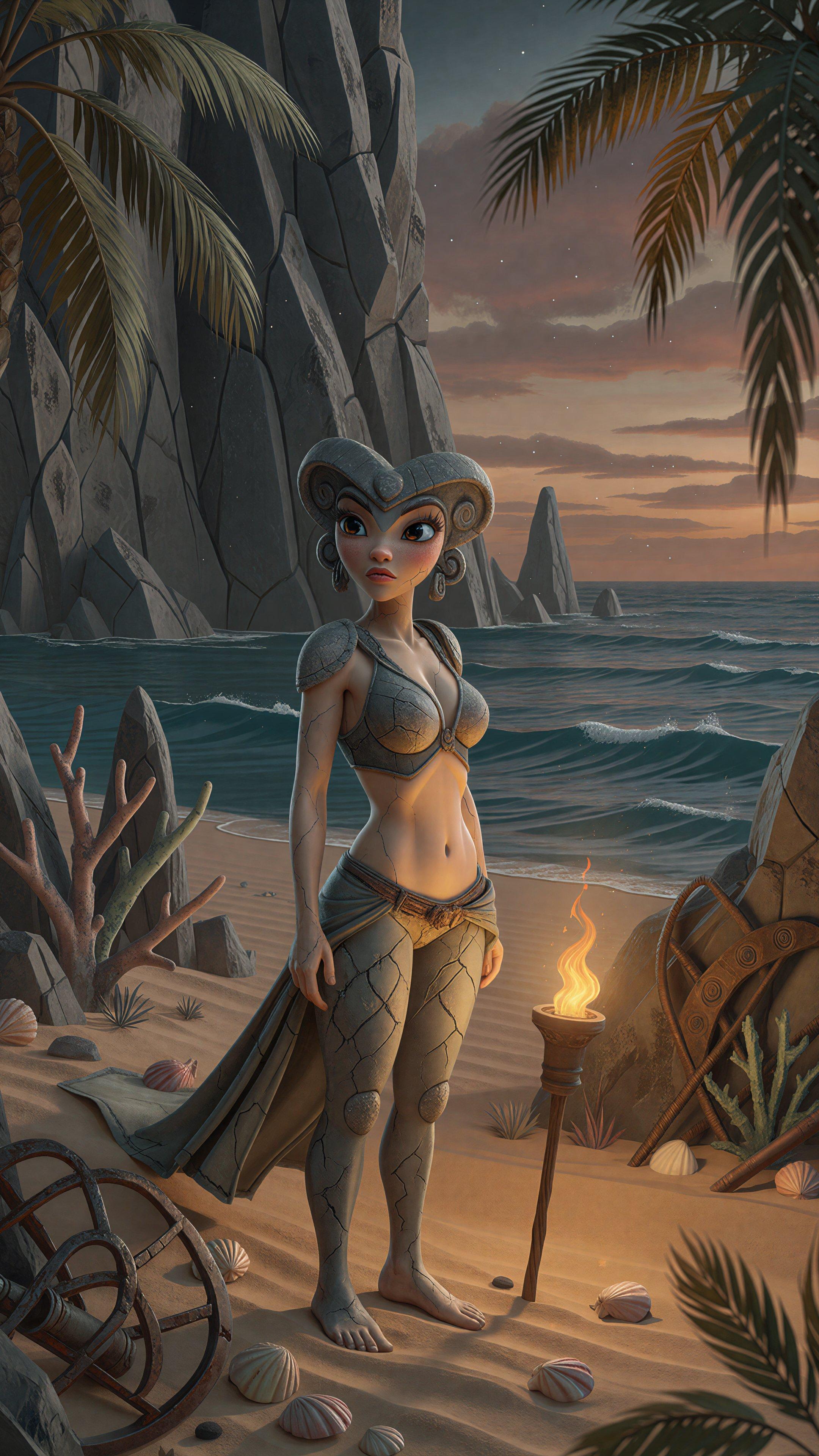
(I have no idea what species this gal is, but… I’d hit that)
On the bright side…
Even the village idiot joined this 9-0 Supreme Court
decision that
freight brokers who use shady illegal trucking companies can be
prosecuted sued for the damage and injuries they cause.

(the big-eye look doesn’t always work out…)
The obvious solution!
It never occurred to me until just now, but if you buy a robot waifu in Japan and she gets broken, of course you repair her with kintsugi!
Linux Of The Day: Pop!_OS
First things first: the Macbook’s wifi just worked in the live-boot
environment. Crazy, I know. Of course, the GUI started out in dank
dark mode with tap-to-click enabled, but both settings were easily
fixed in the control panel, and I didn’t even have to reverse the
scrolling direction on the touchpad. They offer a variety of options
for menu bar and app launcher, but the default was an obviously
Mac-derived menu at top, dock at bottom.
Even in “light” mode, the default (and only installed) color scheme for the terminal was black text on a medium-gray background. Opaque, fortunately, so I could read it despite the skittle-text.
Since the live-boot environment looked promising, I launched the actual installer, selected a standard install, and hit “Go”. It exited.
TL/DR, it dumps core while trying to find a disk to install on (despite the GUI and CLI tools allowing me to partition and format the drive). There are no command-line options. Google found nothing useful.
[Update: the root cause of the core dump was that the Macbook has
two NVME devices. This didn't bother any other distro, but the PopOS
installer probed the second one, didn't find a valid partition table,
tried to create one, and failed. Because the second device was only 8K
in size. So I opened a terminal window and ran sudo rm -f /dev/nvme0n2.
The installer no longer saw the mystery disk, and proceeded normally.
Now to find out if they correctly handle sleep!]
[Update: no, they do not, which I expected. Still, this is pretty much the most successful desktop Linux install on this hardware, so I'll stop for now.]
Comments via Isso
Markdown formatting and simple HTML accepted.
Sometimes you have to double-click to enter text in the form (interaction between Isso and Bootstrap?). Tab is more reliable.