Fan-Service Rocks!, episode 4
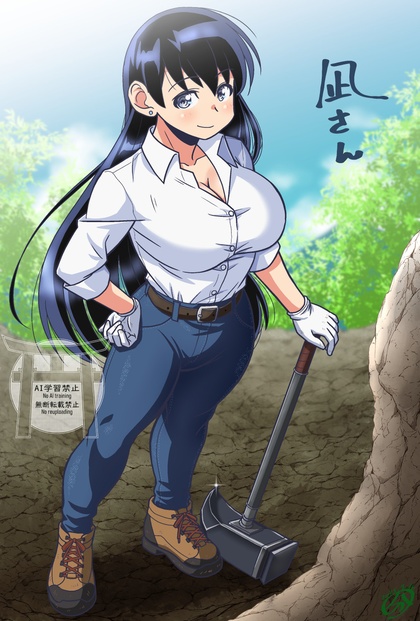
It’s always surprising when they mention that Ruri’s in high school, since she often behaves like a much-younger girl. This week, they add a reminder in the form of a classmate who can stack up next to Our College Gals. Also a future partner-in-rock-crime who’s slowly being nudged in front of the camera.
The mineral-of-the-week is itty-bitty little grains of sapphire, slowly being traced up-river by tedious visual inspection of individual grains of sand. My back hurts just looking at Ruri leaning over a microscope; there’s a reason professors pawn this sort of work off on grad students, and that Nagi pawns it off on Ruri…
Honestly,
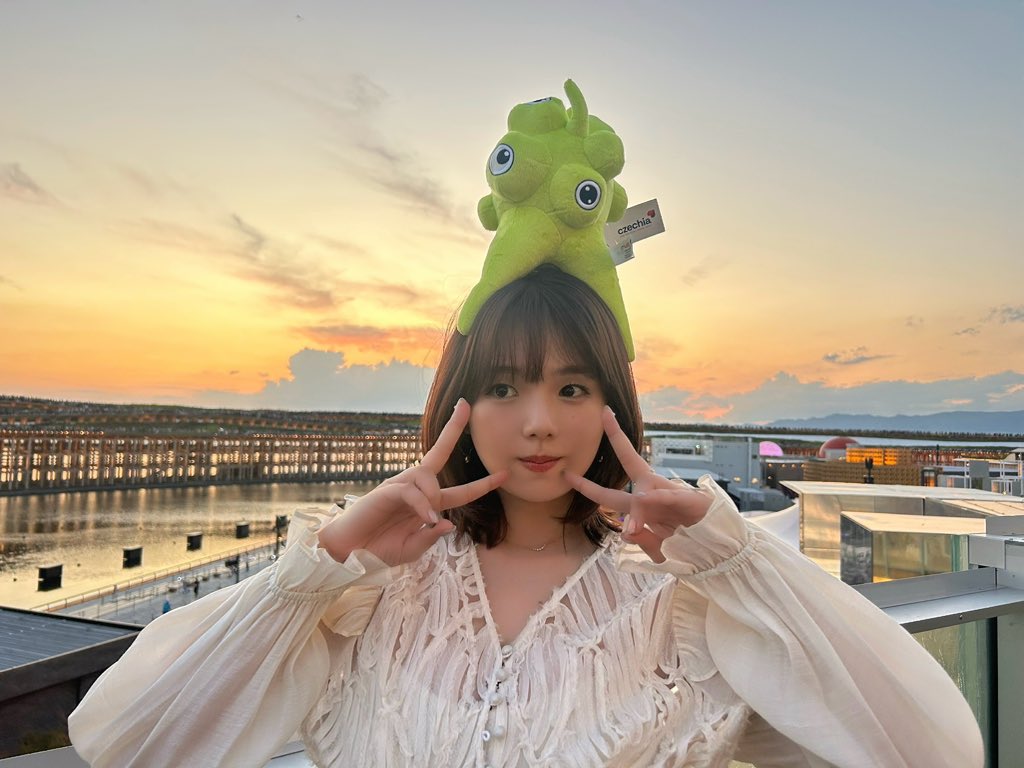
I expected more from Ai Shinozaki’s first tentacle video.
Lost in translation: Isekai Twink In Butchland
Seven Seas has announced new translated manga titles, including Let’s Run an Inn on Dungeon Island! (In a World Ruled by Women). This is softcore porn featuring a runty little guy who gets transported to a world where big buff women dominate, and as they wash up on his deserted island, he alternately bangs them silly and endures cliché role-reversed sexual harassment. Alternate title: Cocksman of Reverse-Gor. Of course he also has OP cheat magic.
New toy: Canon imagePROGRAF PRO-310
I haven’t owned an honest-to-Ansel photo printer in a very long time. I had one of the original 4x6 HP PhotoSmart printers with the lickable ink, and I had a rather finicky dye-sub printer for a while, but both were back when I was shooting on film and scanning slides with a color-unmanaged SCSI Nikon scanner that had an unreliable automatic slide feeder, which would be 20+ years ago.
It’s been on my mind for a while now, and the cleanup of my office made room for one, but I managed to talk myself out of buying a big one, settling for Canon’s A3+ (13” x 19”) model. Mostly because of sticker shock over the cost of ink cartridges for the A2/B3 PRO-1100.
Color management has come a long way over the past 20 years, to the point that every print I’ve tried has come out exactly as expected, including my genai gals and memes. And the ecosystem around fine-art printers is stable, with third-party paper companies publishing ICC color profiles that smoothly integrate into the workflow, so that you can pretty much just click “print”.
The only significant advance in framing technology, on the other hand, is the widespread availability of non-reflective coated glass at framing shops. You’ll still get a lot of glare on premade frames, but if you can afford professional framing, your stuff will be a lot more viewable.
Heartbreakingly expensive, though. Even with the fortunately-timed 70%-off sale at Michaels, my last framing batch was the size of a mortgage payment. Filled up a lot of wall space, but still not something to do lightly.
If I stick to commodity gallery-style frames in standard sizes, the PRO-310 will pay for itself, the ink, and the paper by filling just one wall of my living room with my Japan pics. The only trick is that for many common frame sizes, I need to print multiple images on one sheet of paper and cut them apart with a rotary trimmer, but I have one of those, and Canon’s software allows you to save custom multi-image print layouts and quickly drag images into them.
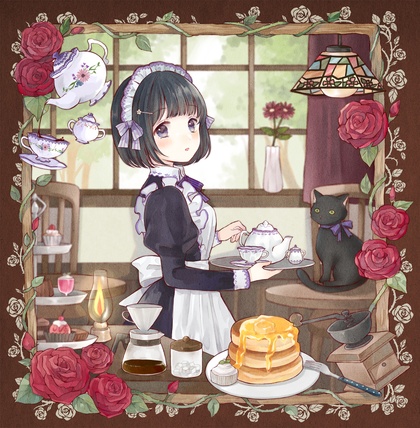
(and, yes, I printed Red Waifu)
Wallpaper Waifus
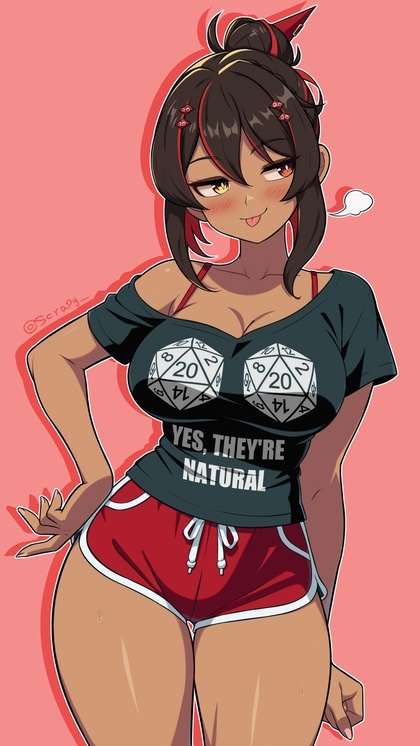
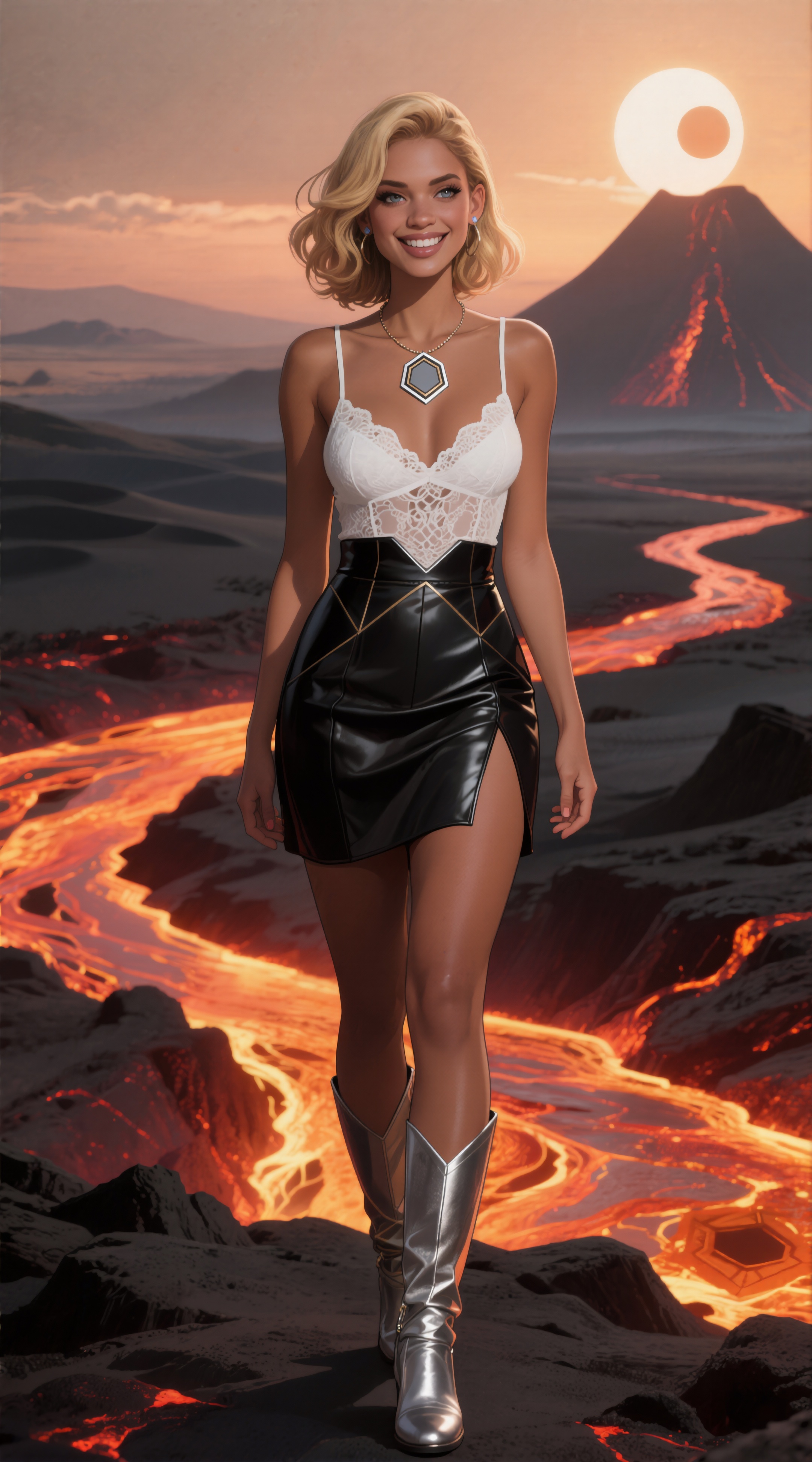
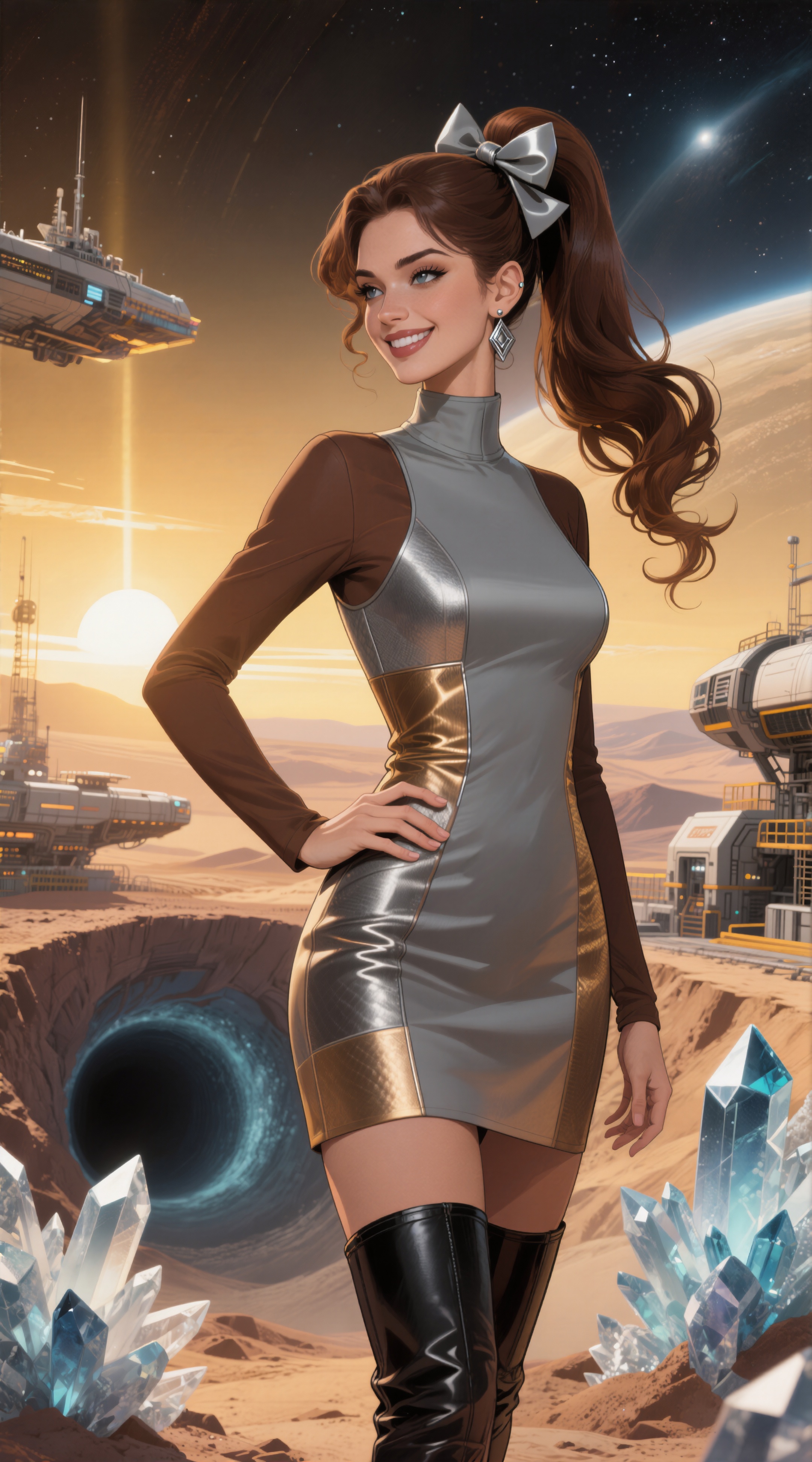
Speaking of which, I made a batch of 500 retro-SF dynamically-prompted pin-up gals in 9x16 aspect ratio to serve as rotating wallpaper on the vertical monitor, then deathmatched them down to 18, and while one poor gal spontaneously grew an extra finger during the refine/upscale process, it should be fixable with a bit of variation seeding. Later; at 33 minutes/image to refine and upscale, I’m done for the day.
I usually just post full-sized images and let the browser scale them down, but 18 2160x3888 images is a lot of mumbly-pixels, even lazy-loading them, so click the preview images to see the big ones (no, not Nagi).
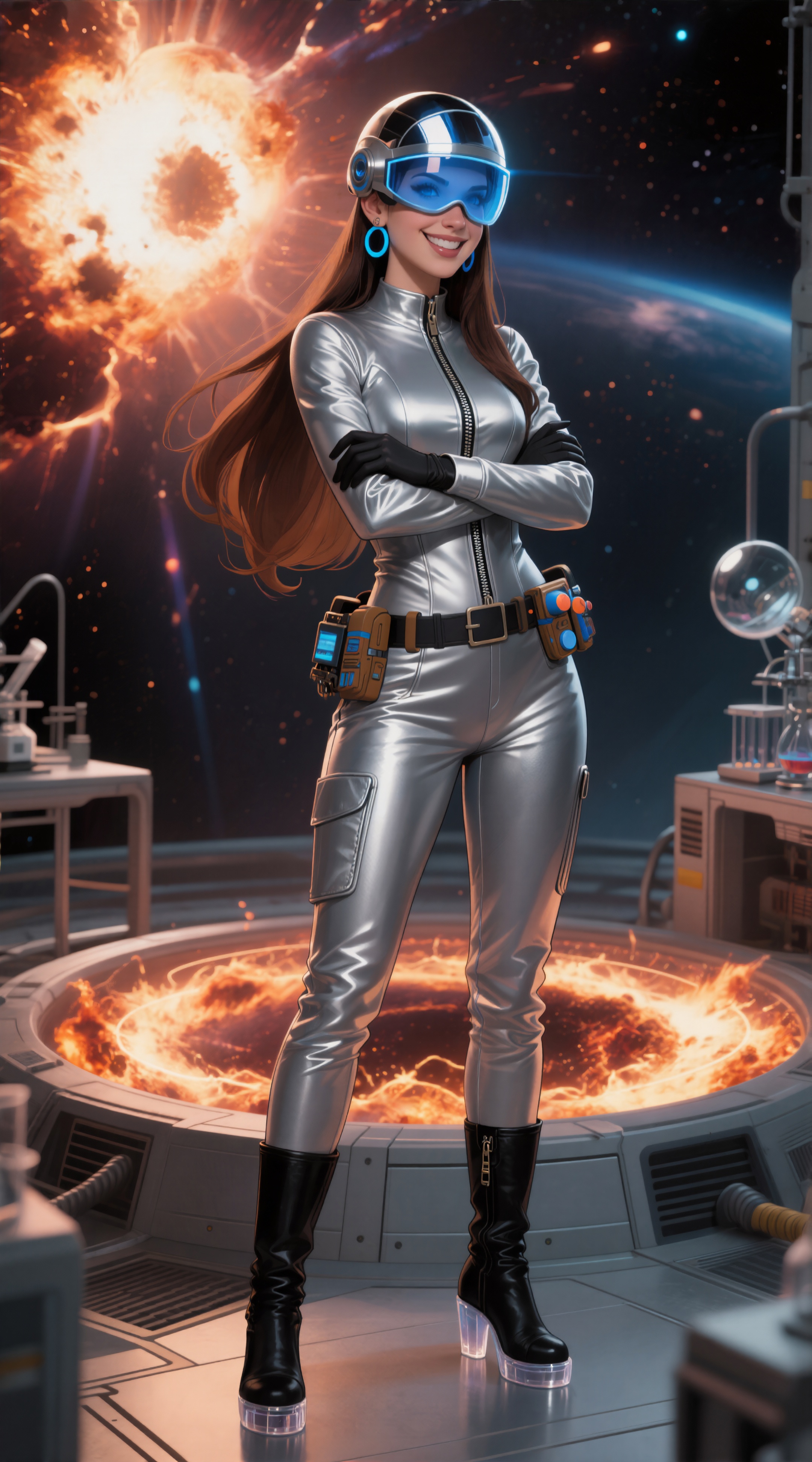
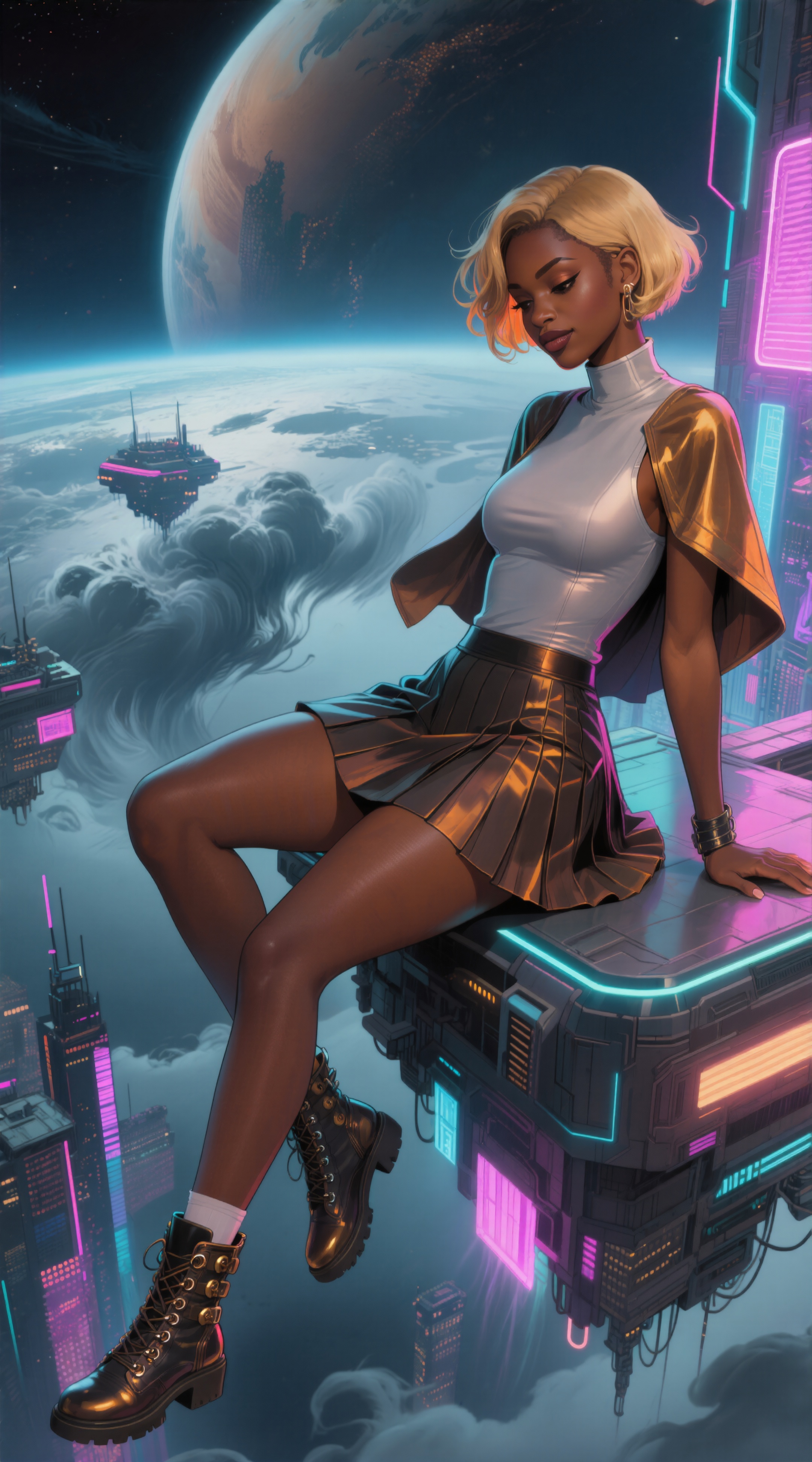
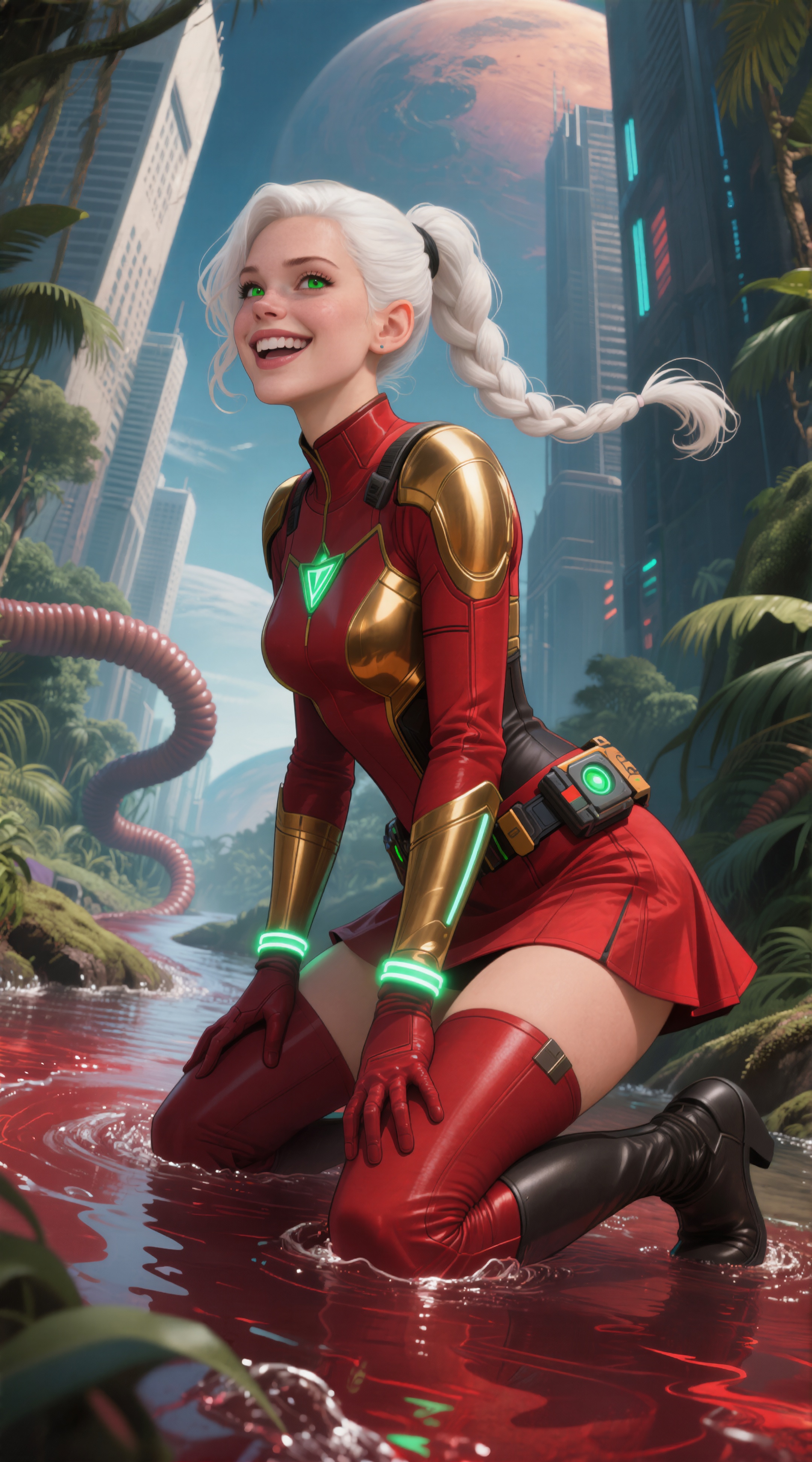

(refining added a second braid in back)
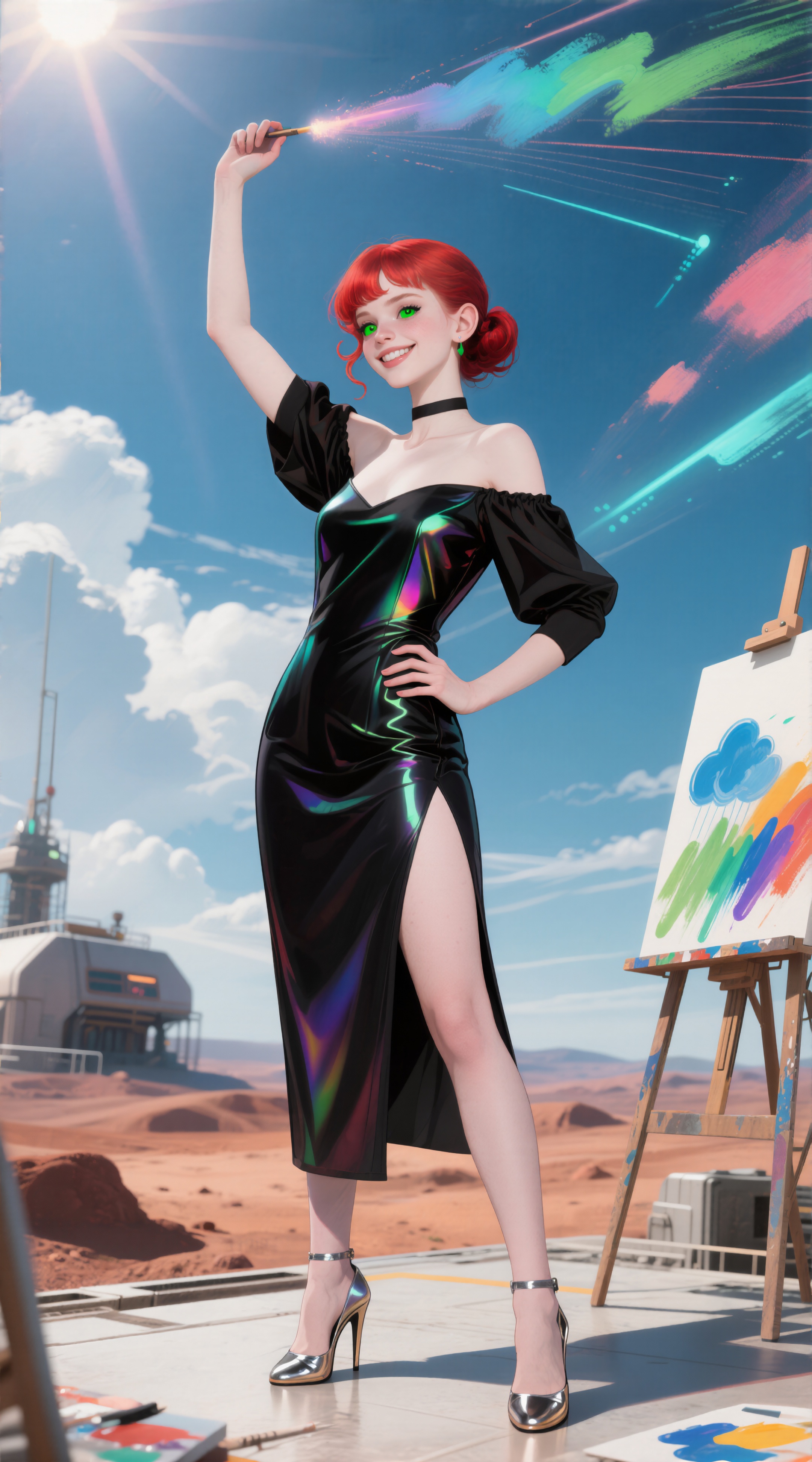
(refining made her irises huge)
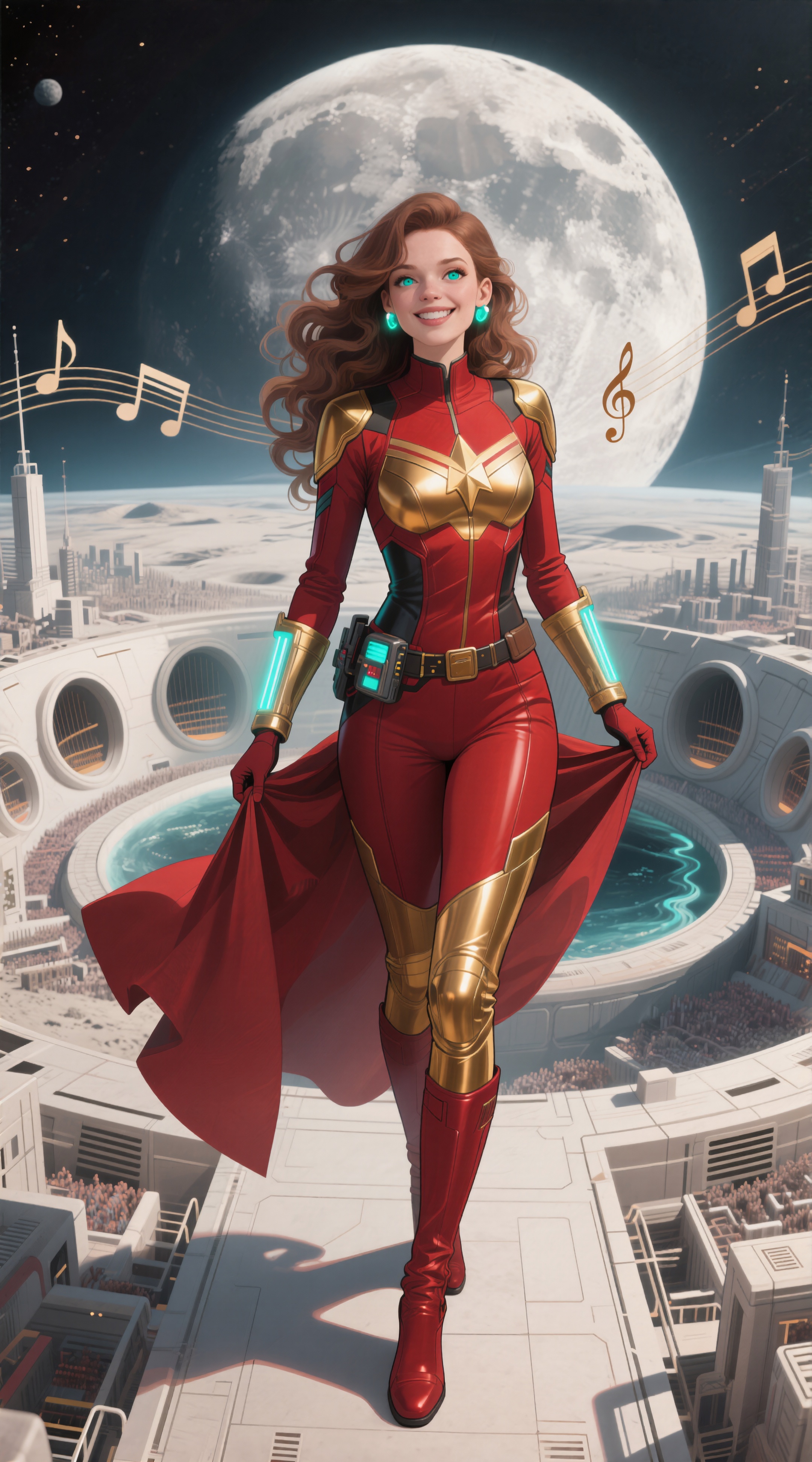
(refining eliminated a bunch of little people, and turned the musical ring around the moon into just some floating notes)
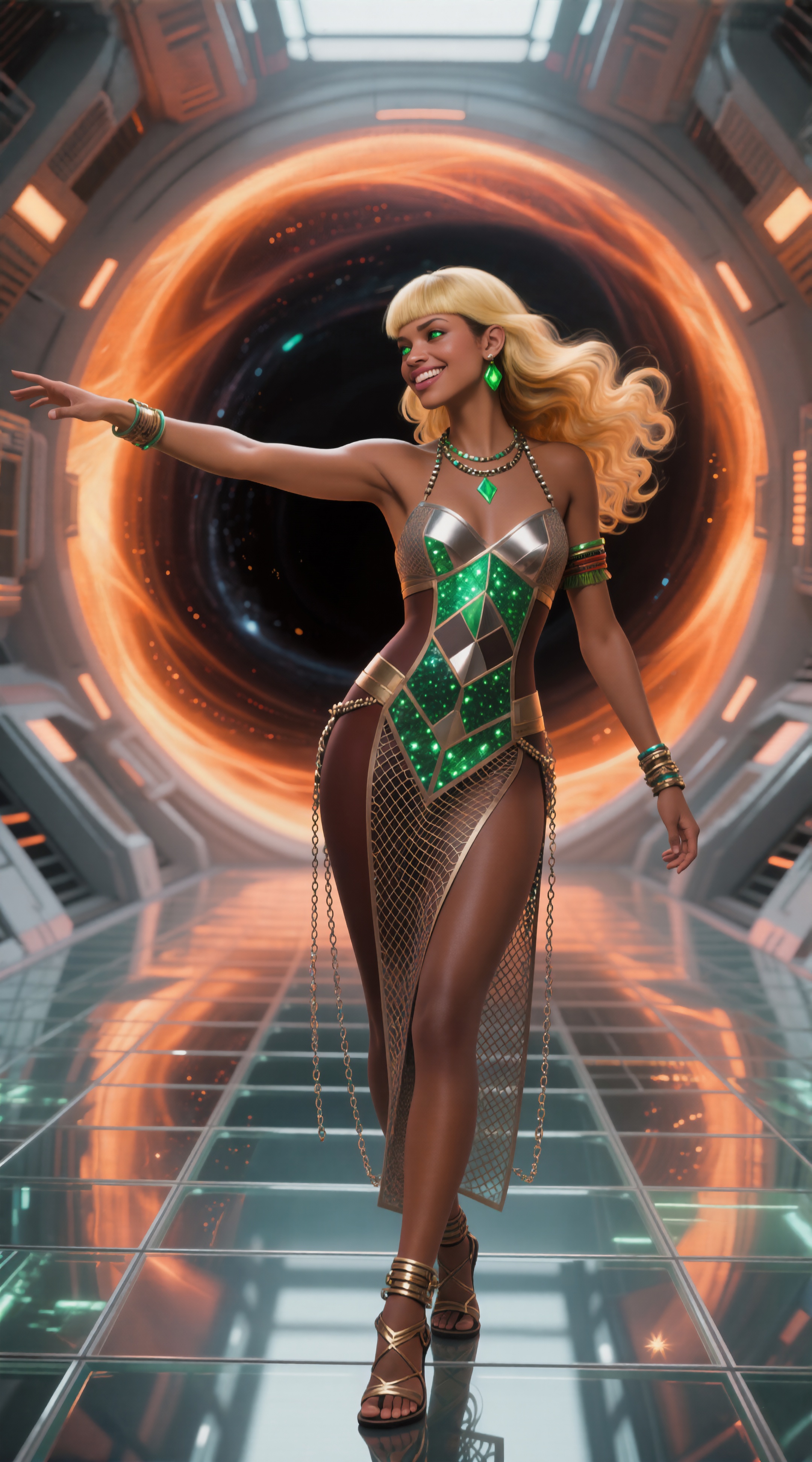
(“I don’t care if she’s a goa’uld, I said OPEN THE IRIS!”; refining extended the bustier down to cover her barbie crotch)
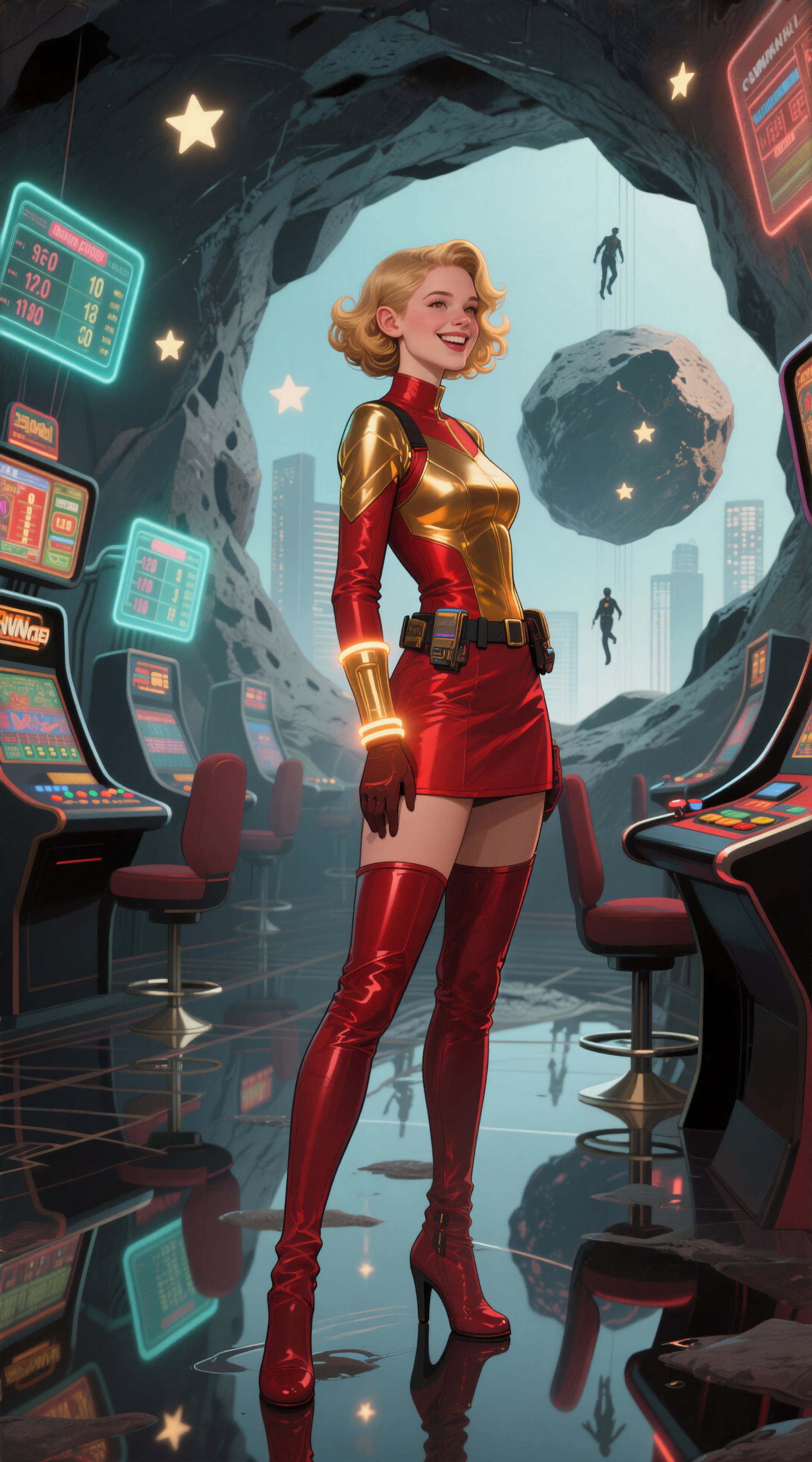
(refining took her left hand off her hip, changed the direction she’s looking, and significantly changed the background; I liked the original better, so I’ll probably redo this one with a variation seed)

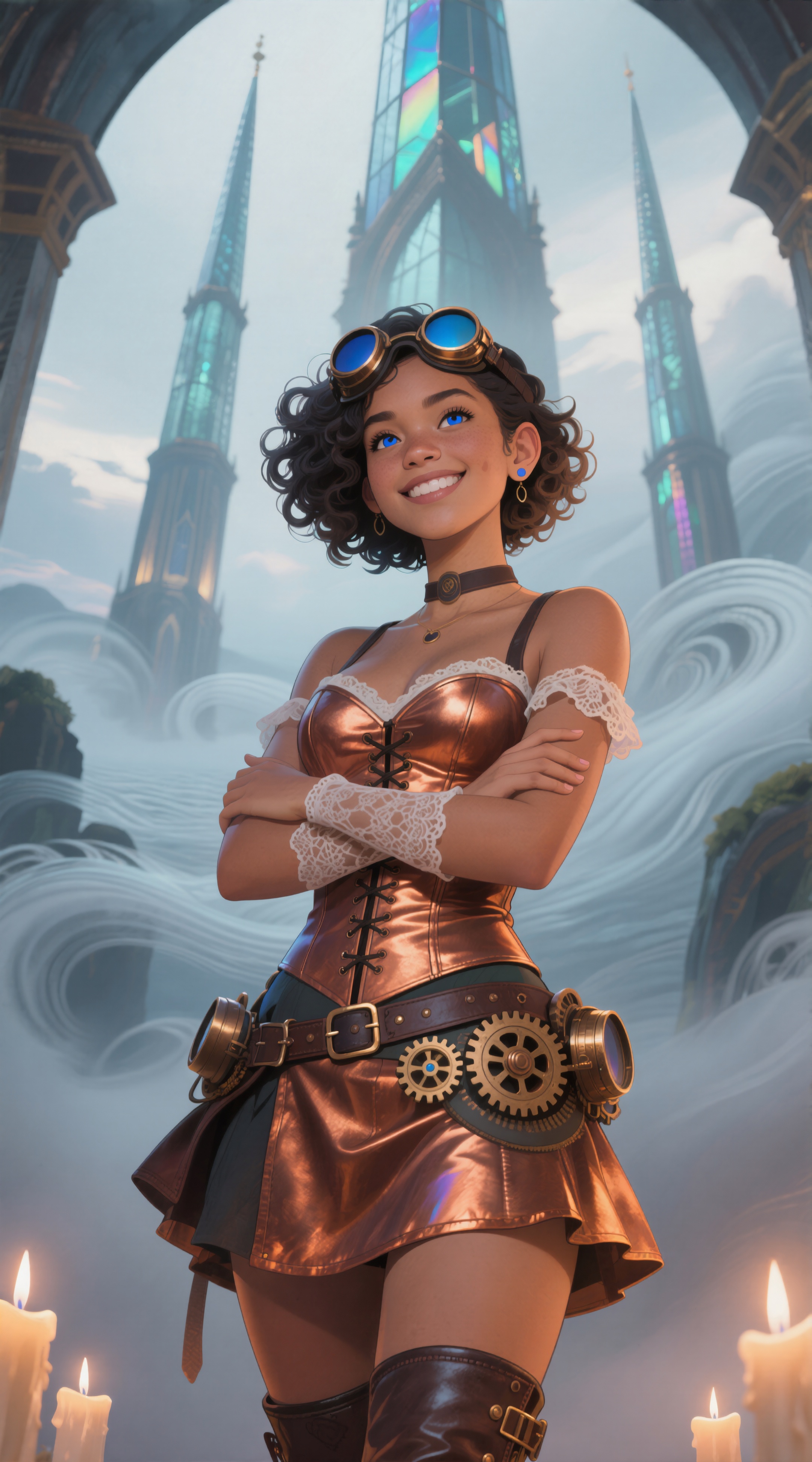
(refining added an extra finger in the space between two others; I
guess genai abhors a vacuum, too Fixed!)

(“yes, I saw Dog Days’’ too”; refining deleted a floating building, and completely changed the pose of the skywhale)

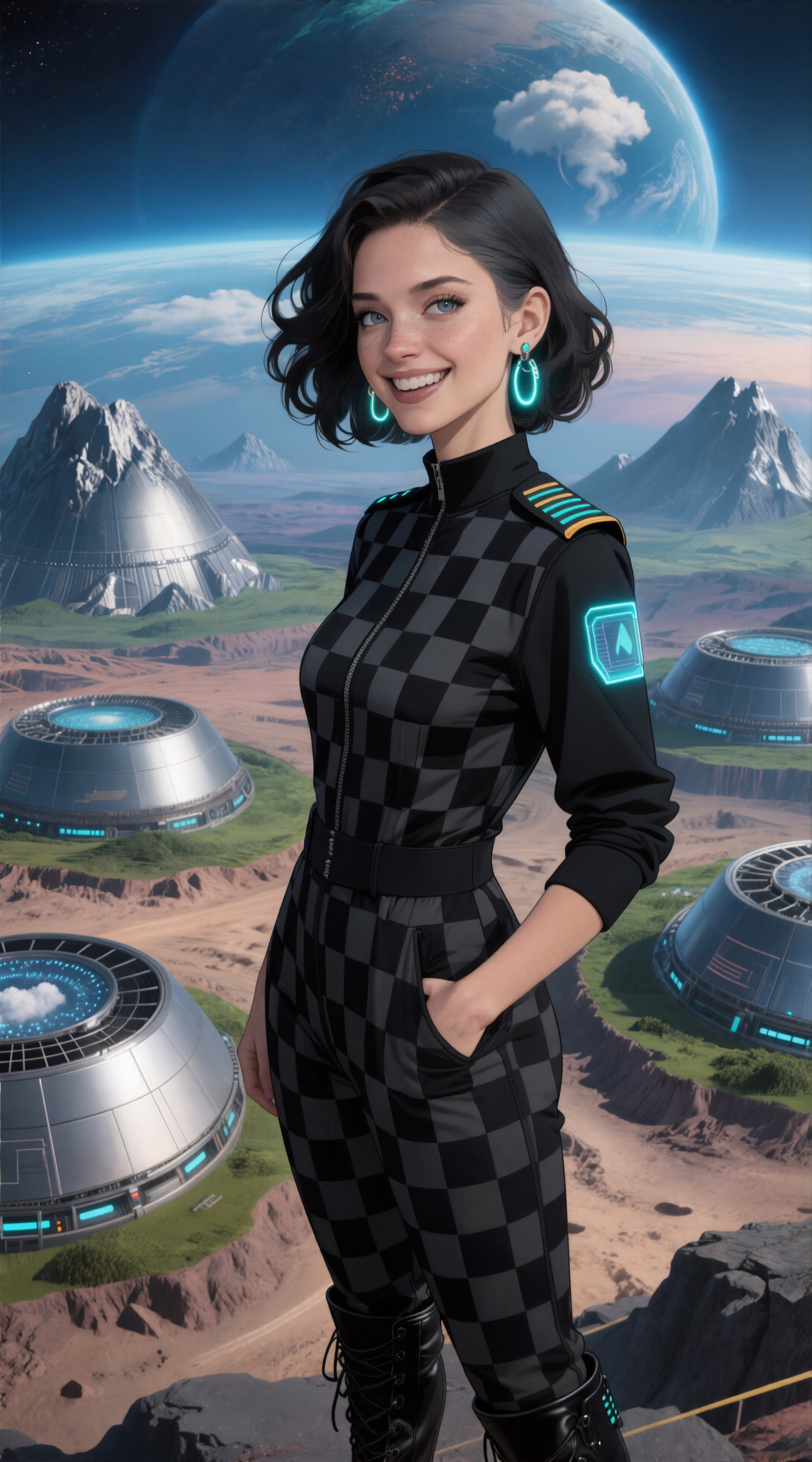
(refining moved her left hand from ass to pocket)
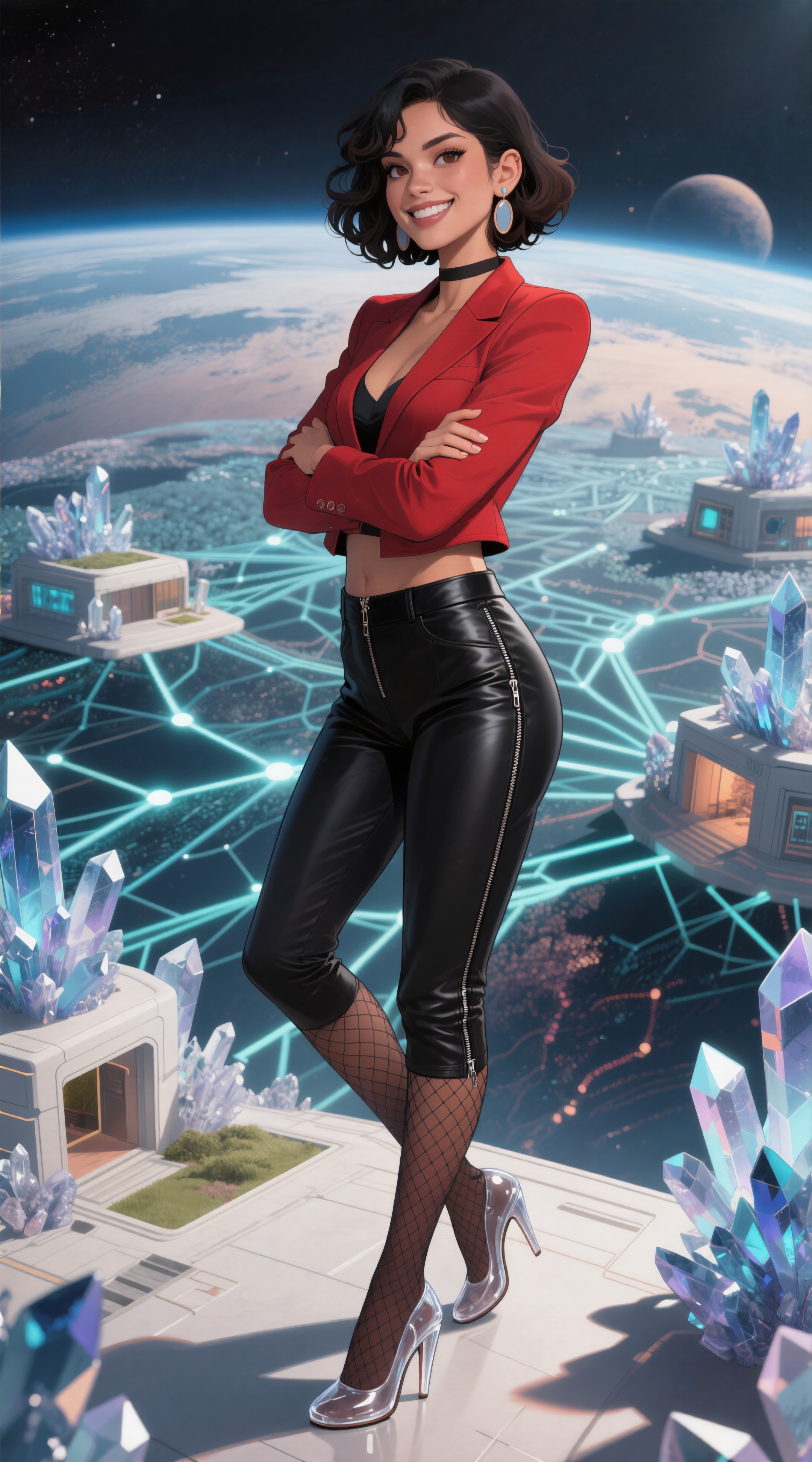
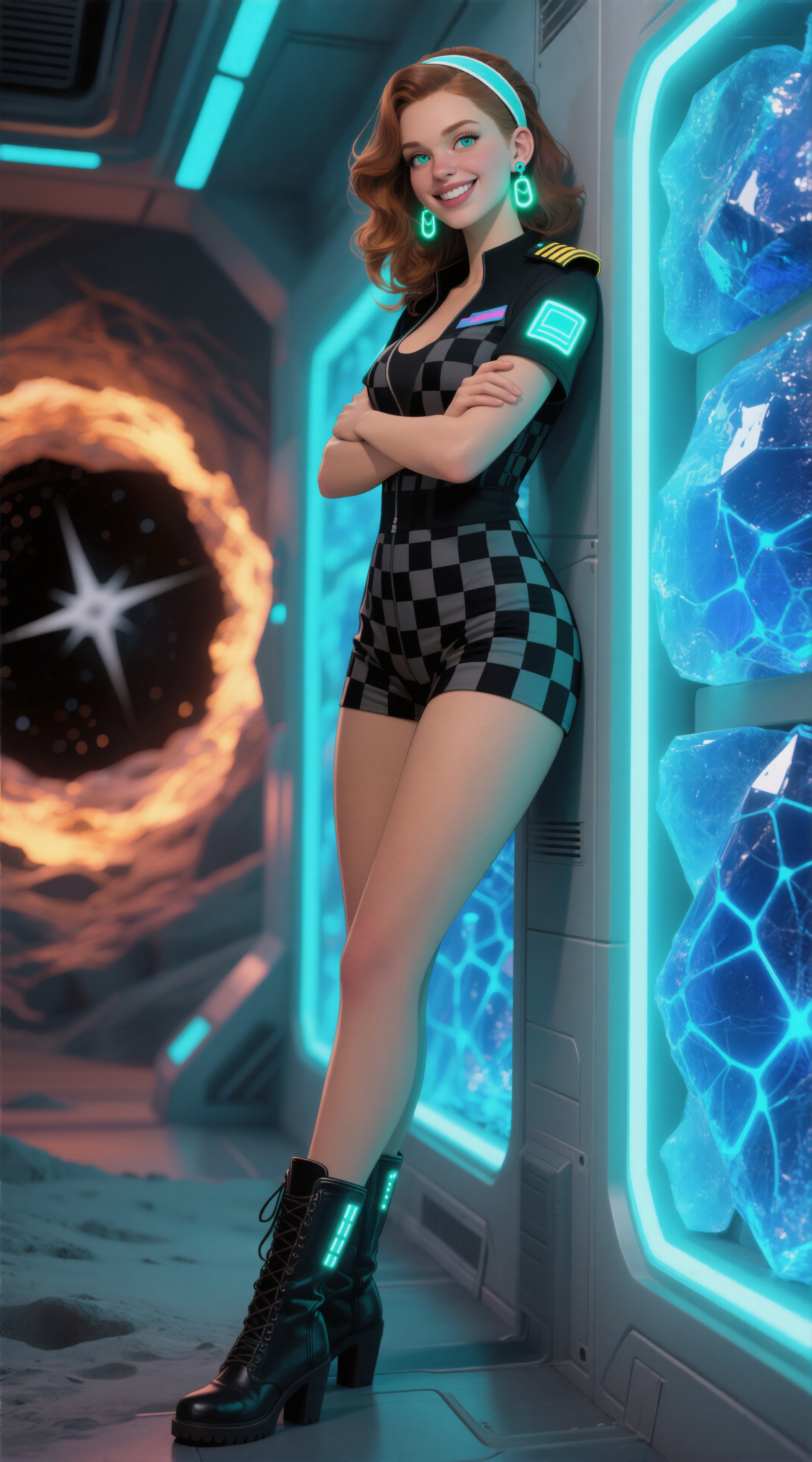
(refining turned her tight pants into hot pants (I approve), and added the checkerboard accent on her top; it also added a strangely broken hand, though, which I forgot to call out, and which is now fixed; took four tries with Variation Seed Strength set to 0.15 (I didn't have to wait the full 33 minutes for the fails; they were obvious pretty quickly))
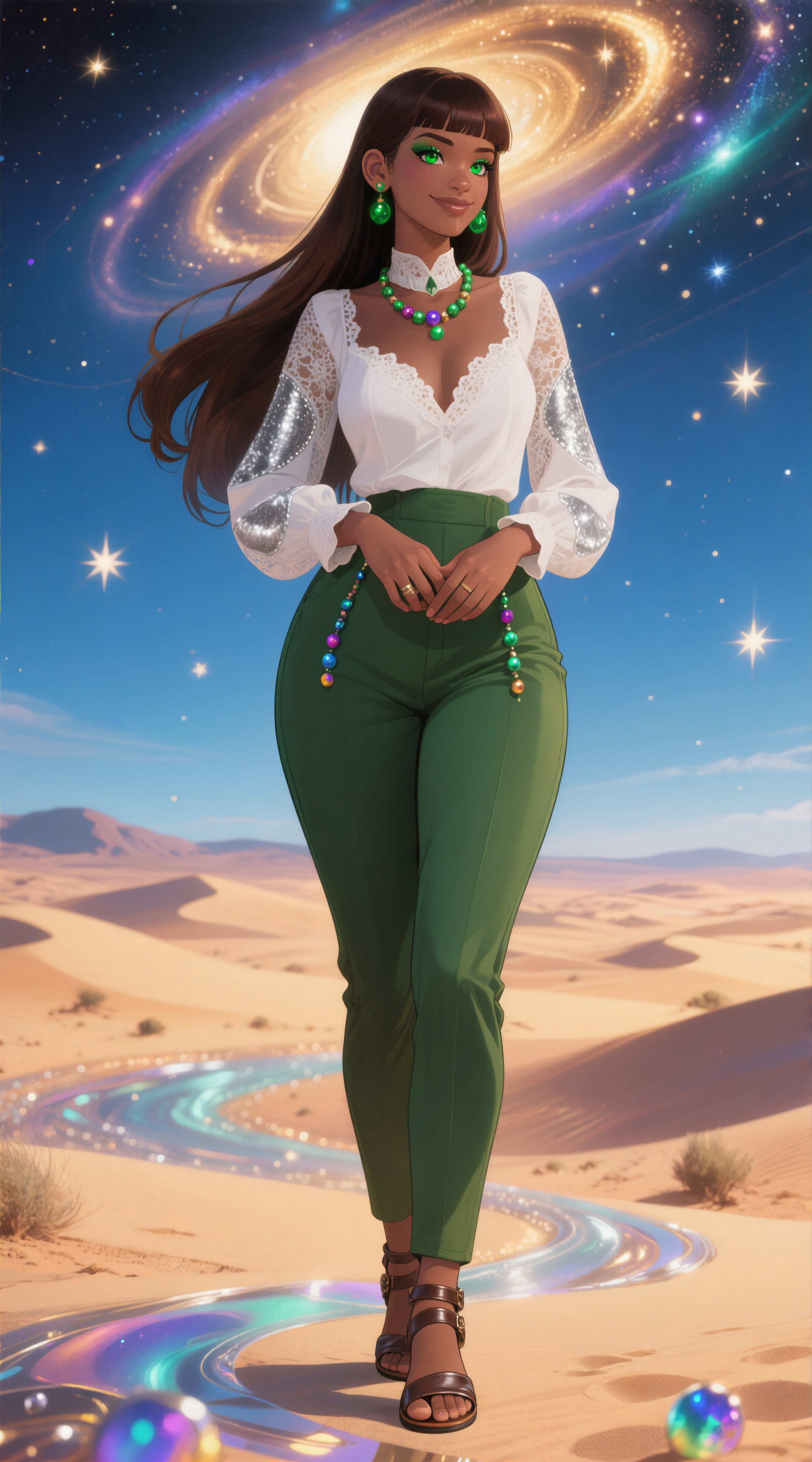
(refining closed her slightly-parted lips, reducing the appeal of the expression; I liked the original better and will try to fix with a variation seed)
Process notes
What’s the “refining” doing that causes occasional dramatic changes? I generated the original images with the default sampler/scheduler and 37 steps; this took about 90 seconds/image, and produced 960x1728 images that are pretty good, but often light on fine detail.
Once I deathmatched it down to a manageable number, I loaded each image back into SwarmUI, told it to copy the parameters used, and then cranked them up (saved as a preset and applied directly onto the saved params):
- Steps: 60
- Sampler: Heun++ 2
- Scheduler: Beta
- Refiner Control: 40%
- Refiner Upscale: 2.25x
- Refiner Upscale Method: 4xNomosUniDAT_bokeh
The nearly-doubled step count improves overall quality at the risk of making large changes (as described above). The refining pass can be done without upscaling, to improve detail, but combining it with significant upscaling costs a lot of time. The sampler improves fine details, but doubles the generation time.
I’ve found that using this method to refine a picture with text often breaks the spelling of less-common words (more than the usual problem where it never gets certain words correct).
I tried doing 4x upscaling a while back, but ran out of VRAM and switched to using the commercial Topaz Photo AI tool. Using Topaz without first refining/upscaling in SwarmUI is bad because it has less fine detail to work with, and produces some goofy artifacts. In particular, Qwen’s oversized over-abundant freckles turn into hideous pock-marks.
Fun fact: the origin of my family name is likely a French insult meaning “pock-marked face”. Several fanciful alternative origins exist for people who don’t like that one.
Comments via Isso
Markdown formatting and simple HTML accepted.
Sometimes you have to double-click to enter text in the form (interaction between Isso and Bootstrap?). Tab is more reliable.