Back from the dead...
[perhaps coincidentally, my MacBook Air lost its tiny little mind and started killing off running processes, starting with Terminal and Finder, so I couldn’t examine the health of the system and couldn’t restart or force-quit any apps. I had to power-cycle it. It had been up for an entire week! Hope the new Apple CEO hires a QA department…]
So after rebuilding my 11-year-old gaming PC on Ubuntu 25, only to discover that LM Studio wasn’t supported on it, I tried to rebuild it on 22, which failed. Then on 22 Server, which failed. Then on Arch, then Mint, then Windows 10. Fail, fail, fail. Different USB sticks, burned different ways, and even a few DVD installs in there.
[Fun fact: Ubuntu ISO images are not designed for or tested on DVD; they are intended for building virtual machines or burning to USB sticks. This is also true for Windows 10, with the added complication that you have to diddle the bits when copying to USB because it has a file that’s larger than 4 GB on it.]
Annoyed at the litany of failure, I cracked open the case, blew out the dust, pulled out and reseated the memory, graphics card, and SSDs, burned a brand new Ubuntu 25 image onto a brand new USB stick (using Rufus on Windows, which seems to be the most reliable option if you don’t currently have a working Linux box…), and reinstalled with no network connection or optional packages.
This worked, and to my immense surprise, the secondary drive that I’d installed SwarmUI on was still intact, despite the fact that I’d made it the boot drive during several of those failed installs, and I’m quite certain I wiped the partition table at least twice, which means that the installers were just lying about formatting the disks and copying data, sigh.
After discovering the appropriate incantation to make Appimages work, I did some quick testing with LM Studio. No head-to-head performance comparisons, because I had to download Very Small Models in order for the RTX 2060 to be able to run them without offloading to system RAM. Also, it’s only academic curiosity, since I’m replacing the card.
For reference, you need a shim library to get Appimages to work; web searches (with or without AI) mostly suggest installing a version of Fuse that will break the rest of your system, but this works:
chmod +x *.appimage
sudo apt install libfuse2t64
After doing that, however, I discovered the LM Studio appimage crashes at the drop of a hat under Ubuntu 25, so I switched to their command-line-only “llmster” build, which has been running for several hours now.
For amusement, here are the original specs for the old Asus:
- Intel Core i7-6700 3.4 GHz (Skylake)
- 16GB DDR4 RAM
- GTX 980 4GB graphics card
- 2TB “hybrid” hard disk (8GB SSD cache)
- 256GB SSD
- 550-watt power supply
Over the years, I doubled the RAM, upgraded to a GTX 1060 6GB card, and replaced both drives with 1 TB SATA SSDs. Later, I replaced the 1060 with an RTX 2060 6GB, and it was still quite capable at running most games.
Now that I’ve got the silly thing booting again, I swapped in the RTX 5060Ti 16 GB card that I got cheap (er, “cheap”, these days). I was going to install a Corsair power supply as well, but Amazon didn’t deliver it as promised. No weather delay, crashed semi, or other legitimate excuse, they simply didn’t ship it, and said, “meh, maybe tomorrow”.
I wanted a higher-quality, more powerful, eleven-years-younger power supply to make the machine quieter and more reliable. I won’t get the full performance out of the new GPU on this machine, but it’s still faster than the Mac Mini running the exact same LLM.

(the Mini can run much larger models than this card, of course, or at least slow-walk them)
Future backgrounds
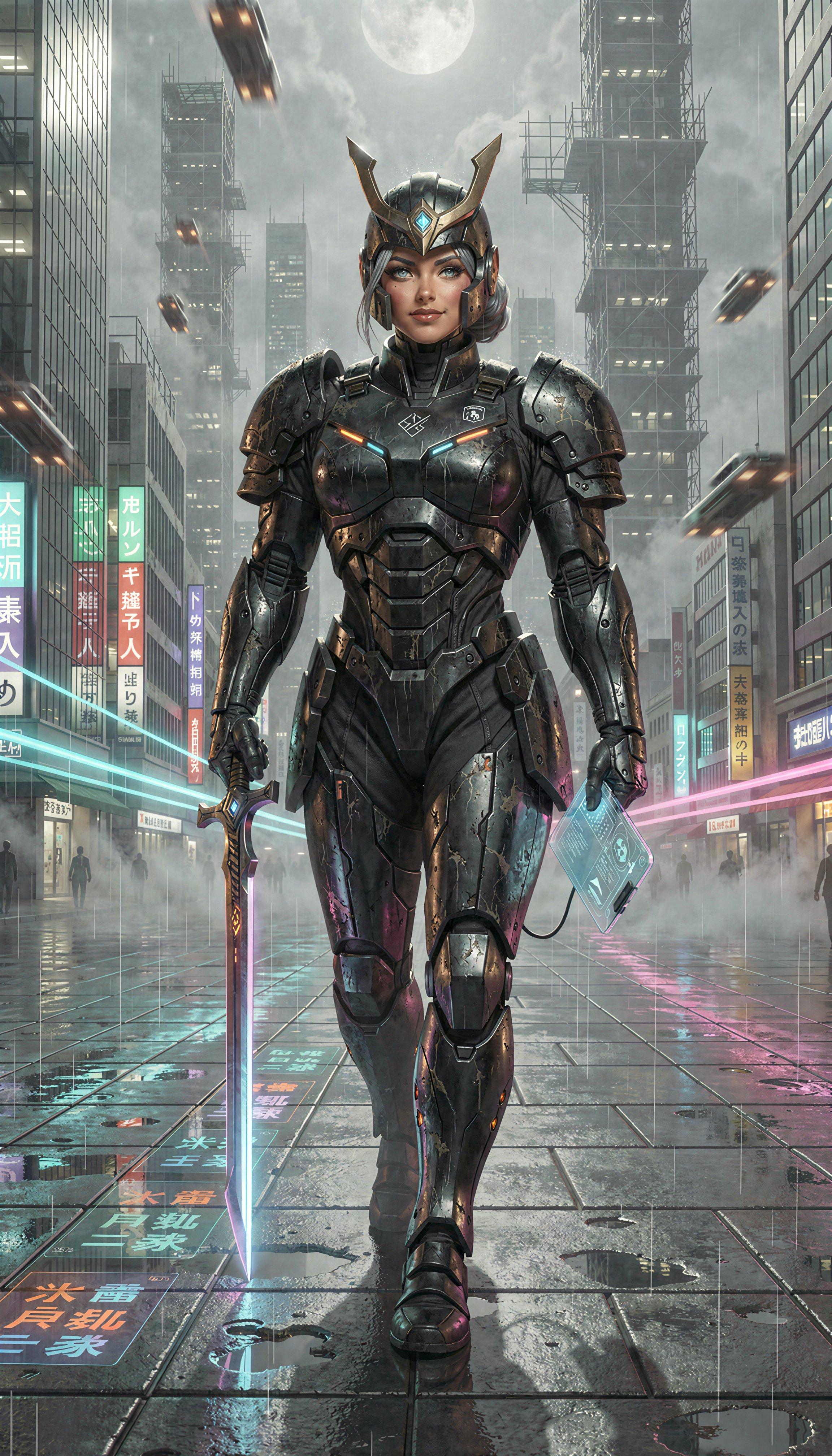
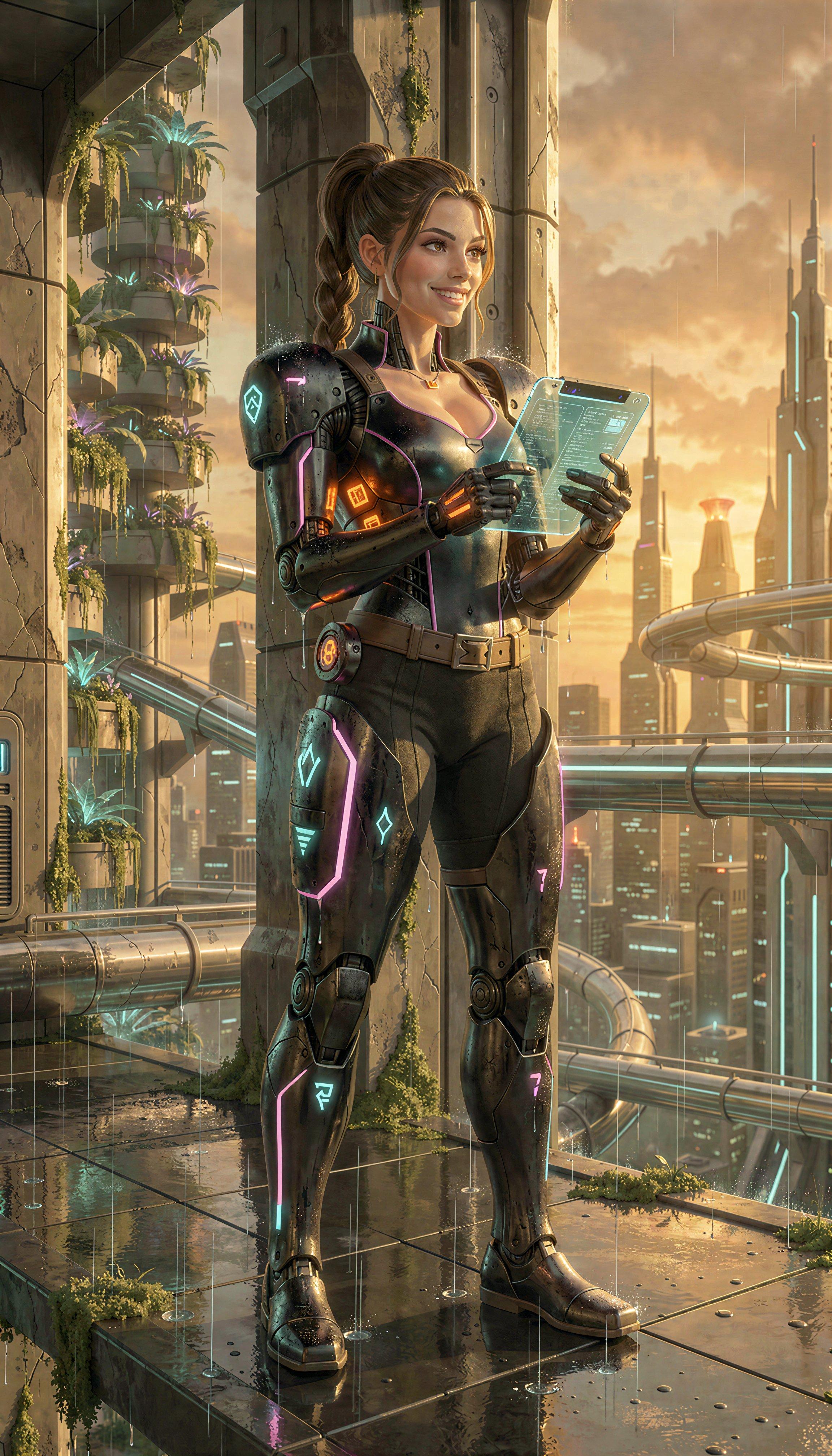
Even with LLMs stirring the pot, my SF backgrounds are starting to look a bit familiar. So I’m working on generating a whole bunch of new ones. Two samples from a recent session:
Comments via Isso
Markdown formatting and simple HTML accepted.
Sometimes you have to double-click to enter text in the form (interaction between Isso and Bootstrap?). Tab is more reliable.