It's GenAIs all the way down
Sunday’s weather forecasts had 8-10 inches of snow coming on Saturday, and another 6-7 inches on Sunday. Monday, that changed to 1 inch and 3-4 inches, respectively. Today, it’s 1-2 and 4-5. Who knows what tomorrow will bring?
This matters to me only because it affects the amount of work I have to do to clear the driveway and get my sister to the airport on Monday morning. Otherwise I’d be content to make a path just wide enough to take the trash down Sunday night.
File-ing under peculiar…
I fired up s3cmd to refresh my offline backup of the S3 buckets I
store blog pictures in, and it refused to copy them, blowing chunks
with an unusual error message. Turns out that the Mac mount of the
NAS folder had obscure permissions errors for one sub-directory. On
the NAS side, everything is owned by root, but the SMB protocol
enforces the share permissions, so everything appears to be owned by
me, including the affected sub-dir. Deep down, though, the Mac knew
that I shouldn’t be allowed to copy files into that directory as me.
Worked fine as root, though.
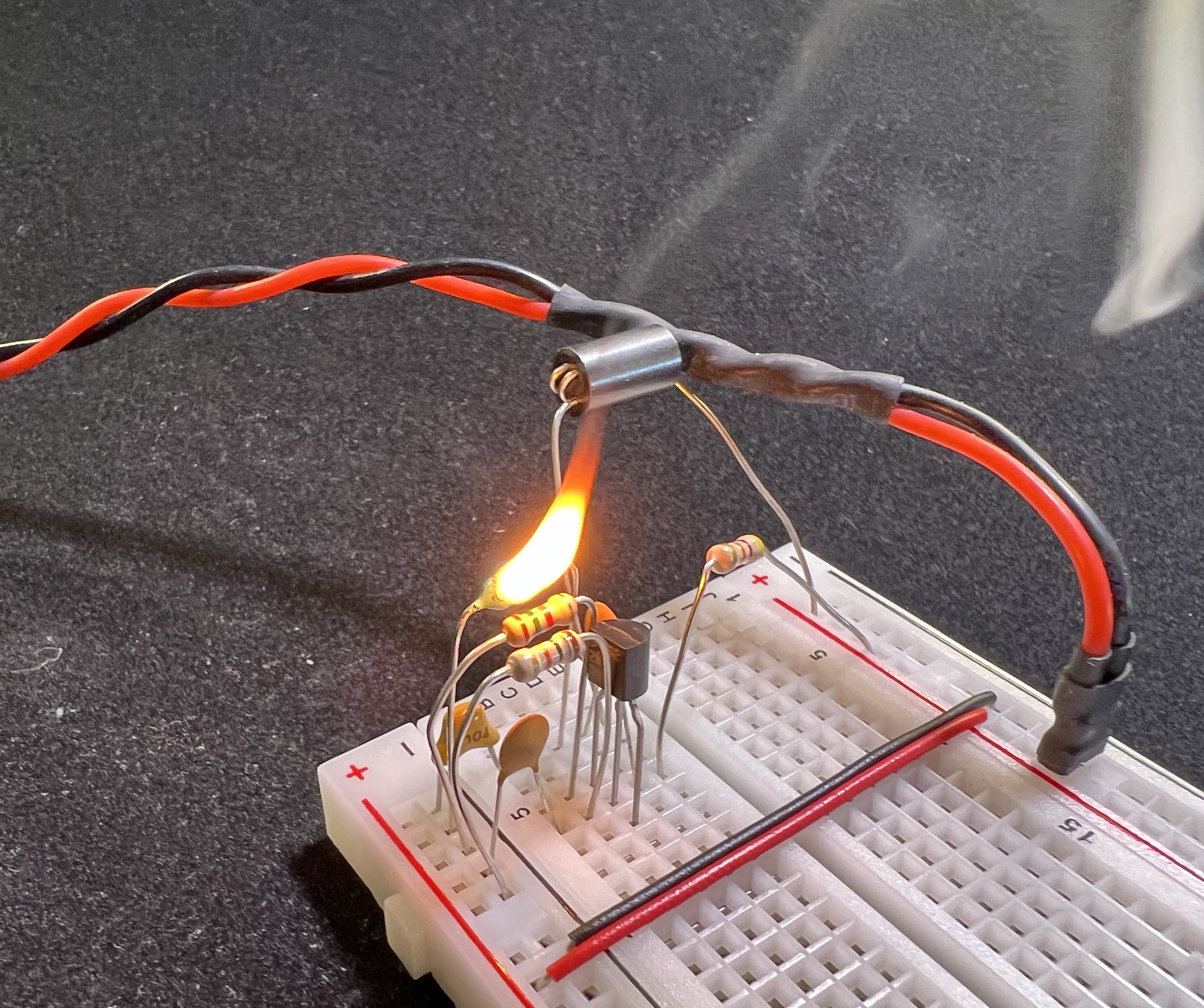
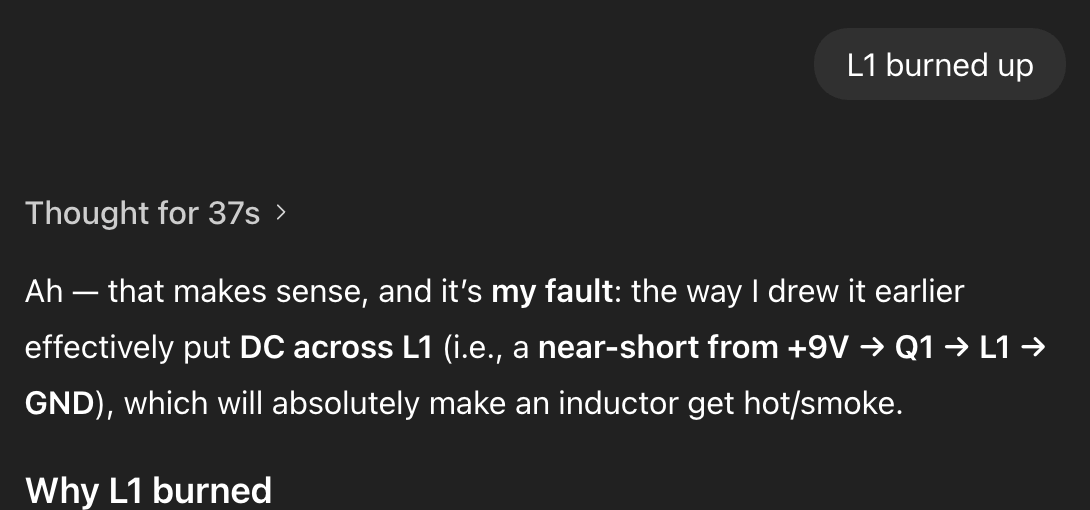
And, no, I did not give an AI permission to explore my files and run commands to debug the problem. That way madness lies. 😁
Building a better 1girl
One of the most prolific and enthusiastic members of the SwarmUI Discord (who has insanely good hardware for generating images and videos; the spare card he’s using just for text-generation is better than my only one) has done a lot of tinkering with LLM-enhanced prompting, adding features to the popular (with people who aren’t me) MagicPrompt extension.
(why don’t I like it? the UI is clunky as hell, it doesn’t work well with the text-generation app I run on the Mac Mini, LM Studio, and it really, really wants you to run Ollama for local LLMs, which is even clunkier; I’ve tried and deleted both of them multiple times)
Anyway, he’s shared his system prompts and recommended specific LLMs, and one of the things he’s been tinkering with is using different enhancements for each section of his dynamic prompts. So, one might be specifically instructed to create short random portrait instructions, while another generates elaborate cinematic backgrounds, and yet another for describing action and movement in a video. Basically keeping the LLM output more grounded by not asking it to do everything in one shot.
I felt like tinkering, too, so I updated my
prompt-enhancer
to support multiple requests in a single prompt, with optional custom
system prompts pulled from ~/.pyprompt.
Initial results were promising:



I saved the prompt as its own wildcard (note that using “:” to mark
the LLM prompt preset in the @<...>@ block was a poor choice for
putting into a YAML file, since it can get interpreted as a field name
unless you quote everything…) and kicked off a batch before bedtime:
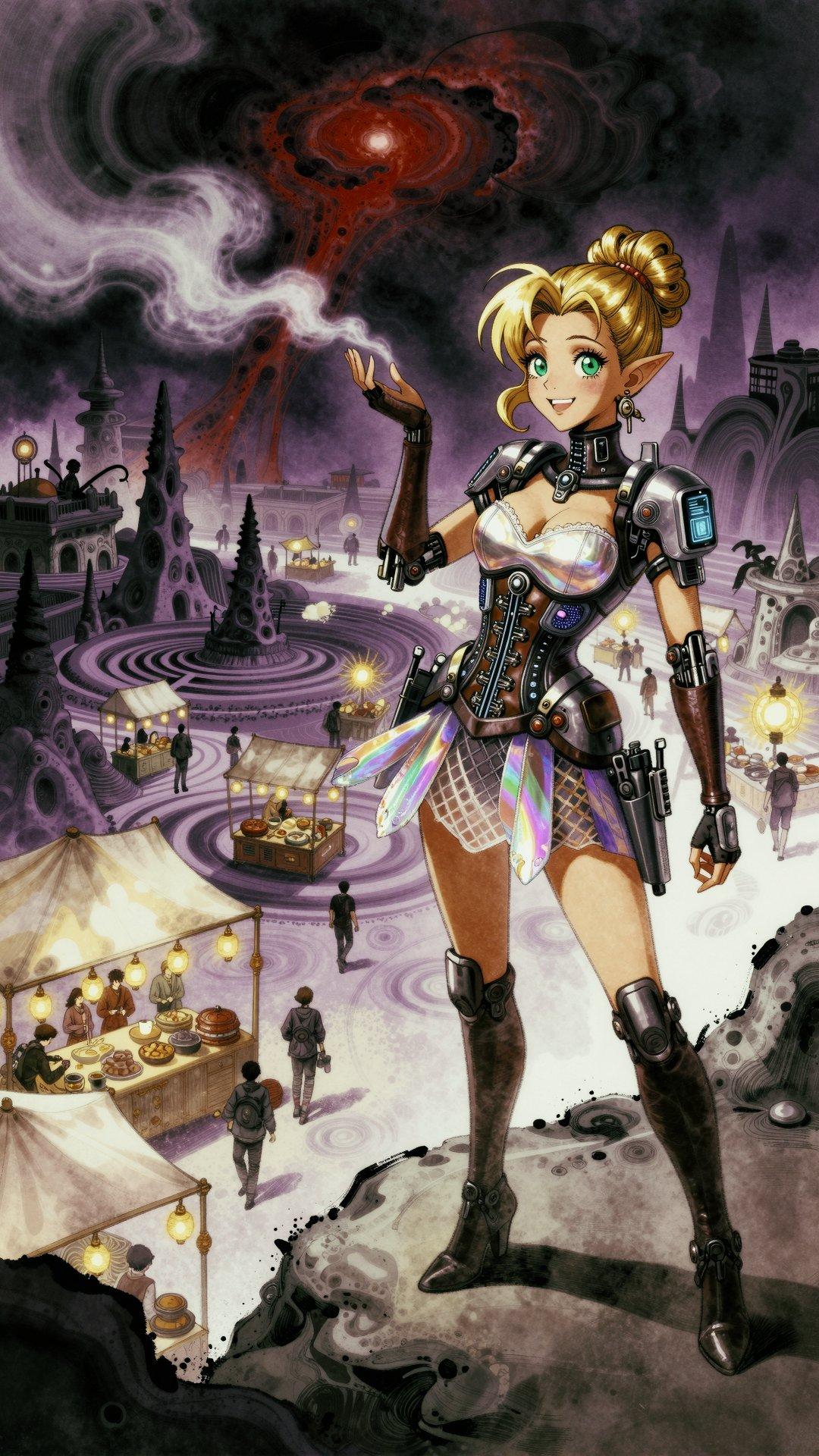
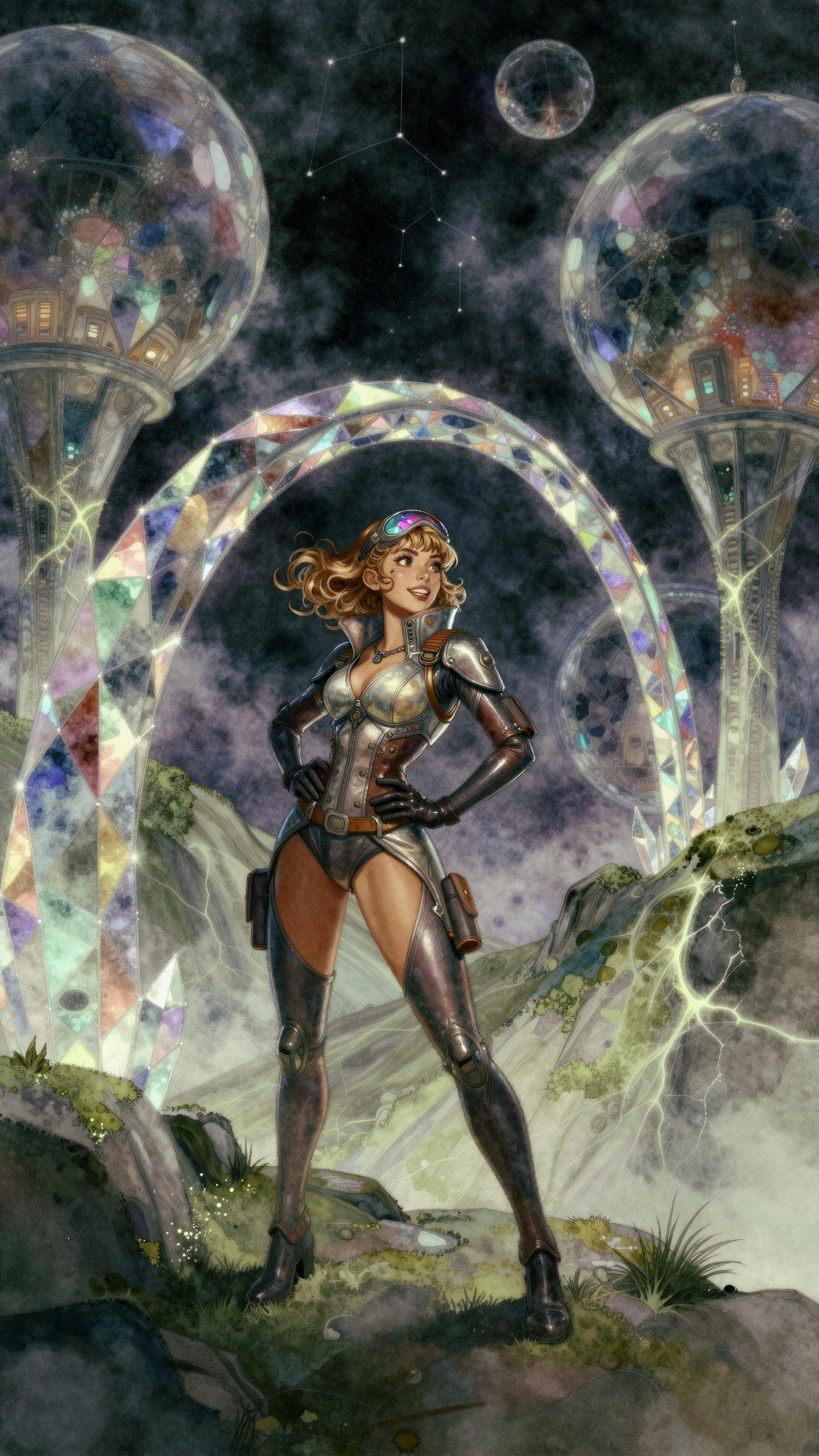
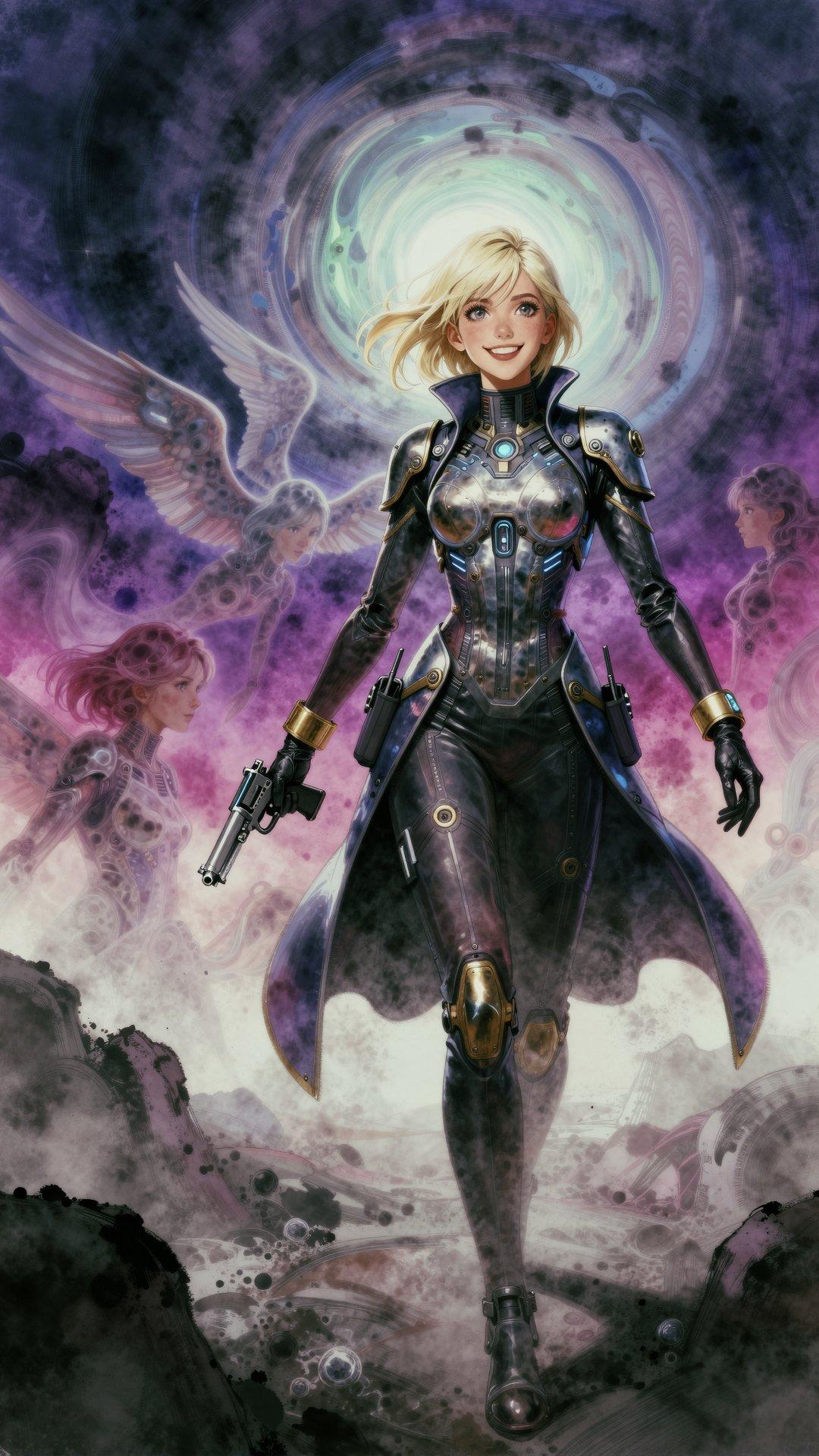
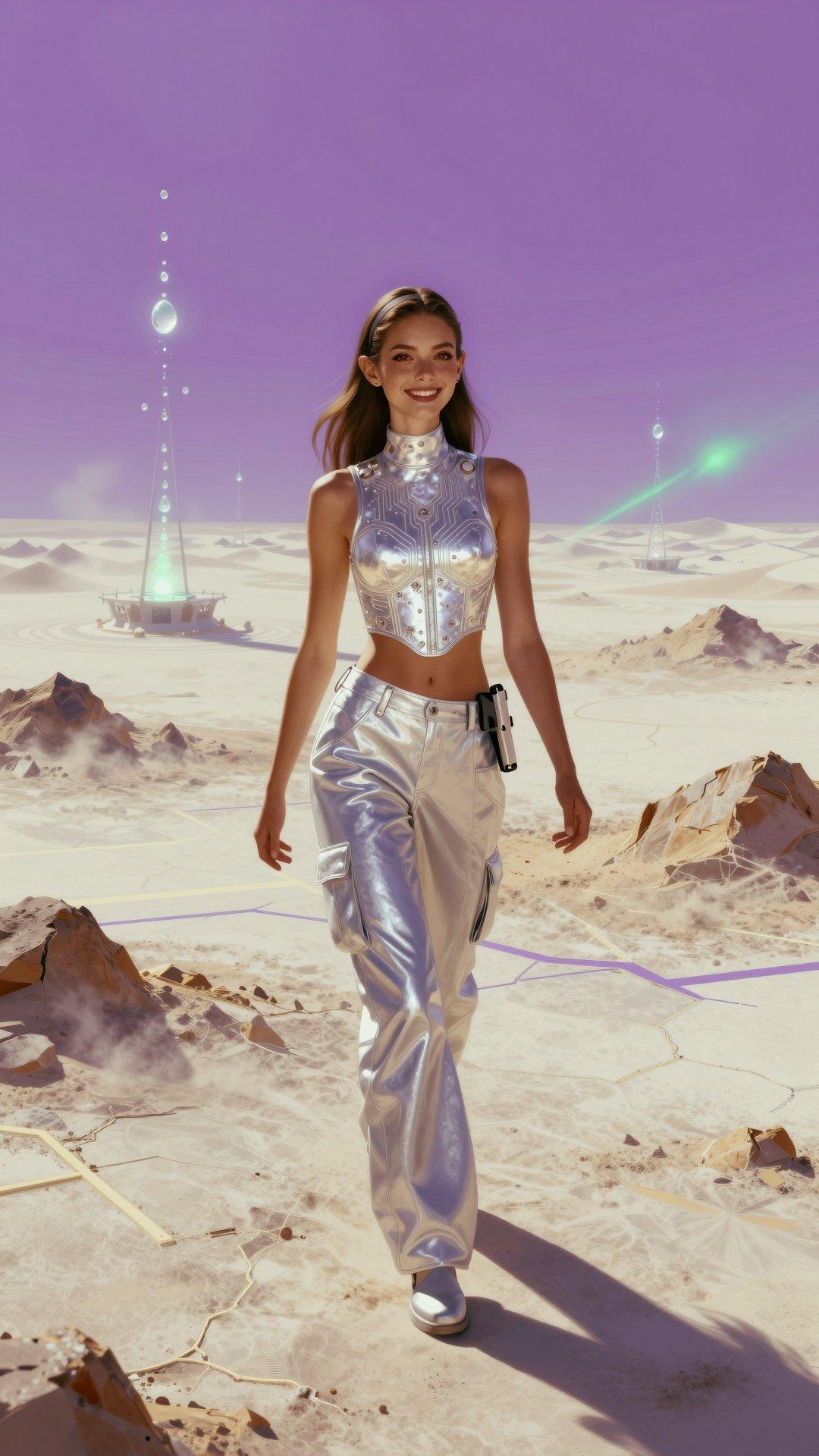
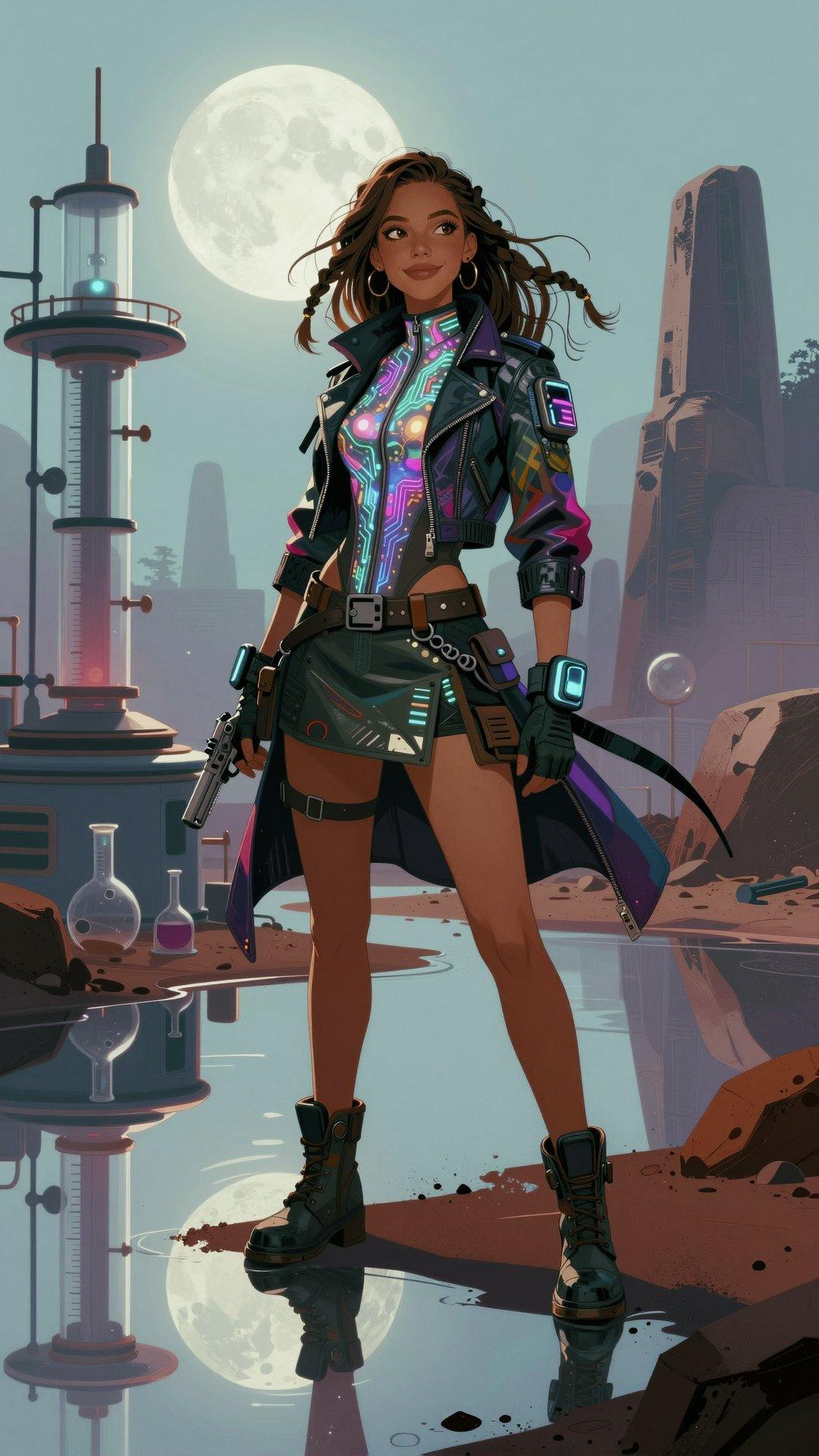
__var/digitalart__ A __var/prettygal__ with __skin/normal__
and __hair/${h:normal}__, and her mood is
{2::__mood/${m:old_happy}__. __pose/${p:sexy}__|__mood/lively__}.
She is wearing @<fashion: sexy retro-futuristic science fiction
pilot uniform for women; must include a futuristic pistol >@
She is located __pos__ of the image.
@<cinematic: __place/${l:future}__. __var/scene__. >@
(someday I’ll clean up and release the wildcard sets…)
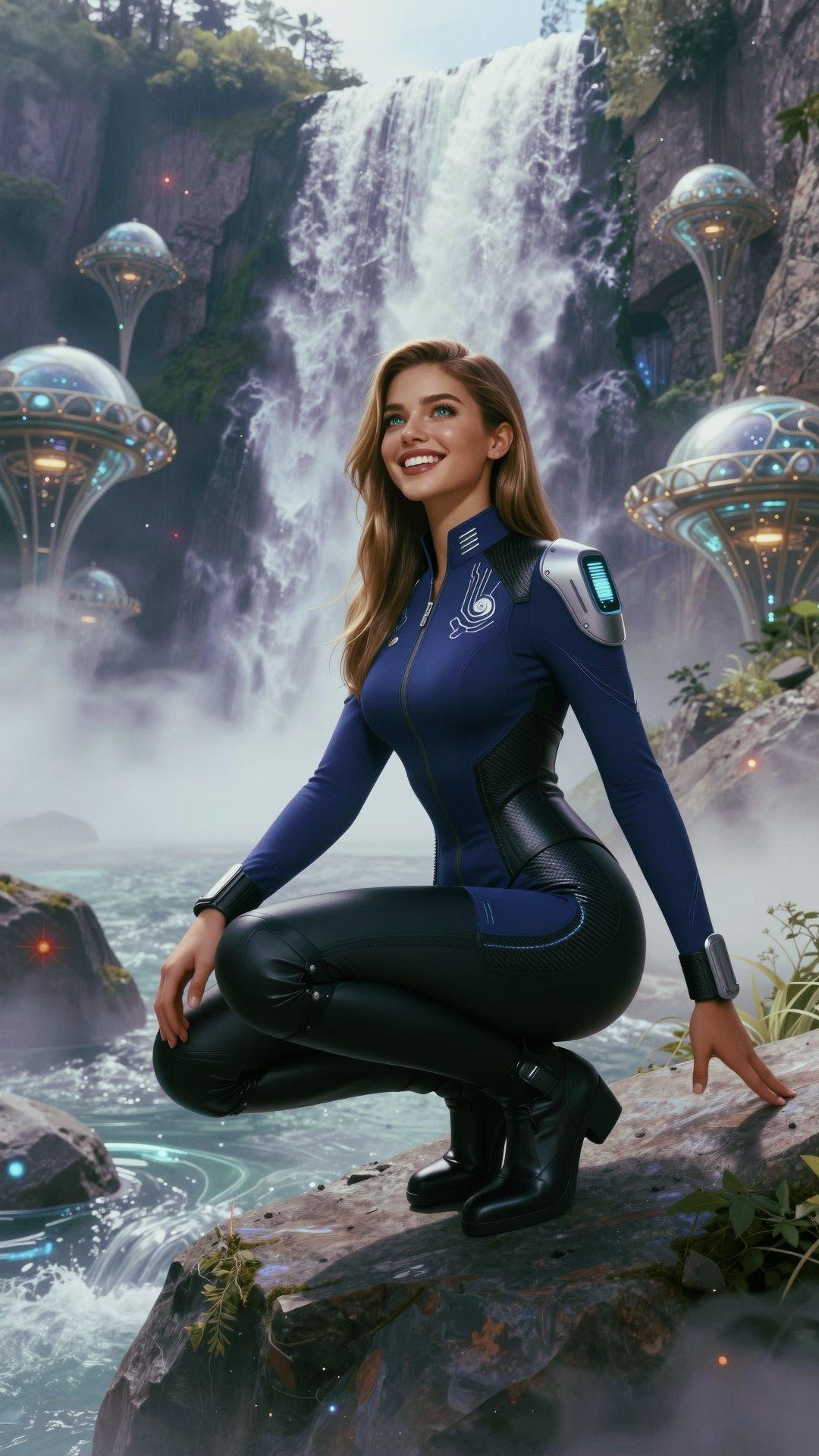
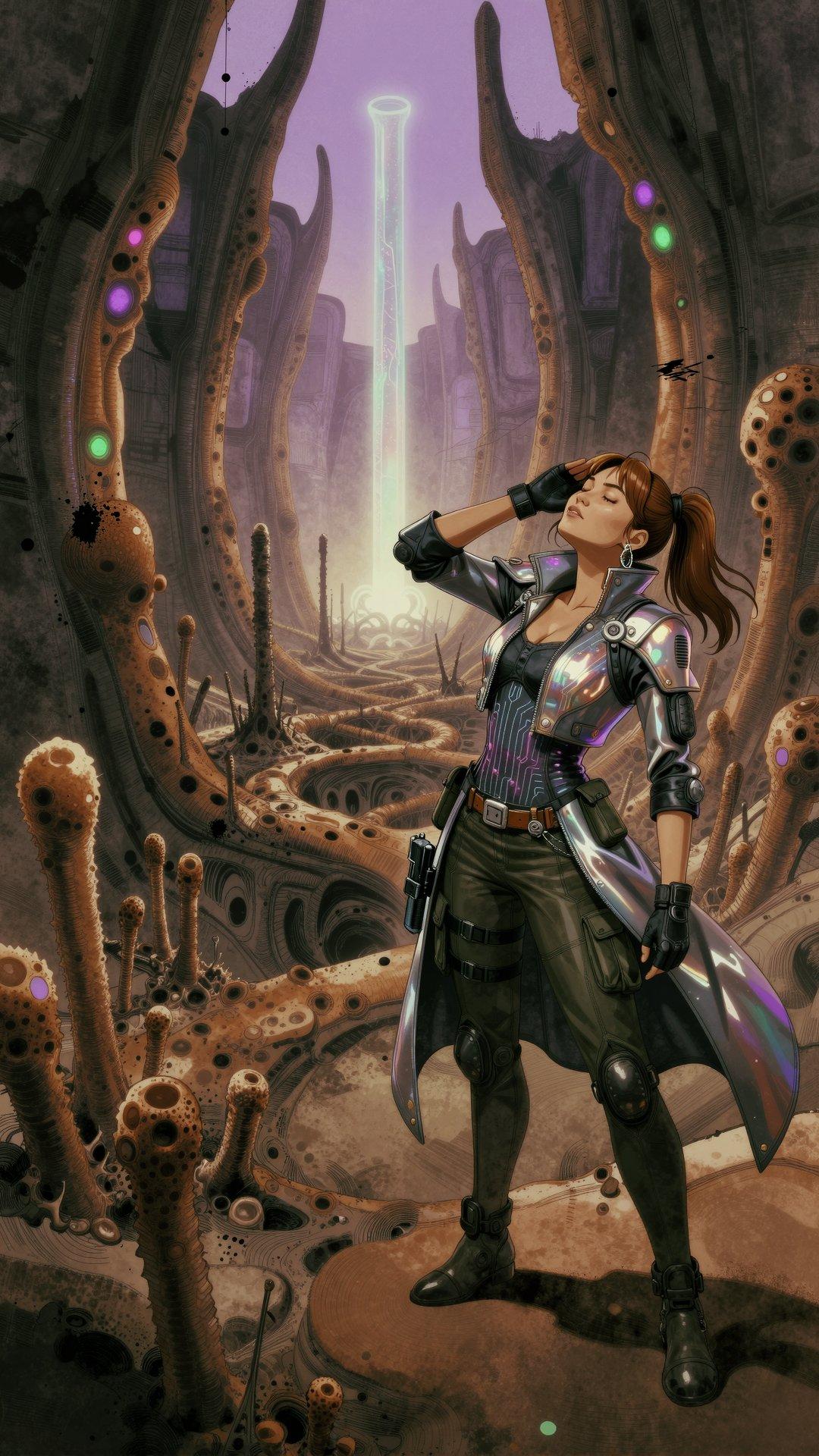
I got a lot of results that easily cleared the bar of “decent wallpaper to look at for 15 seconds”, weeding out some anatomy fails, goofy facial expressions, and Extremely Peculiar ZIT Guns.





































Comments via Isso
Markdown formatting and simple HTML accepted.
Sometimes you have to double-click to enter text in the form (interaction between Isso and Bootstrap?). Tab is more reliable.