“Lucy, you ignorant LUT!”
Fallout Season 2, episode 1
“Let’s set up an entire season of convoluted plotting all at once!”
IMHO, Walton Goggins is the only thing holding this together, and spacing it out so you have to watch one episode per week like our primitive ancestors did does not enhance the experience. I’d prefer to just rip off the bandaid and get it over with, but that won’t be possible until February.
Maybe I’ll watch the rest then.
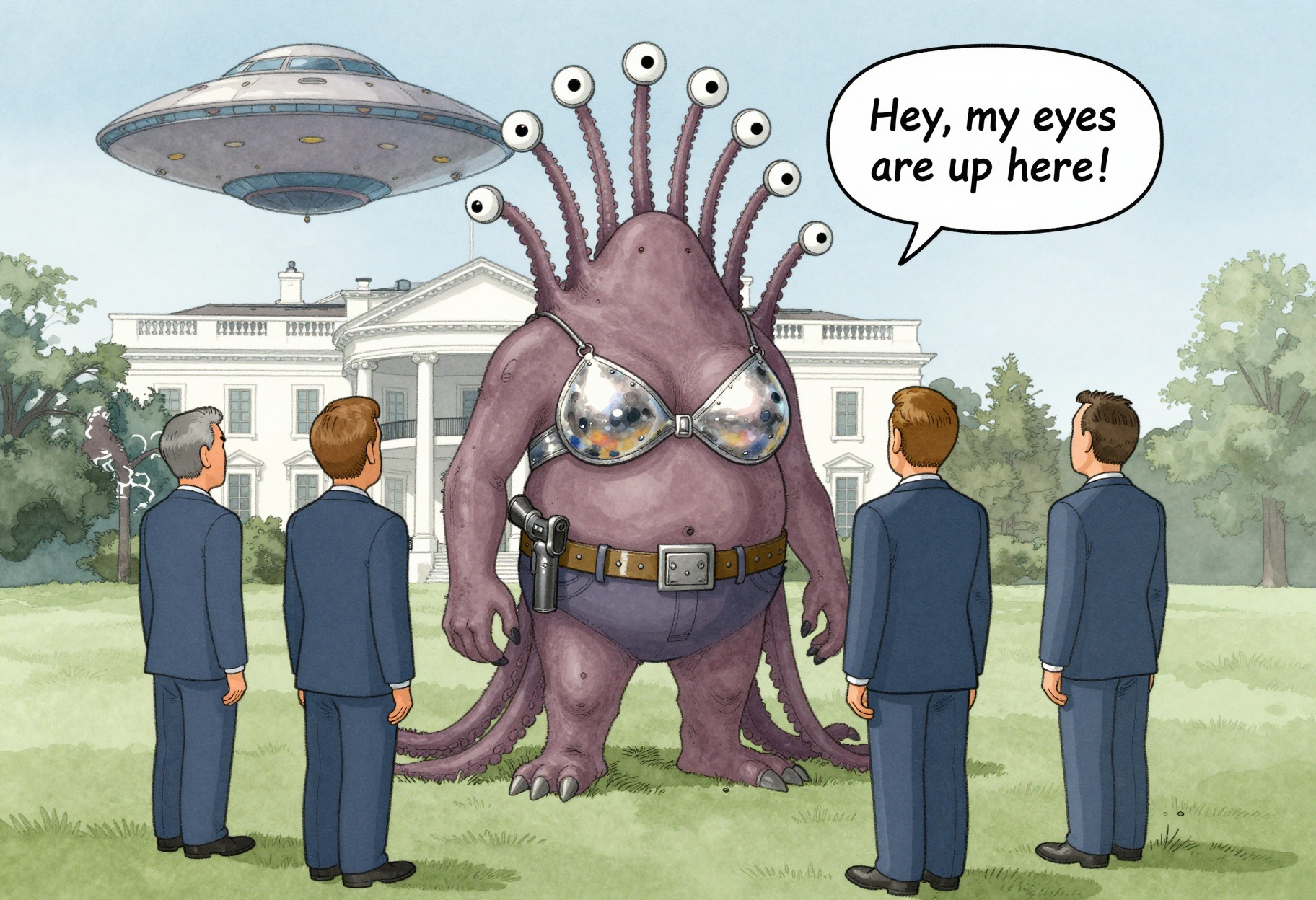
(I did not use the word “alien” to describe the creature, because that word is strongly associated with a very specific overused image of a pop-culture alien, just like asking for “alien symbols” gets you an Alienware logo; creature, monster, pretty much any other word is a better choice with most models)
(also, this is probably the best-looking pistol I’ve gotten out of ZIT, and it’s even in a decent “holstered” position)
LUT-shaming
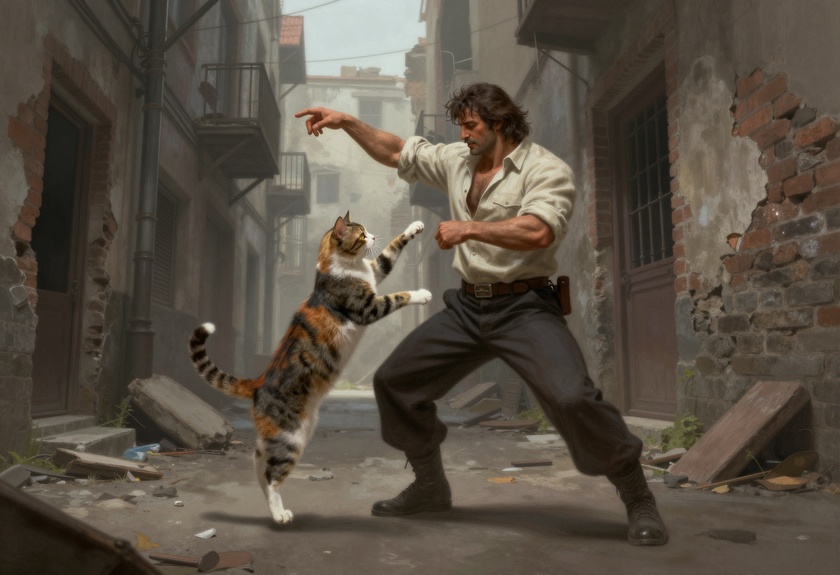
Random image is random; I’m experimenting with adding a LUT post-processing pass to my SwarmUI CLI, to fix Z Image Turbo’s slightly flat colors. The output looks fine on its own, but when I mixed some of its cheesecake into the wallpaper rotation, you could really see the difference.
If anything, the pics from Qwen Image were too saturated, but for some of them that was part of the “vintage airbrush pinup” look I was going for with them. My first pass at cleaning up the ZITs was doing a basic auto-level-ish command with ImageMagick:
magick $file -contrast-stretch 0.15x0.05% new/$file
Worked great, but it would be nice to have it run server-side, before
JPG compression, and the recommended method is to apply a LUT. There’s
a whole suite of post-processing
tools available
as a SwarmUI extension, and plenty of free LUTs online
(1,
2,
3,
etc). You can also copy .cube files from any professional imaging
software you happen to have a license to, such as Photoshop, where
they’re usually named by the film/camera look they apply.
Raw from ZIT:
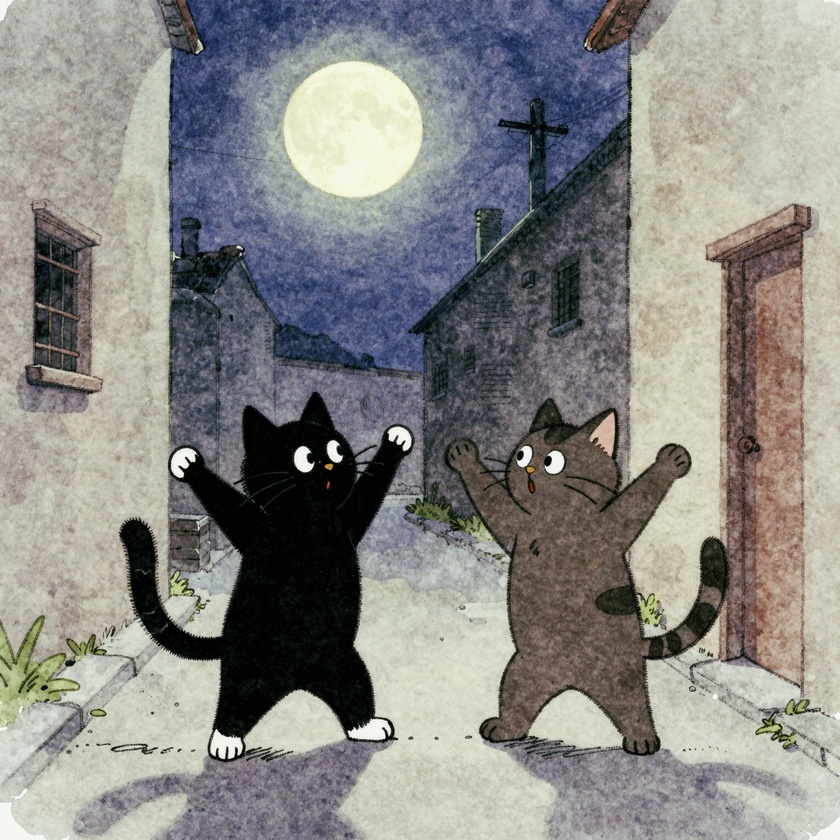
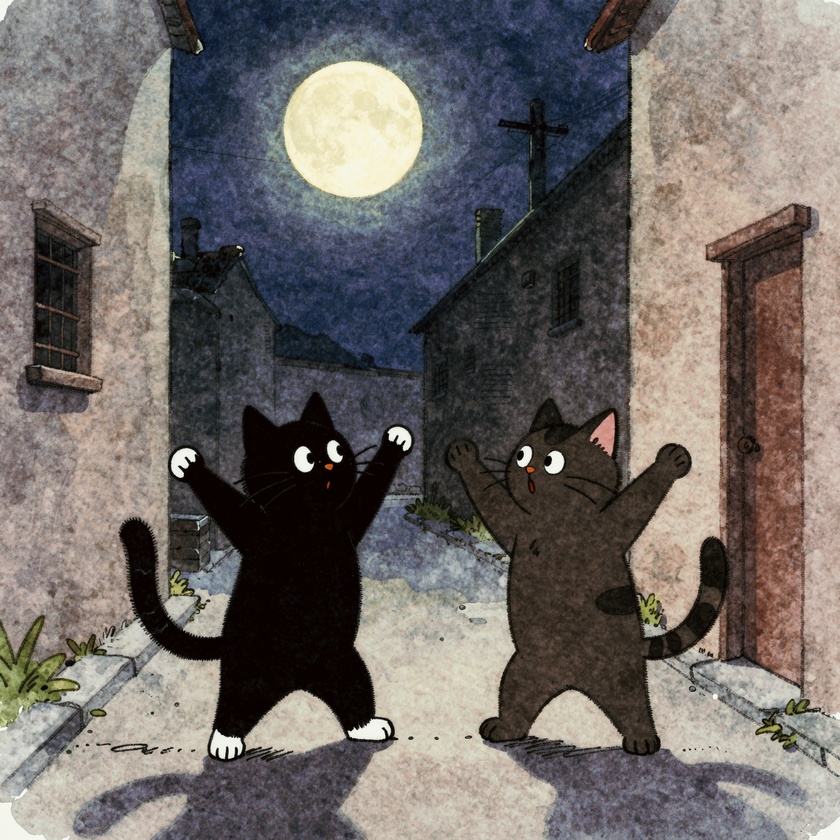
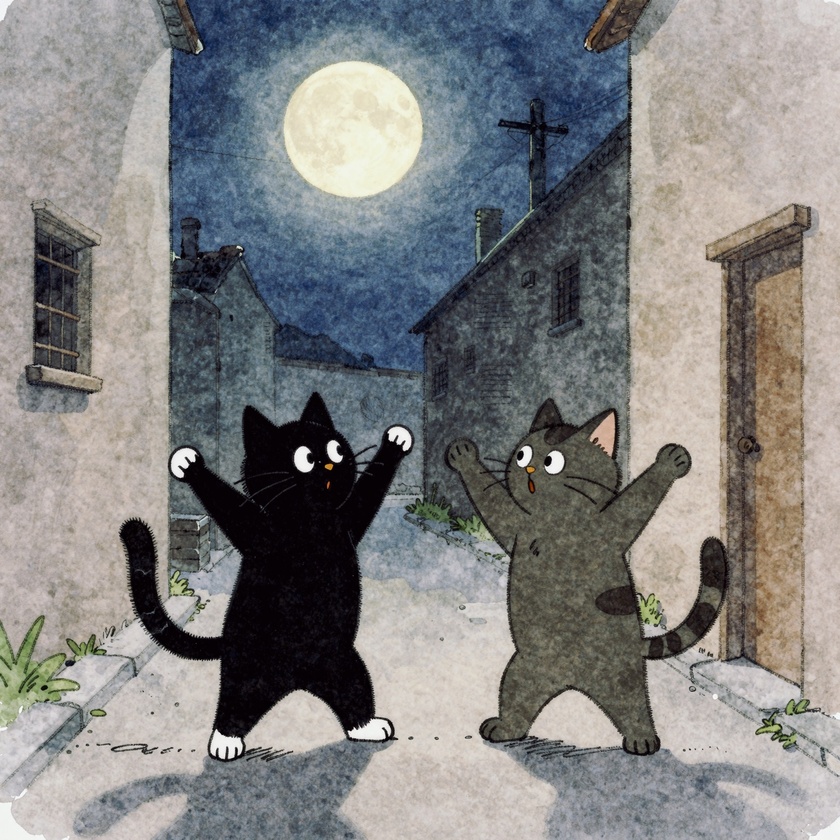
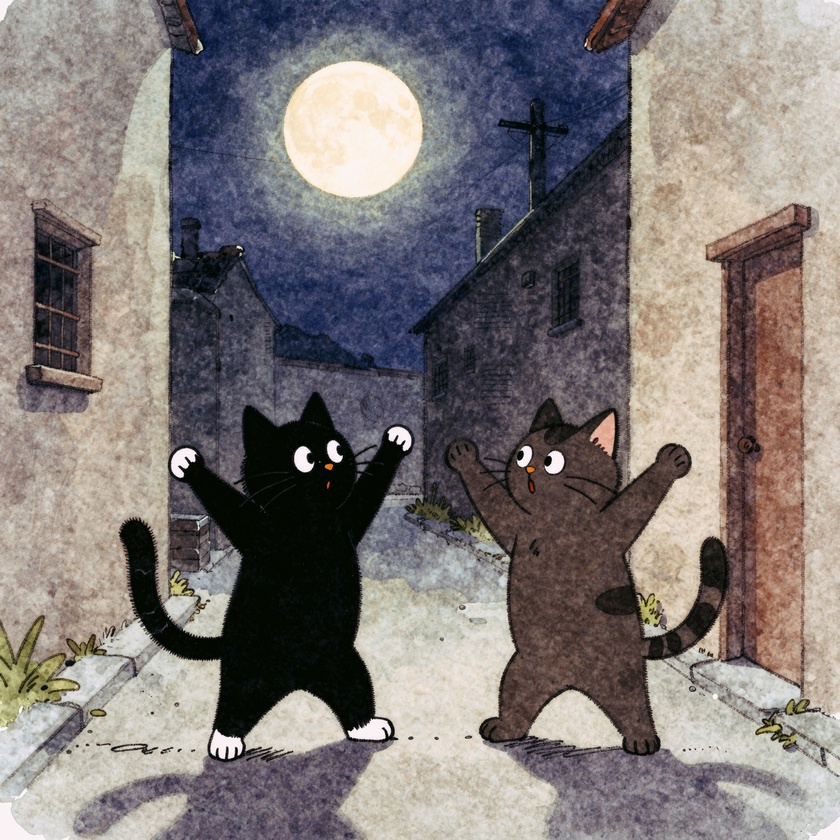
I think the Fuji Sensia LUT pops the colors a bit without going overboard:
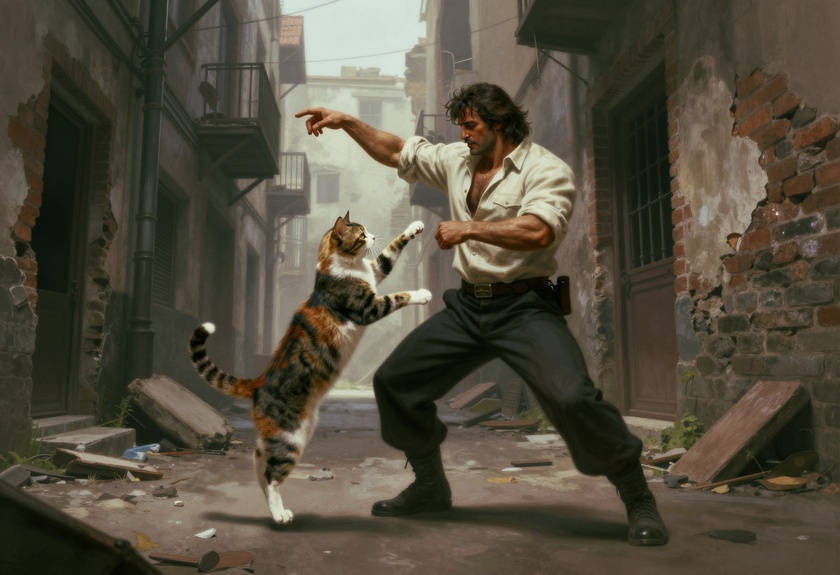
(best part: applying a LUT adds basically nothing to rendering time, and generating a comparison grid of every installed LUT at different strengths takes seconds, since the server can reuse the rendered image and just apply each transform in turn)
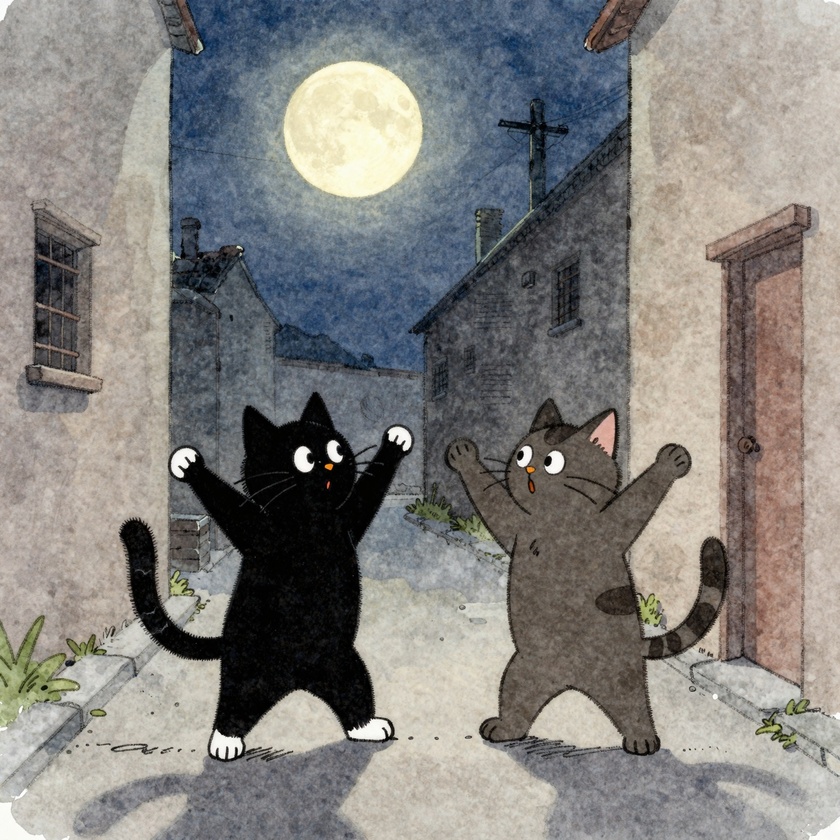
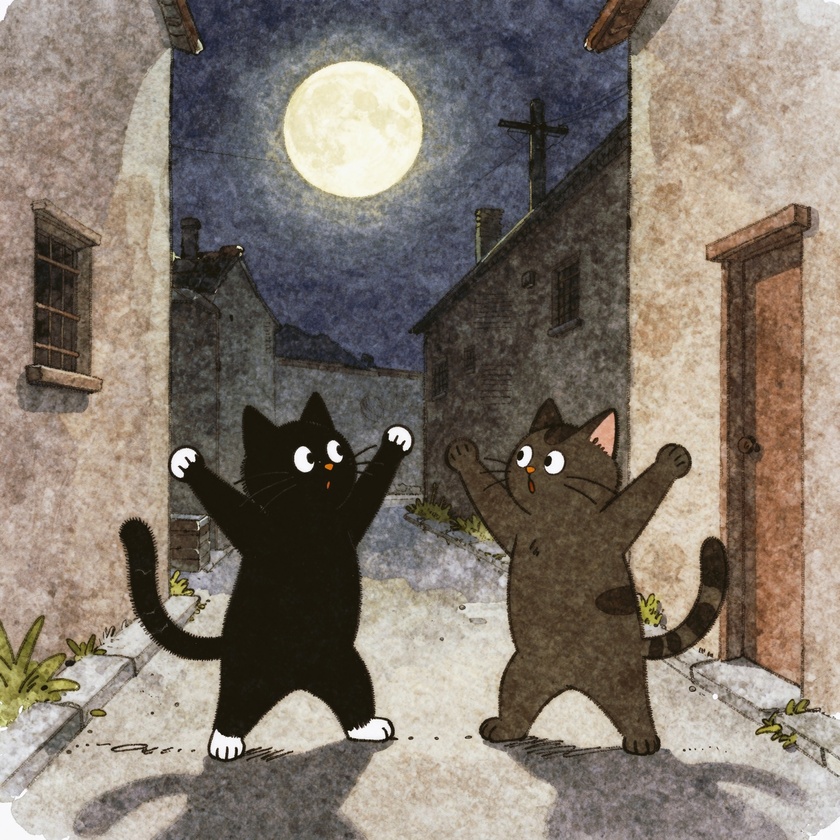
Another pair of cats dancing…
Okay, they were both pretty cool cats, but not quite what I had in mind.
Raw:
Sensia 100:
Portra 400:
Ektachrome 64:
Vivid:
Polaroid 600:
Comments via Isso
Markdown formatting and simple HTML accepted.
Sometimes you have to double-click to enter text in the form (interaction between Isso and Bootstrap?). Tab is more reliable.