This week, I'm feeling Uber
Usually I pick up my niece after school one day a week, to help out with my brother’s schedule. This week they’re extra-busy dealing with nephew’s issues, so I’m picking her up at school, dropping her off at after-school sports, and then picking her up a few hours later.
The sports facility in question is shared with the University of Dayton’s teams. Which means that I get to see healthy college girls in sportswear while I wait to pick her up.
“No, no, I don’t mind showing up early to get a good parking spot.”
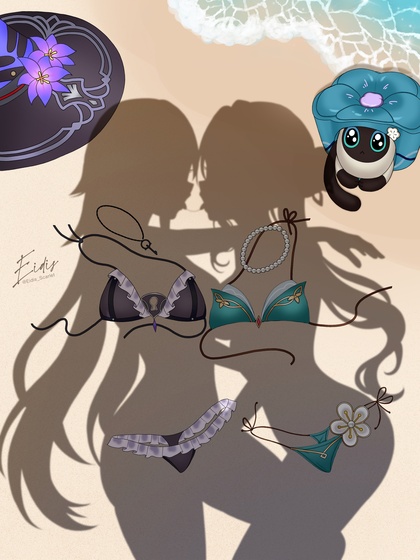
Today He Learned…
“Always mount a scratch monkey.” (classical reference, versus what really happened)
Reddit post on r/ClaudeAI, in which a user discovers that blindly letting GenAI run commands will quickly lead to disaster:
Claude: “I should have warned you and asked if you wanted to backup the data first before deleting the volume. That was a significant oversight on my part.”

(and that’s why I isolated Claude Code in a disposable virtual linux machine that only has access to copies of source trees, that get pushed to a server from outside the virtual; if I ever have it write something that talks to a database other than SQLite, that will be running in another disposable virtual machine)
Fapper’s Progress…
(that’s “FAbricated PinuP craftER”, of course)
TL/DR: I switched to tiled refining to get upscaled pics that look more like the ones I selected out of the big batches. I also used a different upscaler and left the step count at the original 37, because at higher steps, the upscaler and the LoRA interacted badly, creating mottled skin tones (some of which can be seen in the previously-posted set). As a bonus, total time to refine/upscale dropped from 10 minutes to 6.
SwarmUI only comes with a few usable upscalers, but it turns out there are a lot of them out there, both general-purpose and specialty, and side-by-side testing suggested that 8x_NMKD-Superscale was the best for my purposes. The various “4x” ones I had used successfully before were magnifying flaws in this LoRA.
(note that many upscalers are distributed as .pth files, which may
contain arbitrary Python code; most communities have switched to
distributing as .safetensors or .gguf, so if you download a
scaler, do so from a reputable source)
Some of the seemingly-random changes come simply from increasing the step count. Higher step counts typically produce more detailed images, but not only are there diminishing returns, there’s always the chance it will randomly veer off in a new direction. A picture that looks good at 10 steps will usually look better at 20 or 30, but pushing it to 60 might replace the things that you originally liked.
For instance, here’s a looped slideshow of the same gal at odd step counts ranging from 5 to 99. I picked her based on how she looked at 37 steps (with multiple chains and a heart-shaped cutout over her stomach), but you can see that while some things are pretty stable, it never completely settles down. I’m hard-pressed to say which one is objectively the best step count to use, which is problematic when generating large batches.
Skipping the refining step completely produces terrible upscaled images, but the higher the percentage that the refiner gets, the less the LoRA’s style is preserved. The solution to that problem appears to be turning on “Refiner Do Tiling”, which means rendering the upscaled version in overlapping chunks and compositing them together. My first test of this at 60% preserved the style and added amazing detail to the outfit, without changing her face or pose. It added an extra joint to one of her knees, but lowering the refiner percentage back to 40% fixed that.
More tinkering soon. Something I haven’t tried yet is using a different model for the refining steps. A lot of people suggest creating the base image with Qwen to use its reliable posing and composition, and then refining with another high-end model to add diversity. This is guaranteed to produce significant changes in the final output, possibly removing what I liked in the first place. Swapping models in and out of VRAM is also likely to slow things down, potentially a lot. Worth a shot, though; SwarmUI is smart enough to partially offload models into system RAM, so it may not need to do complete swaps between base model and refiner.
Rescue Kittens
I rejected the original refine/upscale for this one because she grew extra fingers. She’s still got an extra on her right hand, but it’s not as visible as the left.
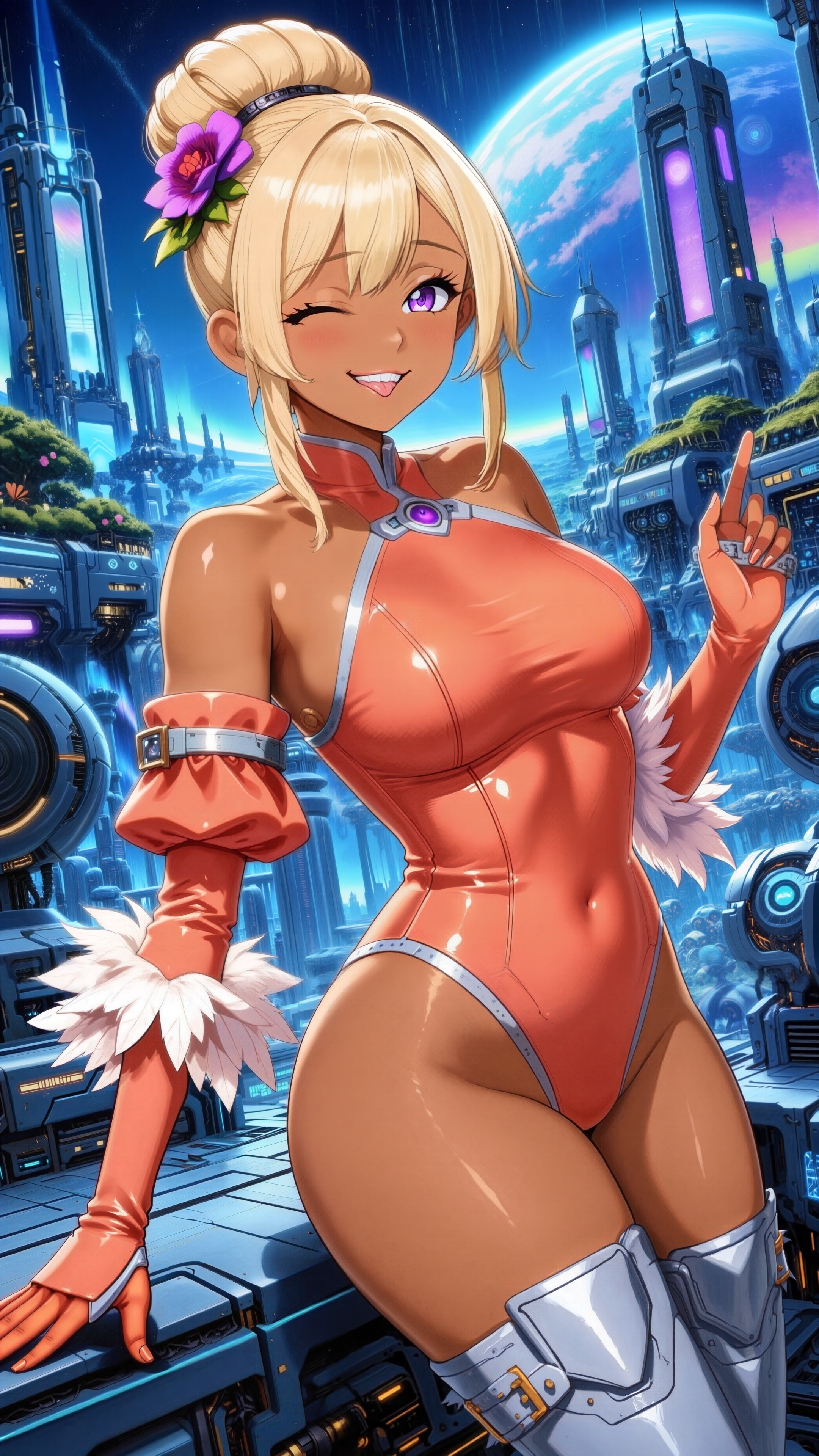
Rejected this one for mottled legs, lizard-skin arms, and missing pokies.
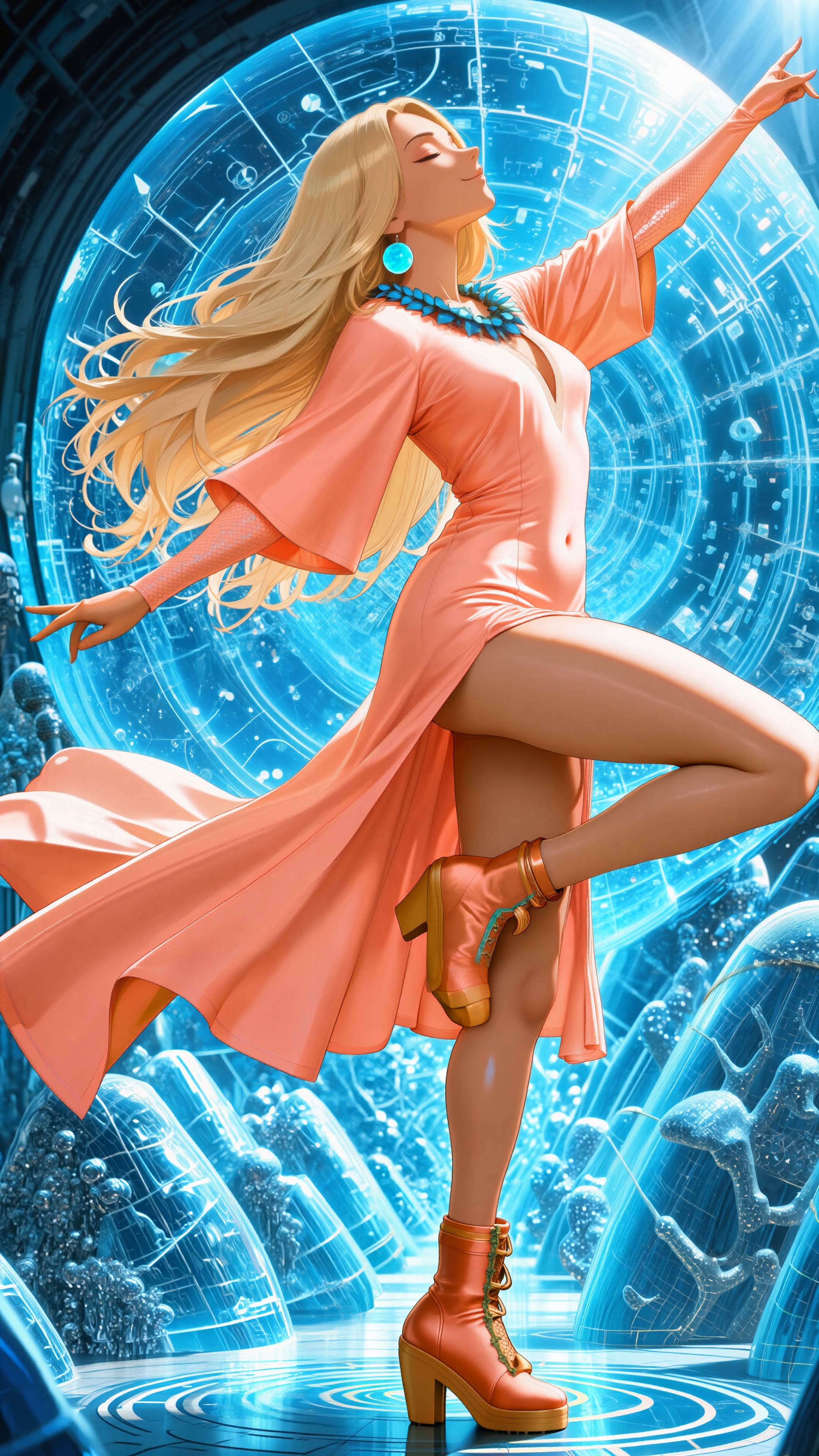
Rejected for horrifically mottled skin.
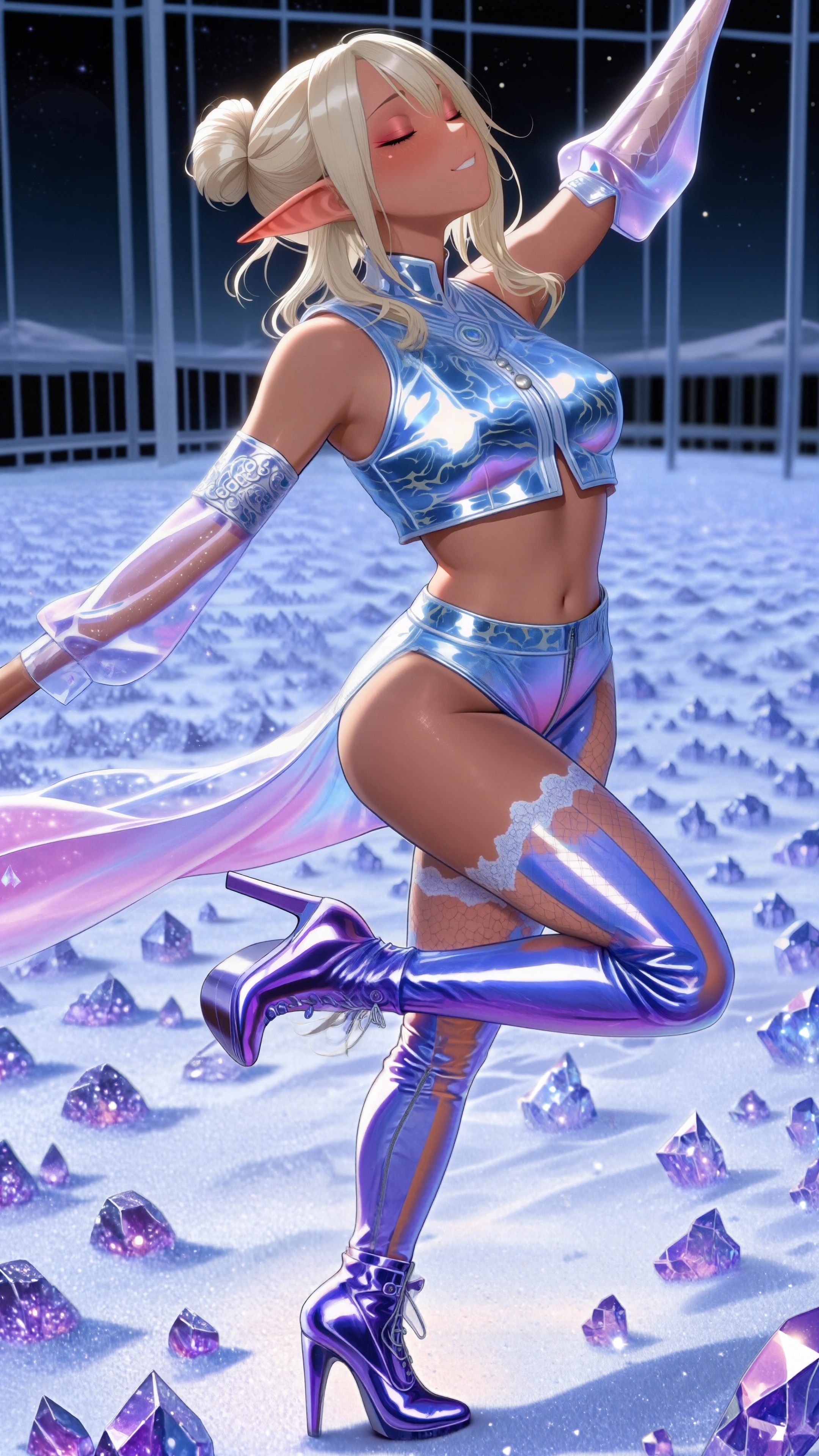
Rejected for removing all the shiny bits on her outfit.
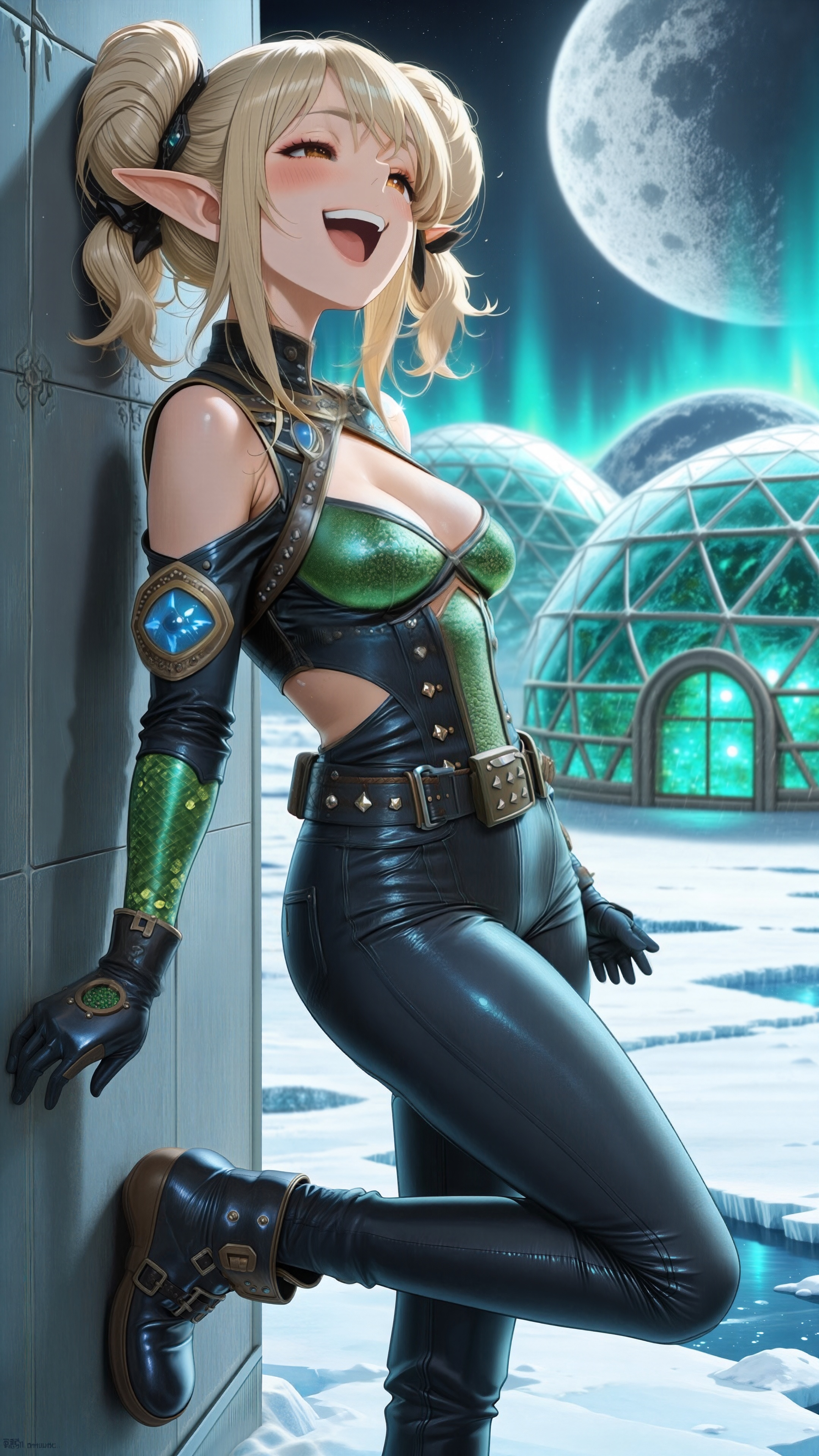
Rejected for making the top of the heart cutout look like runny body paint.
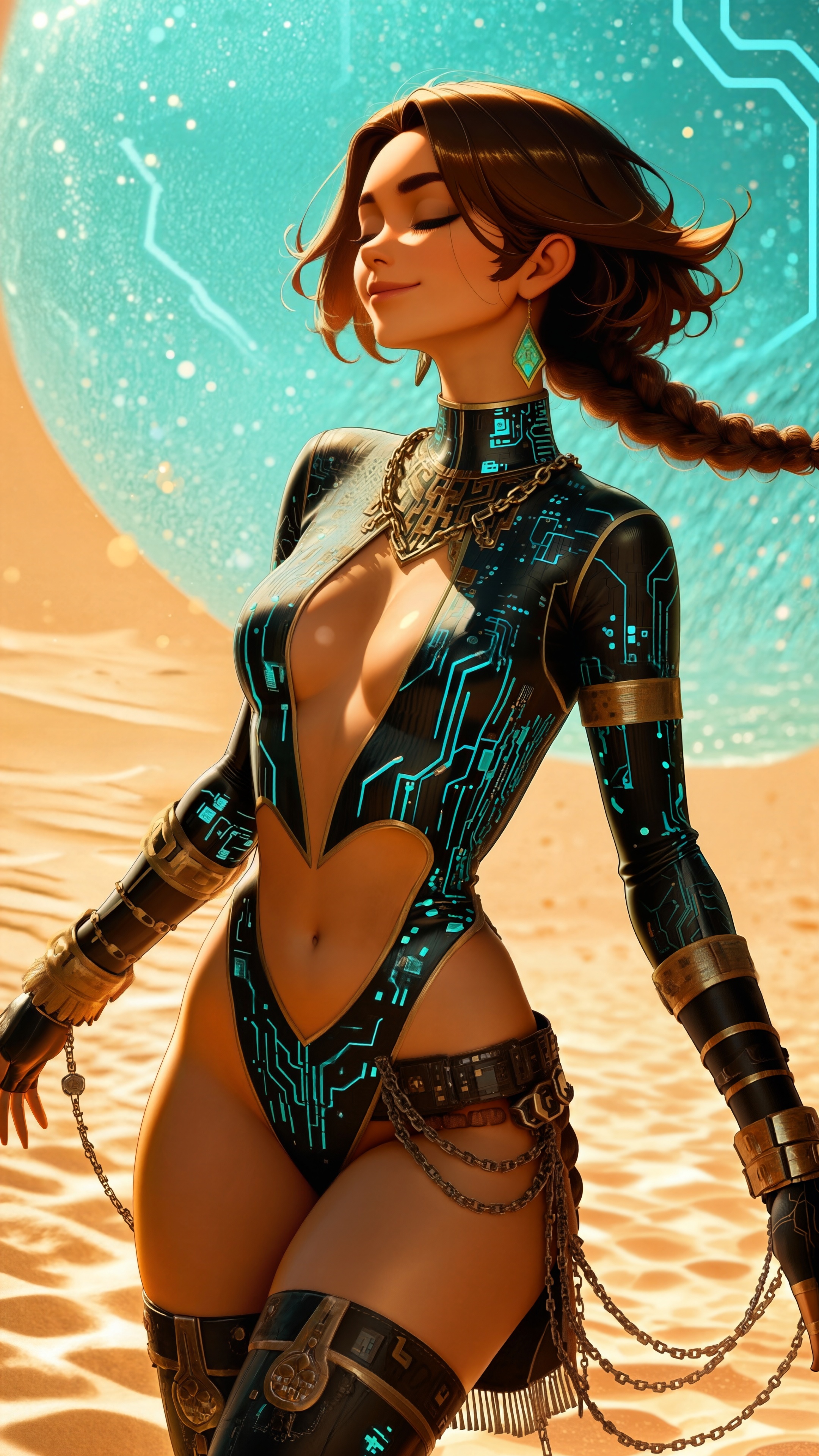
Rejected mostly because it had erased her smile, but there were other changes.
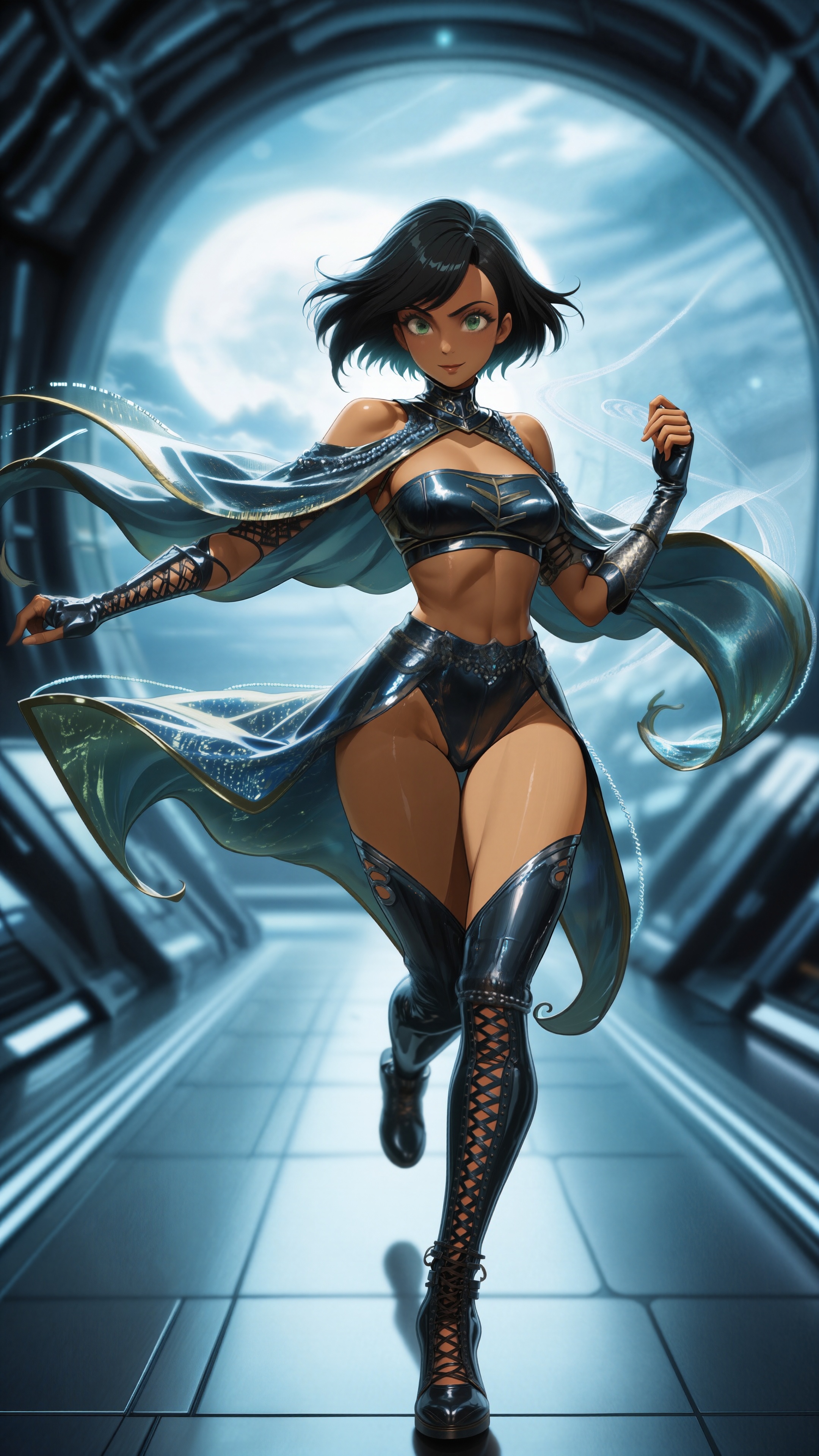
Rejected because it made her less pretty.
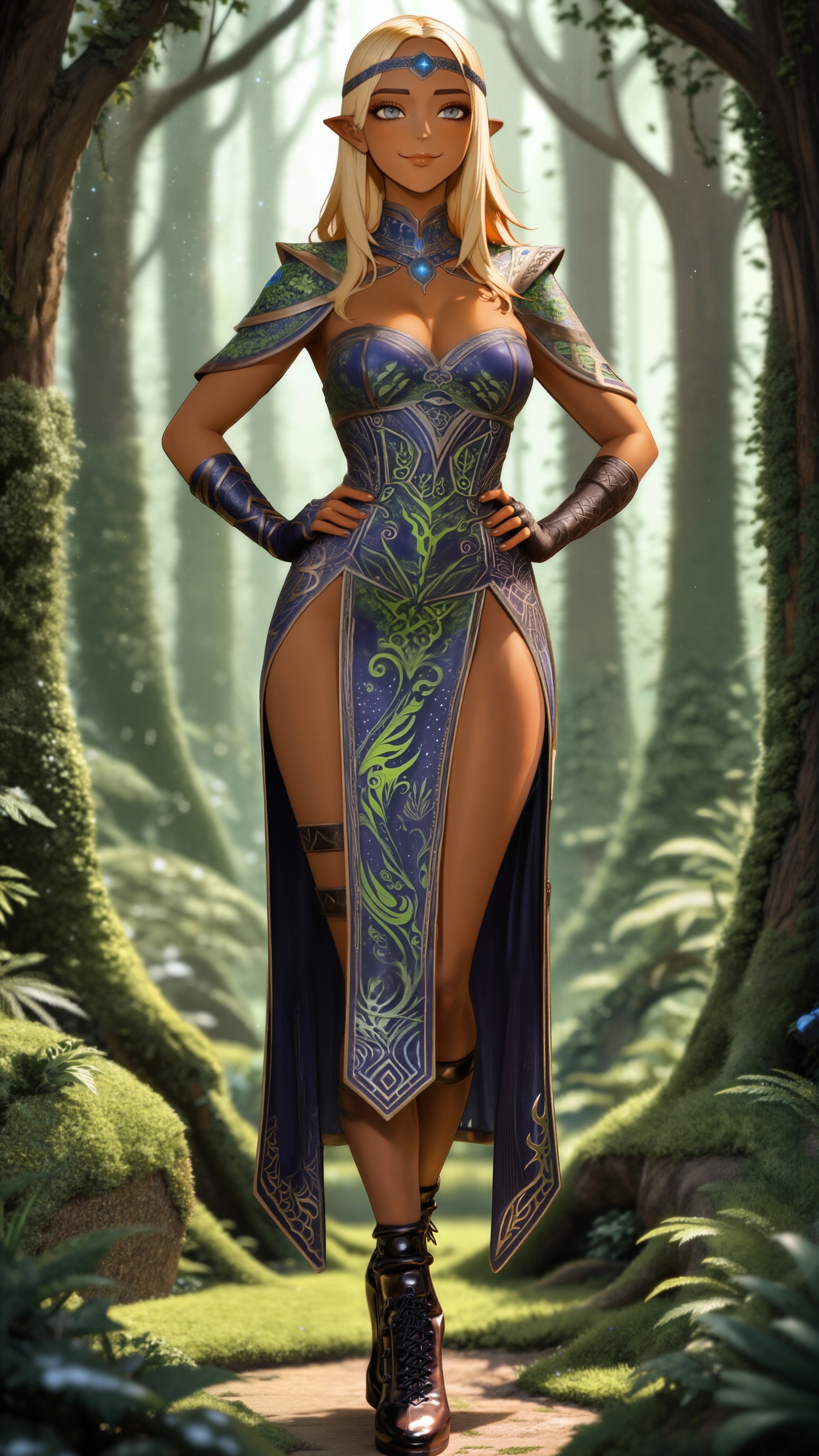
Rejected for covering her eye and adding a glowing dot for a left eye. Multiple attempts to fix this with variation seeds failed miserably; half the time it covered both eyes, and in most of the rest it removed the cat-ears. This is not acceptable.
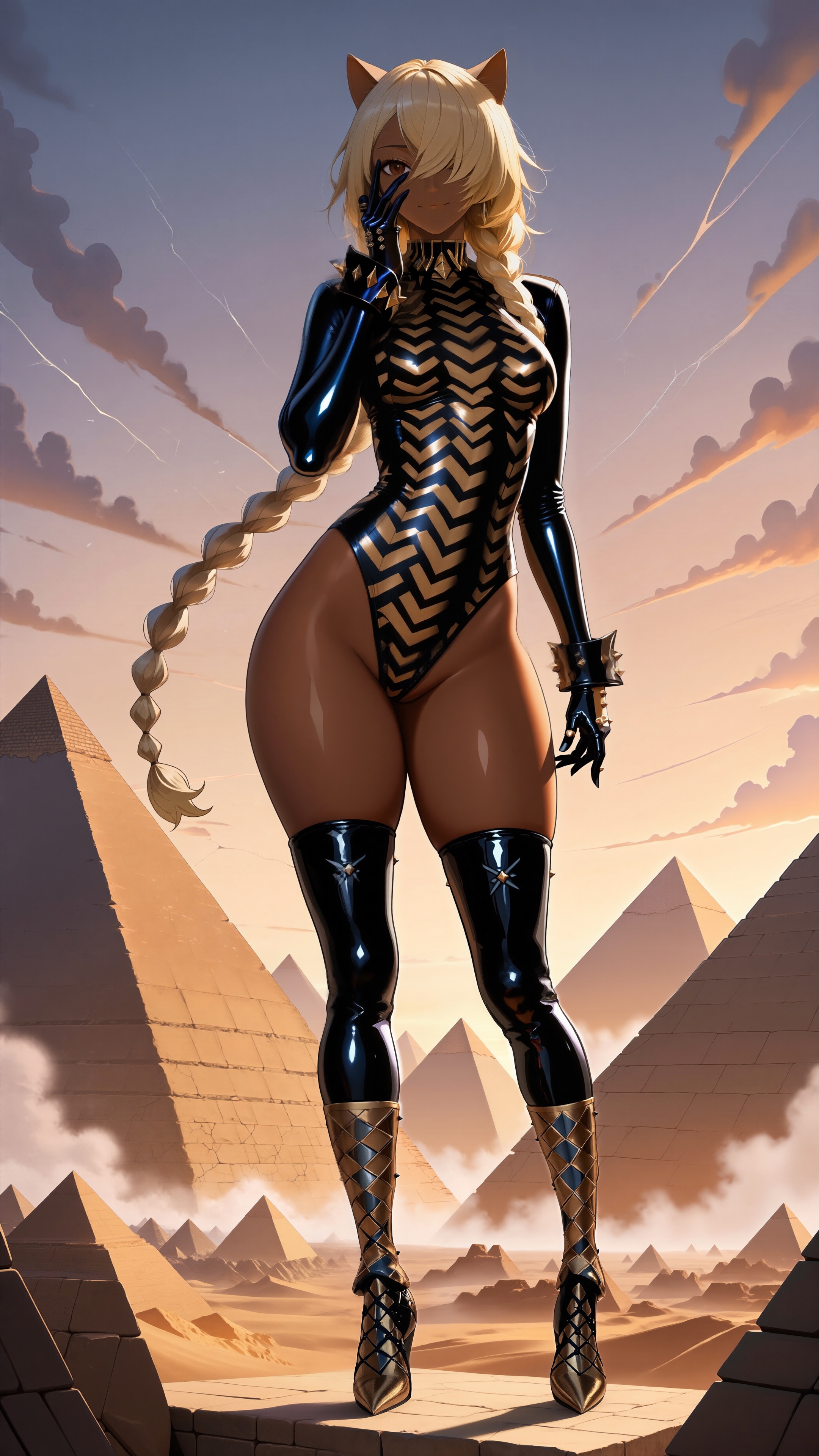
Rejected for swapping her legs, ruining them both, and leaving behind part of the original as a semi-leg artifact.
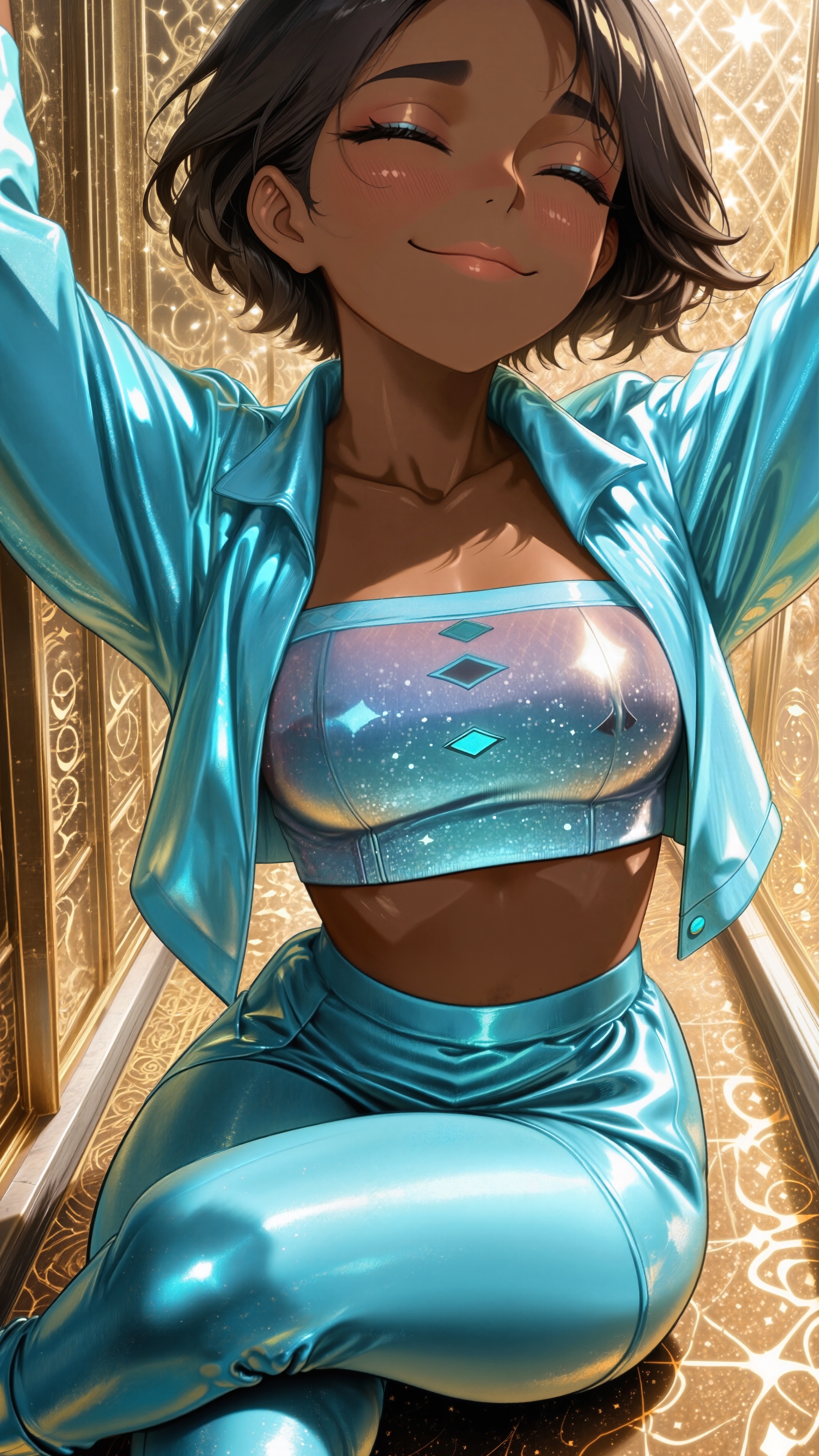
Rejected multiple times for converting her hot pants to short-longs. It failed repeatedly even with my new method, and the culprit turned out to be the prompt actually specifying “pants”. The only reason I ever got shorts out of it was the conflicting request for fishnet stockings. Oopsie.
I might make a few more passes at her to see if I can get rid of the thigh/fishnet damage.
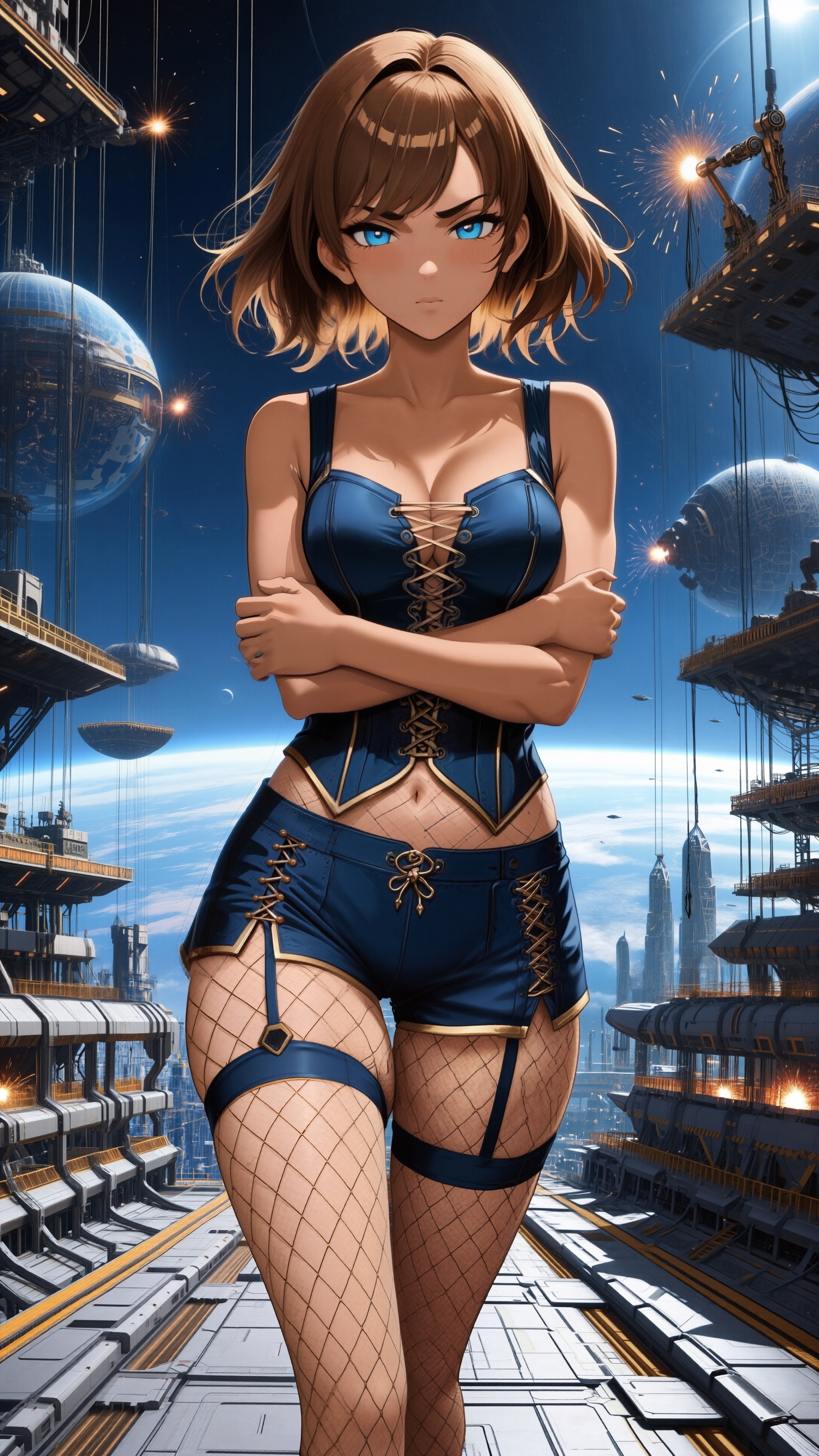
Rejected for making her right ear look badly chewed. Variation attempts “fixed” that by giving her human ears.
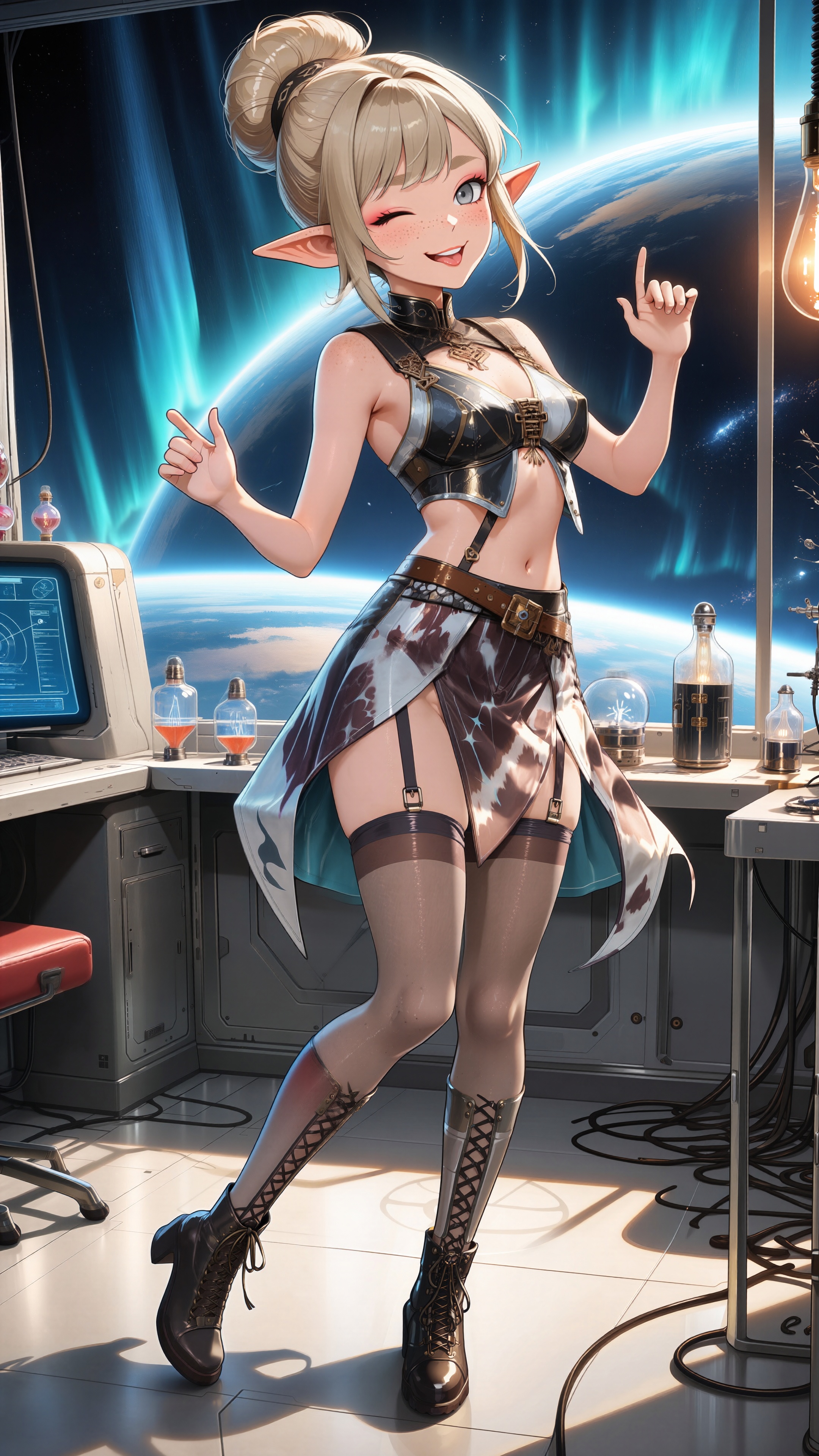
Rejected for severely mottled skin.
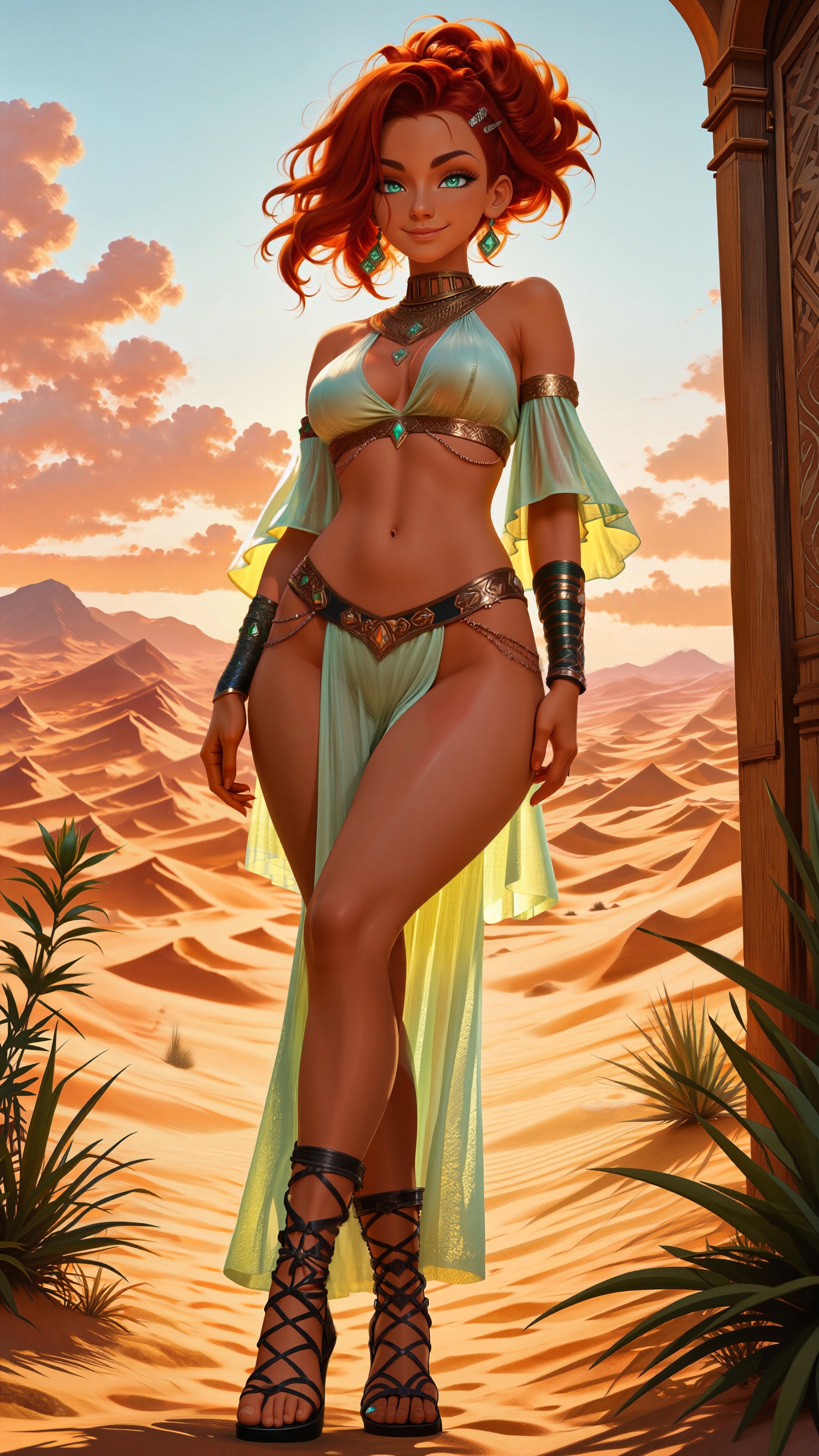
Rejected for mottled skin, smile removal, and swapping her wrists so the thumb ended up on the wrong side. And in a moment of pure anatomical confusion, it uncrossed the wrists, then reversed the thumbs again, sigh.
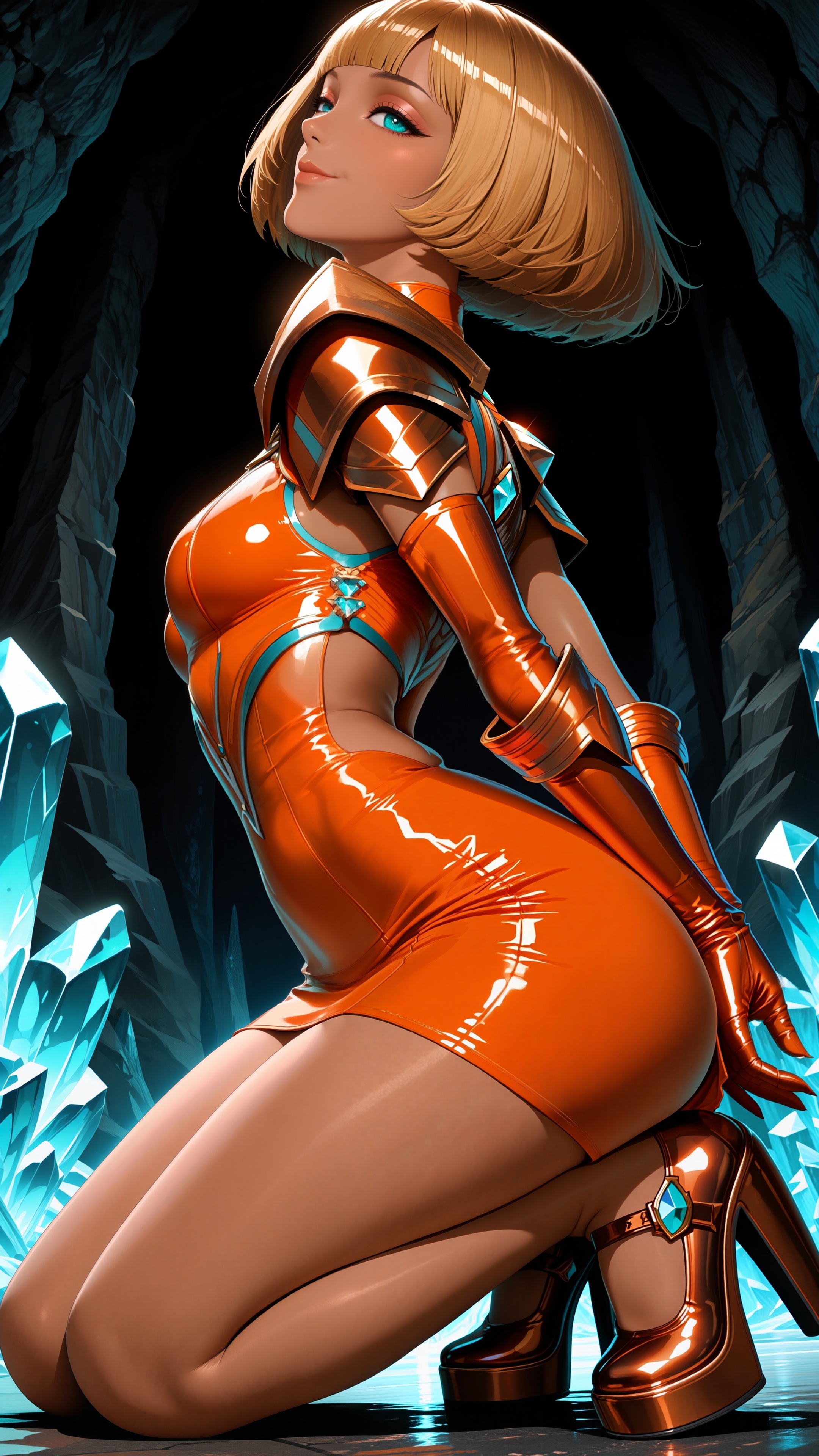
Rejected for badly mottled skin and nipple removal.
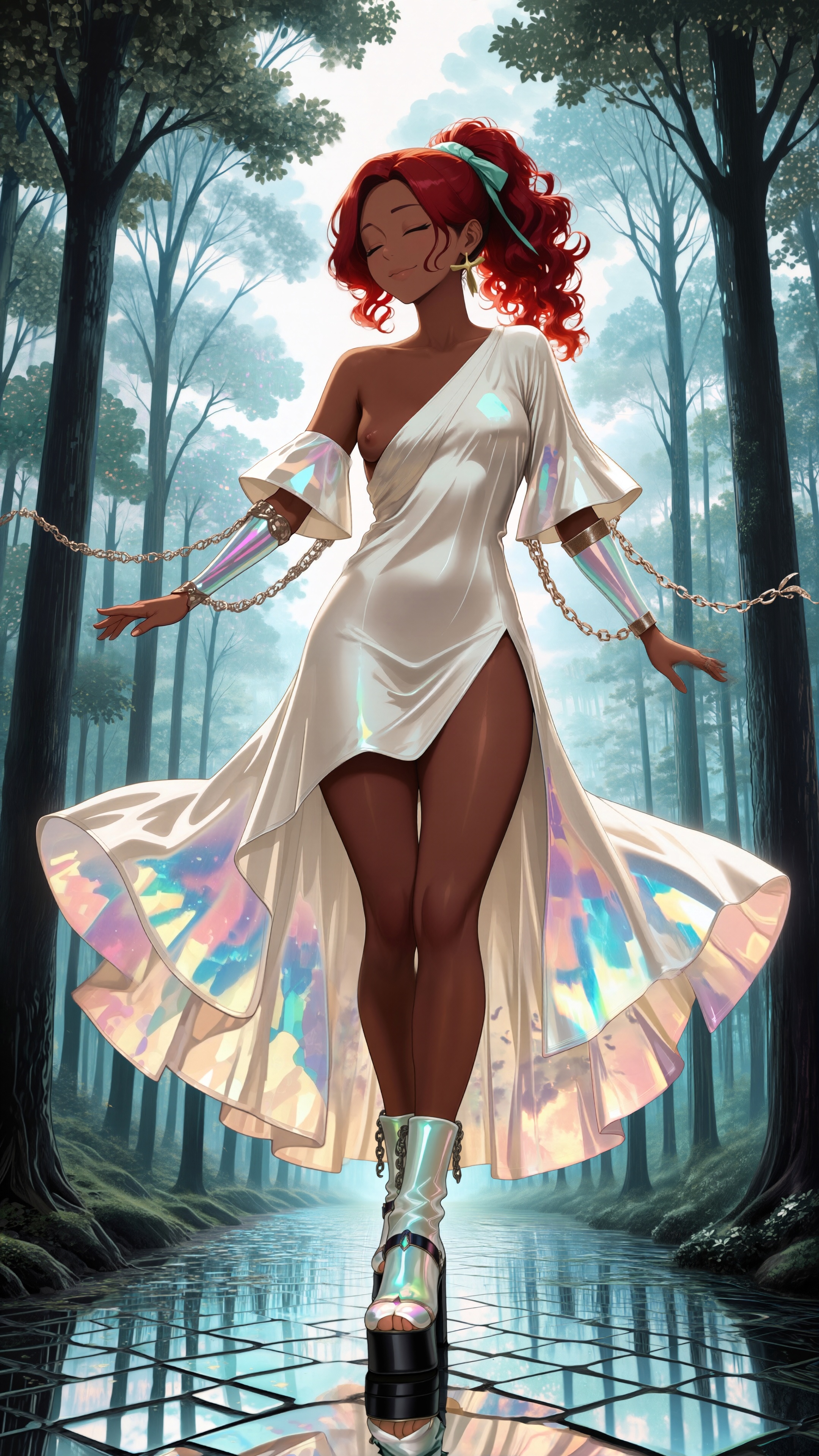
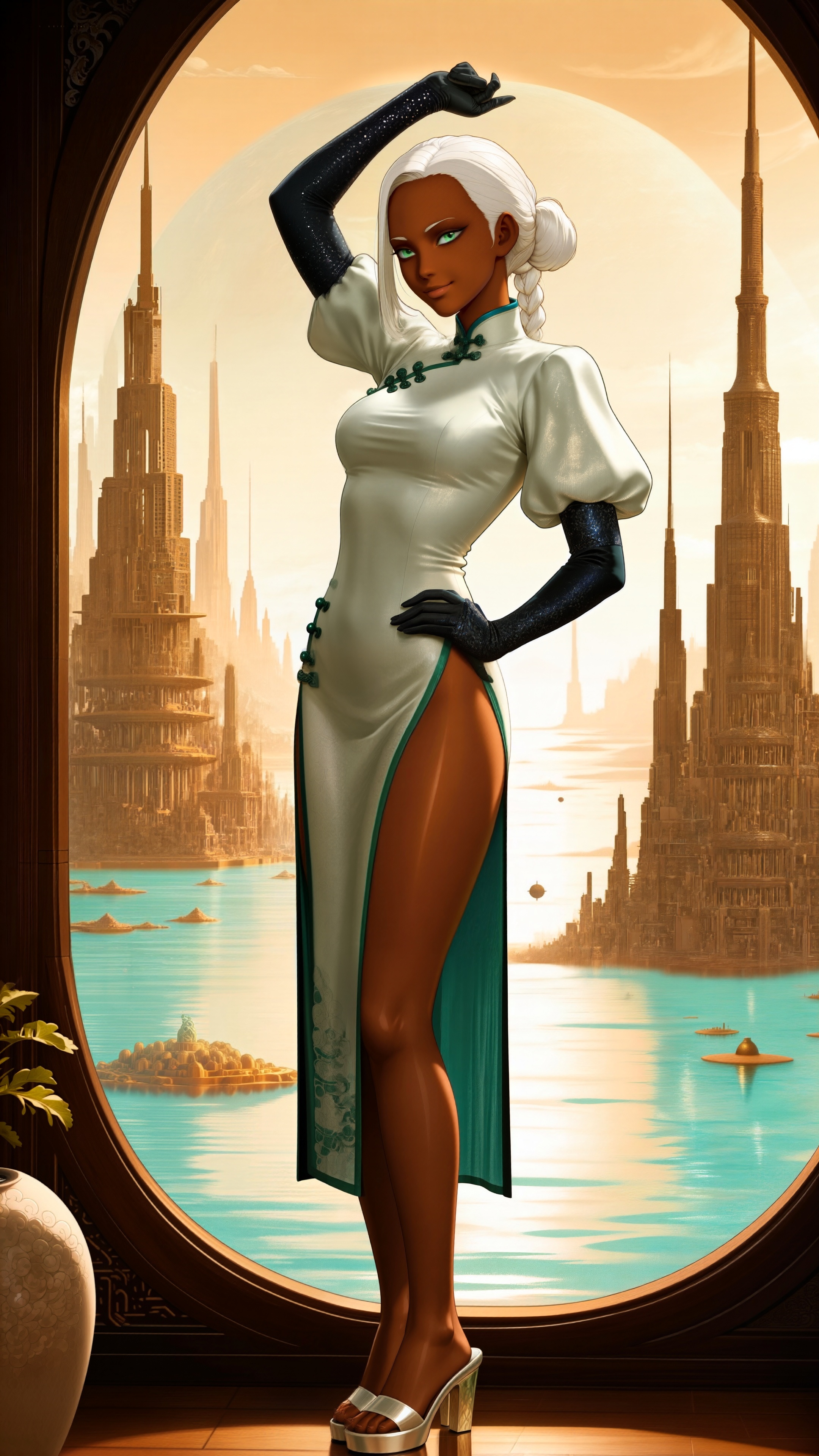
Rejected for badly mottled skin. The redo failed in a different way, giving her a suspicious bulge in the front of her skirt. Even with the tiled refining, I could see it adding the bulge when it reached that section. Turns out it was the prompt again, and it wasn’t supposed to be a dress in the first place, it was trying to make a unitard and a kimono at the same time while showing off her legs. I changed unitard to “slit-skirt chinese dress”, and she’s now all girl.
Somehow this also gave her white eyebrows and a stern look. Oh, well.
Comments via Isso
Markdown formatting and simple HTML accepted.
Sometimes you have to double-click to enter text in the form (interaction between Isso and Bootstrap?). Tab is more reliable.