Hitachi-Magic-Wand Coding?
Dear Apple,
Please provide fine-grained controls for disabling “data detector” overlays in text and images. It’s really annoying to look at a picture that clearly contains no text at all and have a translucent pulldown menu show up when you mouse over the image that offers to add a random string of digits to your contacts as an international phone number. Note that it doesn’t let you copy the string; it’s so insistent that it’s a phone number that it only offers options to use it as one.
It’s one thing to be able to open an image in Preview.app and deliberately choose the OCR text-selection mode (which is quite good, even at vertical Chinese/Japanese), but having it turned on system-wide for all images is intrusive and dangerous bullshit. I don’t want every image processed by a text-scanning system that has opaque privacy rules and no sense. And of course interpreting random digits in text as phone numbers and converting them to clickable links is also dumb as fuck; remember when a bunch of DNA researchers discovered their data was corrupted by Excel randomly turning genes into dates?
(Settings -> General -> Language & Region -> Live Text -> offdammit)

(I didn’t even specify an Apple product, just “silver-colored laptop”; training data, whatcha gonna do? I did have to add a table and ask for a big downward swing of the axe, but the flames were free, thanks to a generous interpretation of the term “fire axe”)
Vibe Me Wild
There is an executive push for every employee to incorporate generative AI into their daily workflow. I’m sure you can guess how I feel about that, but the problem is that they’re checking.
We have licenses for everyone to use specific approved tools, Which I Will Not Name, and VPs can see how many people have signed into the app with SSO, and at least get a high-level overview of how much they’ve been using it.
So I need to get my Vibe on. The problem is, it’s just not safe to run tool-enabled and agentic genai on my work laptop (especially while connected to the VPN), because I have Production access. The moment I check the boxes that enable running commands and connecting to APIs, I’d be exposing paying customers to unacceptable risks, even though there are passwords and passphrases and Yubikeys to slow things down. All it needs to do is vibe its way into my dotfiles without being noticed. I don’t even want the damn thing to read internal wiki pages, because many of them include runbooks and troubleshooting commands. And of course there’s incidents like this, in which an OpenAI “agent” is subverted to exfiltrate your email.
But I need to show that I’ve used the damn app to produce code.
So I wrote up a detailed design document for a standalone Python script that implements my five-star deathmatch image-ranking system. And before handing it over to the work app, I fed it to offline LLMs.
First up, seed-oss-36b, which has been giving me good creative
results and tagging: it ‘thought’ for 20+ minutes, then generated a
full project that ignored about half of my requirements, including the
one about persisting the state of the rankings to disk. I didn’t even
try to run it.
Next, gpt-oss-20b, which ‘thought’ for 30 seconds before spitting
out a complete, self-contained Python program that almost worked. When
I told it that the /images route and the /api/images route worked,
but that the main / route displayed nothing and none of the key
bindings worked, it ‘thought’ for 25 seconds, realized that it had
written syntactically invalid Javascript for the key bindings
(multiple case statements on one line), and corrected the code.
At this point, I had basic functionality, but found three flaws in
testing. I listed them out, and after 2 minutes of ‘thought’, it
corrected them. Sadly, it also deleted the line import os from the
code, breaking it.
I told it to fix that, add a new keybind to reset the display filtering, and fix a newly-discovered bug in the image-zoom code that prevented scrolling. A minute of ‘thought’ and it took care of those issues, but deleted the Flask import lines this time.
A mere 7.5 seconds of ‘thought’ convinced it to add that back, and then I had a fully-functional 413-line self-contained app that could let me quickly rank a directory full of image files and persist the rankings to disk.
All in all, ~20 minutes of me time to write the design doc, 4 minutes of ‘thinking’ time, plus ~4 minutes each pass to generate the script (I’m getting ~5 tokens/sec output, which types out the code at roughly twice human speed), plus ~20 minutes of me time for source control, testing, and debugging. Both models used about 18KB of context to accomplish their task, which means that additional enhancement requests could easily cause it to overflow the context and start losing track of earlier parts of the iterative process, with potential loss of functionality or change of behavior.
With tested results, I’m now willing to present the revised design doc to the licensed tool and let it try to write similar code. While I’m not connected to the VPN…
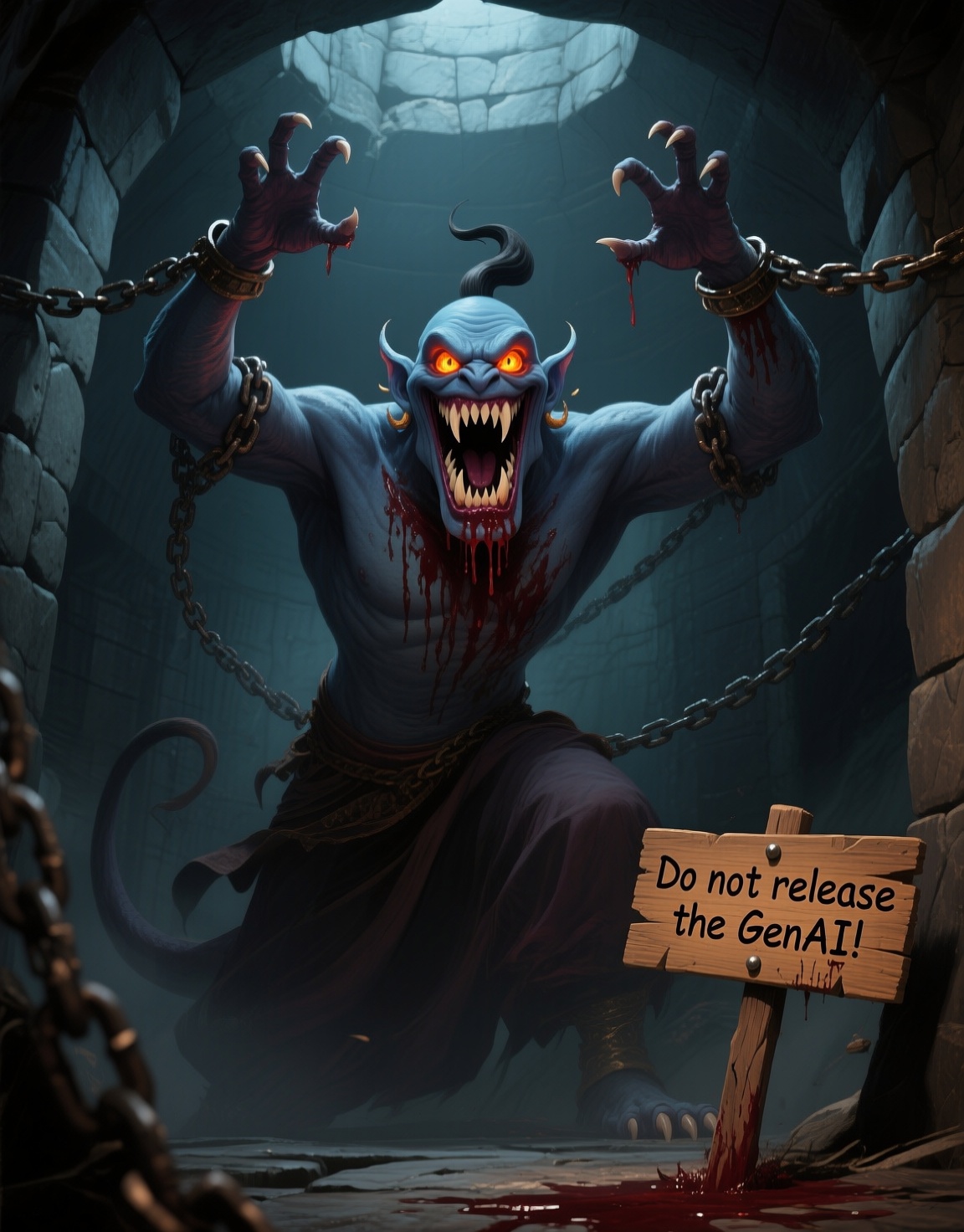
(I suppose HR would take offense if I pointed out that the Vibe in Vibe Coding should be replaced with a more intrusive sex toy…)
With apologies to The Beatles…
I once had a vibe
Or should I say
It once vibed me
It wrote all my code
Then gave away
API keysIt asked for my keys
and it said they’d be safe in the vault
Then I looked around
and I found them shared on ServerFaultI called for support, waited online
wasting my time
I talked myself blue, tech support said
“I’m off to bed”He told me his shift had just ended
and started to laugh
I emptied my wallet
and crawled off to sob in the bathAnd when I came out, my app was gone
my credit blown
So I set a fire
at their HQ
and watched them burn

Comments via Isso
Markdown formatting and simple HTML accepted.
Sometimes you have to double-click to enter text in the form (interaction between Isso and Bootstrap?). Tab is more reliable.