Diverse Diversions
Call Of The Night 2, episode 11
Well, something just happened. With one episode to go, they really can’t deeply explore this new development, but at least everyone will live to see another Night.
Verdict: plot, with occasional animation. You know the conflict is over when they drop last season’s OP song into the mix.

Kaiju No. 8 2, episode 9
Our Mighty Tsuntail is back! Only in a supportive supporting-character kind of way for now, but this is a combination “must get stronger” and “everything’s better with friends” episode, in which Our Monstering Hero reconnects with his comrades and his childhood crush, while the world goes mad with the results of Naughty Number Nine’s latest efforts.
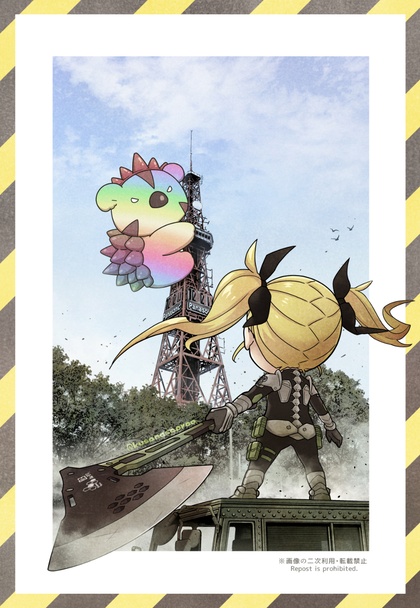
Dungeon Chibis rewatch
Crush-chan is less annoying the second time through. Naginata Gal is Best Girl by a huge margin. If new seasons keep sucking, I’ll be doing a lot of rewatches like this for a while.
Speaking of which, the three seasons of Dog Days never got a US Bluray release, but subbed Bluray rips are still torrentable. This is another show where everyone involved clearly loved what they were making.

(“pet me, you stupid hero”)
There would need to be explanations…
…if these showed up in the background of a Zoom meeting:
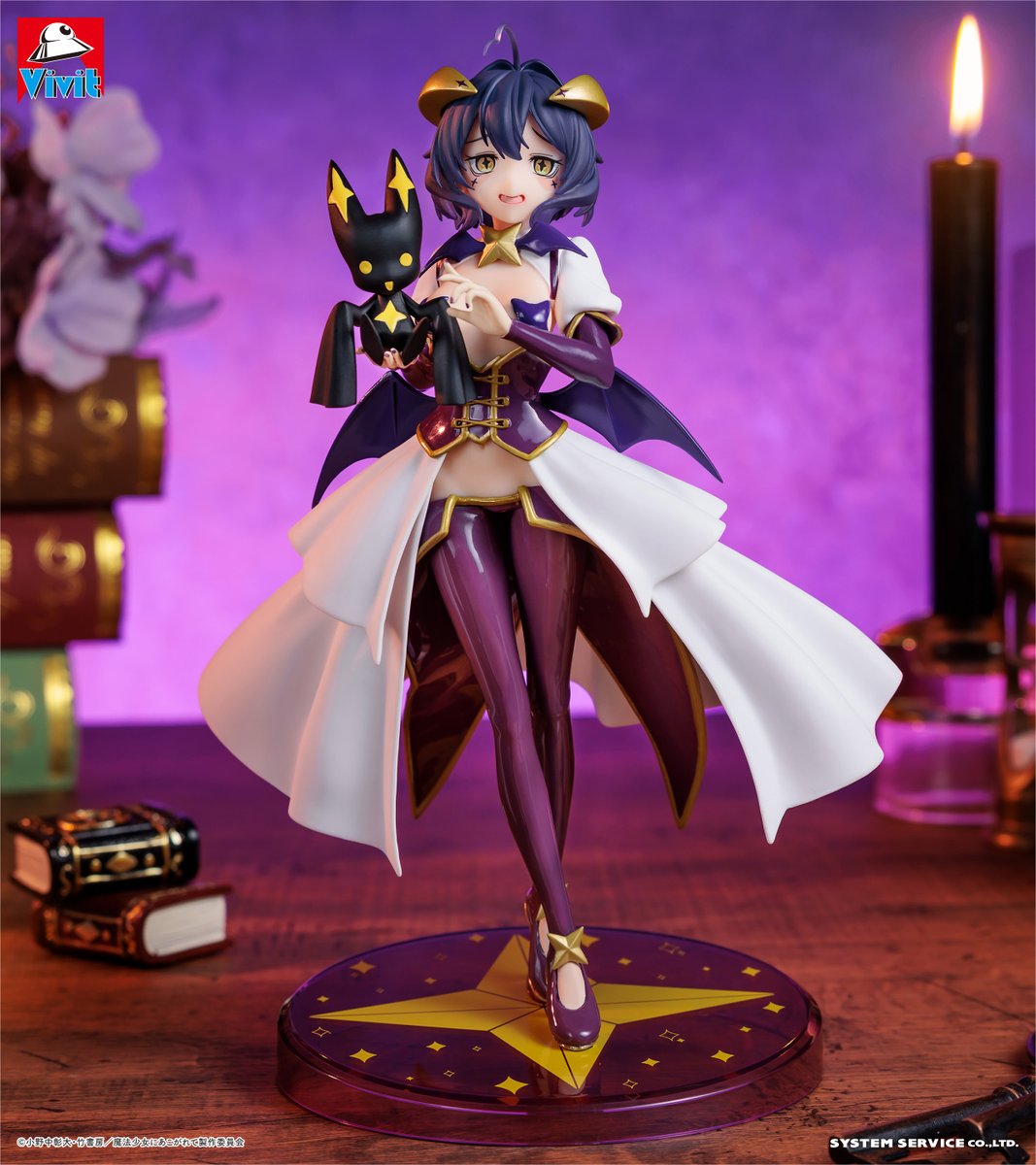
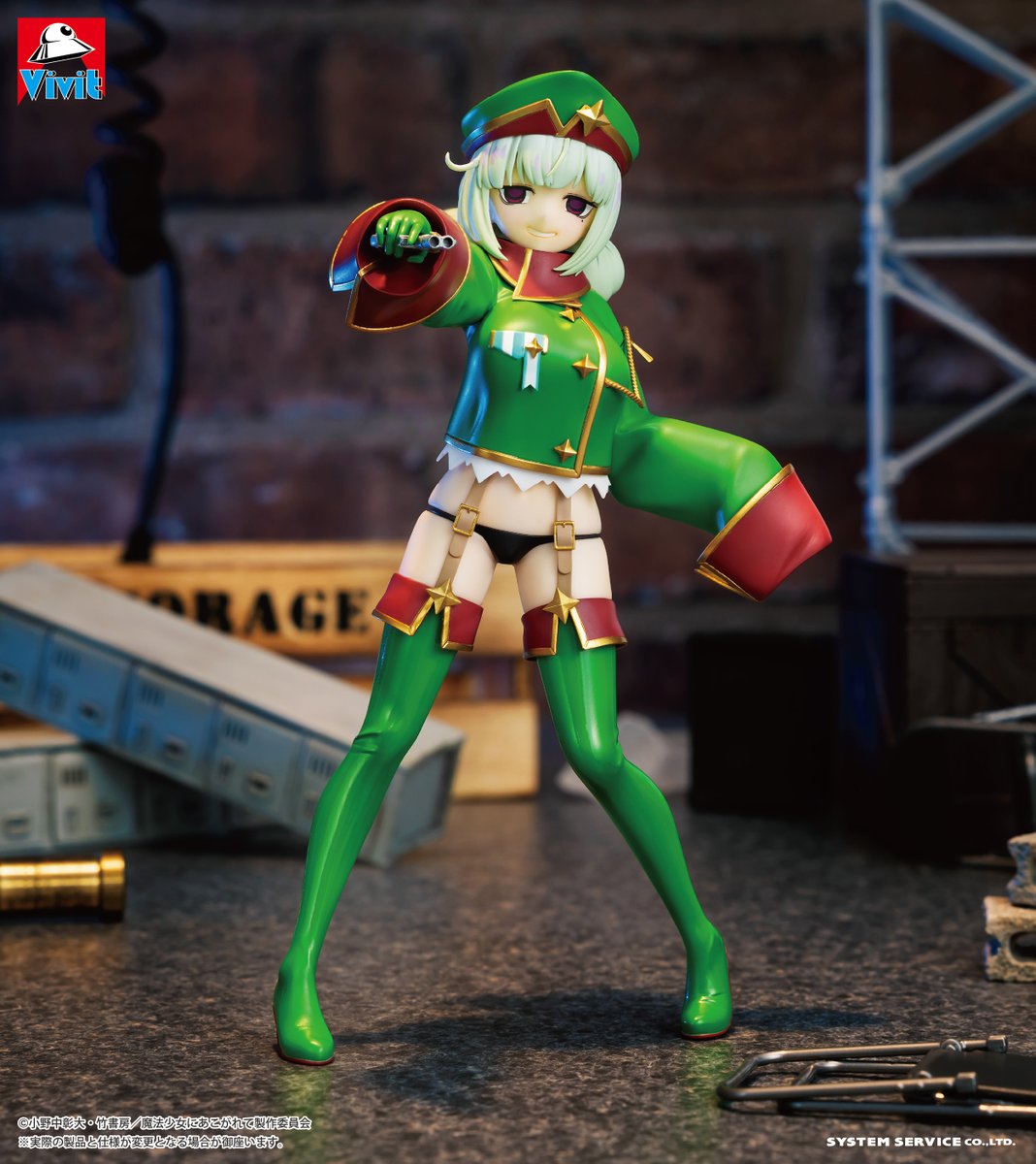
My office just got bigger
The one at home, that is, which was overcrowded with the old Ikea 31-inch-deep tables I brought from my old place and finally replaced. I didn’t use them as desks in my California house, but the desk set I had there went to Goodwill instead of onto the truck, so the tables were pressed into service.
I hate to just hand out a “that’s what she said” opportunity, but it’s amazing the difference seven inches makes. The room just feels so much bigger with 24-inch-deep tables. Also Ikea, but the tops are solid bamboo plywood instead of the old veneer-over-particle-board. They’re also 7 inches longer than the old tables, so there’s more room to fit between the legs. (coughcough)
I also picked up two bamboo side tables (1, 2) for a printer stand and a spare workspace. All of it had typical Ikea assembly hardware, but the bamboo is head-and-shoulders above their usual construction material. Pity they didn’t have the matching bamboo monitor stand in stock, because I’d have bought two of those to free up even more desk space.

Sadly,
My M2 MacBook Air simply does not support 2 external monitors at once. Can’t be done without buying a DisplayLink adapter and installing their software driver (remember DisplayLink? Turns out that’s still a thing). So I can either use the really nice dual HDR portable monitors as one display with a 1-inch gap in the middle, or move them over to the M4 Mini. Since I want the HDR displays for photo editing, that means moving all my photo archives and workflows over sooner rather than later, but not today; between emptying the office, scrubbing it floor to ceiling, hanging pictures, assembling furniture, and moving everything back last night, I’m just a tiny bit tired and sore.
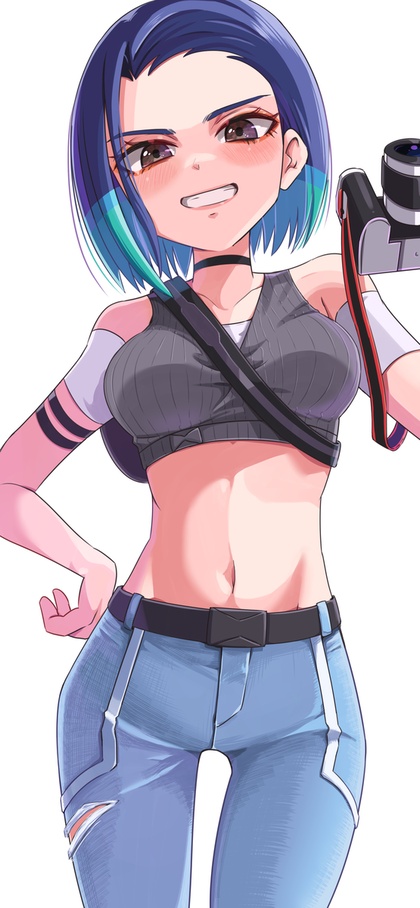
The day Google AI Overview actually worked
I feel it necessary to call this out, because it’s been wrong so many times that I usually automatically scroll past it. I only read it today because it was 6:30 AM and I hadn’t had any caffeine yet.
Anyway, after upgrading to MacOS “Sequoia” recently, I discovered the annoying new system-wide Ctrl-Enter keyboard shortcut. Because my fingers have decades of training in Emacs keybindings in the shell, I often repeat the previous command by hitting “Ctrl-P, Enter”, but my pinky often stays on the Ctrl key. Now Ctrl-Enter pops up a “contextual menu” everywhere, unless you disable it in Settings -> Keyboard -> Keyboard Shortcuts -> Keyboard -> “Show Contextual Menu”.
I was astonished that Google actually gave me a correct answer for once. Shame they didn’t credit the web site they stole it from.

(actually, everything on this particular panel should be disabled, IMHO, and quite a few others as well)
Qwen Image LoRAs not ripe yet
I’ve yet to find one that works as advertised. Either they visibly degrade image quality, or they just do… nothing at all.
My Cyber Princess Waifu continues to amuse, though.
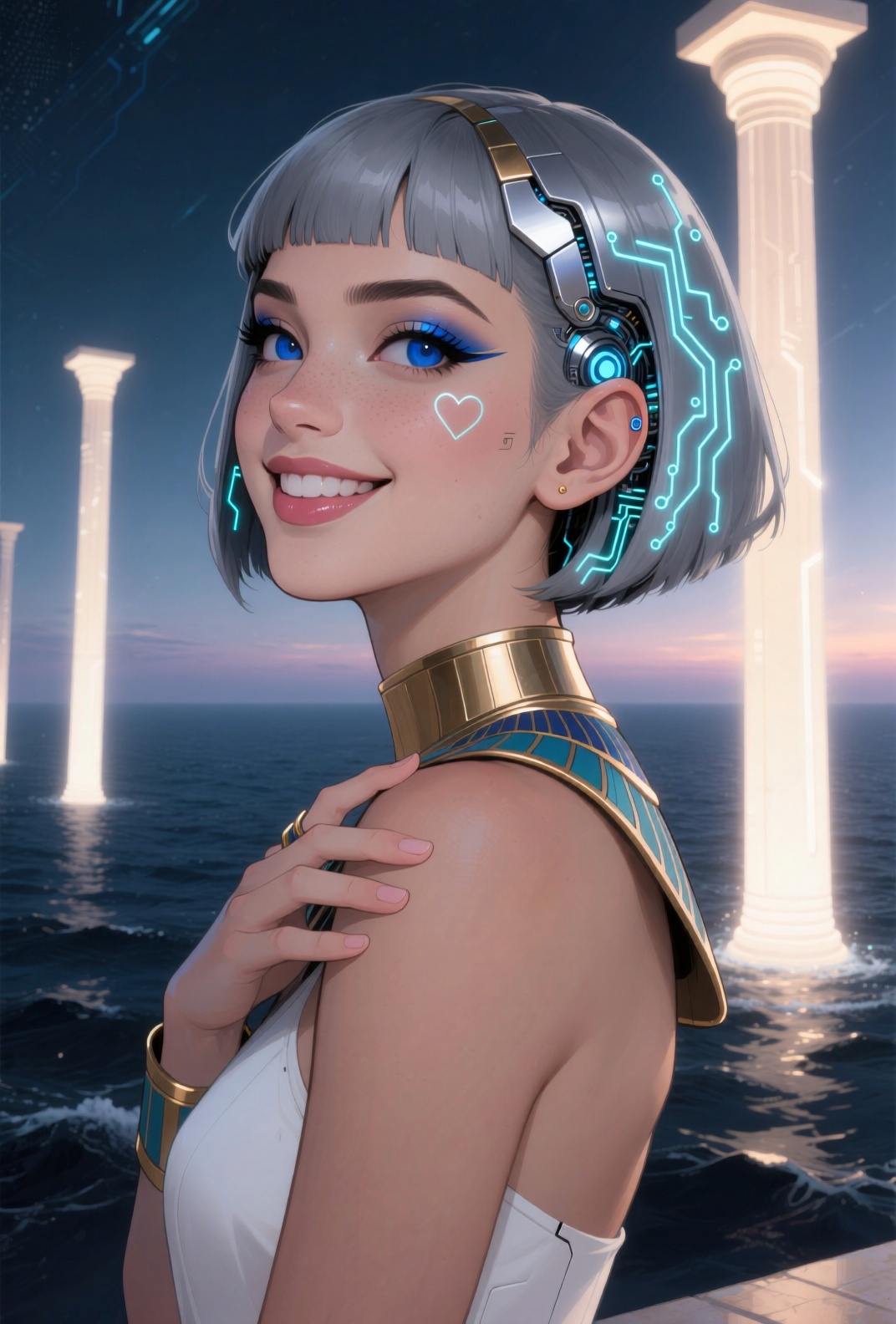


Digits considered harmful
I tried adding slippers to hide the common poorly-rendered toes. It put her in flip-flops, sigh. So I tried generic “shoes” so that the style would be left up to the engine that’s been putting her in flattering costumes. The shoes sucked, sigh.
So I went with “sexy metallic shoes”, which usually matches the costume style, but bleeds a bit into more revealing clothing. Not that there’s anything wrong with that.
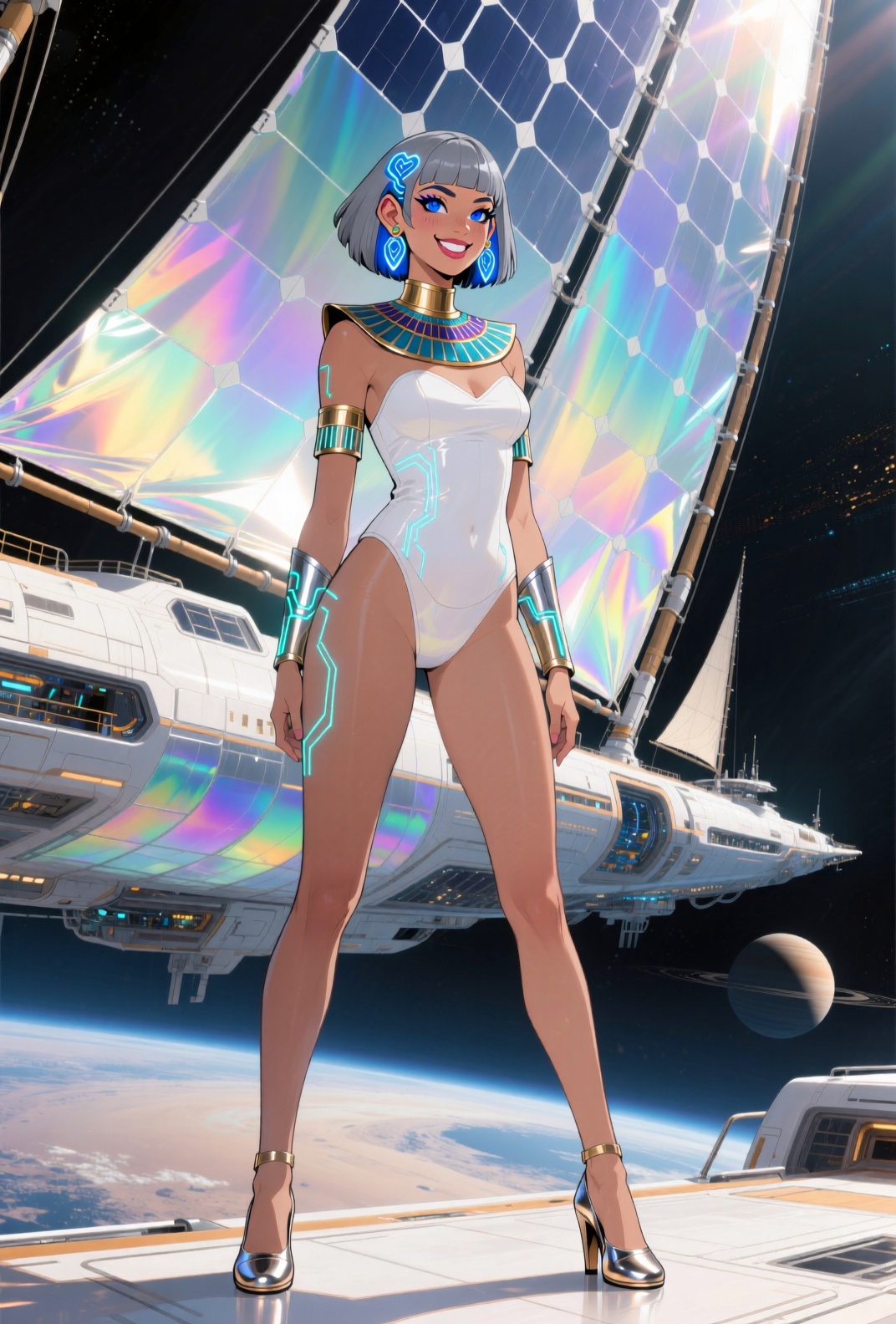
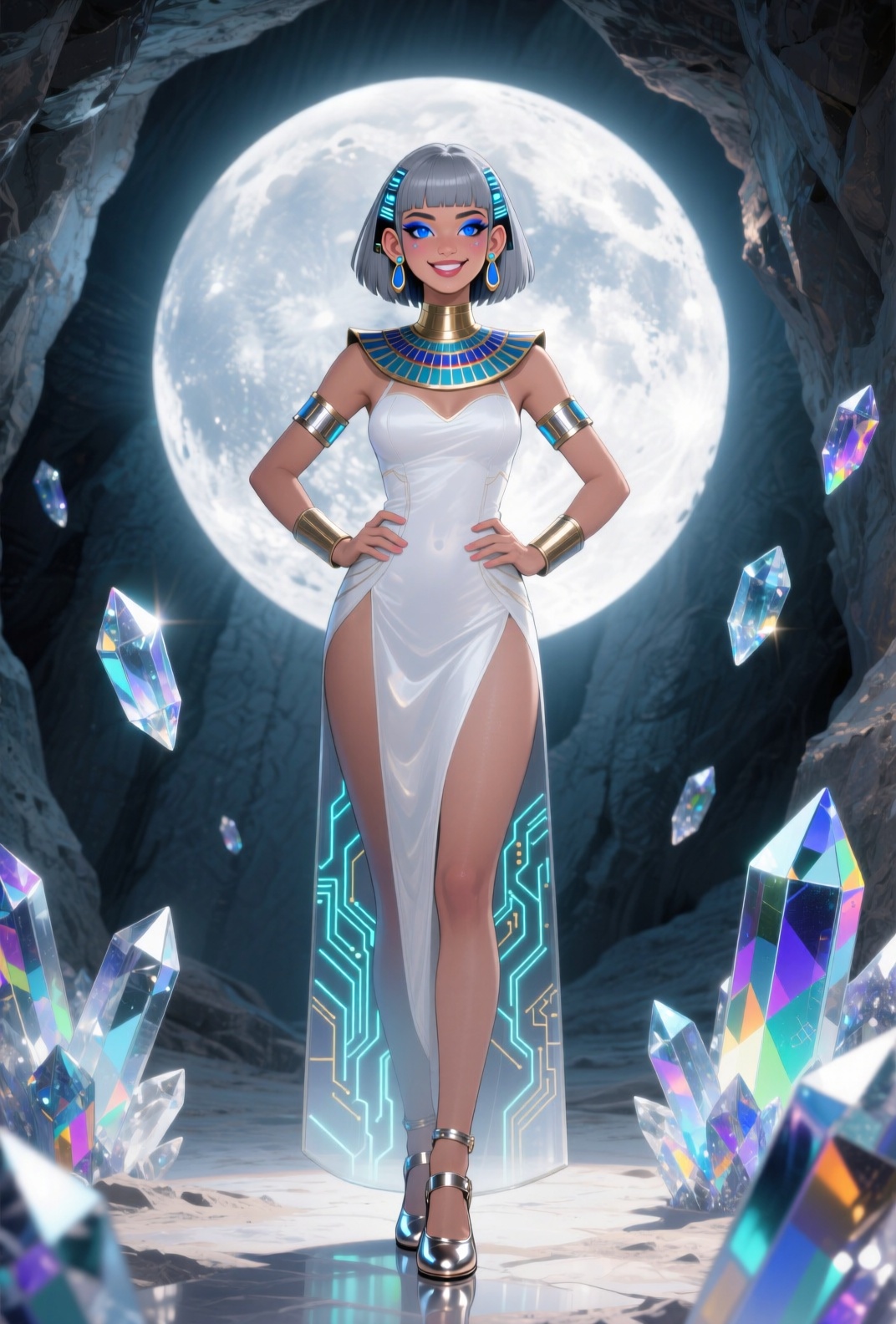

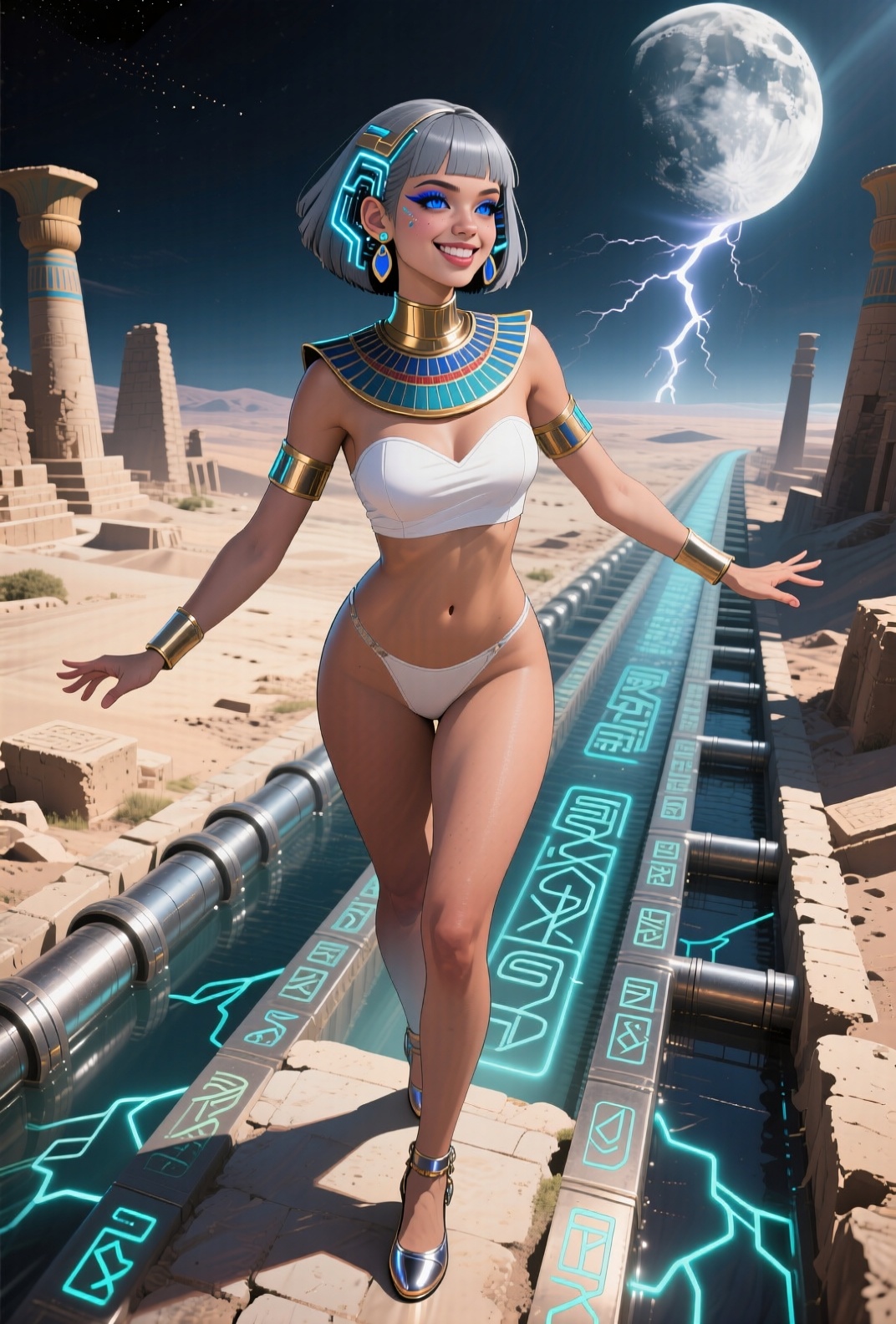
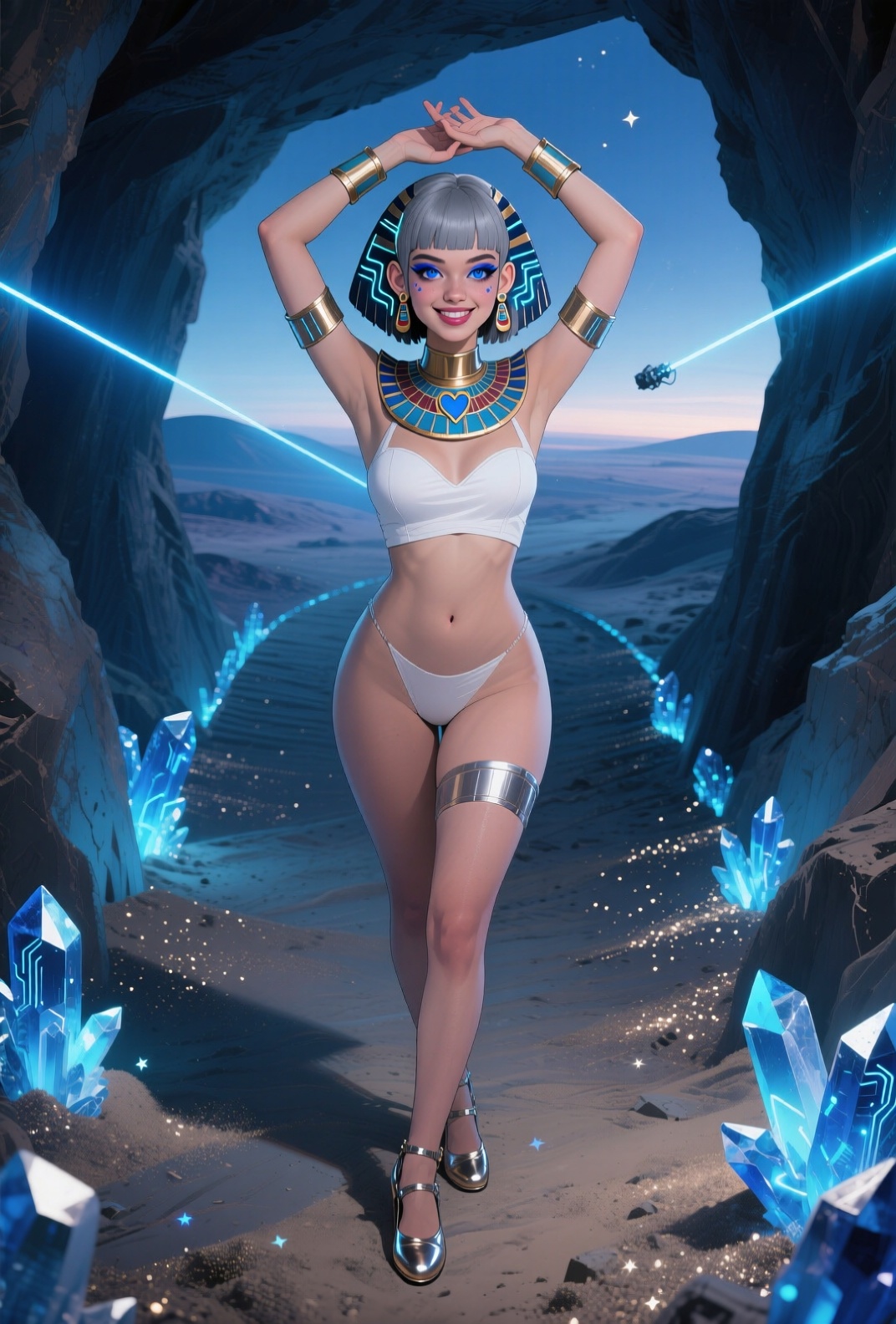
Heartless
I’m reluctant to completely remove “heart-shaped face” to get rid of the random hearts that appear somewhere in the image, but it’s getting to be too much.
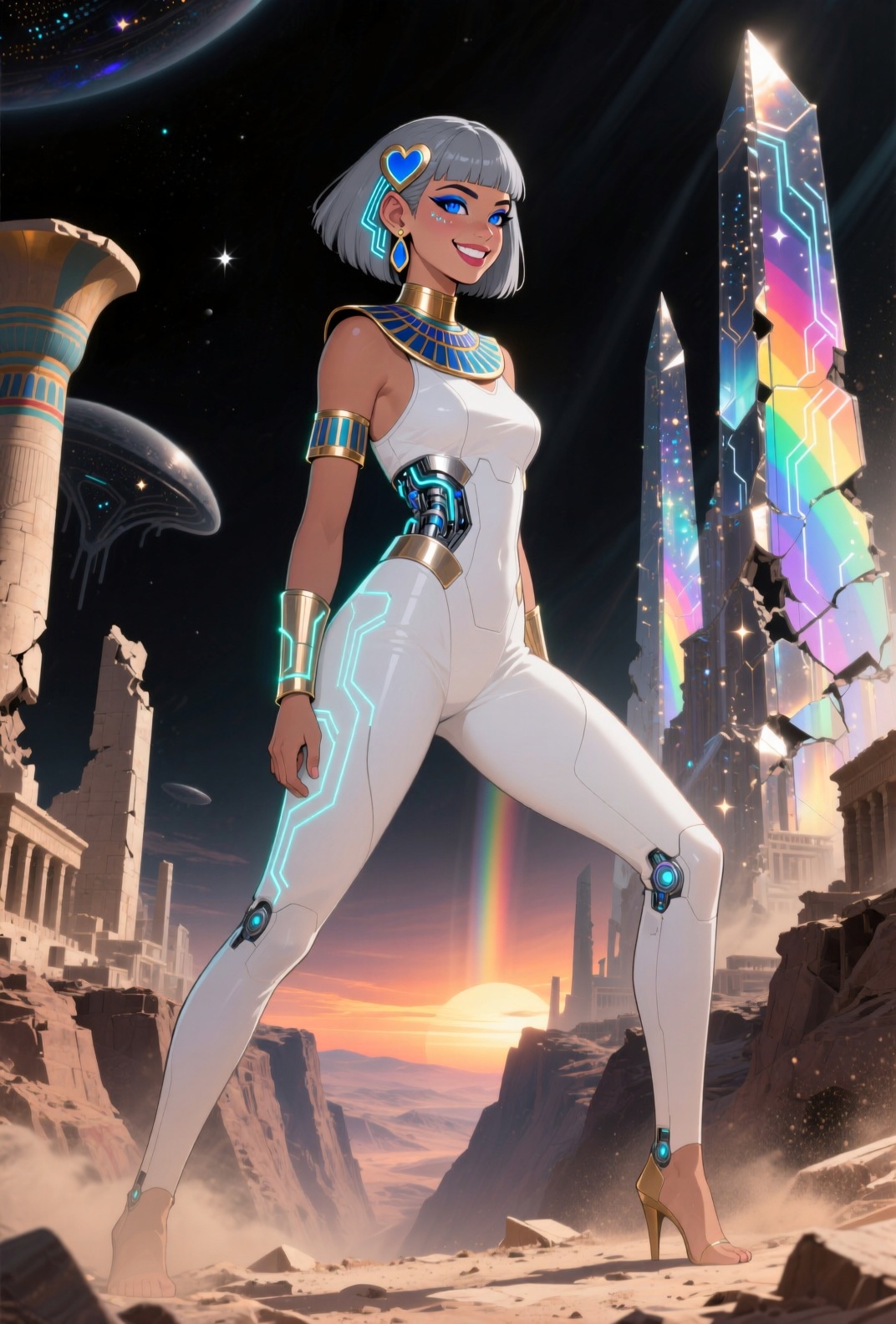
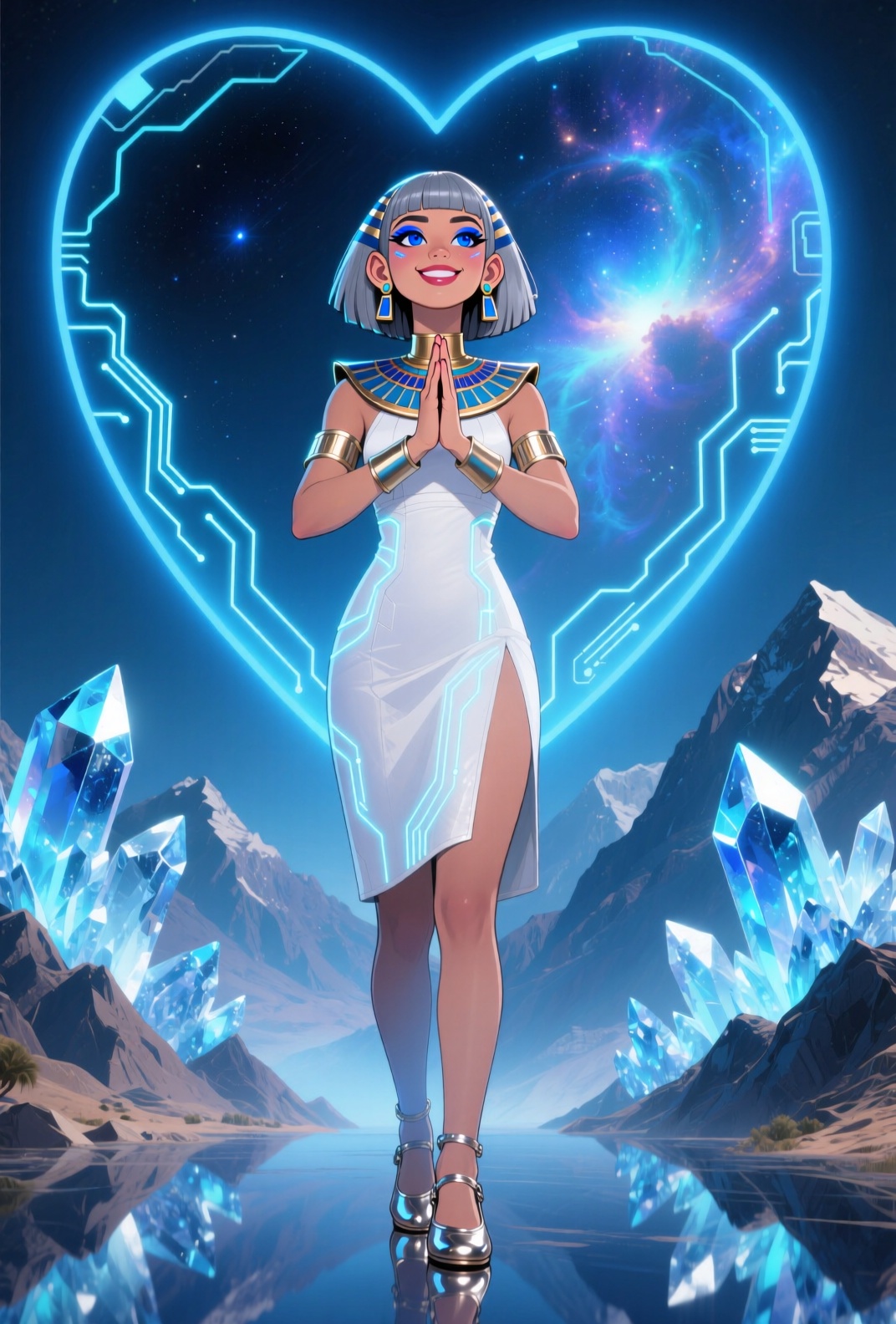

Giantess or goddess? Embrace the healing power of “and”…

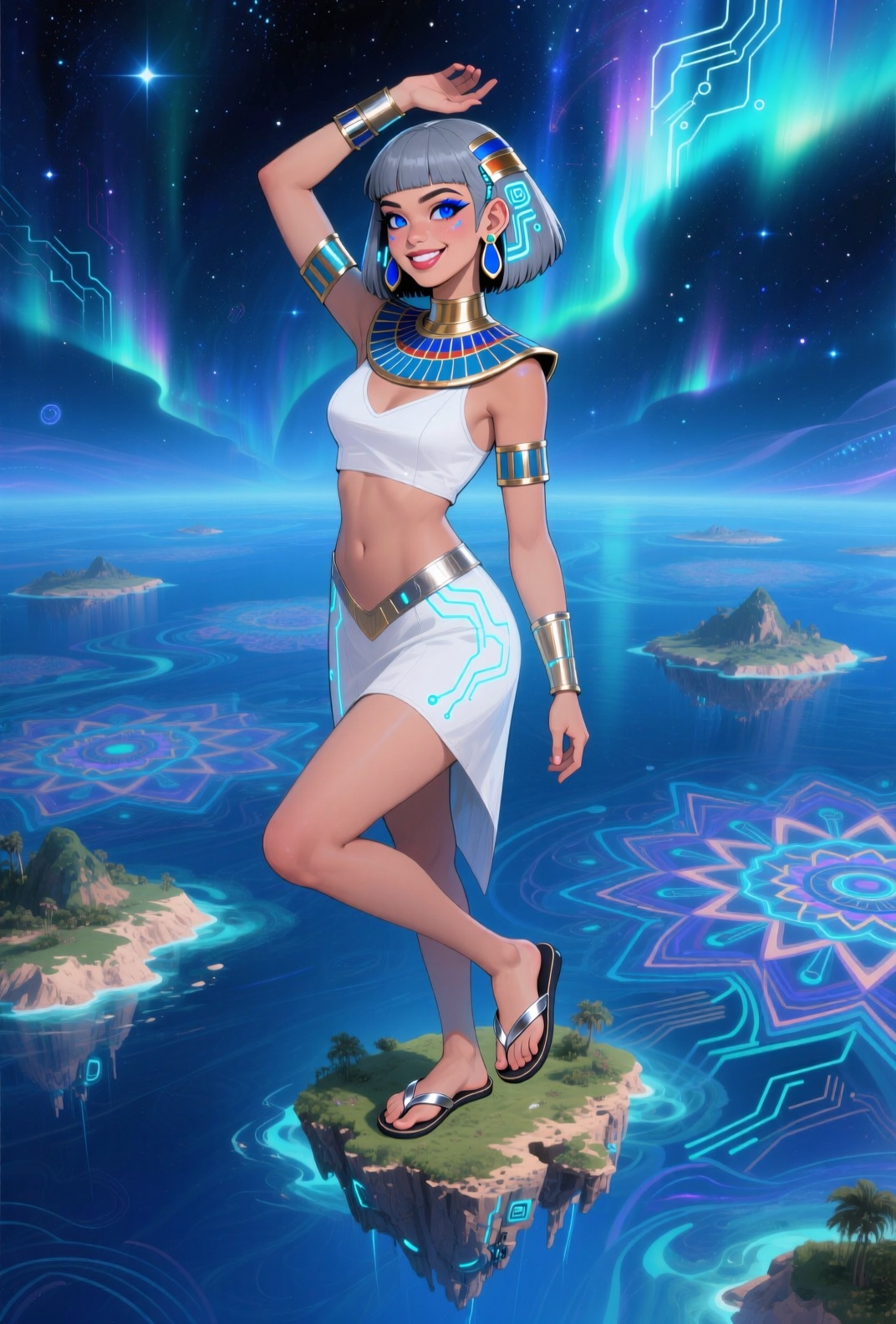
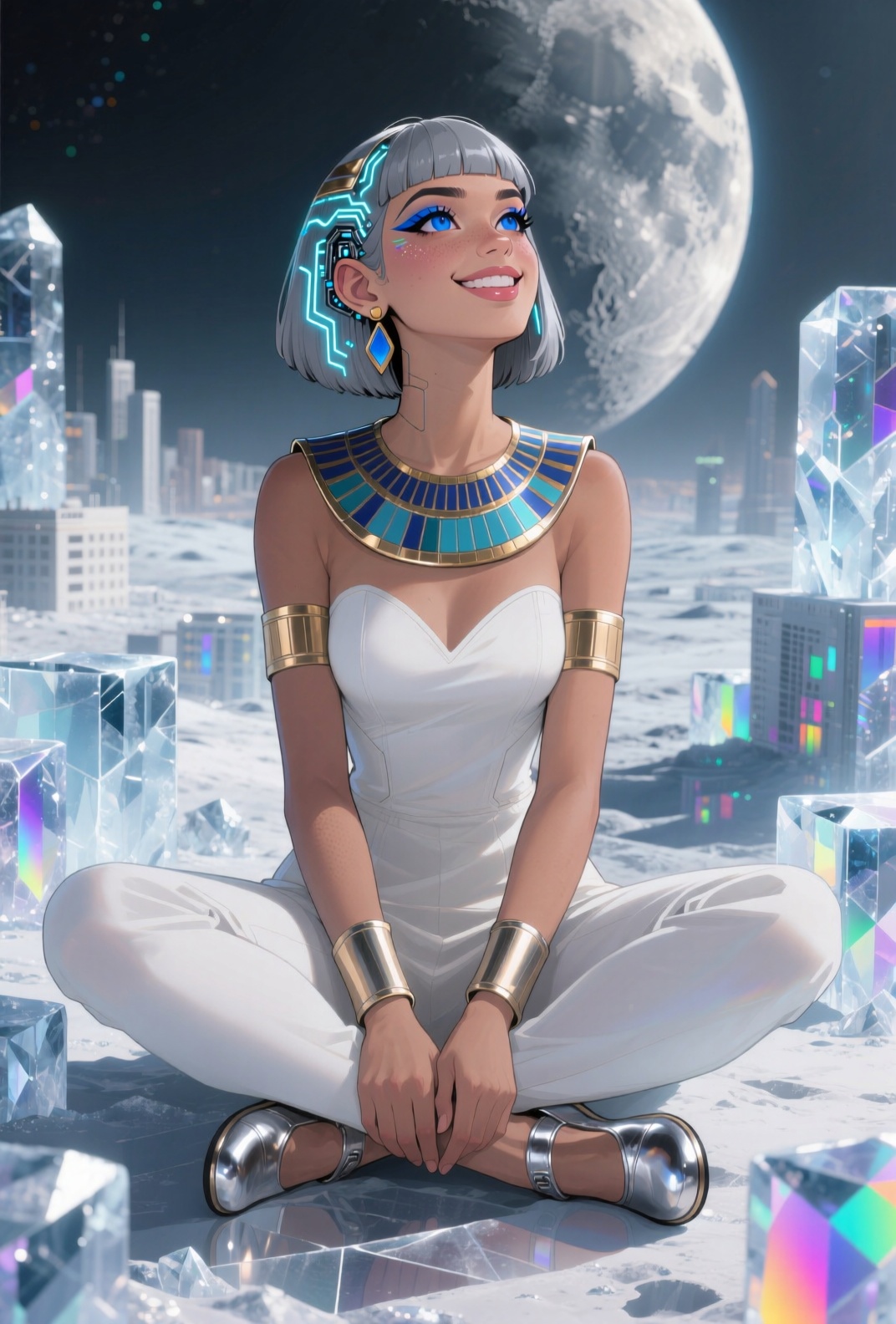

(fun fact: if you mention “moon”, you almost always get the exact same image of our full moon; limited training data, I imagine)
Airlock runway modeling
Doesn’t suck vacuum.
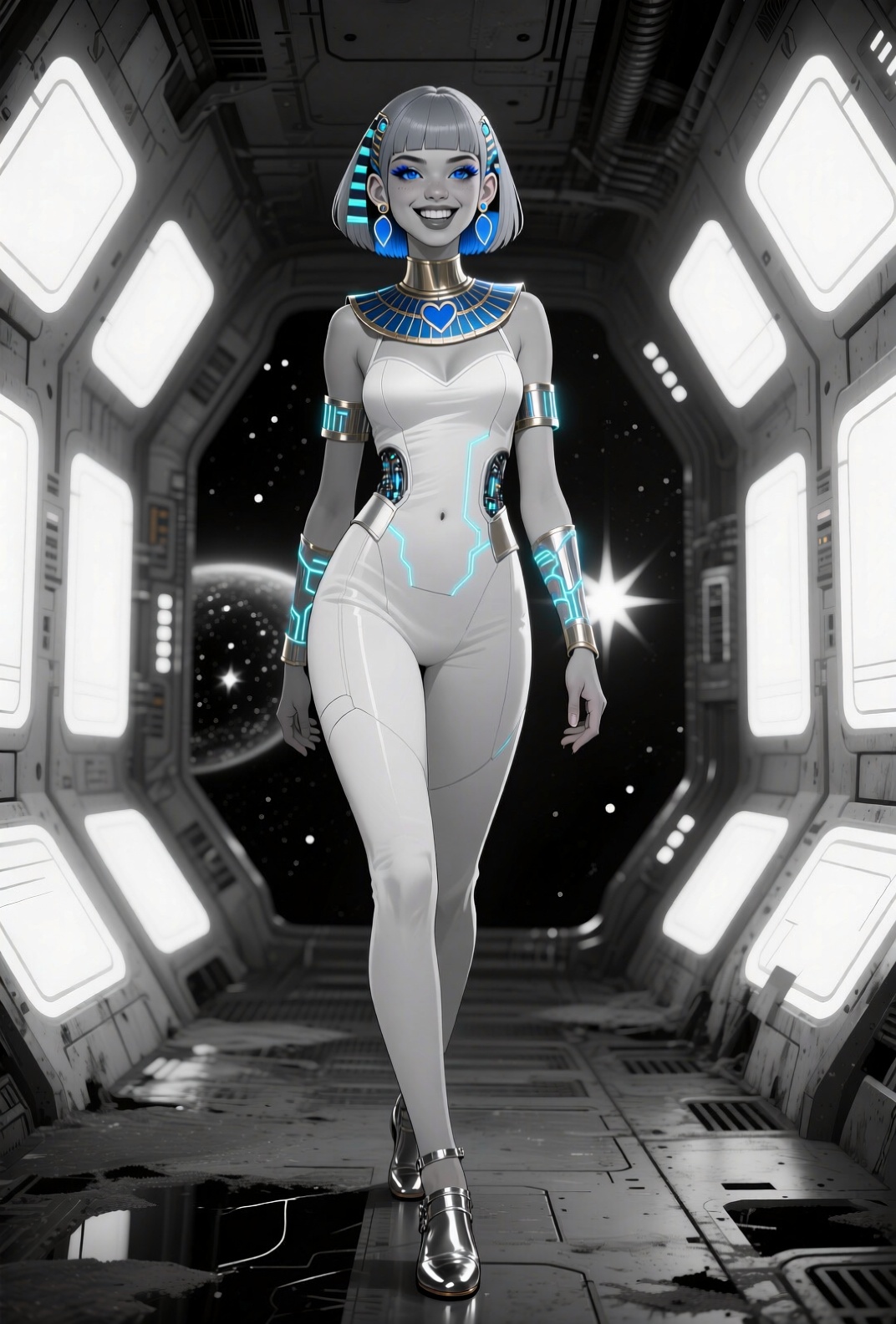

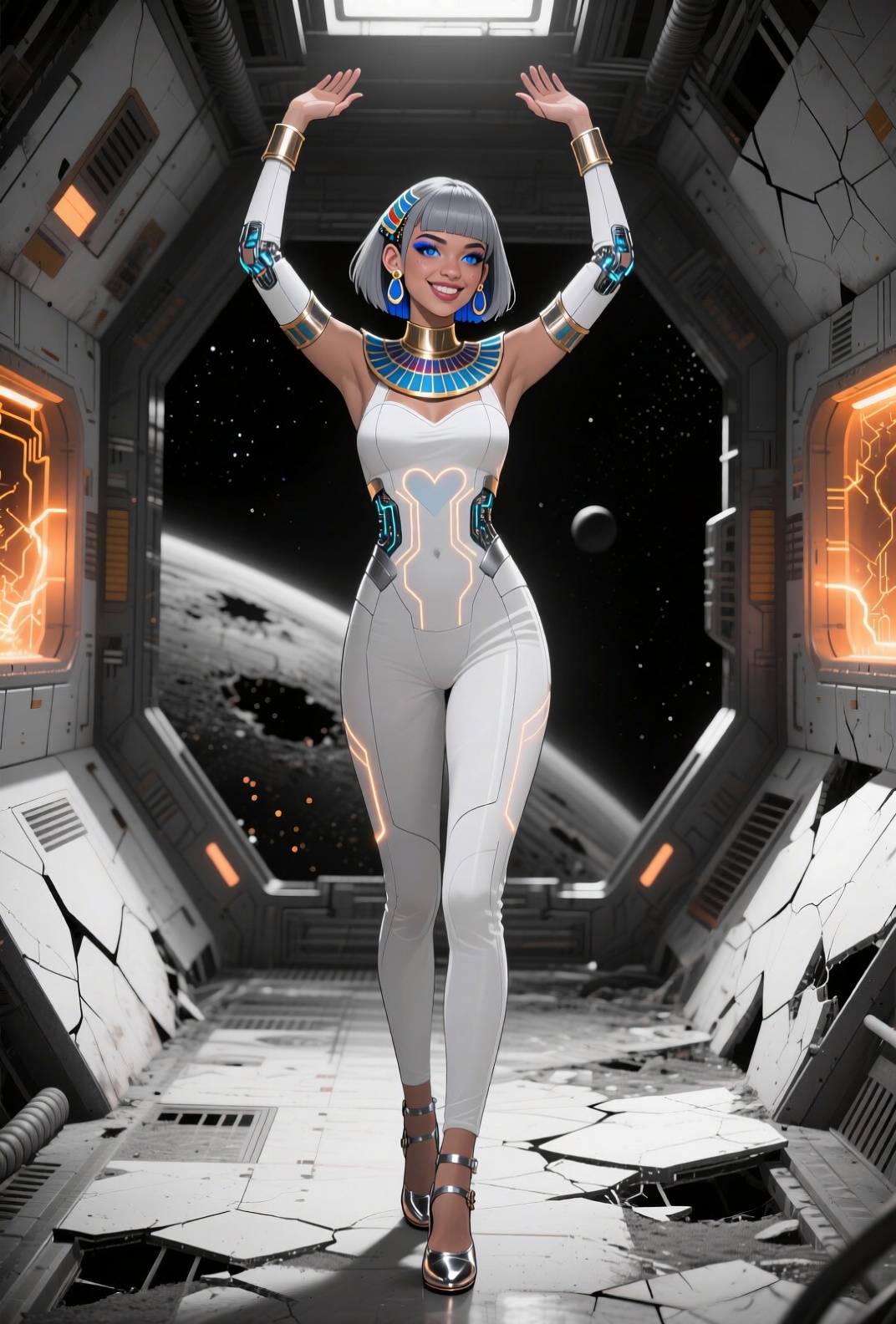

A Name For Princess
I think that given her Egyptian roots, I’m going to name her Mara, in honor of a novel I quite enjoyed as a kid. Since it’s still in print, and pre-dates the scourge of woke girlboss horseshit, I think I’ll pick up a copy and take it for a spin to see how it holds up over seventy years after it was written.
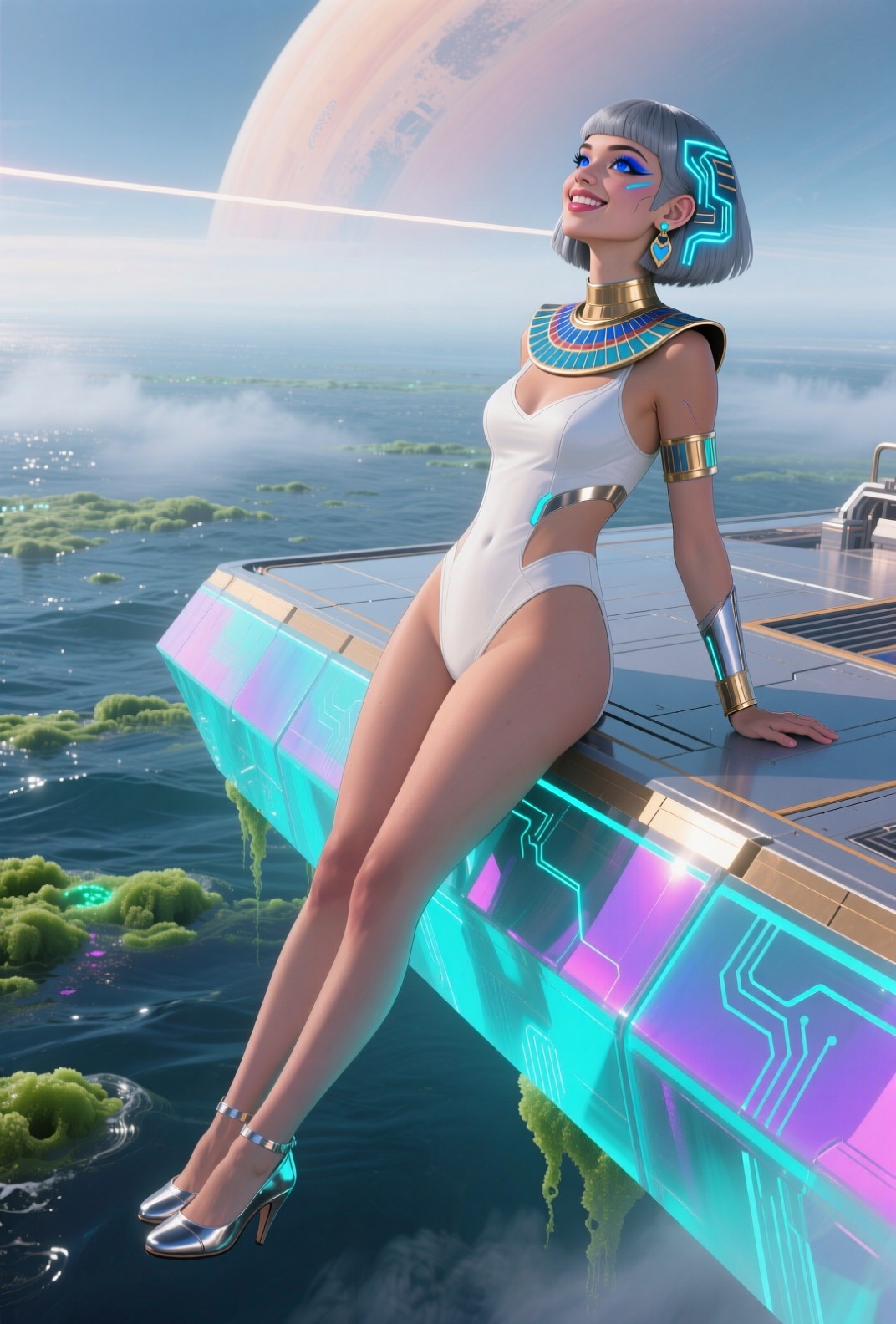
I’ll stop now, before I jump the shark. Or ride the shark-like alien fish.
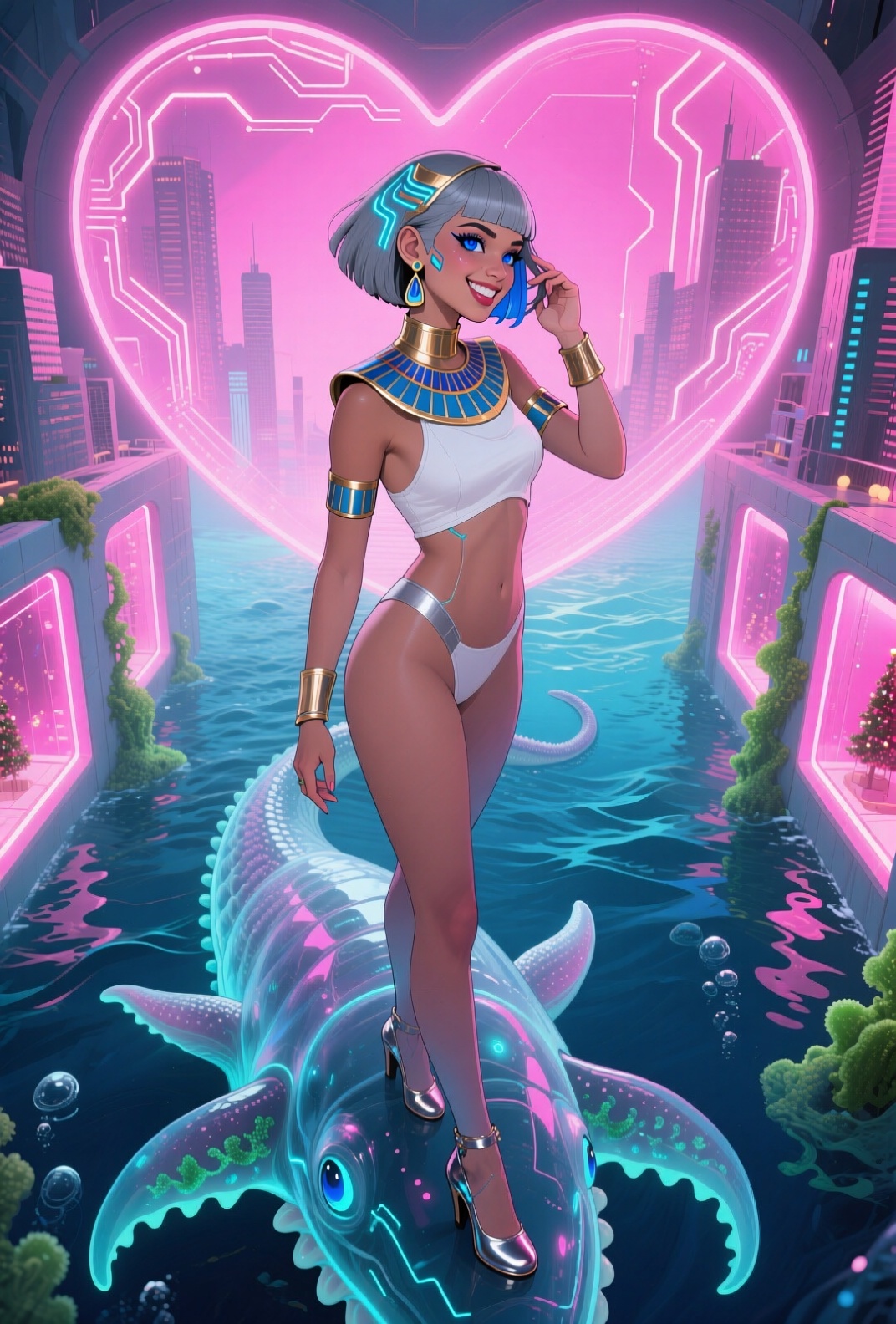
The sudden realization that my pose wildcards are short on ass
I’ll have to work on that.
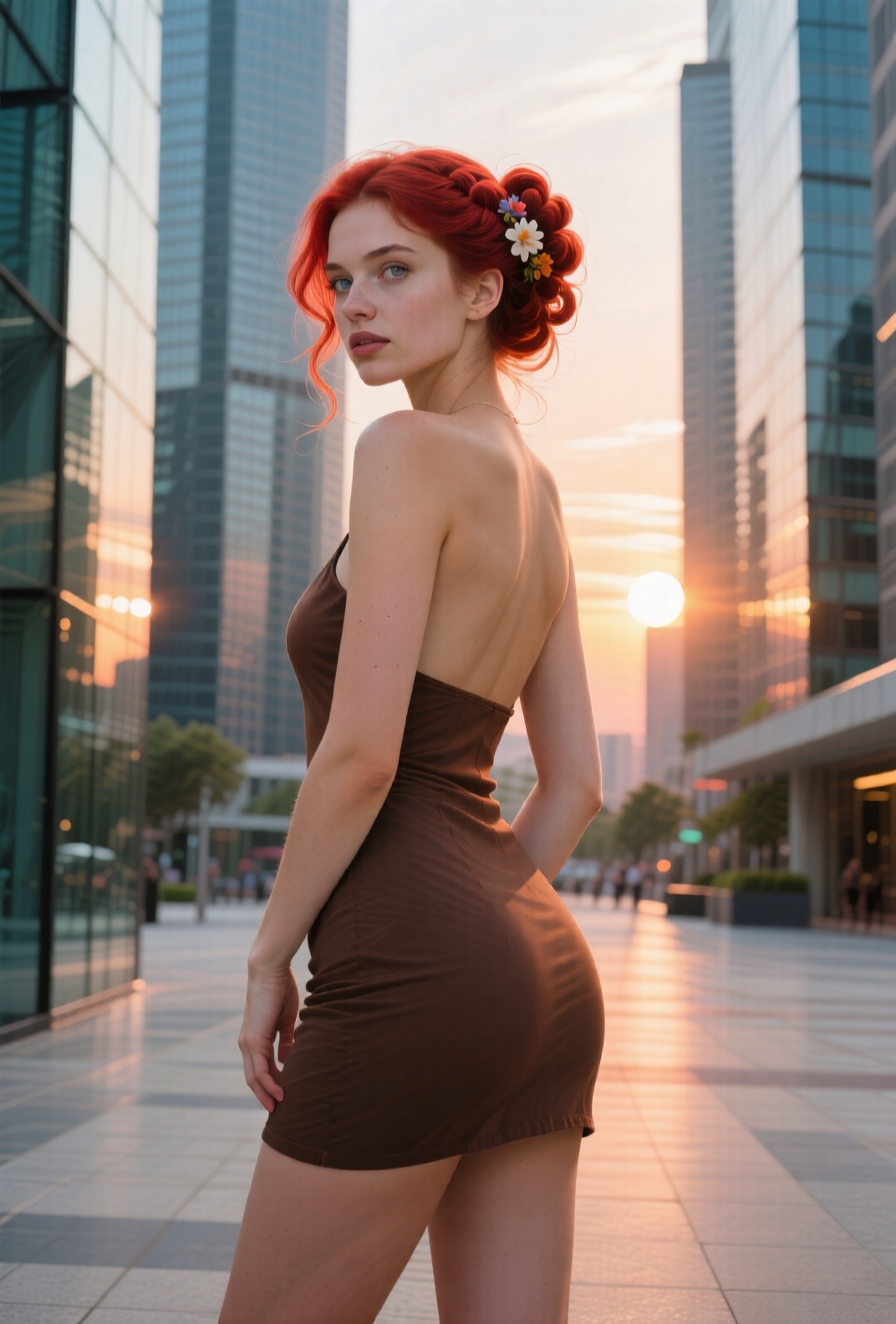
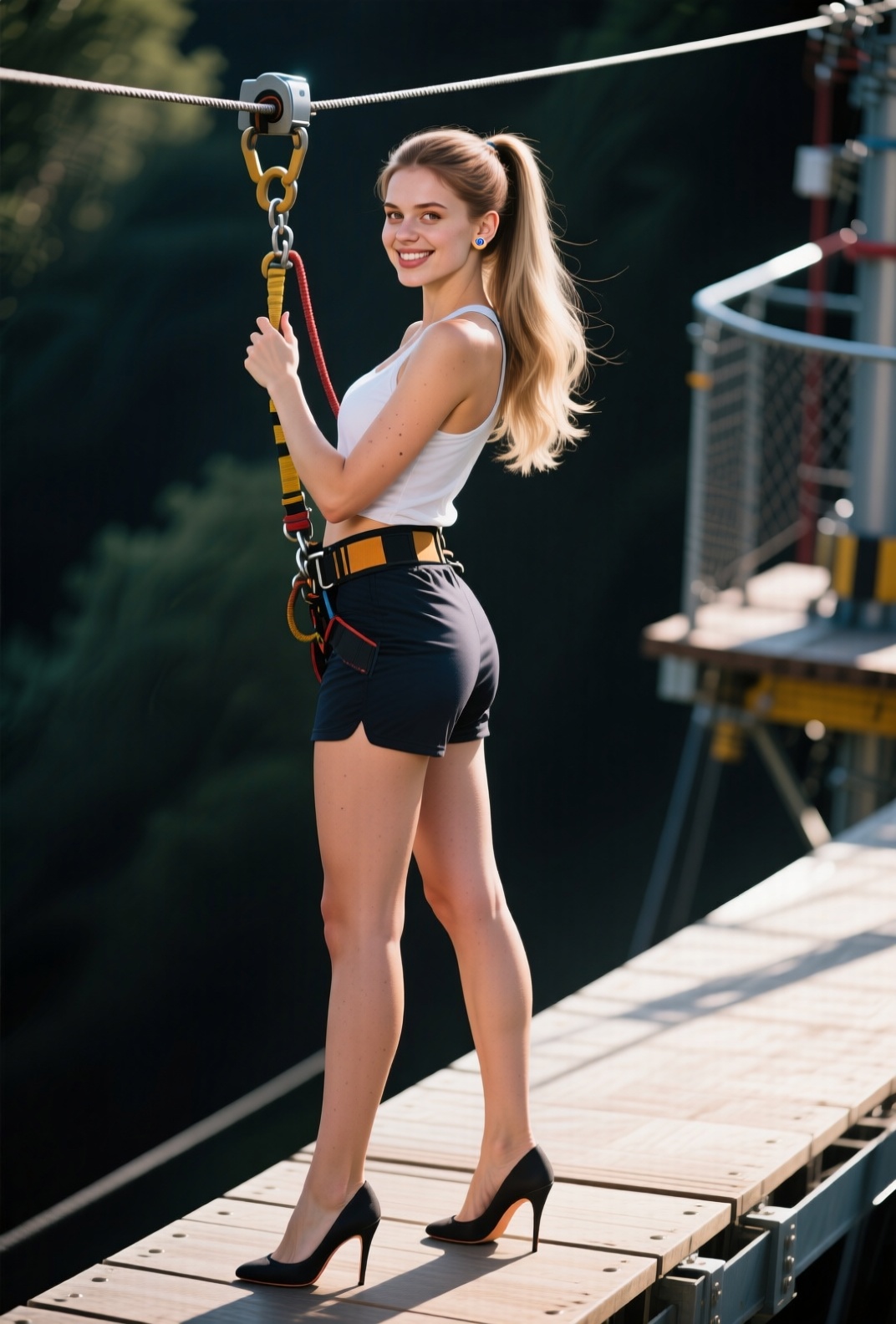
Working on that
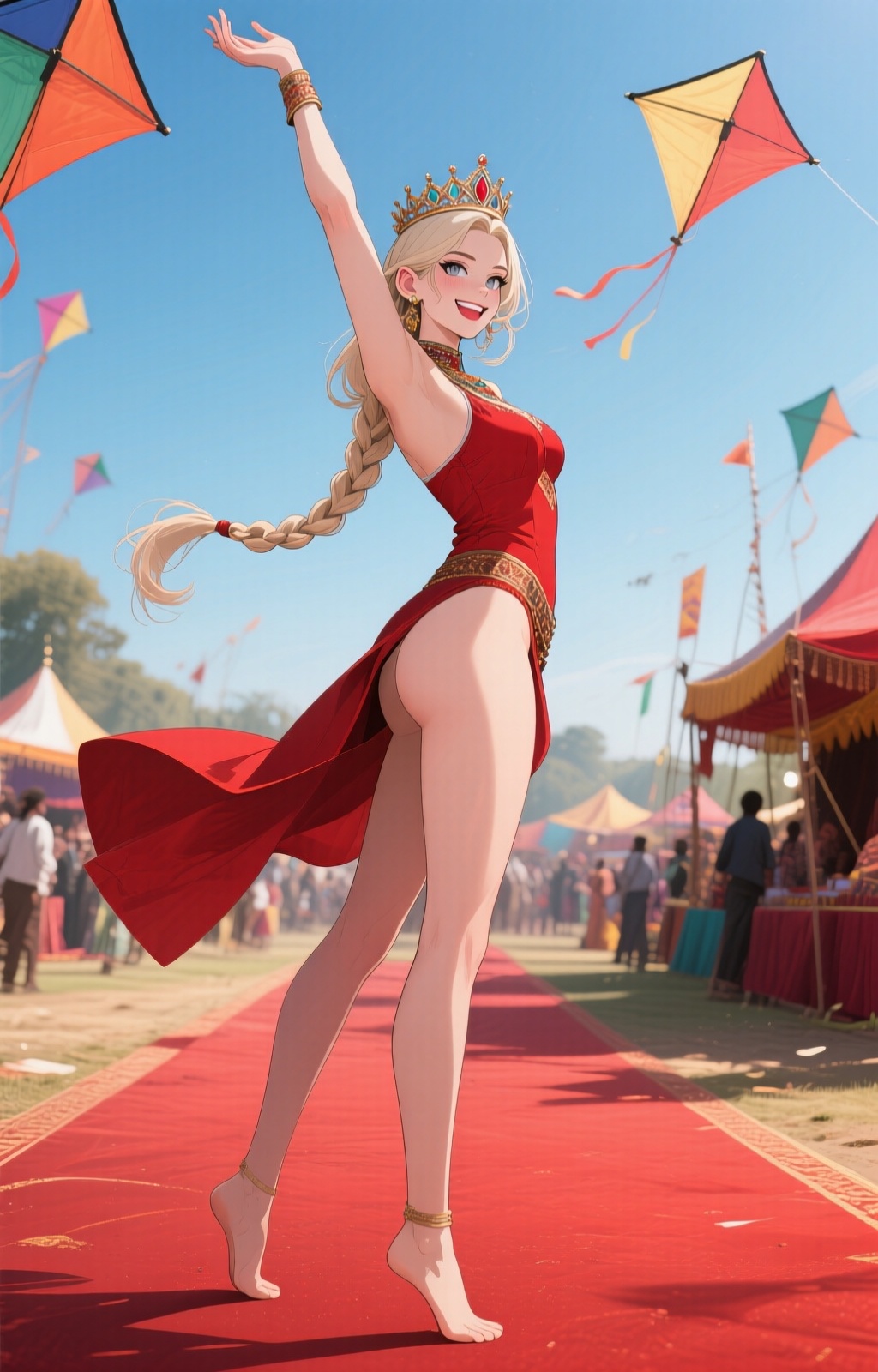
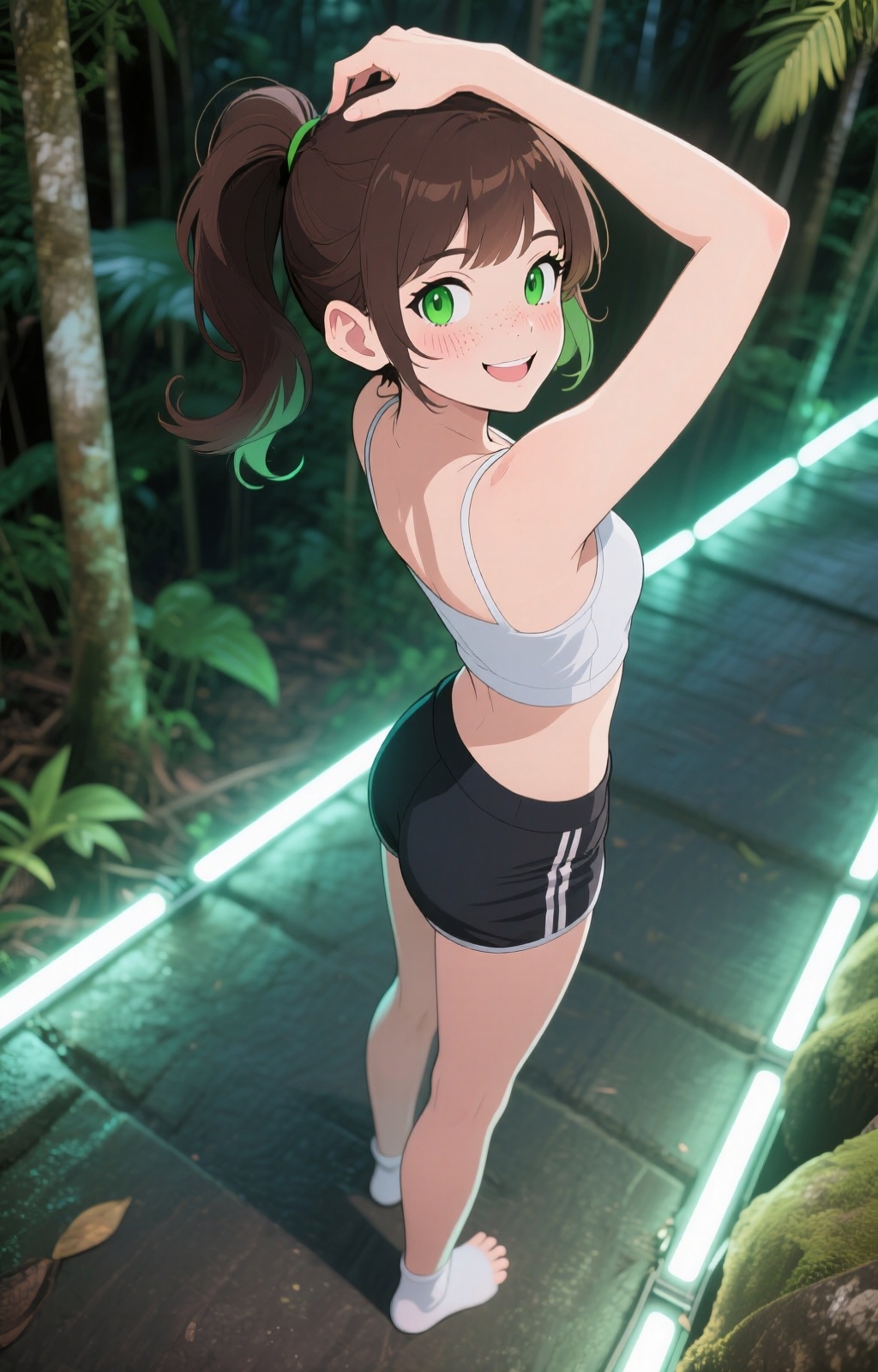
Diverse anime-style gals with a bit of cheek:

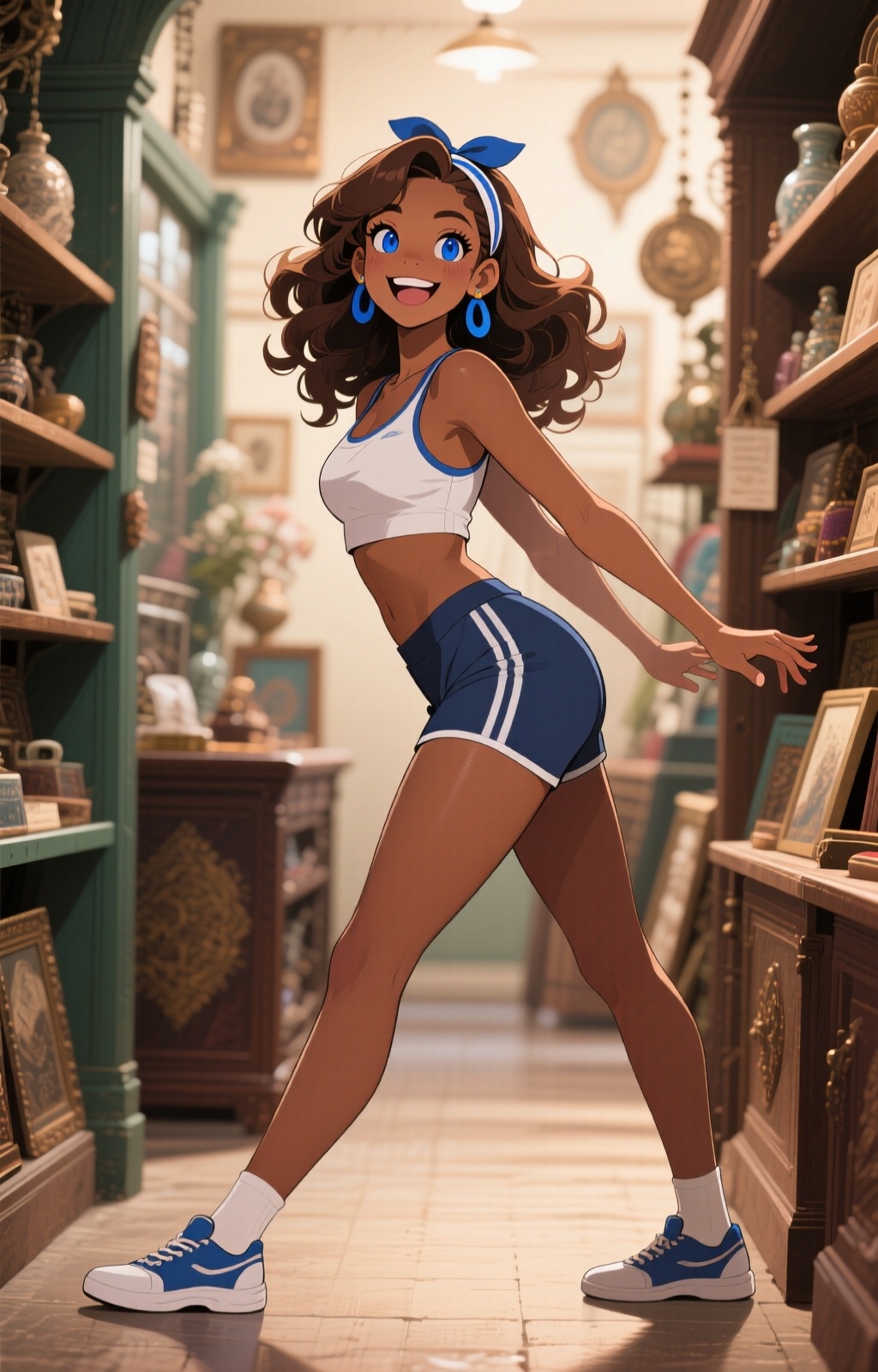


Changing the scale
When attempting “photographic” images, Qwen Image often generates texture artifacts in backgrounds and on large areas of skin. They resemble the sort of moiré artifacts you get from scanning halftoned photographs, which could be a problem with training data. But there are lots of other variables. In many images you can actually see the texture forming in the low-res previews, as if you’re viewing through a screen door, and then the next image will be fine, which suggests sensitive dependence on the initial noise the image is diffused out of.
For that, I’m combining several approaches: testing the different sampler/scheduler combinations (TL/DR: most suck, and the combination that’s given me the best results is twice as slow as the rest), adjusting the CFG parameter (too high seems to amplify the effect), and changing the resolution to be divisible by 64 in both directions (a known issue for many image-generation models).
SwarmUI’s aspect-ratio selection box sets resolutions that have common divisors with the model’s base resolution (1024x1024 for SDXL, 1328x1328 for Qwen Image, etc). Since Qwen’s base isn’t divisible by 64, neither are the resolutions for the aspect ratios it supports from the menu, and the “custom” slider won’t allow you to set them manually. [you can type in arbitrary pixel dimensions, but you have to do your calculation elsewhere; sliders are convenient, when they work...]
So I’m fighting the GUI to have it do the right thing, so I can generate a bunch of images and compare. You have to edit the model metadata’s default resolution to something divisible by 64, select custom aspect ratio, and then you can manually move the sliders to your pre-calculated resolution.
So, instead of the default 1328x1328, I set the model to 1344x1344, and now the sliders move by 64, and I can set a 2:3 aspect ratio by choosing 1024x1600. This is still within the original target number of pixels, and only slightly farther from 2:3 than the 1072x1584 you get by default.
It doesn’t eliminate artifacts, but combined with the other tweaks, it’s helping reduce them. Still no cure for the twisted toes, though. Or the Barbie anatomy, complete with visible hip joints…


Okay, that should do for now
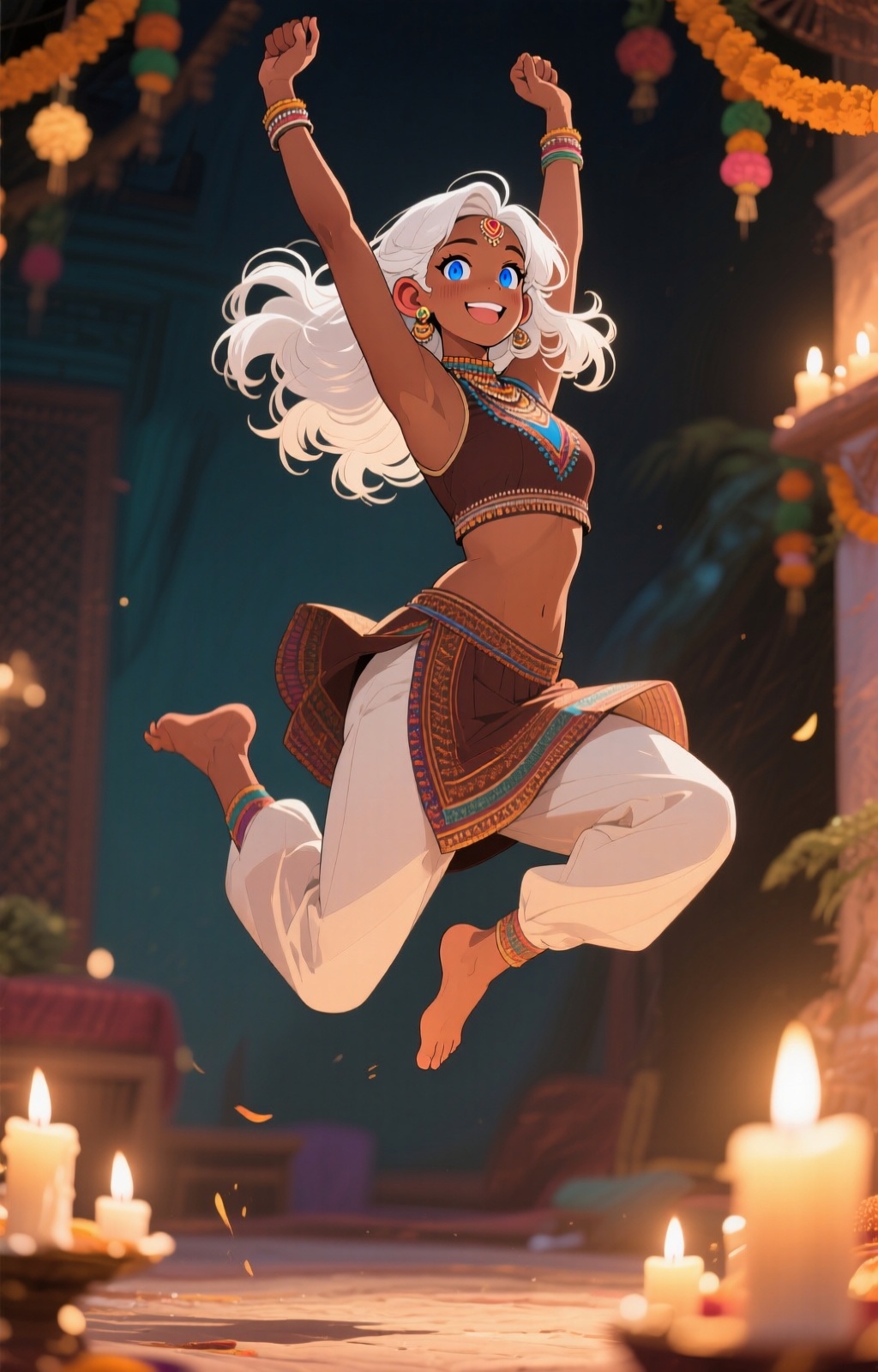
…so I’ll end on a white-haired dark-skinned cutie, to see if Mauser made it this far.
Always check your outputs!
I turned my dynamic-prompt generator loose to make a lot of new gals,
with the output enhanced by qwen2.5-7b-instruct. Since SwarmUI only
supports completely random use of wildcards, I needed enough so that
it wouldn’t hit the same line too often, so I tried for 500. This
takes a fraction of a second for the dynamic bit, and ~6
seconds/prompt (on the new Mac Mini) for the enhancement.
I might not have noticed if the LM Studio Python library hadn’t blown chunks with WebSocket disconnects occasionally, but while debugging that I looked at the output, and found that every once in a while it switched to Chinese.
In the context of prompts being fed to an image generator that has no “tools” functionality, this is harmless. But if you can’t read Chinese, how do you know what it would do in an “agentic” context? And Qwen’s from Alibaba, a company I haven’t trusted since they gave me Covid (literally; we shared a building, and they didn’t stop staff from flying back and forth to China until late February in 2020; I spent almost all of January extremely sick).
Google Translate claims they’re harmless and quite sensible translations of the prompts, but they use AI, too…
Comments via Isso
Markdown formatting and simple HTML accepted.
Sometimes you have to double-click to enter text in the form (interaction between Isso and Bootstrap?). Tab is more reliable.