“The difference between leftwing ‘activism’ and the zombie apocalypse gets smaller by the day.”
— Rafi, on blocking trafficElf Nuts
Welcome Back Nephy, episode 5
WTF is with this music? It’s not THIS IS COMEDY, but it’s still intrusively loud, and it’s like they thought layering it onto the conversation scenes would be better than spending the money on, say, animation.
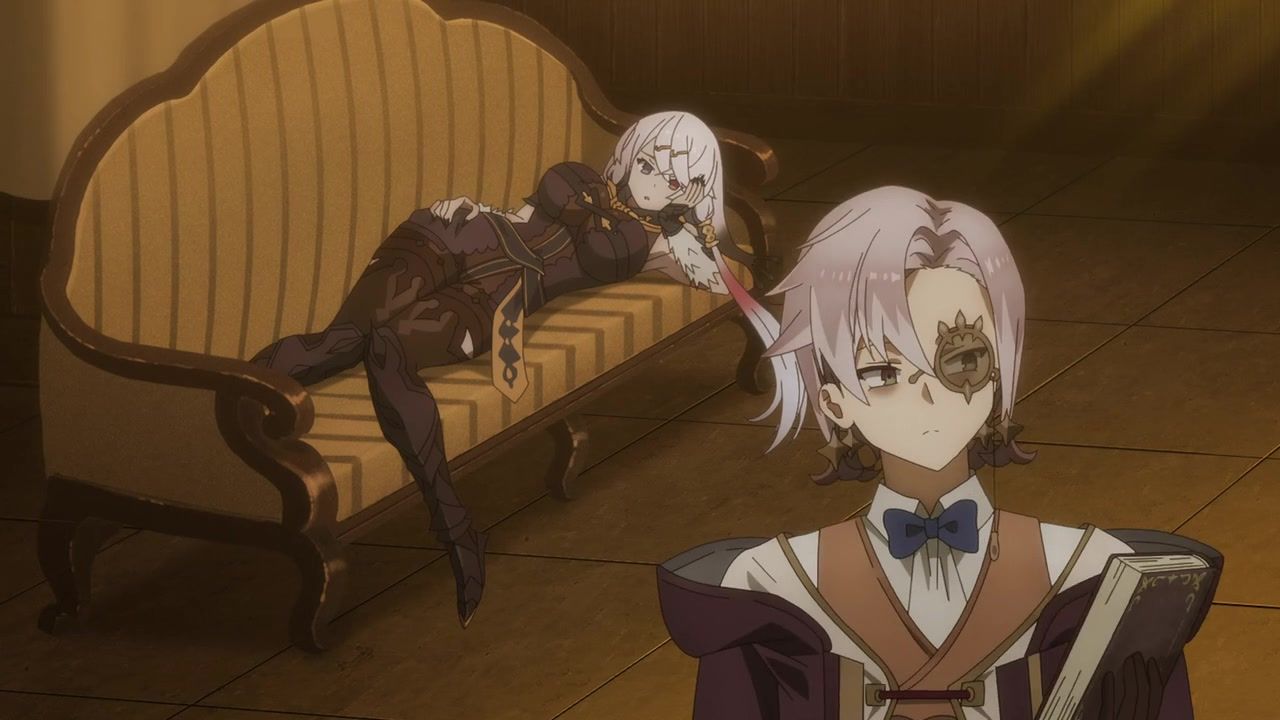
Anyway, obvious villain is obvious, and his monologing kills enough time for Our Socially-Inept Hero to arrive to save the day. But first, a Girls’ Night Out featuring Our Winged Tailor and Our Crybaby Knight.
Verdict: the music pushed this one toward the edge, Nephy developing a spine pulled it back, but then casting her devotion as servitude pushed it back again. As Leann Rimes put it, “I belong to you, and you belong with me”; so, we’re still DearS-adjacent in relationship dynamics.

(white-haired elf mage is unrelated)
Nut Salad, episode 4
Our Homeless Knight And Her Cans appear only briefly, but as compensation, Our Magical Princess serves as wingman for Our Ethical Detective as we add two new non-loli babes to the cast, as well as an age-appropriate friend. Bully for her.
Verdict: we get a bit of Exposition Music leaking in from that other show, but it at least provides some useful backstory. This show continues to be fluffy and innoffensive.
(office ladies are vaguely relevant)
Oh! My Game Goddess!
I’ll pick two words to describe this show:
- bland
- exposition
It should be pretty easy for fan-artists to draw the girls, since their designs are straight out of a how-to-draw-manga book, and their ugly uniforms will be replaced by lingerie and tentacles anyway.

(Sonia probably has a few tentacle stories to tell…)
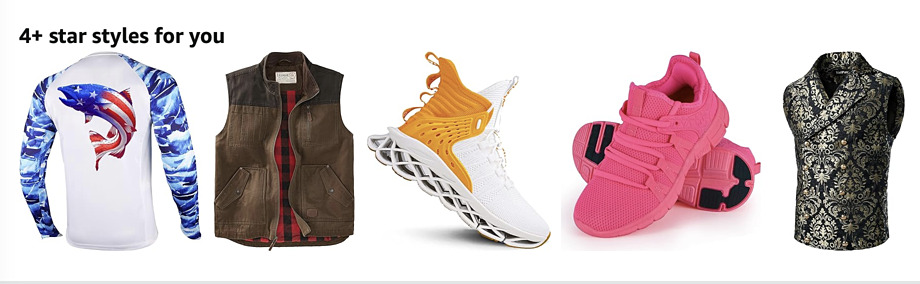
Dear Amazon,
You couldn’t even cremate me in these “4+ star styles”:
A recently serviced boot binary is corrupt
[Microsoft/Google/etc were useless for figuring out why my parents’ Windows 11 PC was booting up fine but just sat and spun when they tried to log in; as they say, “the users were not empowered to solve the problem themselves”. Actually, Google was worse than useless because it prioritized scam and malware “solutions”. In the end, it took repeated hard power-offs to convince it to display the recovery menus, and then it came up in safe mode. There were no errors in the logs from the attempted logins, but reverting to a 3-day-old system restore point worked.
Anyway, time to catch up on Monday shows.]
Level 2 Cheat Boy, episode 3
Our Cheating Hero’s reluctance to sleep in the same room as Our Demon Wolf-Waifu is anime-original; in the light novels, they don’t even make it back to town before he spends the night working her over with Level 2 sex cheats.
Given that their enthusiastic nightly romps are actually a plot point, his freakout and their Ozzie-and-Harriet bedroom are stupid choices. Not that this was high art to begin with, but it didn’t need to be dumbed down even further. At least we have a very catlike catgirl now.
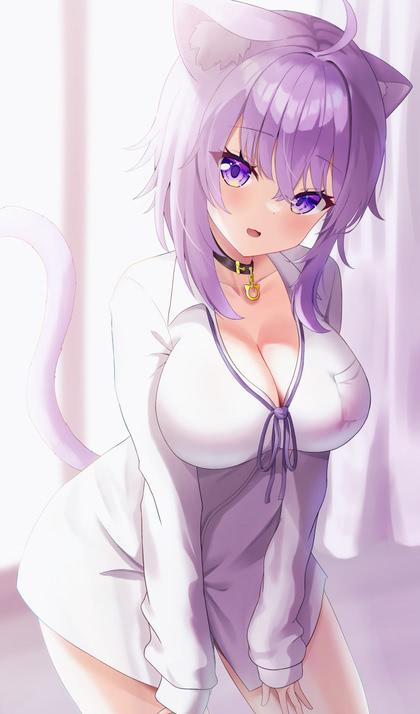
(cattier than this one…)
Earth Day Eco-Wolf-Waifu, episode 4
In which the relationship deepens, the plot thickens, and Our Wise Wolf-Waifu decloaks in the middle of town.
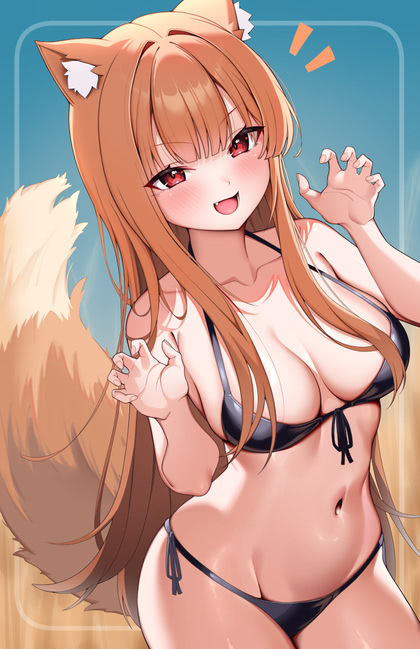
(…but just the cloak; we’re out of nekkid-Holo scenes for a while)
Planet Crafter 1.0
Full release of an indie crafting/exploration game that’s been in early access for a while, currently discounted on Steam. The gameplay loop is entertaining, but very slow; they do a good job of capturing the sheer scale of terraforming an entire planet, as you repeatedly scale up production by orders of magnitude. It’s not a realistic model, of course; there’s no attempt to balance the changes you make to the planet, and you can’t actually make things worse.
Downside: a single hand-crafted map with fixed mini-dungeons and item spawn points (there are no monsters of any kind; your opponents are hunger, thirst, and gravity). There’s enough variety in starting locations and difficulty to give it some replay value, but down the road they’ll need more maps, either from the vendor or as mods.
I’ve definitely gotten my $16 worth.
Offered and accepted
I’ve just signed the offer letter from my soon-to-be new employer. In months of casting resumes into the waters, the vast majority have been rejected by software without ever being seen by human beings. Even the few that actually resulted in interviews ended up with the position not being filled at all; they’re still listed months later. Not to mention the recruiters who expressed interest, scheduled first-round interviews, and then ghosted me afterwards. It hasn’t been a fun experience, and I imagine it’s a lot worse for all the laid-off tech folks who aren’t as technical. Or as financially secure.
On the bright side, I can now start blocking unknown callers on my cellphone again, and make all those bottom-feeding Indian contract recruiters go away.
Monster, DerpGame, Mook, & Earth
I Can’t Believe I Ate The Whole Kaiju, episode 2
Our Monsterized Hero is permitted to go full shouty just this once, given his unexpected fate, the need to run away at full speed, and the peculiarities of his transformation. Getting his shit together enough to rescue a little girl and her mom from another loose monster is adequate compensation. Little Girl gets an A+ for coping with the situation.
Kafka reaffirming his commitment to join the A team and hook back up with Our Sexy Slayer is enough to reverse the transformation, but three months later, Our Sympathetic Sidekick is getting exasperated about how chill he is about constantly slipping in and out of monster form.
Come the day of The Big Test, we’re introduced to Miss Overtroped. She’s a property-destroying arrogant rich-bitch twintail schoolgirl with a supersuit and an enhanced sense of smell that allows her to instantly become suspicious of Our Hero.
Who, honestly, smells like monsters because he cleans up after them for a living. That shit don’t just wash off.
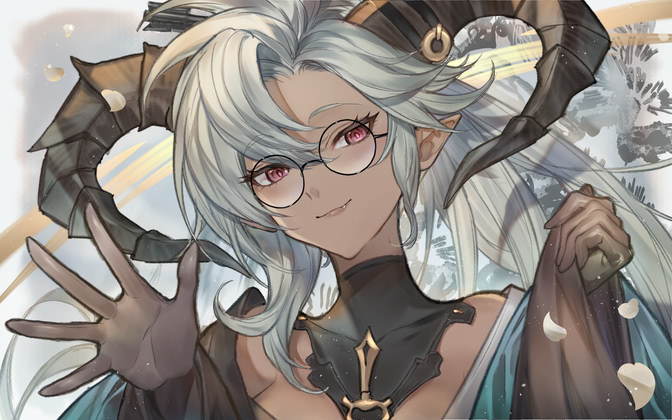
(bad news: there are no sexy monster girls in this show, and yes, I expect him to go full shouty again, sigh)
Kirito 2525
In the first episode, Our Fan-Service-Fashion-Victim House Elf tells Our Kirito’s-Evil-Twin Hero that the coin he handed her is super-duper rare and unbelievably valuable, so he lets her keep it. Then he goes to town and uses another one to join the adventurer’s guild, and Our Busty Guild Gal Version 1 doesn’t even blink. This is like handing a million-dollar bill to a 7-11 clerk who casually makes change, and pretty much sets the tone for how OP he is. Later while gathering herbs in the woods as a “beginner adventurer”, he curb-stomps a major monster and accidentally sends its decent-by-his-standards loot flying miles away.
The second episode opens with that actually-super-duper magic sword ending up in the royal palace, where it excites the interest of Princess Paizuri. Seriously, her outfit and endowments are less subtle than Lila’s arrows in Thighza. This gal is even more of a walking cock-holster than the House Elf:

(official art from the anime’s site; there’s basically no fan-art for this show)
Why did I attempt to watch this? Because Our House Elf’s voice was previously Lammis, Maple, Laika, Kohaku (Iroduku), Hikari (Interviews With Monster Girls), and Sakura (Zombieland Saga). Her talents aren’t enough to save this show, though.
Amusingly, Paizuri-hime’s voice actress played Hikari’s sister.
Sour Rangers, episode 3
Our Mysterious Dead-Eyed Hot Chick wears the pants in her relationship with Our Determined UnderMook, and provides him with the intel needed to strike a blow for truth, justice, and the monster way. Full props to the team for integrating the CGI so well. It’s obvious mostly because of the complexity of the shots: moving the camera around in 3D with rotation is way outside the budget for humans in a sweatshop working on a weekly deadline. While I’m saying nice things, I’ll mention that the OP/ED music is refreshingly different from the usual for the genre.
Verdict: Not sure where the story is going at the moment, which is a good thing. And the large cast could be either a plus or a minus, even without the glaring spoilers on that page.

(Loser Rangers, meet Naughty Rangers…)
Earth Day 2024
I suppose I should take a long drive to buy good steaks, then fire up the grill and a cigar. Something should be wrapped in bacon; probably the steak. With luck the landscapers will come by in the morning and run their gasoline-powered tools all over my acreage.
With even more luck, this will double as celebration for receiving an attractive offer letter.

Dumping Homeless Exposition
Nephy’s Choice, episode 4
Our Sorcerous Hero spends a month living in the lap of luxury
Nephy, able to carry on nearly-normal conversations and spend time
doing something they both enjoy. No, not that; I mean magic. Then he
gets promoted and decides to break it off for her own good. By
removing her slave collar and dumping her in an alley. No money to
build a life alone, and no protection from, say, slavers and sorcerers
who’d love to get their hands on a gorgeous elf for sex and/or
sacrifice. Why, yes, he is an idiot.
Verdict: “If you love something, dump it in an alley. If it comes back, that’s next week’s episode.”

Nut Salad, episode 3
In which Our Perky Homeless Knight eats the bugs and likes it, then spends the rest of the episode not getting indoctrinated into a cult. Nice touch having Our Cheap Detective check up on her after firing her from the agency, though. Try not to think too hard about Our Loli Cult Leader being sincere in her faith and using subliminal imagery and special effects to deceive her followers.
Verdict: fluffy fluff.
(perky knight is unrelated)
Slime Expo 3, episode 3
It’s exposition all the way down. Seriously, the entire season so far has just been wanking over details from the novels.

Rewatch: Yuuna And The Haunted Hot Springs + OVA 1-4
Today I Learned: “There. Are. Four. OVAs.”
The first one includes the widely-shared scene where Our Harem Hero is transformed into a bottle of bath soap and then rubbed into every nook and cranny of the girls’ bodies. This was the creative peak of harem anime fan-service.
The second one features Our White-Haired Little Piece Of Tail, Oboro
[literally; she was created out of the tail of a dragon]. Determined
to win the seed heart of Our Hero, she asks the other girls how
it’s done. Then the breast-obsessed loli tanuki hangs out with Our
Busty Normal Girl And Her Hot Busty Mom. Both stories go exactly as
you’d expect.
The third one features Our Tasty Catgirl Yaya’s epic dance battle against a hostile cat god, whose claws damage only her clothing, of course. The second half starts with Oboro again, before expanding to four of the girls doing idol cosplay karaoke.
The new-to-me fourth one has Our Hero accidentally cursed by a ghost, and the only cure is for 12 girls to give him an up-close look at their panties, while they’re wearing them; yes, the curse can tell if you try to cheat. Despite most of the cast having literally rubbed his nose in them on multiple occasions, they agonize over putting on a show, and a few of them fight over the display order.
When they finally break the curse, they discover that was only stage one, and they’ll have to do bras next. Sadly, that’s off-screen, and so is the third stage announced by the narrator, full nudity. That’s to make room for the second story, in which all the girls bathe together in the hot spring after the lolis add bath salts that are (of course) a powerful aphrodisiac. Wacky Hijinks Ensue™.
Of course, to get to 12 girls, they have to bring in characters who didn’t appear until later in the manga. All the OVAs were bundled with a manga volume, so the animation is only passable, with lots of panned stills, but it’s all for the sake of the cheesecake, which is fine.

(fun facts: the voice actor for Our Smothered Hero is in two shows this season, Mahjong Soul Kan! and Go! Go! Loser Ranger!; meanwhile, the voice of Our Ghostess With The Mostess is in Re:Monster and Jellyfish Can’t Swim In The Night)
Cast Photo

Merchandising!
The series may be over (for now), but the Molesting Magical Girls xTwitter account is announcing a bunch of merch to go with the Bluray release.
Squishy Chibi Keychains:

Based on this scene:
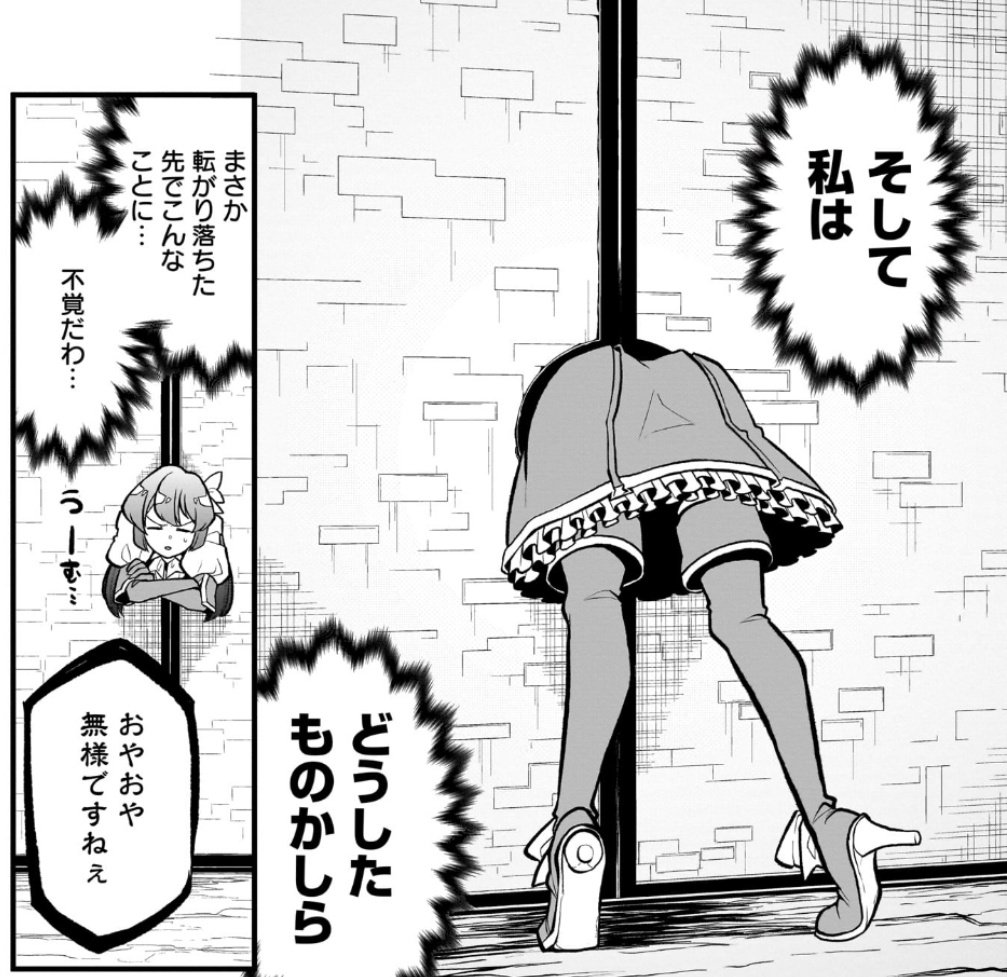
And of course there are mousepads:

Mook & Wolf
Sour Rangers, episodes 1 & 2
It’s been so long since I used it that I almost forgot I had a Hulu account. Browsing through their offerings, I’ll probably forget again soon or finally cancel it, but in the meantime I checked out the first two episodes of this show. It’s not nearly as shouty as the first trailer, which is good, but Our Rebellious Mook’s co-workers are pushing it. I suppose being pathetic and panicky is supposed to make us sympathetic to their plight, which didn’t really work for me. On the good side, Our Dead-Eyed Hot Chick is clearly going to be a major player in the story, which hopefully will get her into a more revealing outfit at some point.
Verdict: might watch the next one, but clearly the single most important thing to pay attention to is the close-up shots of each character’s eyes, which may require more attention than I typically give to borderline shows.

(I chose this pic for her big… eyes)
Level 2 Cheat Boy, episode 2
It’s really hard to build tension around a cliffhanger ending when the
promos have already told you the giant demon wolf is the love interest
for Our Cheating Hero. It’s even harder when the OP is nothing but Our
Demon-Wolf-Waifu dancing like a third-tier idol while singing a love
song. Subtle, this is not. At least he recovers his magic bag,
although he’s still broke (not mentioned on-screen for some reason,
the promised money wasn’t in the bag to begin with; this will come up
later I misremembered; he had the money, but even when informed that
a single gold coin was worth six months stay in an inn, he felt the
need to make money as an adventurer).
It’s kind of a sad commentary on isekai anime that it’s noteworthy that Our Hero absolutely refuses to enslave her once she’s captured, despite the repeated encouragement of Our Voice Assistant. Of course, she still goes full Red Sonja and gleefully binds herself to him, forcefully graduating from servant to wife at the first opportunity.
Mechanically speaking, I have questions about the structure of her dress. You’d think that her massive breasts would require the shoulder straps to provide support, but they’re completely decorative, and the ribbons connecting the dress to her neck do all the heavy lifting. Magic is definitely involved.
Verdict: lock your brain in a jar before watching.
(a bit flat compared to Our Demon-Wolf-Waifu, but good enough for bridal purposes)
I Am Curious, Holo, episode 3
Speaking of giant wolves who turn into hot chicks, probably two-thirds of my NSFW Pixiv recommendations right now are either “nekkid Holo” or “sex with Holo”; the “all ages” filter is mostly Frieren/Fern, Utena and friends, Maomao, Pon-pon girls, and Milim, with less than 5% Holo.
Oh, the episode? Untangling the currency speculation scam, with a side order of mild jealousy as Our Trader sees other men hitting on Our Wise Wolf-Waifu. Who stays surprisingly clothed this week.

Monsters, Inc.
Gonna Be The Kaijuu
Can’t say I’m fond of the character art, except for Our Bathing Heroine, but they put a lot of work into animating the background characters, and the CGI is fairly well integrated. I have trouble believing in the basic premise, however, starting with how the first monster shown made it that far into Yokohama before attacking. Or where the second one came from without being detected. Or how they cleaned up the site in the first place.
Verdict: might watch the second episode, with my logic circuits disabled.

(dragon girl is unrelated)
Amazon Fallout, season one
(because you knew there was going to be a cliffhanger ending, right?)
How was it? Apart from the constant Bethesda-fan-service and the convoluted fridge-logic multi-PoV plot flashing back and forth in time, it was good-looking and (mostly) well-performed. Most of the nudity was male, and the rare bare breasts were not chosen for their aesthetic value, so focus your interest on the vault suits and the authentic wasteland fashions instead. Also, slightly more kid-friendly than The Boys, which is to say “not”.
No real rewatch value, so I’ll have to wait for mods or the New Vegas sequel.
It is unlikely to surprise anyone that the long-time series lore about the role of China in ending the world was replaced by generic “communists”, or that the real villains were large corporations (besides the obvious). Also unsurprising was putting an obviously trans person into the Brotherhood Of Steel, whose strict religious leadership carefully used Correct Pronouns.

(Todd Howard’s calling it canon, so if there’s ever another game, this will be part of its baggage)
The Courtship of Nephy's Owner
Incel Demon Lord And Love-Slave Elf, episode 3
FYI, don’t expect these two to ever have sex, together or alone.
This week, Our Awkward Couple manages to carry on a conversation, and Our Ponytail Knight shows off her power, mercy, and creamy thighs. Oh, and Our Devoted Elf Slave Girl reveals her deepest darkest secret, but in a good way.
Verdict: not an isekai, not a shoutfest, not filled with THIS IS COMEDY music. Low bar, I know.

(I didn’t even go looking for fan-art of this one…)
Nut Salad, episode 2
In which Our Homeless Lady Knight finds and loses two jobs on the way to reuniting with Our Magical Loli Princess. Meanwhile, Princess loses her innocence getting the goods on a cheating wife, and the cast expands to include an experienced hostess and a legal-loli lawyer (say that one five times fast).
The background art is traced photos and just-plain-photos, but Knight Livia is cute and lushly drawn and enjoys bathing (in ways that are unlikely to be further enhanced for Bluray), and the characters are all likeable and do not spend all their time shouting.
Verdict: inoffensive fluff, which should provide some refuge if the rest of the season ends up sucking.
(now if our detective looked like this, the show would be even better…)
Slime Expo 3, episode 2
TL/DR:
🎶🎶🎶
The Exposition, what a show,
The Exposition, here we go,
We know you’re wishin’
it would go awayyyyyy,
but The Exposition’s here and it’s here to stay!
🎶🎶🎶

Cheater, Slacker, Soldier, Ghoul
Level 2 Cheat Boy
The only thing that really counts as a twist here is that Our Cheating Hero was summoned from one fantasy world to another. The fact that his ridiculous powers don’t appear until he kills a few slimes and levels up, not so much, and him being completely obtuse about being over-powered is just annoying.
FYI, he’s not a harem lord, he’s a harem landlord; once he acquires the more-than-telegraphed wolf-waifu, everyone else is just a housemate. And all but three of the female characters on the cast page eventually move in, find their own mates, and start producing offspring. That’s not in the first episode; I read ahead.
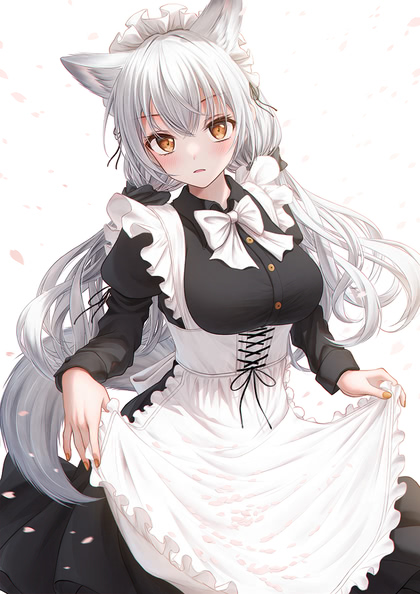
(not Our Wolf Waifu but a plausible stand-in)
Konosuba 3
Season two was kinda dull, to the point that I only vaguely recall something about Aqua’s church town. The Megumin spinoff was kinda stupid, and I stopped watching after the rubberband fight with the spider. As for the movie, I think I watched it, but can’t swear to it; something something Megumin’s home town.
So you could say my expectations for this were… low. It still failed to meet them; it spends the first several minutes on lots of unfunny posing and EVEN MORE SHOUTING, and I just gave up. Let me know if there’s a bunch of scenes featuring Darkness, Wiz, and Chris; I could watch those bits.

(did any of the anime ever expose Chris’ secret?)
Gate manga, volumes 10-12
Released at the end of March, finally.

(Rory Mercury is once again relevant)
Amazon Fallout, episode 1
The entire season is available, but the first episode runs for 75 minutes, so I’m only watching one today.
TL/DR: Vault Dweller searches Wasteland for Daddy; yup, that’s a Fallout main plot, all right. Except for that one time when it was Shauuuuun!.
Bad news: magic pronouns survived the apocalypse. Gratuitously.
Dear Amazon,
Creepy juxtaposition is creepy:
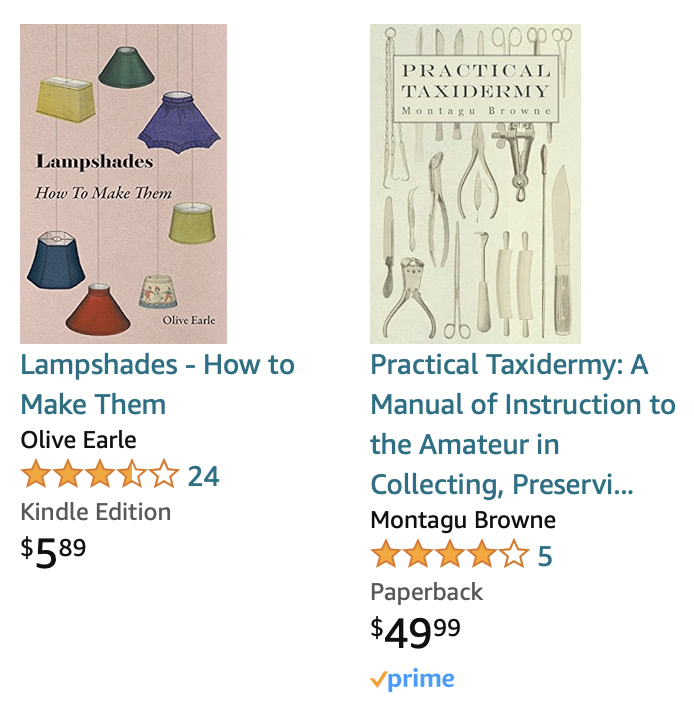
(the number of adult coloring books in the same recommendation list was creepy in a different way…)